I went back to the donut tutorial and watched all the sculpting videos at 1.75 speed so I could remember all the useful shortcuts and tricks. If you’re interested in learning Blender I highly recommend this series because it goes over all the basics and high level stuff as well and is very easy to follow. I’ll link it here.
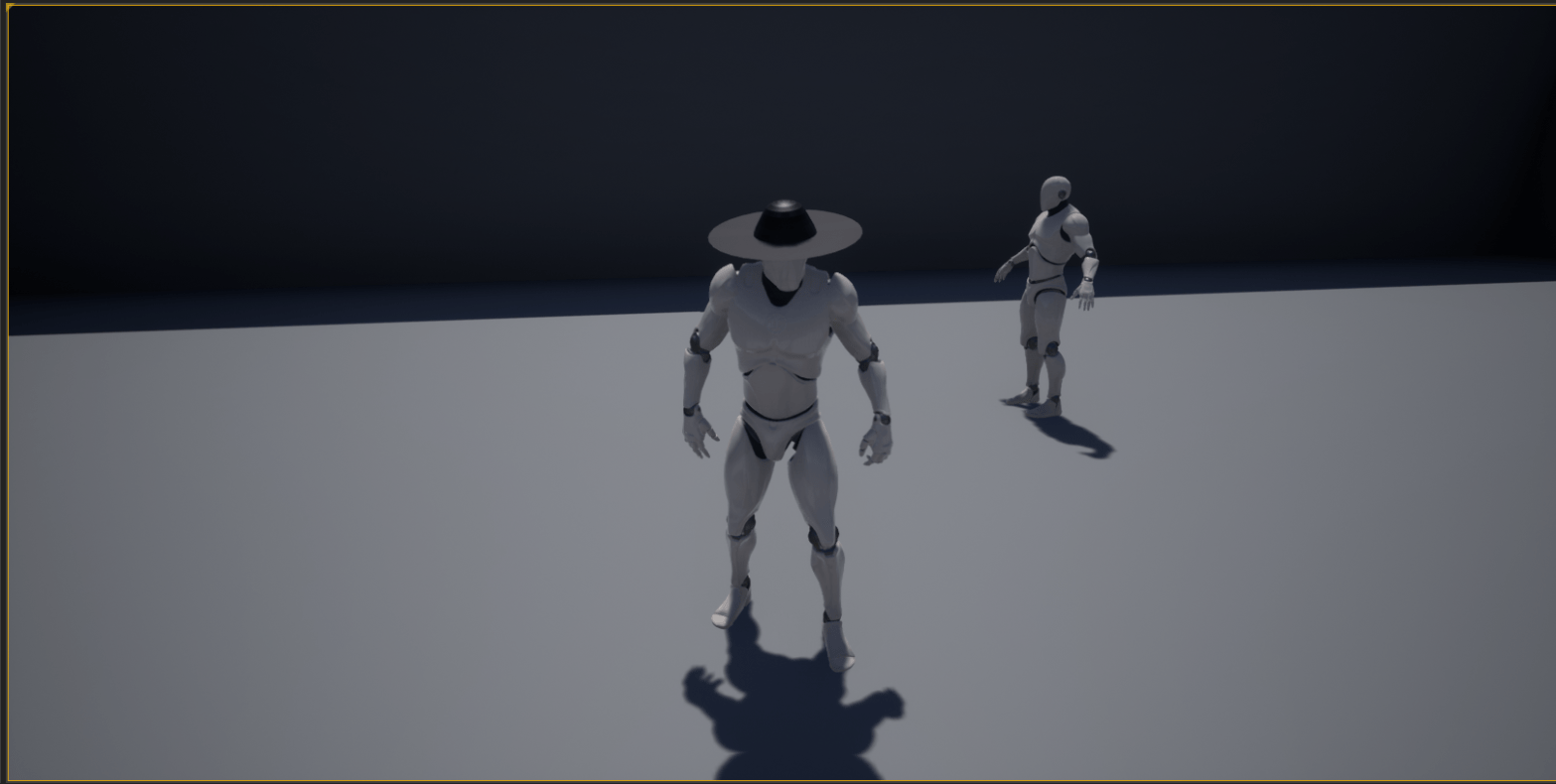
After finishing the tutorial recap I wanted to see what I could accomplish by messing around in Blender so I took a video of my first attempt at making the Haunter hat. It was quite ugly but it worked in Unreal at least. Here’s the video, it’s at around 250% speed. Putting it at about 3 minutes. I used the theme I made for the 2D HAUNT game I made months ago.


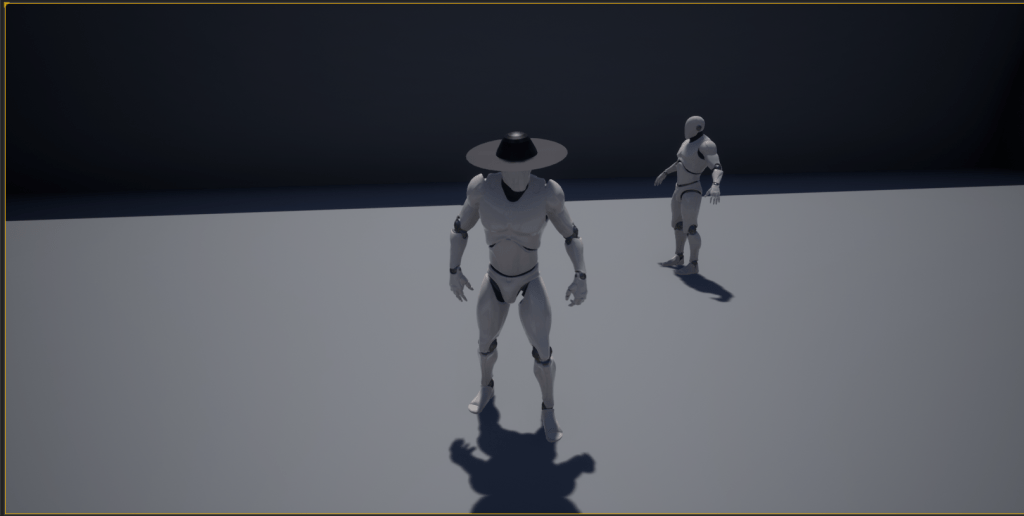
I encountered an issue where the bottom part was see-through, but I assumed that was because I used a flat plane in Blender and those don’t usually render the under parts. I fixed it later by making the brim thicker. I modeled a bit more, but I didn’t capture those since I was mostly messing around and figuring out how to import the file from Blender to Unreal with no problems. That took awhile to get working, and after a few hours I found a way to add stuff to the mannequin without issue. So soon enough I’ll be able to create a full custom looking character (I hope).
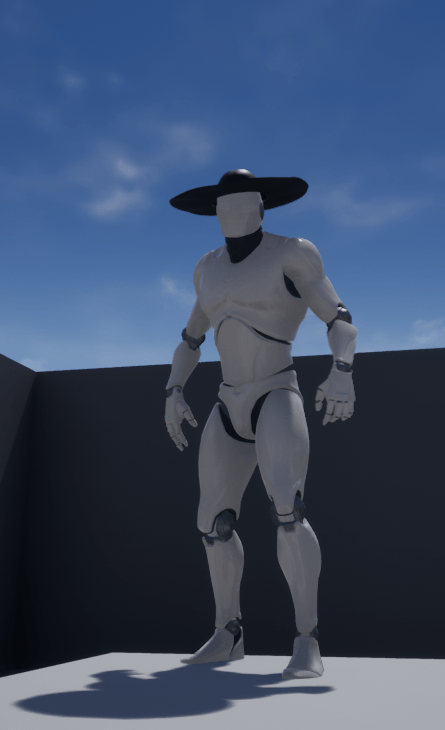
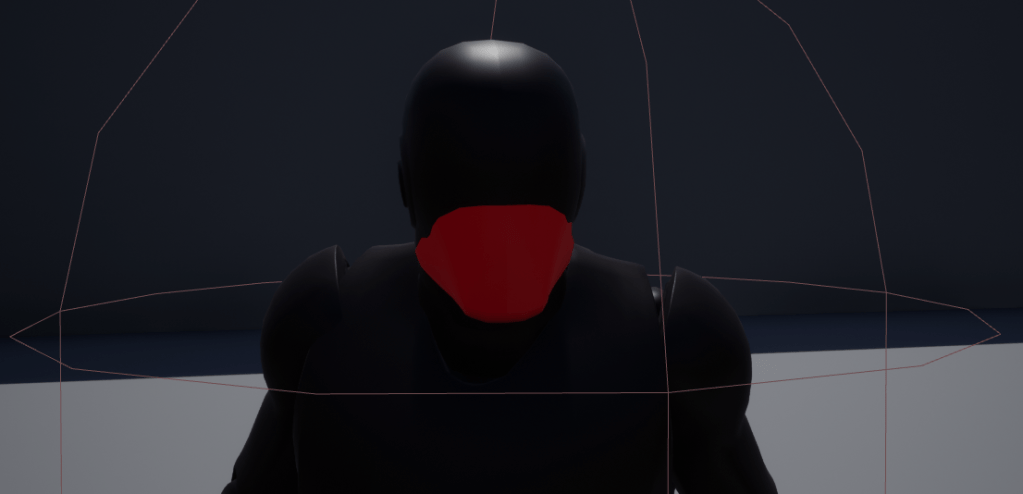
There are a lot of videos on creating custom 3D characters so I’m trying to find the one that best suits my needs. I’m aiming to make a very simple and stylistic looking game, nothing gritty or realistic. I imagine the most difficult parts of the model will be creating the half-cape since that should have its own cloth physics. Thankfully the engine has its own tools for that, I just have to learn how to use it. So up next will be clothes/armor and the lantern. The whip will be a whole endeavor on its own.
GG ouuuuuuuut.
 GoldenGratus Games