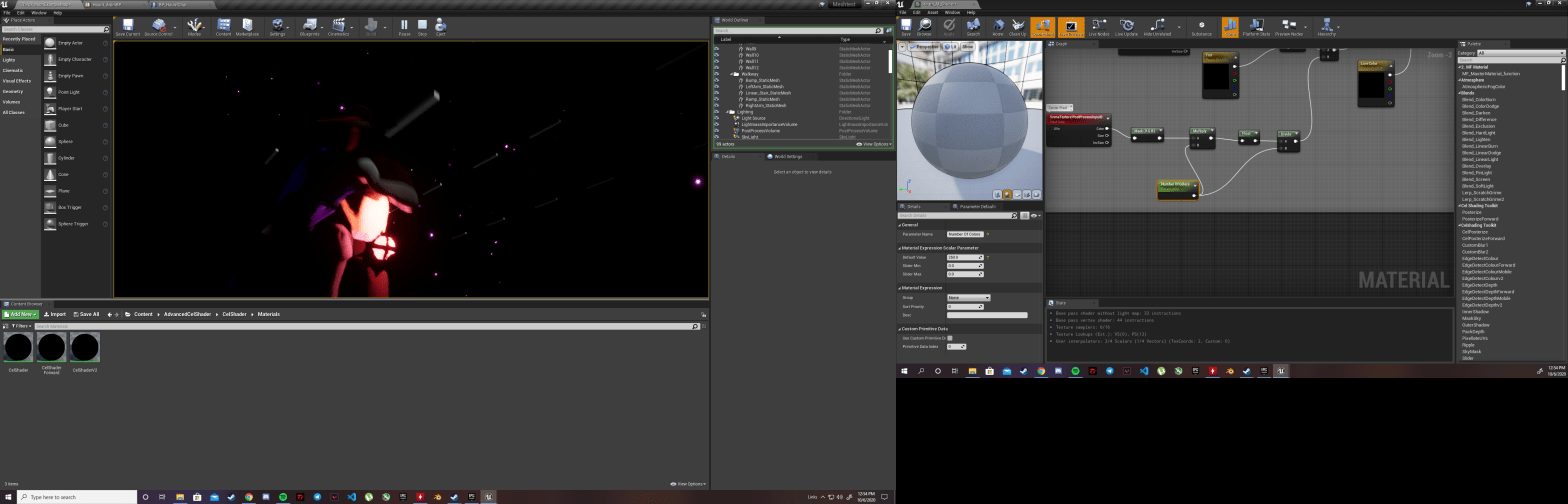
I’m still having trouble finding the proper look of the game. With cel-shading it doesn’t quite look right, and I need to know more tools to be able to paint Unreal the way I need it to be. There was a lot of free shaders to play with, but I’m going to continue to learn all the functions of post-processing and whatnot so I can truly understand how it works. The more I use Unreal the more I realize how much I am still lacking in knowledge. On my watch later list is a 4 and a half hour video for beginners to the engine. I’ve been putting it off because I am in such a rush to finish videos and work it into the game right away. Perhaps what I need is to go even slower and study all the basics.

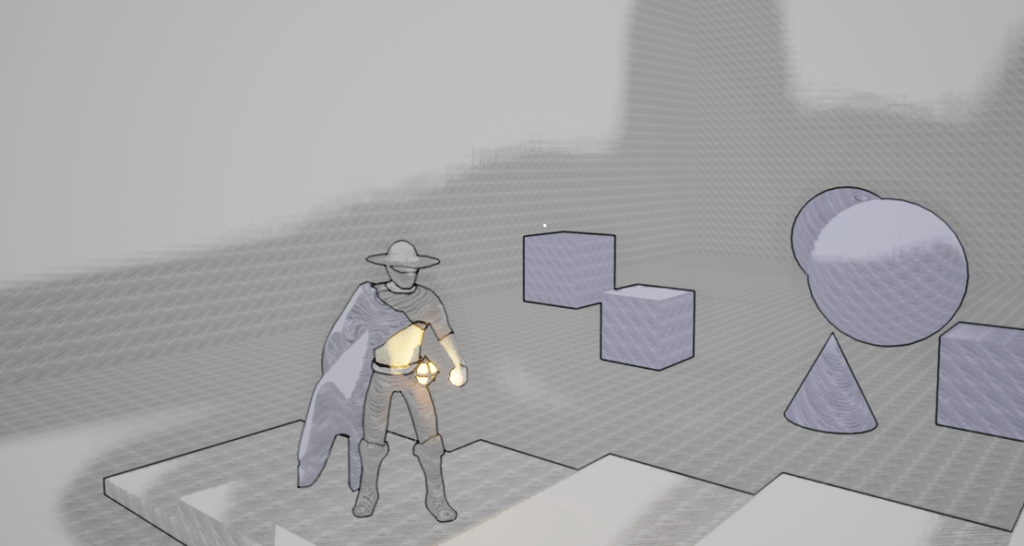

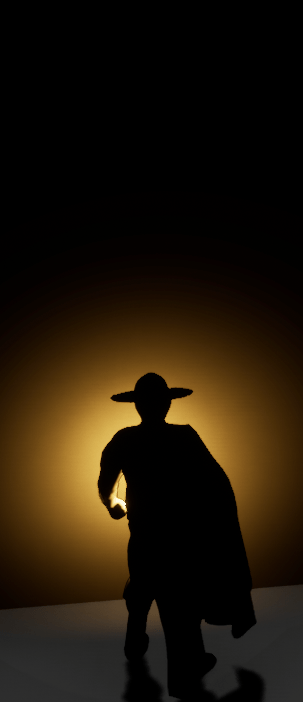
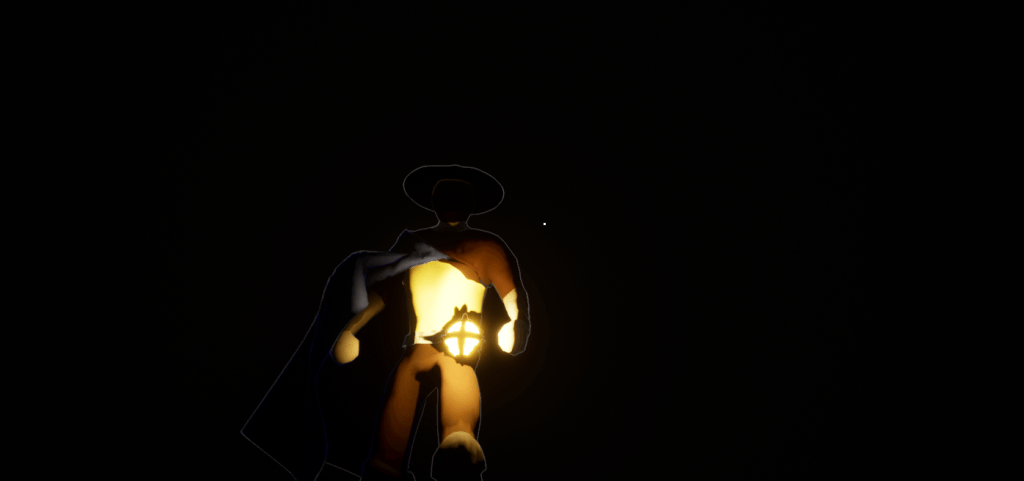

I’m almost halfway through the tutorial and I can probably finish it tomorrow or the day after that. It begins with a simple landscape tool, and a lot of other fundamentals that are useful to the next step in my process which is building a proper level. It’s interesting and fun how Unreal creates these large worlds, and you can create so many crazy huge areas/levels. I won’t end up using large landscapes for the finished game as I am focused on tighter smaller levels.
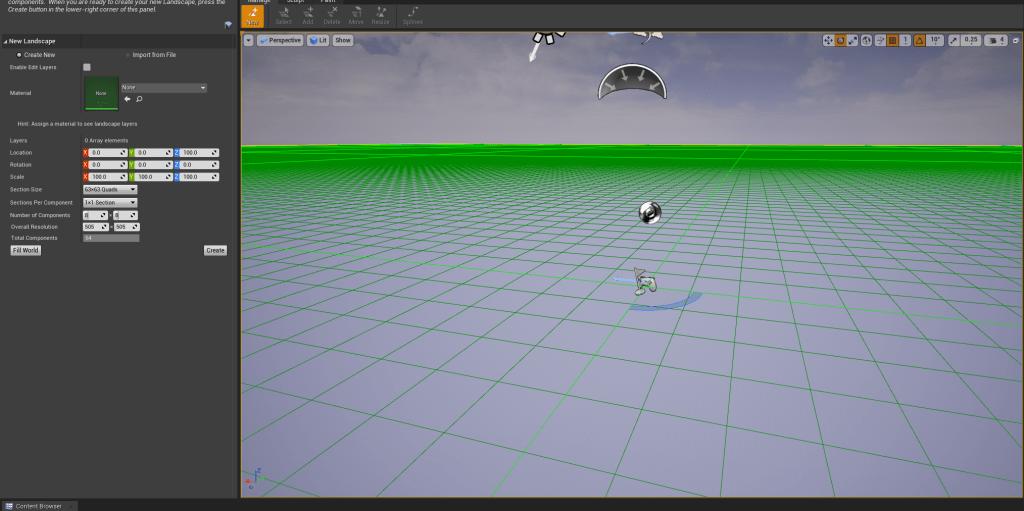
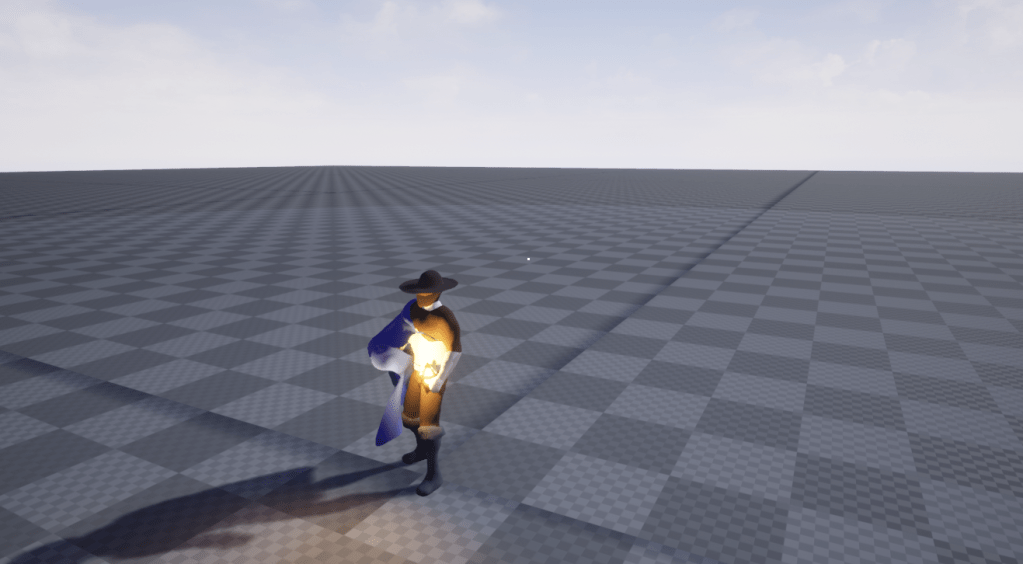
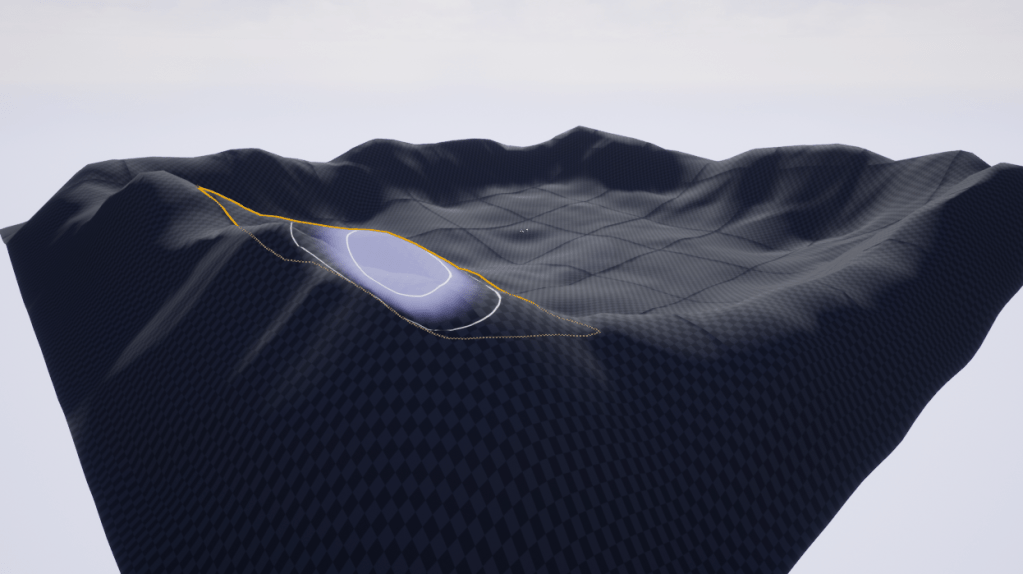
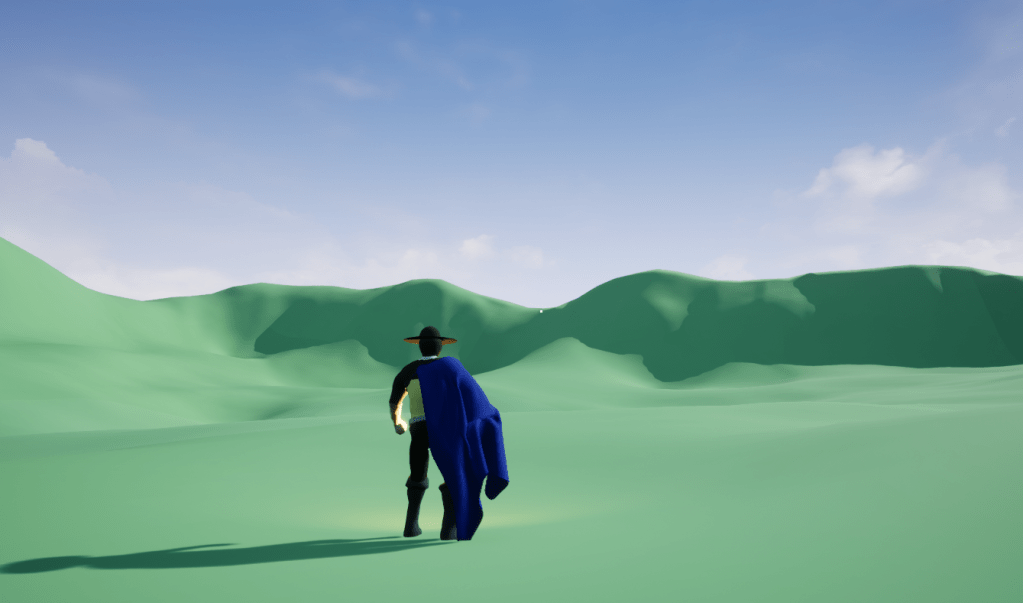
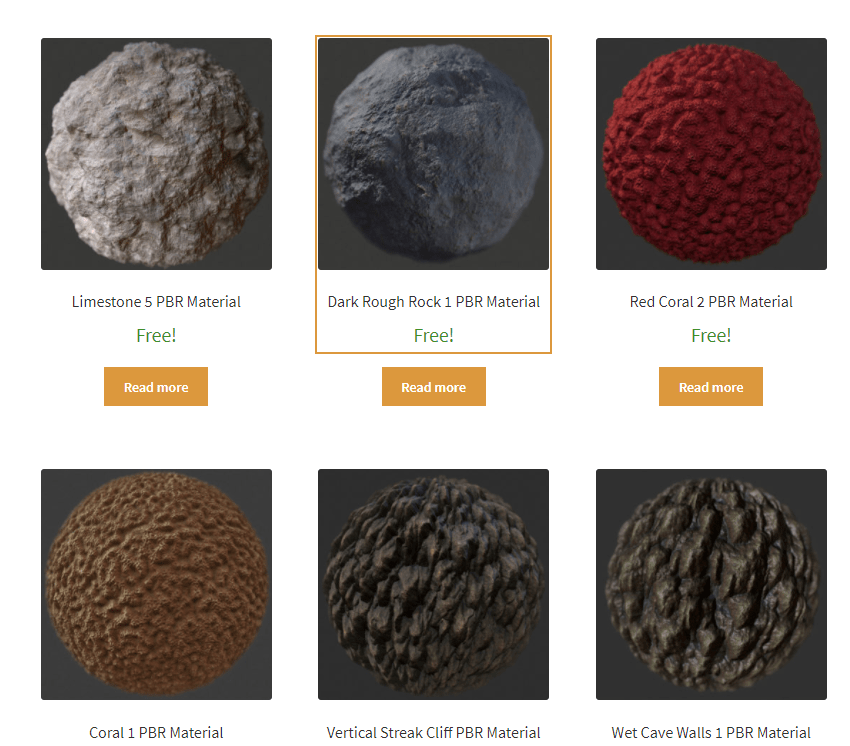


These are some screenshots from the tutorial and I merely tossed my character into it to see how it looked to roam around. So far it’s pretty simple, and I found some free textures on the internet so it doesn’t look quite yet. Hopefully when I finish the rest of the tutorial it will be a nice meadow with a hut and a campfire. After this I might watch another lengthy video. I’ve been avoiding them because of my impatience, but I need to stop being stubborn and get them over with.
One step at a time.
 GoldenGratus Games