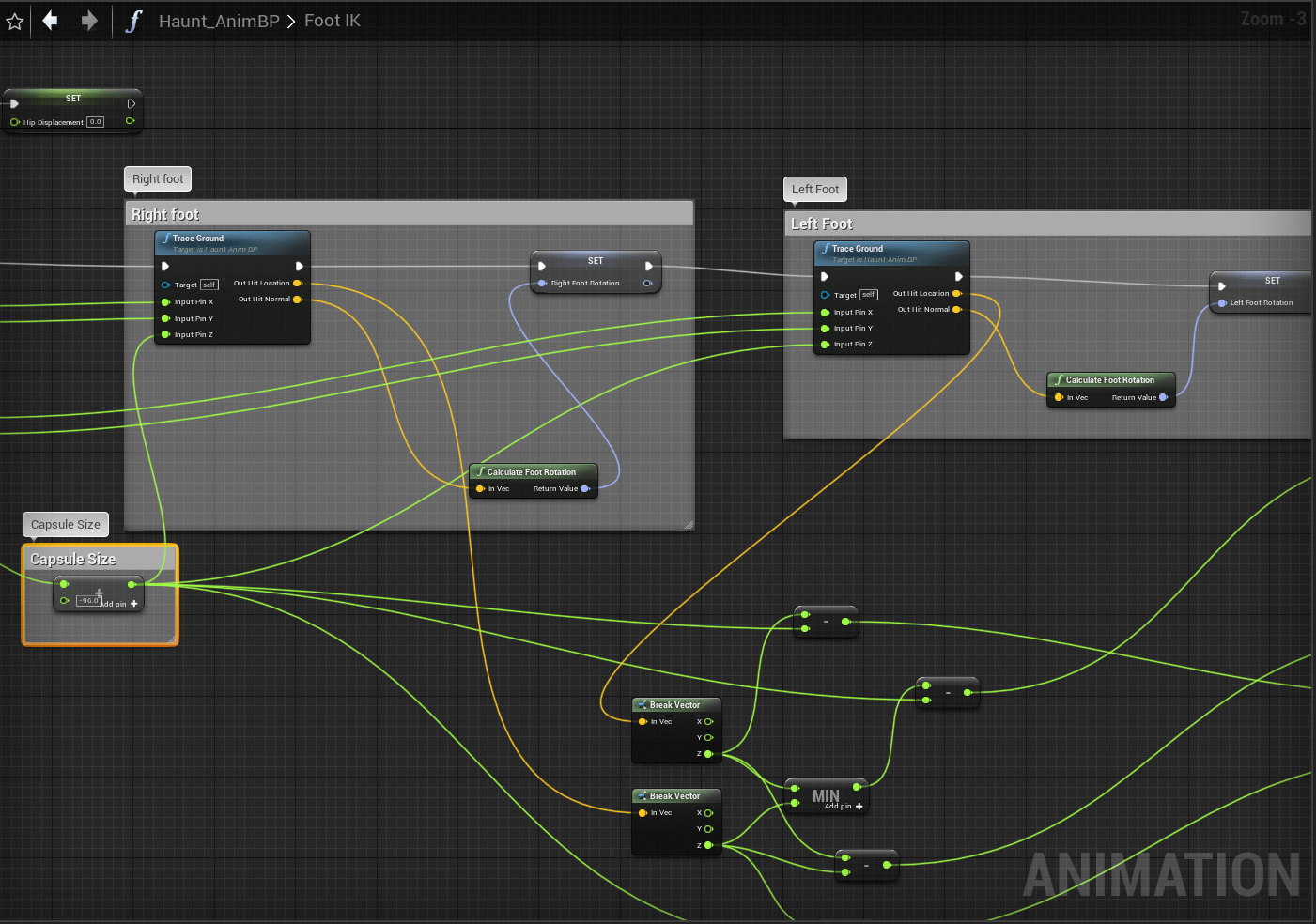
It was a rather busy day today outside of developing the game so I wasn’t able to get much done in terms of anything really. I figured it was a good time to fix my comments on a lot of the functions and make sure wires that didn’t need to cross were cleaned up. Since I’m going to be using Blueprints for most of this project it will be necessary for me to keep things tidy and to make sure I know what each part does to the best of my knowledge.
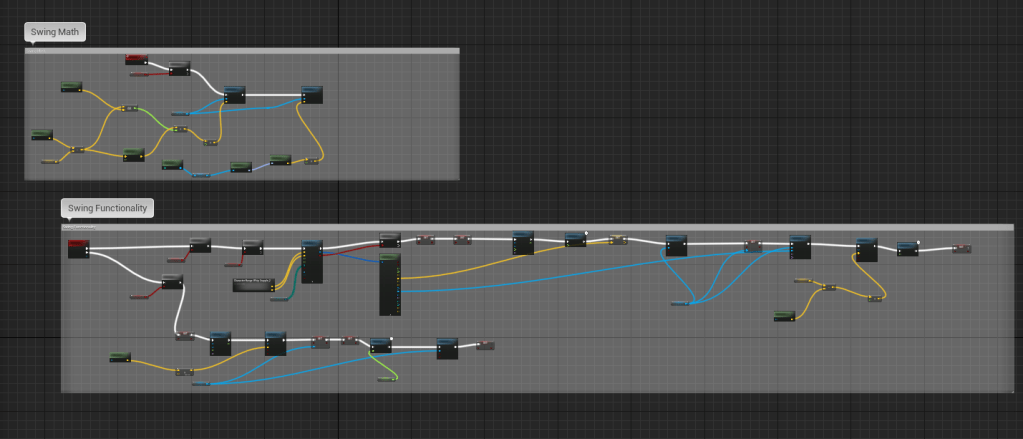


As it gets more and more complex the Visuals do get more messy as you can see above. I can follow most of it for now, but down the line when there’s more functionality in the game I need to make sure that when I go back to older stuff I can still figure out what’s going on. Thankfully it isn’t too hard to clean up and organize. It’s nice to have the wires have straight lines to each other. All I had to do was make sure each variable was assigned to the right place so not too many wires had to cross such large spans of the grid.


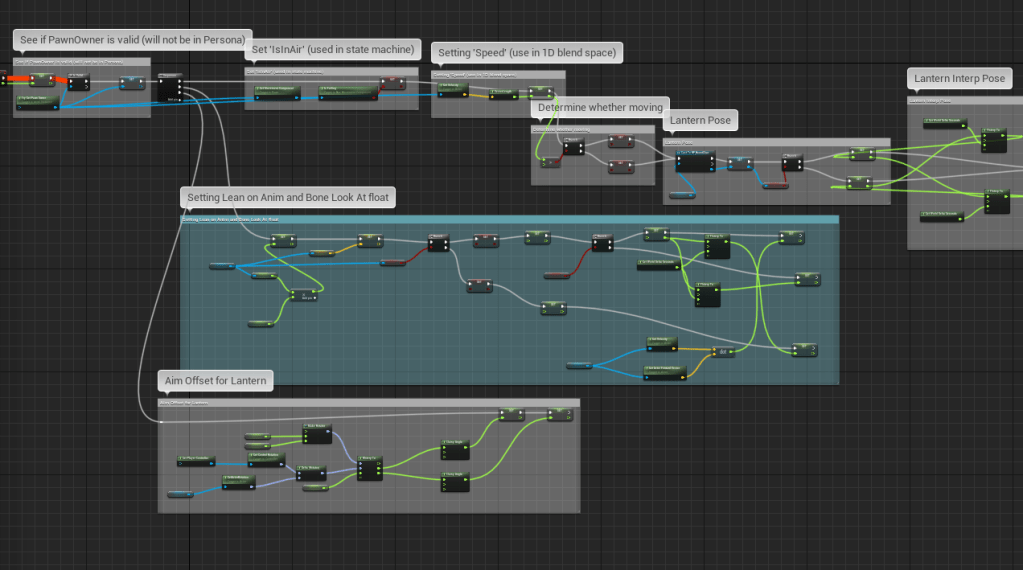

I updated a lot of the newer parts so I know what I need to change if I go back to it. And it does look so much nicer when there aren’t any unnecessary wires crossing. This is a very small update and tiny amount of work done, but it will make a huge difference in the future. It will also aid me in keeping up the habit of making sure I don’t hassle my future self with anything that’s too challenging to understand or remember. Don’t skip on the tiny details!
 GoldenGratus Games