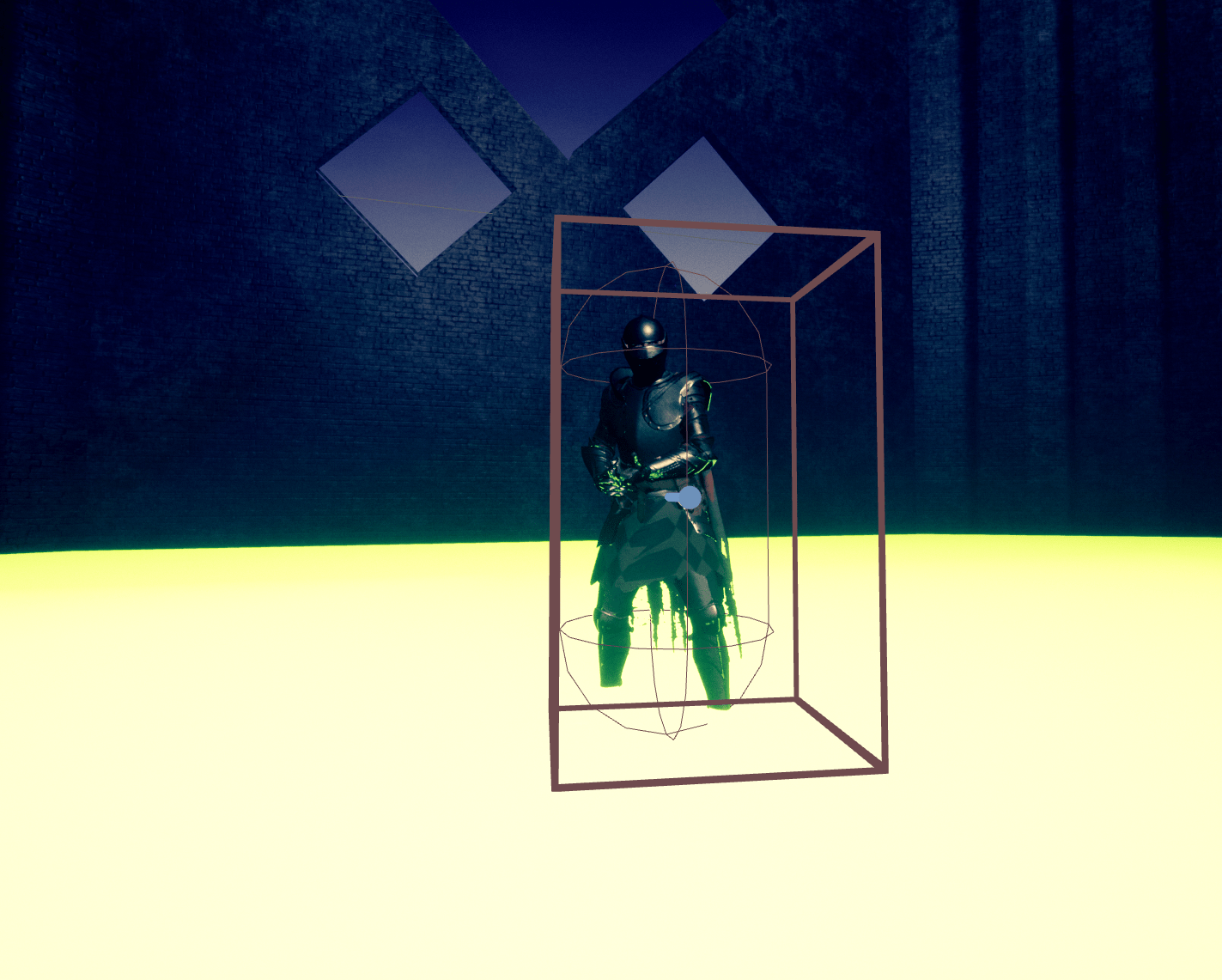
Mucho mucho progress today. I was able to finish the tutorial and unfortunately the guy who was making them got a job working for a major game studio, and this was five years ago so I don’t think he’ll be making any more videos. Anyway from what he gave me there’s a lot to work with. I ended with AI that strafes when near the character and attacks at certain intervals. It’s a lot more involved than creating a player character, since the behavior has to be able to flow into different paths. I stuck a free knight model I got from this month’s free assets and I might use it for the finished game because I think it fits the theme.
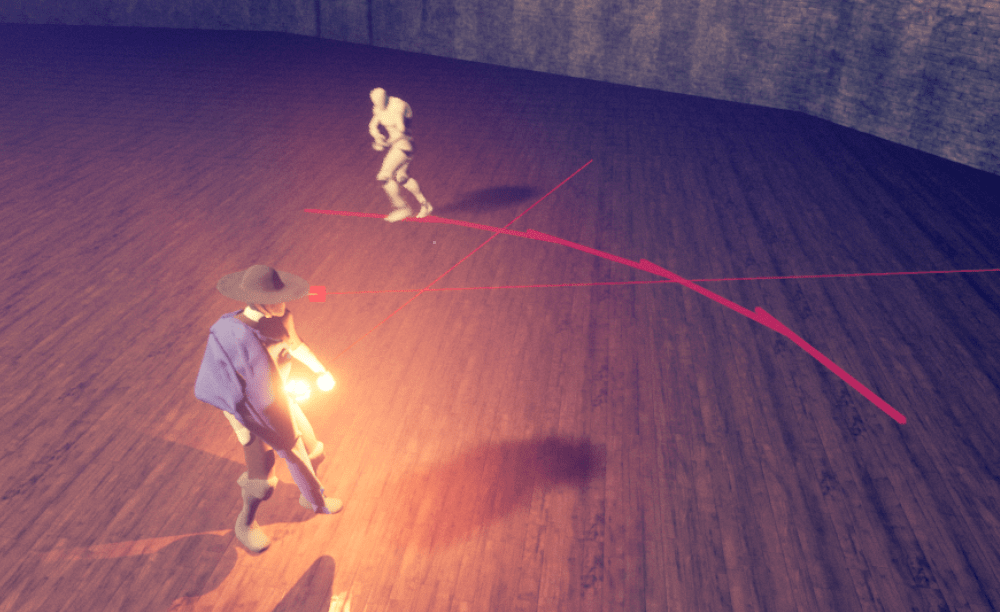
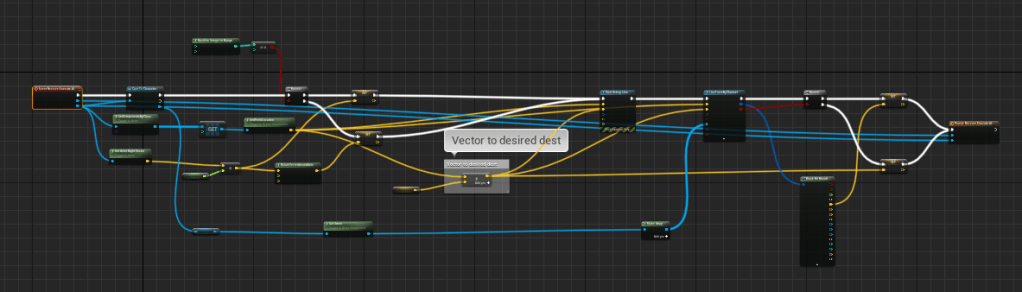
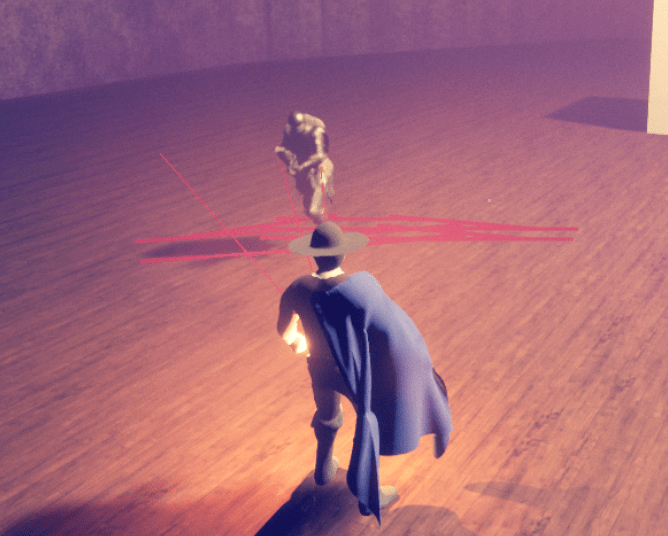

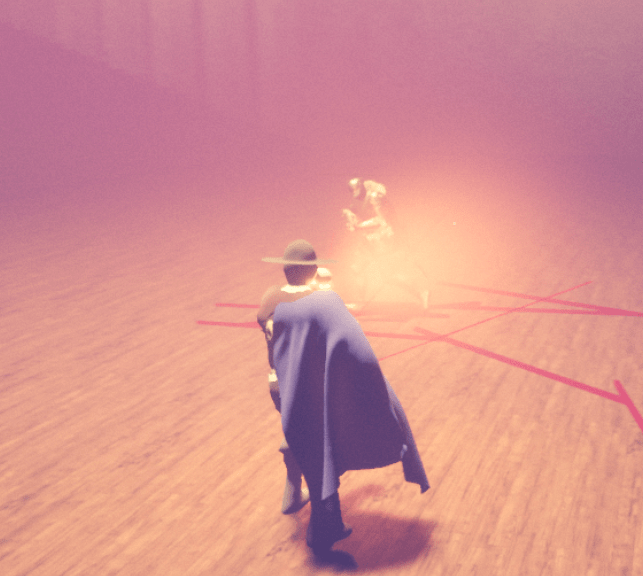
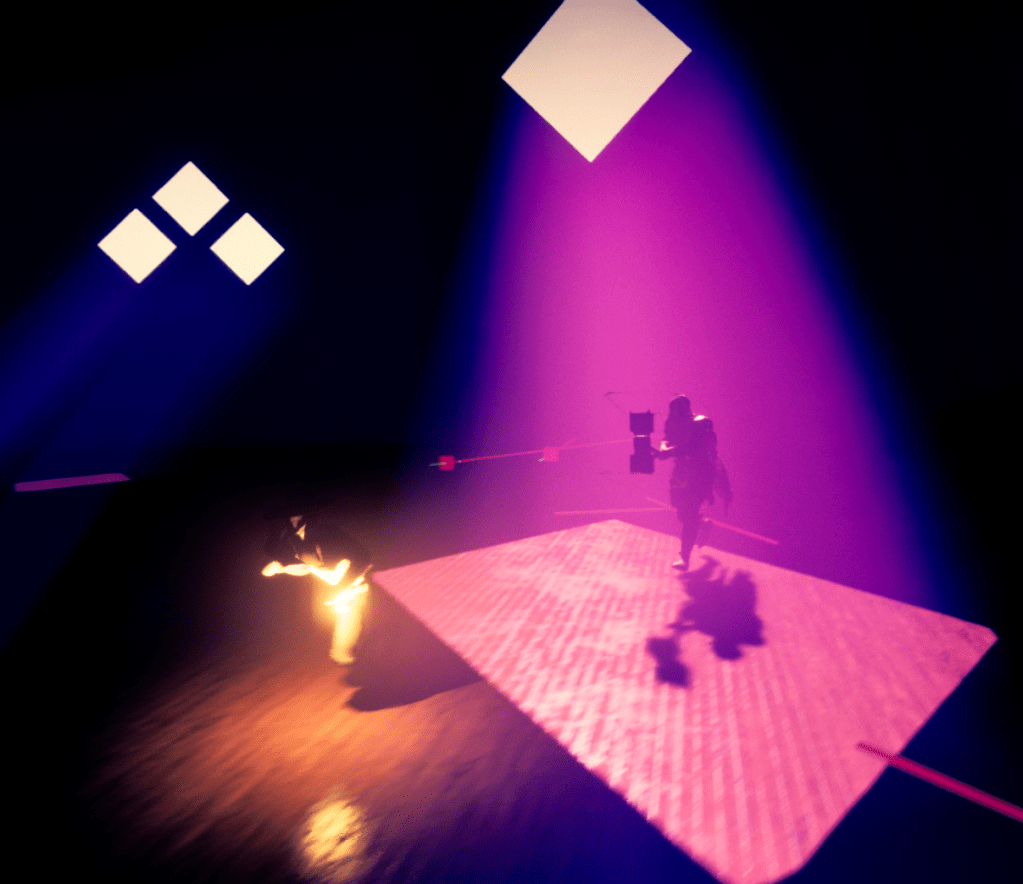
After the tutorial I wanted to fix the way it attacked, I didn’t want it to shoot since this is not a shooter game. I could have given it a crossbow but that didn’t look fun to me. I got one of the free characters from Unreal and tried to stick his animations on the knight. If you check the picture below it got freakishly hilarious. That didn’t work so I tried using the character itself, for some reason it just slid across the ground instead of walking or jogging, I was too lazy to figure out how to fix it so I went back to the knight.

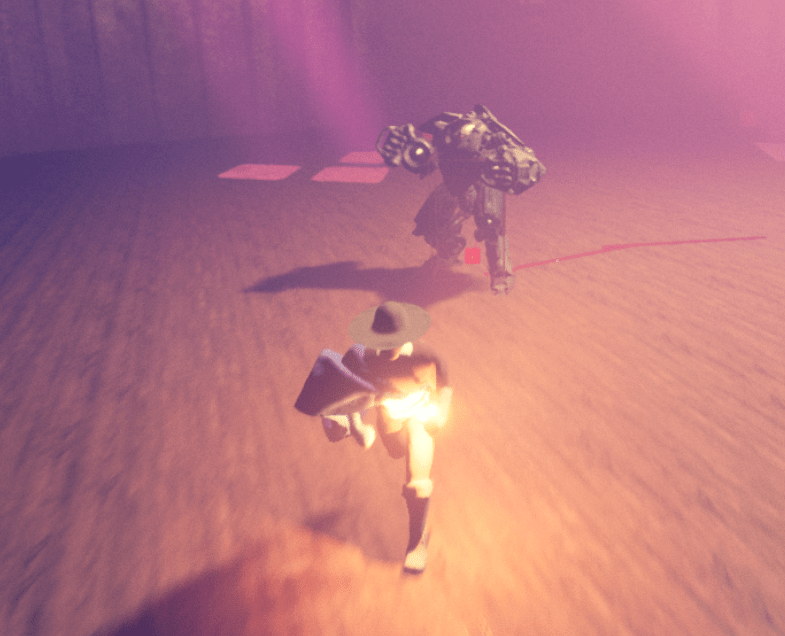

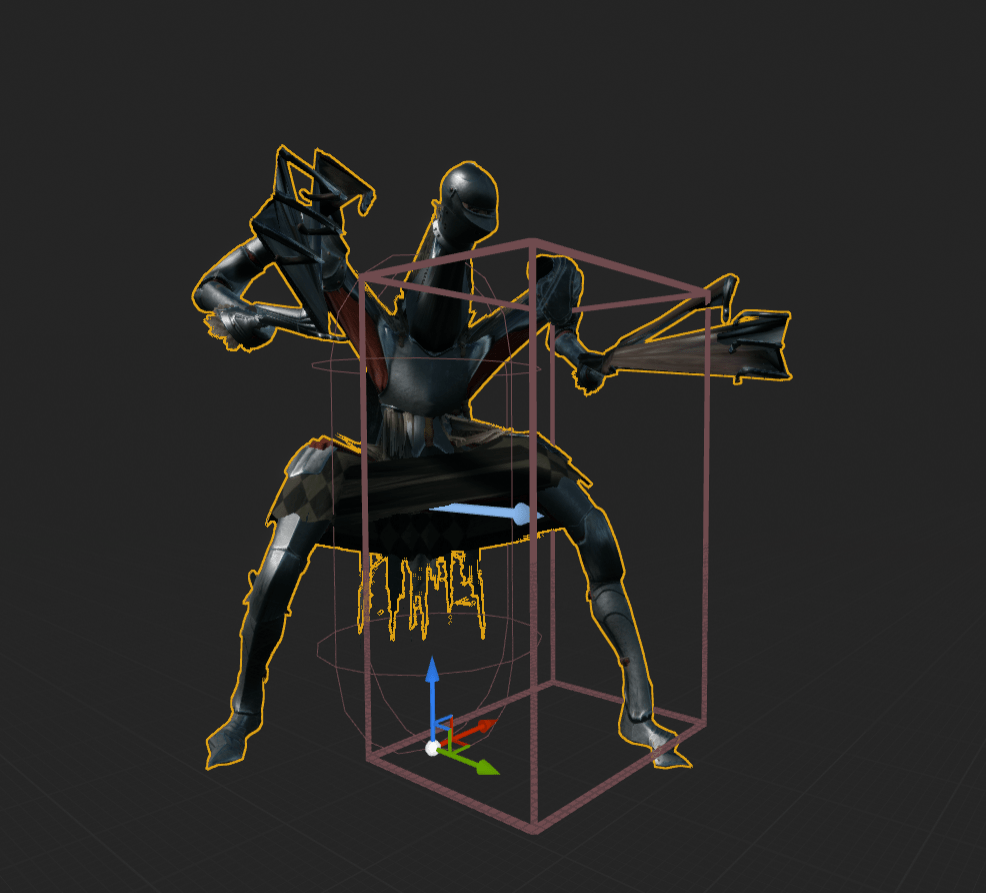
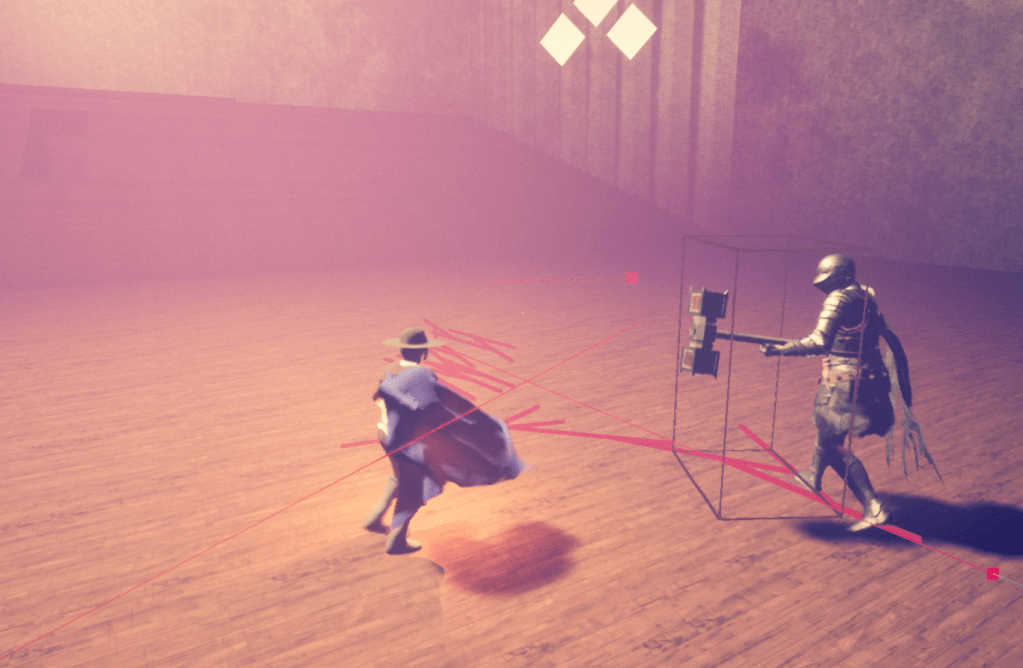
I stumbled upon a short video that showed how I could implement some simple combat function. I merely stuck a box onto the model, and when it overlaps the player it does damage. I put a hammer from the free weapons pack and stuck it in the hand of the knight. Since the animations I’m using for the knight are for a shooter game I positioned the hammer so it looked like he was holding it with both hands. With some tweaking I attached the collision box onto the hammer and it hits pretty well on the player. There’s a lot more logic that needs to be added to the AI, but I’m happy to report that there’s actual combat in the game now. The boss can hurt you and you can hurt the boss. I wanted to be able to keep track of the health, so it was easier to see if damage was being dealt as well. Thanks to some quick tutorials I was able to stick some health bars onto the screen. Red at the bottom for the player, and off-pink at the top for the boss.

Next steps would be to add more actions to the boss, make it smarter. Currently it goes straight to the player and attacks when at a certain distance. I’ll figure out what else I can make it do to make it fight more realistically. The look of the UI is something I won’t worry about now. Just another place holder but at least I’m starting to learn more about it so I can eventually replace the crosshair with a better indicator for the whip.
 GoldenGratus Games