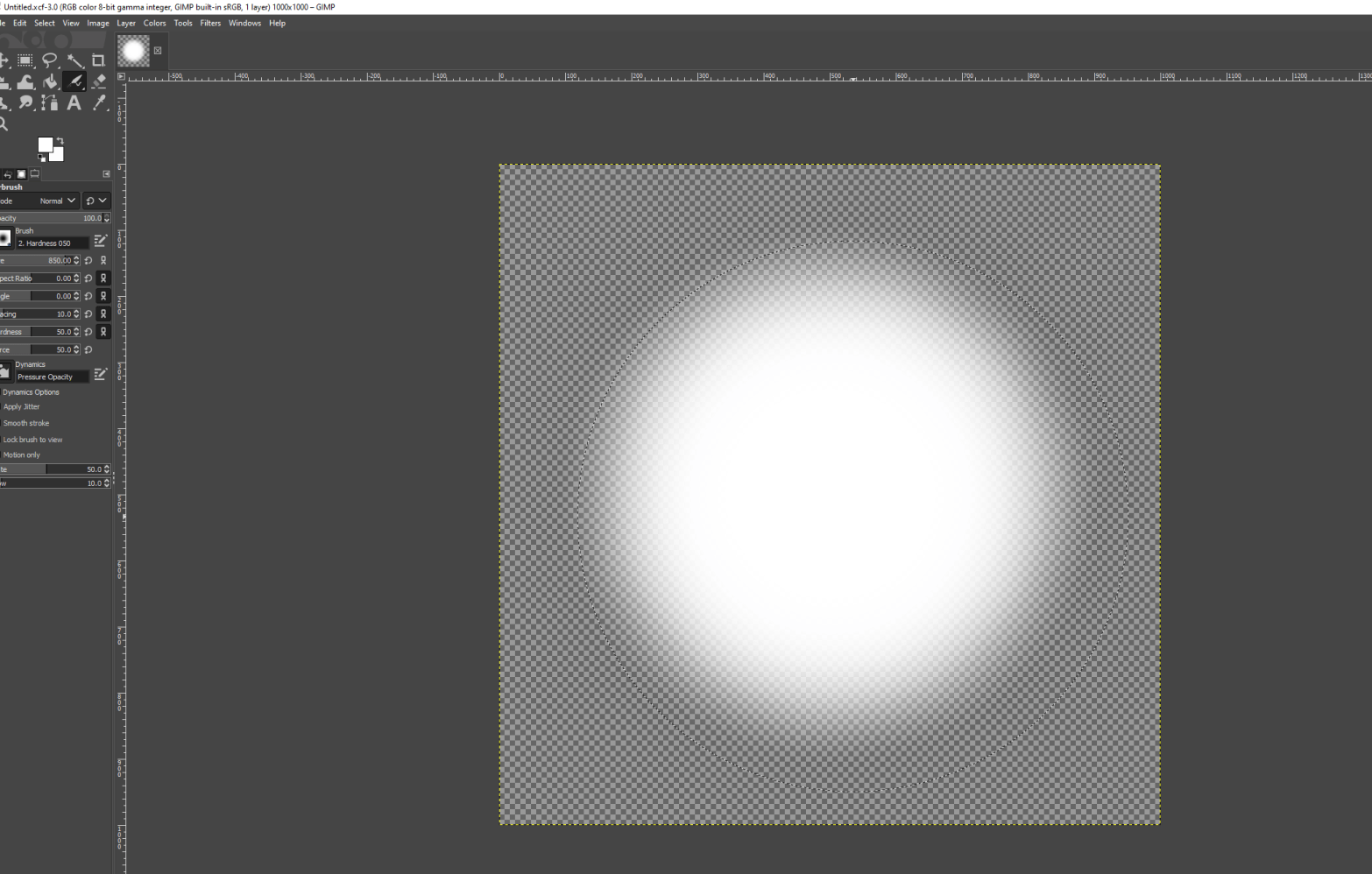
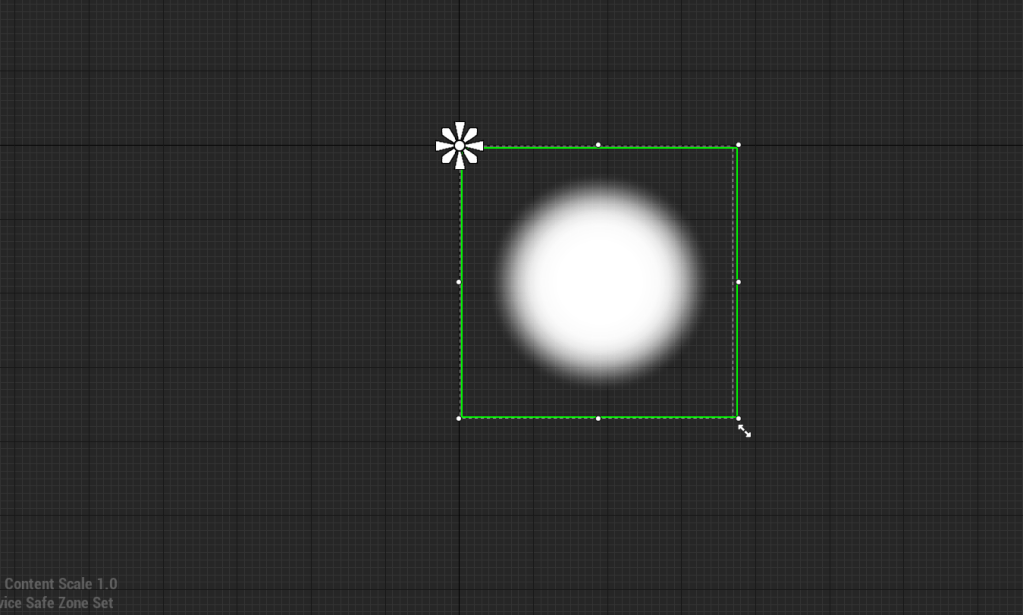
Incredibly powerful lesson I learned today about widgets. A widget is a way to display text or images to the player’s screen. I needed to learn this so I could have a better way of communicating the target to the player in terms of lock-on and later on for the swing/grapple points. I made a simple enough one using Gimp. A white circle with some translucency at the edges. When the character is within range of whipping the color of the circle will turn red. For now I am happy with this and I might not even change anything about it.

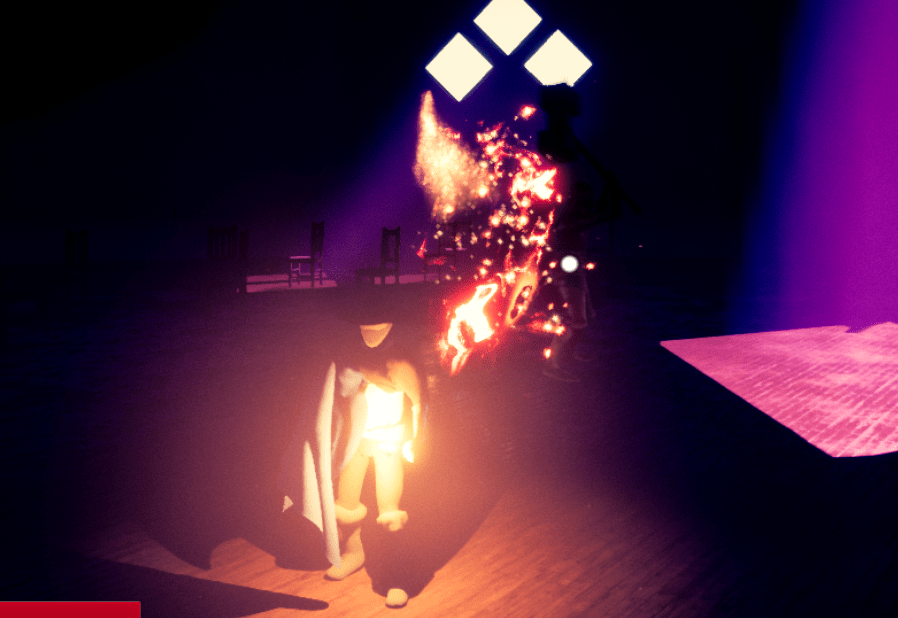
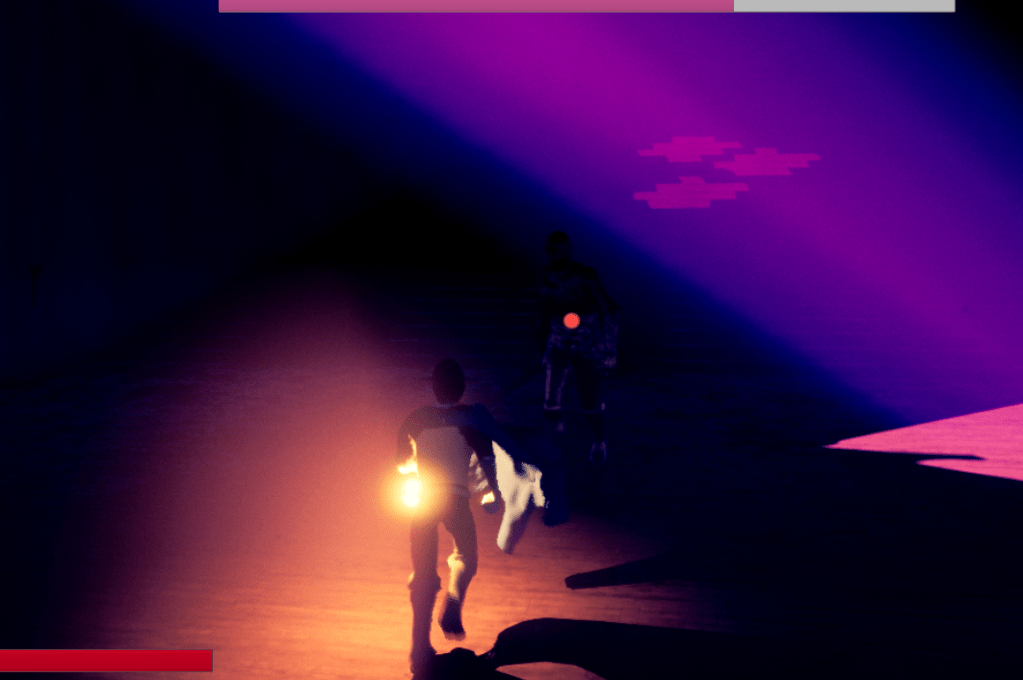
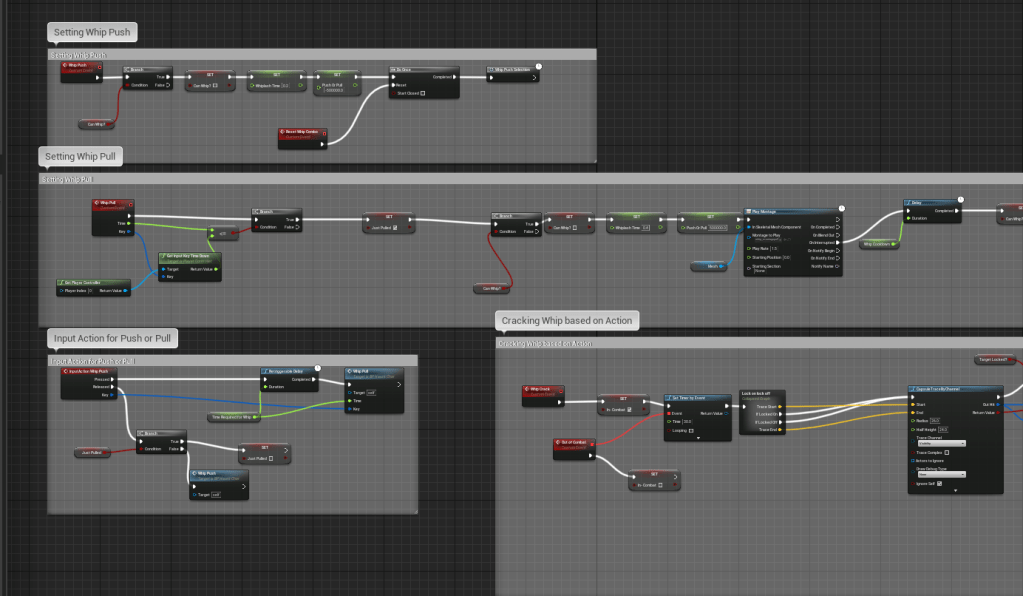
The next small thing I worked on what having more complex actions for one input. Meaning that instead of having two separate buttons for pushing and pulling, I instead assigned it to one action. This is in preparation for more actions I plan to give the character. The way the whip works now is that if you press the button you will push objects (if they can be pushed), and if you held it down instead, you would pull. This also feels better since pulling an object with a whip should take more time physically. It might change in the future, but I know controls are vital to the player’s experience along with everything else. I need to do everything in my power to make sure it is an enjoyable game.
It took a bit of time to find a way to have different actions for one button but someone online posted a solution, this one seemed to work best for me so I don’t see any reason to do it another way. I’ll either add the melee attacks next or work on animations for strafing and the overall character.


 GoldenGratus Games