
First off I couldn’t sleep and stayed up because I couldn’t stop thinking about the animation issues I had. So, work started early today. I didn’t get far, but I knew what I wanted to accomplish from the moment I woke up. There was a problem with the direction calculation jumping back and forth between positive and negative when moving backwards. I couldn’t understand why. After trying several different methods, and experimenting with lots of different tutorials I found that my issue was with a setting I had ticked that oriented the rotation to the movement. It helps when the camera isn’t locked on, but it was the one causing the problems so after turning it off it was such an easy fix. Quite a relief because it was such a small bug that I didn’t wanna leave hanging. The ability to print values to the screen in Unreal has been incredibly useful. I spent most of the day finding the values that were the best to use for the variables.
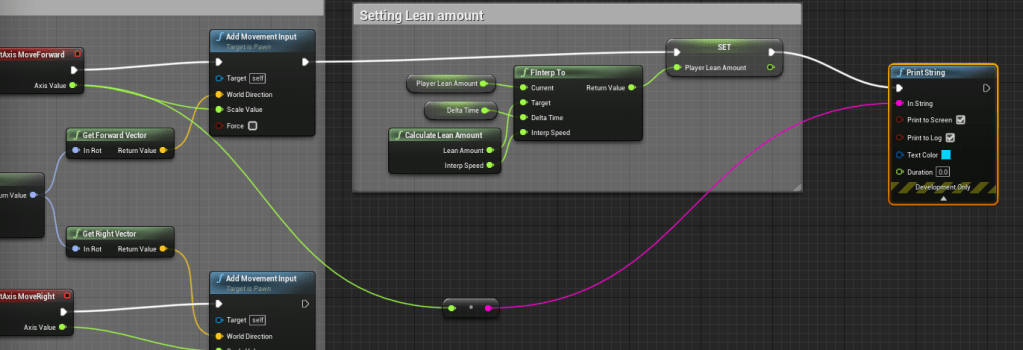

My next problem was trying to create a smooth turning animation. There was a problem with the character flipping around too quickly to the camera. After a lot of fidgeting and trying different numbers I accidentally fixed the issue by removing using the Controller Rotation Yaw. Basically I was driving the rotation of the character based on the camera, but I was already setting the rotation somewhere else with the lock-on mechanic. By turning off the use of the Controller Rotation Yaw the character wasn’t turning too abruptly anymore.
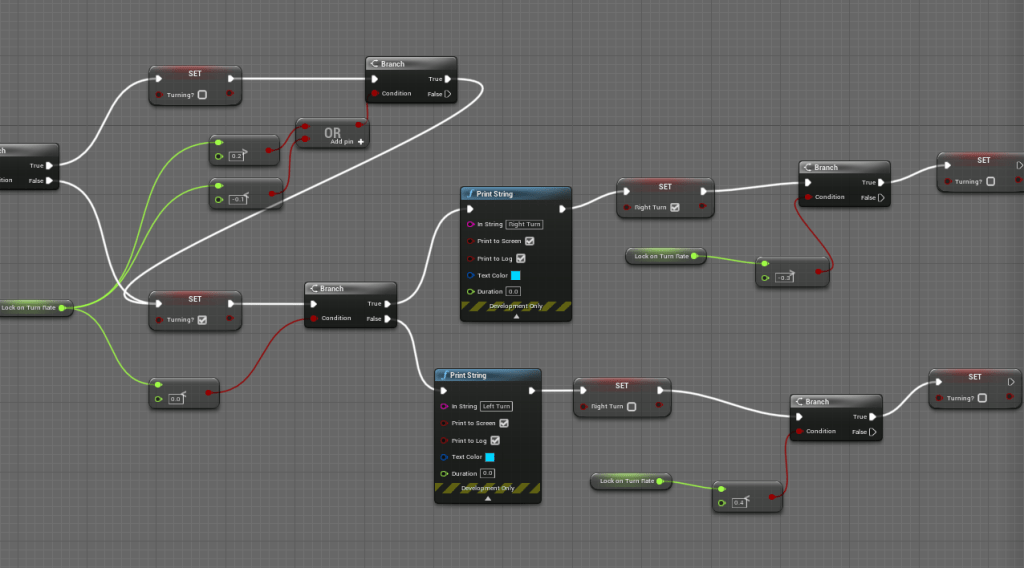
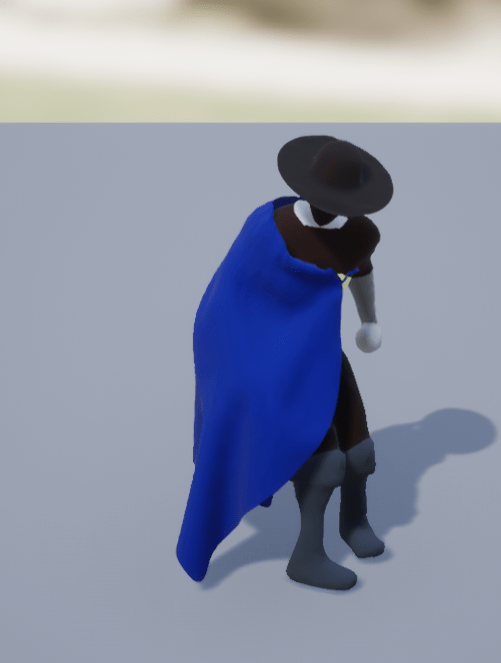
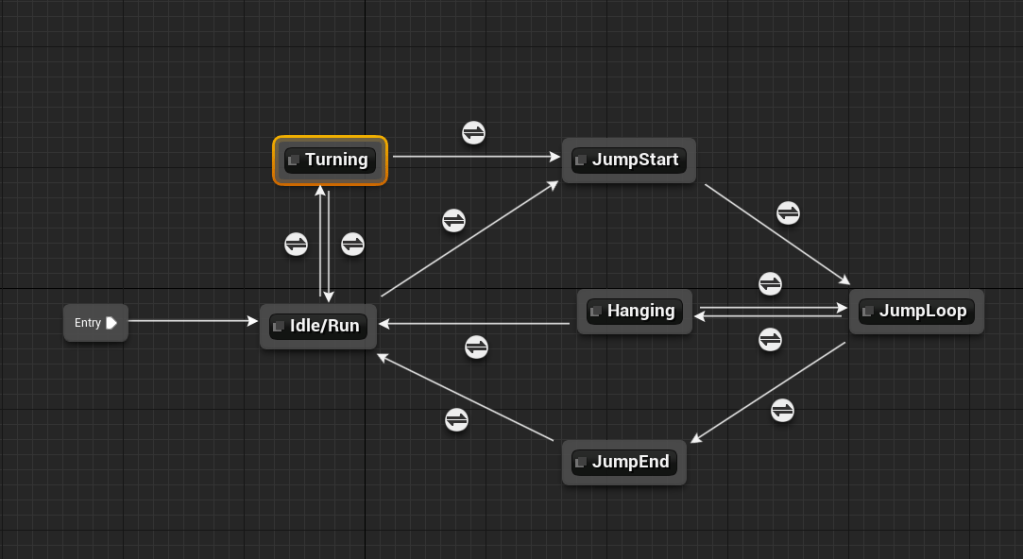
The task that took the longest was figuring out how to get the character to do right and left turn animations. Again there were many different suggestions online, but they were a bit too convoluted for me. I am lazy, or perhaps dumb, either way I wanted to find my simplest way. The way I am doing it now might not be the easiest way, but it works for me. It was awhile before I found the right equation to get whether the character was turning right or left. I found that the difference between the camera and the point you are trying to look at was the best value to use. It would be negative for a right turn and positive for a left turn. With some tweaking and watching the values I was able to tune it so the turning wasn’t too jarring. I couldn’t find the appropriate animations at first because they all turned the character model too far. After some searching I was able to find an animation I needed where the model would simply shuffle its feet. It gave the illusion the character is turning, while other values were actually turning the 3D model. The feet drove the animation, but the values I plugged turned the model, if that makes sense.

It was a draining day to say the least, but fulfilling in the end. Eventually I want to replace the animations with better ones. Mixamo has great animations, but they are limited as well, and not all of them are exactly what I am looking for. Tomorrow I will probably add the melee attacks for the player.
 GoldenGratus Games