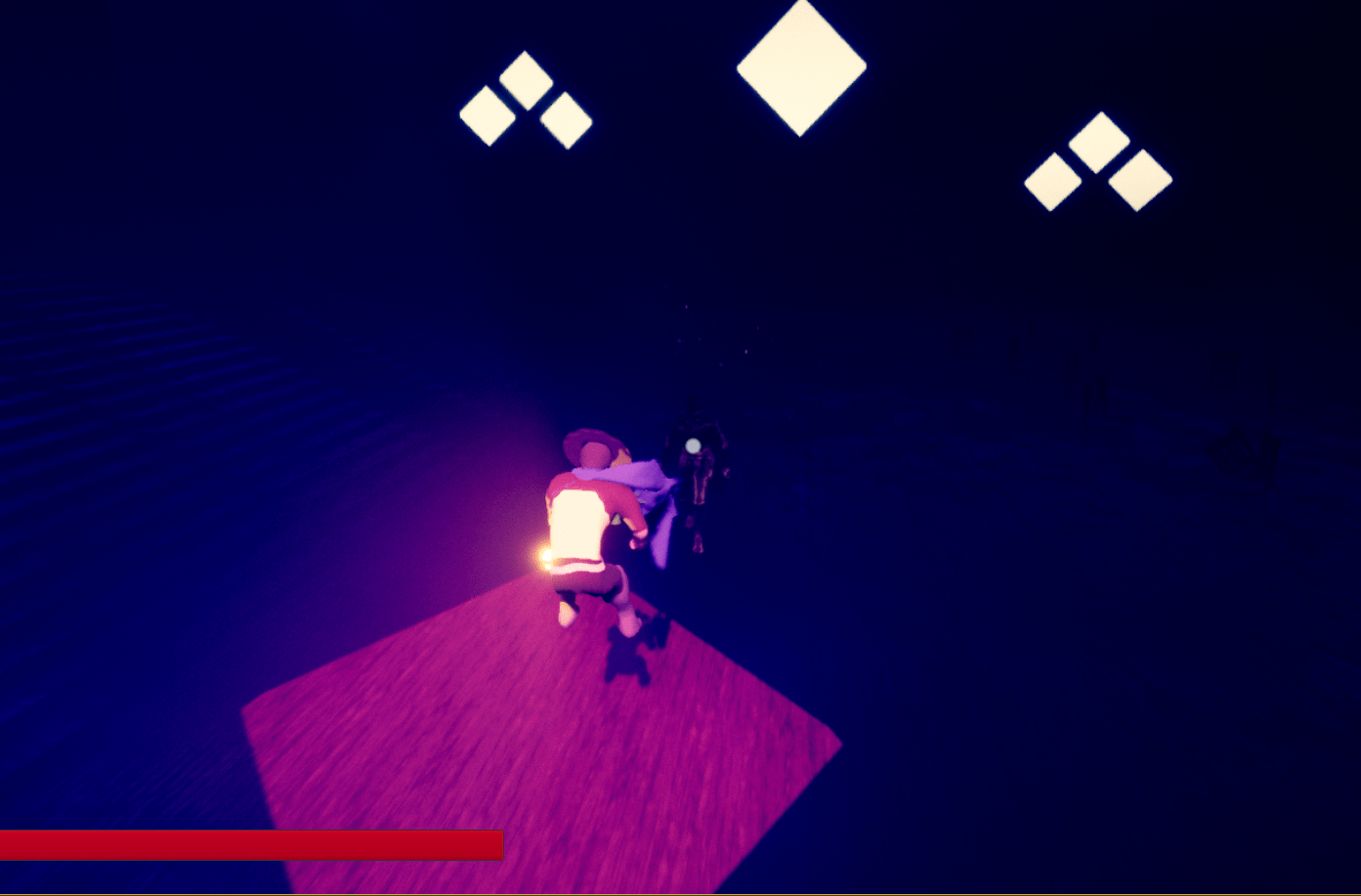
Nearly done with one of the animation series from Unreal engine. But they still have some other videos on extra tips that I will look into when I feel I need to no more. I spent tons of time fiddling with the values of the animation transition of the new movements I added, move start and move stop. It makes the character feel more dynamic and responsive. I had to play with so many values though and find the perfect sweet spot. I encountered a lot of bugs which took me awhile to fix. I’m getting my head around this animation thing and it’s coming together quite nicely. Thanks to Unreal and their free paragon characters I was able to find some good looking animations that I could use for my character no problem.
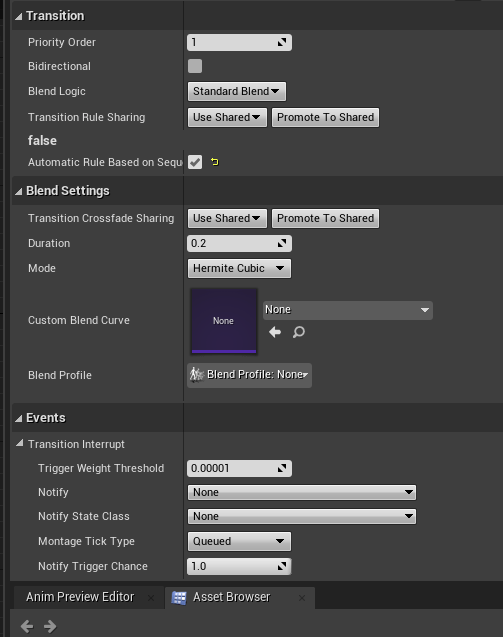


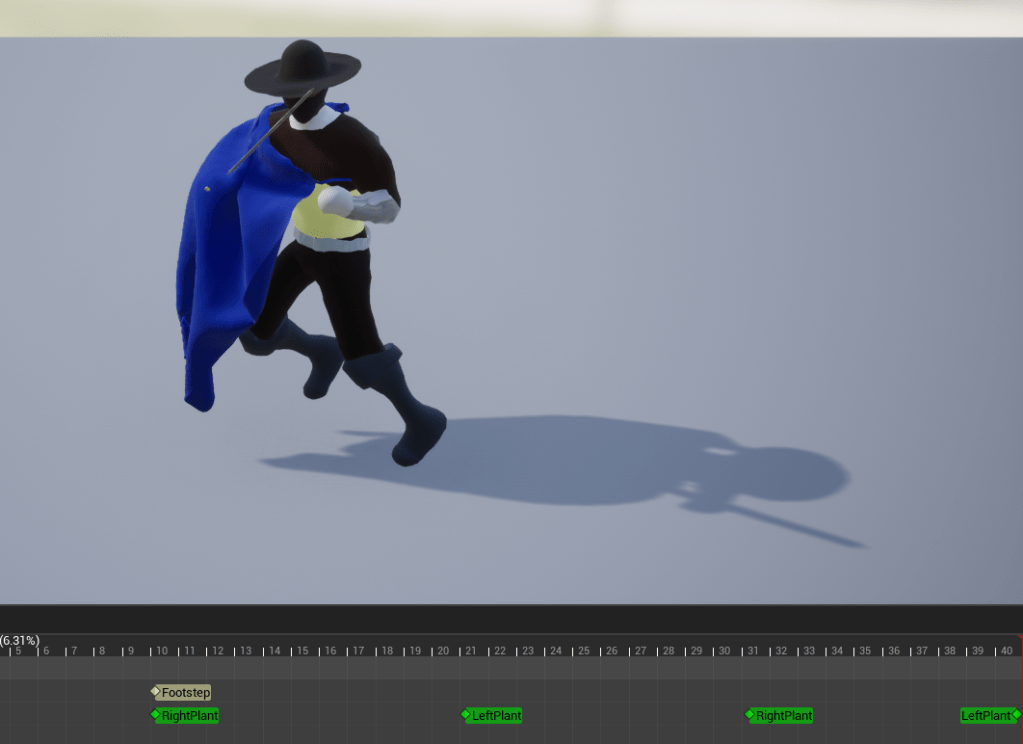
There are so many settings on every single node you see in Unreal. I am slowly learning all the important ones. Hundreds of other buttons and bobs I still have no idea about, but I’m sure I don’t need to know literally everything there is about Unreal. I hope my lack of knowledge won’t break the game. So the movestart and movestop serves as a visual representation of the player moving the character and then stopping the character. I used a 1D blendspace, meaning I have a stop and a start animation for front, back, left, and right. Then I worked on making a similar blendspace for the jumping, in all four directions. I just took the animation I already had and modified it four times to where it looked nice and cool. I am happy with the results.
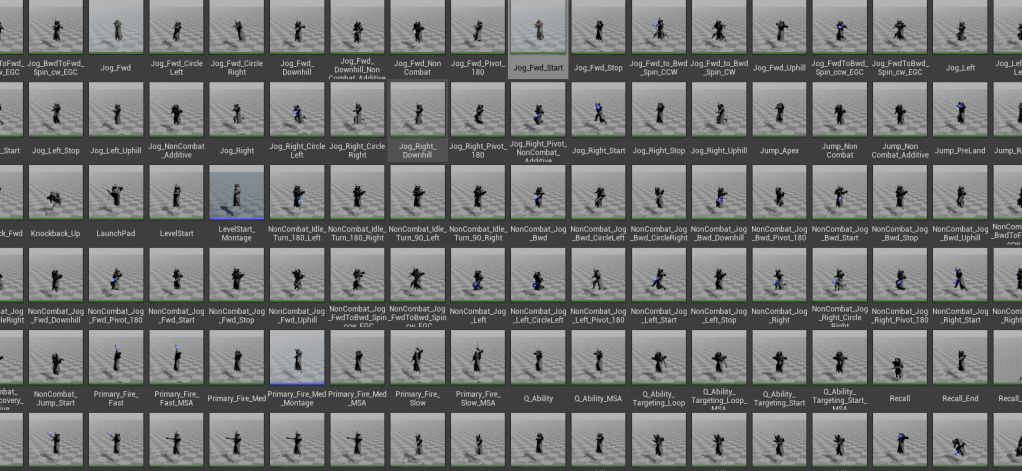

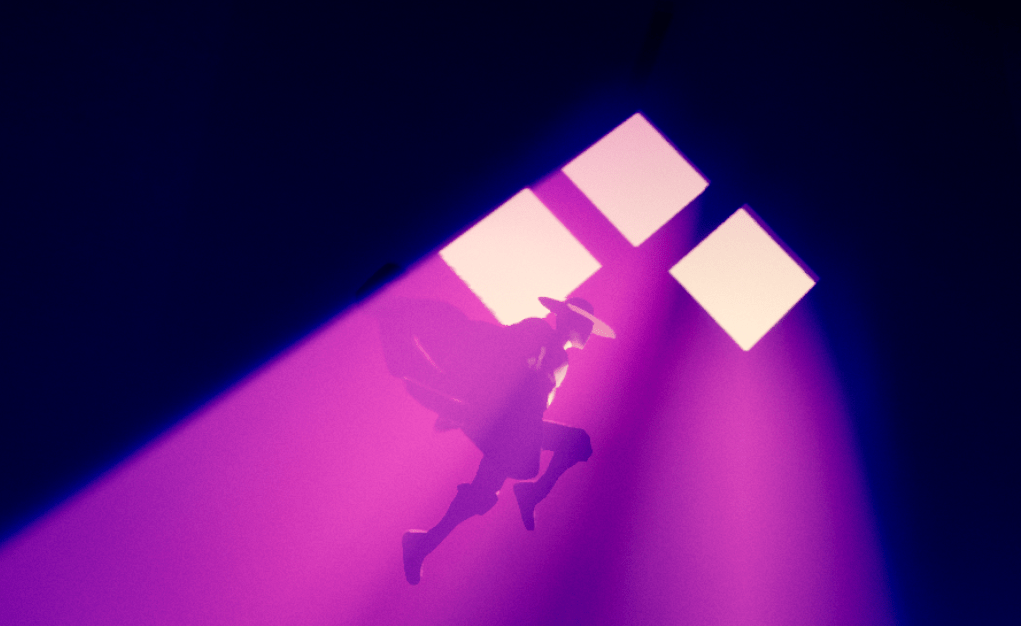
Next on the agenda is improving the melee animation so it’s not just in place. I want the character to move slightly forward when attacking so it feels as if there is some momentum. Besides that I am going to continue watching animation videos just in case there’s anything they can teach me and I might want to add. If I didn’t watch these videos there’s so much I would have never added to the character.
 GoldenGratus Games