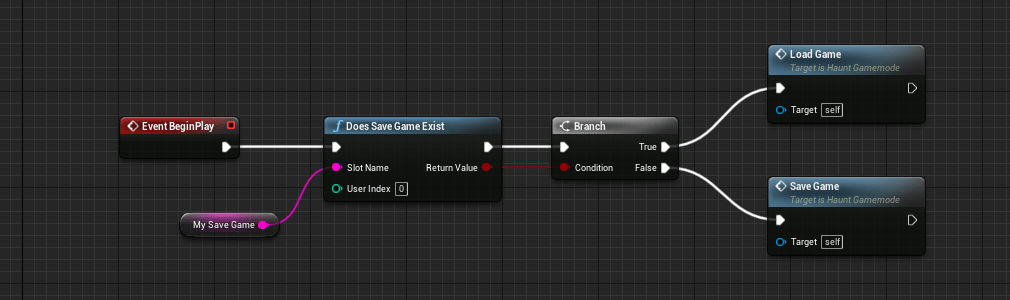
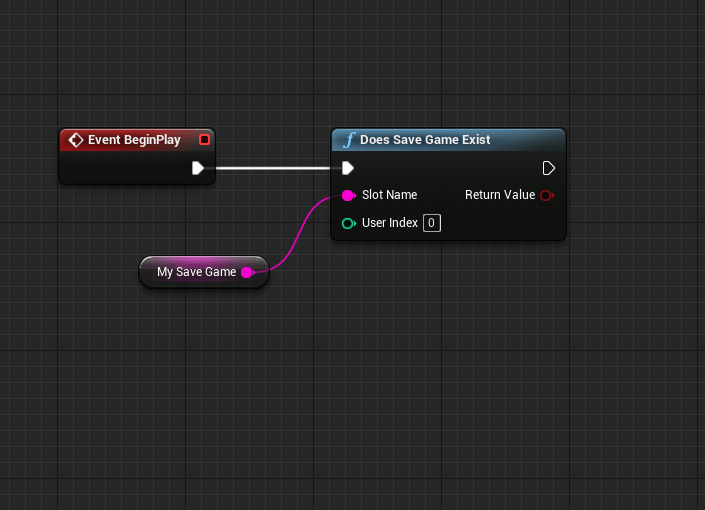
Had a major mental block today as I tried to learn about saving and loading games, which is the second time I have tried to learn it, but I can’t quite focus on it at least for now. There are tons of videos on it and I haven’t absorbed any of them. I need to find my way around to it eventually, so instead I moved on to some fine details I needed to iron out.
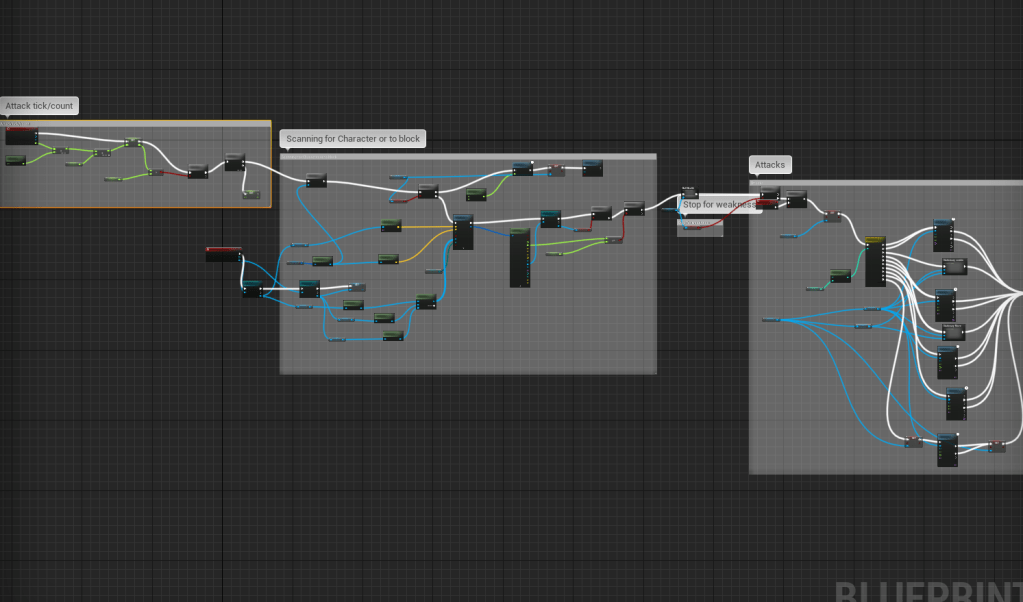
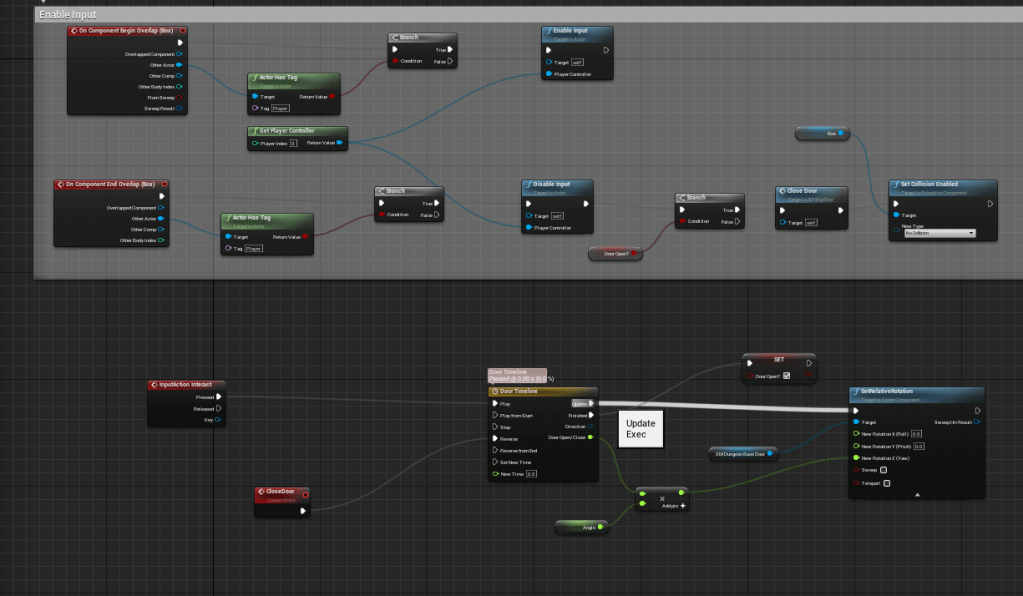
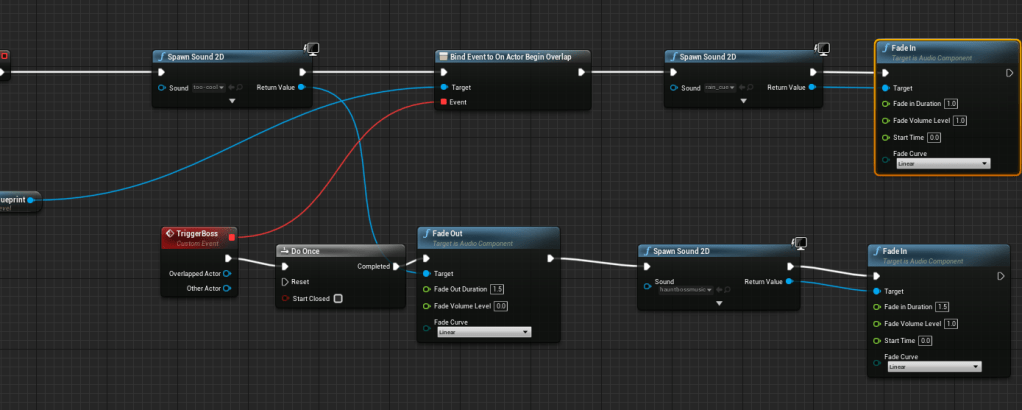
I adjusted the speed of some of the attacks, to make the movement more consistent and reactive. There’s been an issue with the arm clipping/going through walls since it sticks out when you have the lantern out. I put it on my to do list and did it last, and it was a doozy. For the boss door I made it so that you can only open it one way and it closes behind you. This is just in preparation for later on when you have to find out how to unlock it. I went over a lot of the code/blueprint that involved “casting” (calling another blueprint), and I made references to them instead of casting every time since I learned that casting can cost a lot if done too often. It helped a lot with the logic I had for the boss’ attacks since I was casting right onto the boss itself. Cleaned out the spaghetti and left better comments.
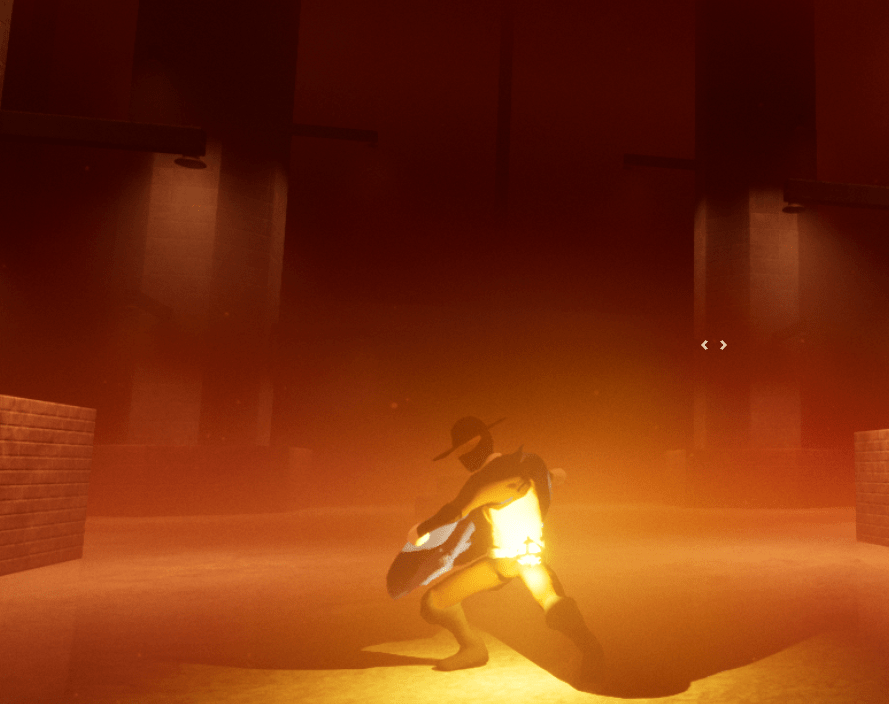
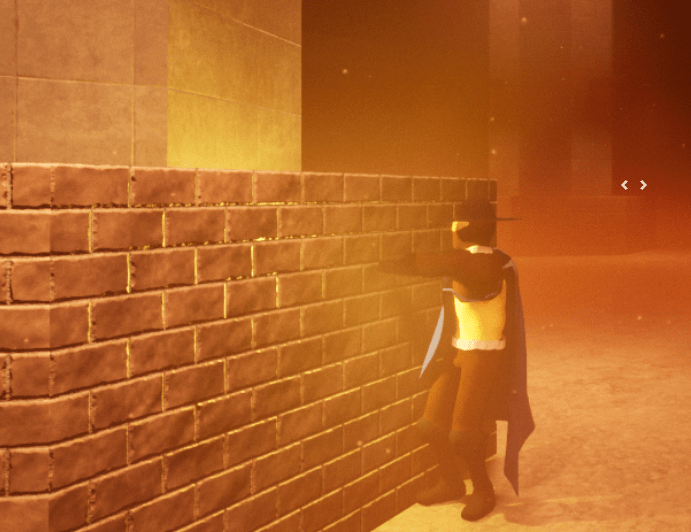
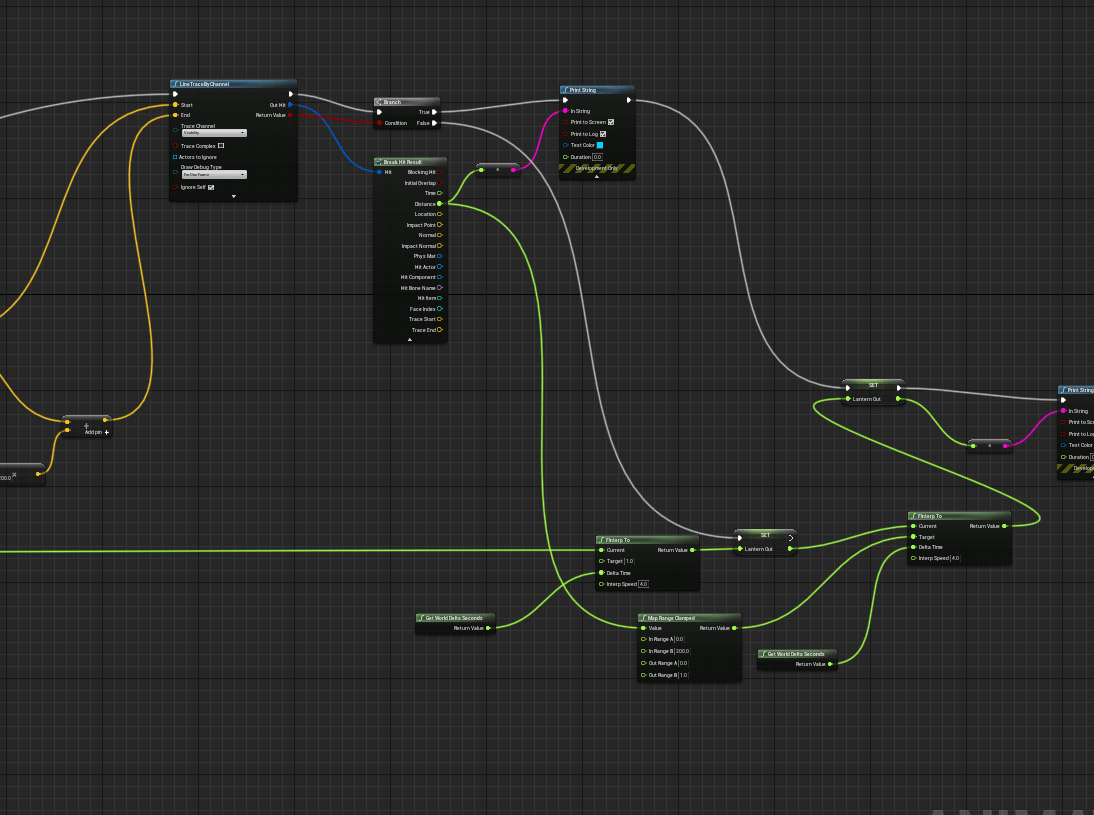
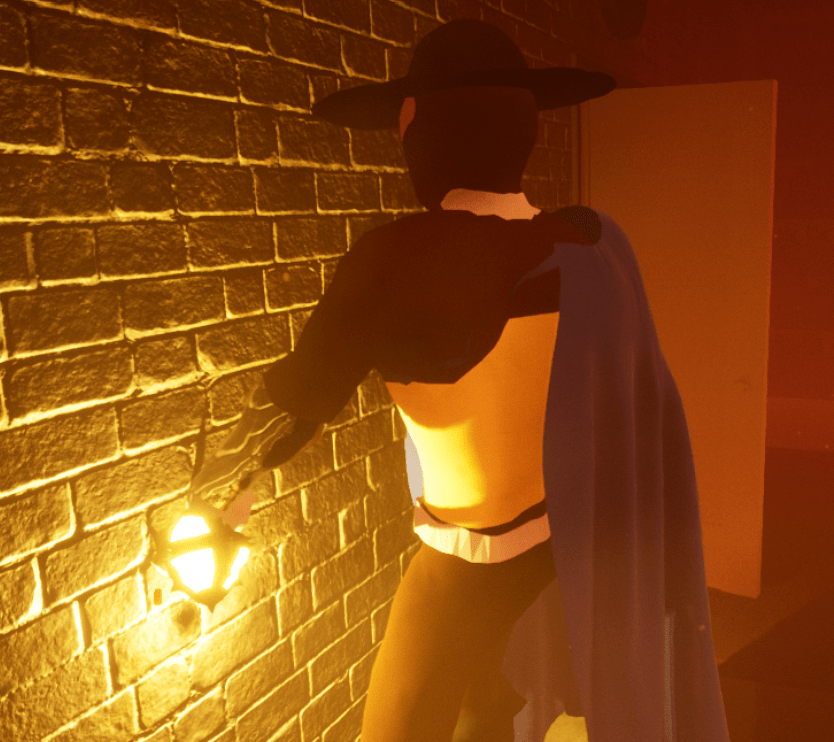
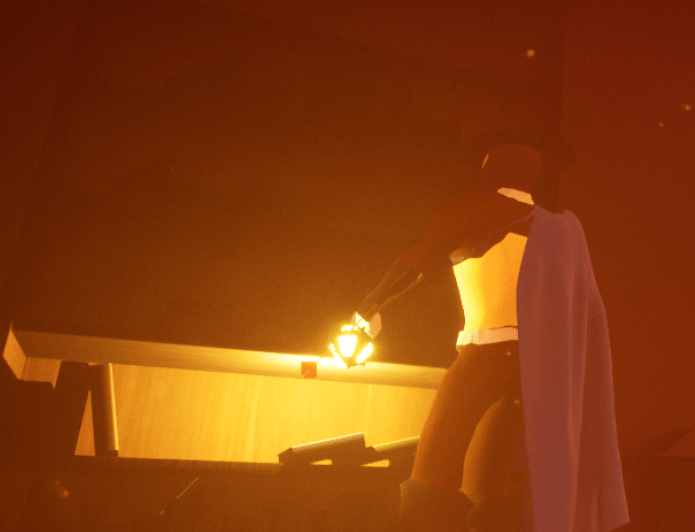
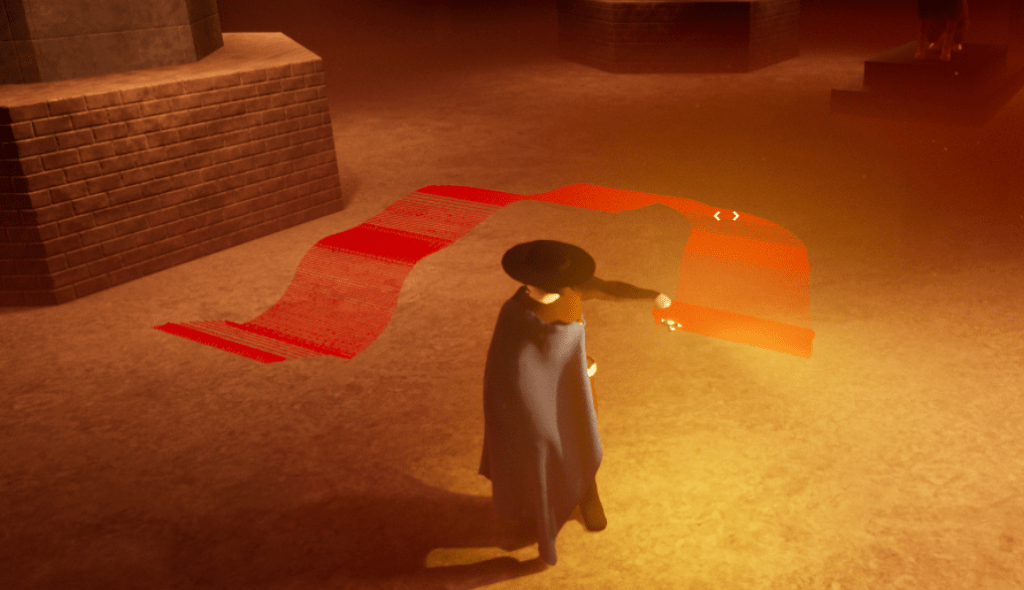
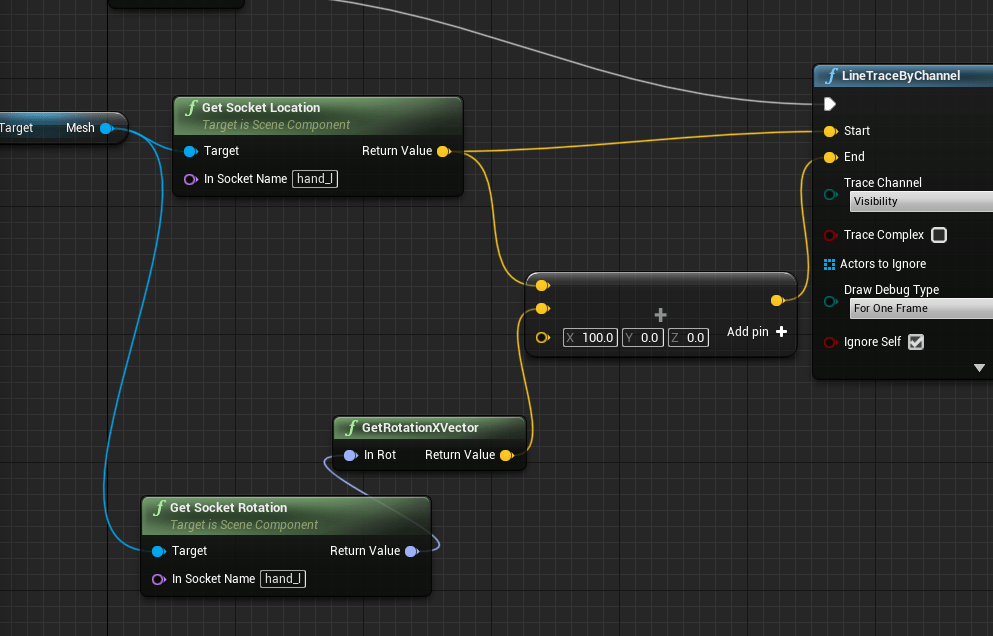
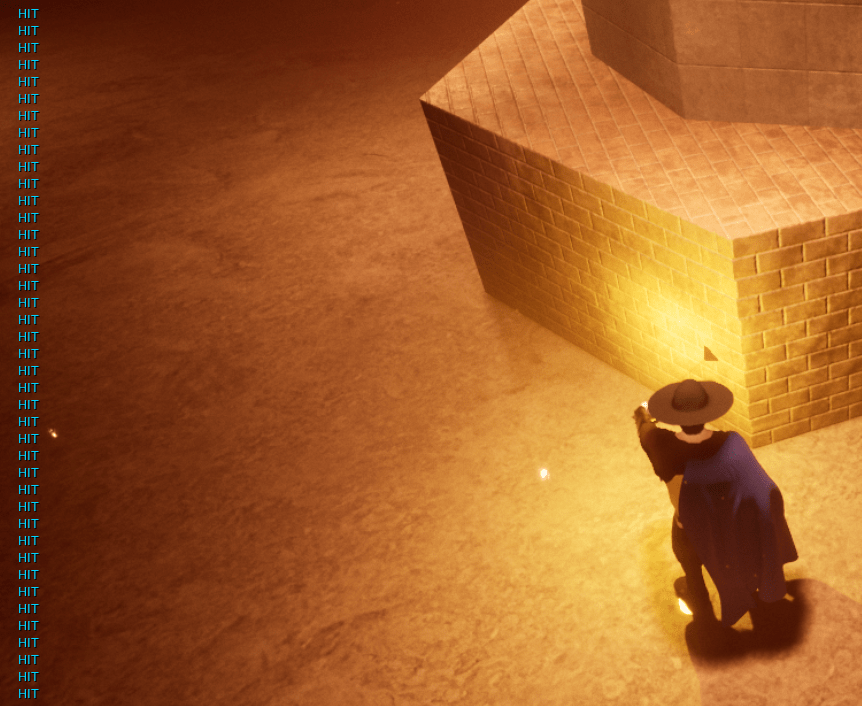
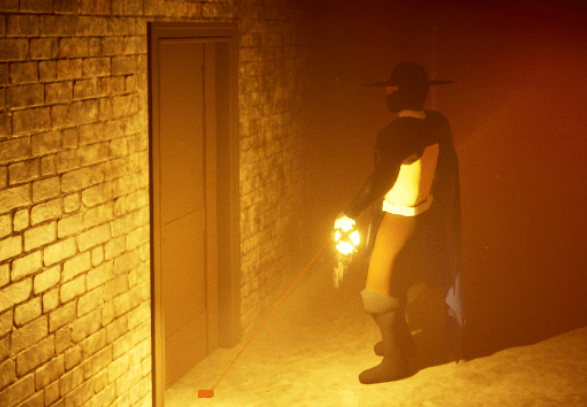
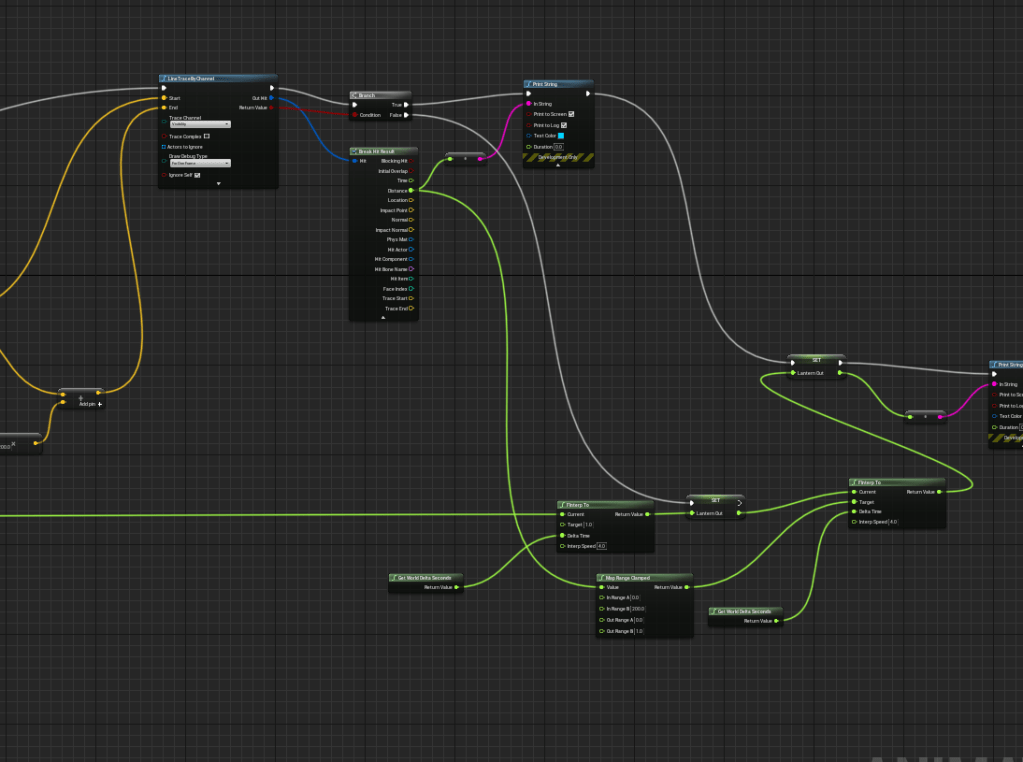
Onto the lantern arm problem. I faced several issues trying to fix this. First off I had to figure out how to get the arm down when it was up against an object. There wasn’t a lot of helpful tutorials for setting up arm logic like there was for the feet, at least nothing short and simple. I thought about it for awhile and I realized I already had a value that brought the arm up and down, that’s how I placed the pose in the first place. All I had to do was lower this value to bring the arm down when needed. I decided to use a line trace from the lower arm after some tests. Next problem was that the line trace was always facing the same direction.
After looking at my other line traces I realized I wasn’t using the rotation of the lower arm, so it was always pointing the same way, never turning. With that solved I had to find the right values of the distance to the objects and translate that to the value for the arm. Basically I used a map range clamped function to do it. The function takes a value and you give it a range for that value, let’s say 0 to 100. Then you input what values you want it to spit out from that range, 0 to 1 for example. So if my first value is 20, it will spit out 0.2. It’s a super helpful function. So I was inputting the distance from the line trace to an object, usually a wall, and the value for my arm was 0 to 1. I’m not a math genius so I tinker a lot when playing around with numbers. I spent a long time trying to find the best values so the arm would go down, but it kept going through the wall still.
Most of my day was spent wondering what was wrong, my ranges seemed right but the value for the arm was still too high. Finally focused I scanned my logic meticulously and realized I was setting the value for my arm twice. So it was going back and forth between 1 and 0 while I was already trying to set that number elsewhere. All it took was for me to fix my setup and it thankfully worked as intended. Now the arm reacts to objects in the environment. This was an issue I had for awhile and I went back and forth on whether I had to fix it or not. But now that I fixed it I am glad I did it. It changes a lot of how the character can interact with the world. Plus it was really silly how the arm and lantern went through walls.

Such a subtle detail took a lot of work and it felt great to solve it. Always take it one day at a time.
 GoldenGratus Games