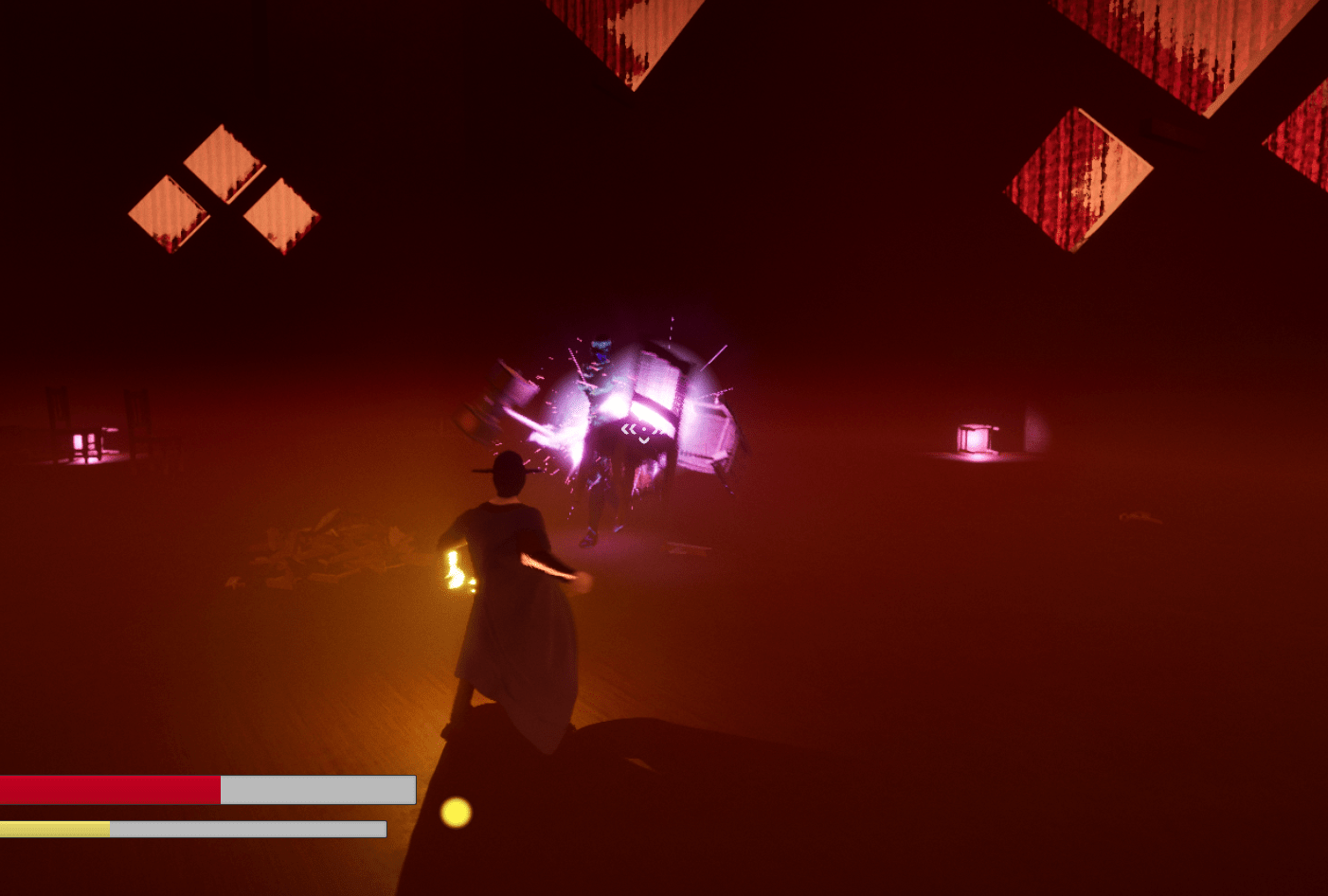
With the save data finally working (I tested it several times to make sure) I moved on to the other objects in the level that needed to have their logic updated. Those objects being the torches and the special physics objects I use. The torches were quick and easy, mostly the same as the door since it only has two states, unlit and lit. After that I quickly took a look at the animations I had for the aerial attacks and used the right ones. It worked well. Also made a note of wanting to be able to draw or see through objects that blocks the camera, be it the player or an object.
The physics objects weren’t as straight forward because what I wanted to keep track of was whether or not it was destroyed. But after destroying an object you lose its data, so I had a problem when loading the game because it couldn’t track what was already gone. My work around was making the object invisible when it “broke” and marking it destroyed. So that when the game loads if it has a destroyed marker then it will simply destroy it. There is probably a better way to do this but I like this method so far. I also thought about if I should save the location and rotation of the object in the world if it moved. I thought about it for awhile and I might save that for another day since that is a bit more complicated than the other logic.
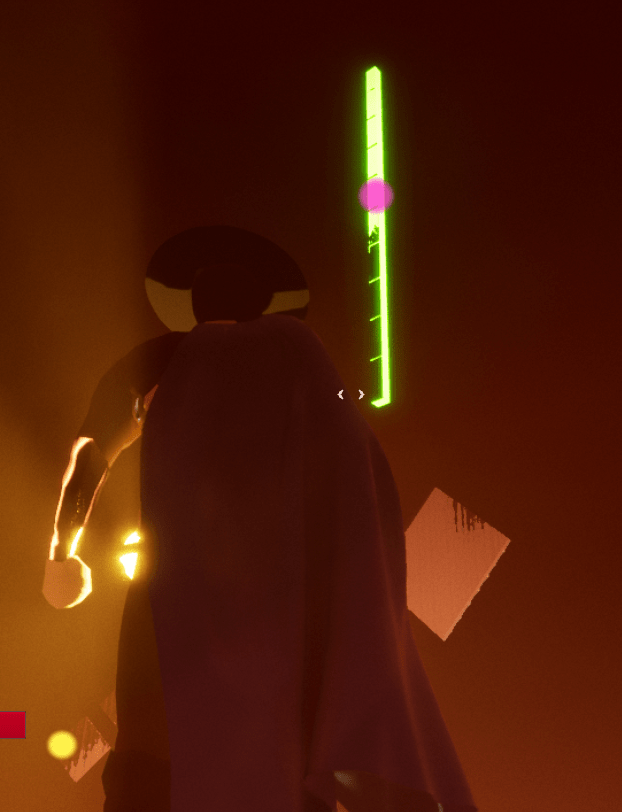
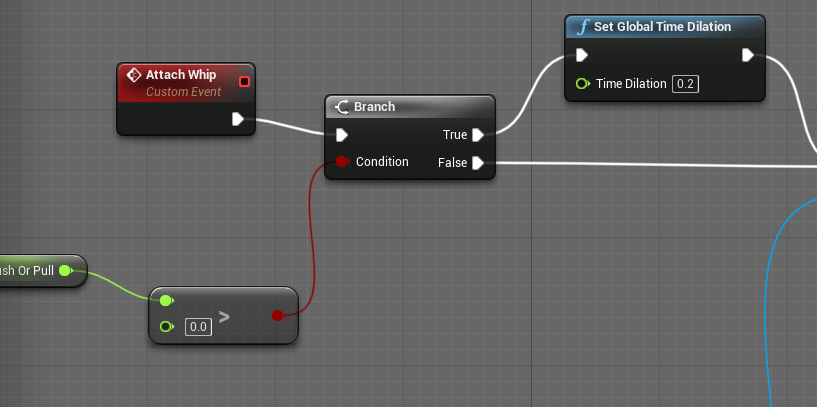
I also added a slow motion effect to when the player pulls with the whip to give them more time to adjust the camera so it’s easier to point the object where you want it to go. Appropriately the function is global time dilation. Just slowing it down and setting it back to normal, it works wonderfully.


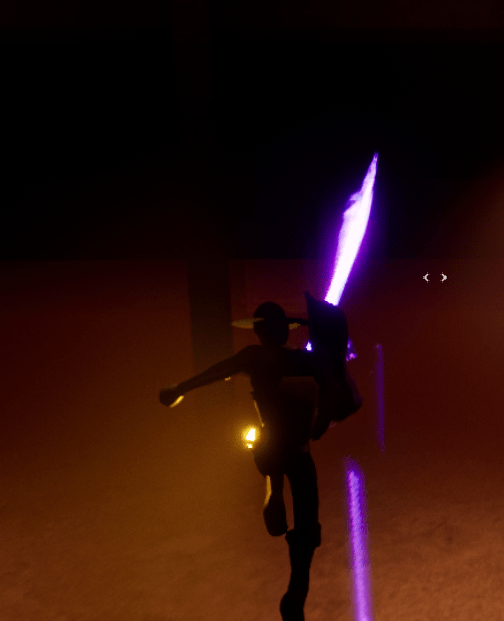

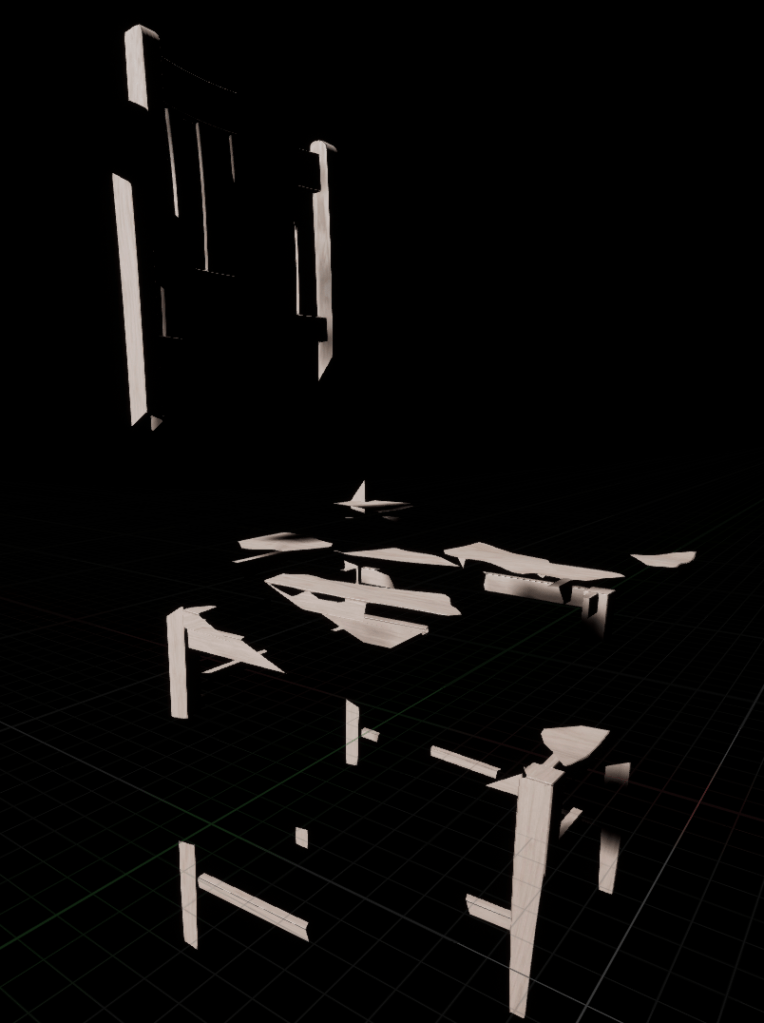
Since I was already working on the interactable objects in the world I wanted to improve the breaking or debris mechanic. I found that in Unreal there is a special tool called Apex Destruction that takes a model and can break it down for you and simulate the parts breaking apart. It creates a totally different object which complicated things because I had all my logic already connected to a normal object. I tried many different ways to get the destructible object working with my game. I tried adding it as a component to my already existing objects, that didn’t seem to work. It didn’t work when I used the destructible as the main root of the logic I had in place. There is a lot I still don’t understand about the destruction system but I knew I had to use it because it was exactly what I was looking for when breaking objects down.
The best solution I found was creating a separate object that was the specific “breakable” object on its own. When the normal object broke I spawned the destructible in its place. The main issue I had was that it wasn’t breaking straight away, sometimes it floated in the air. I spent a lot of time playing with the values and settings of the object when finally after watching a video on using the system I realized I didn’t turn on the simulate physics option on the destructible object.
Now it works as intended. It replaces the object upon breakage, and it shatters into pieces. I might want to find a way where it’s more explosive and the pieces break apart more wildly, but even if I didn’t do that it looks great as it is. I wonder what other systems in Unreal there are that I haven’t even discovered yet.

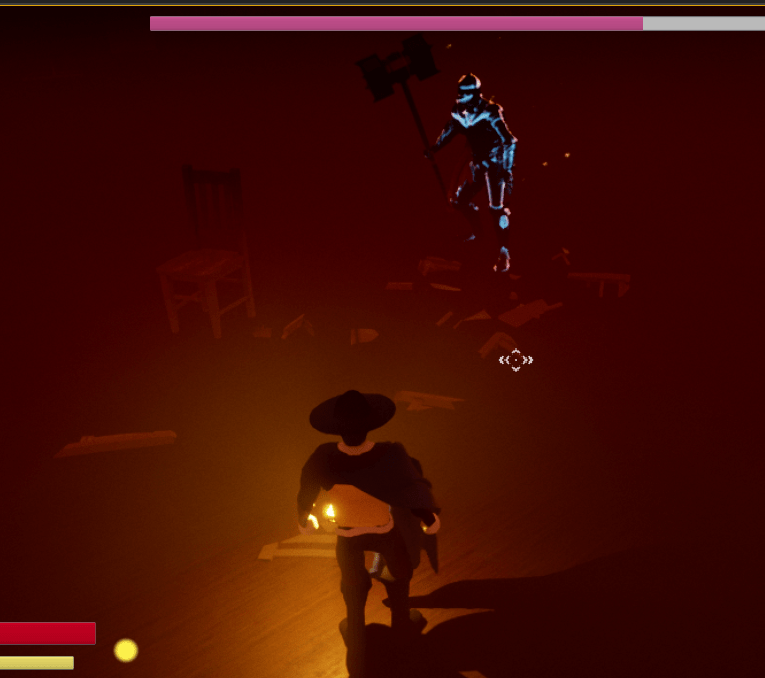


Tomorrow I’ll be taking a crash course into UMG, the Unreal motion graphics. That has to do with all the stuff that is “drawn” onto the screen. I want to be able to manipulate it better since I’ve been having problems with text on the screen that isn’t supposed to be removed. This will be helpful too when I add menus such as the pause menu with settings and more. Beyond that I’m looking to improve the boss more, its logic and effects.
 GoldenGratus Games