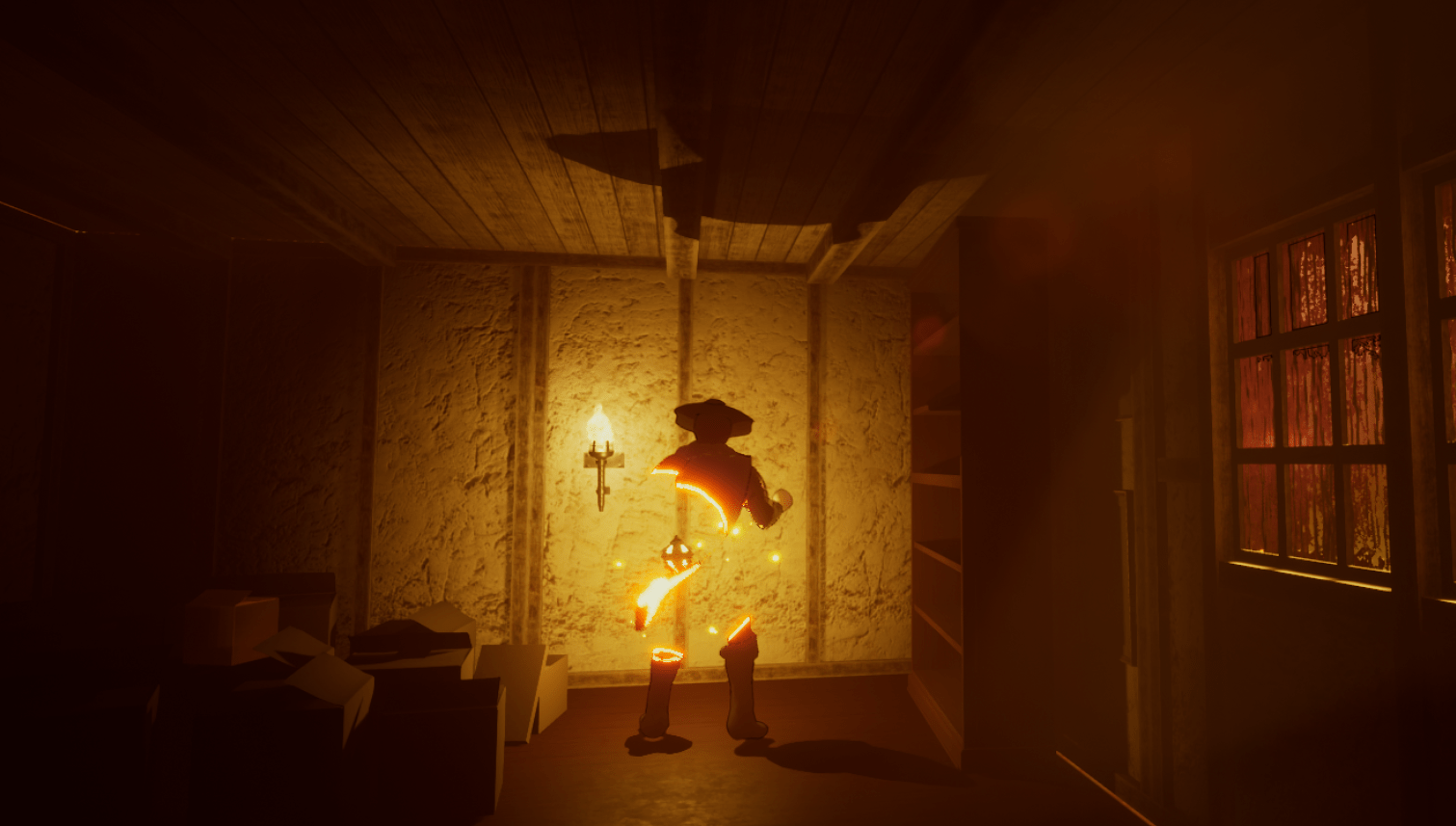
It had been bothering for awhile that I had two timelines set up for the camera effects, I only really needed one the more I thought about it. I just had to add another key value to the first timeline and adjust the time. Once I did that I tried to find some tutorials on special material effects. I found a very in depth guide on YouTube that helped me create some custom materials that I could manipulate and understand at a minimum. I say minimum because materials truly have the mode nodes and math that I still don’t understand the half of. Anyway I was able to start off with some cool effects that can cause the top of an object to dissolve or disintegrate depending on what texture I used.
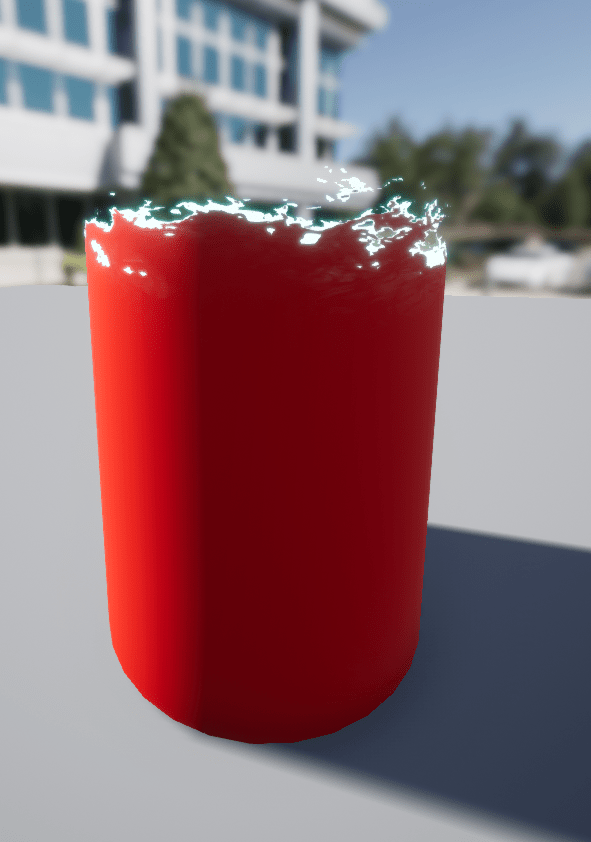
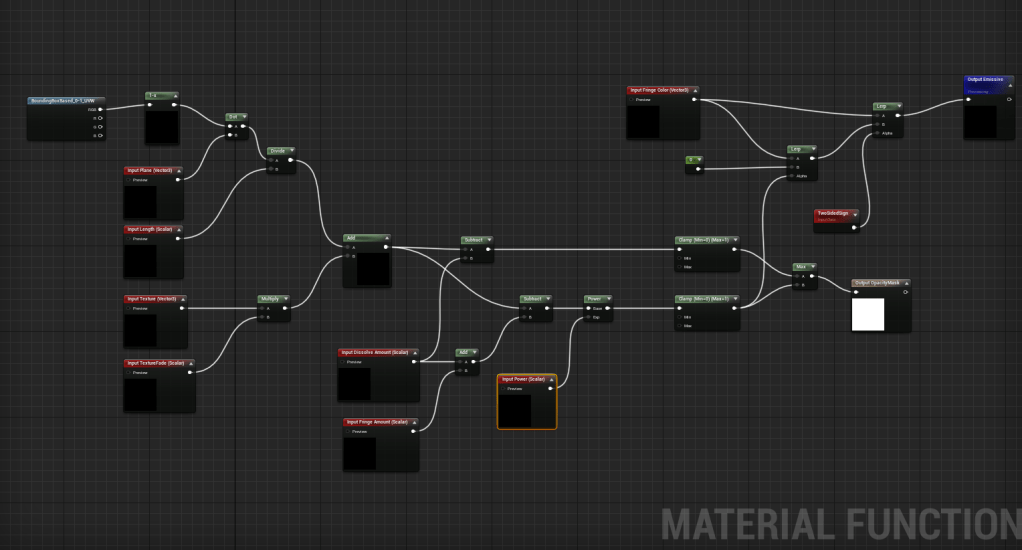
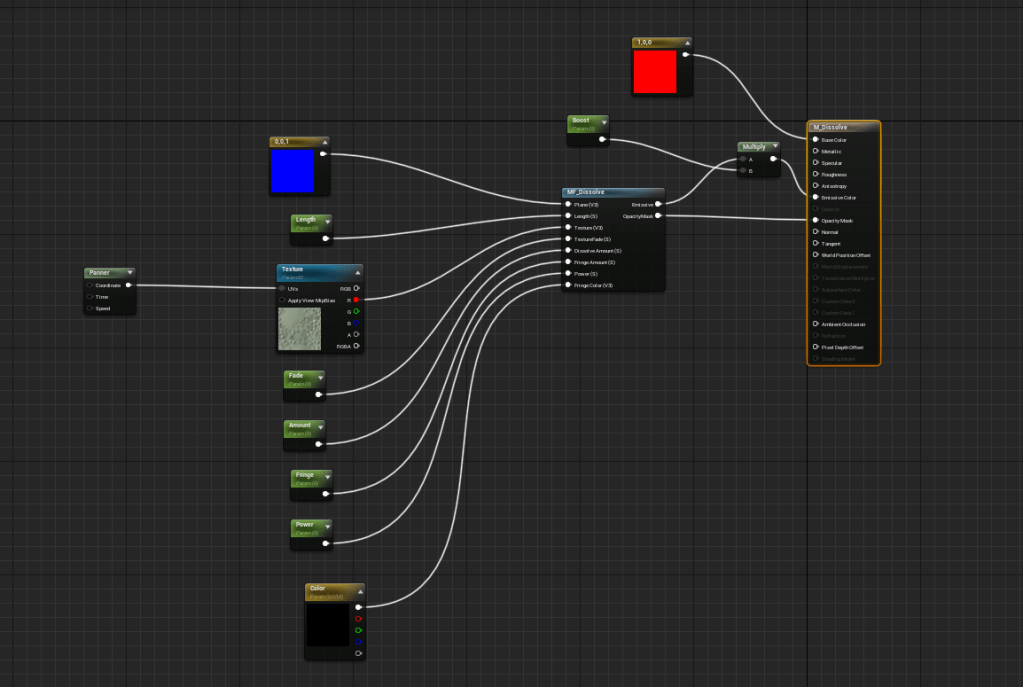
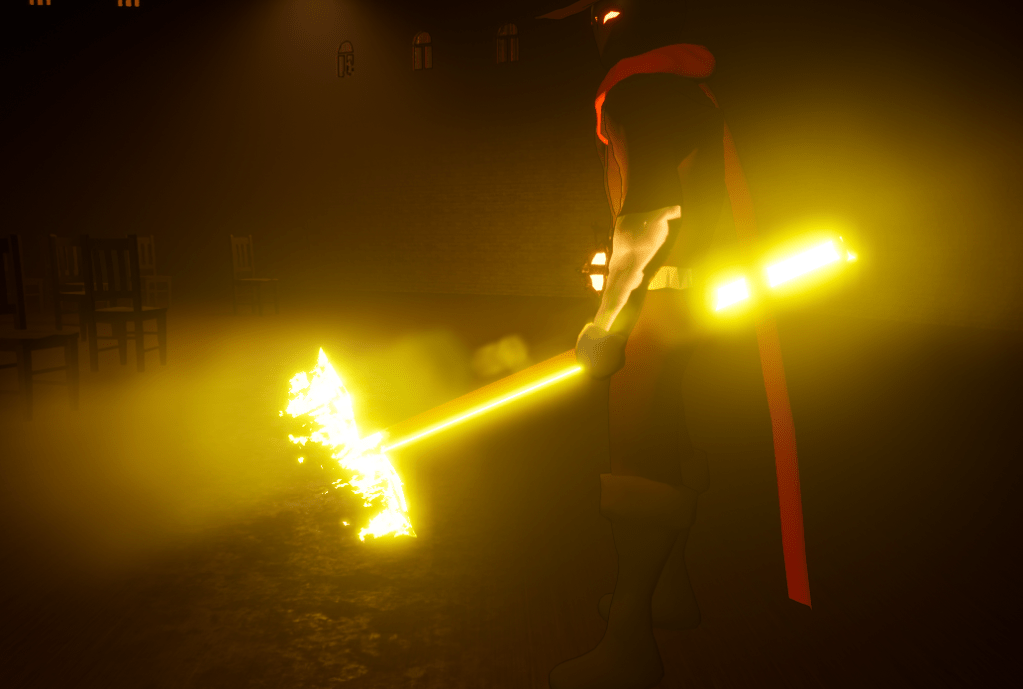
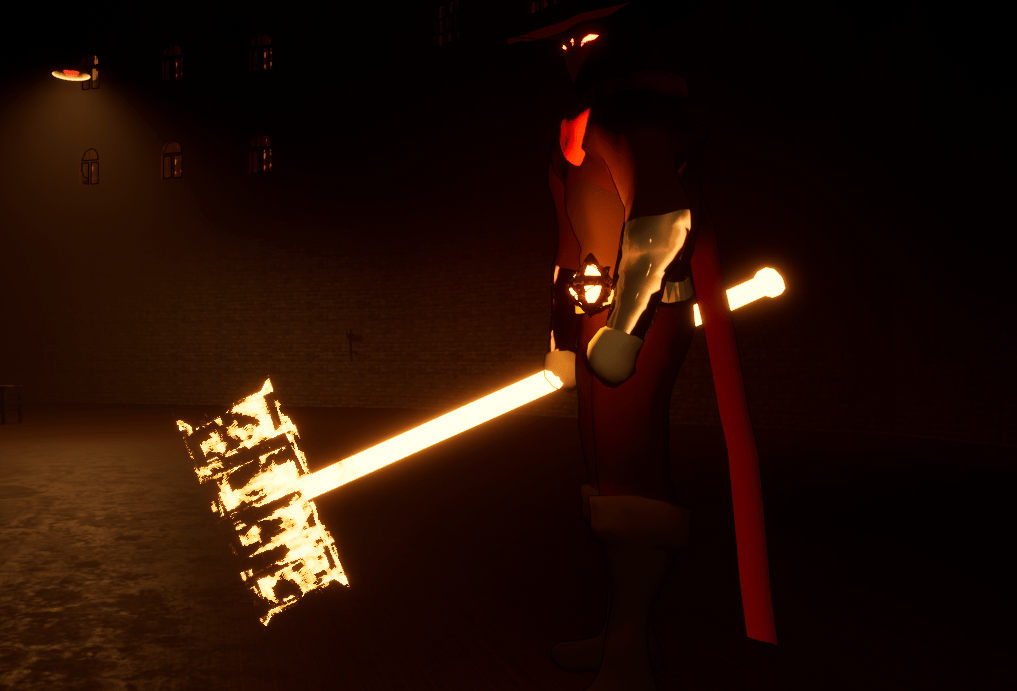
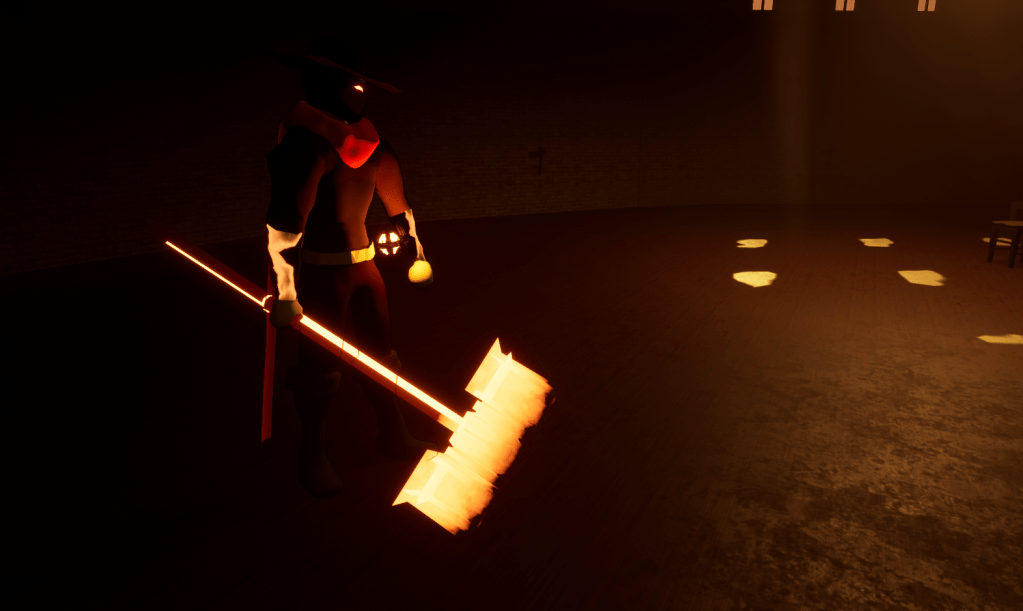
With that created I played around with the boss’ hammer since it was a clear big object that was great to manipulate. The special material effect made it come alive and even appear more menacing and dangerous. It was a rocky start trying to get the material settings working but once it clicked then I knew it was a good idea I learned about the possibilities. Having special effects for the light objects makes it appear more unique and powerful which is important since it is a huge part of the game. I then moved on to the player’s arsenal. The shield was easier because it is the biggest object made of light the character had. After more experimenting I landed on a setting that made the light have a wavy effect. I might change it if I don’t like it later on. I may change the mesh of the sword because the special effects don’t look that great on it.
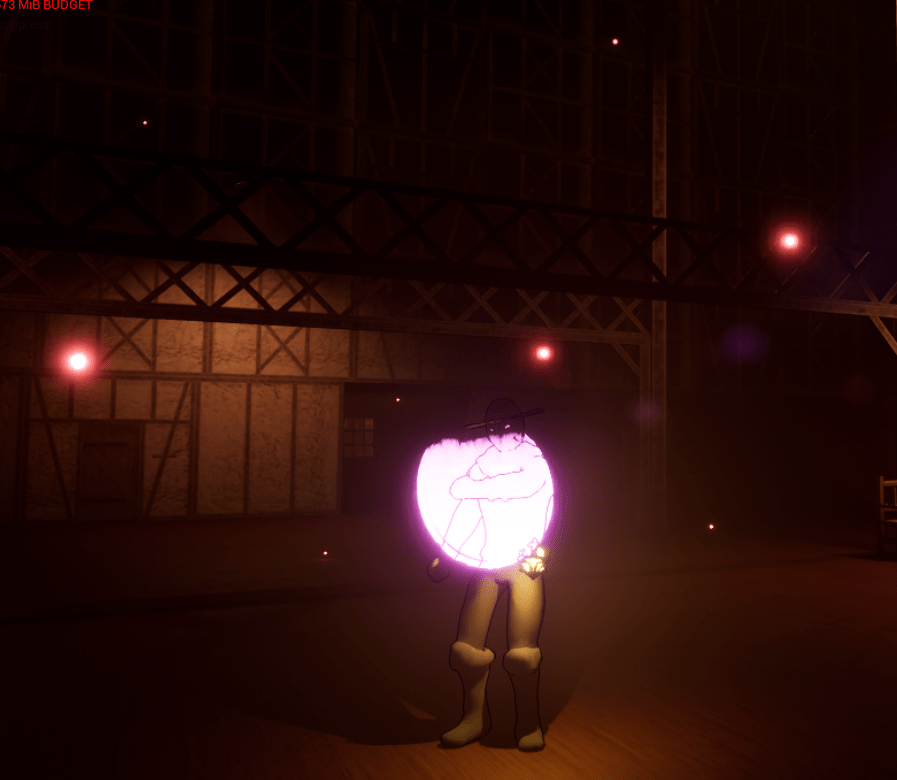
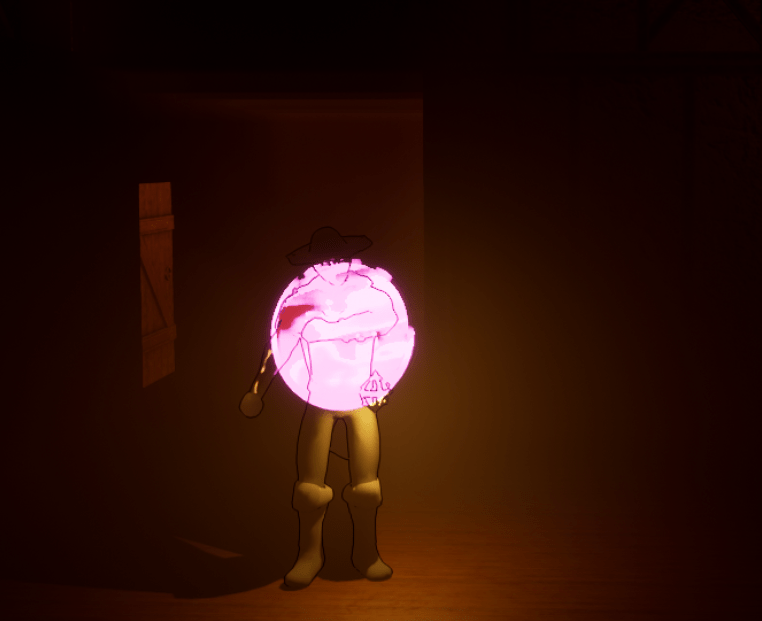
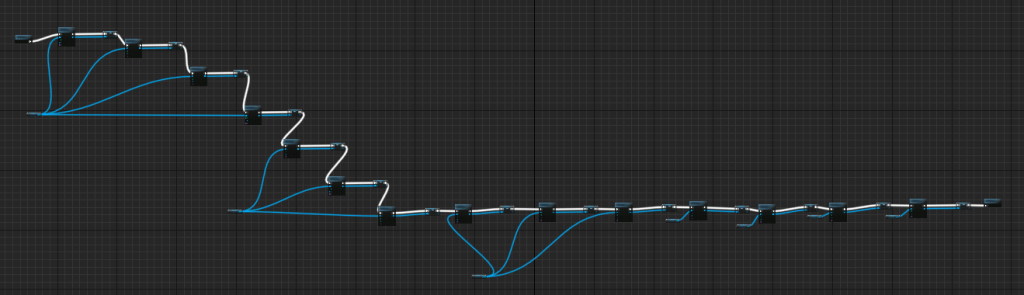
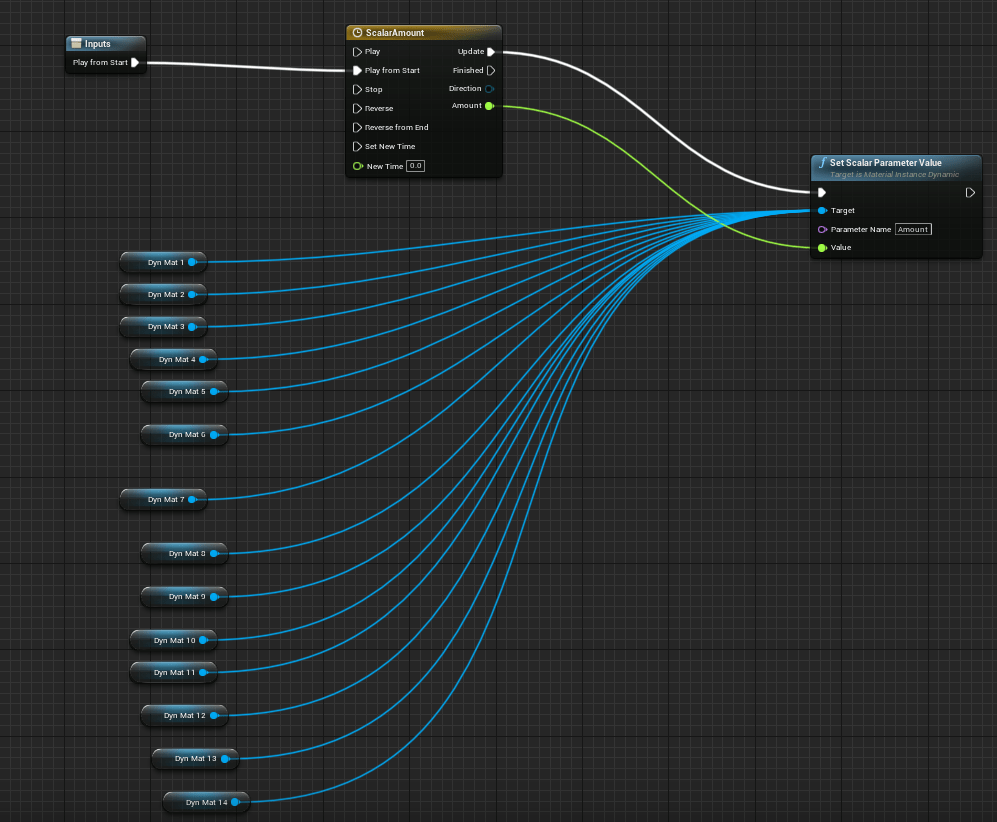
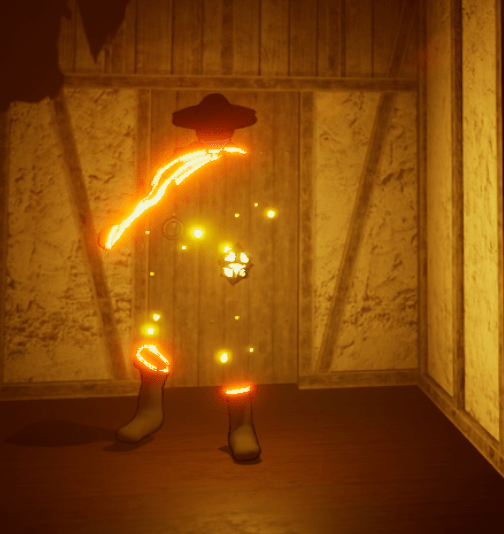
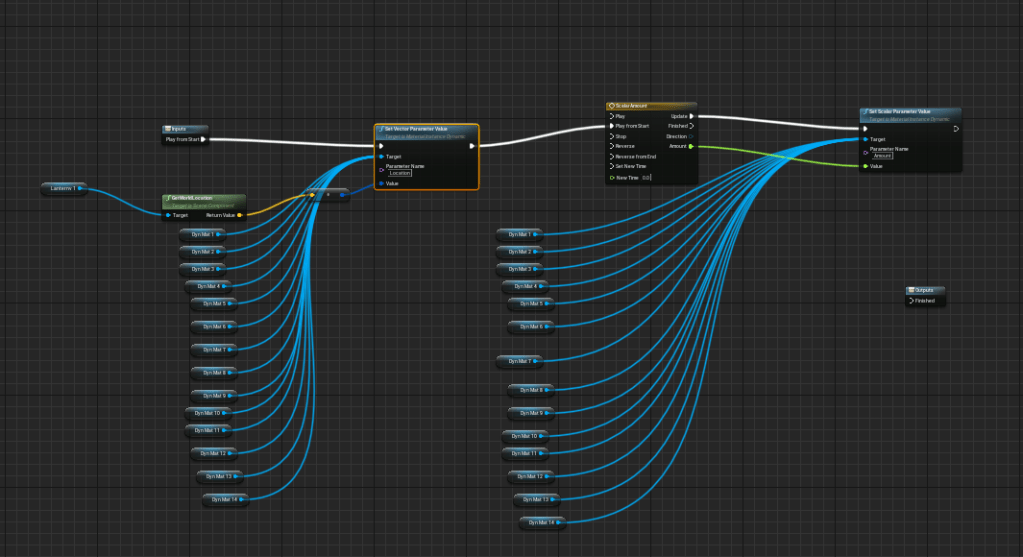
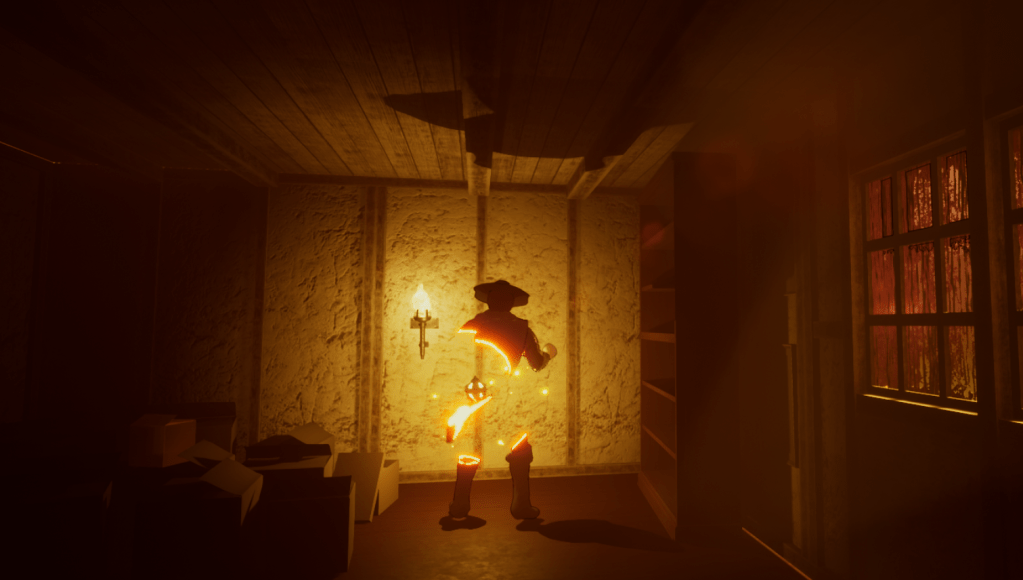
The final tutorial I did for the day was the more complicated one, so it’s good I worked my way up. It was a special effect that disintegrated a material in a specific direction. So it starts the special effect from a specific area. Basically it’s supposed to dissolve an object beginning at a specific point, but I wanted to use it so I could materialize through the lantern. It wasn’t a very long tutorial but I had to figure out where to plug in the variables which was troublesome because it didn’t work everywhere. And all I had to do was make the material work backwards instead of forwards. So I started from visible to invisible. An issue was that the player character’s model is made up of a lot of materials because that’s how I built it in Blender. Only way I could think of using the effect was making a dynamic material for each element, because it will only work if you assign it as a dynamic material instance it’s called. Doesn’t look great in blueprint but it looks great in game once I got it working.
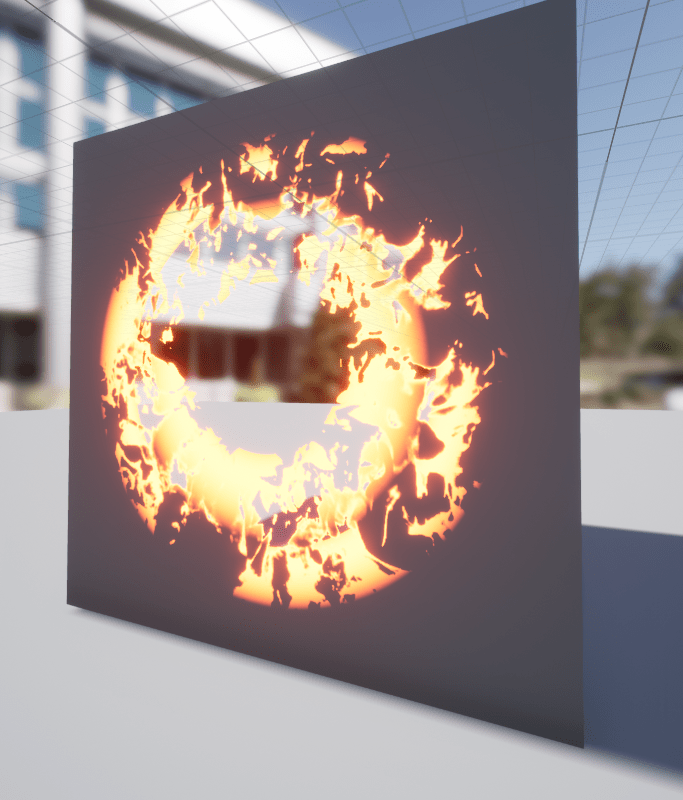
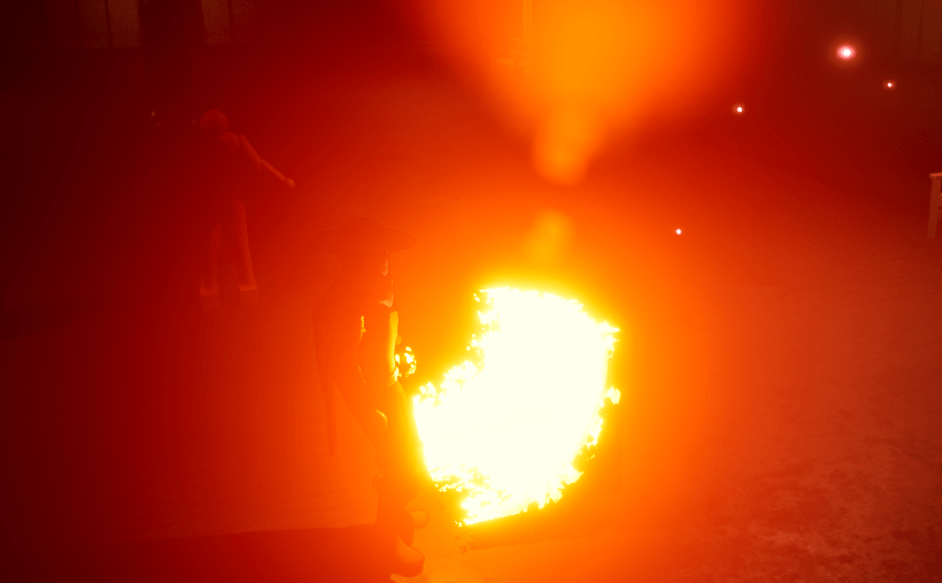
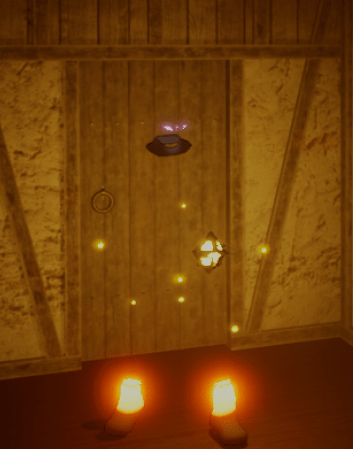
For the coming day I will continue playing around with the material effects. I think it could be applied to other objects or I will try to improve on the effects of the player. There’s still a lot of ways to play with it.
 GoldenGratus Games