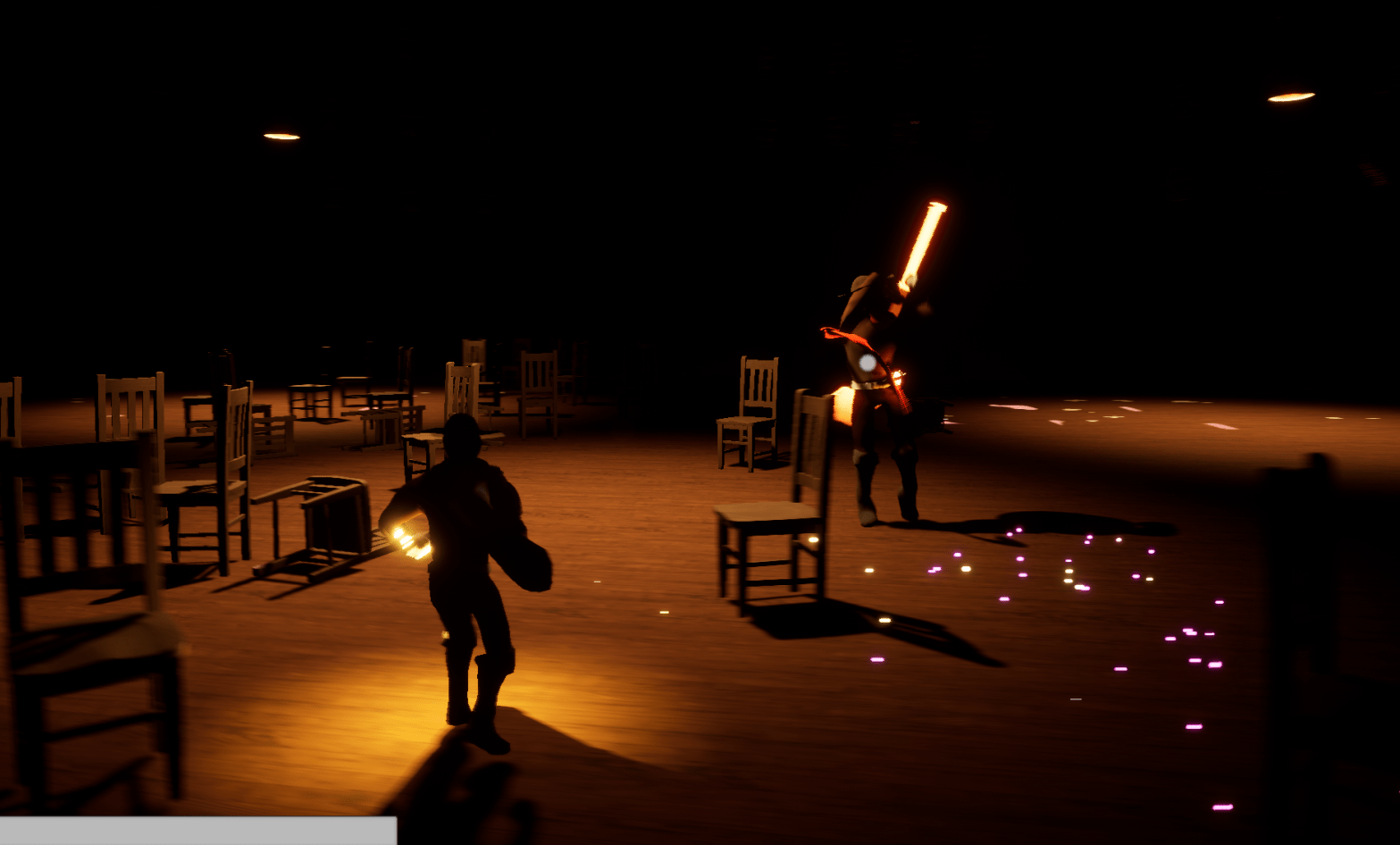
Thanks to another Zak Parrish lecture I learned how to more efficiently optimize the game. Other tutorials weren’t straight forward or basic for my simple mind. I learned how expensive lights were and I learned how expensive fog was. Expensive in terms of cost of performance on the GPU. Basically I learned how to use profilers for the GPU and CPU to see what was taking up the most time to calculate. For a scene to look especially dramatic I hurriedly added lots of cool lights and fog to especially highlight the lantern. While it is very nice, I didn’t consider how it was not optimal. I want the game to look nice but I want it to run smoothly too.
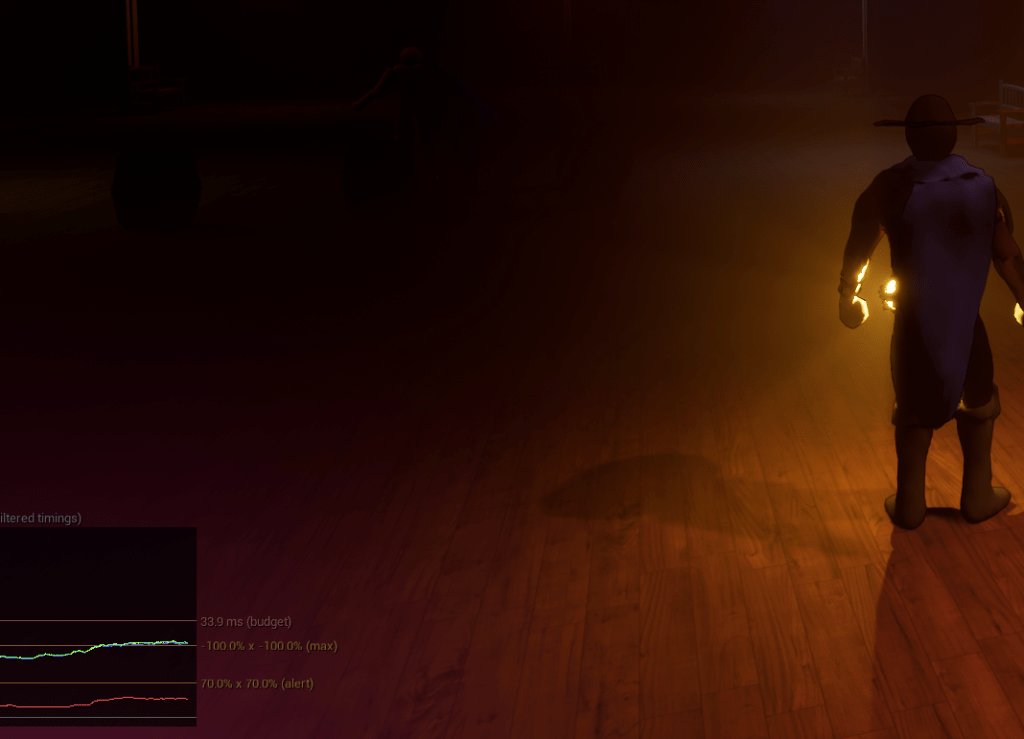
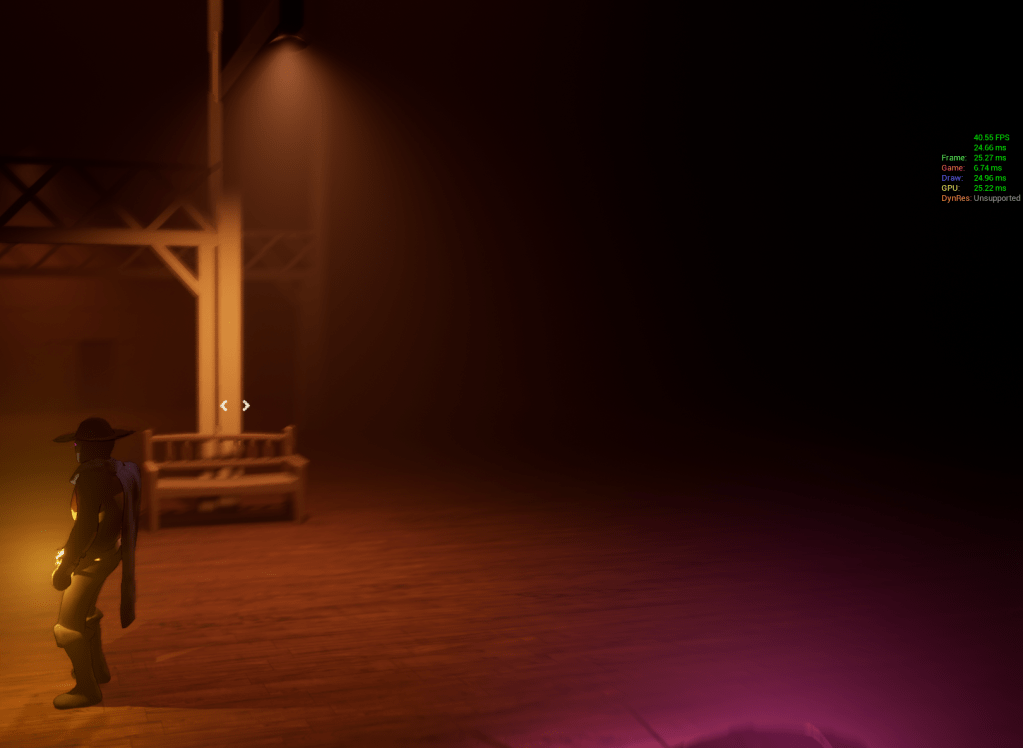
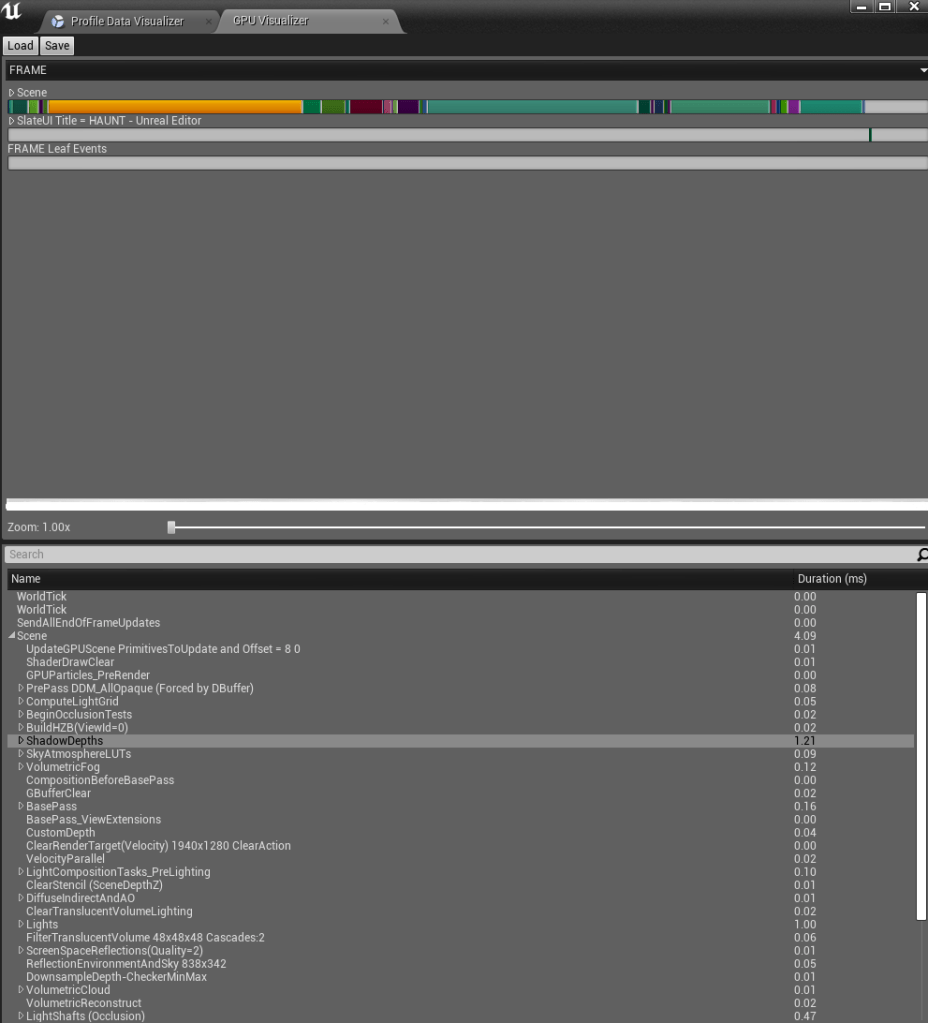
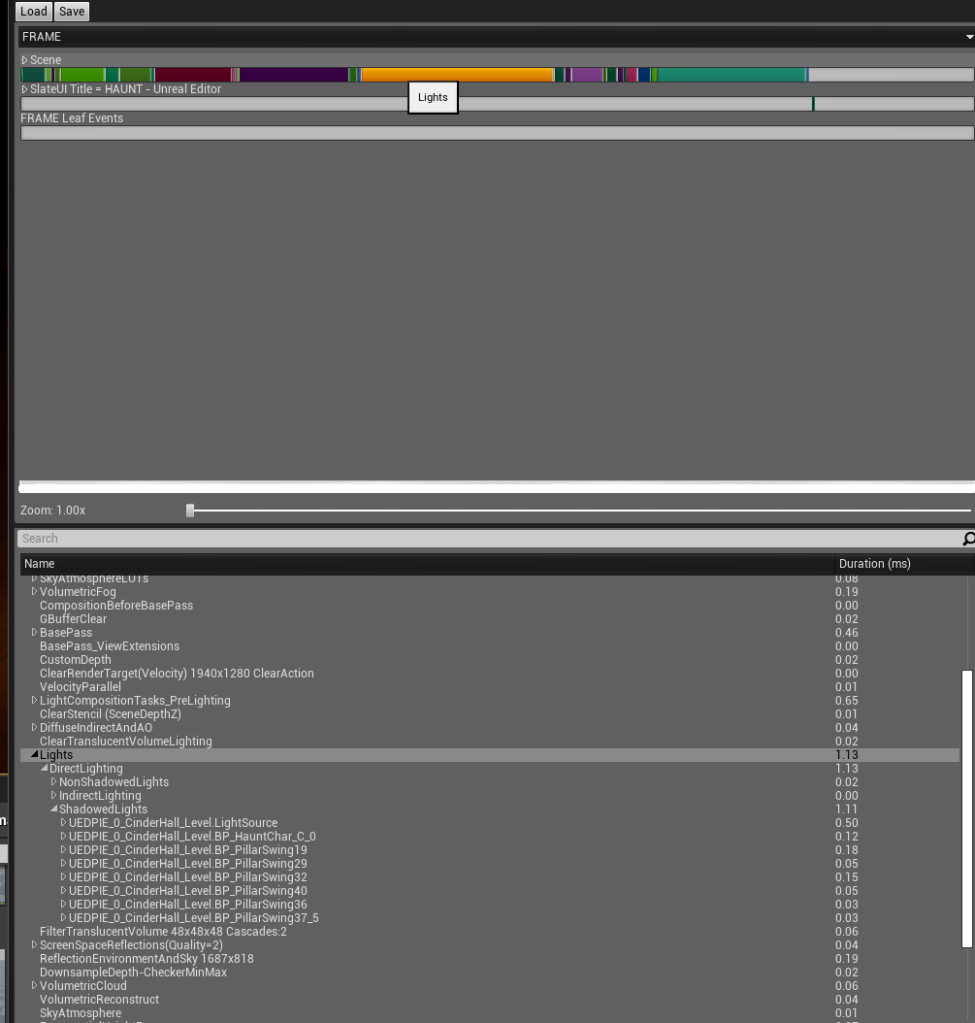
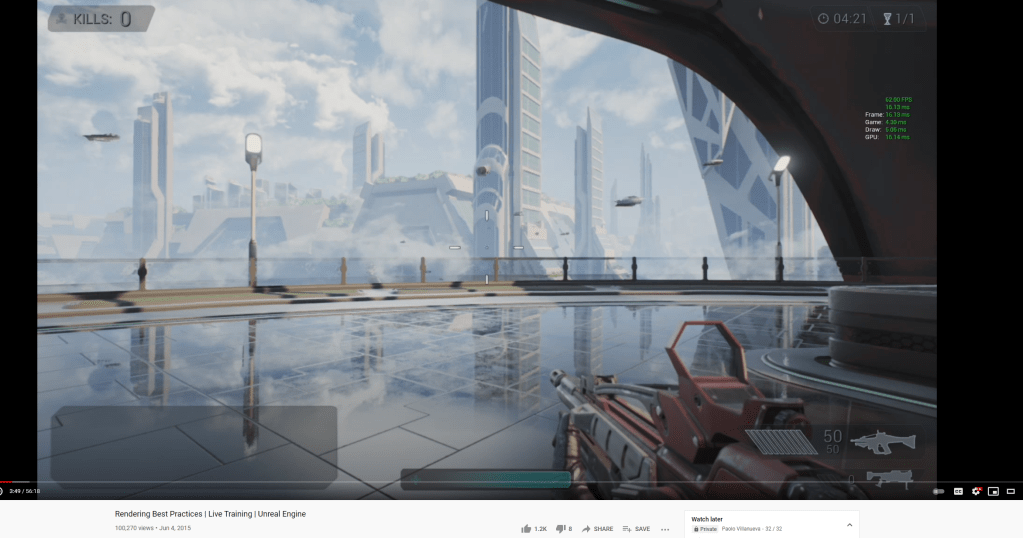
There were commands so I could see in ms how long it took for each frame to process. I focused on the GPU first since it was easier and faster to cut down on. I removed the fog for now, I think there are cheap alternatives that I will try to find later on. And I took out a lot of lights from the scene. A lot of this is dependent on my hardware as well. My desktop is not a potato but it isn’t the latest specs so it’s somewhere in the middle. I want to make sure the game is accessible in terms of the system too. I just need to think smarter about how to use the lights and other costly procedures.
Since I have been working on the appearance of the game I realized that I needed to simply the textures too. I began replacing the walls with flat colors, later I will eventually find stylized textures. I wanted it to match the player character’s look since the character model has flat colors and not very realistic materials. The game world or level should coincide as well.
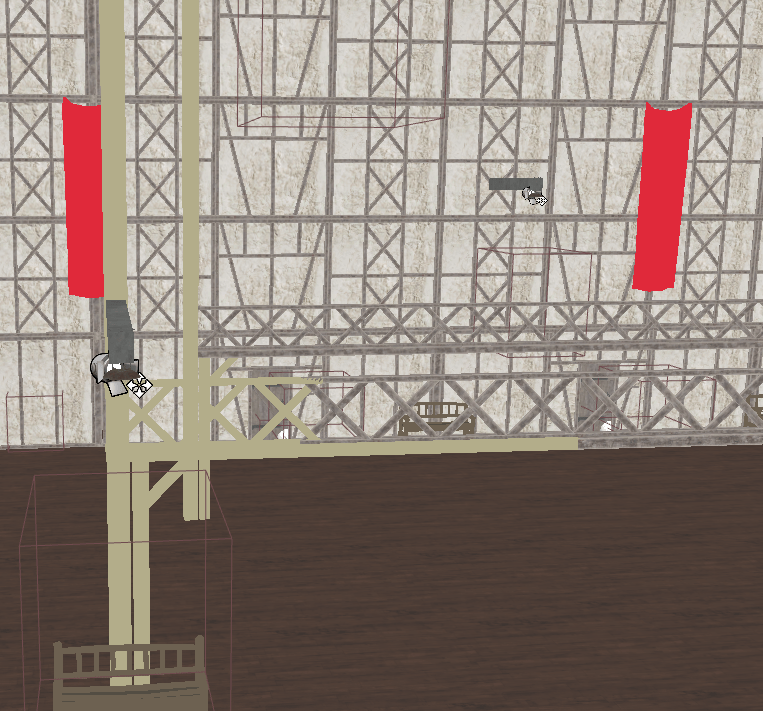
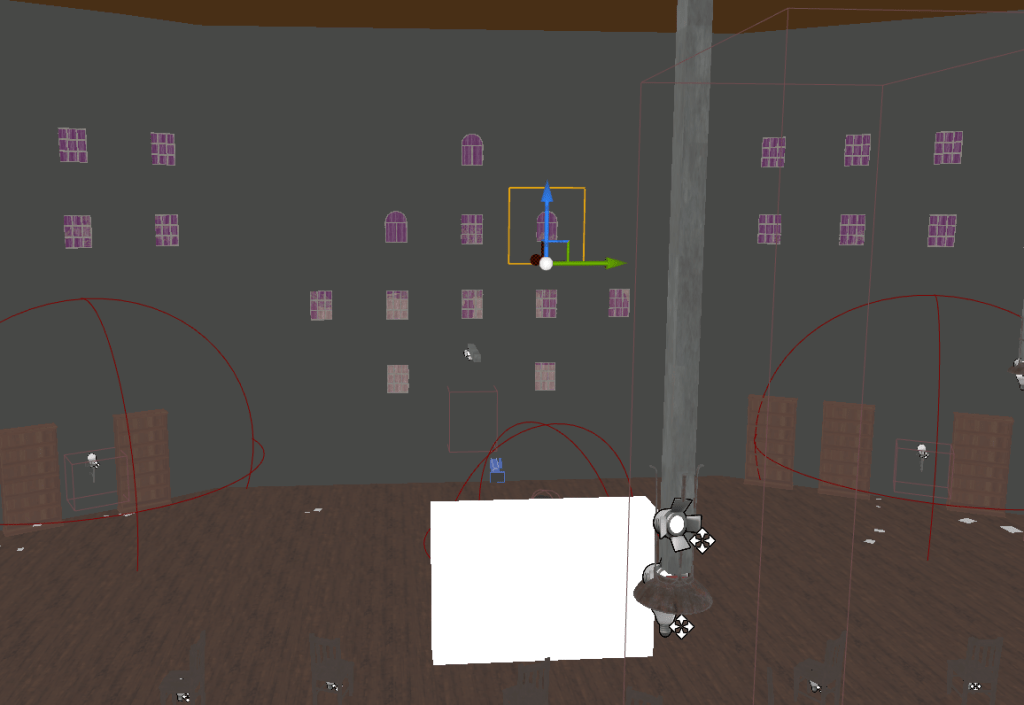
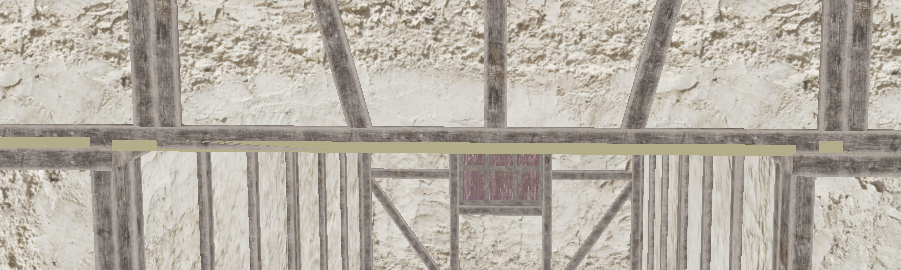
I’ll continue to optimize tomorrow looking again into the gpu costs then more in-depth into the cpu costs. For the level I still have a lot of textures and materials to replace so I can simply the look. This way it also is starting to have a more centralized art style and I can use simpler models too.
 GoldenGratus Games