
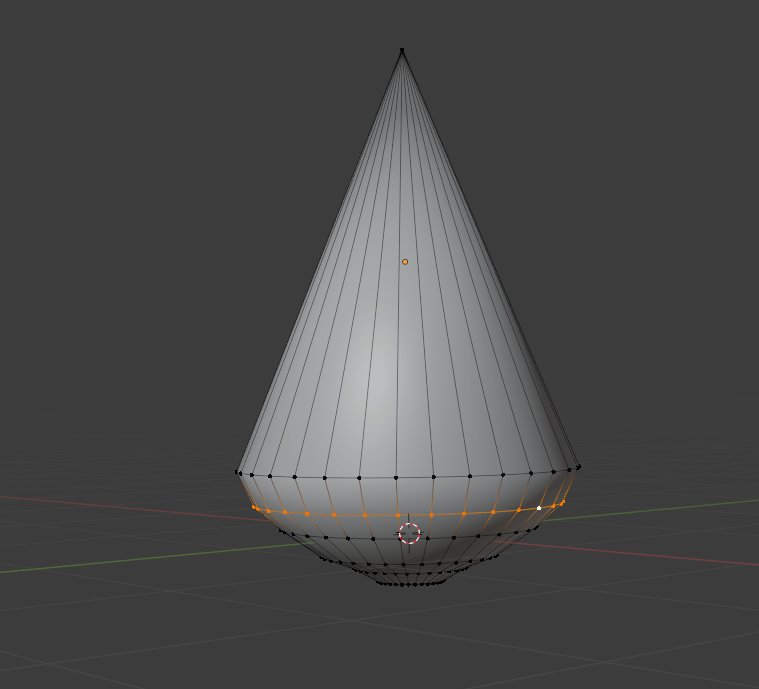
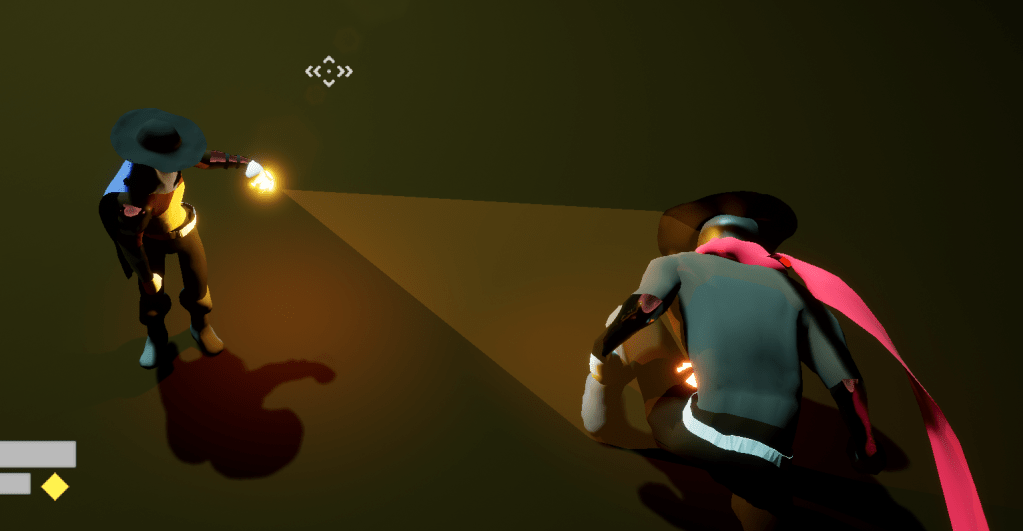
Spent some time thinking about how I wanting the lantern to have a clear vivid light since I began development of the game. With the fog on it was clear where the light was because it “drew” the fog around it. But since the fog was expensive on the game I took it out so I was back to having a cone that was unclear because it was made purely of light. I tried out using a literal cone shape and adding it to the end of the lantern. I gave it a clear slightly emissive material so it simulated a cone of light. It worked well except the end of it was very flat because of course it was a cone. With it being a cone of light the end should be slightly round to make it look better. I turned on Blender which I hadn’t since in awhile and I had to hotwire my brain to remember the controls again but I slowly got the grove back and I made a decent enough cone with a round end.


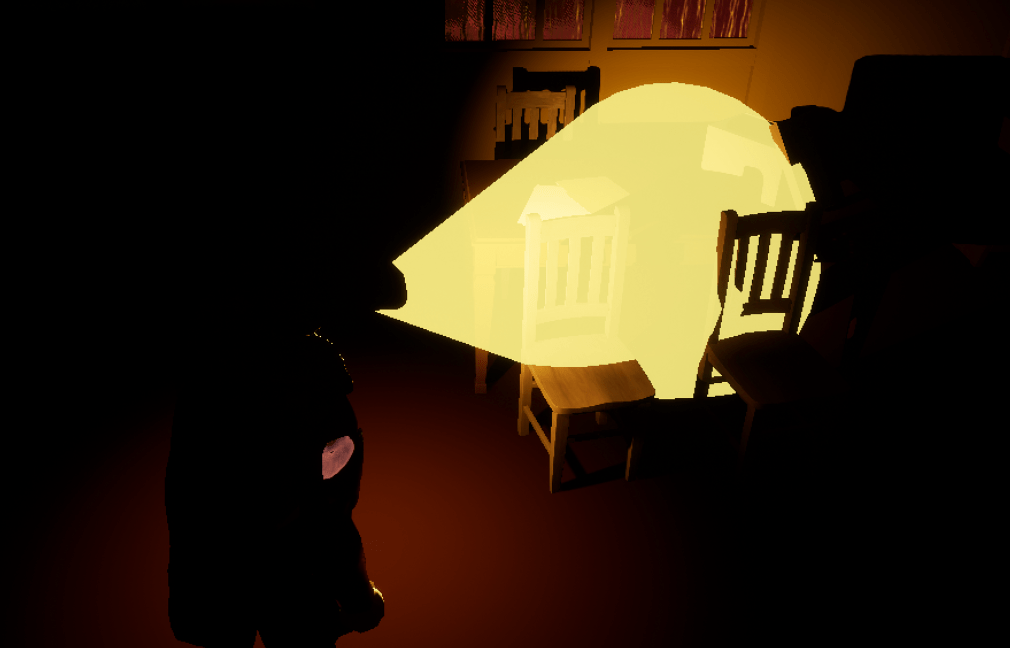
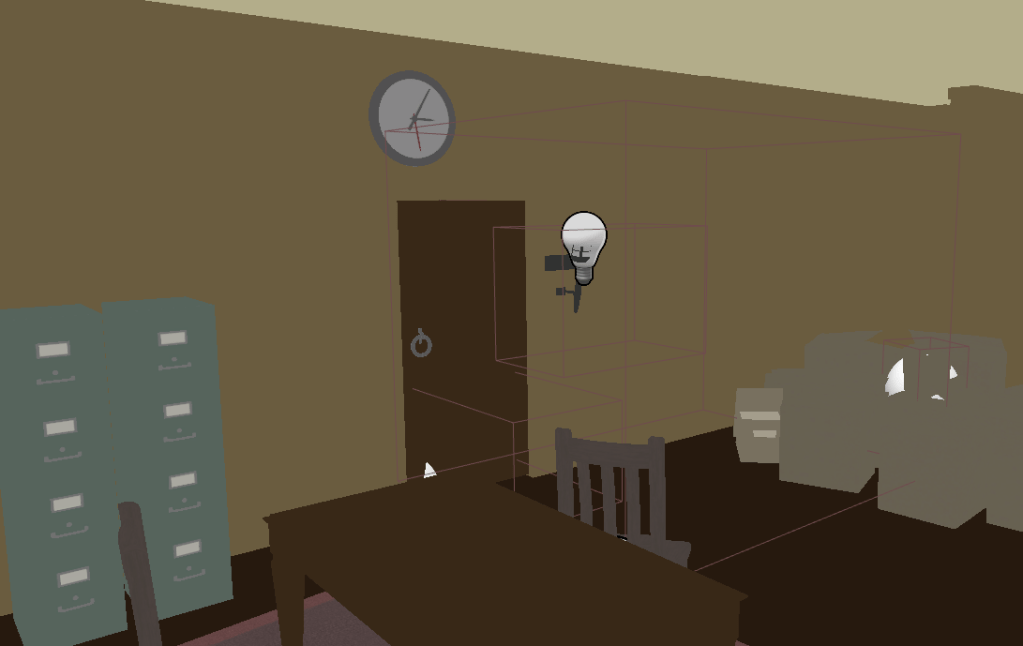
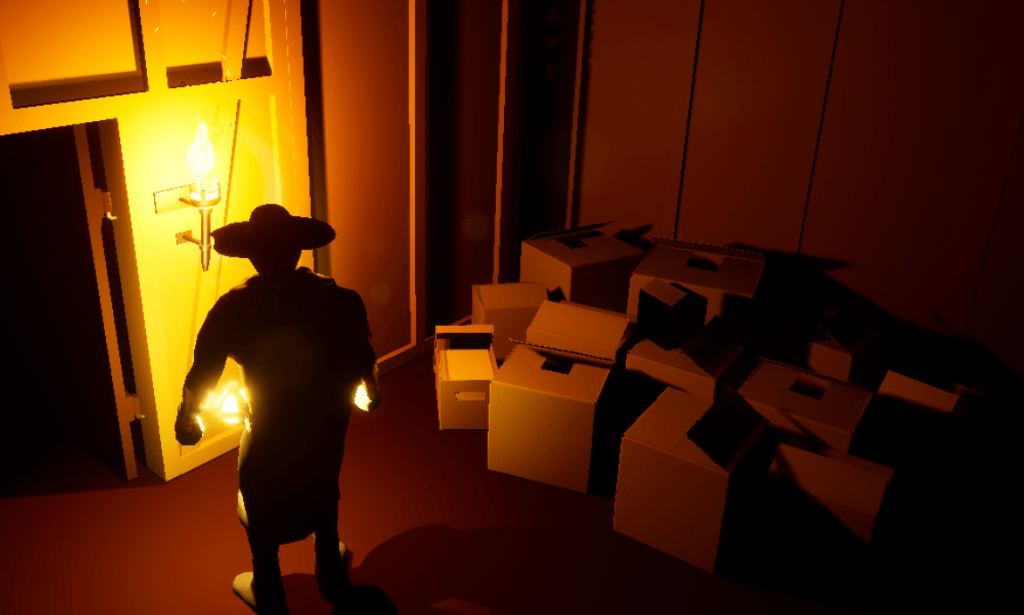
I played around with the material settings and made it a bit more translucent and less bright so it wouldn’t be too obnoxious while still being clear. It turned out the way I liked it, a clear vivid shape without costing much but a new shape attached to the lantern which I merely switch the visibility on and off. I then made sure that the inspect-able items showed whether you could interact with them. It does make it easier to find them, but I was worried that some people wouldn’t be able to see the blue light especially on smaller items. At least you still have to look for them around the rooms. I fixed the lights around the stage making them a little brighter or have a different color. The torches in the rooms were useless at lighting up the room so I made sure they did a better job without being too bright. Which means I moved them to the center wall and increased their intensity when switched on.


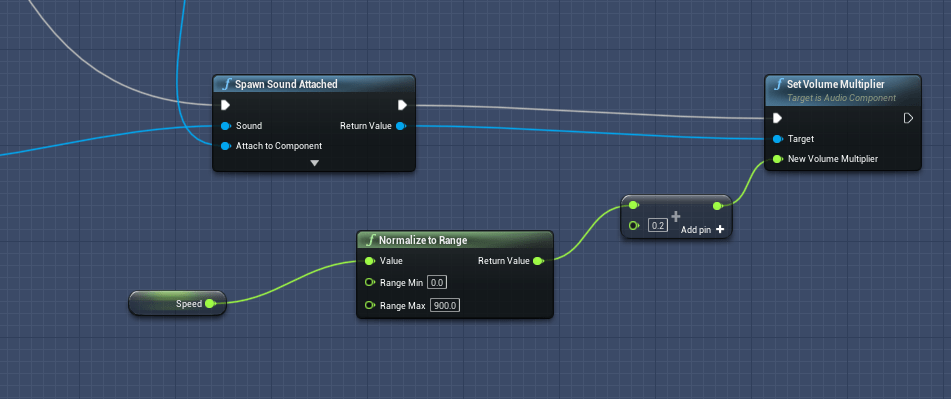
Lastly I fought the boss a few times. It isn’t too hard or too easy. Well, it is especially easy when you know it’s weakness. And with a controller the gameplay is mostly the same which is a good sign. I fixed a bug with the doors and the player’s HUD since it would try to show the interact text when spawning. And I adjusted the footstep sounds of the player character because at slow walking speeds you couldn’t hear anything even if the character was moving. It was very clear with the controller because with the analog stick you can make the character move extra slow. The sound was attached to the speed but at low speeds it could register a value so low you could barely hear it so I made sure to always add a small amount, enough that it made an audible noise.

The tutorial messages are still on my to do list but naturally it will be harder than I thought. I want to be able to show the different keys depending on the input and because the controls are subject to change. For example “Left Click” to attack or if they are using a controller it will be “right shoulder button” to attack. Then if they change the controls in the options it could always say something different. So, I have to figure out how to create logic for that before I can add a proper tutorial.
 GoldenGratus Games