
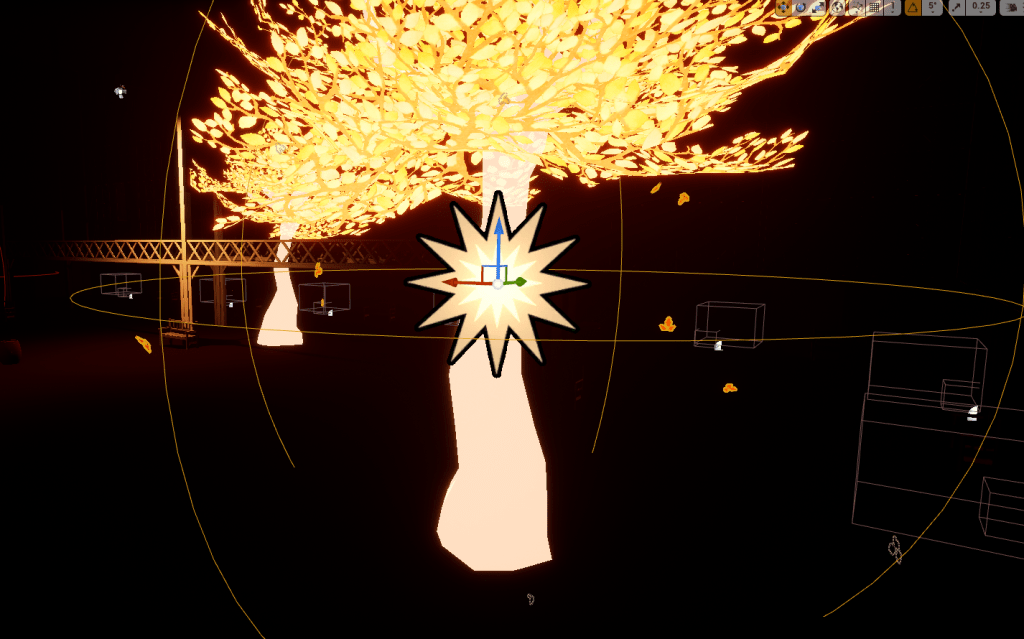
Threw on some glowing falling leaves on the trees because I think it looks very cool. It really helps with the aesthetic of the area and it doesn’t seem to have any crazy cost on the performance. I’ve had these free particles for awhile and I just had to go through all the types of leaves and find the right one. I edited the material slightly to my needs to make the leaves glow especially then placed it carefully on each tree and voila visually pleasing.


After some quick luminescent gardening I couldn’t push myself to work on other things so I took some time to go down my watch later list and I found another lecture of optimization that Zak Parrish spoke at and it went over most of what I knew and so I moved on to another lecture by some indie artists that made Astroneer, Moss, and Creature in the well. Very lovely and stylistic looking games. Watching them talk was inspiring and also intimidating. It was nice to recognize a lot of what they were talking about in terms of content and what to work on. But to hear they are made of a team of people that’s what worries me. I am one person and perhaps I am way in over my head here. I suppose I will just keep running until I truly can’t anymore. They spoke a lot about the pressure of time and having a release date. All of it showed how much they just love and have fun making games. And now I am entering or at least trying to get into that world of development.


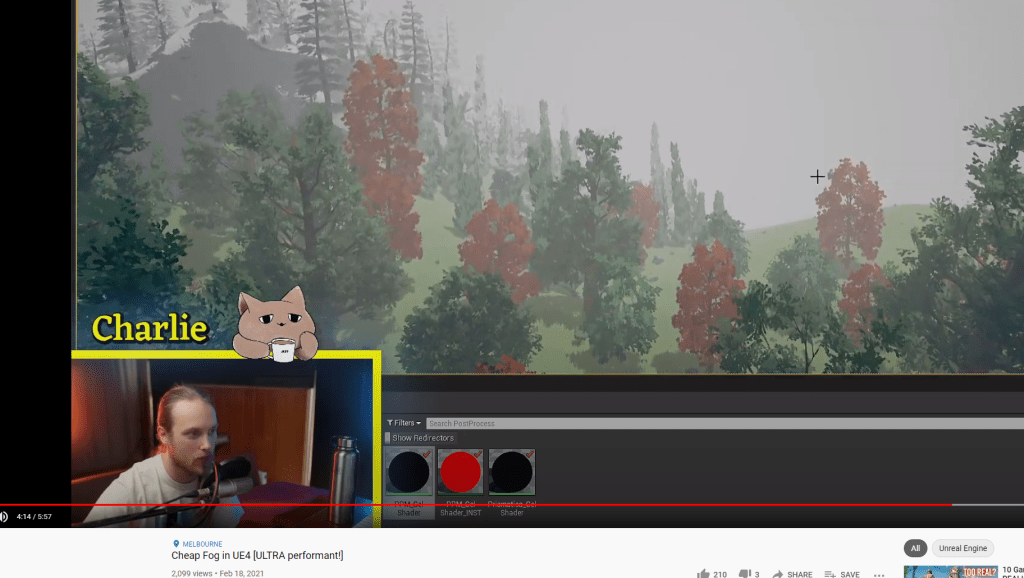
Went back to my game and thought about the fog and how it really helped with the atmosphere but the normal fog in the game ate up a lot of the performance. I recalled I had seen a video on “cheap and perfomant” fog. So I checked it out and followed the very quick tutorial to put it together. It was incredibly easy and cheap. Basically it is a post-process material that creates a fade within a certain distance, a fog that isn’t costly and still looks great. I played around with the values of distance and color until I found the right one and it fits great. The fog also helped with the problem of some areas being too dark, now it draws certain objects more clearly thanks to the coloring.


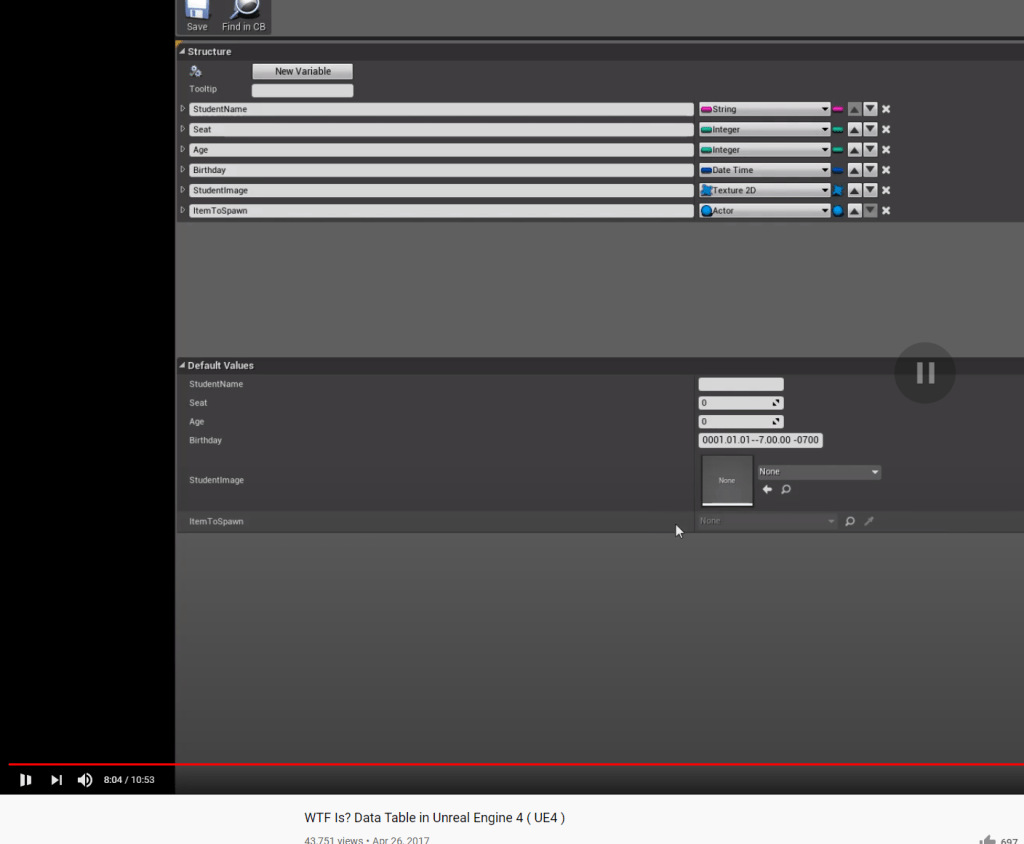
Lastly I went back to figuring out how to link key inputs to images, i.e. LeftMouseButton: {image}. So that if the player ever changes controls it will appear there. Maybe I am making it too hard on myself because there are so many possible keys/inputs. I will cut down and simplify when I have to. I learned about data tables and how they hold structures which are basically data that you can tie several different variables with values to. So I can tie an image to a specific input. Further experimentation is needed then I think I’ll have a better grasp of what it is I need to do for the tutorial messages.

 GoldenGratus Games