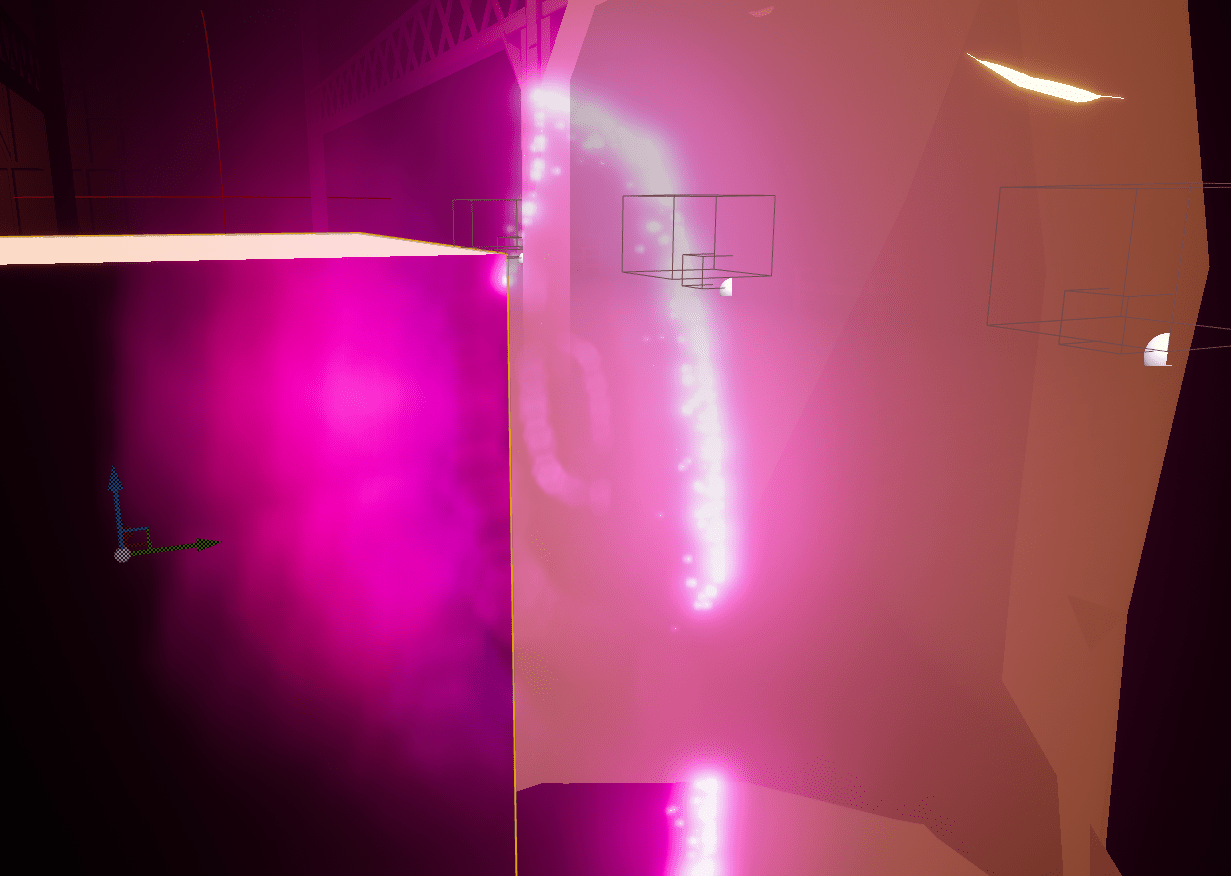
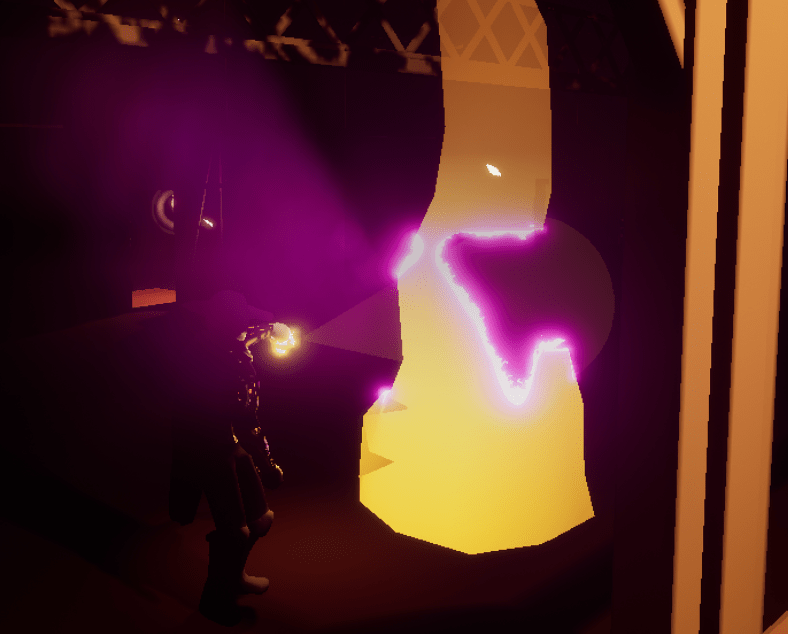
I fixed a few things before I proceeded to figuring out how to add the footprints/footsteps that I wanted. The light was strange for the outline of the tree when it was reacting to the lantern, it looked a bit too similar to Christmas lights so I was able to fix it by toning down how bright the color of the light was. It now has a better shape and looks more interesting. Since it uses a flame texture it moves as if it is on fire. I also adjusted the size of the boss, making him a bit smaller because his height created a problem where some of his attacks were too high to hit the player. He’s still a slightly larger than the player but not as big as before.
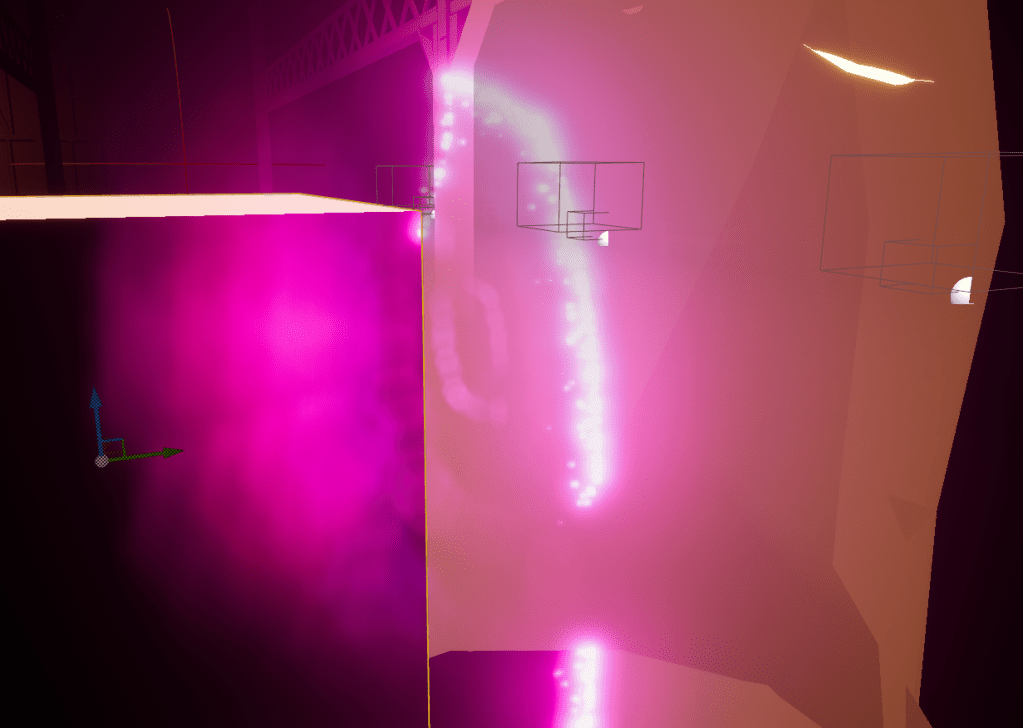
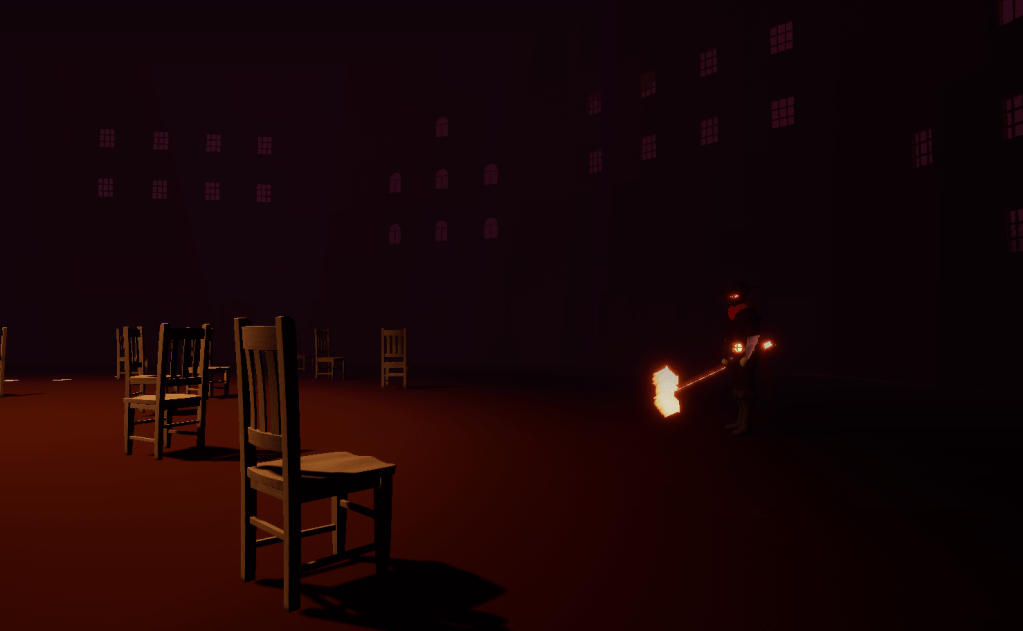
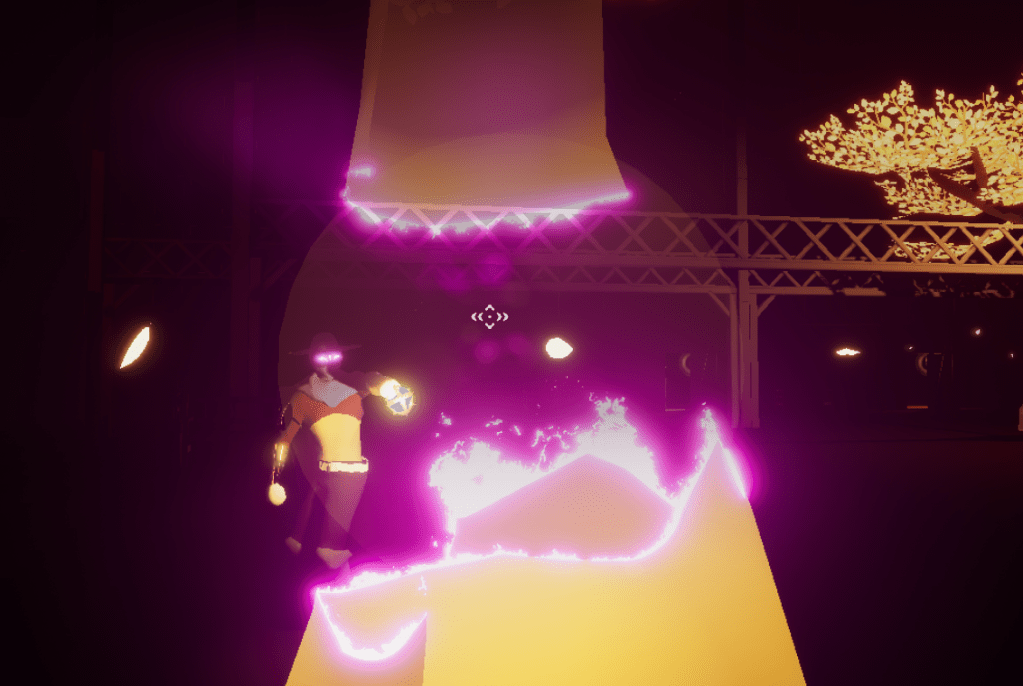
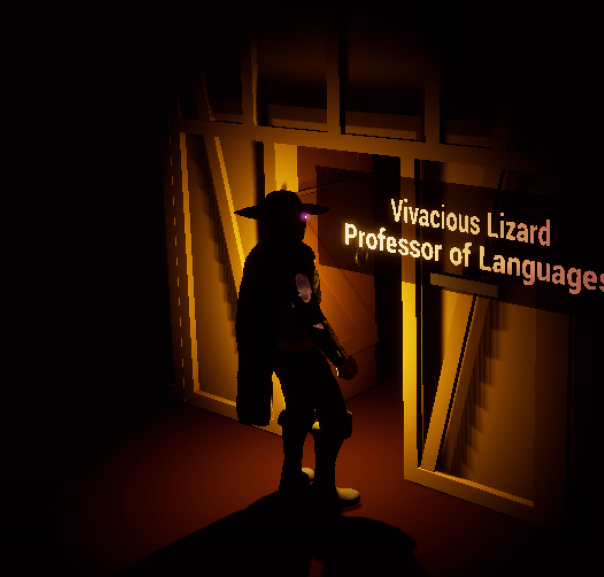
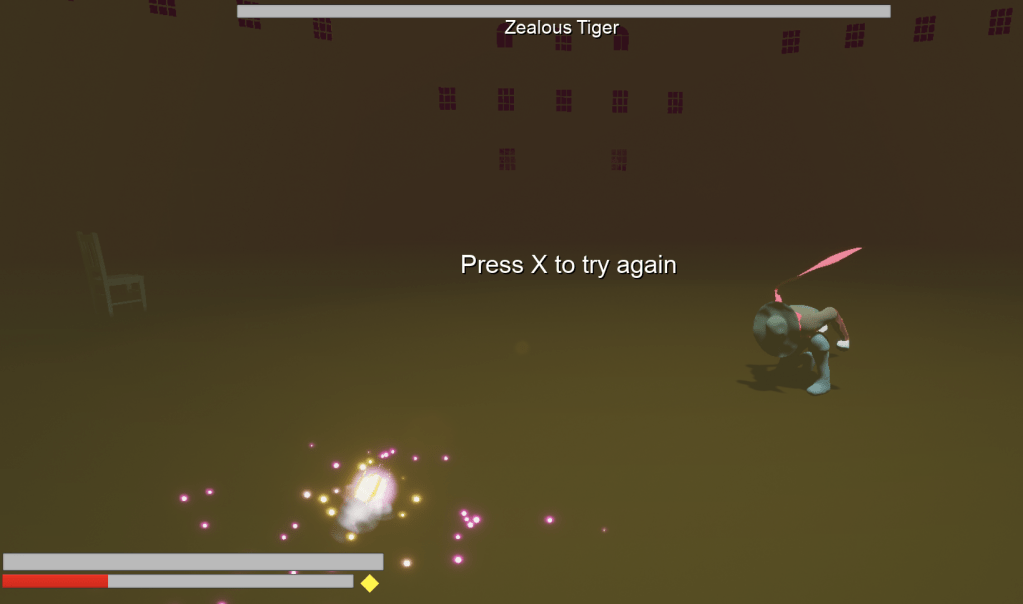
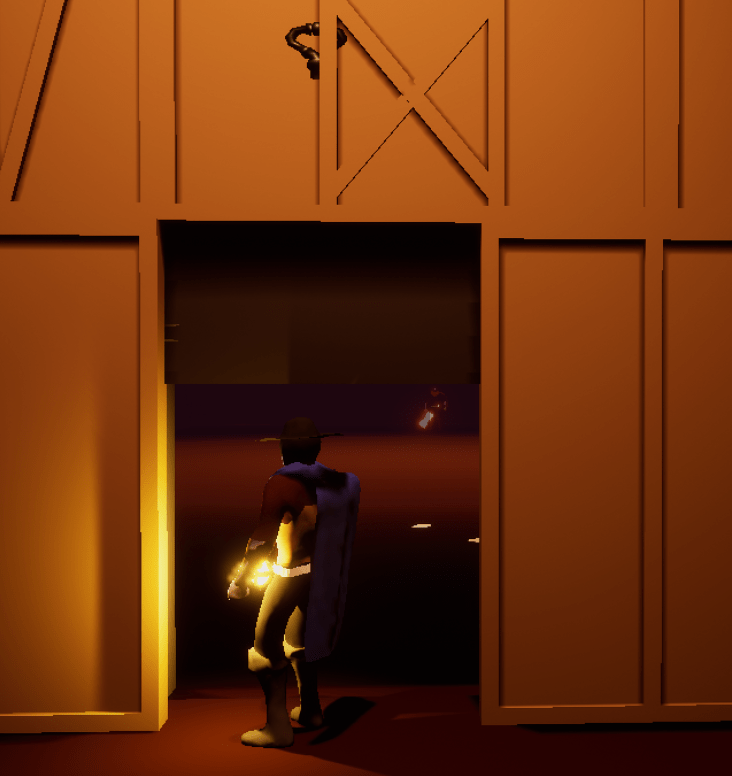
I spent a lot of the weekend thinking about doors and how problematic they are because of how they can block the camera and player and if they don’t, it doesn’t feel like a real door. A lot of the issues could be fixed if the door opened in a way that wasn’t facing the player. So I flipped the angle to which the small doors opened so it opens away from the player. For the big door I instead made it slide upwards, because there were issues with rotating it. At least with this there seems to be no problems with the boss door. I also encountered a possible issue or maybe feature I could include, it’s possible to beat the boss and still die. Since he launches projectiles it could still be in the air even after he goes down and kill the player. Which would result in a defeat even if the boss has no more life. I have to think about if I want to keep this as a mechanic or not.
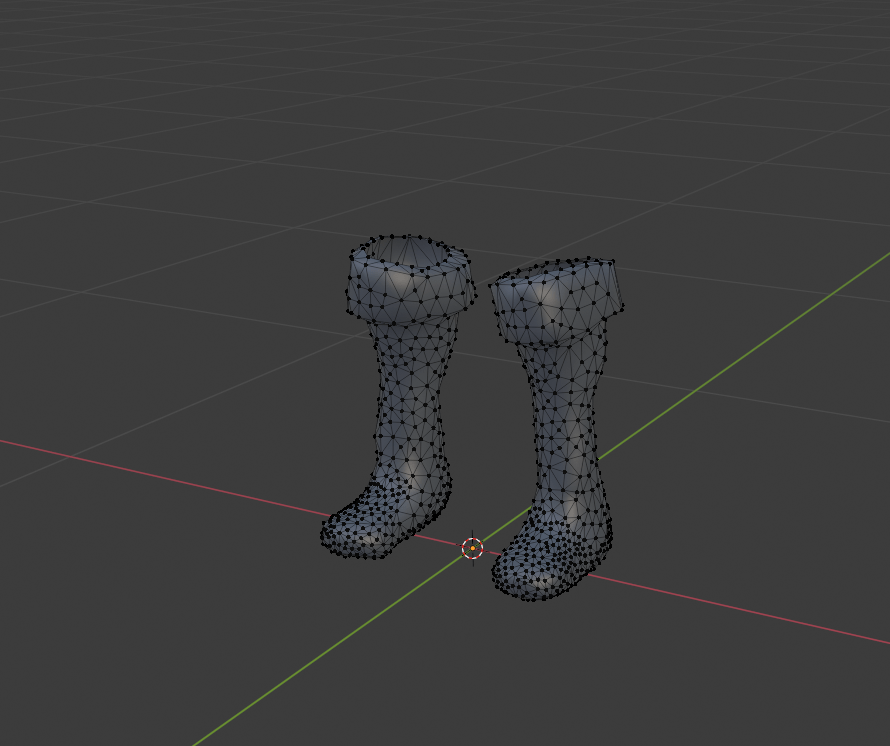
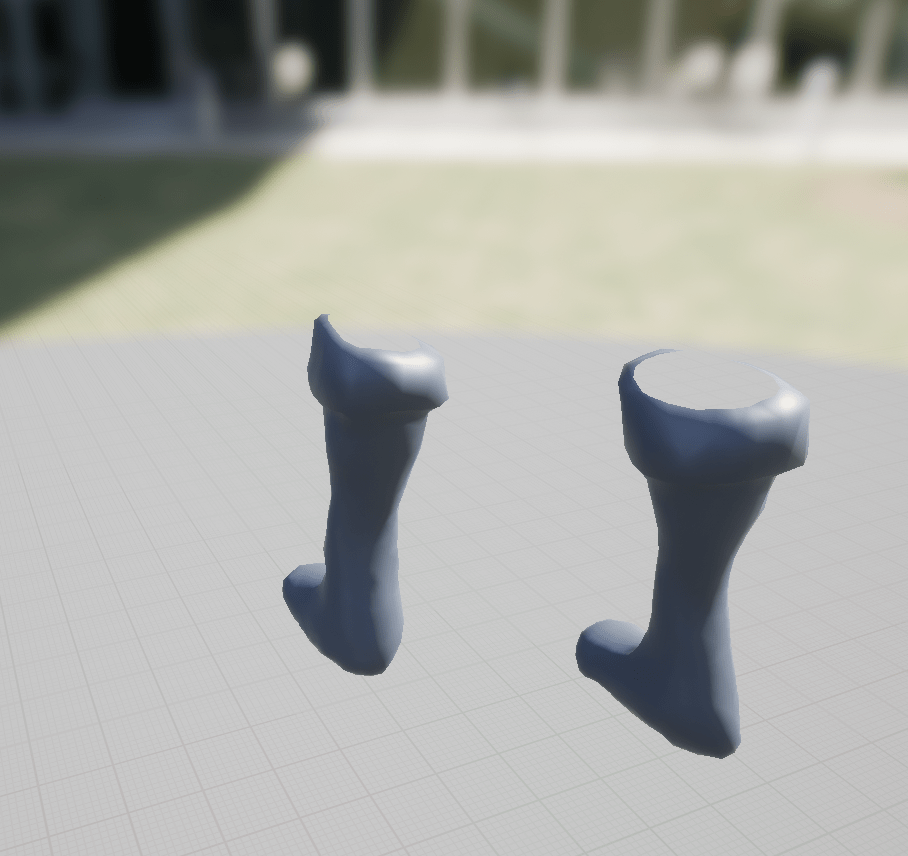
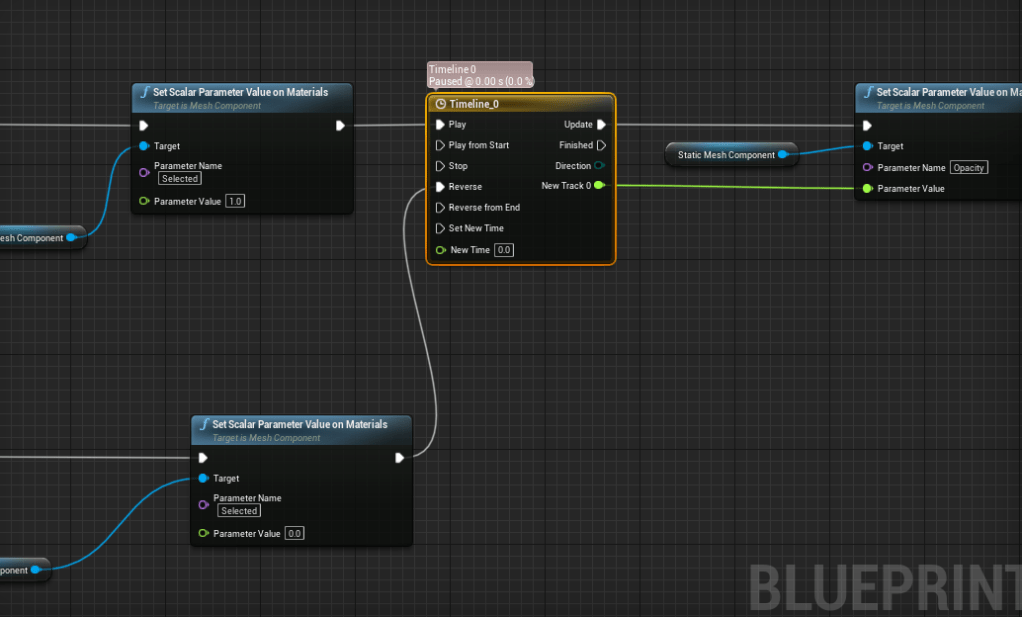
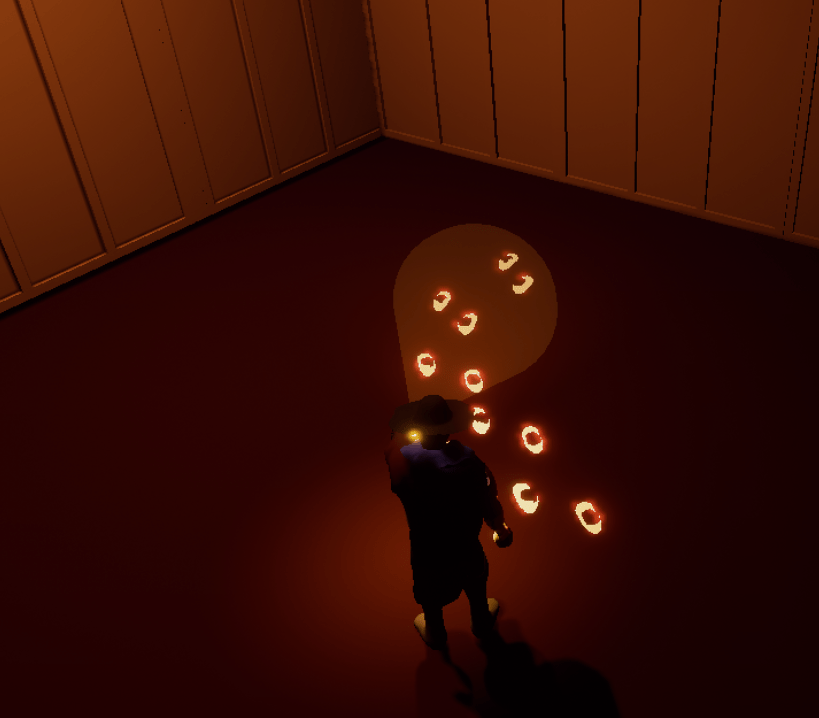
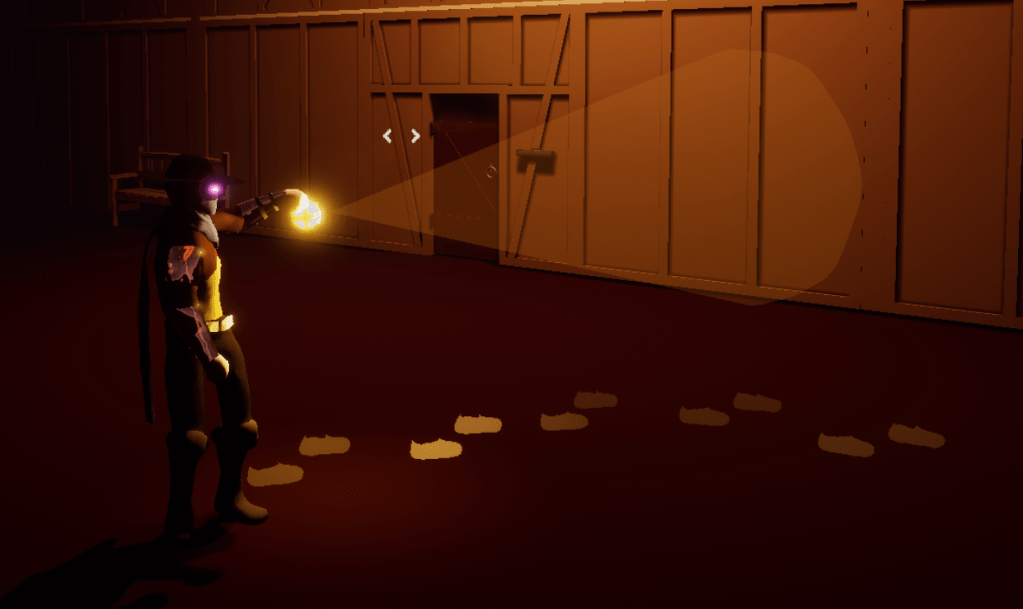
For the footsteps it was tricky to figure out how I wanted it to look in the world. I thought about using a flat texture/image but I realized that wouldn’t be so easy to spot or look as clear in-game. Instead I opened my model and took everything out but the boot then down to just the feet portion. I adjusted it so it looked as if it was walking. After playing around with several materials and their settings I used what I had for the inspect-able objects and made a new custom material that had opacity as well. This way the “print” will get highlighted and appear visible as well. When it is outside the range of the lantern or player then it will slowly fade. It was exactly what I was hoping for. It is very simple but works elegantly. As if you are really tracking footsteps. All I have to do is set it up in the level and add several to look like a trail.
I’ve put it off for long enough and tomorrow I will start working on the tutorial messages. At least writing it out as clearly and concisely as possible to communicate the important mechanics of the game.
 GoldenGratus Games