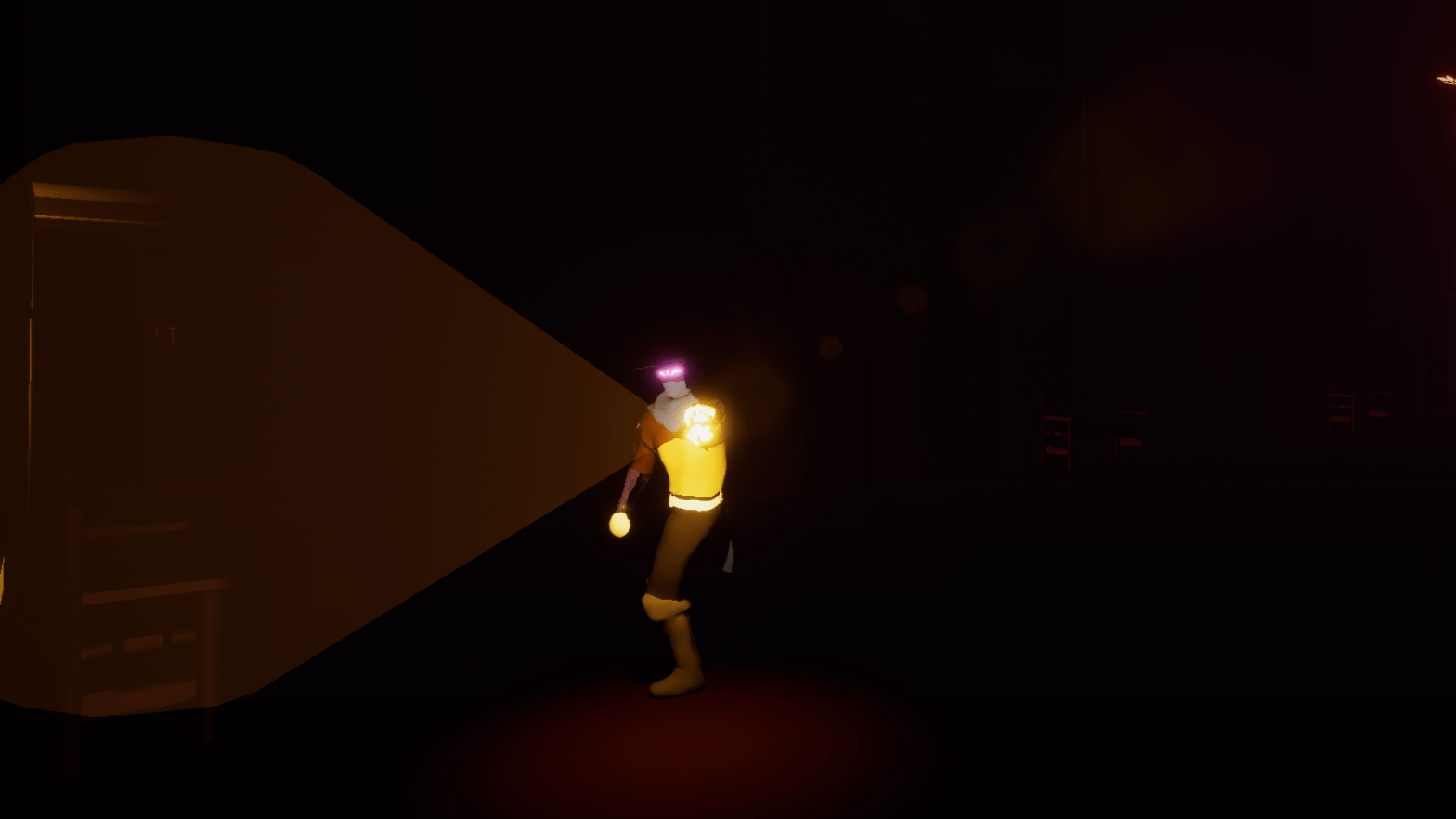
After a lot of time and effort spent avoiding adding some tutorial messages I finally got around to it. I made a simple widget, copying off the logic I used for the widget for the items. I played around with the several settings to figure out how to change the image on the fly so I could use different images based on the tutorial. My issue will probably be with the controls to display, if I make the inputs changeable I need to figure out a way to grab the name or image of those controls in order to change the tutorial. I will also have to figure out if a better flow to the tutorial. For now I have it set as an invisible collision in the world that will always spawn in. There is probably a better place and logic for it which I will figure out in time.
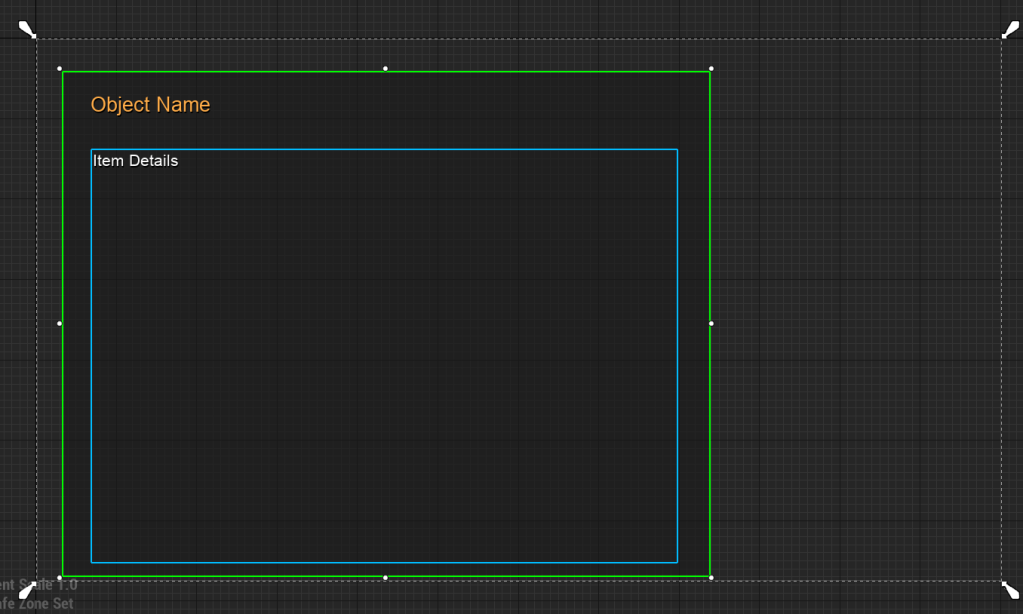
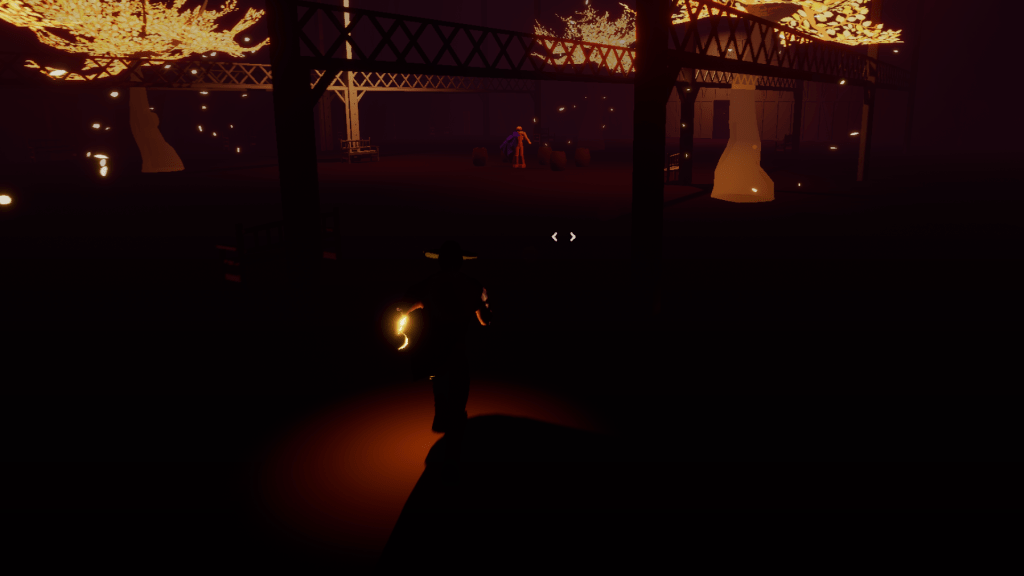
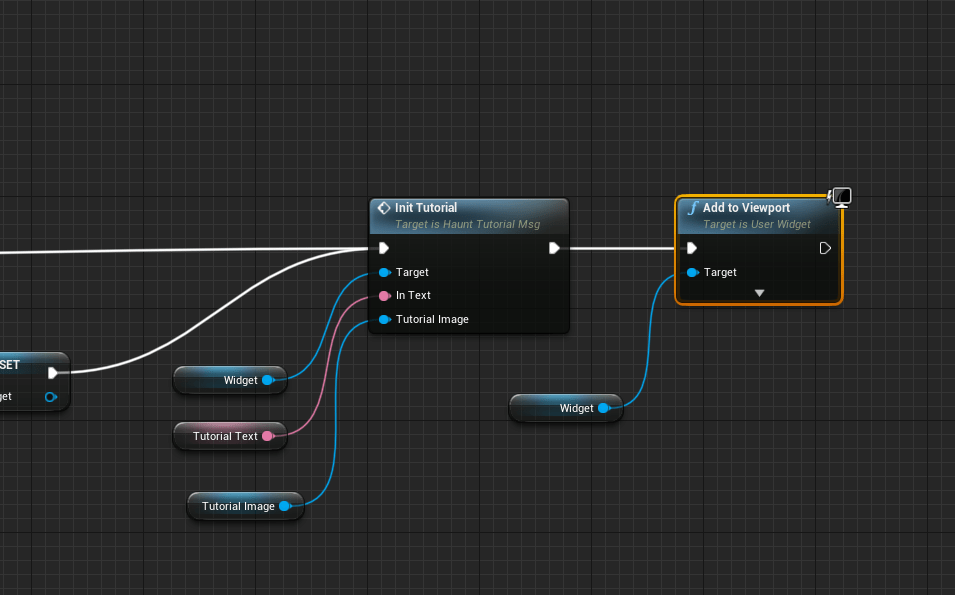
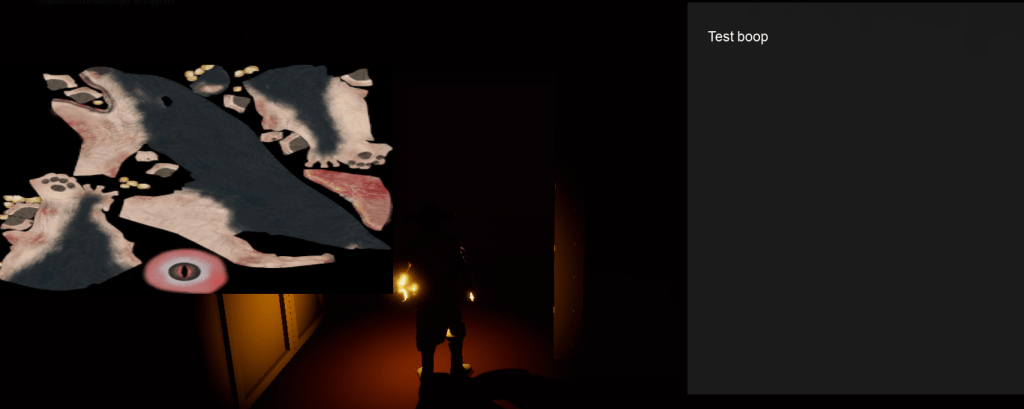
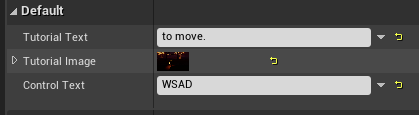
1920×1080 seemed like a good resolution to go with for the tutorial images. I moved the widget around a few times to find the arrangement that I liked best. I went with the image at the top and the text at the bottom. Then I spent some time taking screenshots for the other tutorials for the rest of the controls such as interacting, using the whip, attacking, etc. Next on the agenda is arranging the tutorial messages and finding the best wording for them and of course improving the logic so that the messages don’t continuously appear should the player keep dying or running into to them in the level. It should only appear once per playthrough.
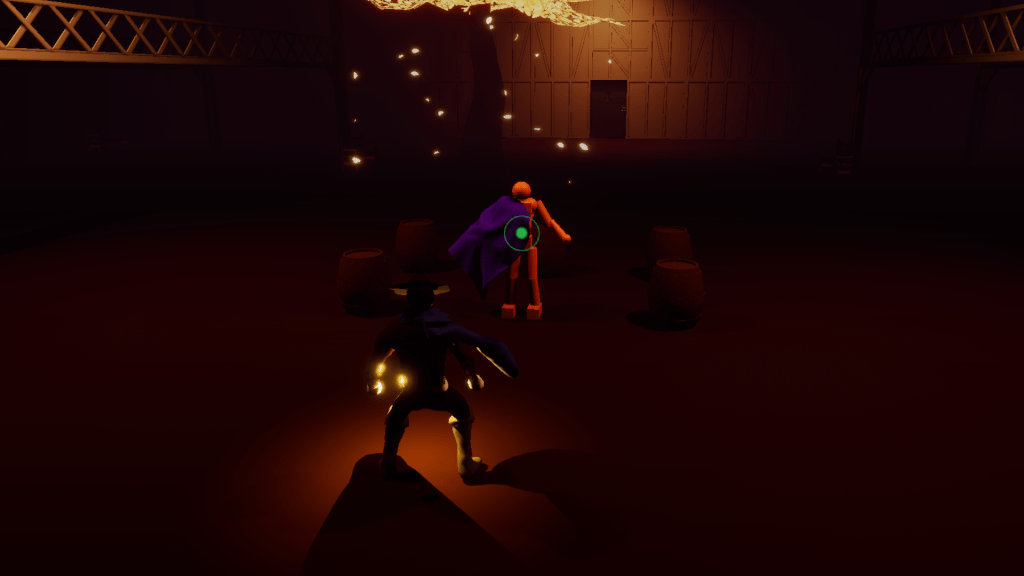
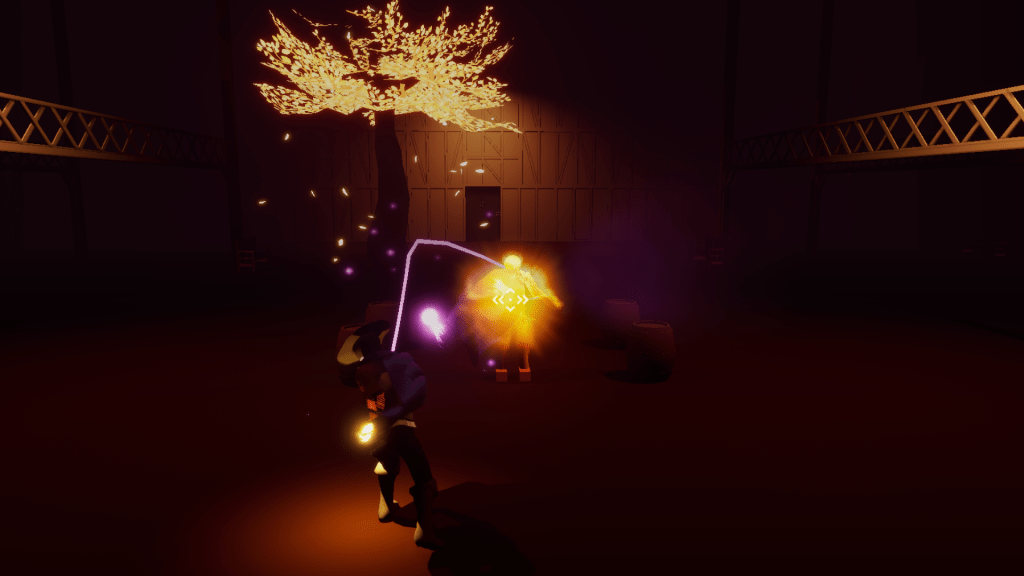
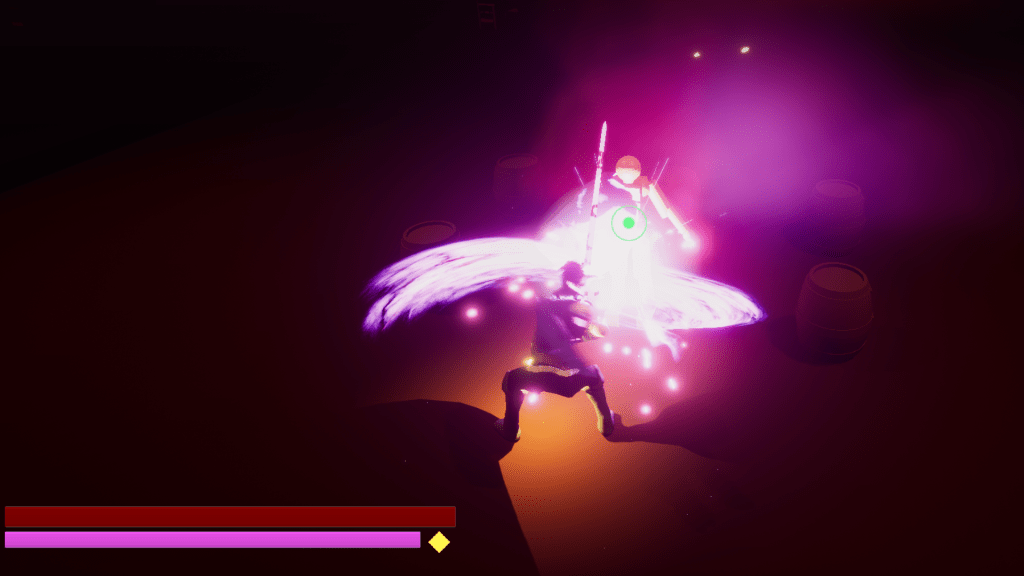
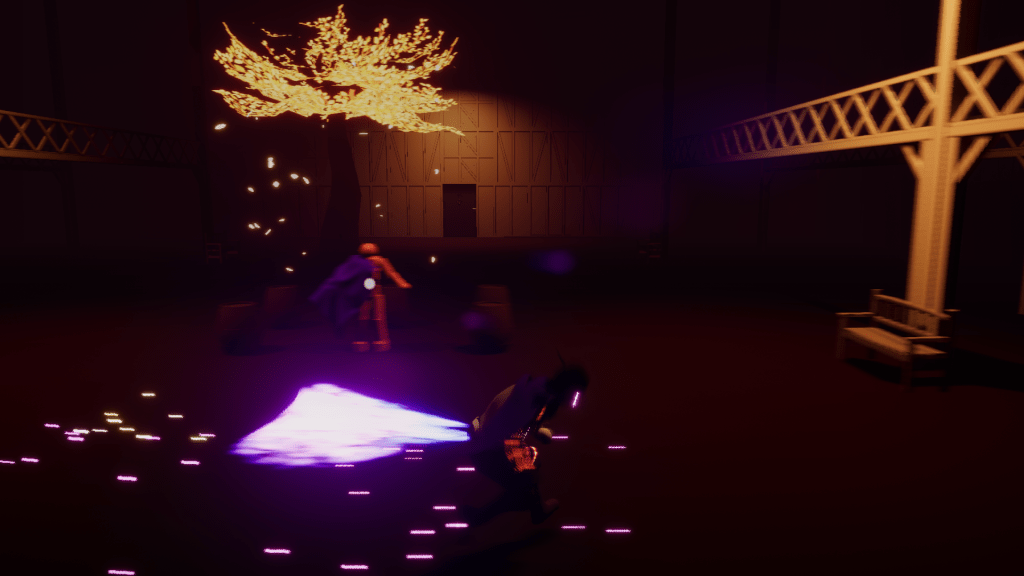
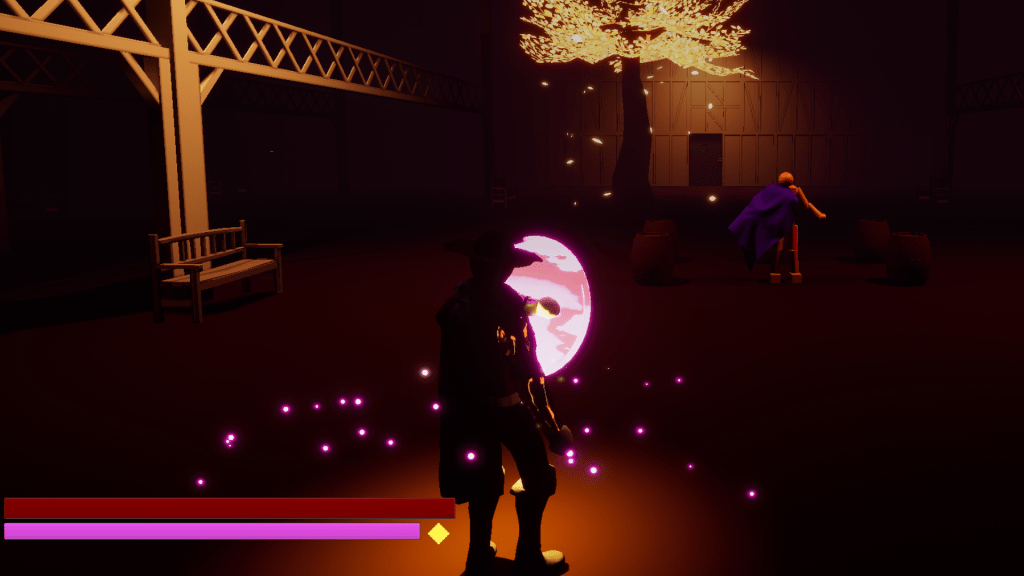
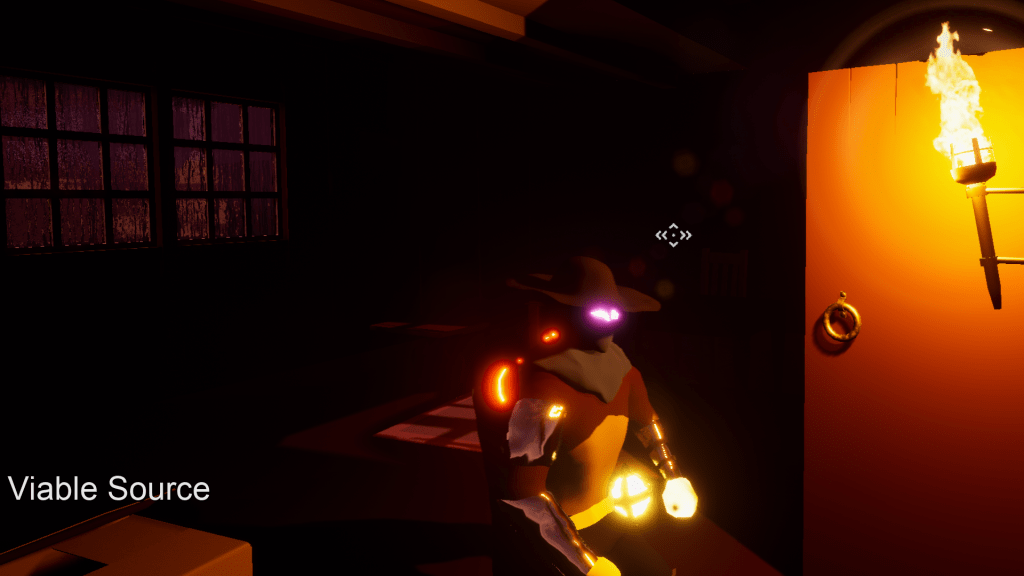
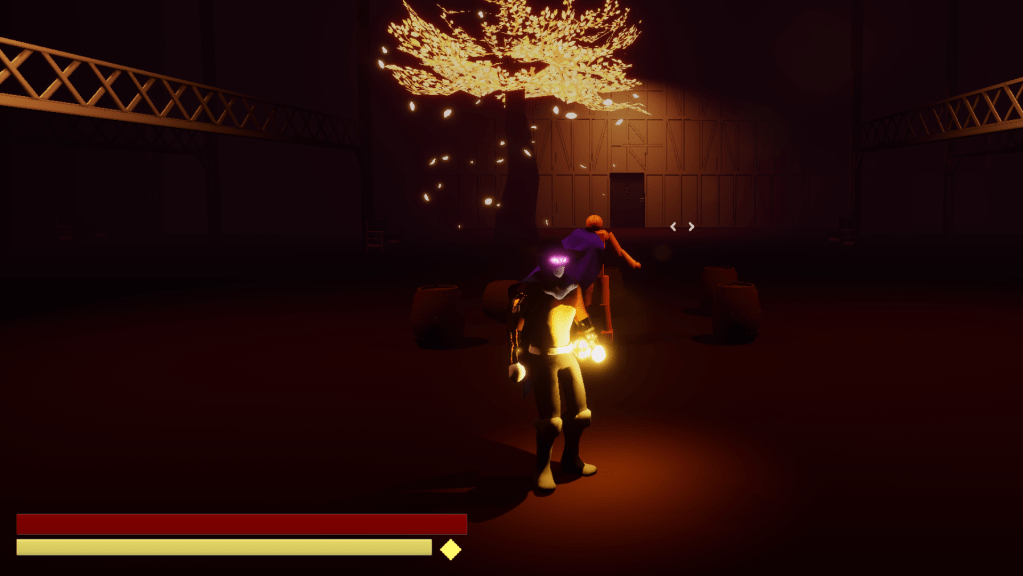
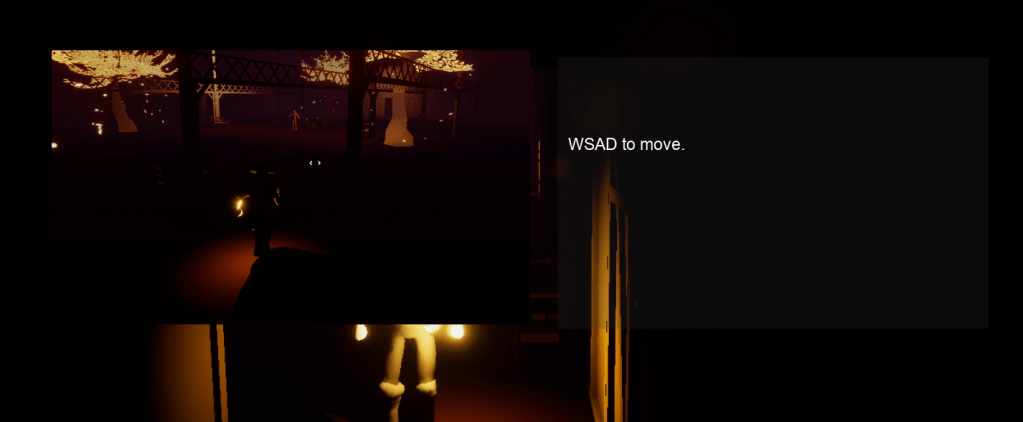
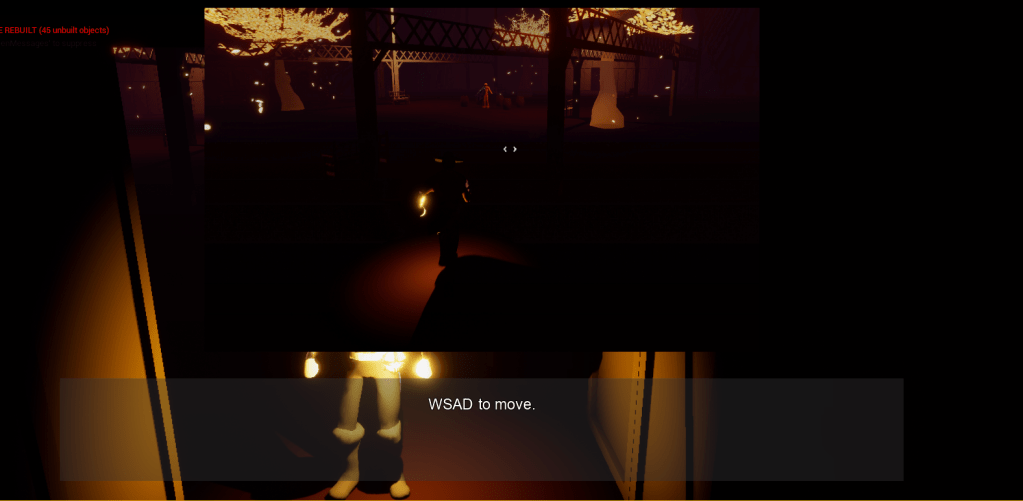
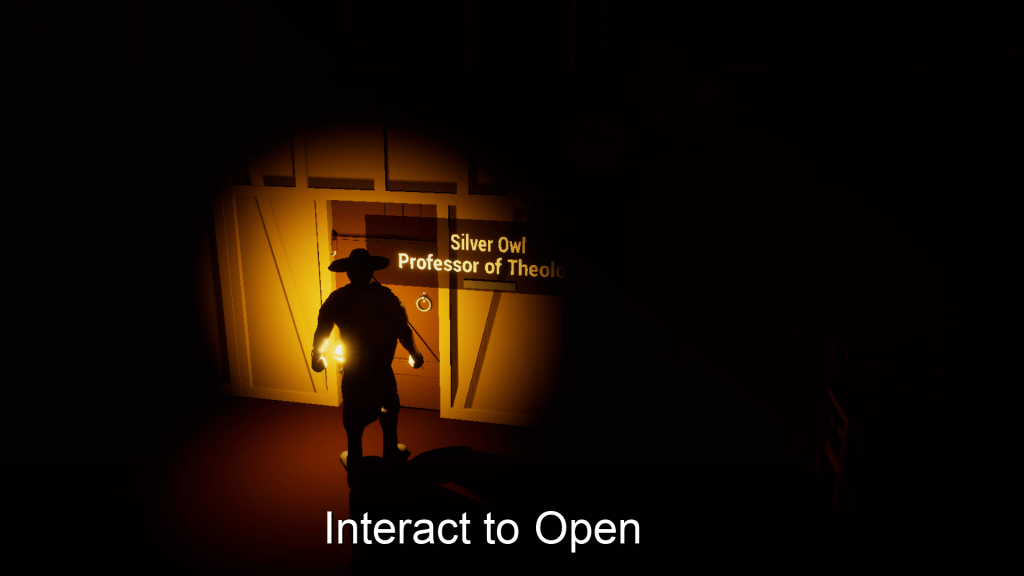
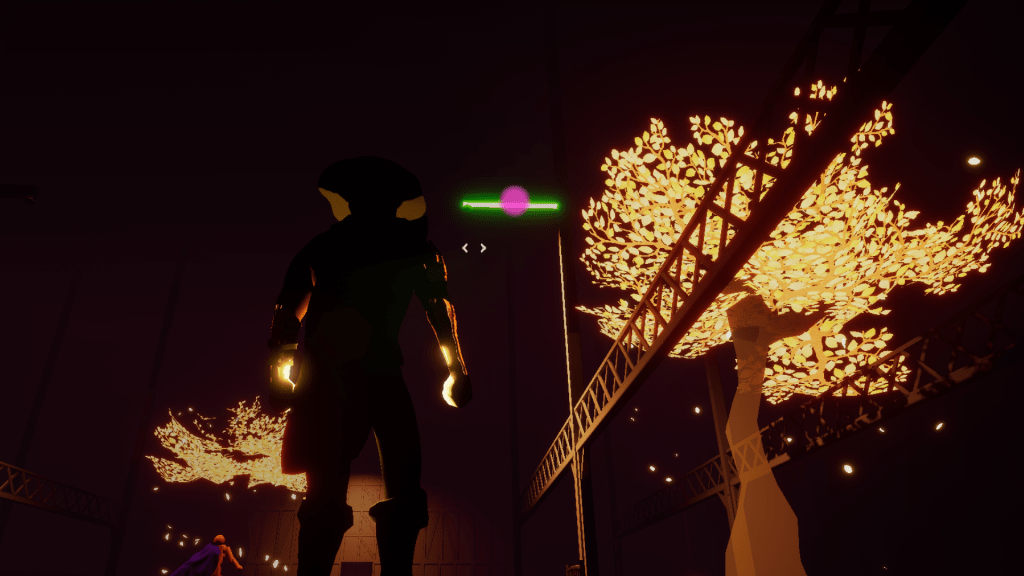
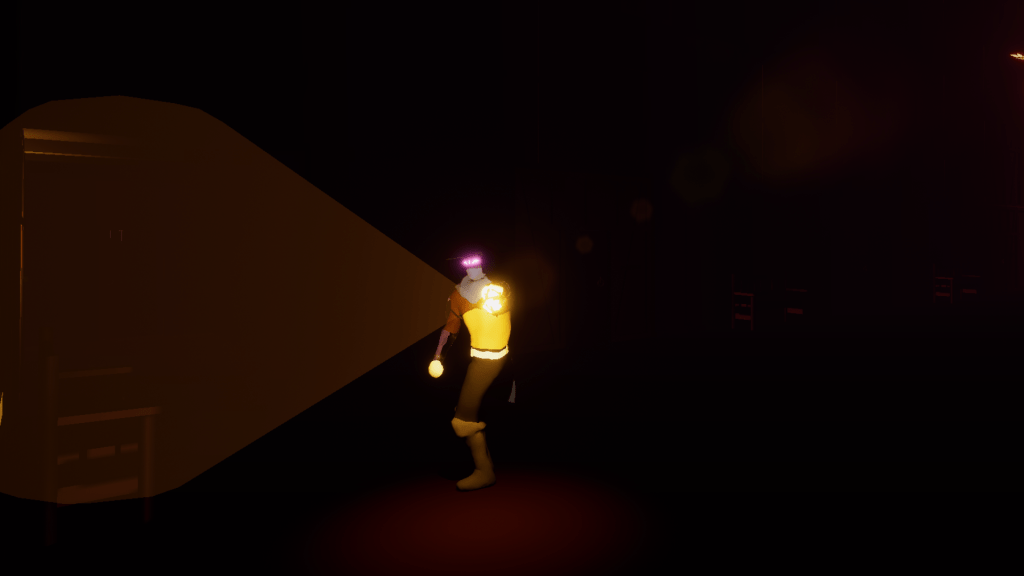
Above are what I hope are all the images I need to fill out the mechanics of the came from the lantern all the way to the saving of the game using sources such as the torch on the wall. Some of them may be wordy and others intentionally lacking because other stuff should be discovered by playing through the game. The important things will be mentioned which are the controls and what they do.
 GoldenGratus Games