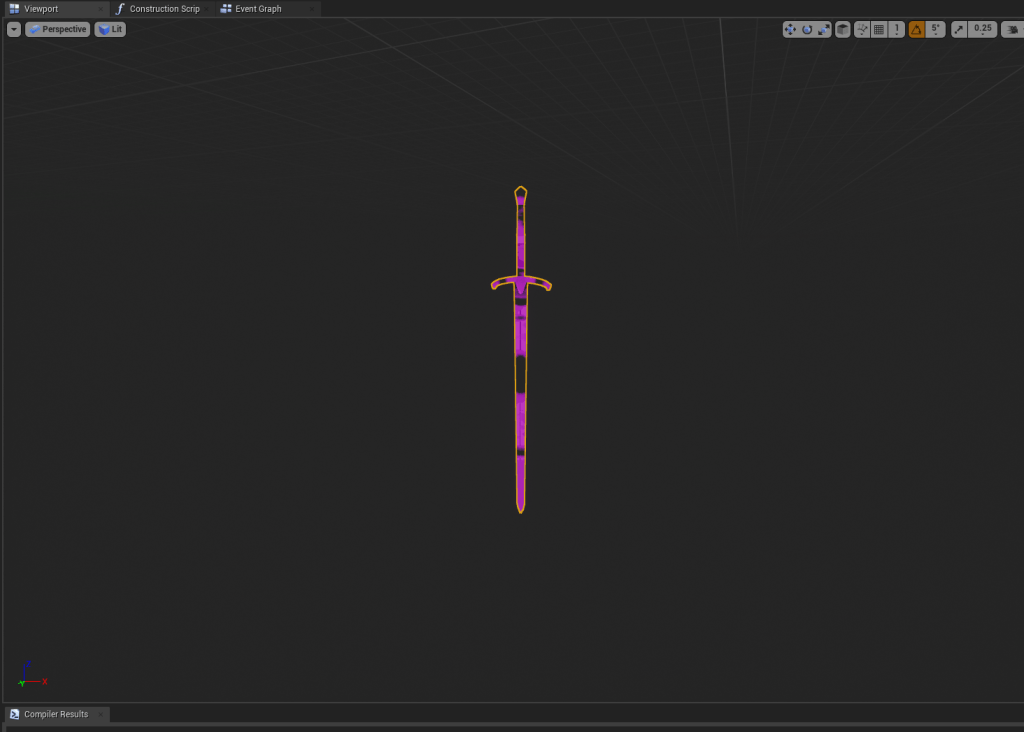
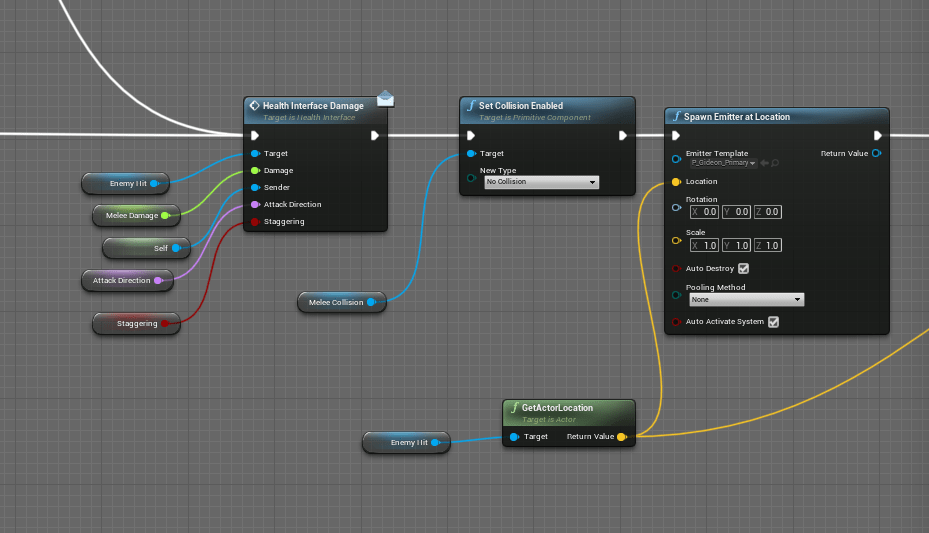
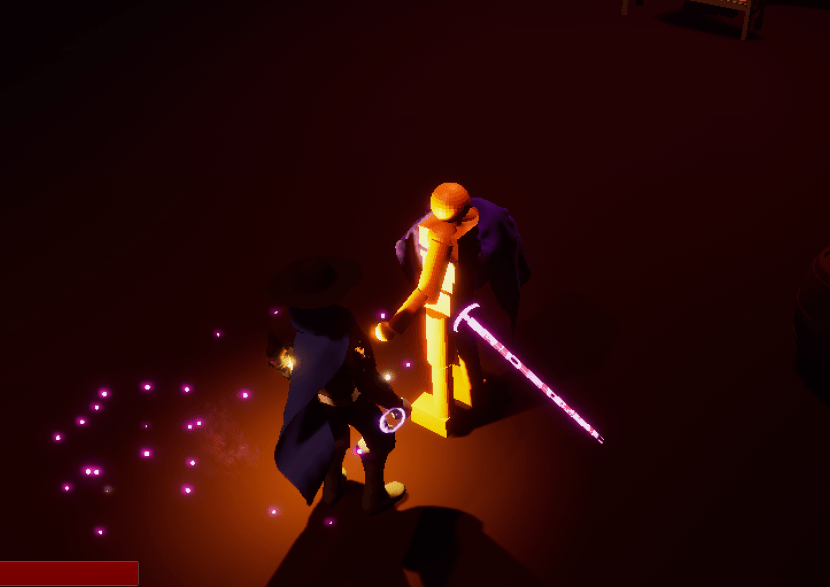
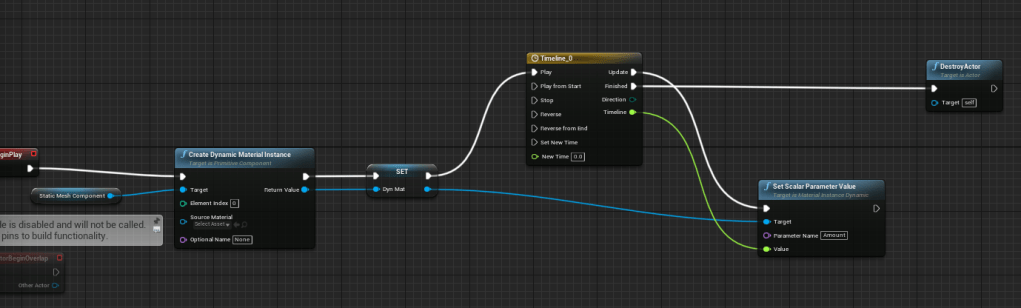
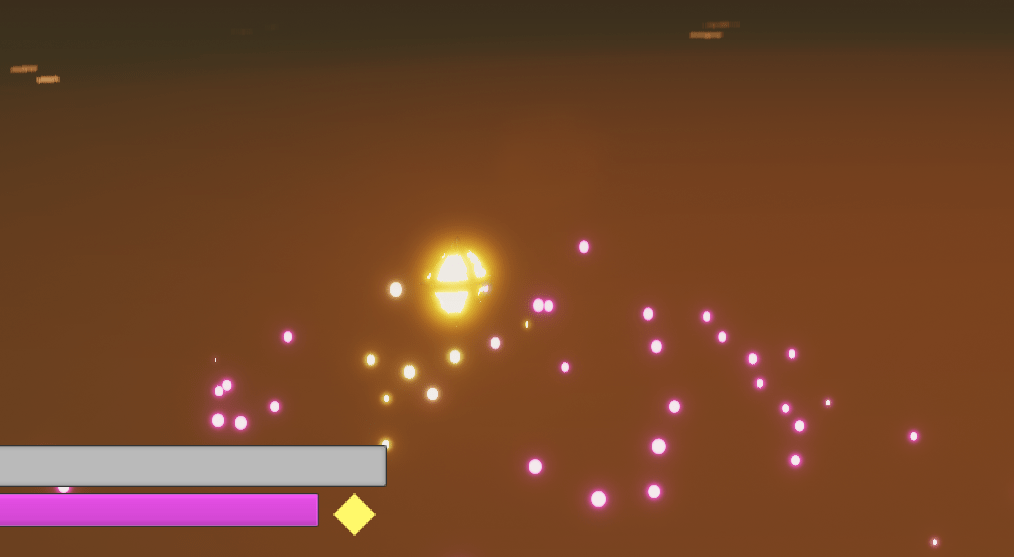
I’ve had this special effect idea in my head for a few days I wanted to see if I could implement it. It was pretty easy to do, it basically leaves an after image of the melee weapon after it hits an enemy. I spawn a separate object which is a blueprint that has the exact same transform (location, rotation, scale) as the melee weapon. After it appears it fades away slowly and then gets deleted. It gives off the effect that the light is leaving remnants or crumbs of itself. Hit or attack fast enough and several of the after images will appear around each other. It’s simple but effective in terms of special effects.
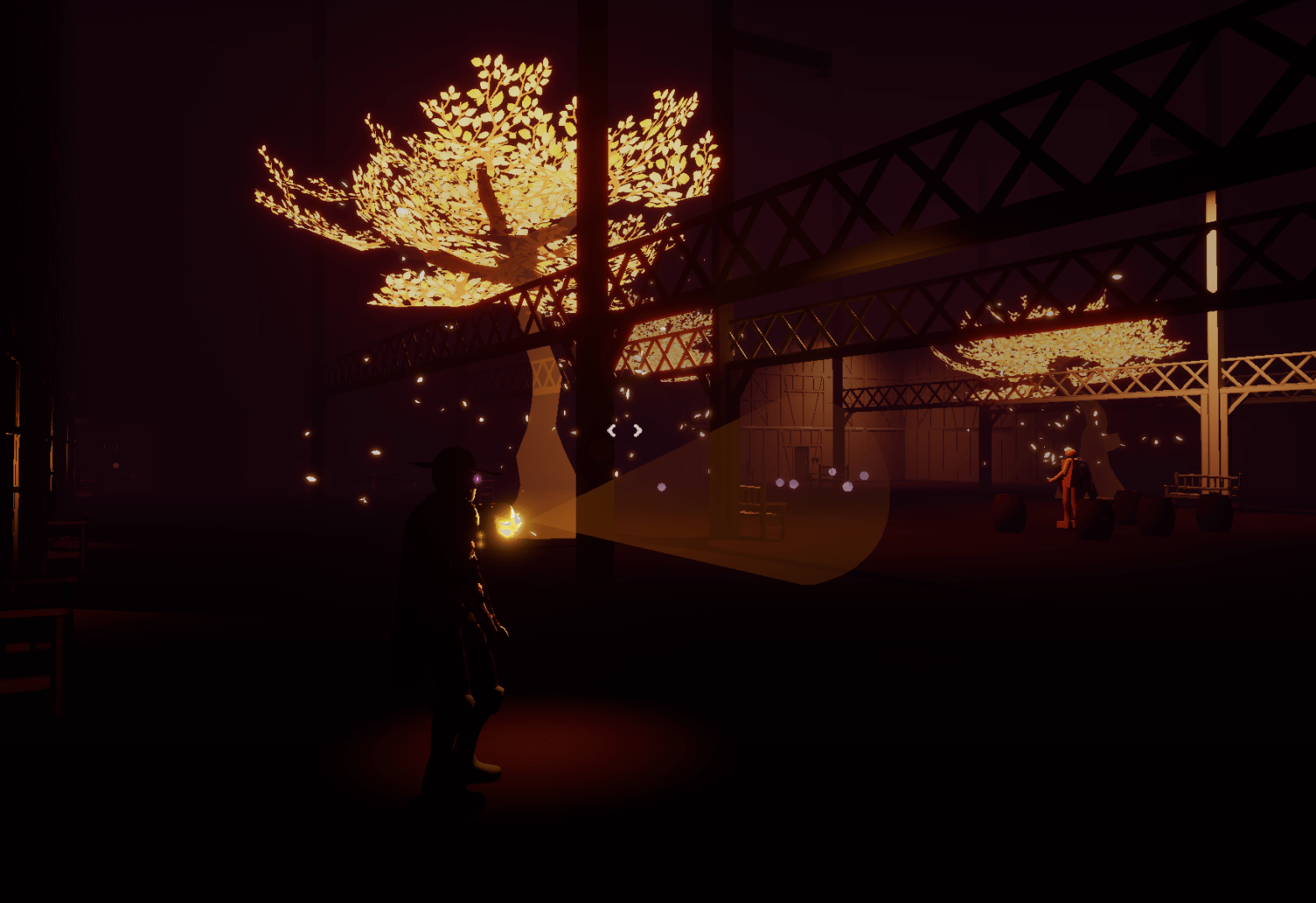
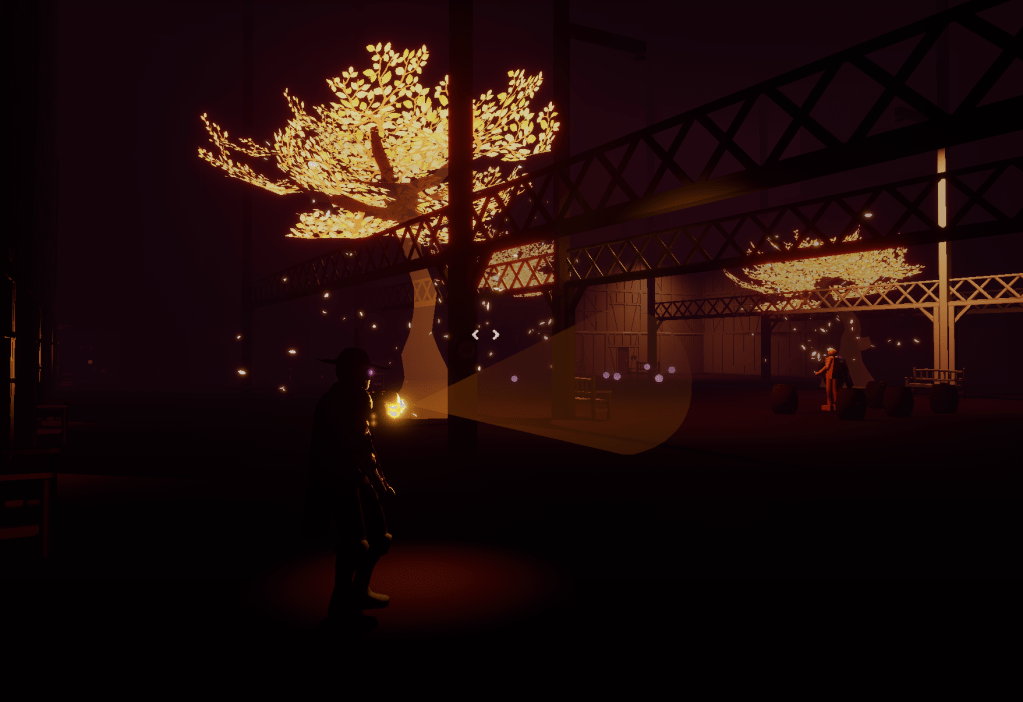
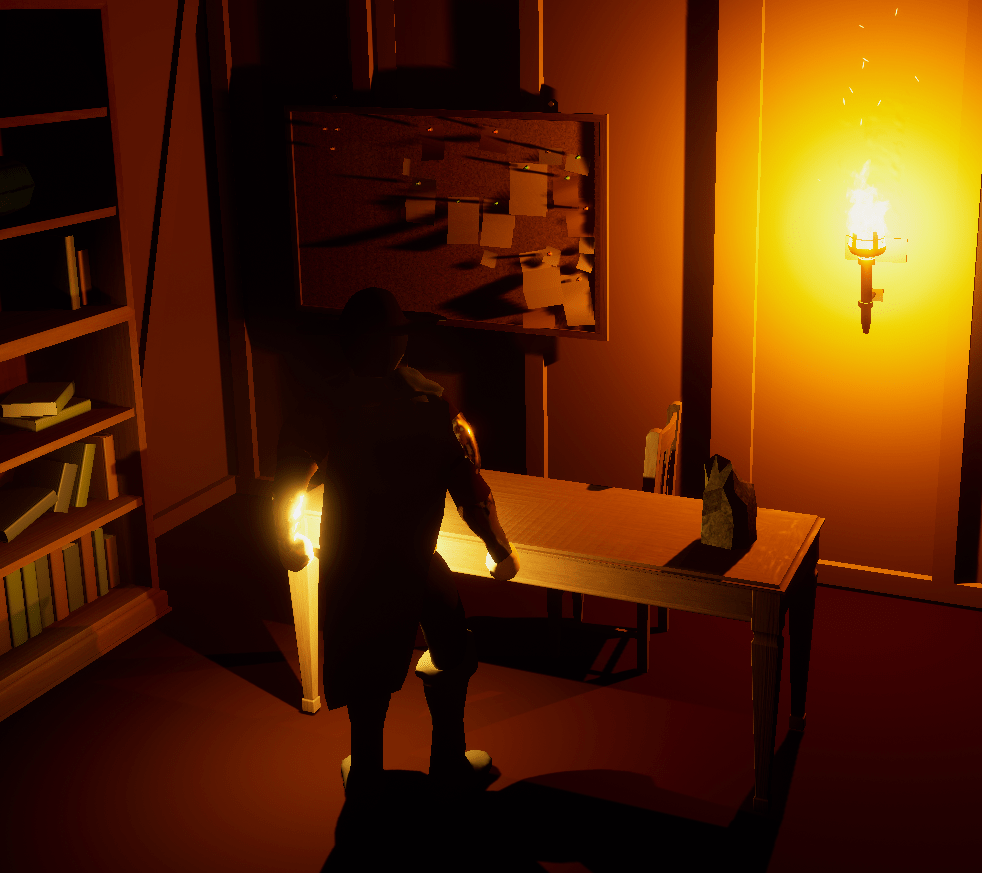
Walking around the level to see what I could change I spent some time appreciating the lights I’ve worked so hard to tweak. It may be a bit too dark for some people but at least it encourages people to use the lantern more often. The way the shadows are cast from the torches look great thanks to the engine of course.
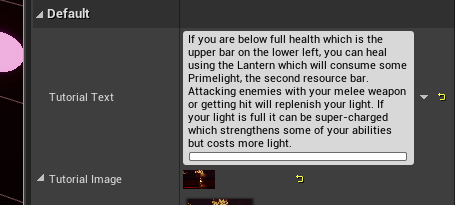
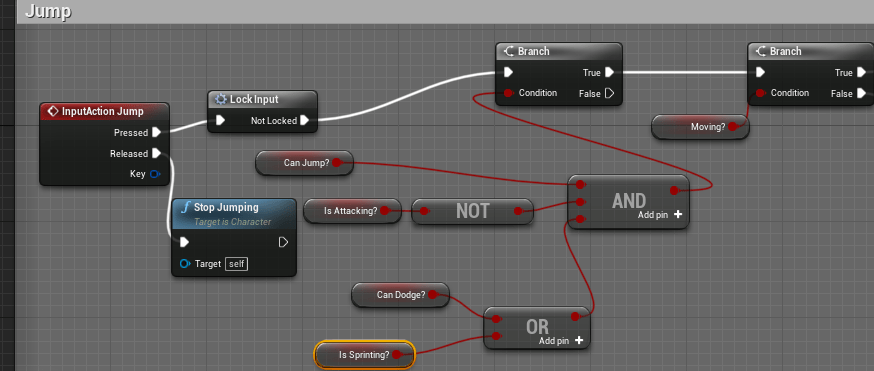
I changed the word lanternlight to Primelight to reflect the update I had with the story now that I am starting to develop it more. I need to create an excel sheet to organize my descriptive texts and what they are attached to. At the moment I have to check each object in the world specifically. There were also some bugs with the character mechanics I found. Couldn’t jump while sprinting so I fixed that. And there have been issues with not being able to do a melee attack sometimes. Hopefully I remedied that by putting a timer that resets being able to attack. Adjusted the tutorial messages so it fit the screen better.
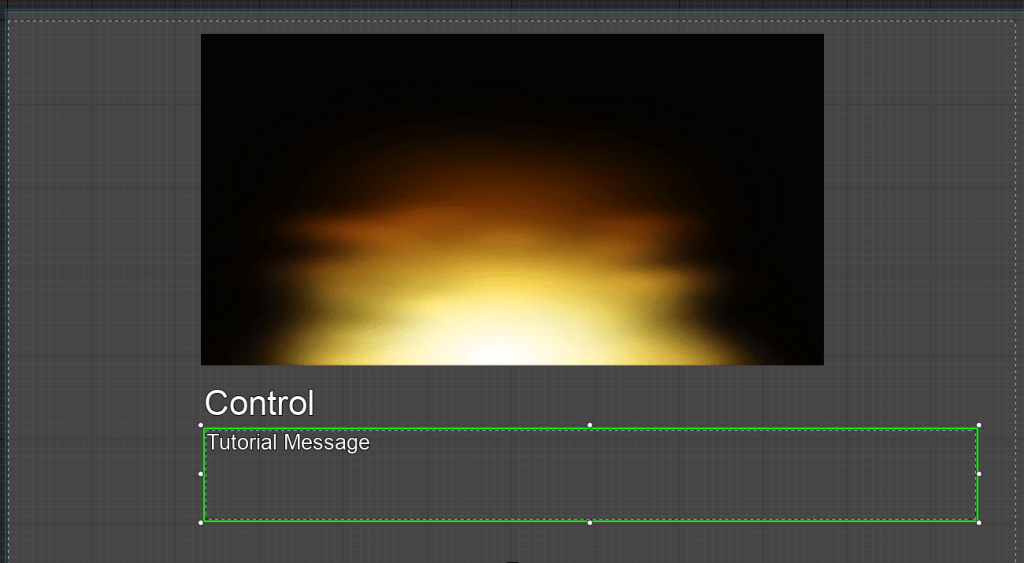
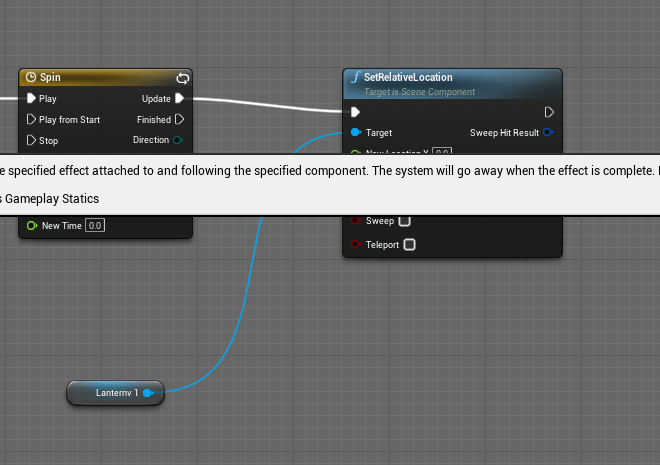
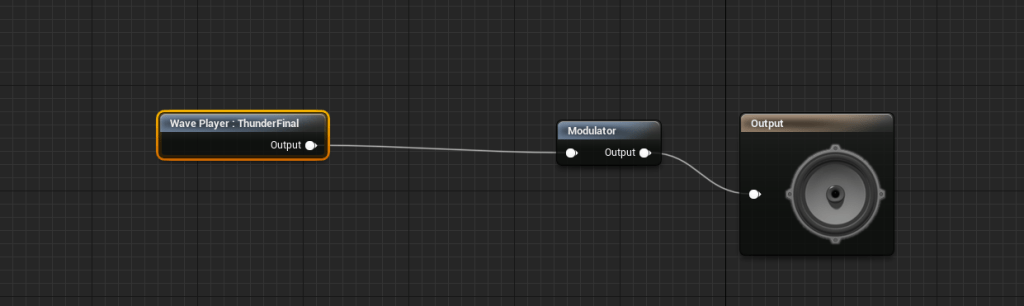
I took what the simple logic I had that made the tutorial messages bob up and down and plugged it into the lantern’s effect after the player died. Previously it spun wildly and randomly after the character disappeared. Now it merely floats up and down which I prefer because it is more straight forward and less jolting. For awhile now I did not like the thunder sounds I was using despite them being rather dynamic. It had rain sounds accompanying them so it was really obvious when they played. I went back to freesound and hunted for a new sound of thunder. I was able to find a relatively clean one and made the variety between the random pitch and volume much wider so that it would at least appear to be different sound effects every time.
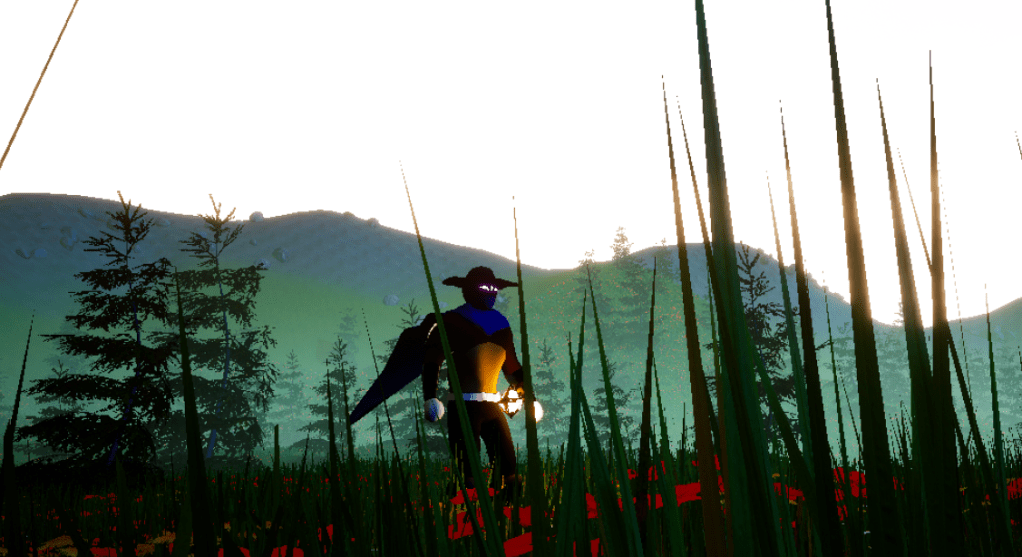
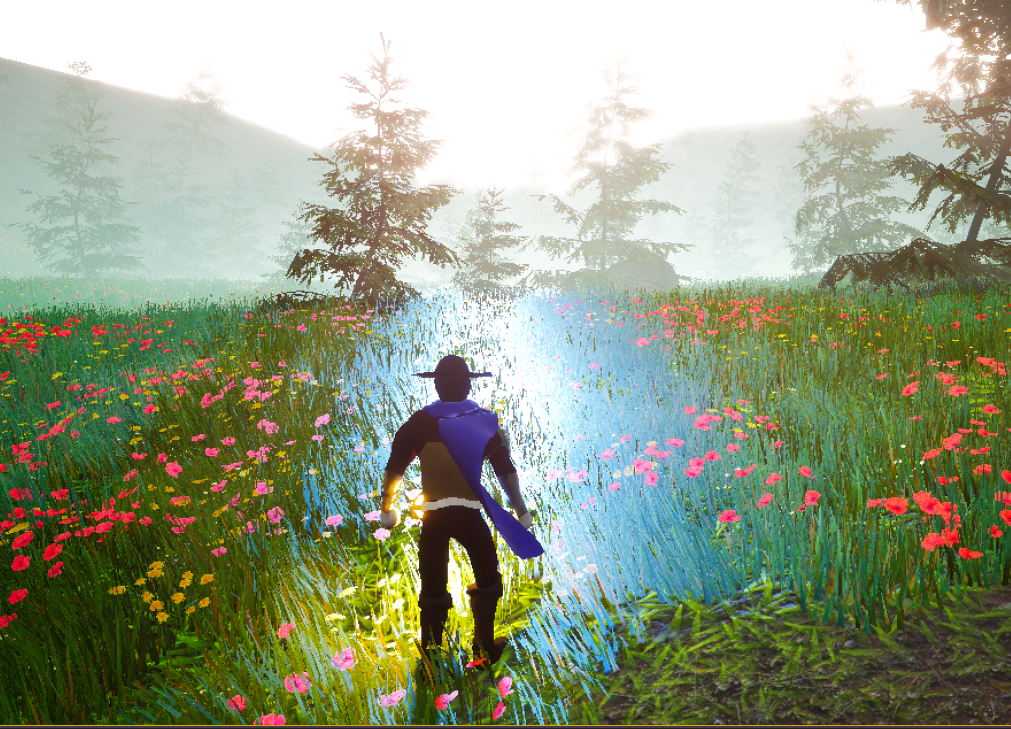
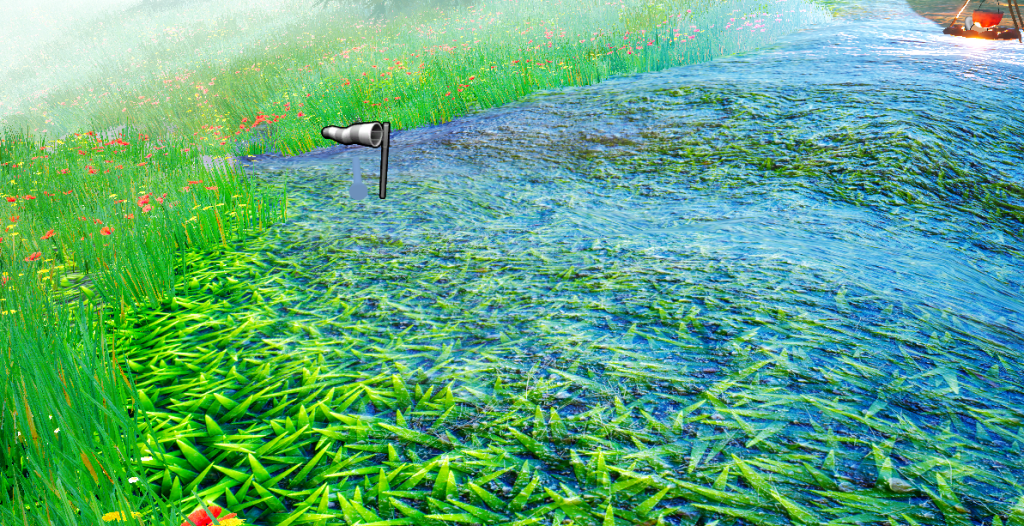
With the first level mostly done I started to prepare the next level. I used the level I had set up before which I made during a tutorial for landscaping. It was perfect because the next level I wanted to make was going to have its setting in a forest cabin. I had to reacquaint myself with the setup of the foliage in the level. It has been a few months since I actually edited this level. Also had to make sure the checkpoint system I had was working. There was a problem with setting the checkpoint location but that was an easy fix. Dressing the stage for the next level is going to be time consuming like everything else is. I have to change the textures of the ground because they don’t blend well and they stand out too much. Will have to also plan out how big the cabin will be and also figure out how to set boundaries for the edges so the player can’t simply walk out of the level. Then countless other things to do after that. Exciting times!
 GoldenGratus Games