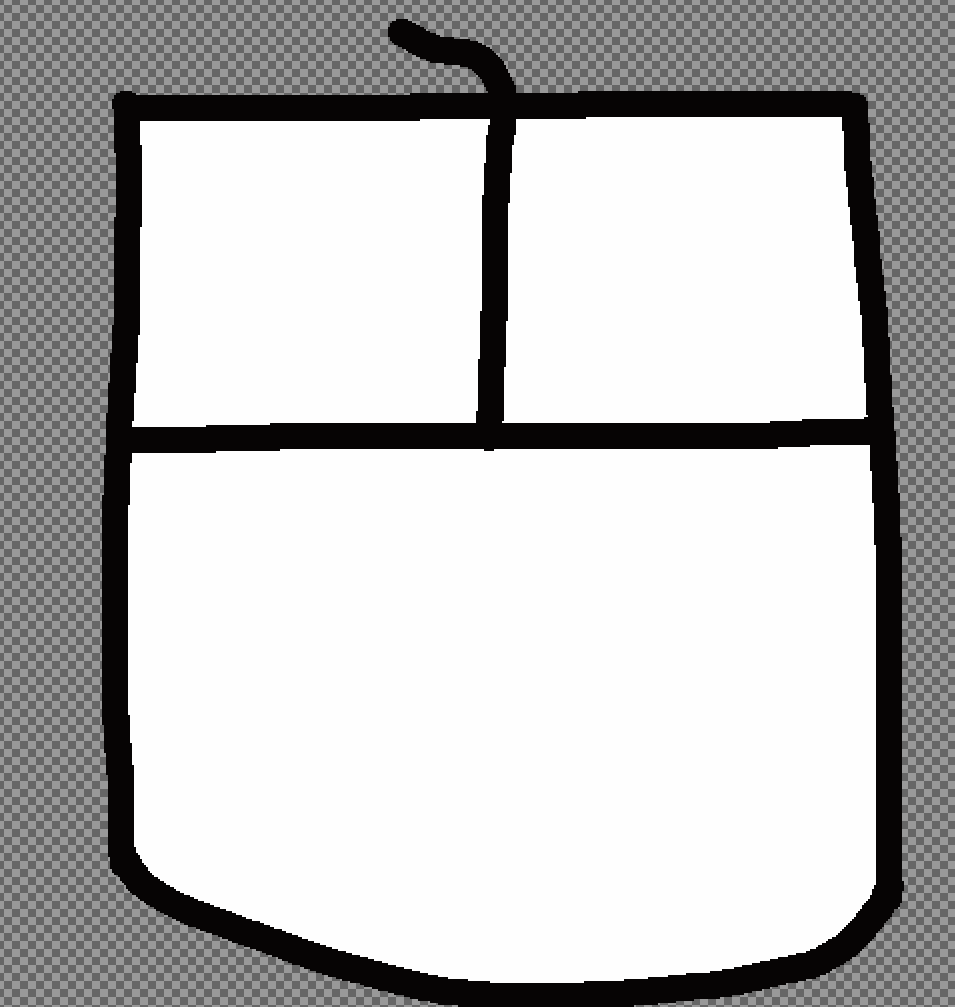
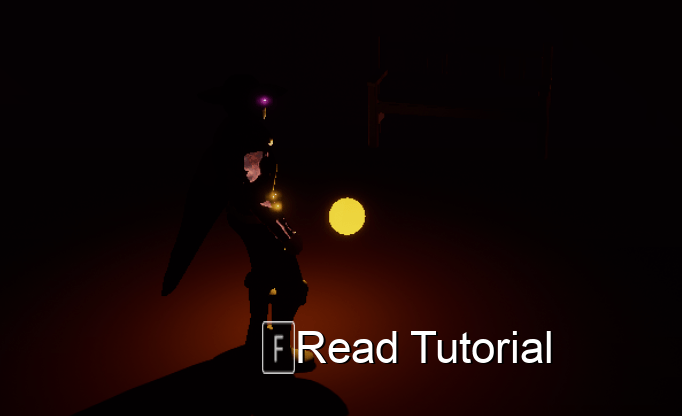
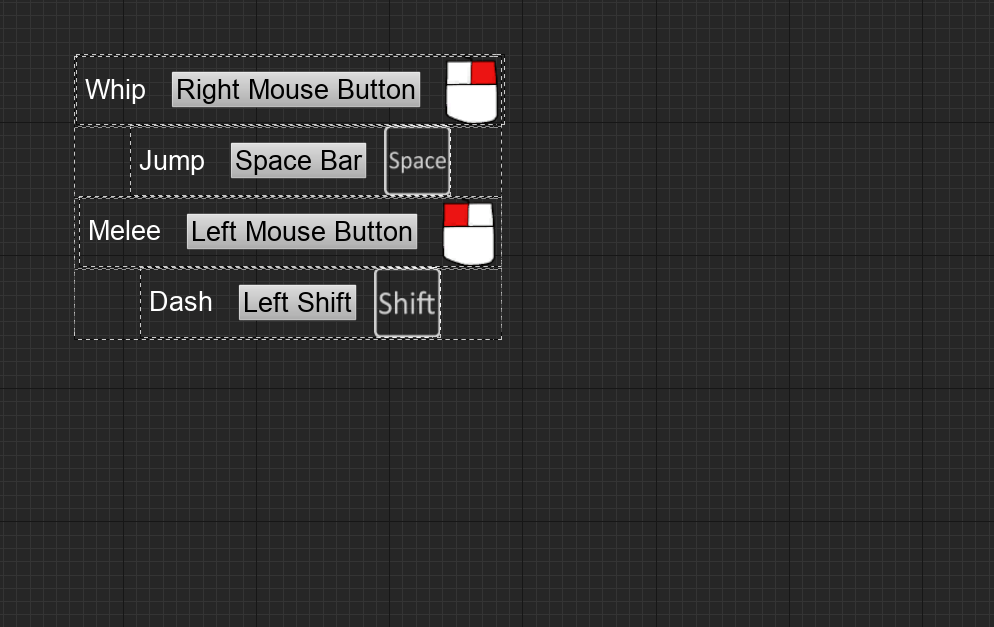
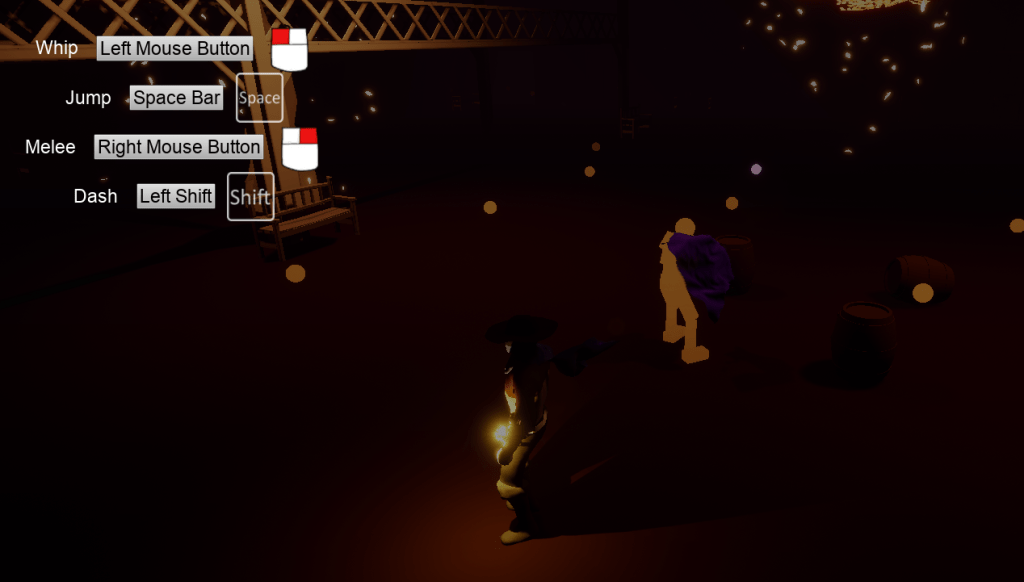
What an endeavor it is to get into the nitty gritty of coming up with an input system that is easy remappable/changeable. I have a better understanding of why many games stay away from letting someone change the keys so easily. It is because it is rather tricky to change the keys in-game. At least from my experience with Unreal Engine. I’m sure it has to do with the technical stuff with the keys and their values and assigning actions– blah. Anyway I grabbed some images from the marketplace so I didn’t have to make them myself. They were pretty cheap and came with images for the keyboard and the controller. The images for the mouse only showed LMB so I wanted to try and draw a mouse image. It looks like a drawing of a child, and I will use the LMB, and RMB eventually.
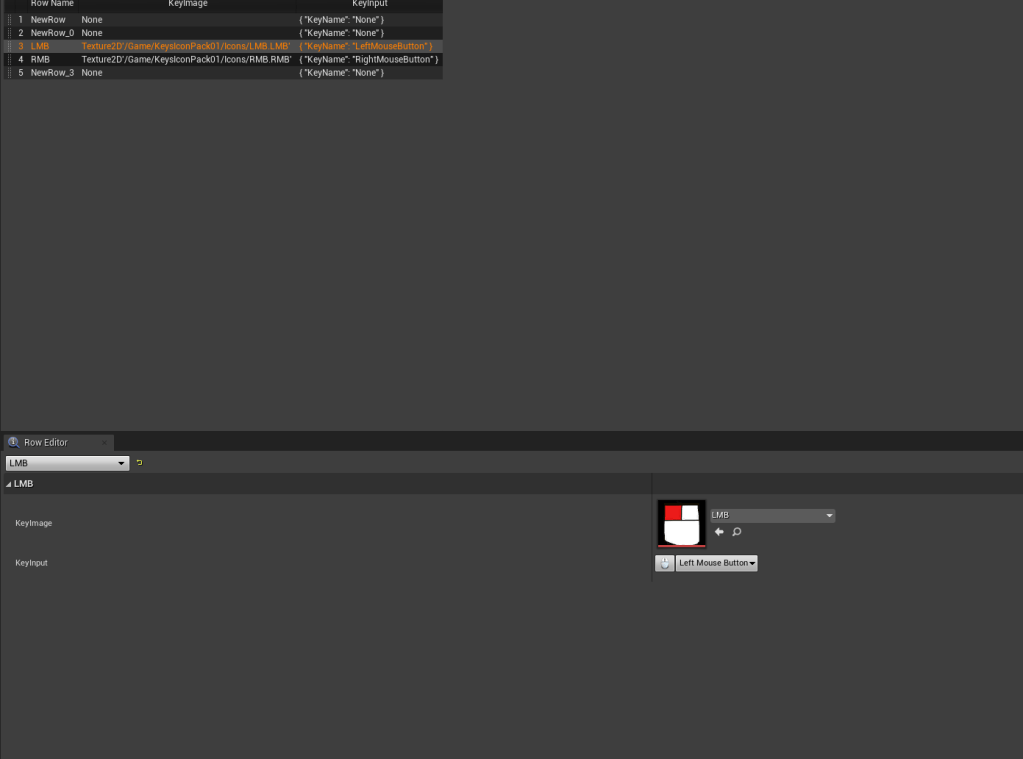
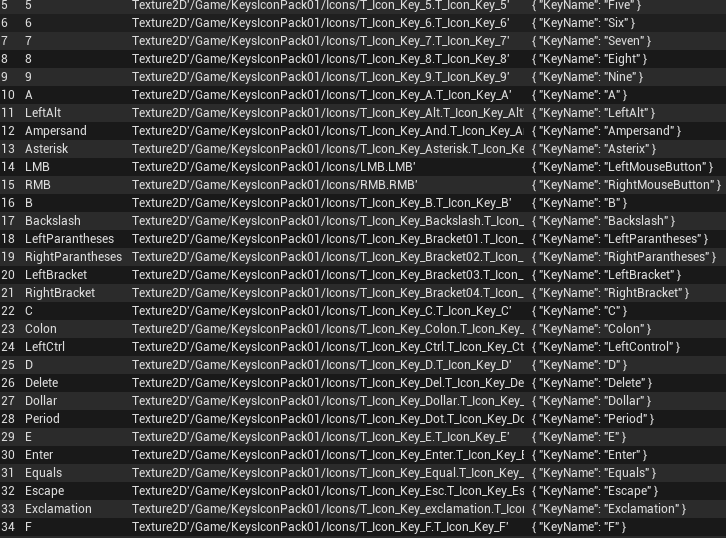
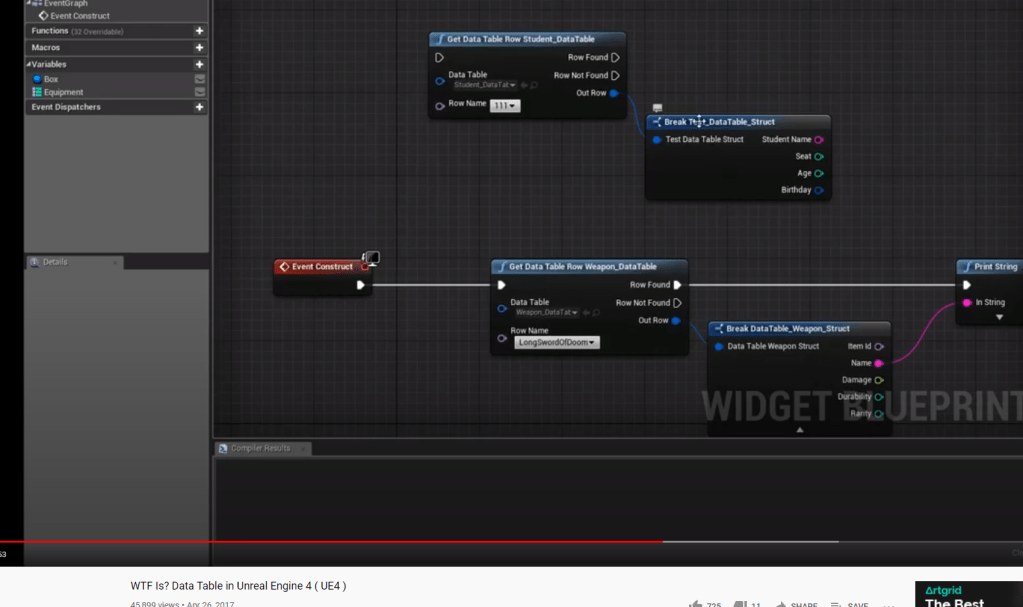
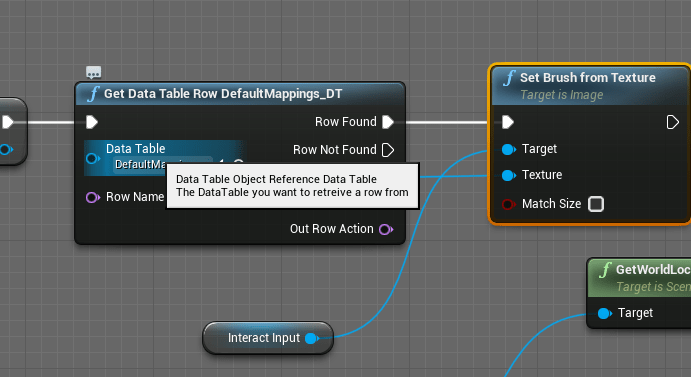
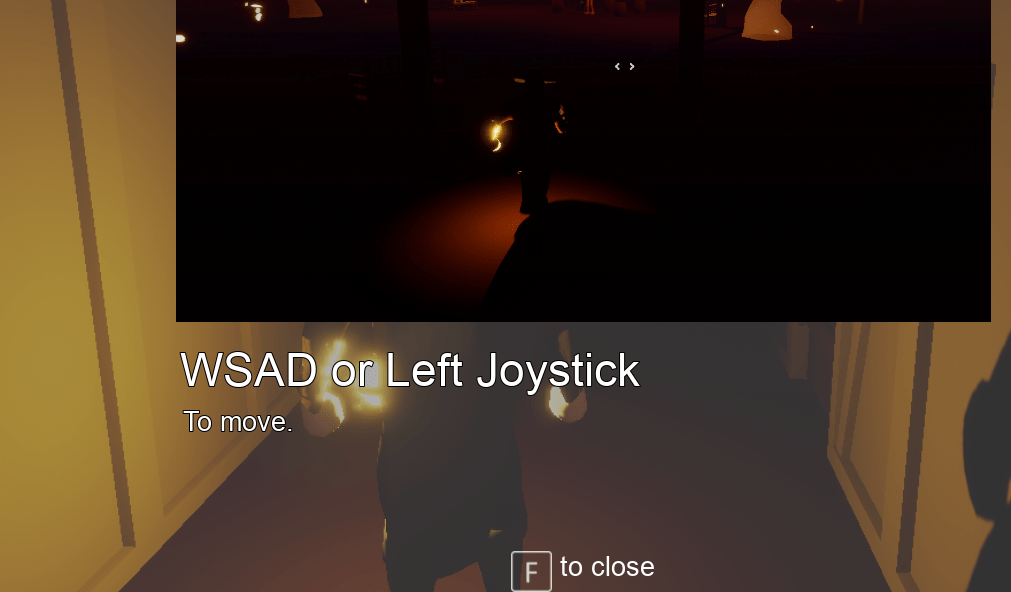
Using a DataTable I assigned images to each key, to prepare for the future systems wherein the keys need to grab images and make sure they are the right one. I tested it on the interactive texts and it works as intended.
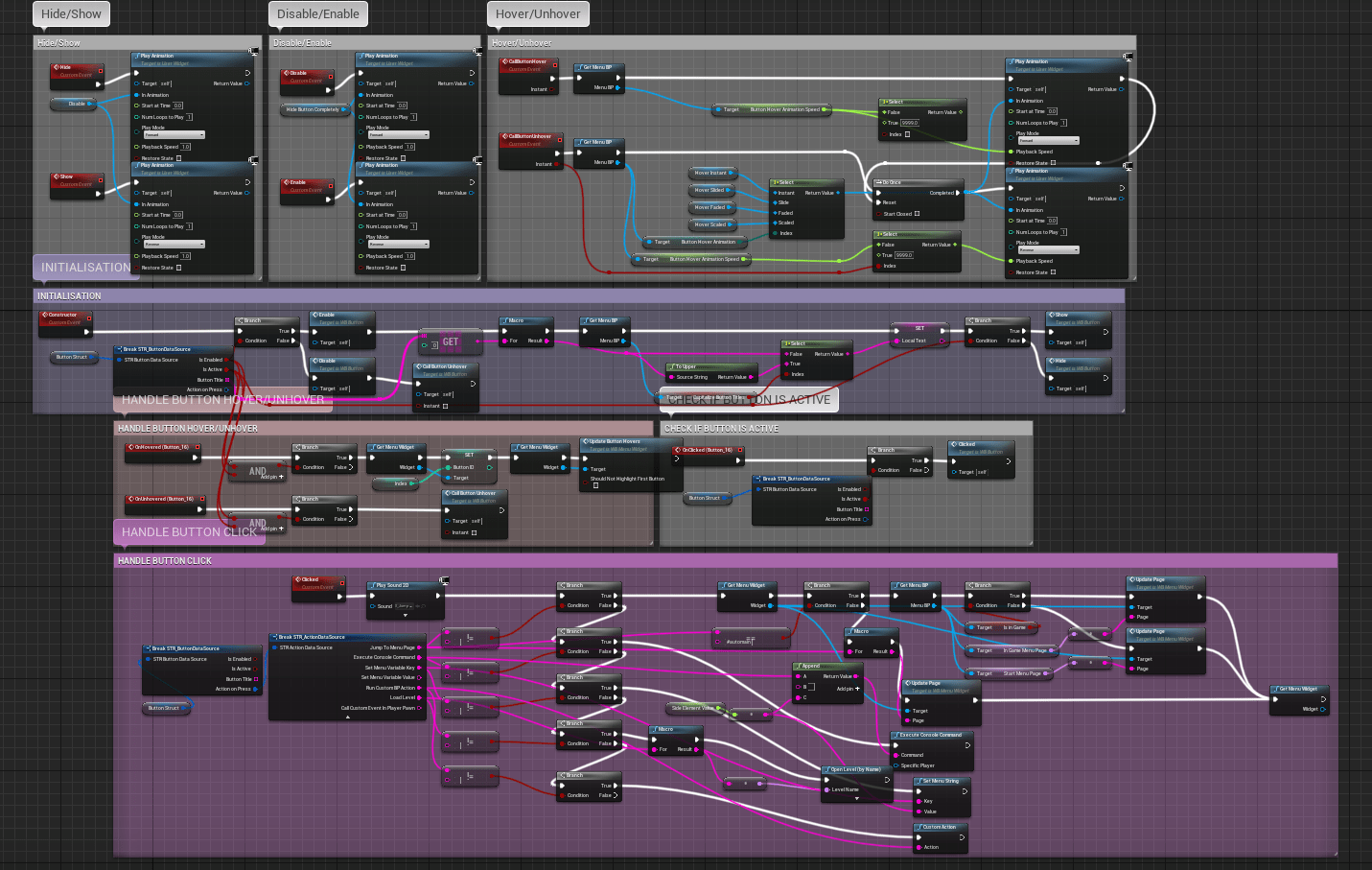
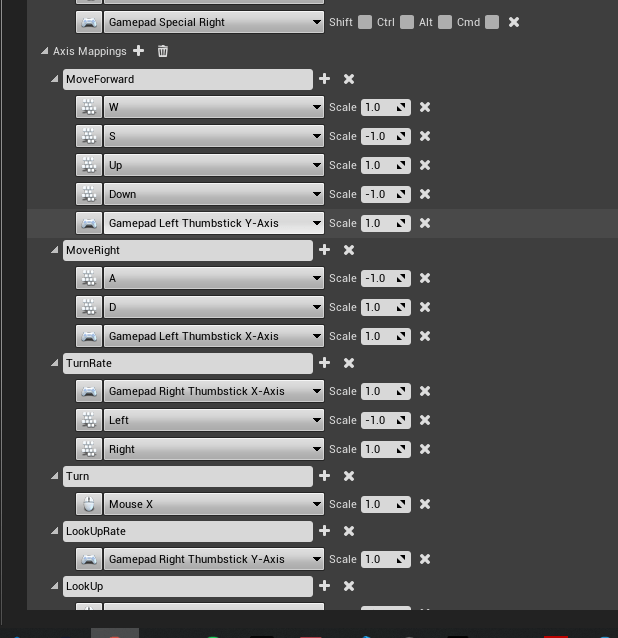
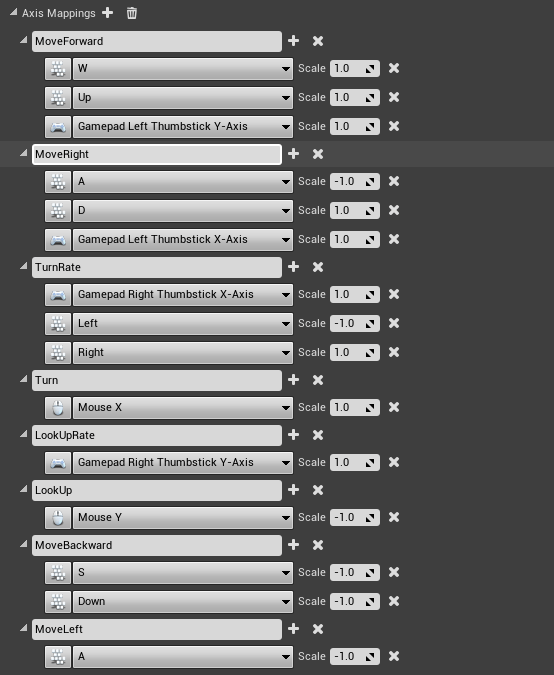
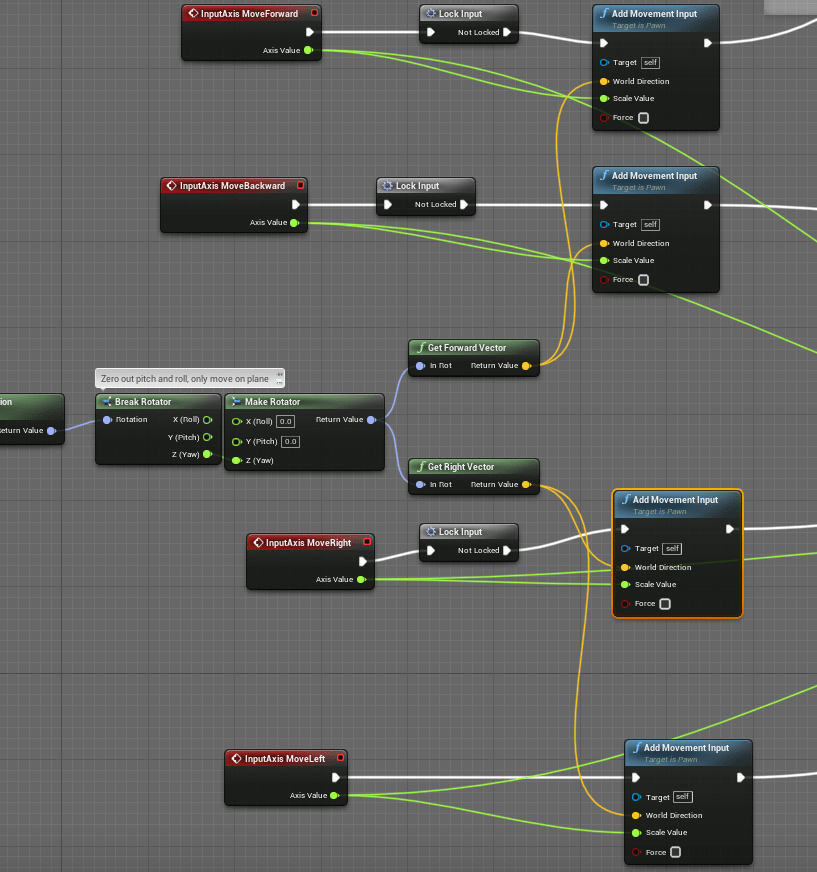
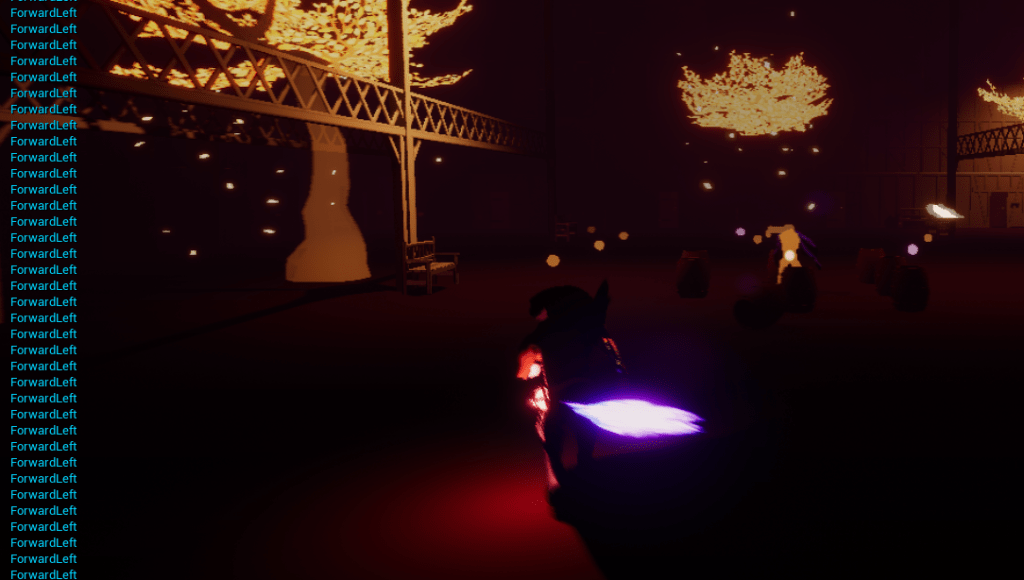
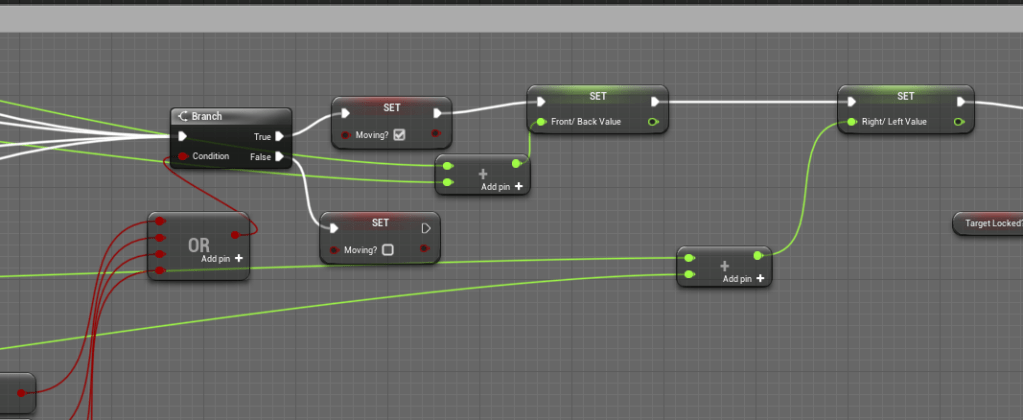
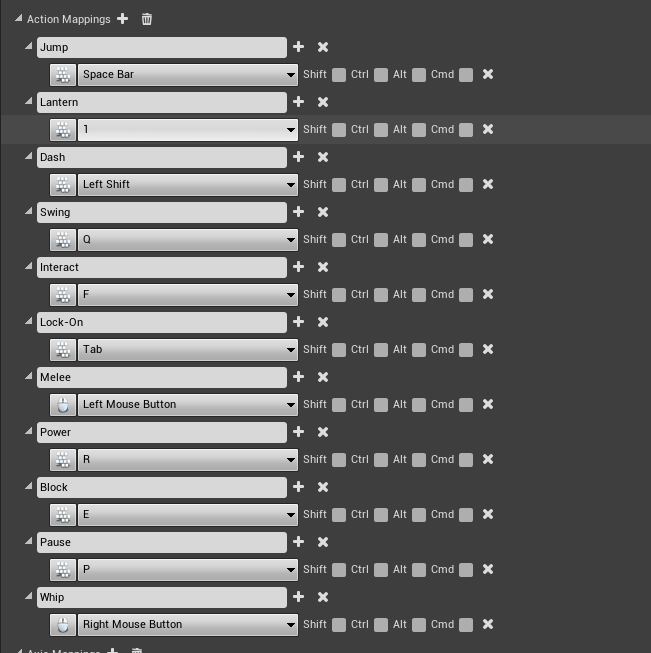
Learning how to remap the keys was indeed the toughest part of my day, and it took a lot of testing and prodding, and going back and forth between some videos. I had a problem with the movement inputs because the way the Forward and Backward worked is that they took in two Inputs each one positive and one negative. So under the Forward input would be “W”, and “S”, the “S” was set to -1 so that would move it backwards. This is an issue with remapping the keys because it would grab an input and I’d have to worry about it’s scale while trying to get the S key. Instead the solution proposed to me by one of the mapping videos was to put separate actions for the movement, which was no trouble. The trouble I ran into was that I had a system in place that used the axis values to determine the direction the player was moving, and thus the direction they should dodge.
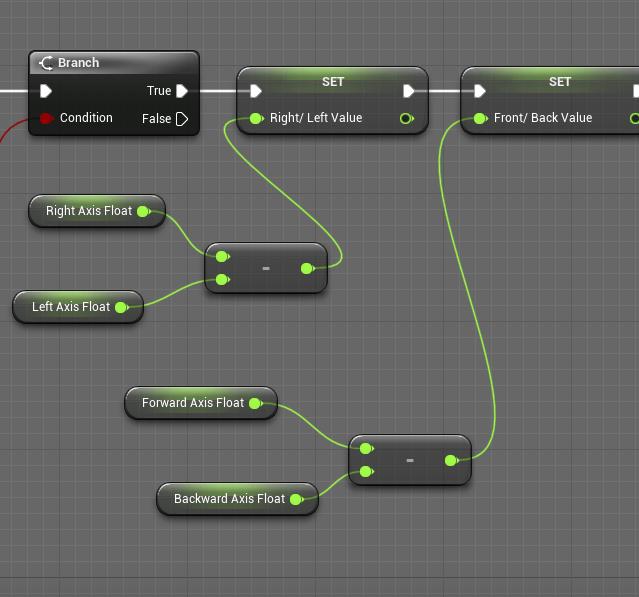
There was a math issue as I was trying to figure out how to use the new inputs and integrate them into the logic I had. It was simple enough since they were the same values being put it, but this time they were coming in separately. I was subtracting them from each other for awhile, big mistake. I wondered for awhile why the values that came out were always positive. Well I realized how stupid I was, subtracting with a negative number. So I fixed it by adding the values together and it worked perfectly.

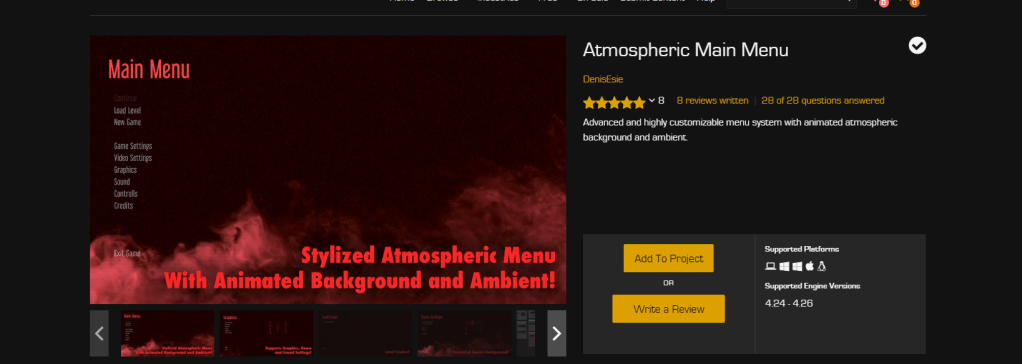
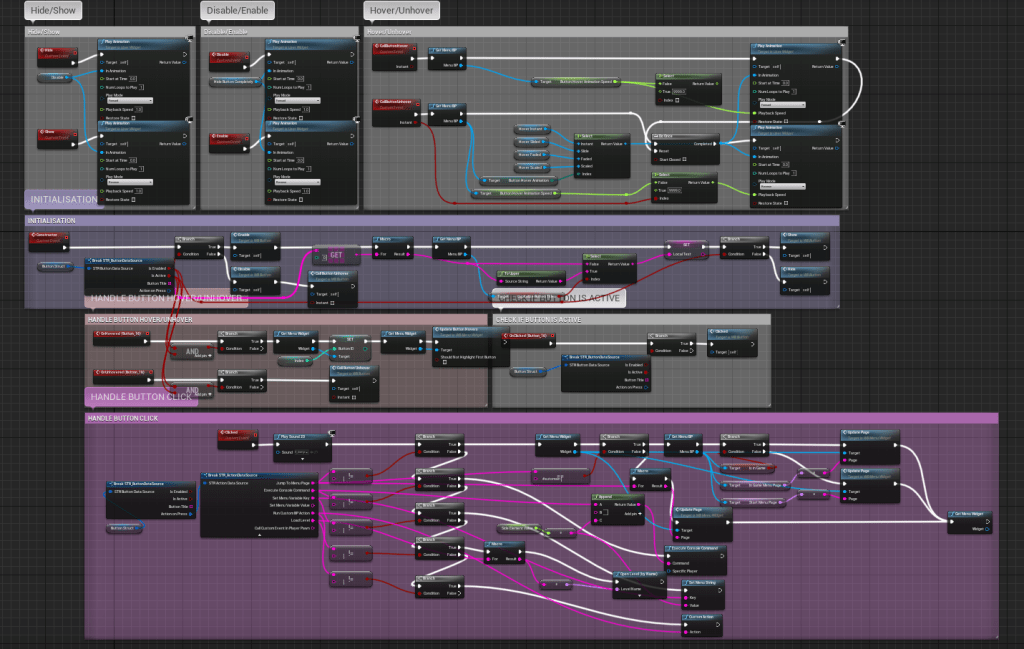
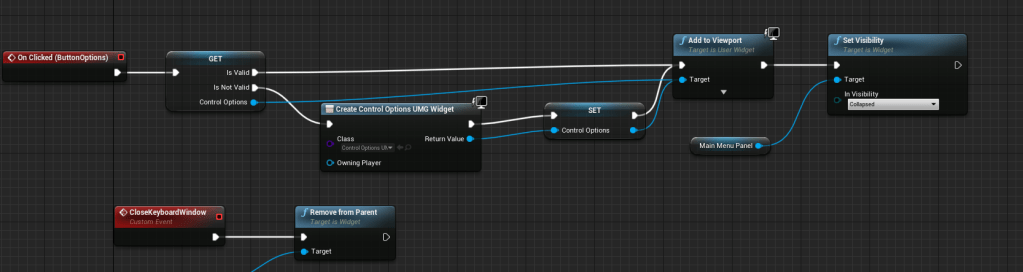
With that settled I went back to figuring out how to create my own system for the inputs and use the DataTable I had. Frankly I was overwhelmed and checked the marketplace for menus that would make this easier for me. I found a menu that seemed to have good reviews and other settings along with it such as graphics and sound. I bought it without checking the questions and review in-depth which I should have. While it was very detailed, and looked really nice, it wasn’t what I hoped it would be. The menus and functions were very intricate and complicated. It wasn’t easily customizable without studying a whole bunch of the tools that came with it. The control options wasn’t even working yet according to the answers to some of the questions in the marketplace. Though it wasn’t entirely a waste of my money, I learned a few things from it, such as a good flow of a menu. I saw some ideas of how to make sliders to things like volume and brightness later on. Good ideas, but I would refund if I could.
Dove right back into the videos to watch them again and again until I got a proper grasp of the topic. Getting a key was different from the key mapping, the key mapping is a struct in itself so it comes with other variables you can break apart. Got that down, and was able to make a small bar where you could finally change the key. But I was having trouble assigning the proper image to the key. In the DataTable it would grab the name of the row. The names of the rows couldn’t have any spaces, it was strict like that. When getting the name of the key it came with spaces and it came out as a Name but for some reason the Table node wouldn’t accept it. So I had to turn it into a literal text then it would convert it back to a name that the Table could accept. The name that came out of the Key had spaces. So, I found out a new thing node in Unreal, in strings you can replace specific characters. I replaced all the spaces with empty character so instead of Right Mouse Button it would convert to RightMouseButton. Boom it accepted the name and grabbed the proper table row. Such a simple solution that worked so well and the images were popping up and the keys were changing properly.
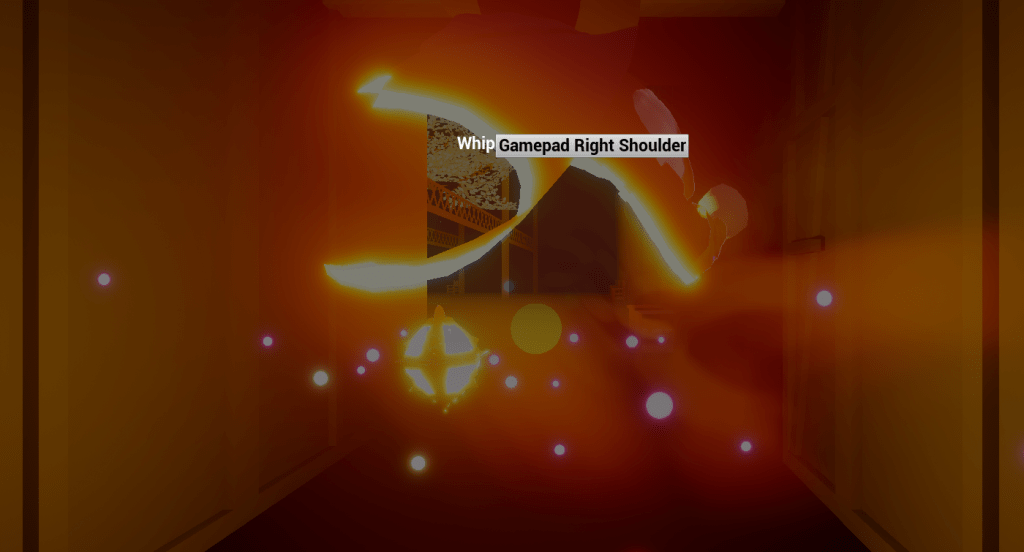
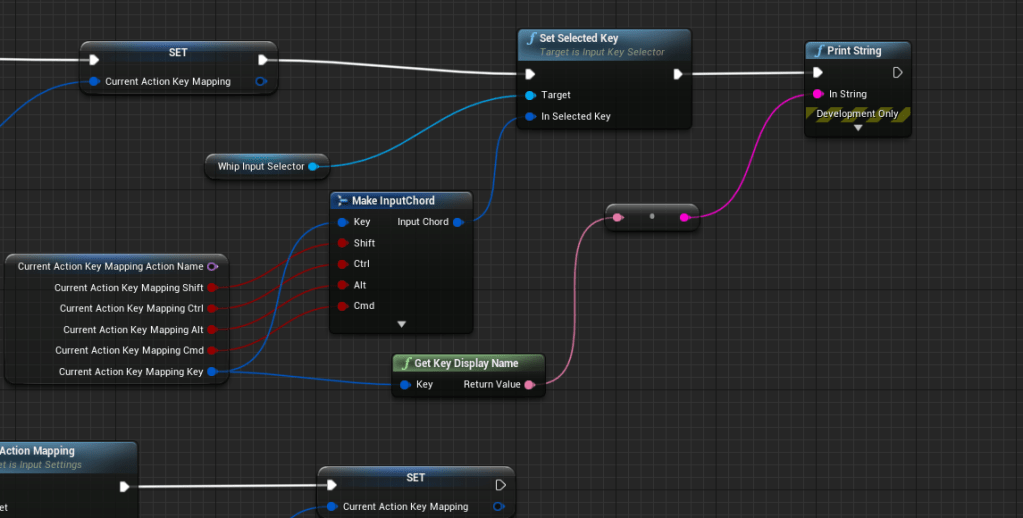
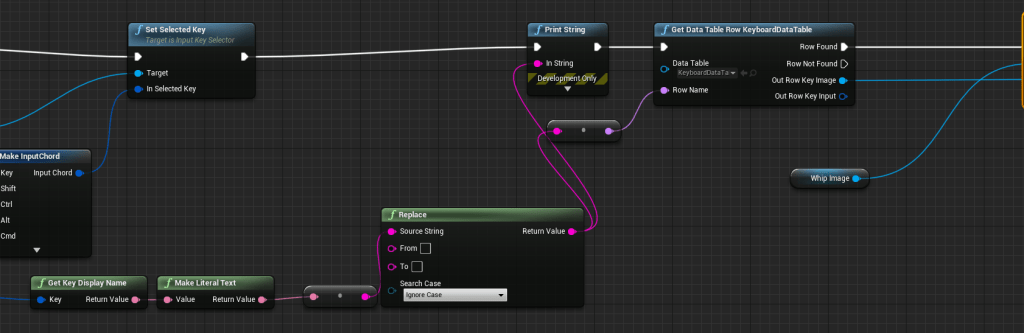
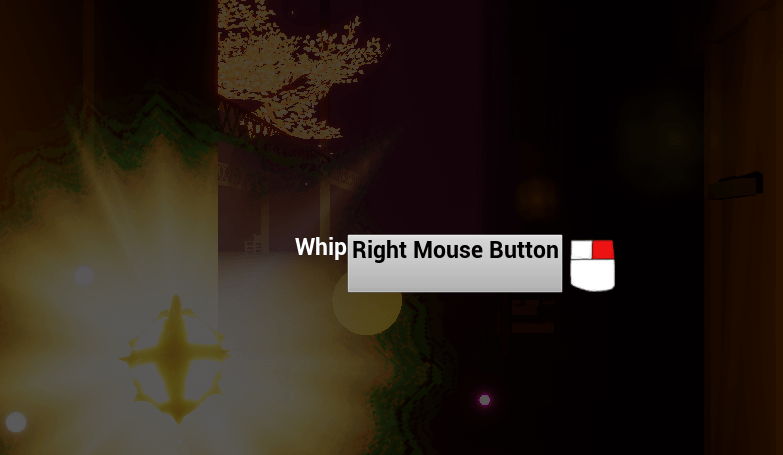
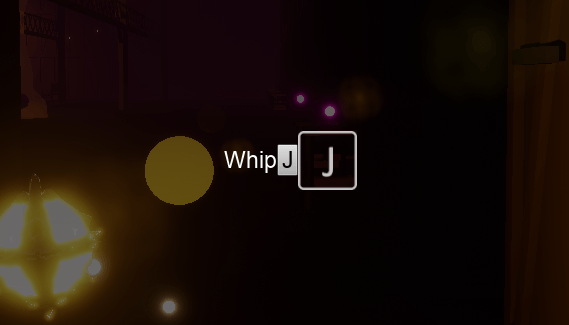
Ran into another issue where it was switching back and forth between two keys since some inputs had a key for the keyboard and controller. I fixed it temporarily by removing all the controller inputs. I will either add unique inputs for the controller or find a way to grab the specific key for a keyboard and controller. The latter option seems better but will definitely take more work. Came up with a separate screen for the inputs to pop up where you can edit it. It’s very early stage in its conception but it works wonderfully so far. I will continue to work on the system so that all the keys are in the proper place and that it limits some keys if it’s not part of the usable keys. Also need a way to save the default keys so that the player can also reset the controls to default because that is a very important function as well.
I will admit this is not as fun as developing the other parts of the game. This is very technical and has to do with a lot of UI design which I have no experience in and am surely messing up. It is still fulfilling to work on and I won’t cut any corners or rush this process. This needs to be right like everything else.
 GoldenGratus Games