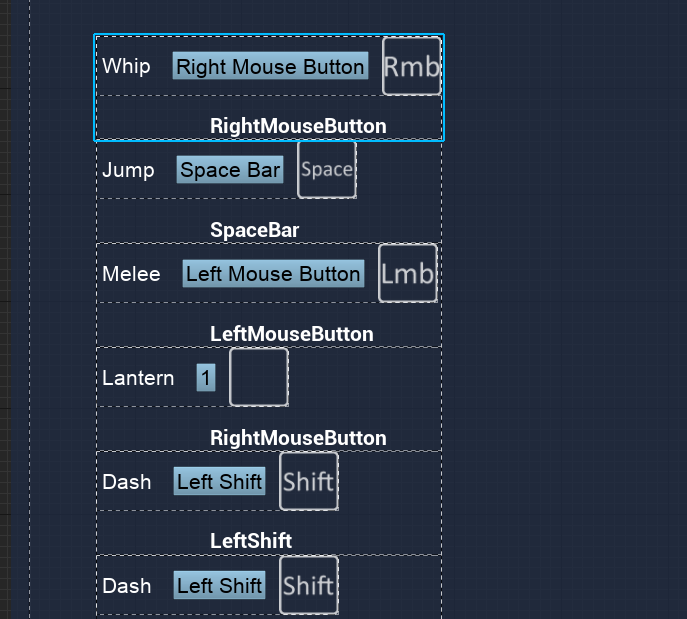
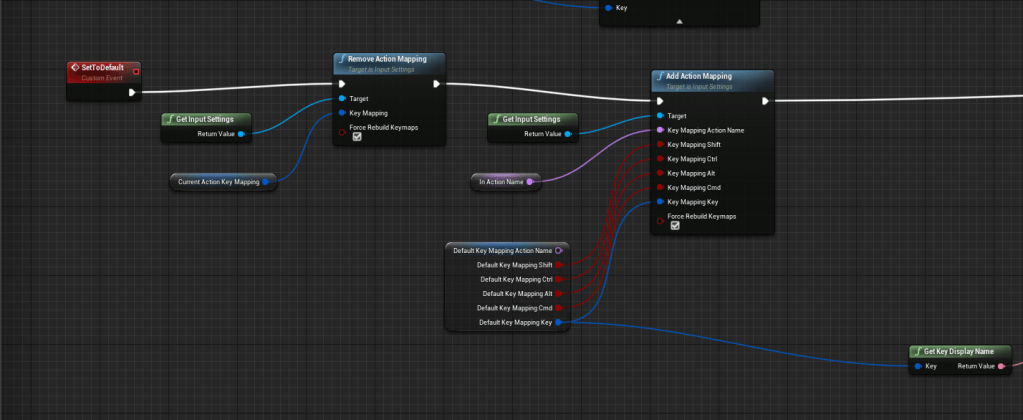
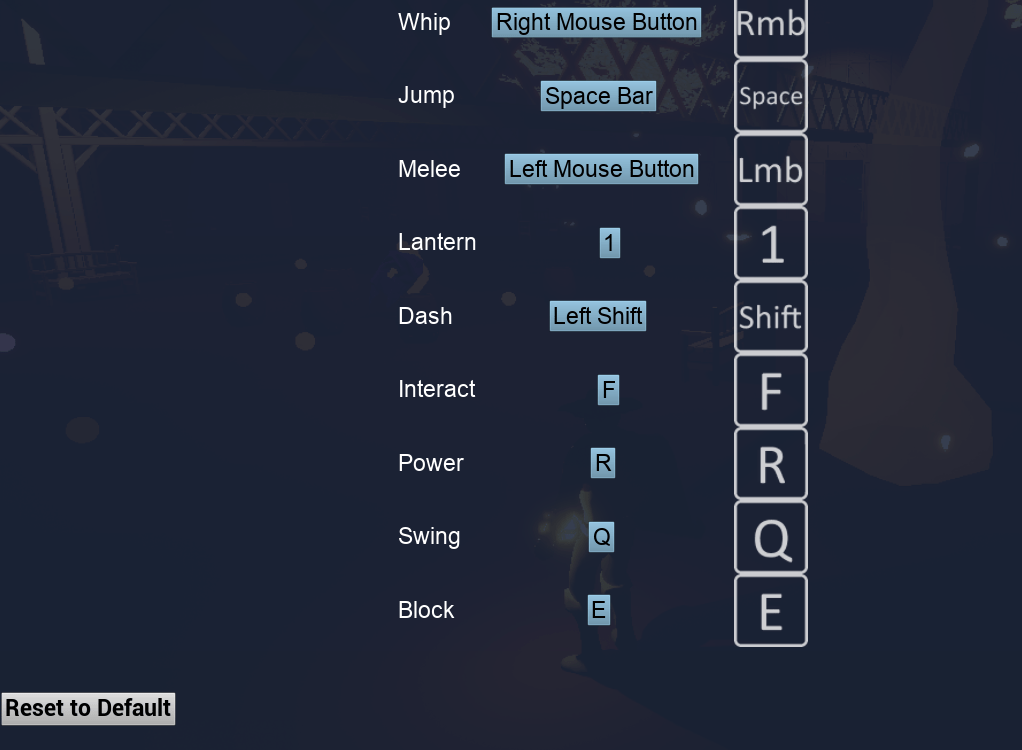
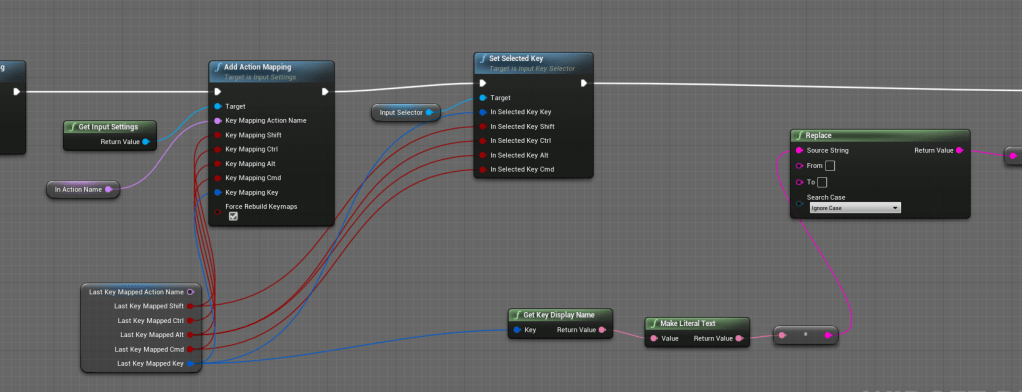
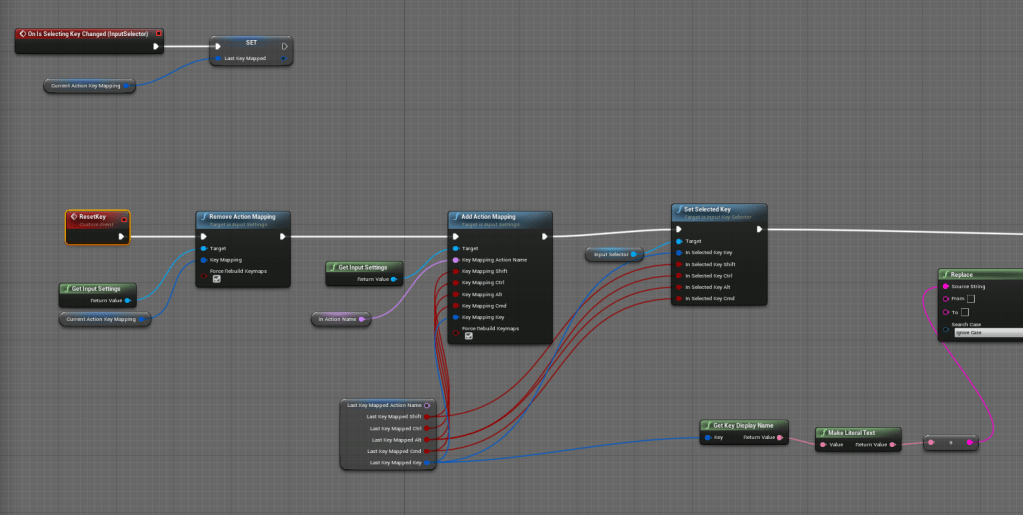
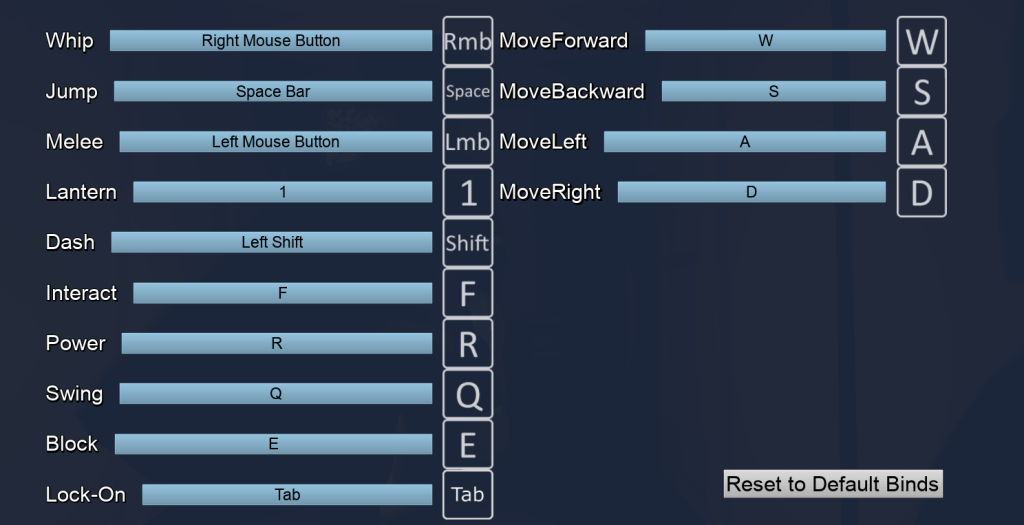
I was having trouble getting the 1 to show its key image counterpart so I added a literal text to the buttons that only appeared in the editor so I could see what was going on. Apparently while the KeyName of the 1 key is “One,” it comes out at “1” when you try to get its literal name. I changed the names of the rows to match the numbers but I then changed it back to the literal numbers and it worked fine. I started changed the buttons and menu a bit so it looks more pleasing to the eyes. Then I started working on logic that would set the key back to its default once the reset to default was pressed. Never again will I complain about a game with troublesome control mapping or reassigning of keys. I understand the difficulty, everything I did today was for the control menu.

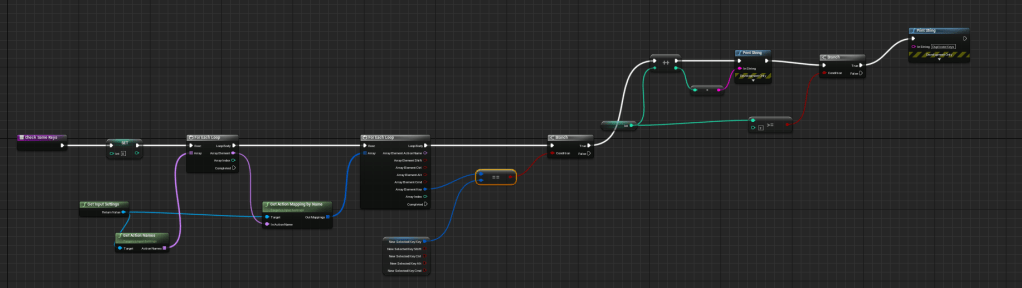
I created a semi-functional event that checked if the key that was inputted by the player had a duplicate among the other inputs, so at least it will let the player know that there are multiple actions using the same key. I will learn later in the day that my code is stupid and does not work the way I wanted it to. It worked at first because it was only checking among the action keys, but it got worse once I started working on the axis (movement) keys. I even got the keys to reset back to it’s previous key if there was a duplicate. Again I only had this working for the action keys. Eventually I realize how troublesome it is to reset the keys because for some reason it kept deleting the keys instead of putting the old ones back.

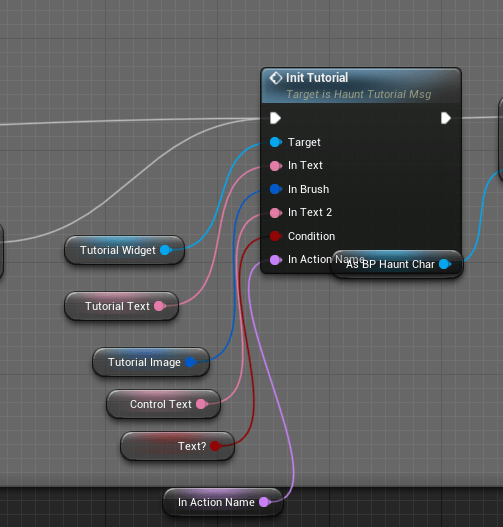
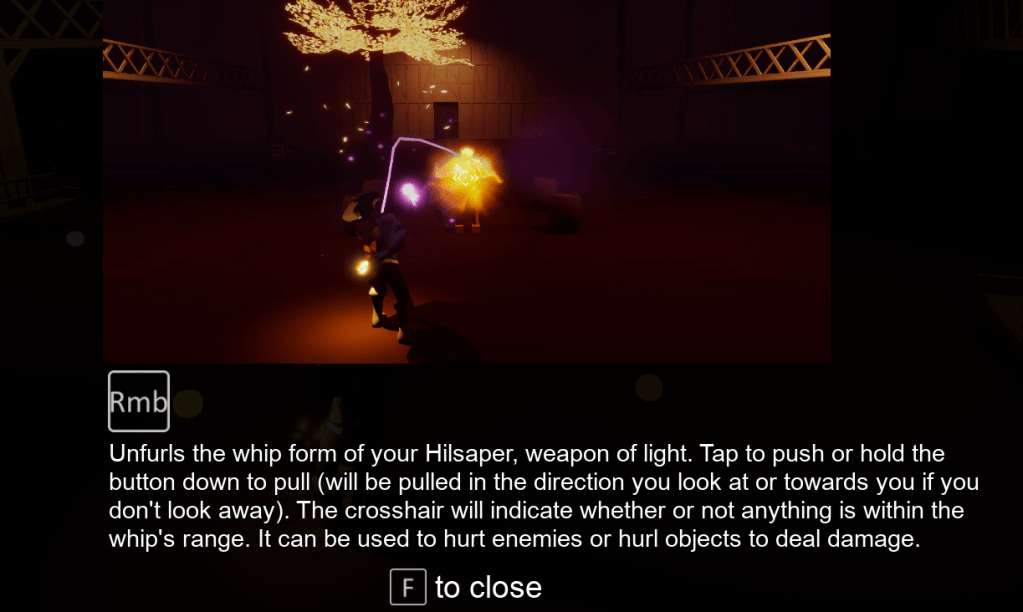
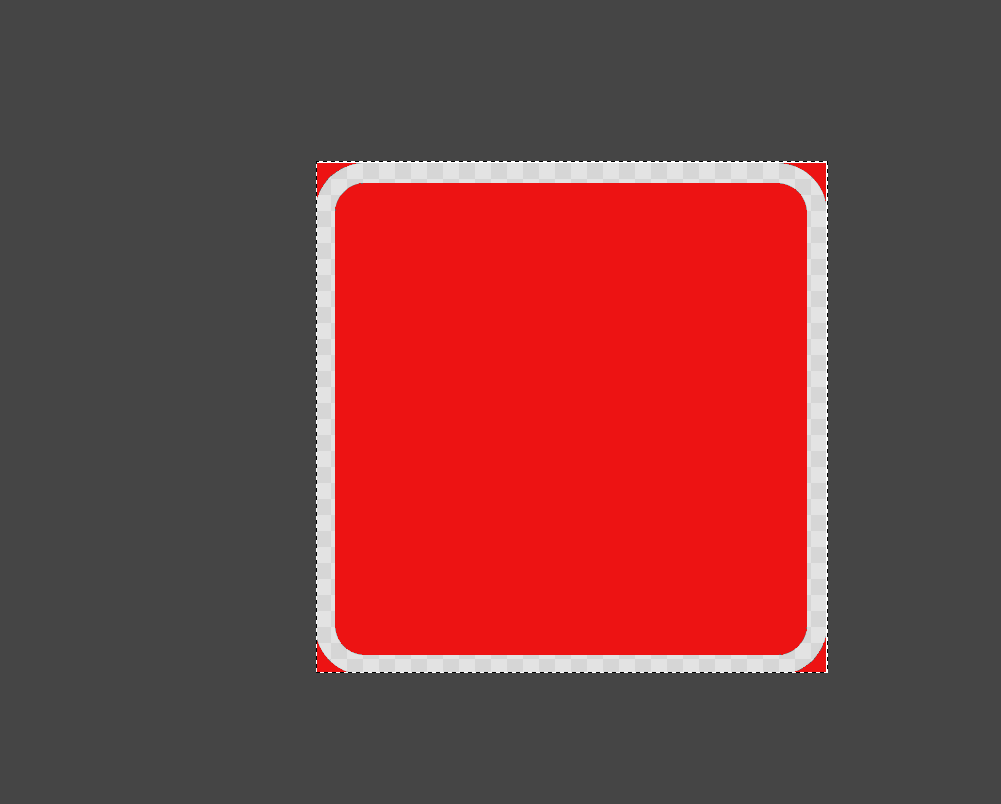
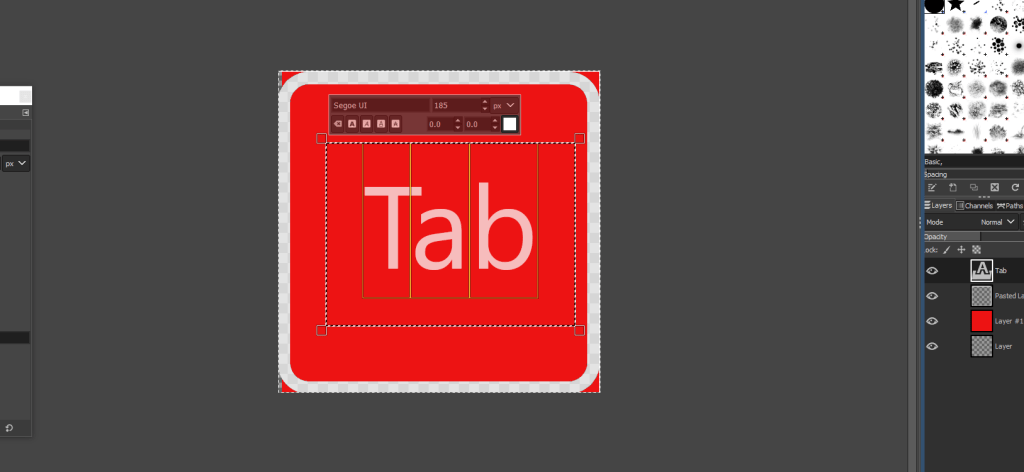
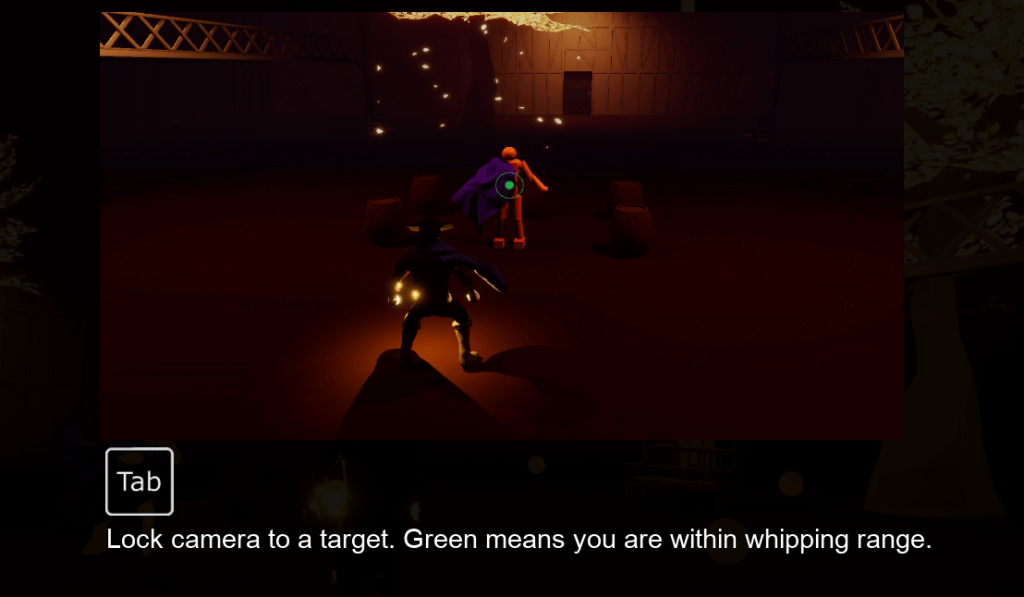
To match the output and take advantage of the functionality of the new keys and datatables I added the key images to the tutorials. Unfortunately there was no key image for “Tab” from the image pack I bought. So I made one from scratch. It was a bit tricky because I couldn’t find a way to export the empty square from the engine so instead I took a screenshot of it and edited it in gimp so I could cut out the parts that were supposed to be transparent, then I slapped the Tab on it and tried to match the font as close as possible. While tricky at first it was doable and now I have a template for other keys if I want to make other custom images.

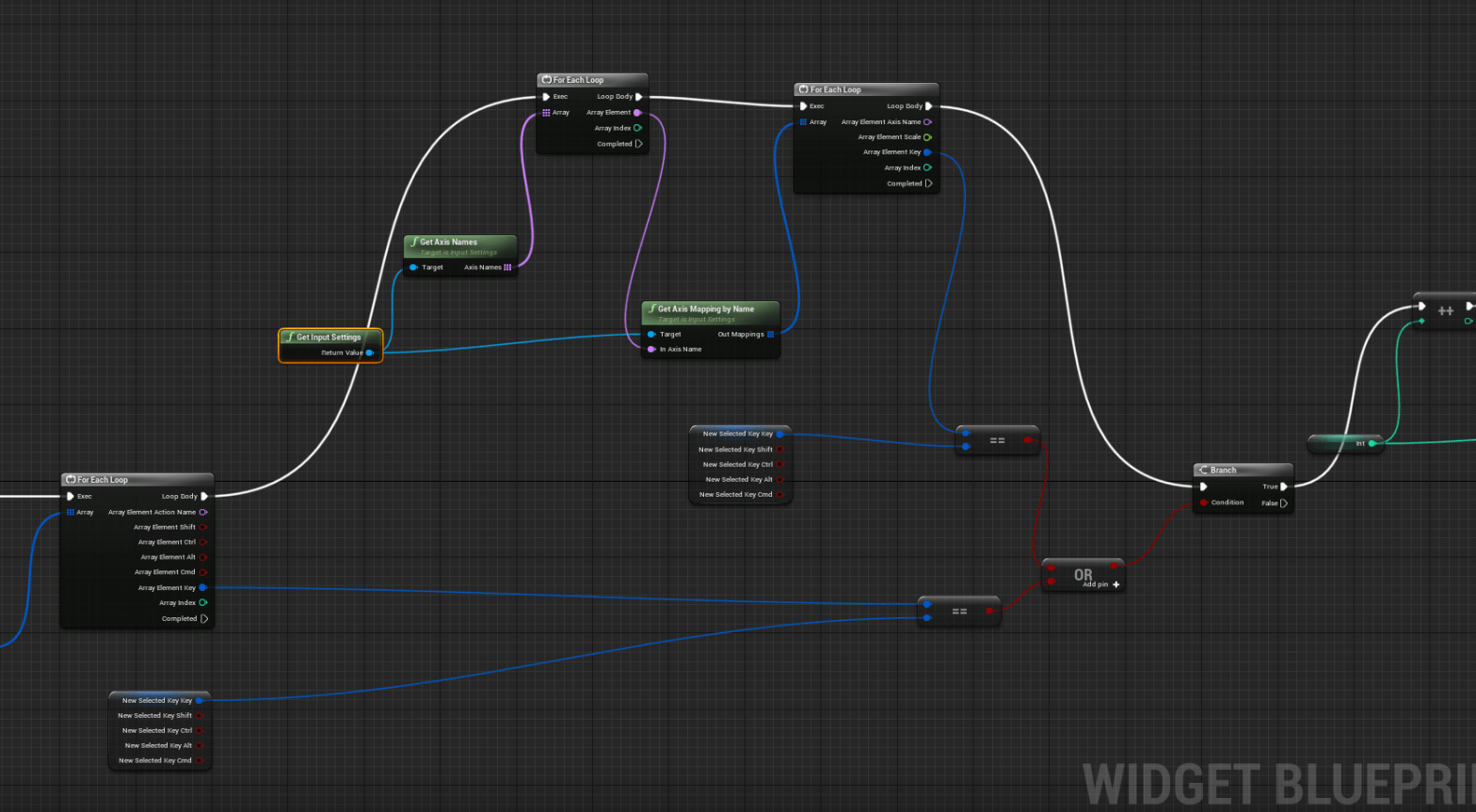
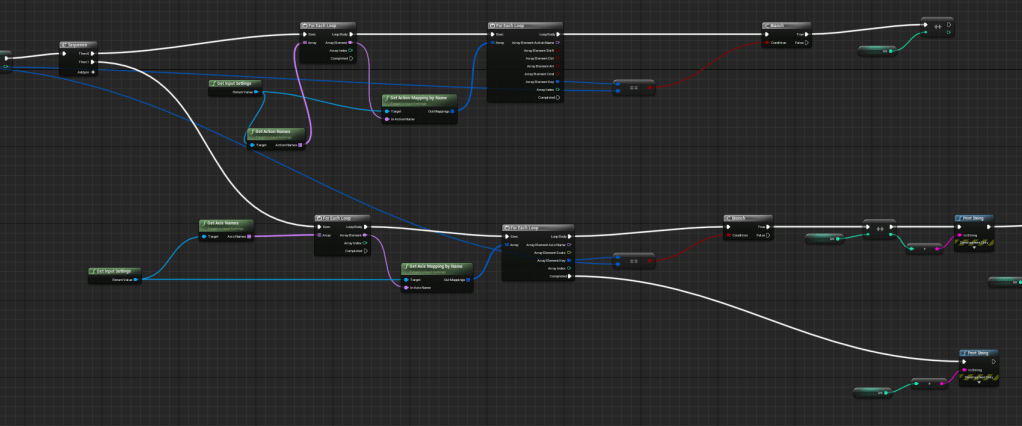
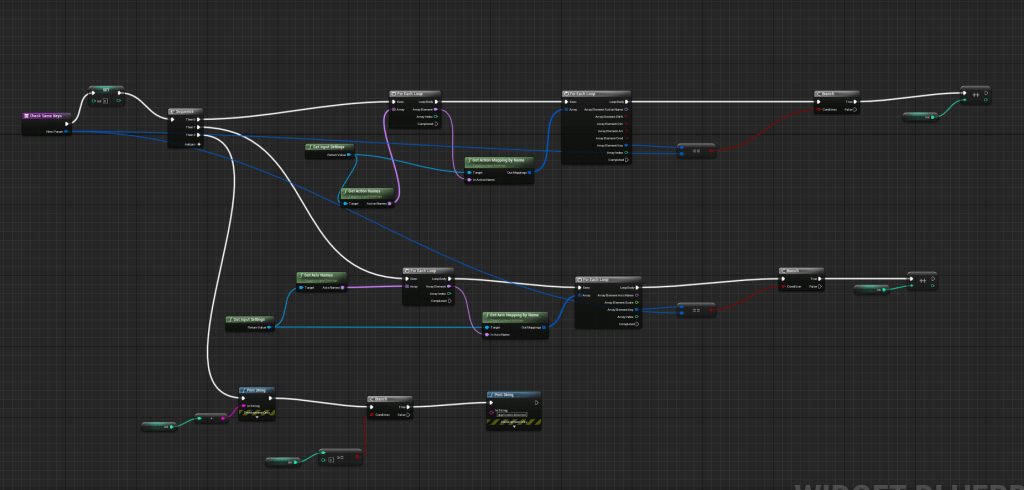
Axis keys are strange because they take in a scale unlike the action keys. So I had to be careful of where I set the scale, because forward has to be +1 and backward needs to be -1. I couldn’t simply copy the logic I had for the action buttons so I made a new button for the axis keys. And I had to update the function that checked for duplicate keys because I forgot to include a check for axis keys. Looking at my picture now I can clearly see where I went wrong and I was wondering for awhile why I kept getting multiple of the same variables. This reminded me of the days where I had to finish my coding projects for my online course. That was about a year ago now. And it seems I had nearly forgotten so much of what I learned. I know how to use arrays and structs, but wow did I forget the fundamentals of LOOPS. I was looping on a loop so of course that’s why it came out with several of the same variables. That made the count of the duplicate keys completely inaccurate.
I wish I could say I figured it out right away. But it took a few hours and switching of wires and dozens of print strings, until I realized my mistake of going in circles. All I needed was to use a simple sequence. Keep the loops separate. Actually use the power of stacking. One after the other so it’s efficient and simple. That’s when it feels truly great, when the solution comes in and it was not as complicated as I was trying to make it.
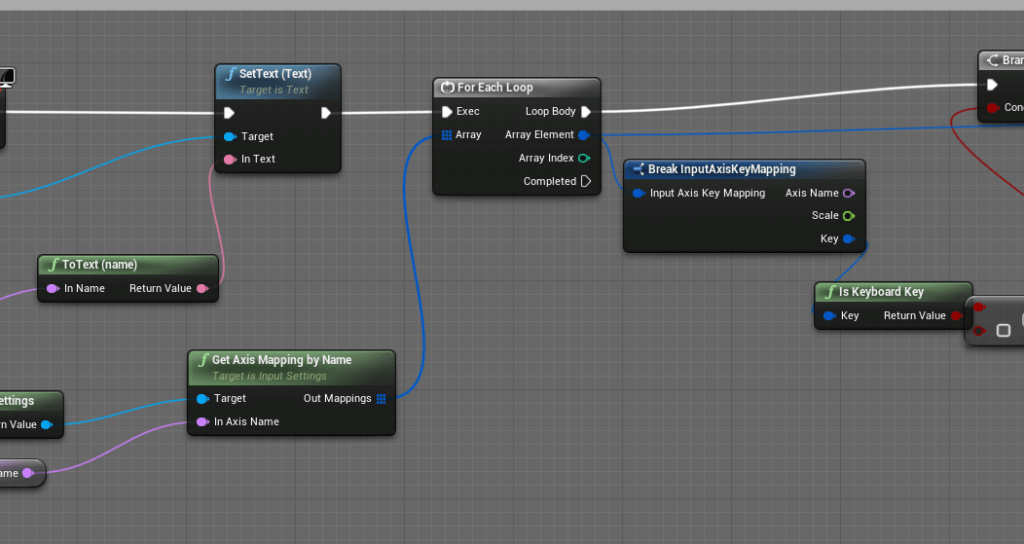
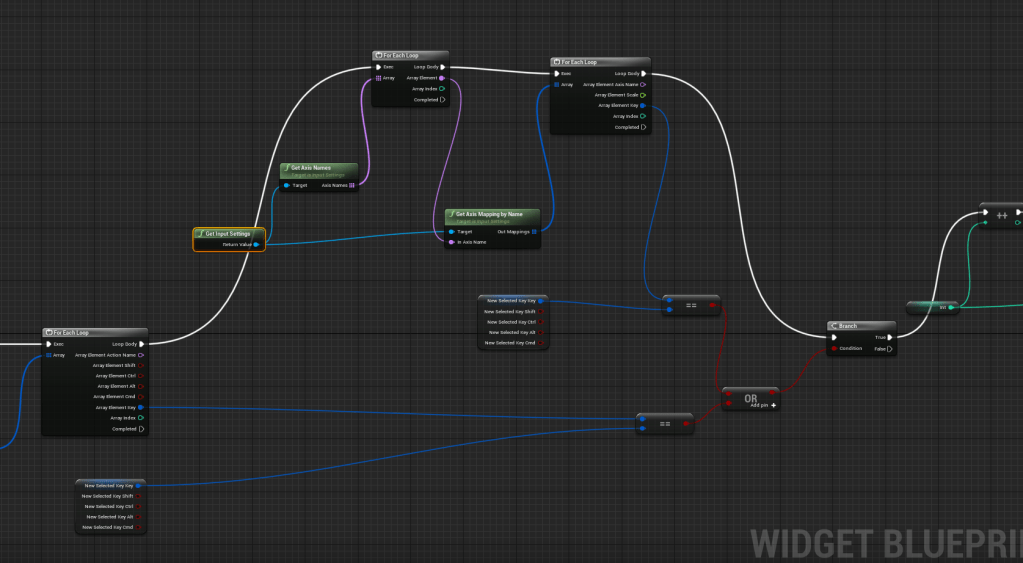
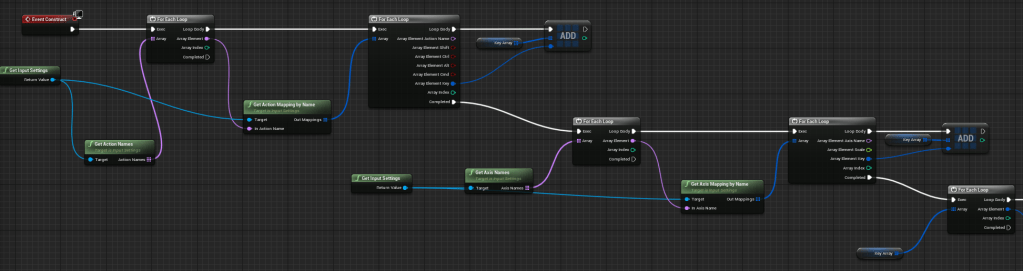
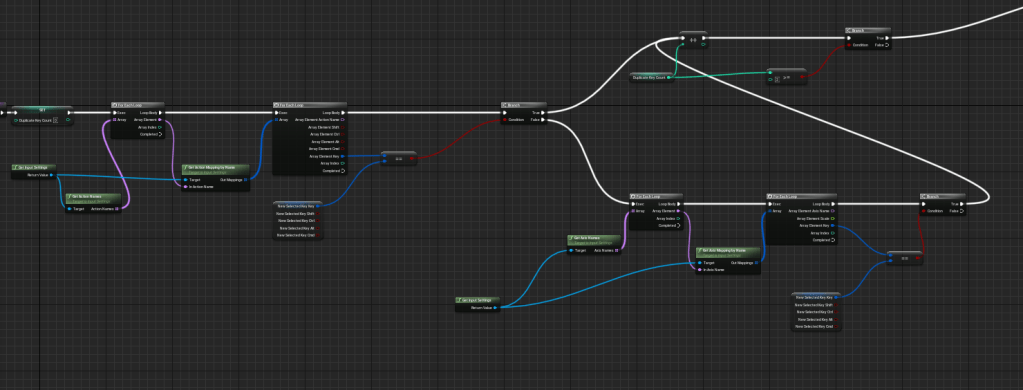
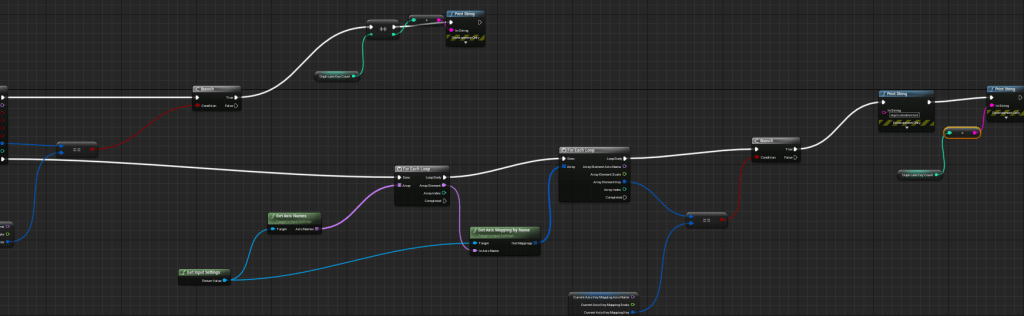
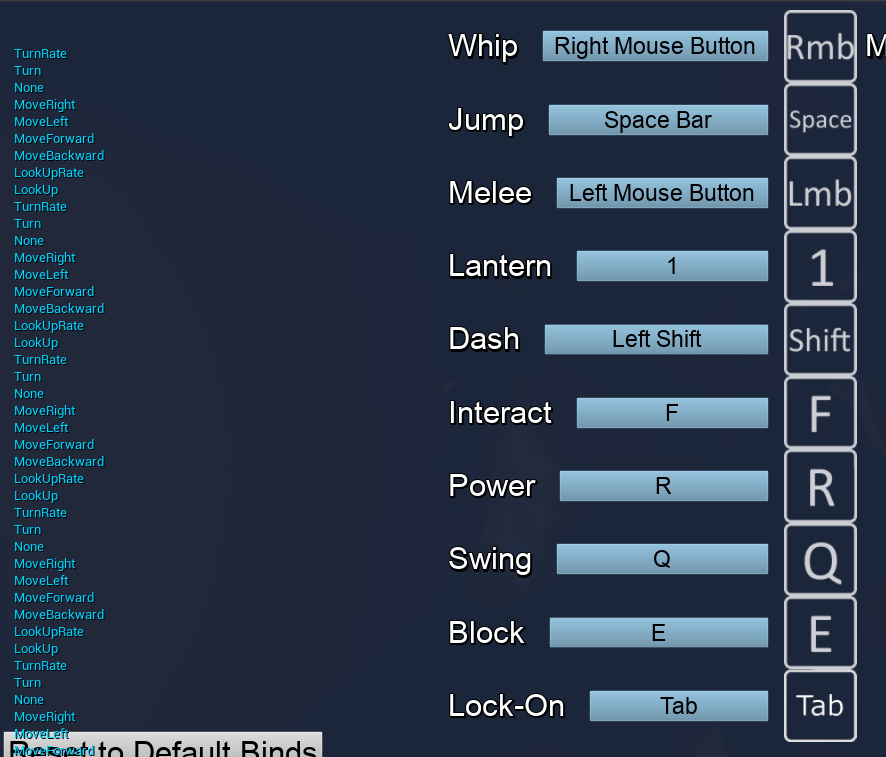

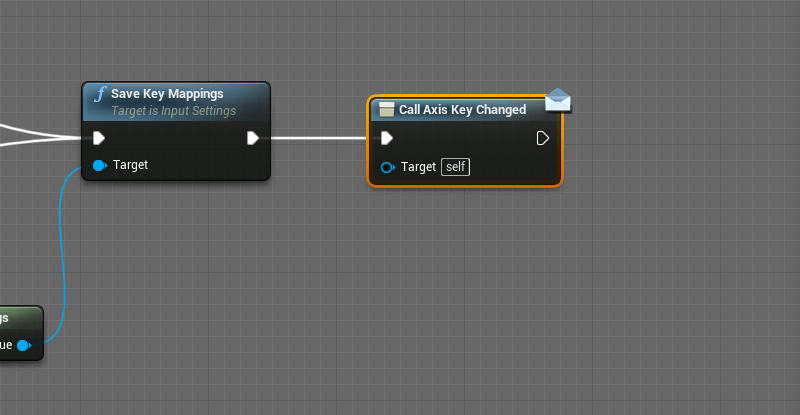
The buttons were a bit too small so I expanded them so the inputs could fit into the screen. I did end up using event dispatchers and that was because I had the same function twice in the action button and axis button. If I’ve learned one thing from coding it’s that if you find yourself copy-pasting then you’re doing something wrong. So I had already collated all the buttons onto the controls menu so all I had to do was put the function there and grab the key from the input that was being given by the player when they tried to change the key. Count the duplicate keys, and there ya go it can easily tell if there’s more than one.
I’ll still see if I want to make more functionality such as resetting the key or stopping the player from putting duplicates. But I think it would be easy enough to just have a big sign that said DUPLICATE KEYS DETECTED. For my own sanity, plus this was only the menu for the keyboard. I still have to work on the controller bindings. It shouldn’t be difficult since all I need to do is use the buttons for the action keys.

 GoldenGratus Games