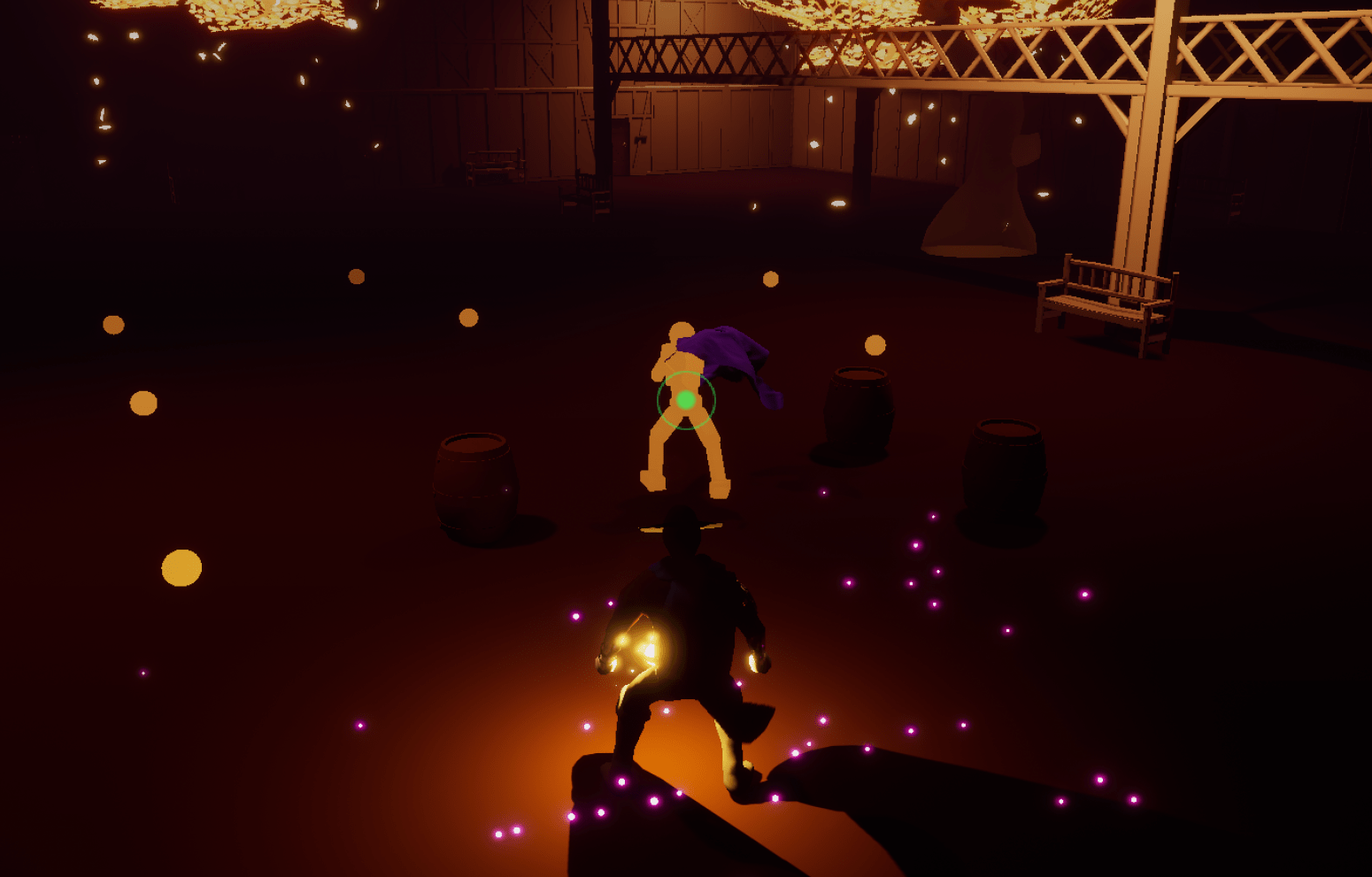
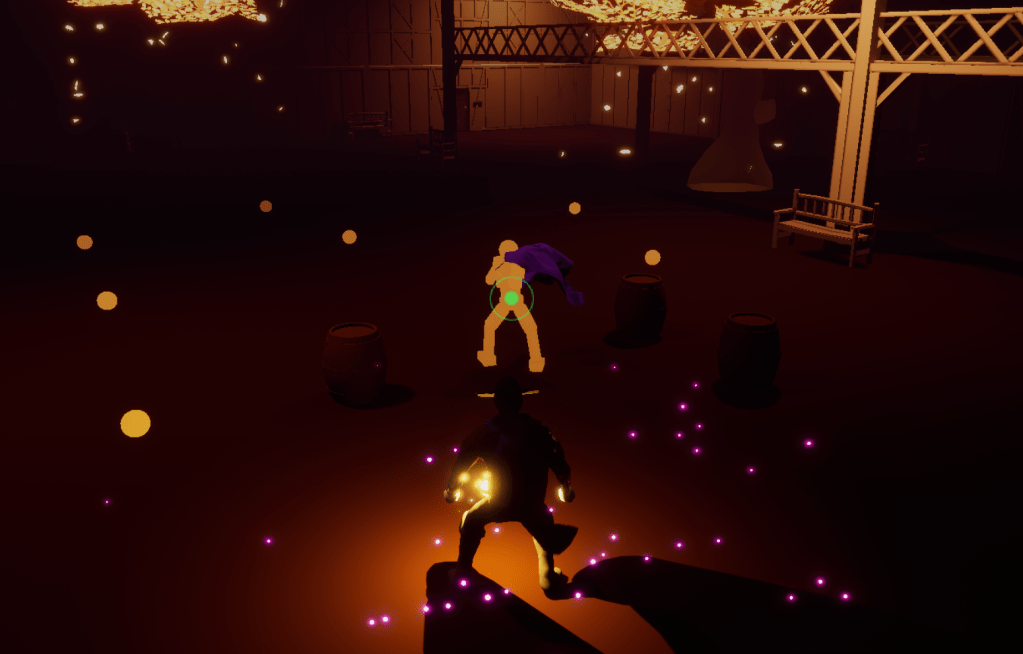
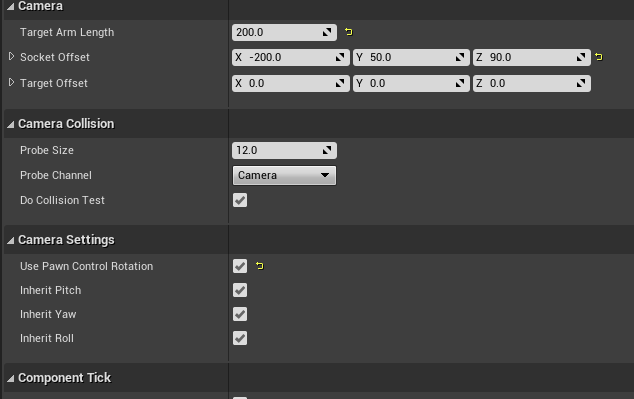
I stopped working on the game on Fridays to free up time for other activities but I couldn’t help myself. Taking a brief break from the control menu I changed the settings and functionality of the camera. I thought about the placement of the camera over the shoulder and the more I looked at it, the more I didn’t like how far it was. It was too far back and too far from the shoulder. It make hitting with the whip feel off and attacking with the melee weapon had to gauge as well because of the angle. I tested a few different values and came to one that felt good when exploring and fighting.
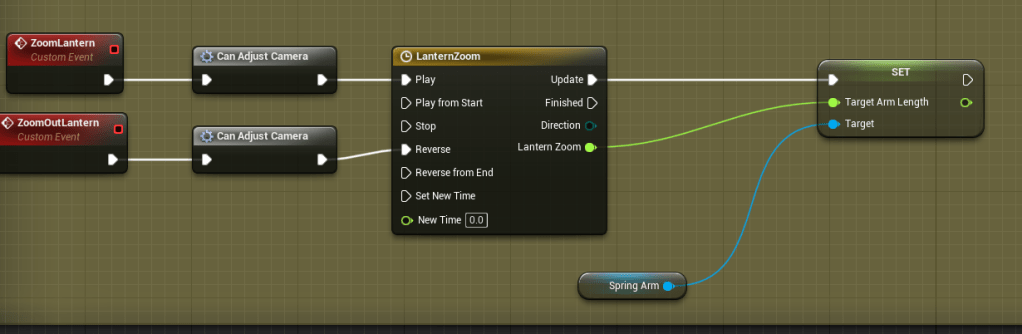
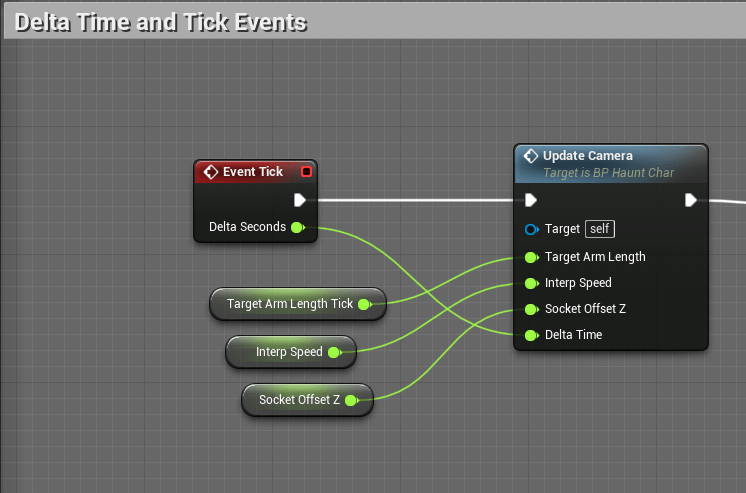
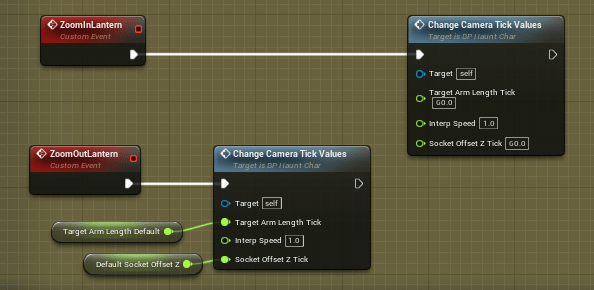
I also figured that since the lantern is about investigating and looking carefully it should be good to add a zoom effect to it. This took awhile because I had to figure out the best way to adjust the camera. Timelines were what I used before but it would be troublesome because I couldn’t change the values on the fly if I wanted to, and if I wanted other functions to affect the camera the timelines didn’t work in a function. So after some testing I put it on the tick event. I am very wary of putting anything on tick, so I can stay away from any unnecessary costs on calculations. But since it was a camera event it seemed the best place for it. I made two separate functions, one that updates on the tick and another to set the values for the camera to adjust to.
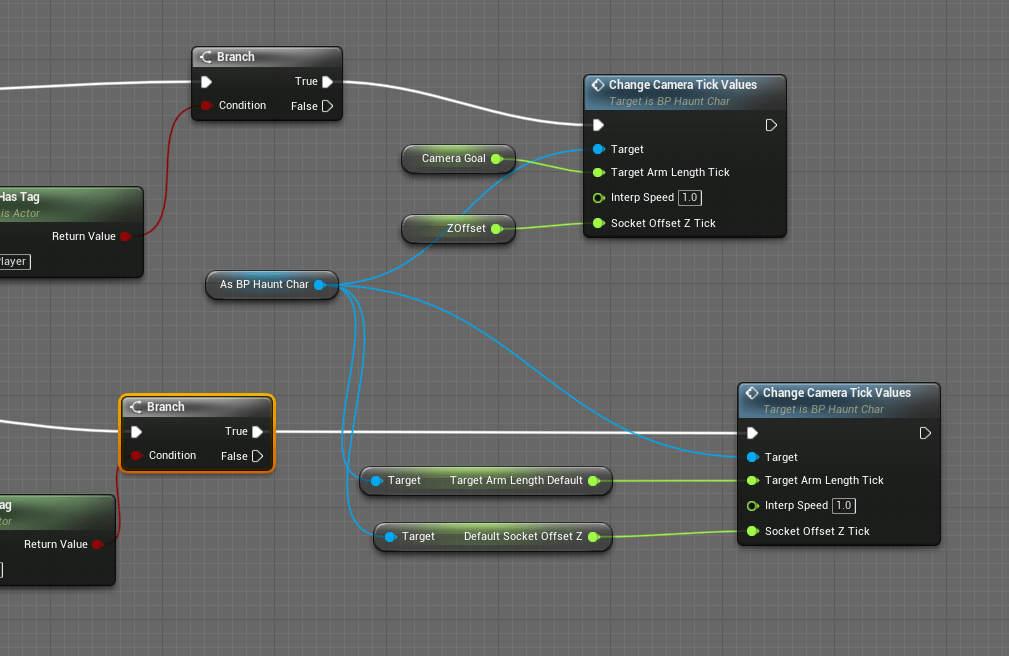
Since I had a collision volume that adjusted the camera I had to update the logic of that as well. It was moving the camera manually. I always have to keep in mind that if I am changing anything on the player it’s better to have a function on the character itself that handles it. Which is why this was a good update because all I needed the trigger to do was tell the camera when to zoom in and out.
With the camera closer to the character it should be easier to fight close range, and gauge where the whip will throw objects.


 GoldenGratus Games