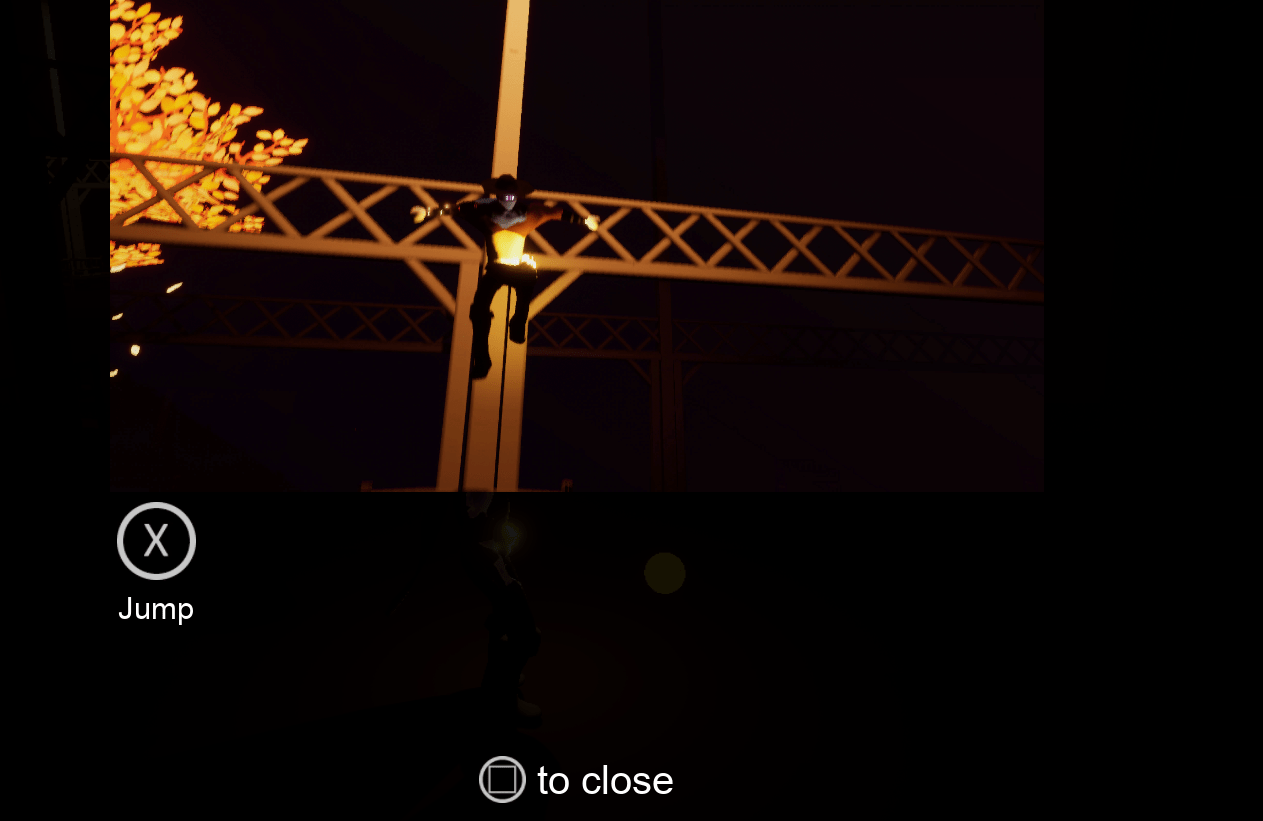
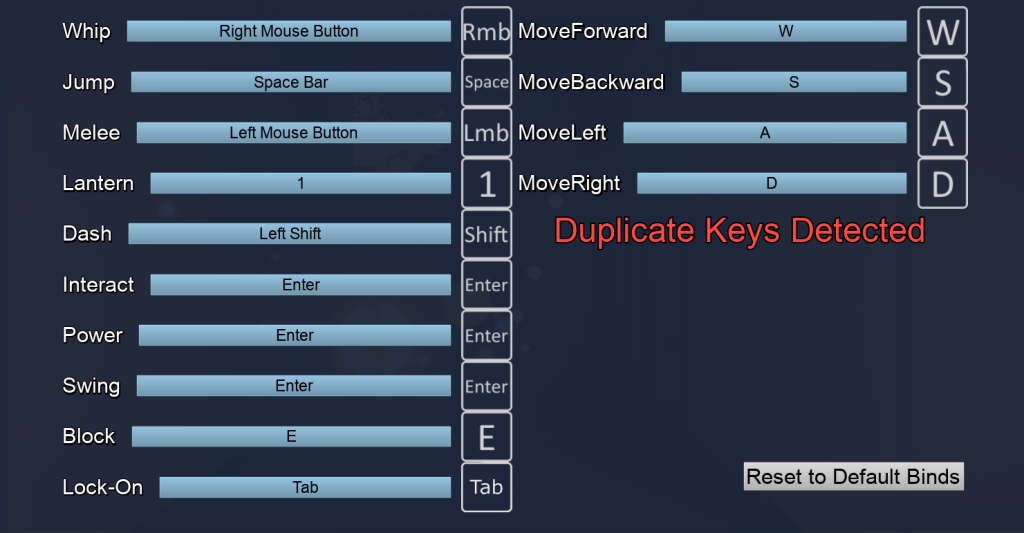
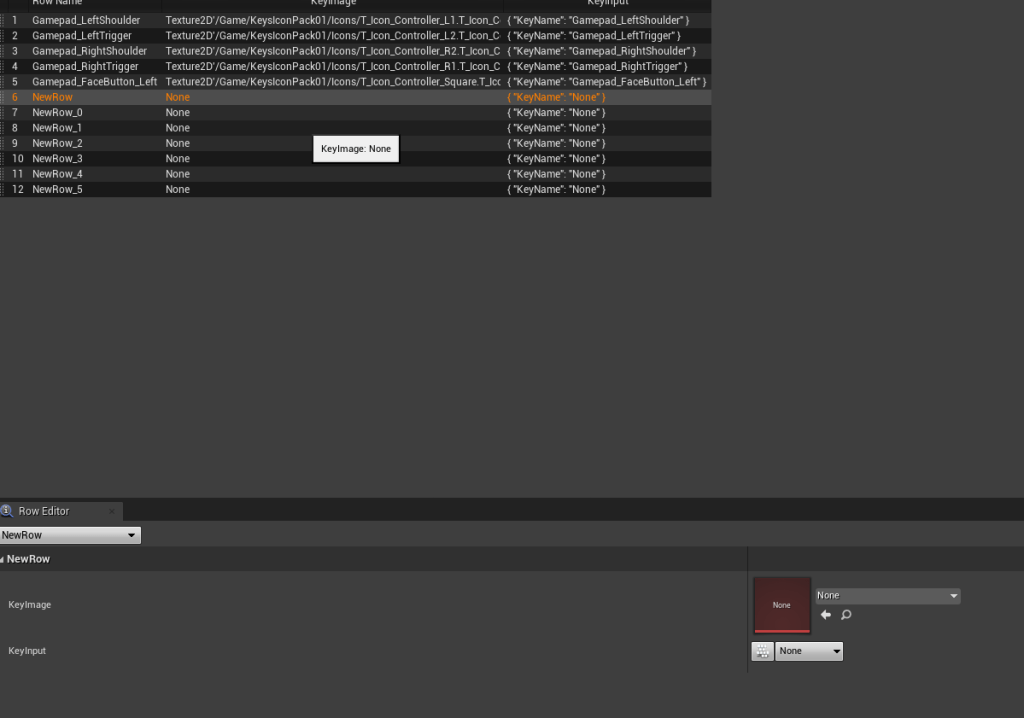
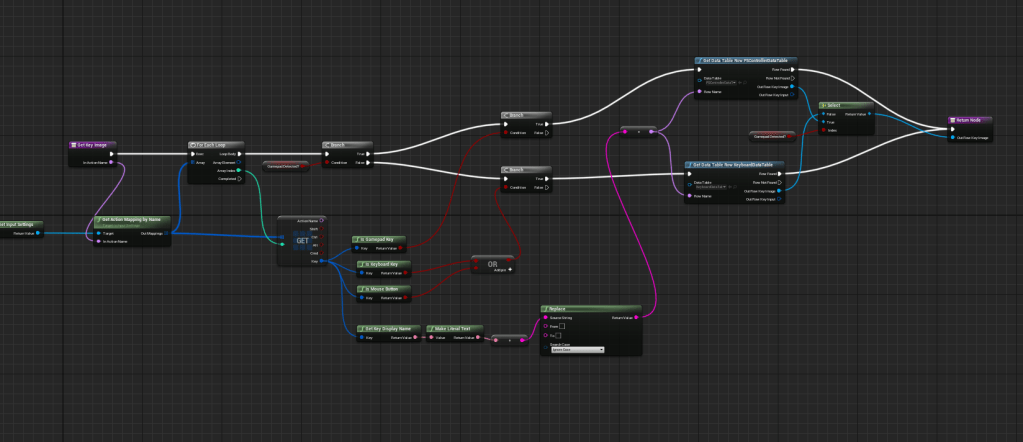
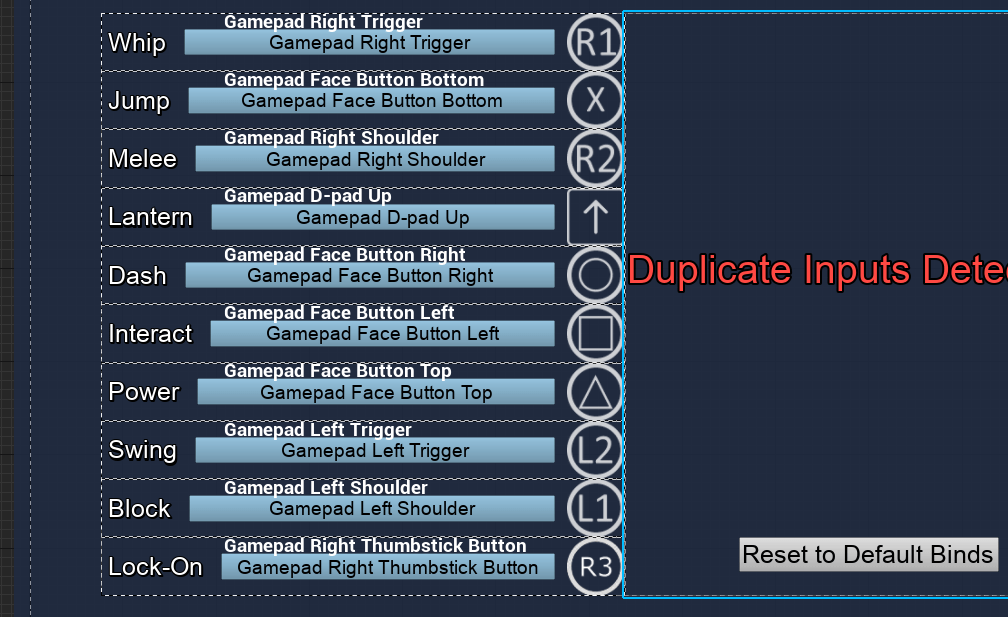
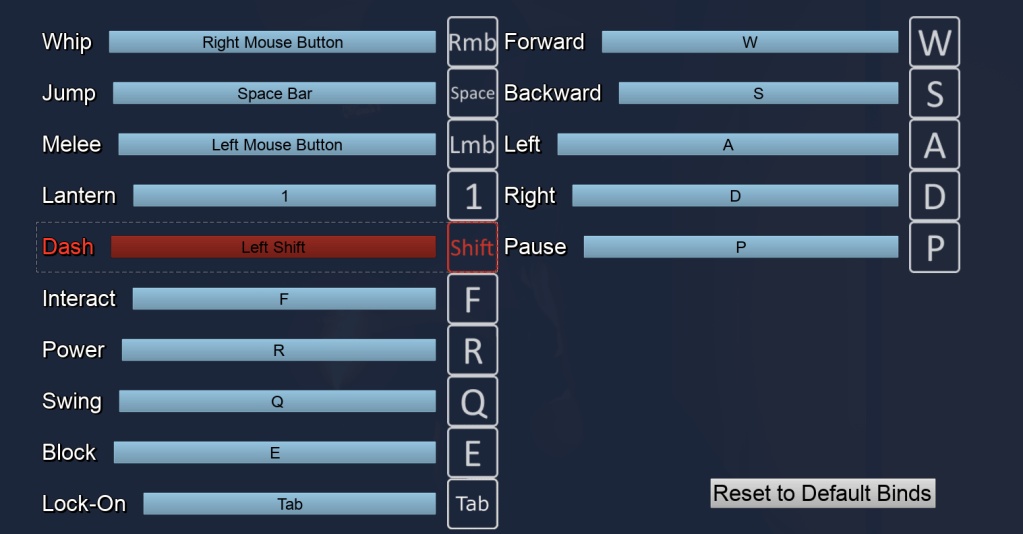
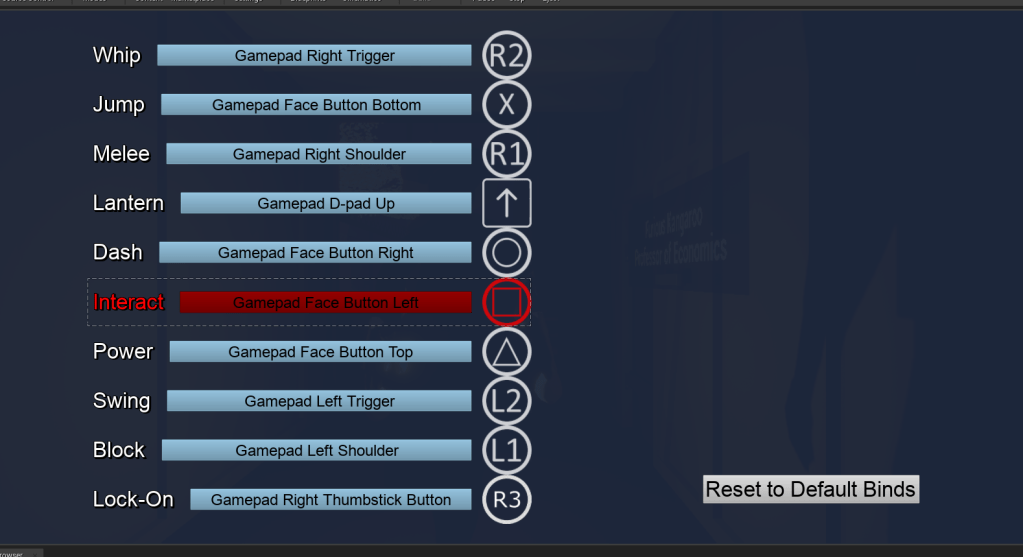
Improved the button logic to accurately detect duplicate keys and made it clear as to when there were multiple duplicates present. I hadn’t gotten it to replace or delete the keys if there are duplicates. I will do that some other time down the line. I began working on the data table for the controller. Only the playstation controller for now since I don’t have an Xbox or other controller. Made sure there were separate windows for the controller and keyboard. This may be in preparation for a console port one day, but that’s just me being hopeful.
It took awhile for me to realize that the name of the key was different than the literal name that was coming out again. So I had to change the names of the rows on the data table to match it so I could grab the proper images for the inputs. Worked out fine.
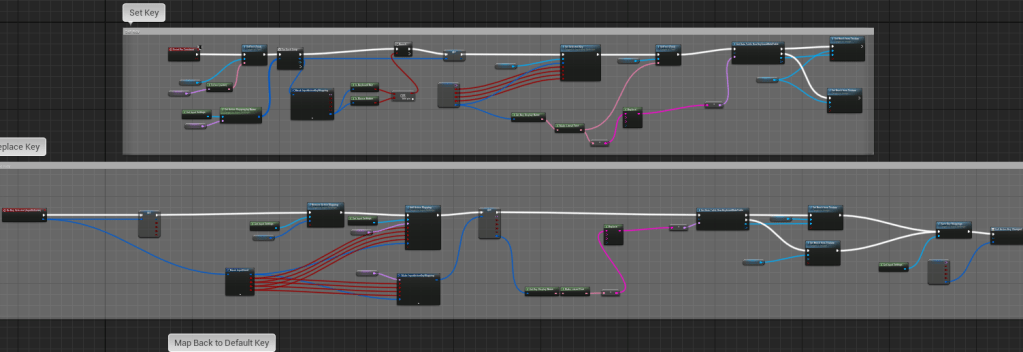
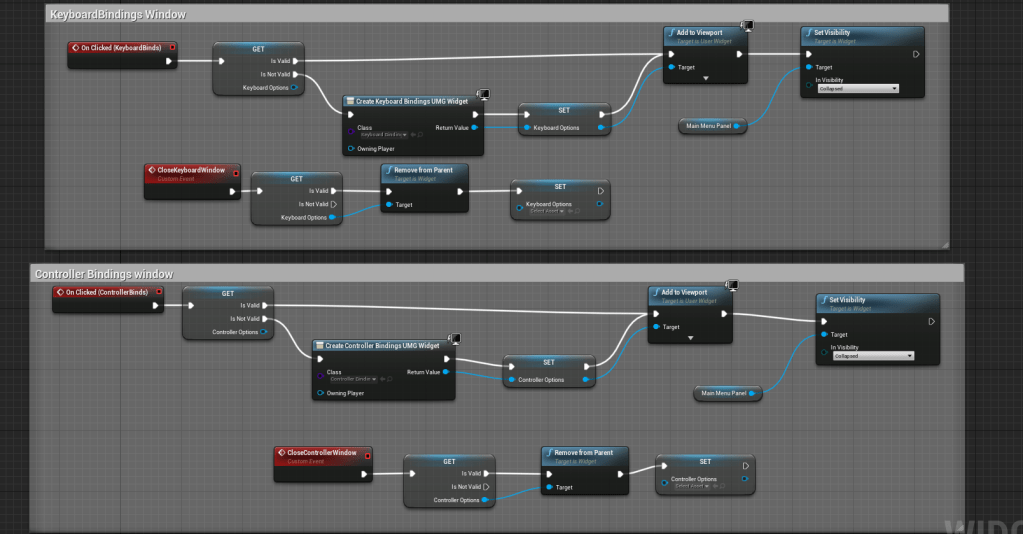
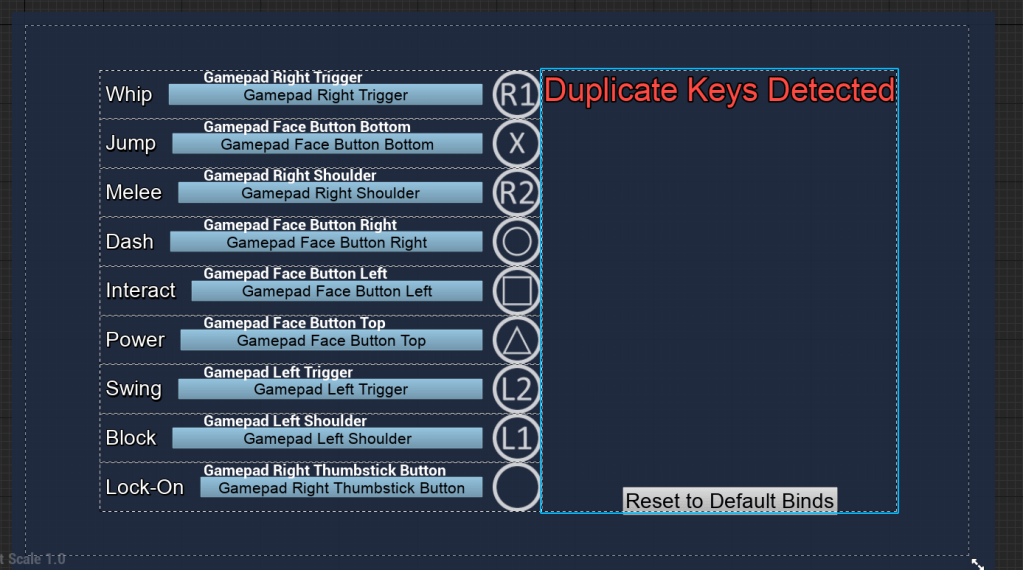
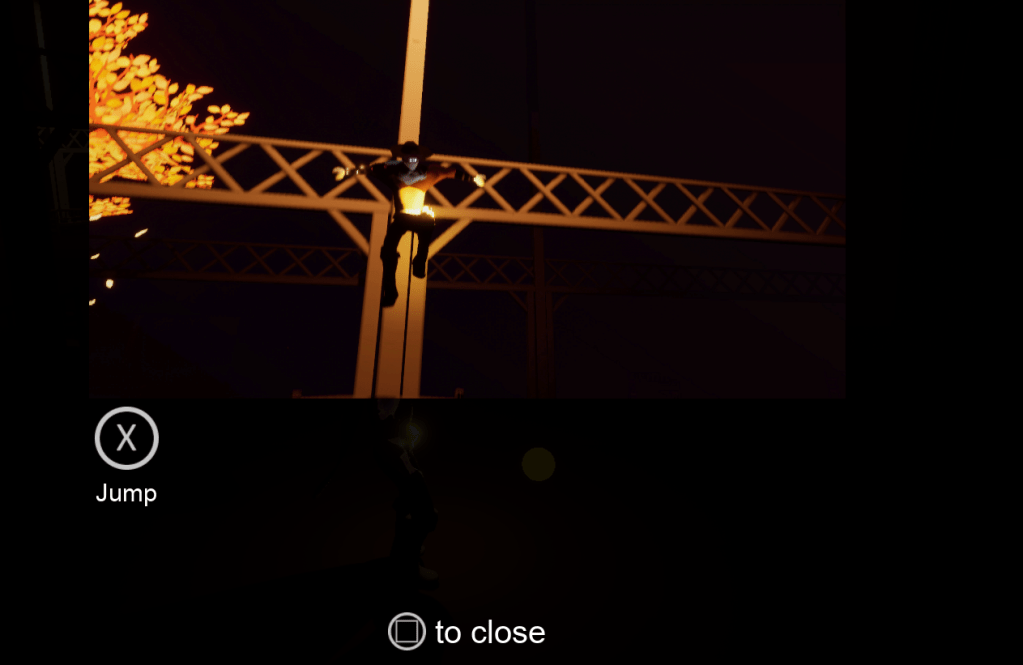
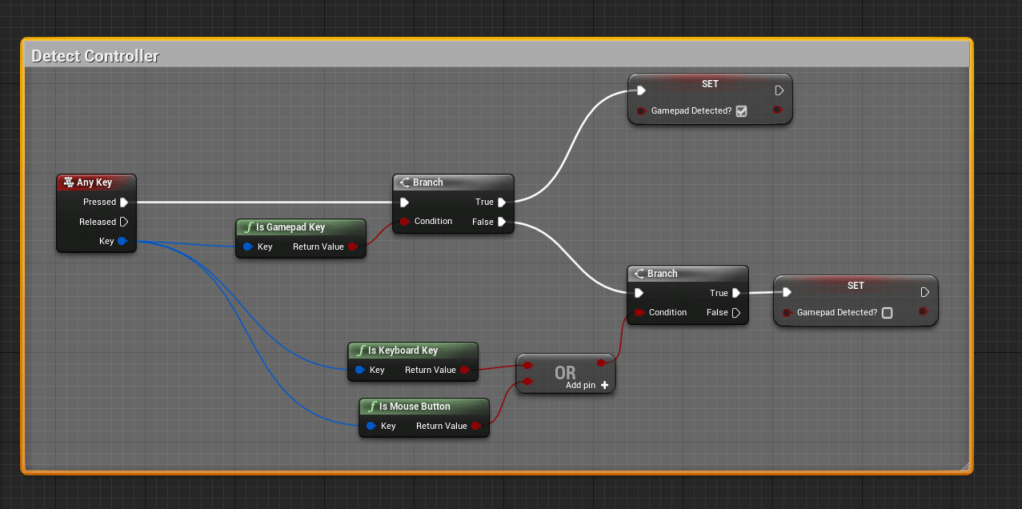
I attached a function to the Any Key event to check if the input was a keyboard or gamepad, this way it updates any images in the game. It runs every time a button is pressed but it doesn’t do anything complicated so I hope it isn’t too taxing. Since there is a gamepad menu I wanted to make sure the menu was navigable by a gamepad itself. This was not really necessary especially because this will certainly be played on the PC first. But it was good to get a head start on it.
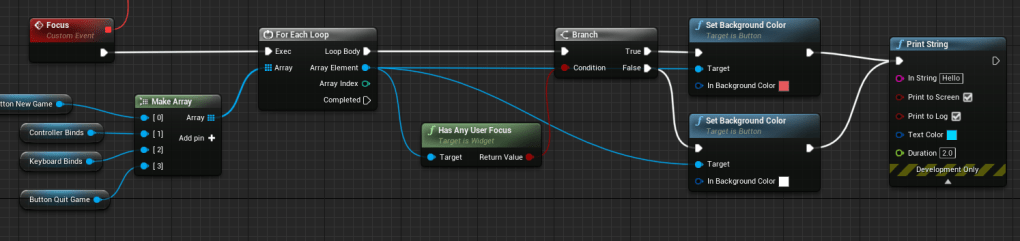
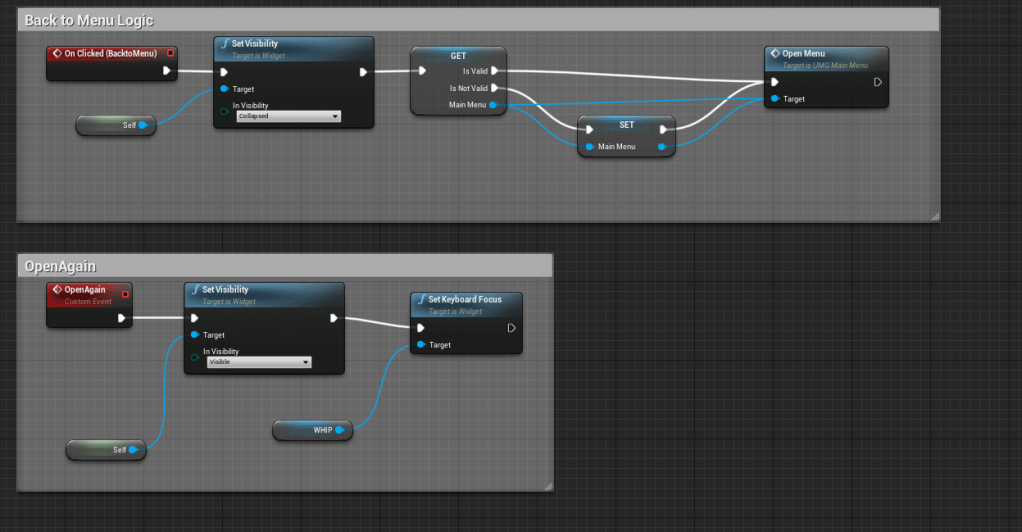
After a few hours of looking around for the best way and experimenting, it seemed that using the Focus aspect of the UMG worked so far. I’m not sure exactly what the logic is, but setting a focus makes it so that you can change buttons with the arrow keys, controller’s joystick, and d-pad. It was tricky because for the widgets to detect if it was focused on I had to make it visible and focusable. I made sure that the buttons are highlighted when they are focused on. Currently it runs on a tick event, but only when its open so it shouldn’t be too bad.
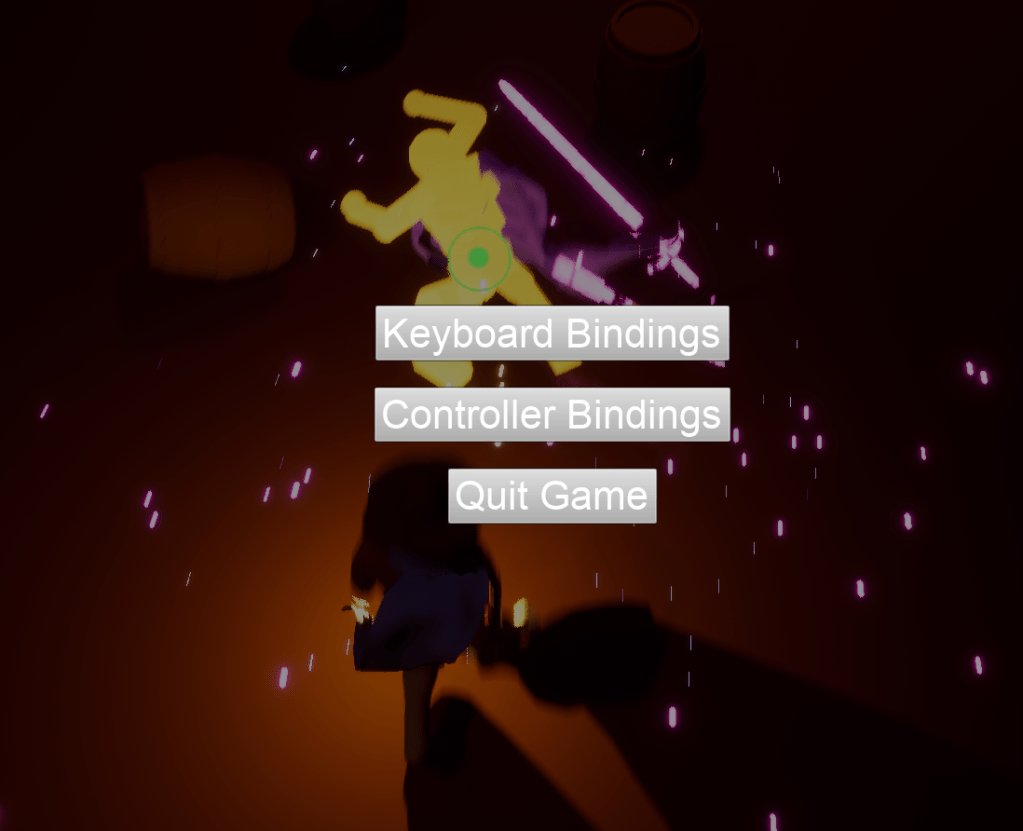
I also wanted to make sure there was a way to get back to the main menu, so I added a button to bring you right back. I’ll figure out a way to make it a simple input press as well to return so you don’t have to always press the main settings button.
Unfortunately for me I found that in the standalone version of the game the menu does not work at all. It seems the focus is messing up the functionality of the buttons. Nothing was working when I clicked on it.
There were a few more bugs I ran into such as the shield not working, the melee not attacking, and the dodge not going the right direction on the controller. So lots of things to start fixing tomorrow.
 GoldenGratus Games