
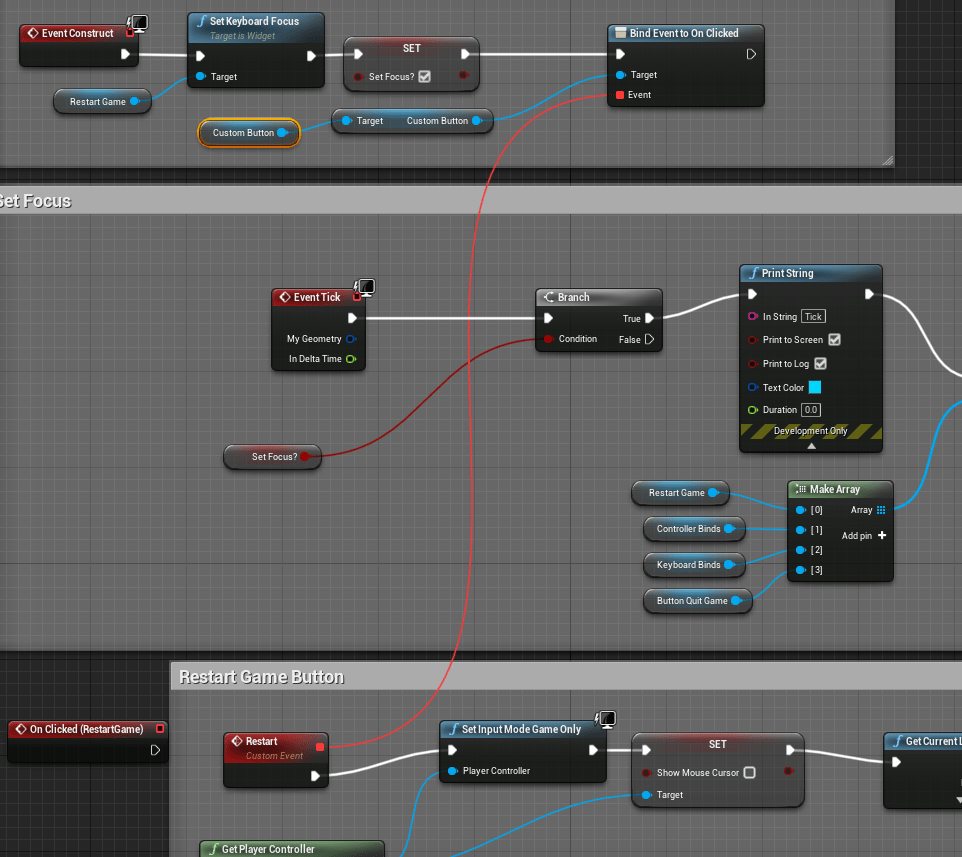
I tasked myself to make a customizable button using a widget, that way whatever changes I made to the button would affect all the buttons I had placed in any menu. This button would be much simpler than the one that changes the inputs. For now all it has is text and the ability to make sound. I had trouble getting it to work at first because since it was a button inside of a widget when I placed it in other widget such as the main menu, I couldn’t directly access the button click event.
I easily got the focus function working, as it mostly worked the same way the input widget did. For the clicking of the button realized I could simply bind the click event to a specific event, so I made a function inside of the button to make it more easily bind-able. It’s an extra step compared to a simple button but it’s easy enough to attach and when I make new buttons and events it will be straight forward to get them working. All that was left was to put the buttons on all the current menus I had and attach them to the events of the previous buttons which I could remove. This was good because I got rid of the tick events that was marking which buttons were Focused. Added the menu sound to the selection as well to add more flair.




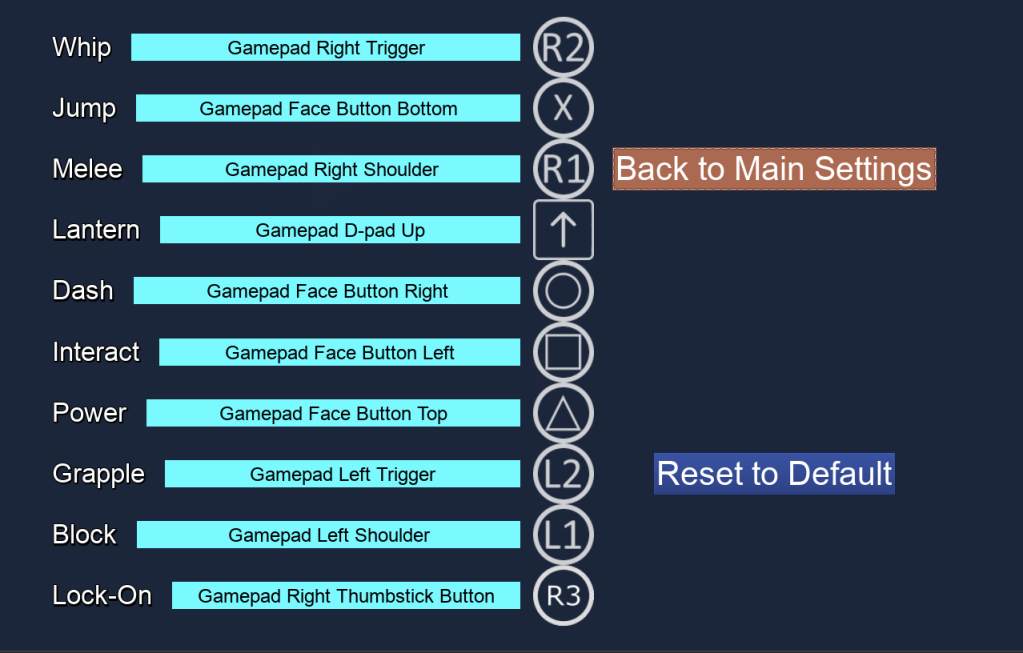

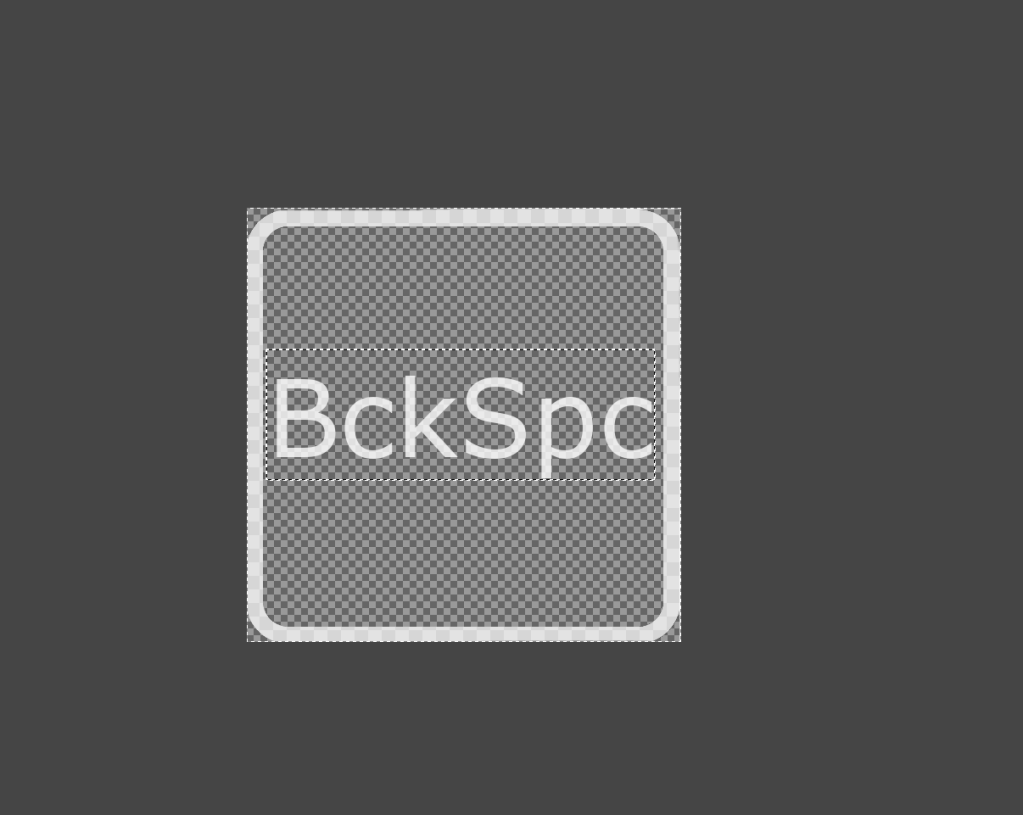
I didn’t like how the image for the gamepad D-pad was exactly the same as the arrow keys for the keyboard so I decided to make more custom images. A lot of the other keys on the keyboard didn’t have their own images as well, from Num 0 to Scroll Lock. I don’t expect most people to use any of these random keys but it’s nice to have images for them just in case, and if I ever use this input scheme for anything else it will come in handy. It looks way nicer to have images for majority of the keys.
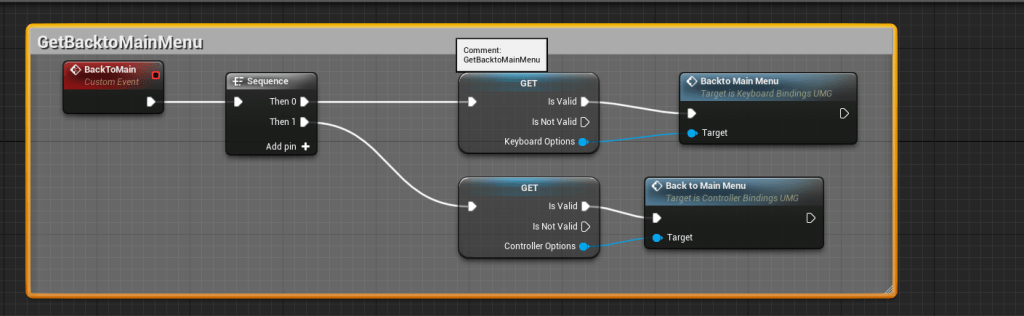
The image making took awhile but it wasn’t difficult. After that I created functions that would make it easier to go back to the main options screen without having to click the button. It’s backspace for the keyboard and Right Face for the gamepad. I made it clear as well by putting the key image next to the button itself. I need to figure out how to color the images for the gamepad buttons because the shapes on the PlayStation controller have color. It would be nice to add some color to some images.






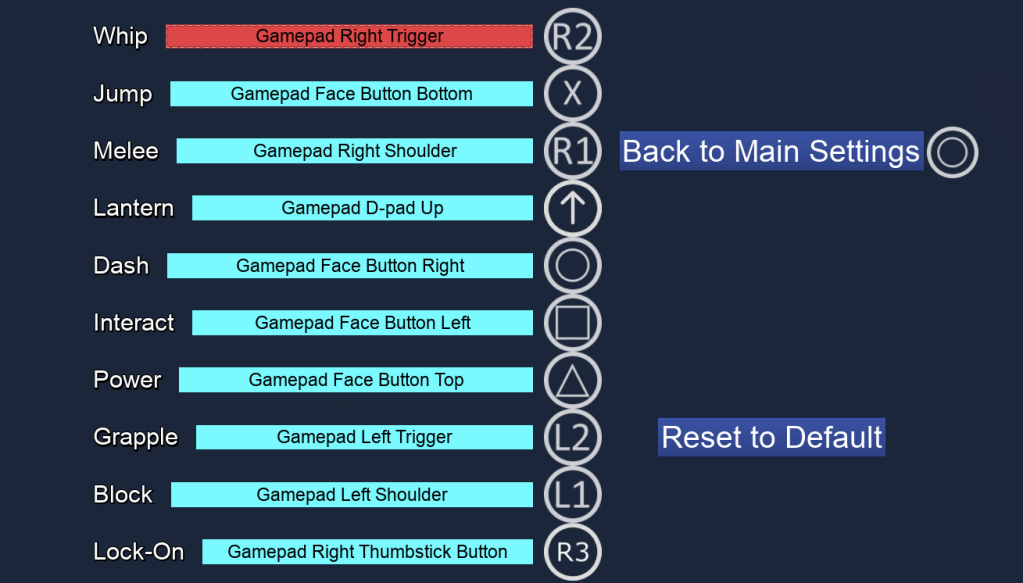
When all that was done I couldn’t think of anything more I wanted to do with the menus. It seemed to be working smoothly except for the engine crashing when I pressed the Restart Game button, but I am hoping that was a random occurrence because I couldn’t recreate the crash.
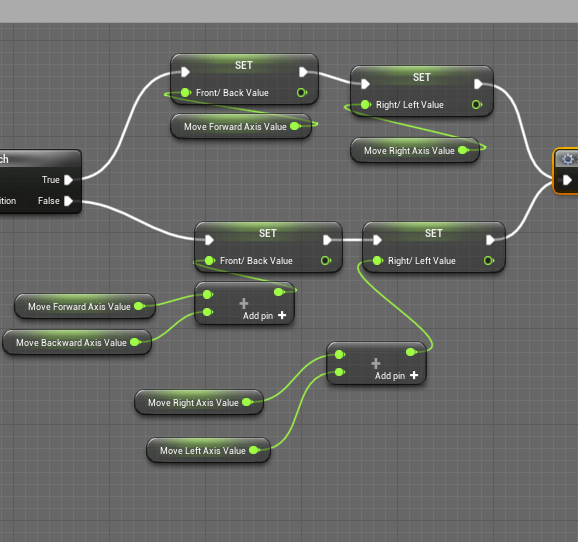
I moved on to fixing some of the bugs that I hadn’t addressed yet. When using the gamepad the direction of the dodge would not register properly because I had split the directions into four separate controls when previously it was just two, and for the gamepad it would still only use two. So the logic I had would only register positive values for the movement. It was good I had logic setup that detected when the player was using a gamepad. I used that to choose whether the dodge values should use four values for the keyboard or two values for the gamepad. I also assigned the values when the player was moving so I could clean up the blueprint spaghetti.
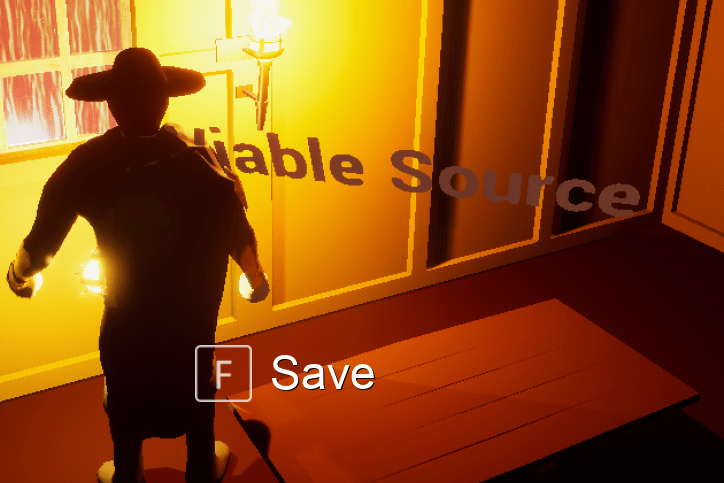
I quickly fixed the spacing of the interact text on the screen by adding more space in between the key image and the action it is pertaining to. That way I don’t have to always add a “space” when I am writing the actions. Previously I was writing it as ” save”, now I can simply put “save”.

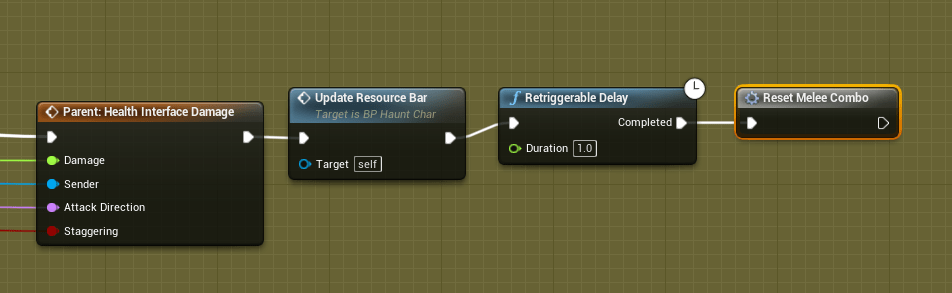
A big bug I’ve had for awhile is that the player won’t be able to attack at all for some reason. It was only recently I found out that this happens when the player is hit while attacking. I thought I had fixed it by resetting the combo whenever the player got hit. But for some reason it would not actually reset the melee combo when it was supposed to. I think it was doing it too early, and somehow it would cause the reset function not to work. So to remedy this I added a delay between the player getting hit and the time when the melee combo should be reset. It seemed to fix the issue, or at least it hasn’t happened again in any of my tests. I had an issue with the player sliding across the floor, but apparently I had made sure the player wouldn’t be walking if they were attacking. I forgot I did this so I was confused for awhile why no animation was playing. Due to the not being able to attack bug, the game thought the player was still attacking. Fixed that all up though. I hope.
I am not sure if using tons of booleans is the most efficient logic for my code, but I definitely use them frequently. The shield is an interesting action because it’s the only one that requires the player to hold it down to keep blocking. This can be problematic because a lot of things can interrupt the tracking if the key is down. It works in game because I got it to stop blocking whenever the key was released, but in the pause screen you could release the block key, but the game wouldn’t be running so it wouldn’t register that the block key was released. I got around this by tracking the time that the block key was held down. That way it’s one of the things that will make the player stop blocking if it is a 0, since that means it hasn’t recently been held down.


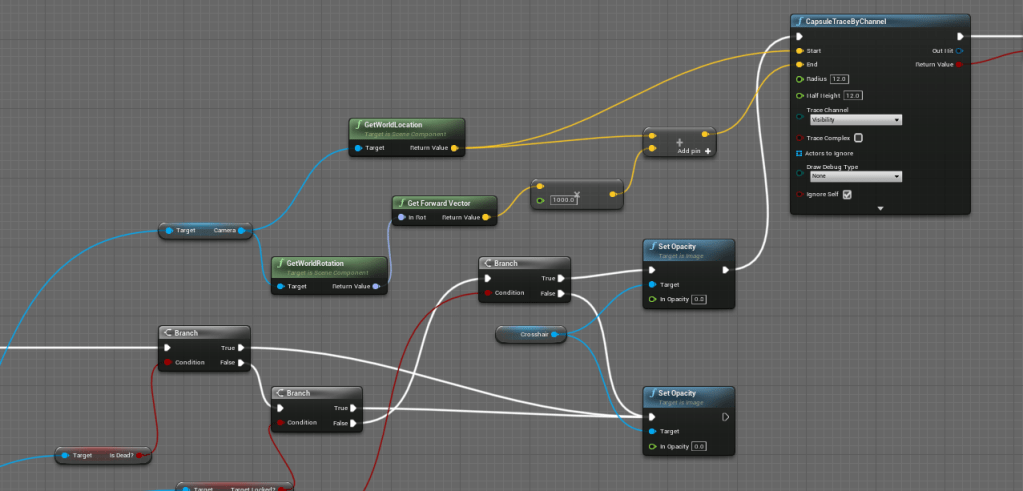
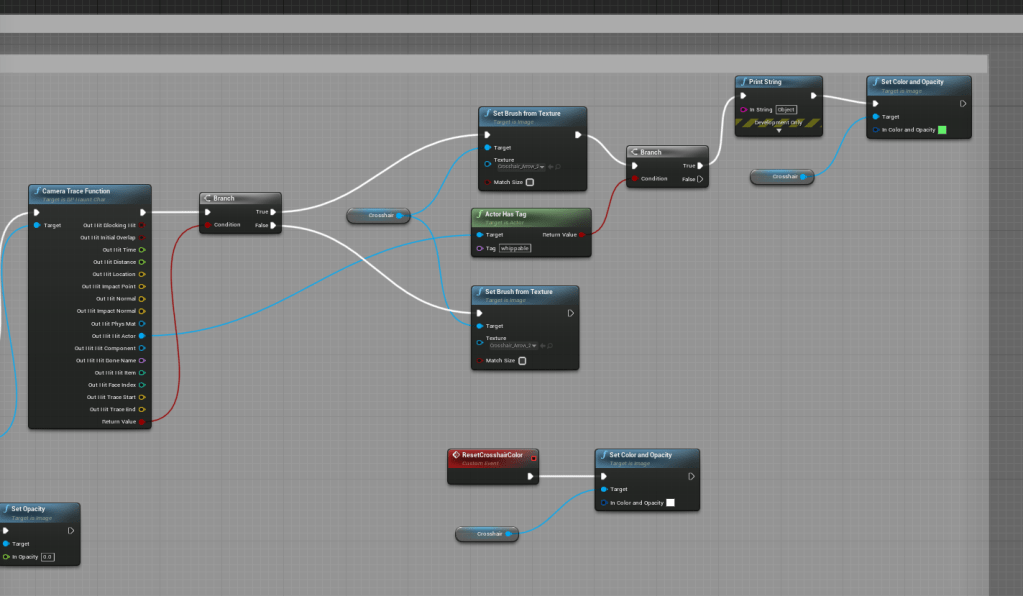
My last update for the day was to the logic for the crosshair. I wanted to improve its communication with the player. And the function I had for it was outdated, because I was using a capsule trace that I made from scratch in the crosshair logic. I should have been using the camera trace function from the player character. That way if I make any changes to the one on the player it would also apply to the one for the crosshair. So that’s exactly what I did, and thankfully it cleaned up a lot of the blueprint too.
Once I got the crosshair trace in place I added more logic to check if it was in range of a physics object or an enemy. This way it is much clearer what the player can affect, instead of whipping everything to guess and check what is movable. I eventually plan to add more physics items, but that will require making most things breakable so I have to add that to the to do list.
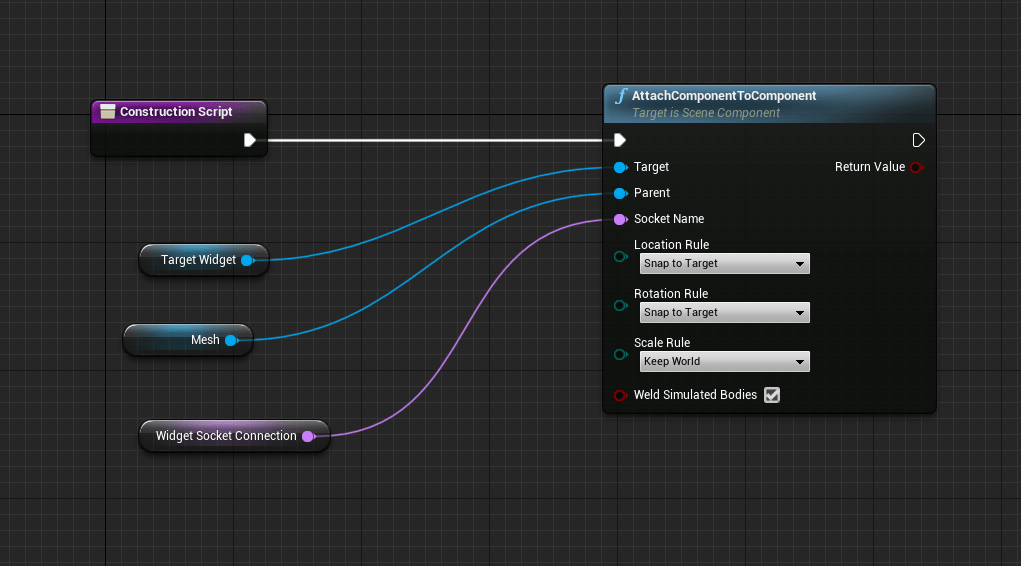
I also quickly update the target widget, because I noticed it was too low on the boss. I had the widget always attaching to the bone at “spine_01”. I changed it so I am able to attach it to whatever bone I wanted since every enemy will have different proportions.
Tomorrow and for however long it takes I will be working on updating some of the animations. I do not like how some of them look, and I am hoping I can improve a lot of the current ones I have as well. I’ve learned a lot from making the options menus. I will stick on one aspect for several days so I can keep my mind and focus on the topic as sharp as possible.


 GoldenGratus Games