
To start it off I worked on improving and refining the shield animation. It was easy enough to change the key values of the bones for the shield. I just took awhile with how the impact looked like because I had to decide which movement I liked better when the player took a hit while blocking. I will probably make the shield bigger since I made the pose hold it with two hands, to make it appear weightier even if it is made of light.
For the lantern heal animation I went to the good ol’ reliable mixamo for a free animation of a torch being equipped/pulled out. I had to move the bones carefully because the original animation was pulling the torch from the back, I had to change it so it would be pulling the lantern from the front of the left hip. There were a few issues, and I had to delete the rotates I made more than once because I kept doing it wrong. But eventually I got it to look right, and I just had to make sure the timing of when the heal went off during the animation.


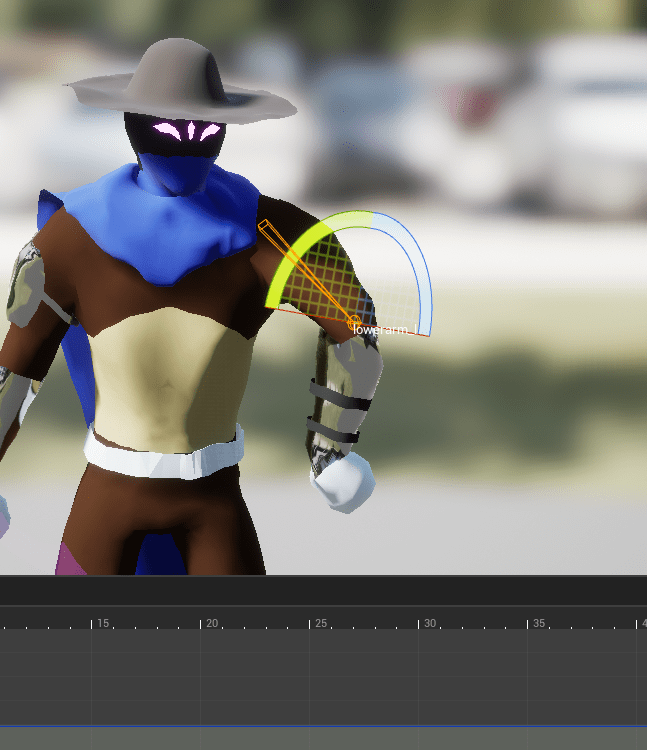


Next up I dug back into the animation blueprint. I hadn’t opened it in awhile but surprisingly most of the knowledge came rushing back to me. I knew where I wanted to start, with the animation states because I still had the hanging state there which I won’t be using because I removed the swinging mechanic. I also changed the play rate of the movement blendspace to somewhat match the speed of the player. So if the player is moving slow the animation will be slower, and faster if they are fast.
It had annoyed me because the sprinting animation would block the light of the lantern. I tried to fix it by editing the animation, and even when I did, the light was still being blocked. Looking again at where I had positioned the light of the lantern I realized that it was the leg running directly into the light itself, so I moved the light slightly higher which didn’t change too much how it affected the world. Now the sprint works fine without turning the light on and off again.


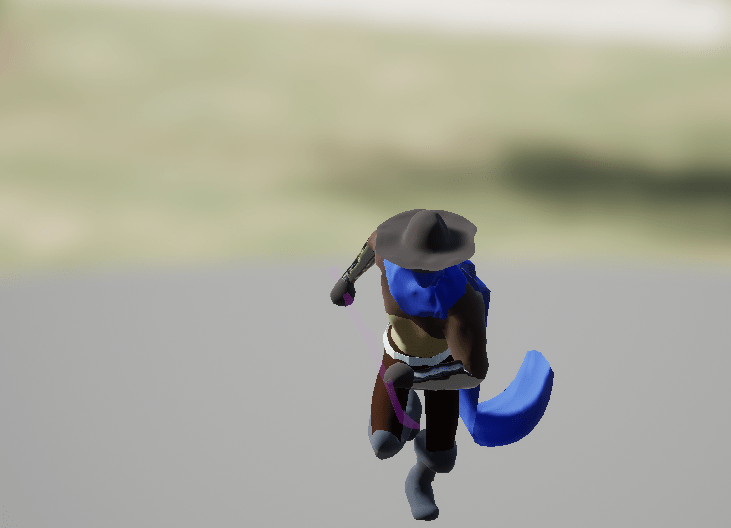
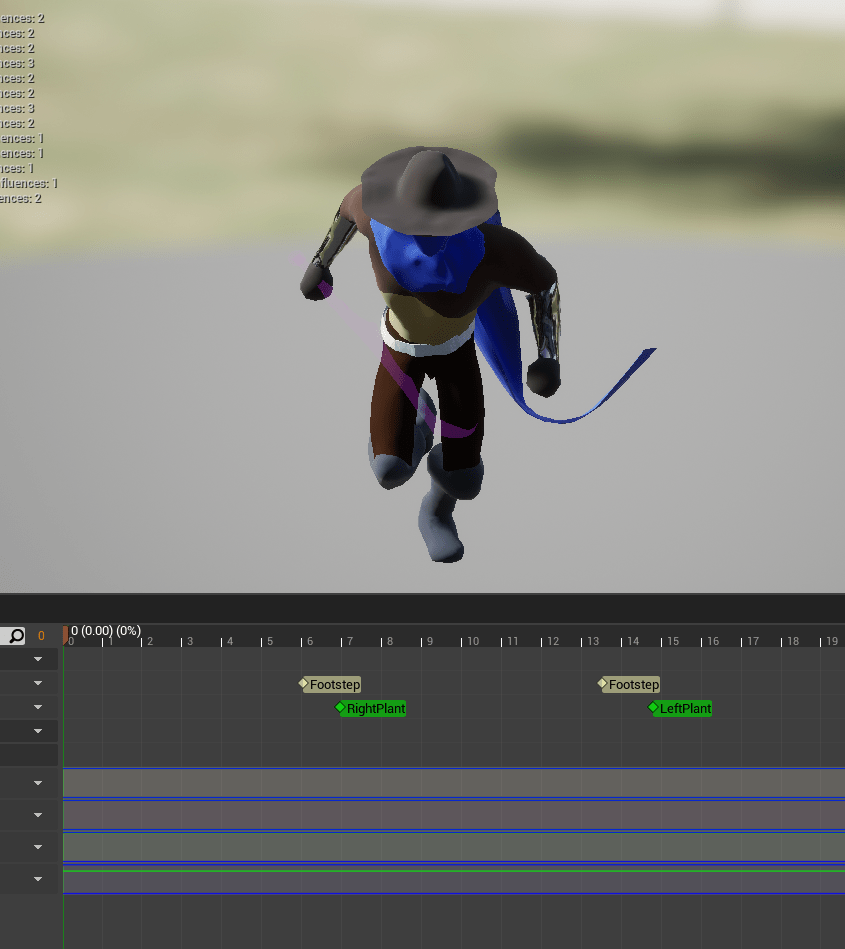

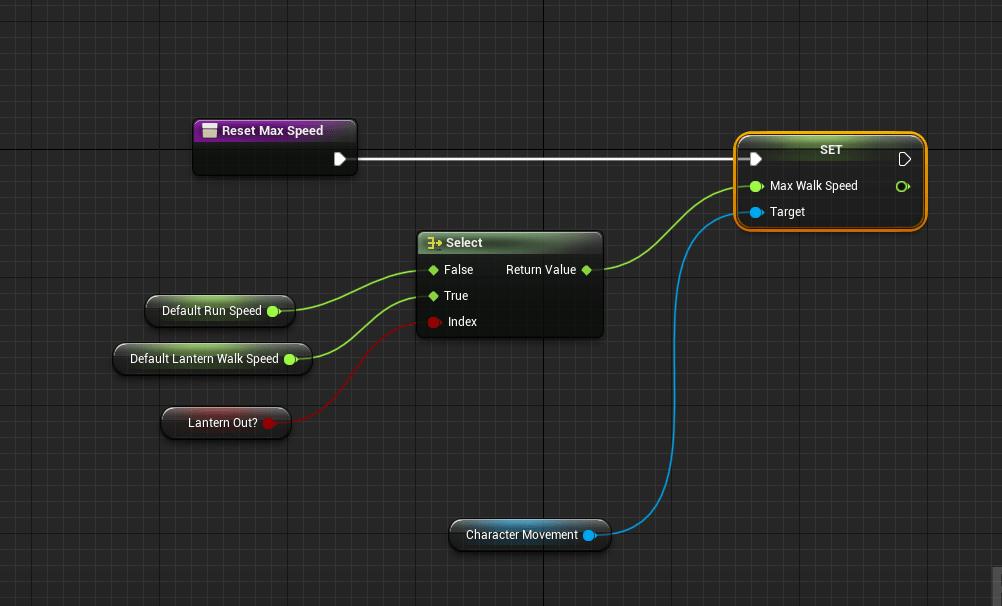
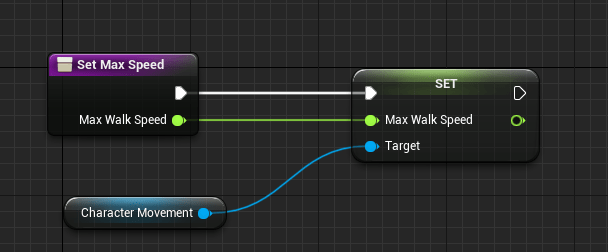
I also realized I had a problem that if you healed while sprinting and let go of the sprint it would reset the max speed to the running speed, but if you are healing it should stay at walking speed. I updated the logic of the sprint so it wouldn’t reset it to the wrong value. Let’s just hope it sticks. I could be more efficient in these movement changes which I do later in the day by finally making functions that affects the player’s speed.
The idle animation has been bothering me for quite awhile because the knees were bent in a strange way. I meticulously straightened the legs, and made sure the feet and everything else was pointing the right way, making the idle animation look better. Now the character looks tougher because he is standing taller and with better posture.
I’ve had several issues with the jitteriness of the running/walking/strafing animations and I searched online for some suggestions. Someone in the YouTube comment section of a video related to smooth animation transitions suggested using a braking friction which I can change the values of to get the right fit for my animations. Basically I felt that the animations would stop too abruptly because there was no smooth deceleration. The player would simply jump from running to idle, and it didn’t look nice. Using the friction method made the speed go from however high it was down to 0 at a much better rate. After seeing how good it looked for the movement I wanted to see how it would look like if I removed the start and stop animations I tried to add awhile back. With them removed I no longer had jumpy or jittery animations.
This is just a reminder that since I have taken it upon myself to do all of this on my own I need to keep it as simple as possible. I didn’t need fancy start and stop animations. It did take some work to tune the proper values of the friction, and speed so it would transition nicely between idle to running and back. And compared to the animation states I had before this one works so well and efficiently. It even fixed the transition between dodging and moving, which I had wanted to fix for awhile. I am extremely happy with this update.
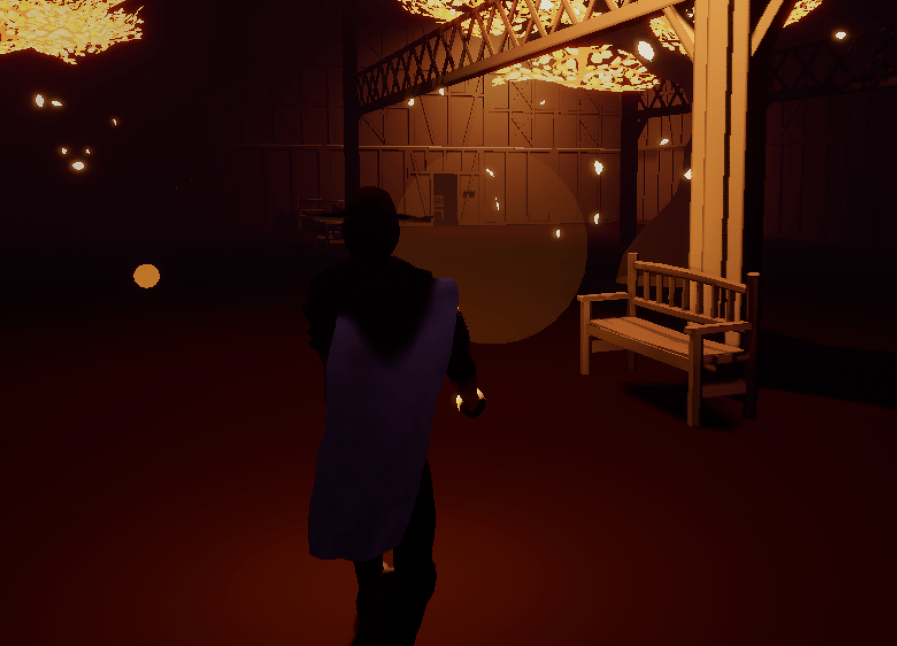


Having fixed the movement transitions I went over to adjust and change some of the attacks. With the heavy attack of the sword it was too inaccurate at times. The blade was too far off to the right when the animation slashed down, it looks like it should hit but it doesn’t. I easily rotated the hand in the animation to make the sword attack closer to the center of the character. It should hit more consistently now.
I also changed one of the air attack animations because it would play a weird animation if you attacked while falling. I had to remember what settings I used for the previous attack animations because it was doing this weird thing where it would completely stop any momentum the character would have if you attacked mid-air. It was because I had the root motion turned on in the animation. By turning it off the issue was easily fixed.
The jumping was a hard thing to work on because so many things go on in a jump, it’s the player going off the ground into the air, and then transitioning into the fall, and then landing. So it’s basically a jump, falling, and then landing animation. And each one can be very close to each other depending on how high you jump or if you fall off a low ledge. For the jumping animation I made the transition slower so that you would see more of the jump itself rather than it immediately cutting to the falling loop. I took a jump animation from the Paragon Greystone character and it fix pretty well. Now it actually looks like the character is jumping instead of abruptly levitating.


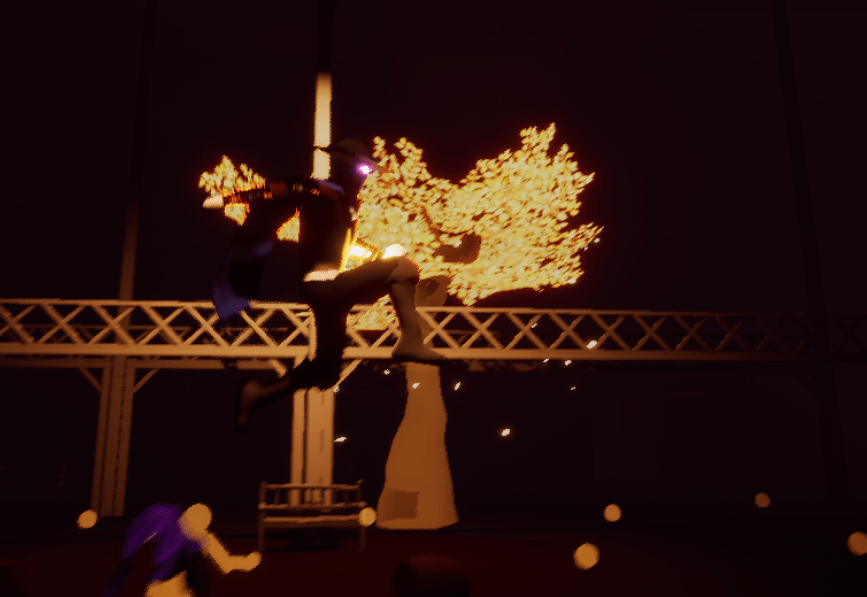

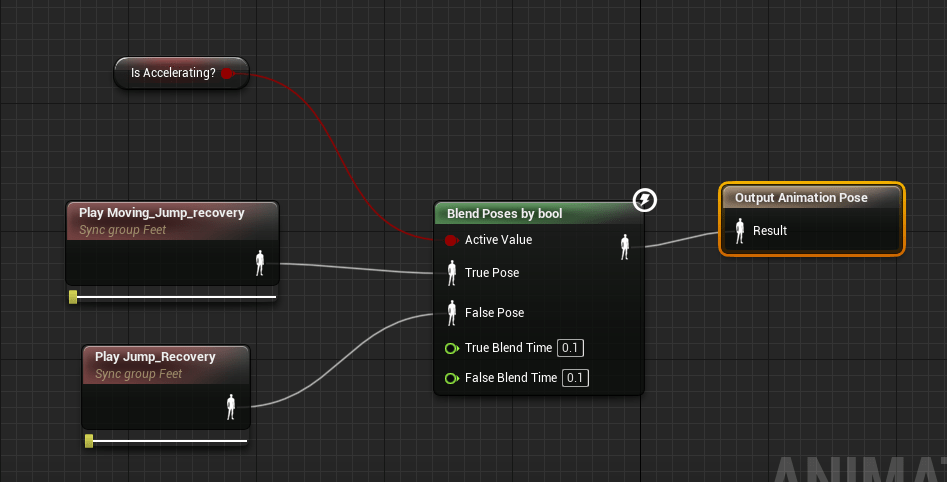
The landing was way trickier because I wanted an animation that showed the impact of the land, but it was hard to get the proper settings so it would transition smoothly into the idle animation. I first tried using a bool for poses, one animation for landing if the player is moving and a different one if they are not. This didn’t work because in the middle of one animation you can easily move and it would cut right into the other one. I also tried adding a state to the landing so that the player couldn’t move, but I couldn’t get it to work properly. It was around this time I finally added the functions to set the speed of the player and to also reset it to the default speed. I will eventually go around to where I change the speed of the player and replace it with this new function.
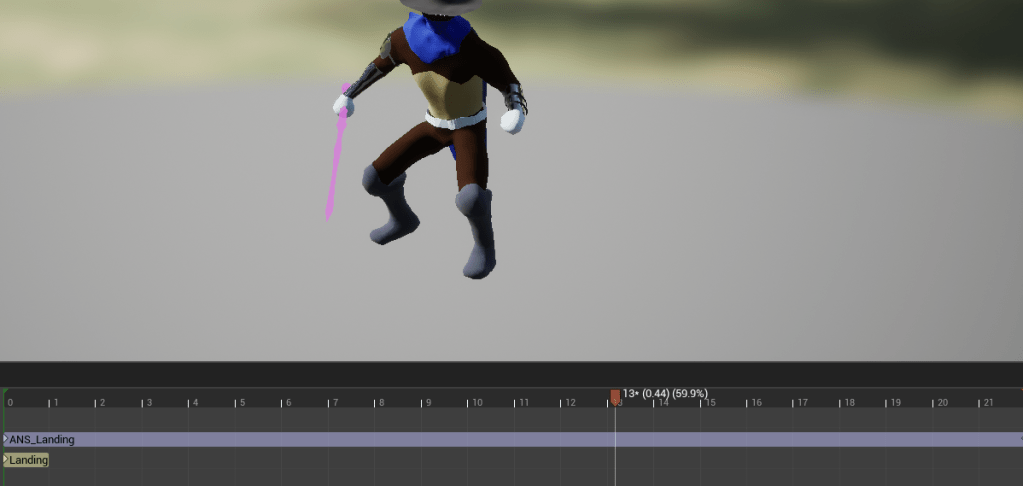
Then it hit me, the times where I have a problem with animations cutting into each other, I was able to fix it by using a blend space. Since there could be different speeds when the player was landing I used that value to dictate the animations for landing. It was a bit problematic at first because the animations were jumping or cutting without smooth transitions and I didn’t know why. I realized it was because I had these sync markers on the landing animation that was supposed to sync with the foot markers of the running/walking cycle. But it wasn’t necessary on the landing animation so once it was removed it became smooth as it should be. I added an event where the player can’t move temporarily so that the character doesn’t slide if you try to move immediately when you land.


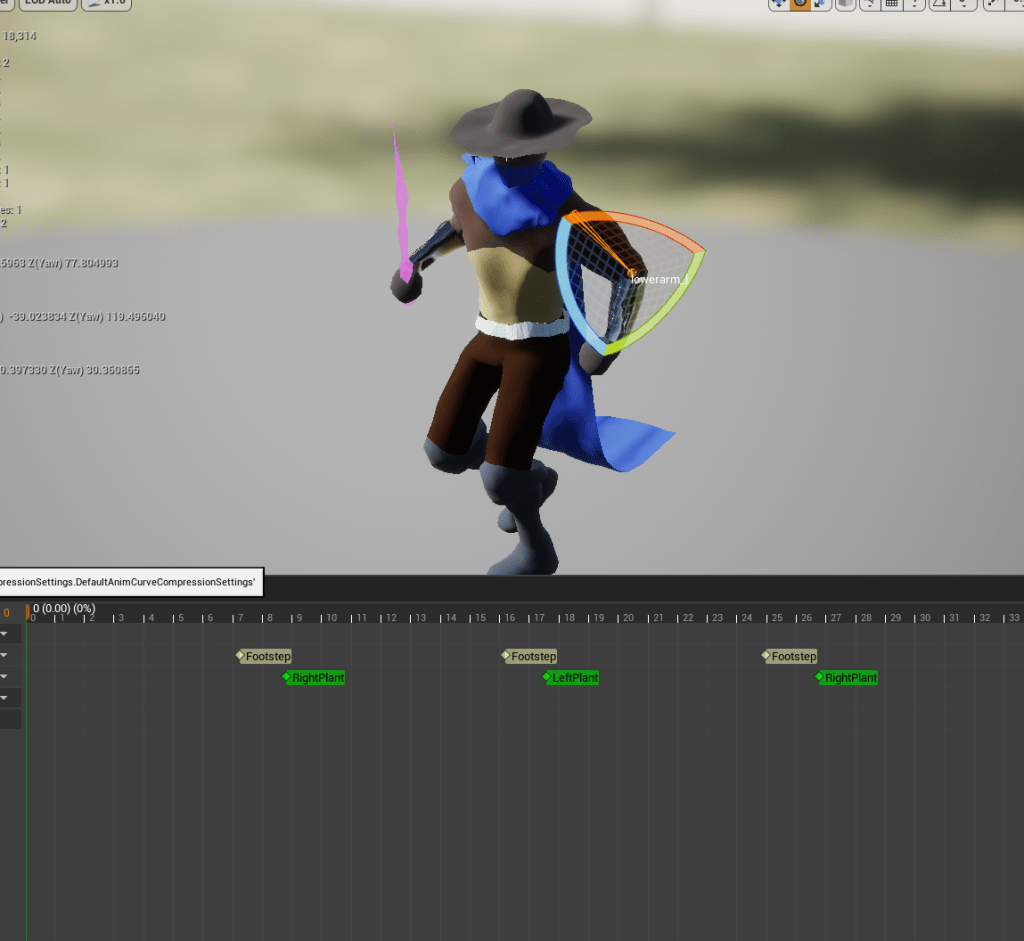
The final thing I worked on was updated the animations for the blendspace of the character being locked-on. This is the 360 degrees of movement. The run forward all the way to running diagonally backwards to the right, and so forth. I didn’t like how casual it looked, I wanted it to look more like a fighter’s movement. It was because I took the animations from mixamo and the only ones they have that moved diagonally was soccer animations. Going off from what I learned earlier about keeping it simple I took the animations that I liked and simply turned the roots left or right. So for the backwards run I turned it left and right for the diagonal animations, and I did the same thing for the forward animations. I rotated the spine and head slightly to look straight ahead so it would match where the character was looking and voila I had much better looking animations and they more easily transitioned into each other because they were basically the same ones slightly rotated.

I still have some cleaning up on some of the animations and there fixed I want to make to the melee attacks and more. So far so good. Sticking to one subject at a time is proving very productive for me so far. I will continue to keep it up.
 GoldenGratus Games