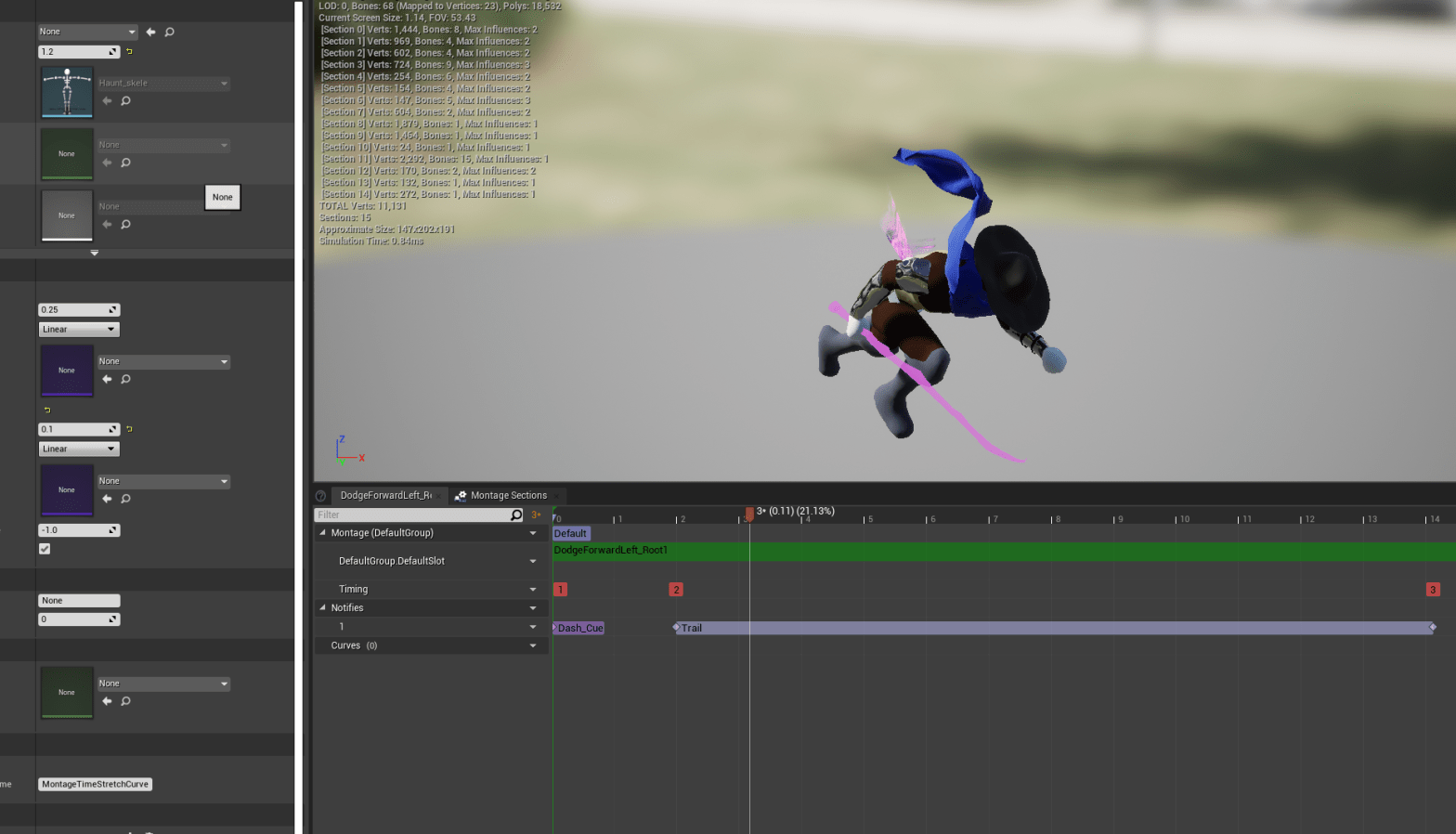
I thought I would be satisfied with one more day of animation work but some changes and updates took so long for me to figure out that I will probably take another day for it.
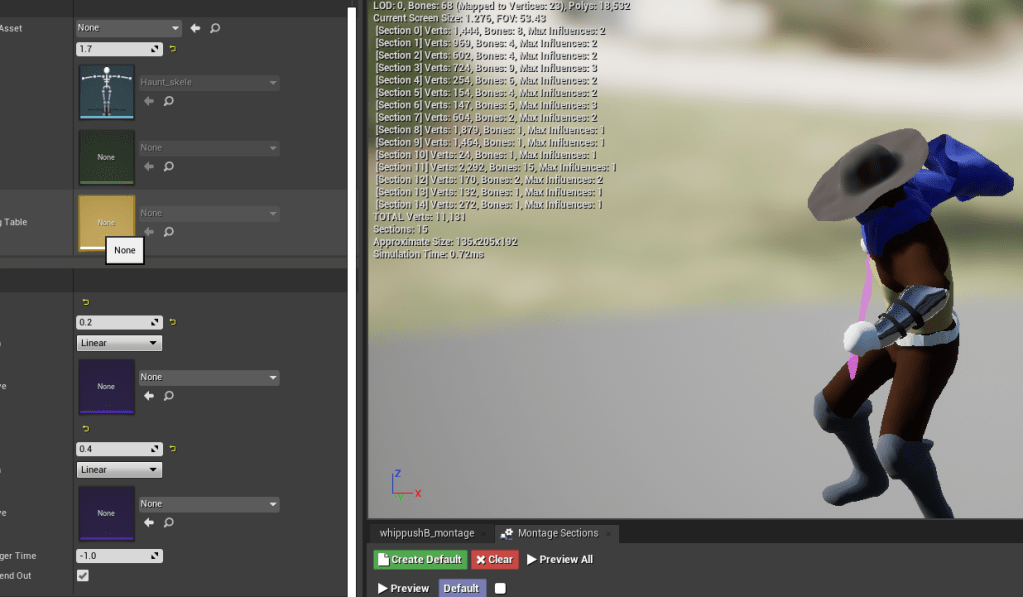
I started small for the day. Editing the speeds of some animations so they flowed together or blended better with the other animations. I edited one of the attacks again. I do want to find better animations eventually, so it’s a good thing I made functions that are easy to put into any attack animation.
What ate up my day was trying to figure out the best way to get the character to attack in the direction the player was pushing the movement inputs. I like having deliberate and precise controls in a game, but I’m aware I’m not making a challenging platformer game. So I would like some control in some places, and am fine when it’s limited in others. These small things I’ve come to realize are what contribute to the “feel” of the game. The way the character responds to the player’s demands can make or break the game.
My problem with the melee attacks is that when you aren’t locked-on, it was hard to change attack directions if you are already attacking. You would have to stop attacking and then rotate the character to face the direction you wanted to attack. I wanted the player to be able to dictate which way they wanted to go without having to stop. The flow didn’t feel great if you had to orient the character which took too long.
I tried a complicated method of attaching an arrow to the character, which I wanted to point in the direction that the player was trying to go to. The problem was that it was attached to the character itself so it would move relatively to the root of it. I tried instead setting a relative rotation, but it would still not stay in the right direction. I wanted the arrow to move independently from the character, but I couldn’t get that to work properly along with the melee because I also needed to rotate the character to the direction the arrow was pointing.
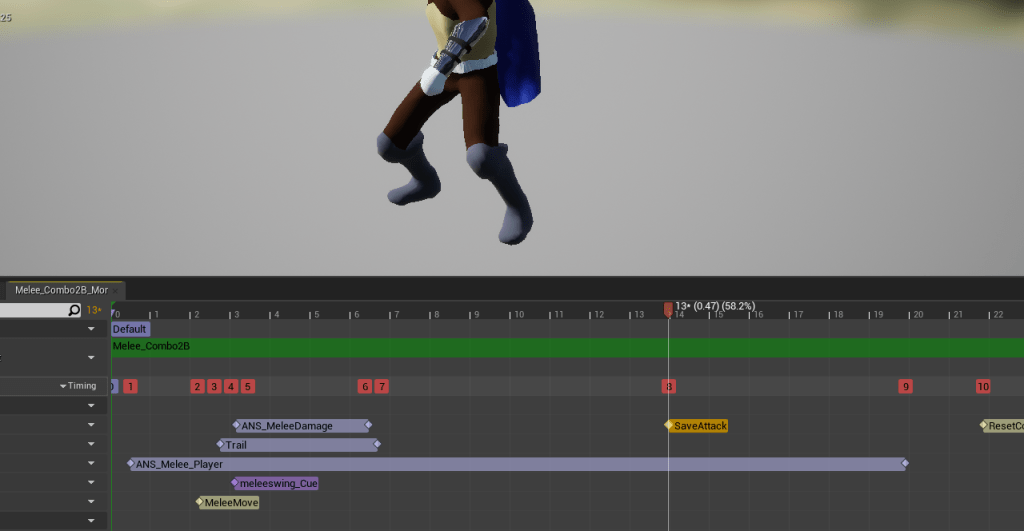
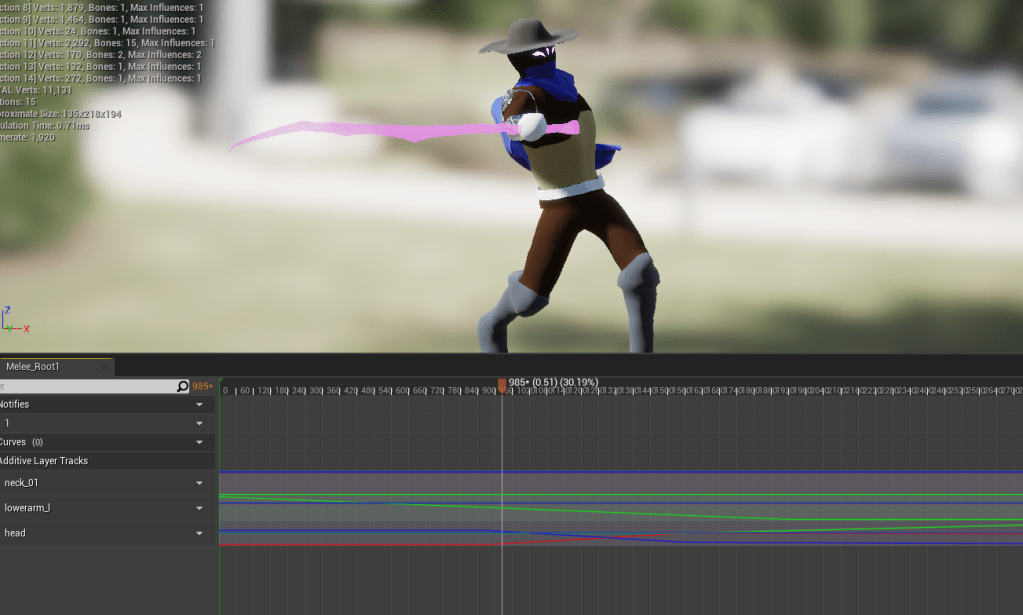
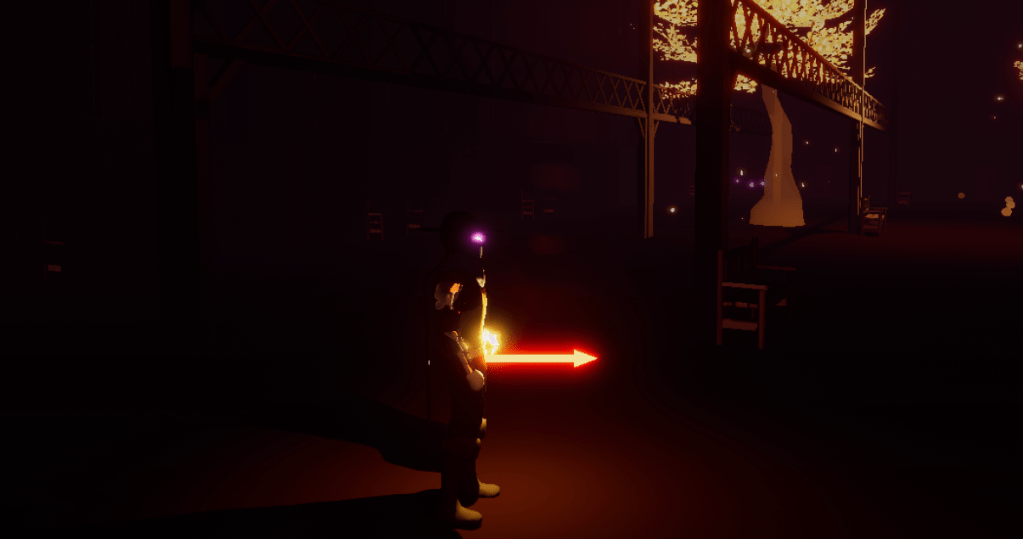
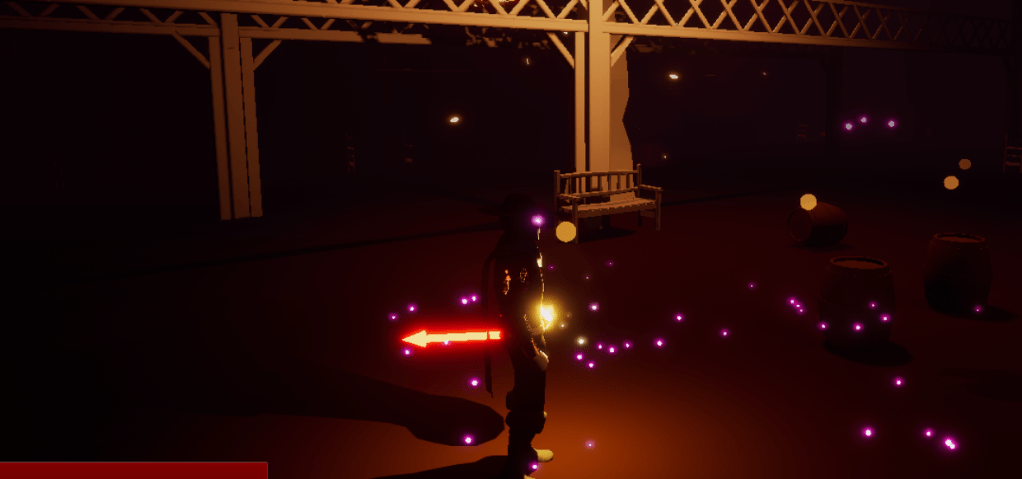
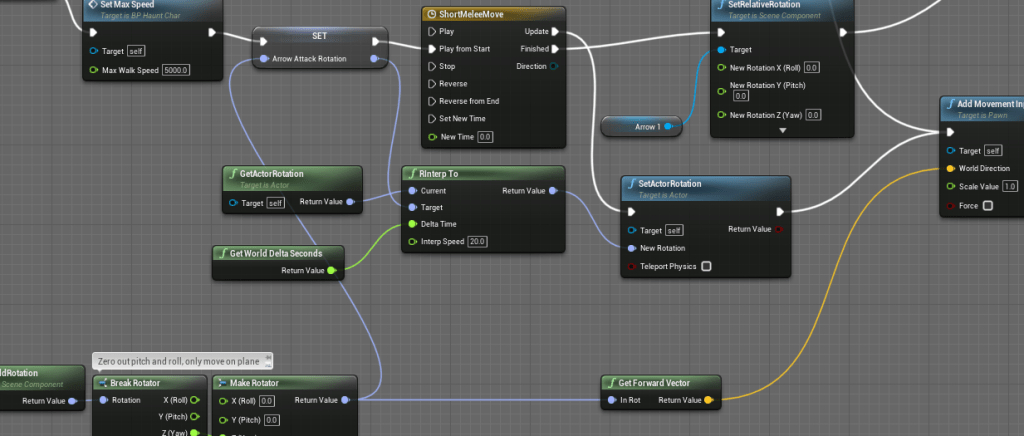
I tried several different ways, from comparing the arrows direction to the capsule direction, to setting the relative rotation manually. I’m sure there could have been a way to figure it out, but the way I was going I don’t think I could have made it efficient. When things get too complicated I realized I need to find the more optimal solution, which more often than not is the lazy solution, at least relative to my problem.
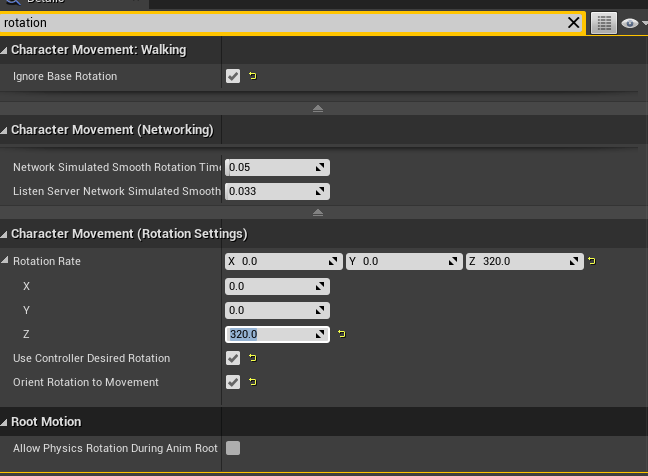
When the character moves the model rotates with it, so I knew I needed to work backwards from there. The issue with having the character able to move while attacking is that it will easy slide, but then limiting the speed would make it not able to turn quickly in the direction the player was trying to guide it to. My solution was to create a small window where the rotation speed of the character was really high, but the speed very low. In this time the player can rotate the attack and then once the window is closed the rotation rate is reset to default. It was a much simpler solution to what I was trying to create, and it worked perfectly. I went back and forth to how fast the rotation rate is, and I will probably tune it every now and then until I love it.
With that I was able to get rid of the useless arrow.
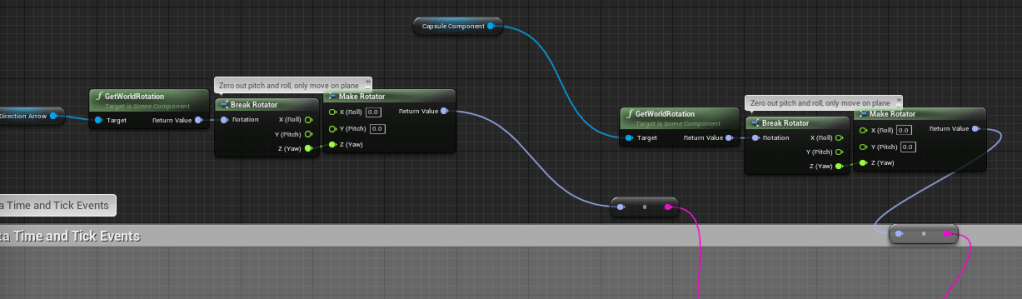
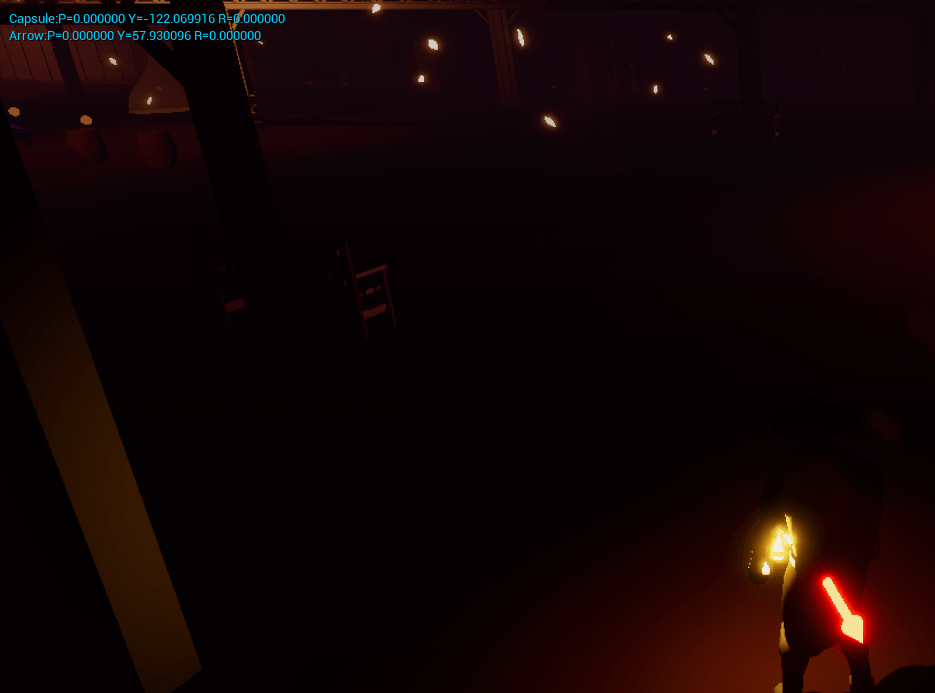
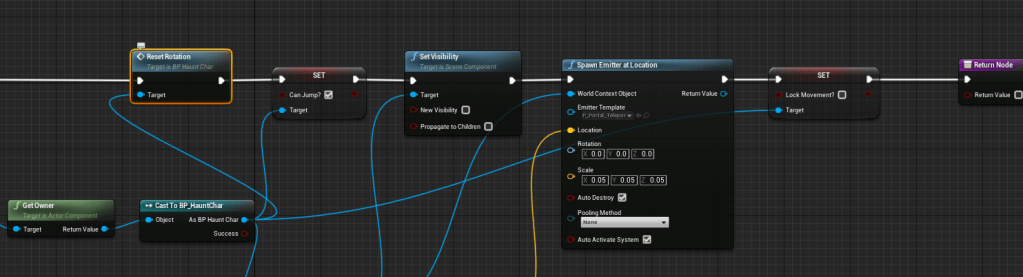
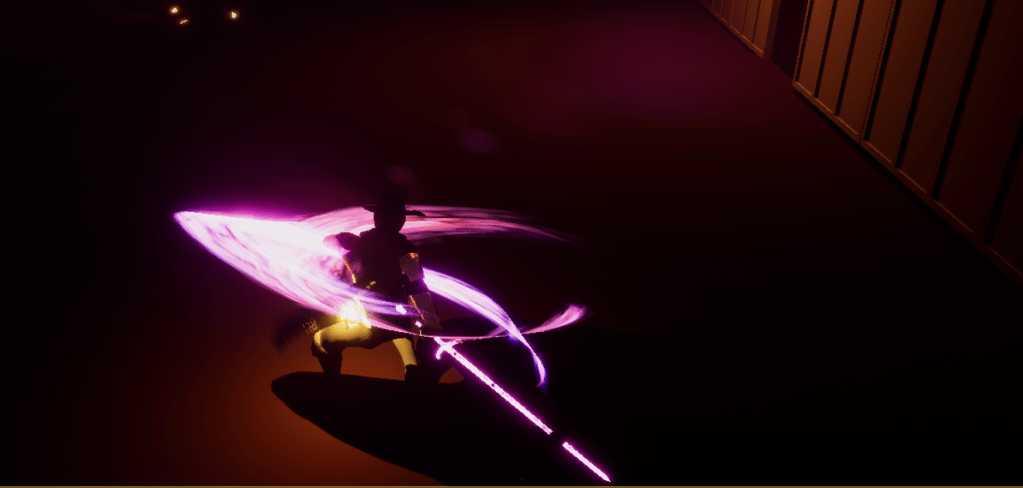
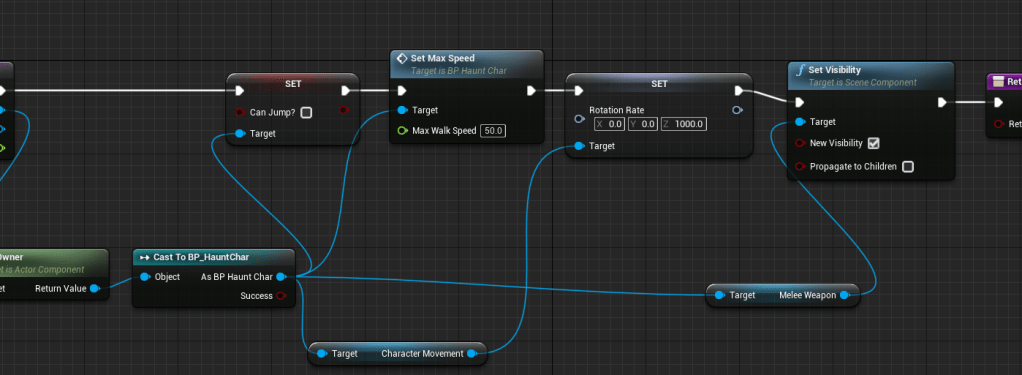
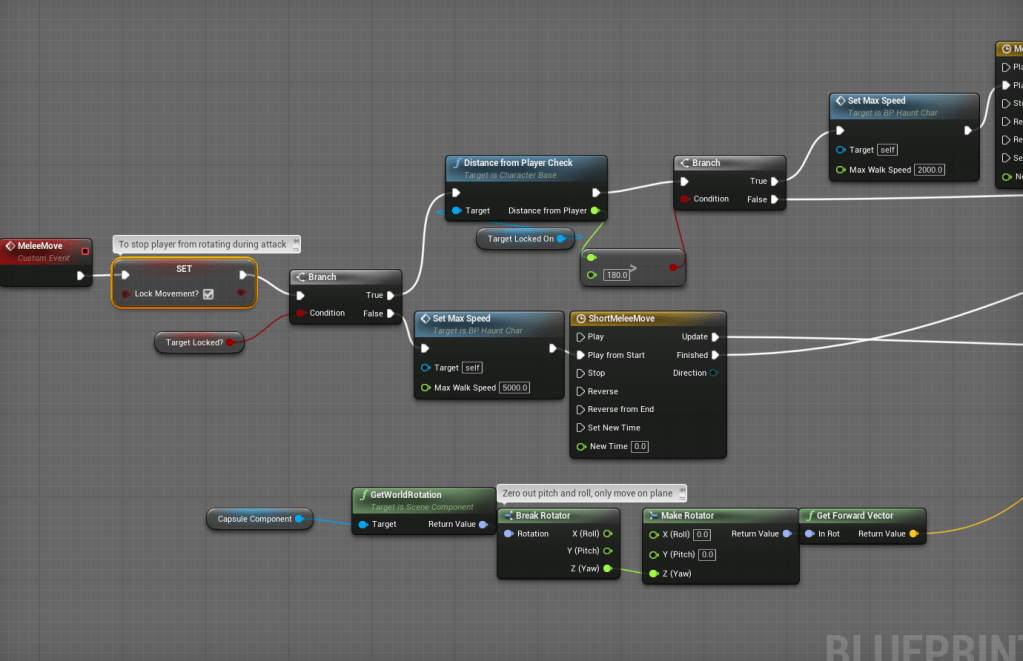
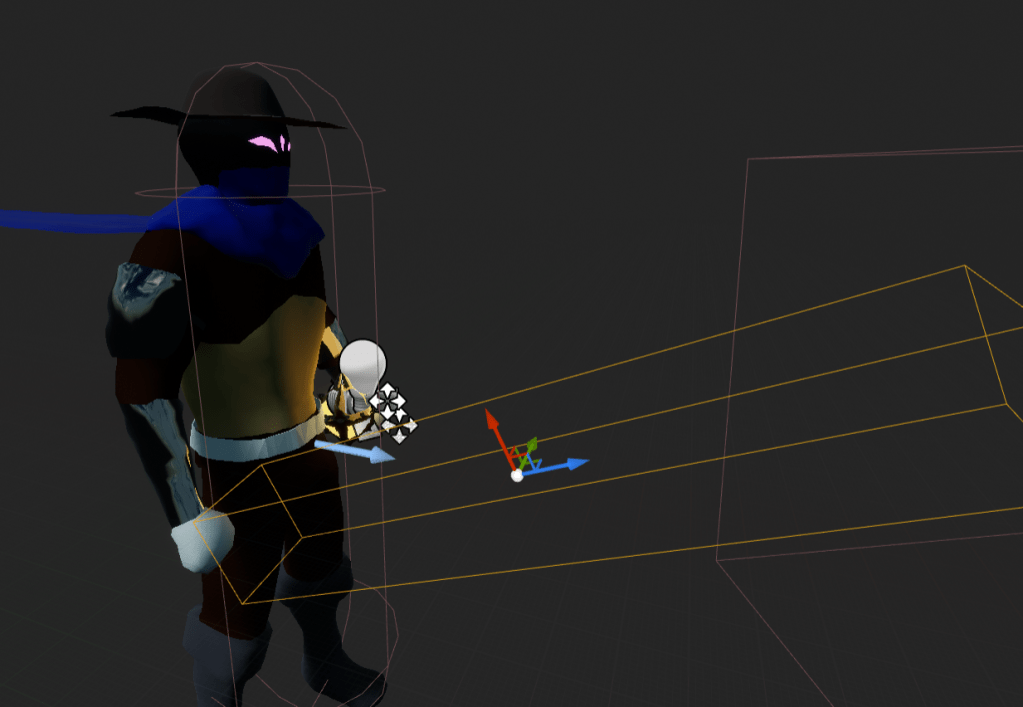
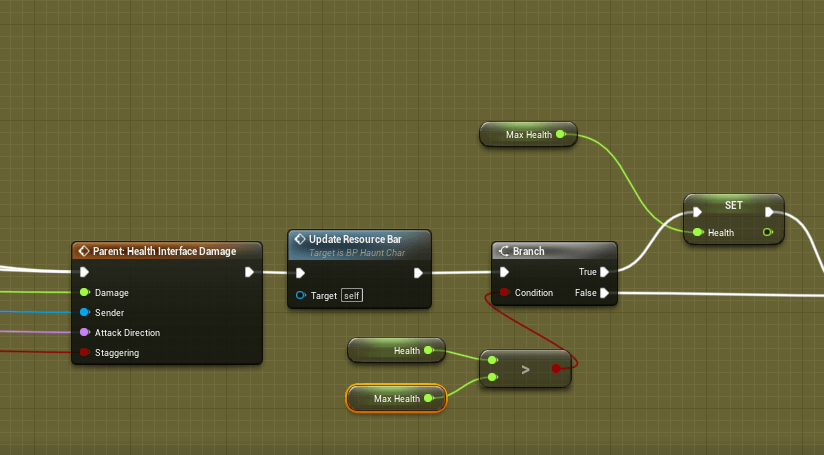
While testing some of the animations I noticed the melee for the strong attack was still hitting inconsistently so I made the hit box for the sword bigger during the melee animation. That should fix it. Also there was an issue with the health going above the max health. I’m not sure how it happened so I merely added a failsafe to the hit event to set the health to max health if it ever tried to go above the maximum amount.
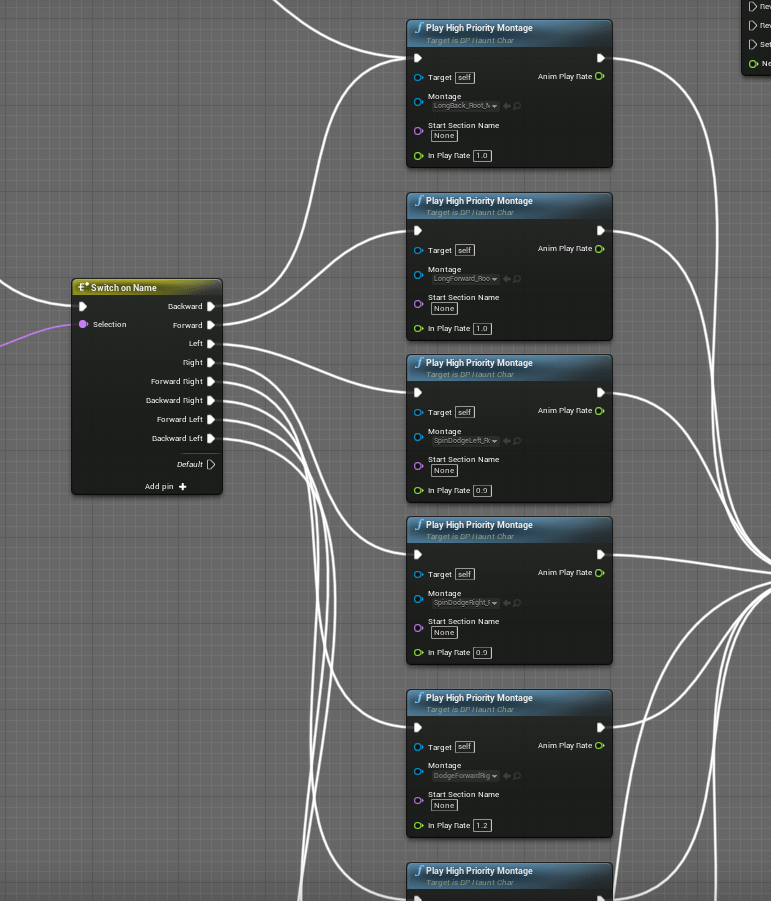
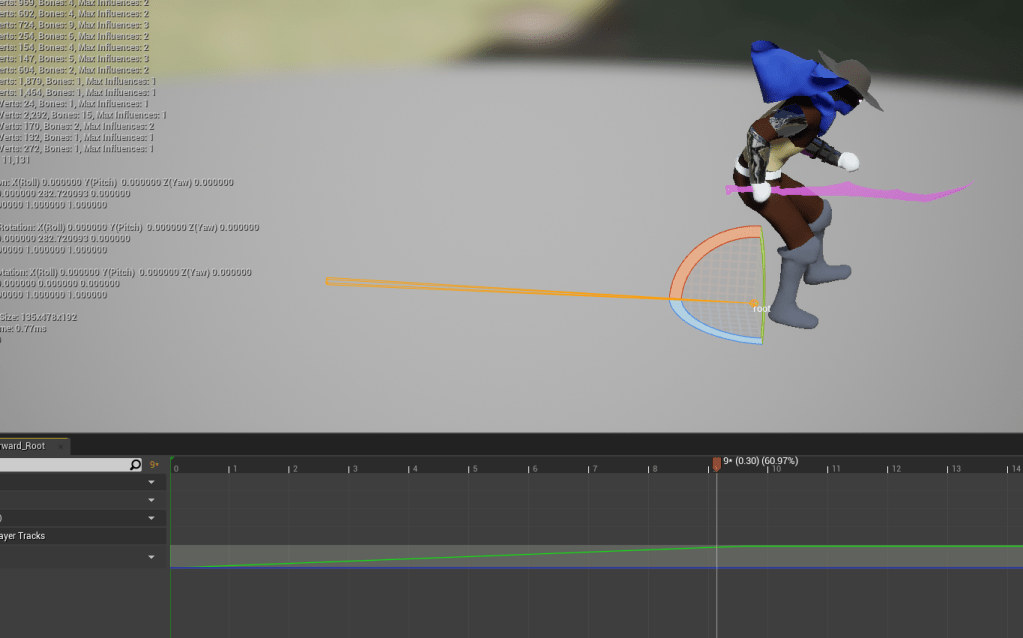
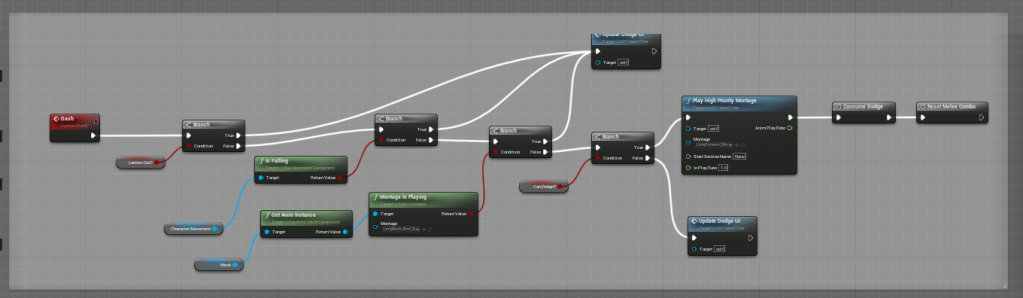
After that I ventured over to my other big change to the movement. I looked to my dodges and didn’t like how they felt too varied and unreliable. Awhile back I watched a tutorial to make the special dodge for the forward dodge. I have no recollection of how it works, but it gives the player the ability to slightly guide the character while dodging. I tested it for the other directions and it can dodge in all directions. I never realized it before because I had never set it up for when the character was locked-on. I am learning to be more efficient and realize when there are things I need to cut. So I got rid of all the other dodges.
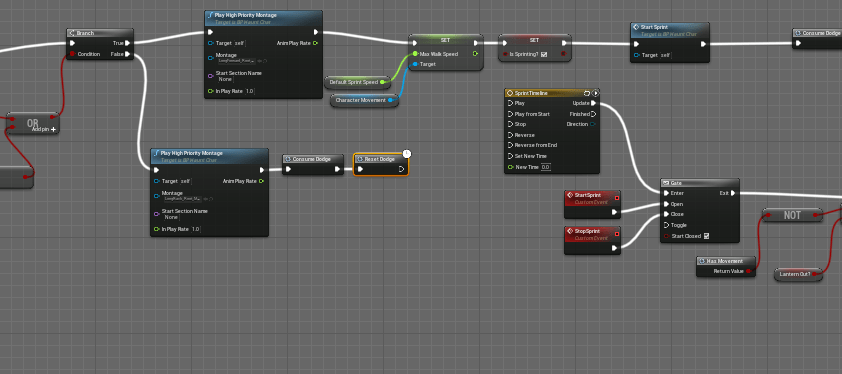
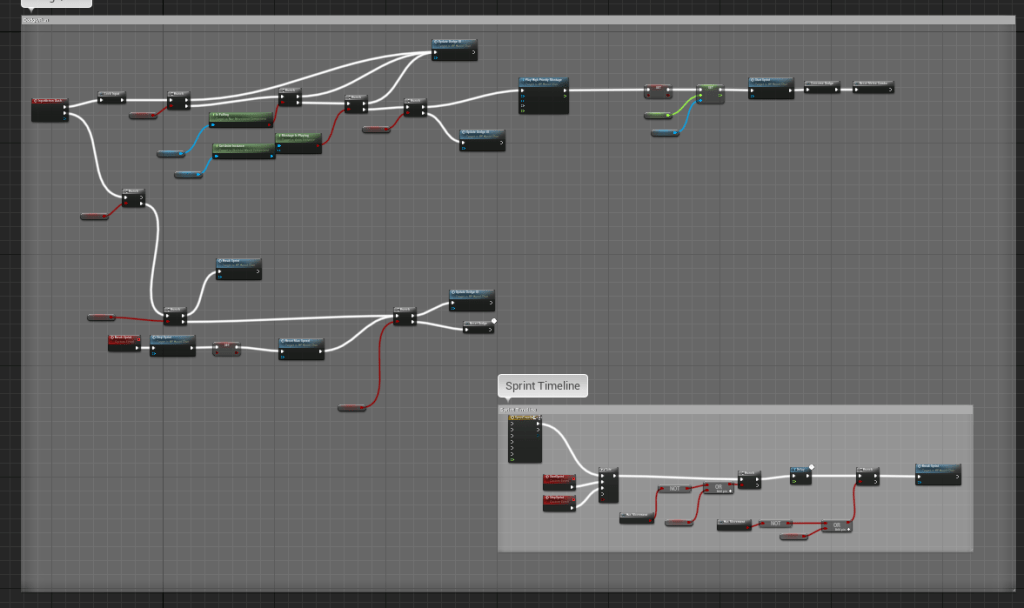
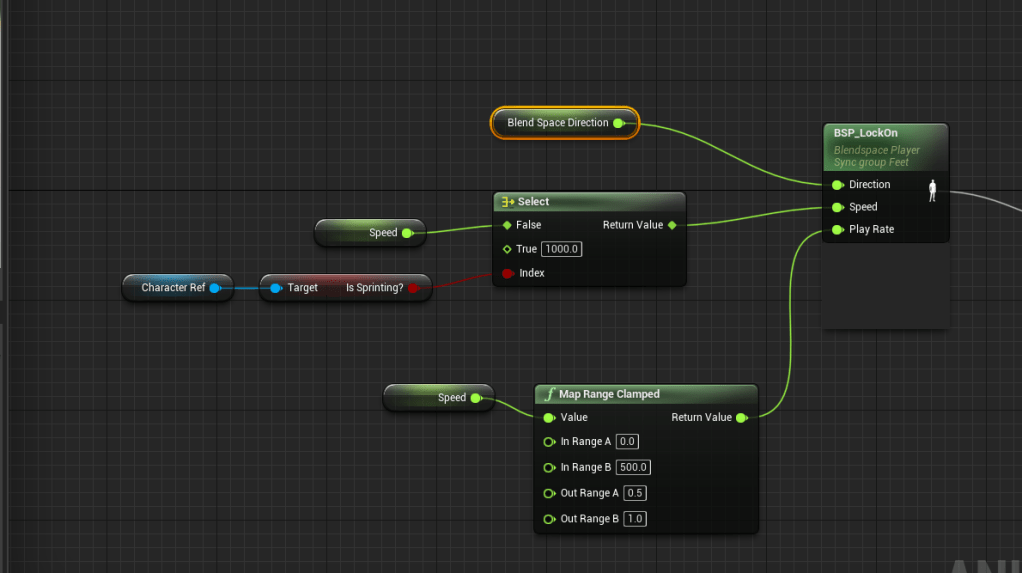
Since I overhauled the dodge function it took awhile to get it working again because I rearranged some of the node and logic and I broke it for a bit. But after some testing and debugging I was able to get make it problem free again. Essentially it wasn’t dashing when it was supposed to, and the sprint was broken. I broke it again by trying to create a special sprint event where you had to hold the sprint down, but it didn’t function well because it delayed the dodge. I wanted to try to make a separate sprint action because I didn’t like the way the dash blended into the sprint. After fixing the broken dash and sprint mechanic I was able to find a solution for the animation blending. The issue was occurring because the speed of the character was set to 0 at the end of a dash, but right after the character would start sprinting at 1000, so the jump was too far. In the animation graph I set the speed to say at 1000 if the character was sprinting.
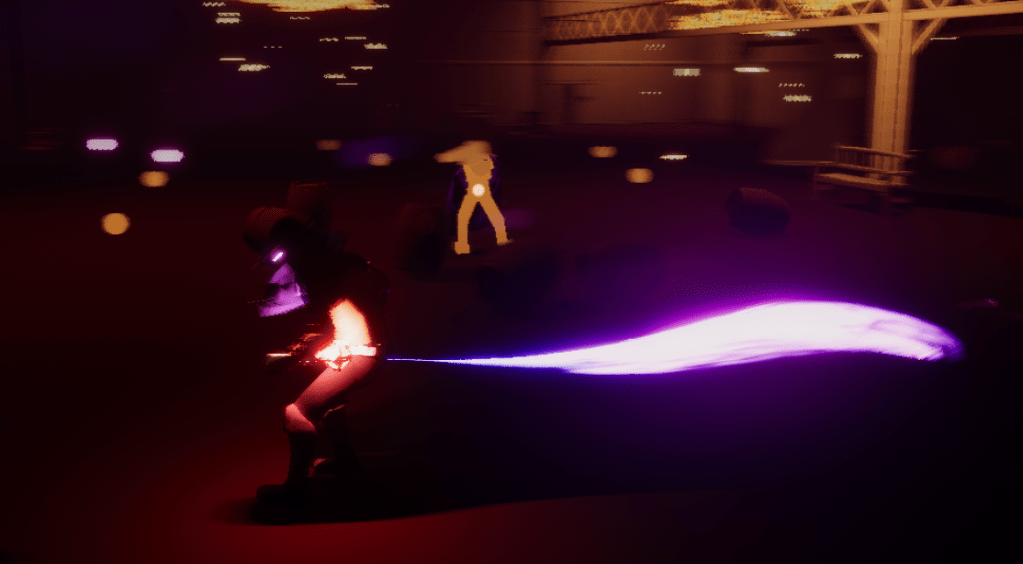

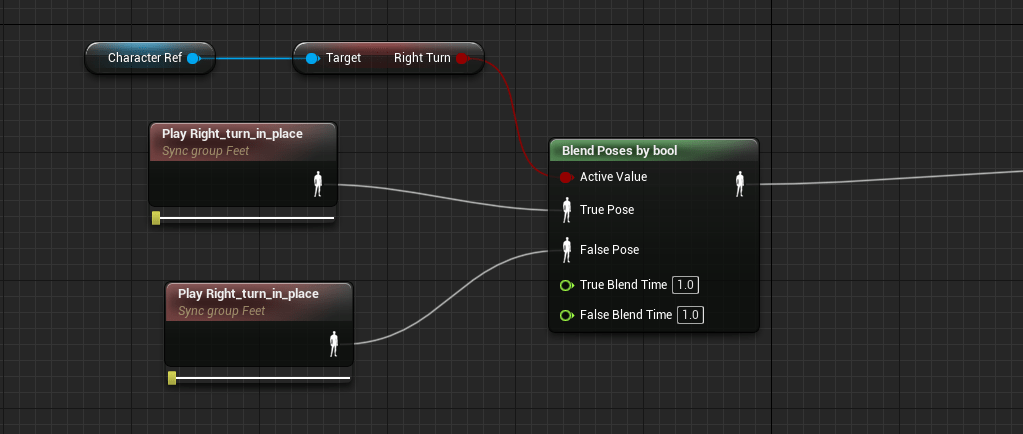
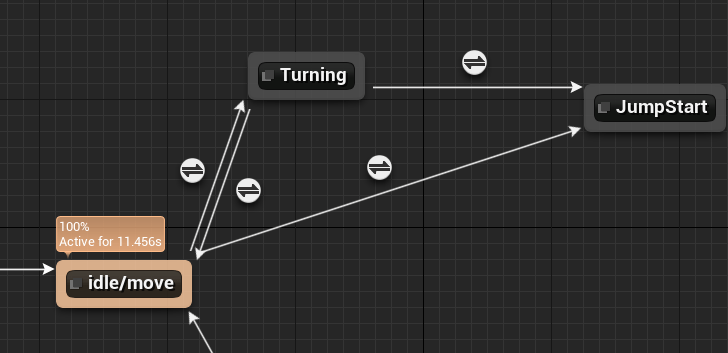
Updated one of the strafe animations to make the posture appear more fight ready. Fixing the dodges took awhile, and I noticed some choppy animation at the end of a dodge. I realized it was because of the turning animation I had set up awhile back. I’m not sure why early on I had a problem with the character model simply turning without a turn animation, I thought it didn’t look nice. But the turn animation rarely showed up in my current version of the game, and I had no problem cutting out something so unnecessary. It was taking up space in the anim graph. Once it was gone the animations moved relatively smoothly again. Less is better in many of my cases as a solo developer.
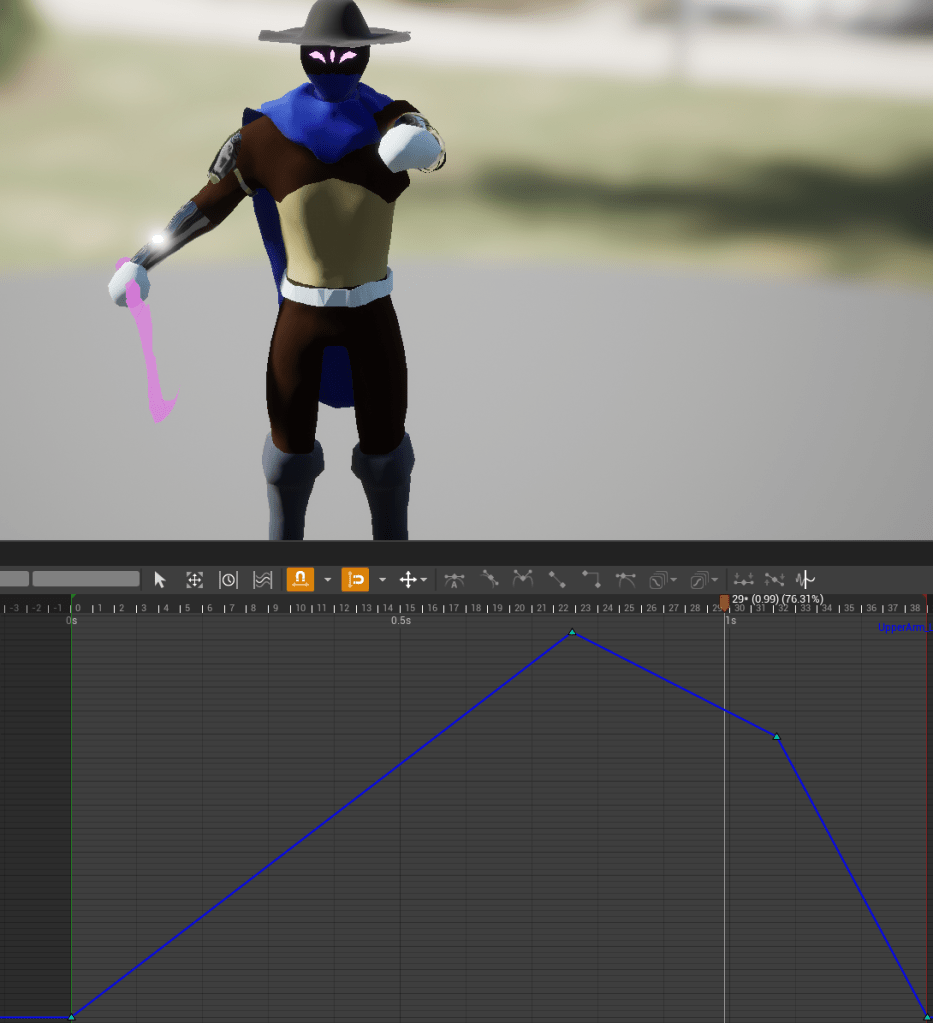
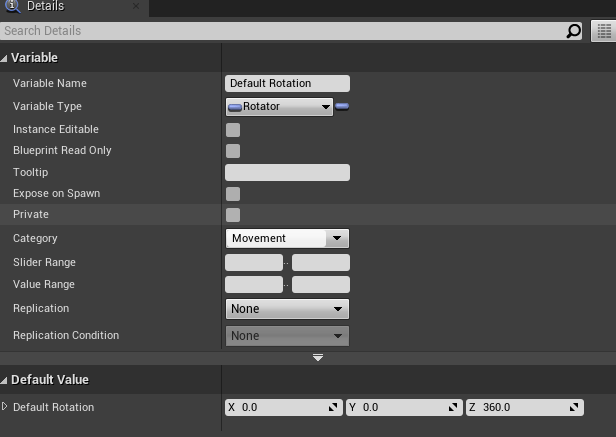
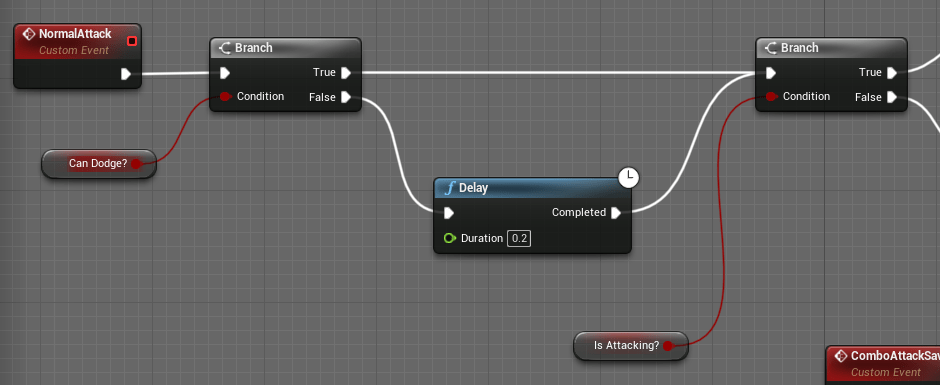
Last few changes were on the lantern animation. I made it slower and less random, so as to make it easier to aim the lantern during lantern mode. I lowered the default rotation rate of the character because I felt the rotation was too fast when turning, especially after a dash. I had it quite high before for the turning animation but now it was gone I had no problem slowing it down. Then I added a delay to the attack if the player tries to attack while dodging so it doesn’t interrupt it too soon.
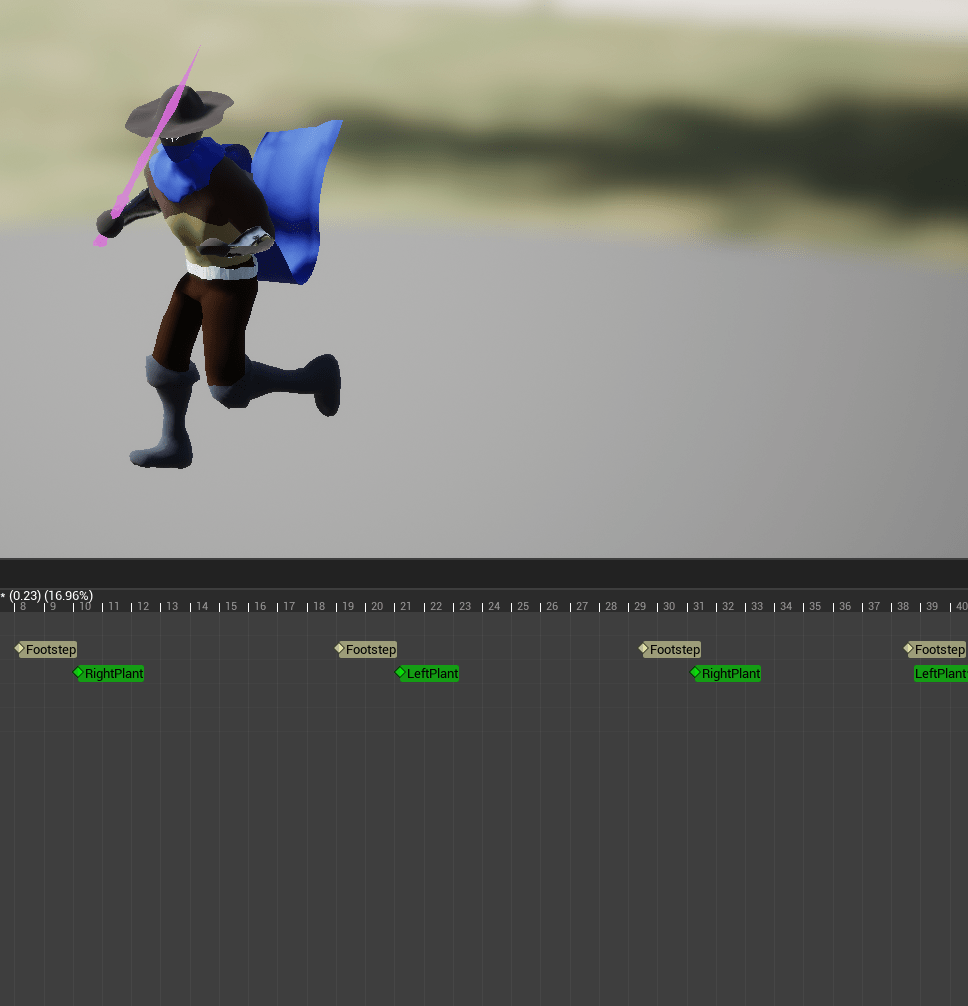
One last day of animations where I want to look into adding lean on the running and see if I can improve the melee hits.
 GoldenGratus Games