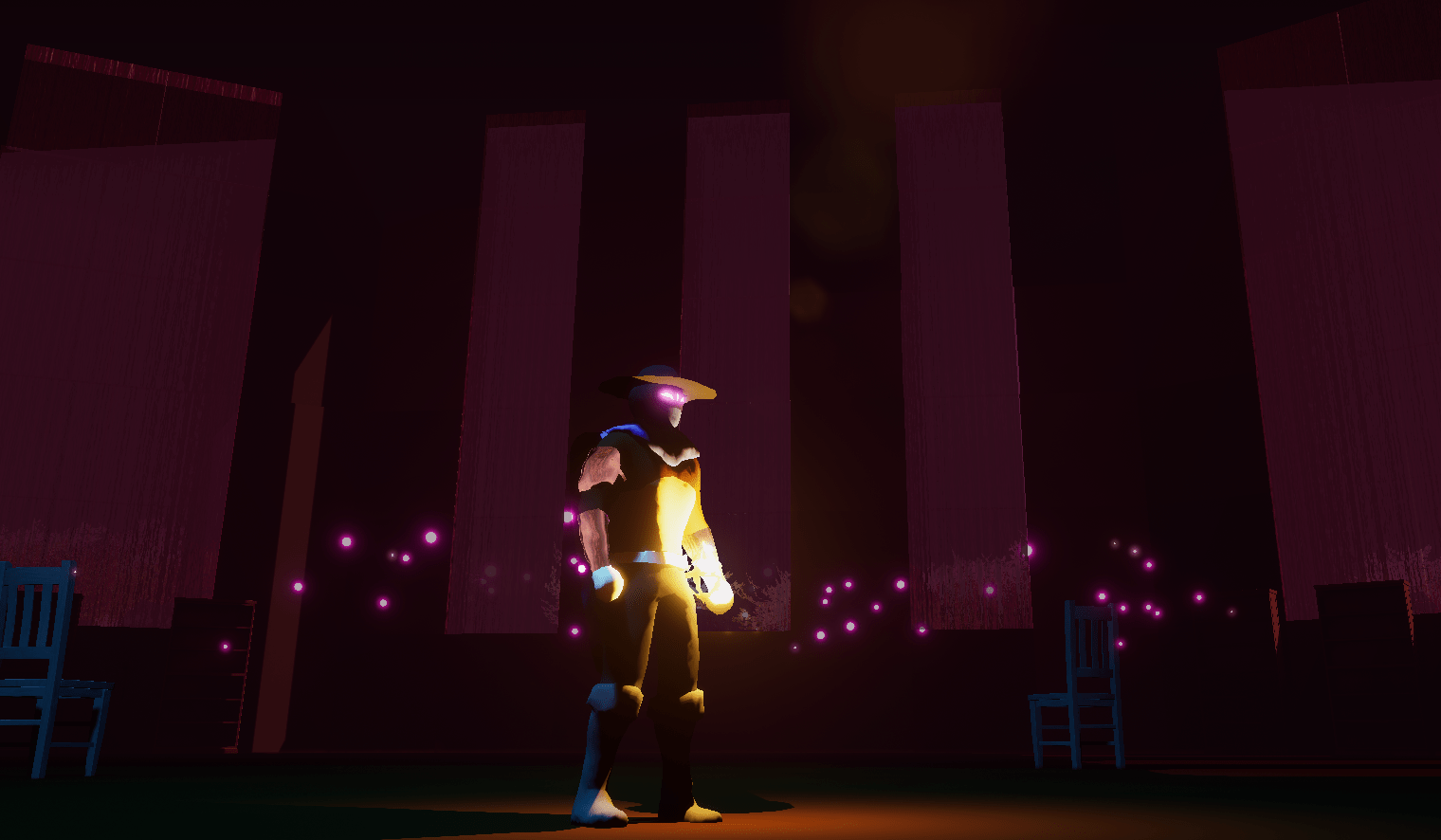
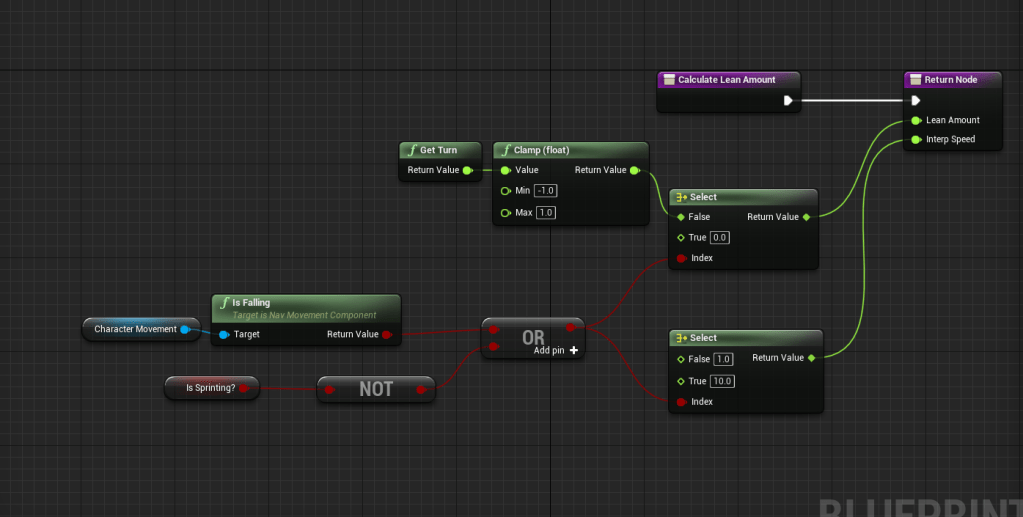
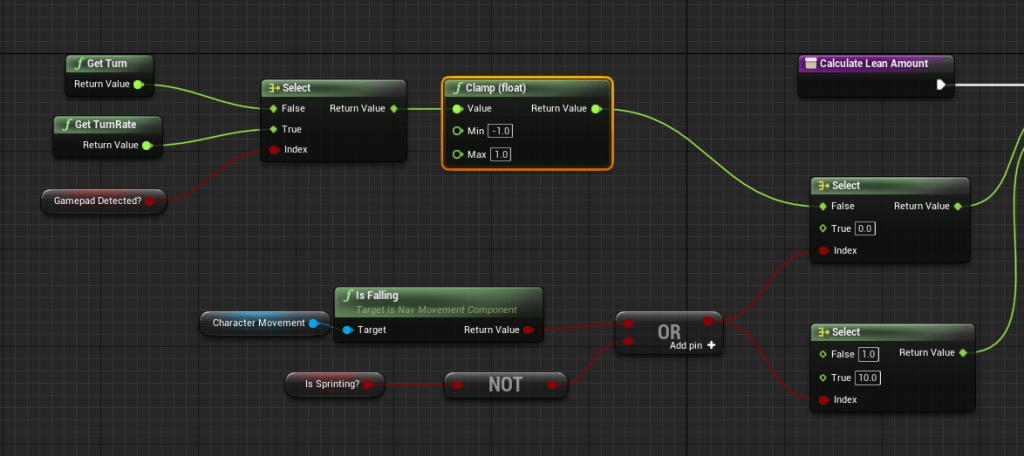
I went back to a tutorial I had watched months ago because from it I took a function that added lean to the character model when they were sprinting. The issue was I couldn’t remember how it worked and what it did exactly. Quickly watching through it I remember that it only worked on the mouse and not the controller because they used different turn inputs. Thanks to my gamepad input logic I was able to easily get the lean to also work for the controller.
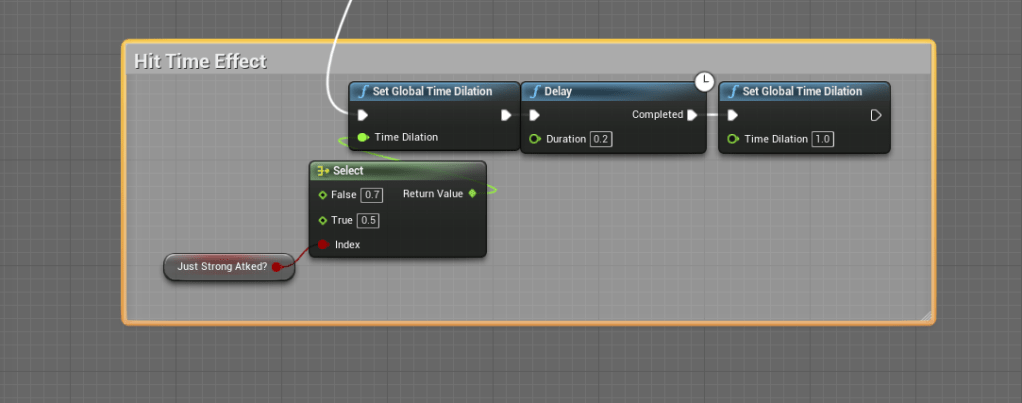
The next thing I wanted to figure out was how to add an animation freeze on a successful hit. Animators do it often for fighting games to make an attack have even more impact. I couldn’t find a reliable source that talked about it, but I will try to keep looking. Instead I used the time dilation function and skewed time just for a small fraction of time that is barely noticeable. But it does help add more impact to successful hits.
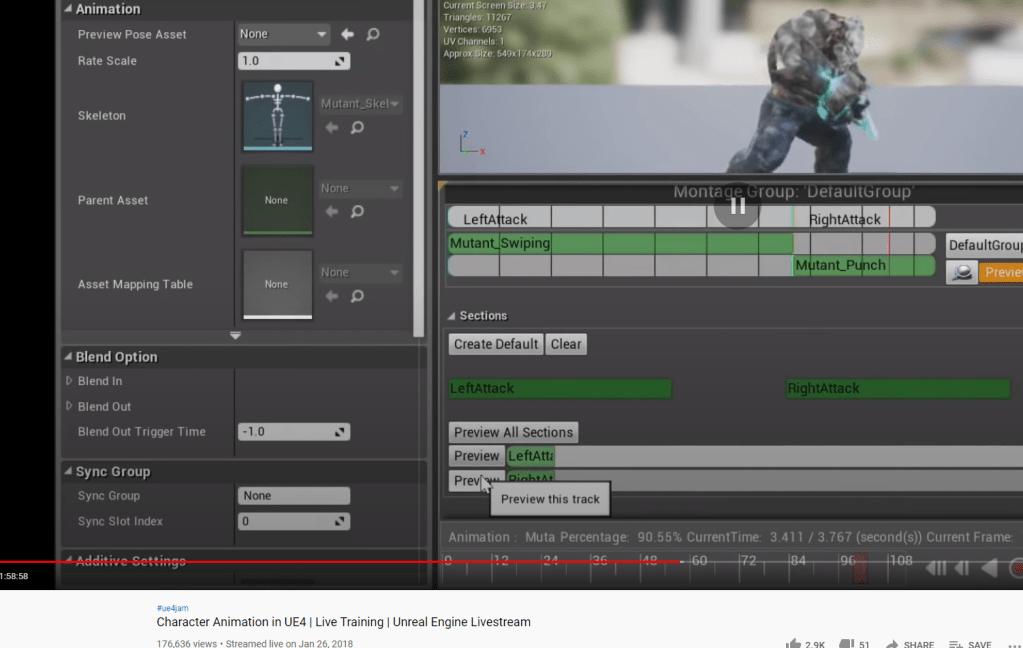
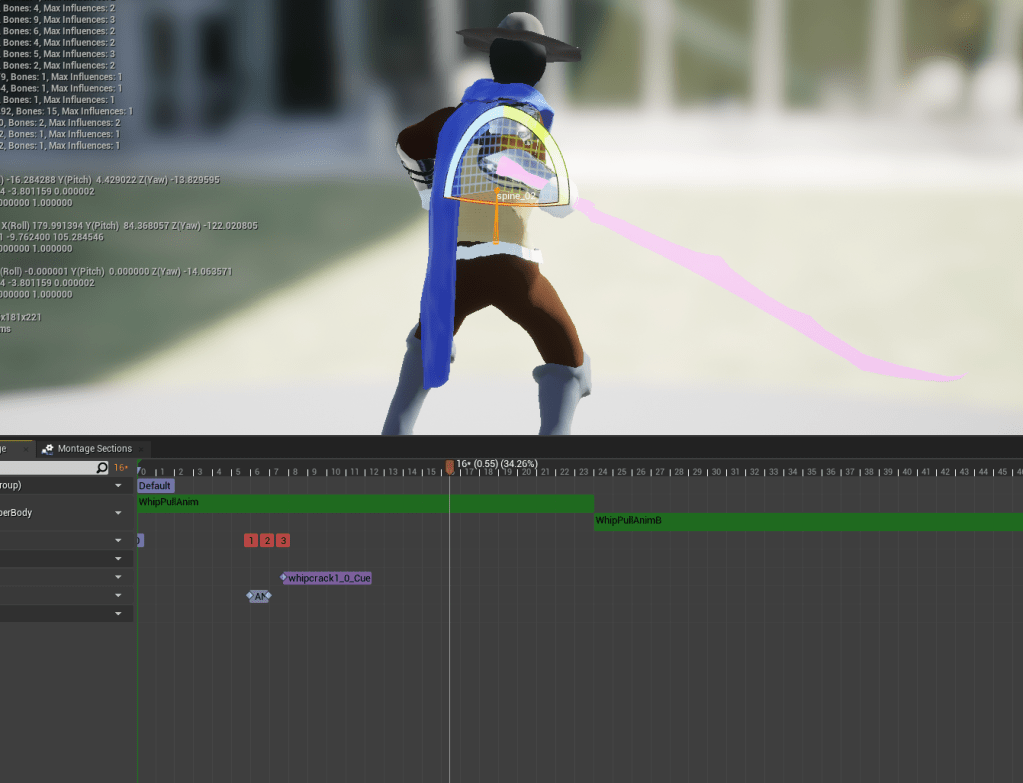
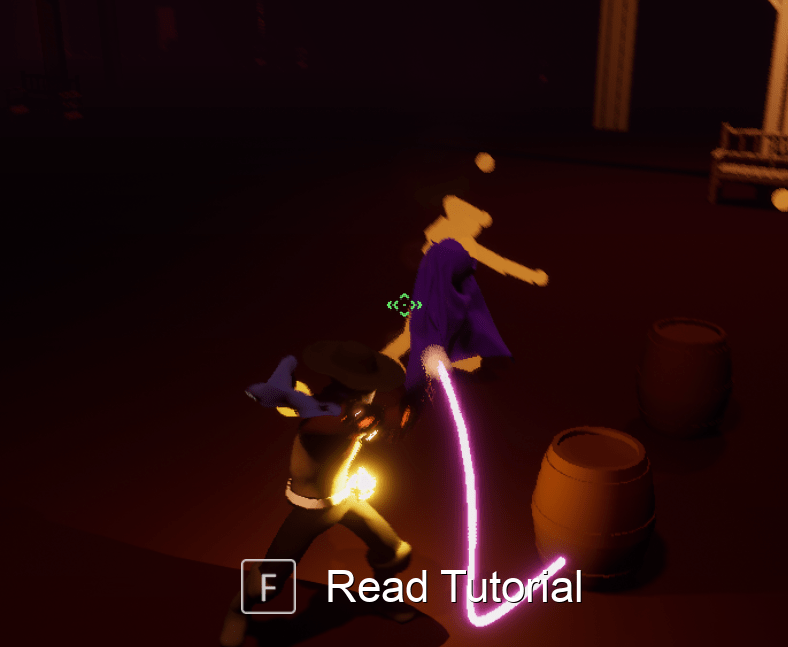
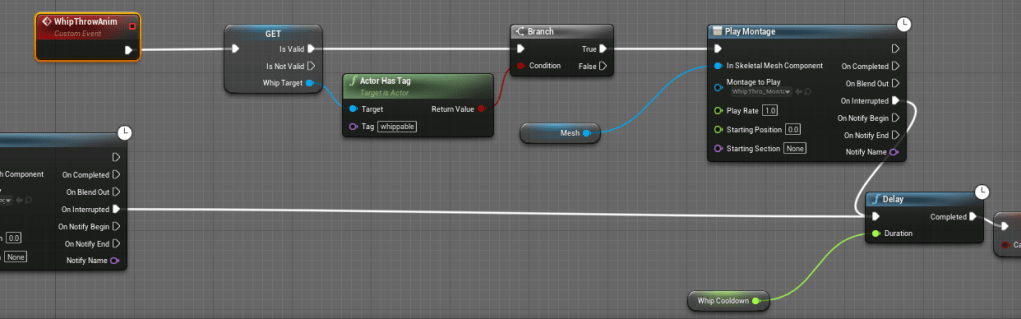
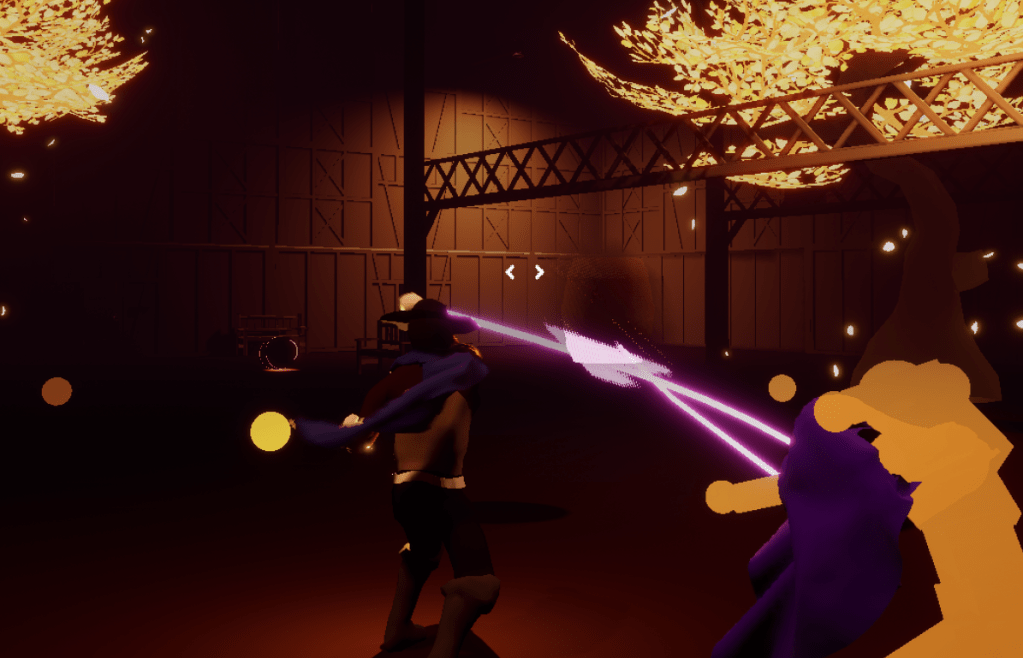
I then looked to my whip animations, playing around with them in-game. It made me realize how lacking the pull animation was, because it has the animation to “grab” an object but none that conveys directing the object. Essentially the animation I had was too short, and lacked follow-through to when the object was being hurled. I first tried adding the same animation but backwards, to give the effect of pushing the object away. But reversing the animation does weird things and I couldn’t get it to work.
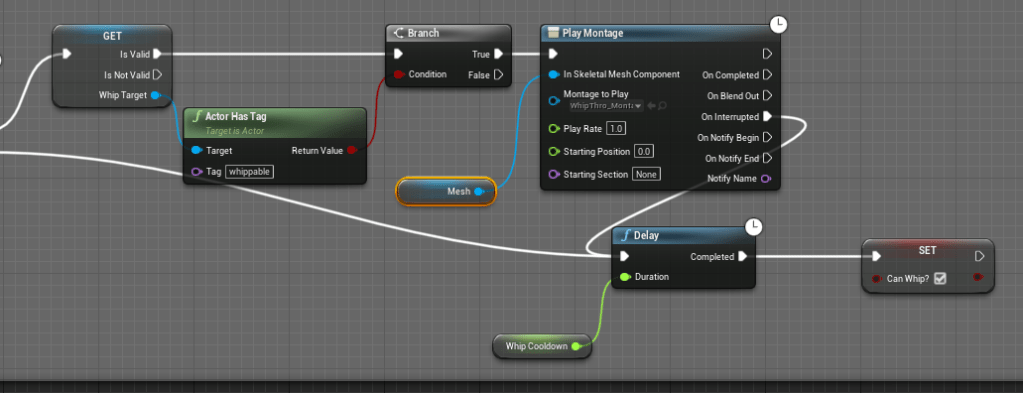
So, I tried something different. Using an animation I got from Paragon Riktor, I attached another montage as the animation for the pull is blending out. I had never used that pin before, but it strung the animations together seamlessly. All I needed to fix was the timing by adjusting speed and blend times, and by the end it synchronized well with the action. Just had to make sure the animation only played when the character was throwing objects around, so it didn’t look weird on other hits.
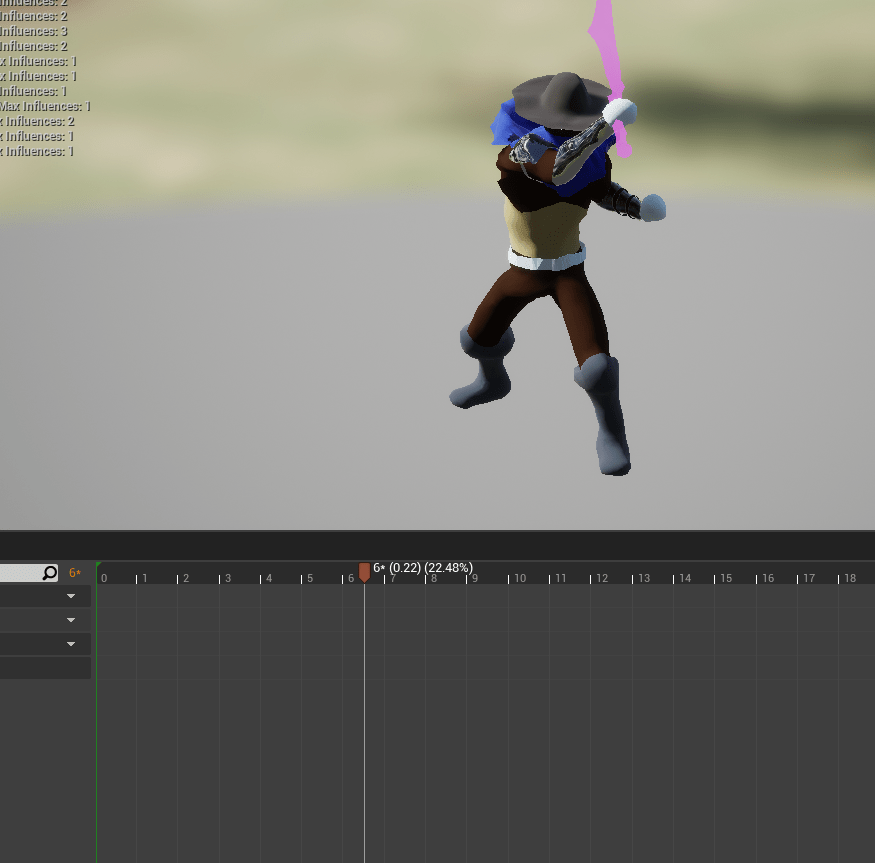
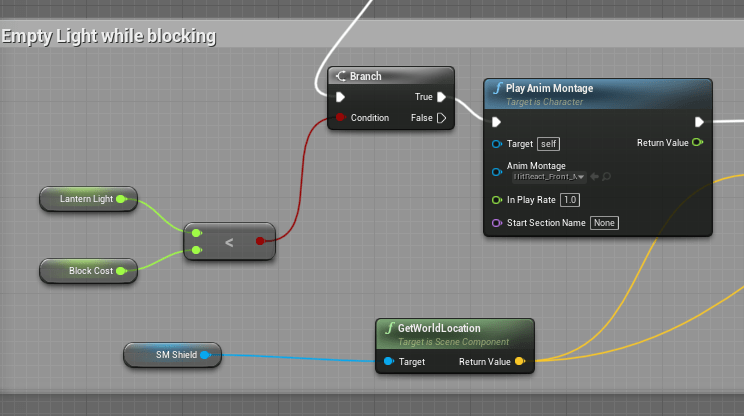
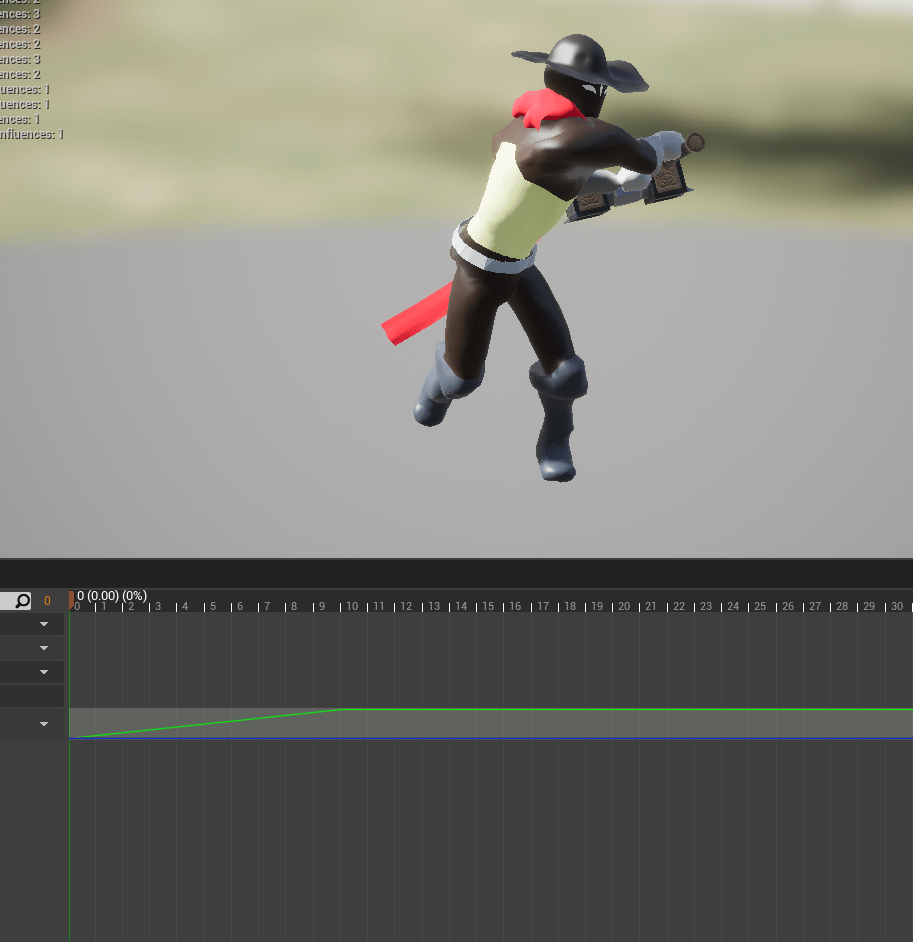
When the shield “breaks” there was no clear indicator besides a loud sound. To improve it I added an animation, using an edited hit react animation. I will eventually add a better guard break animation. There is an asset in the marketplace I am eyeing that has animations for a sword and shield. Will save up for it.
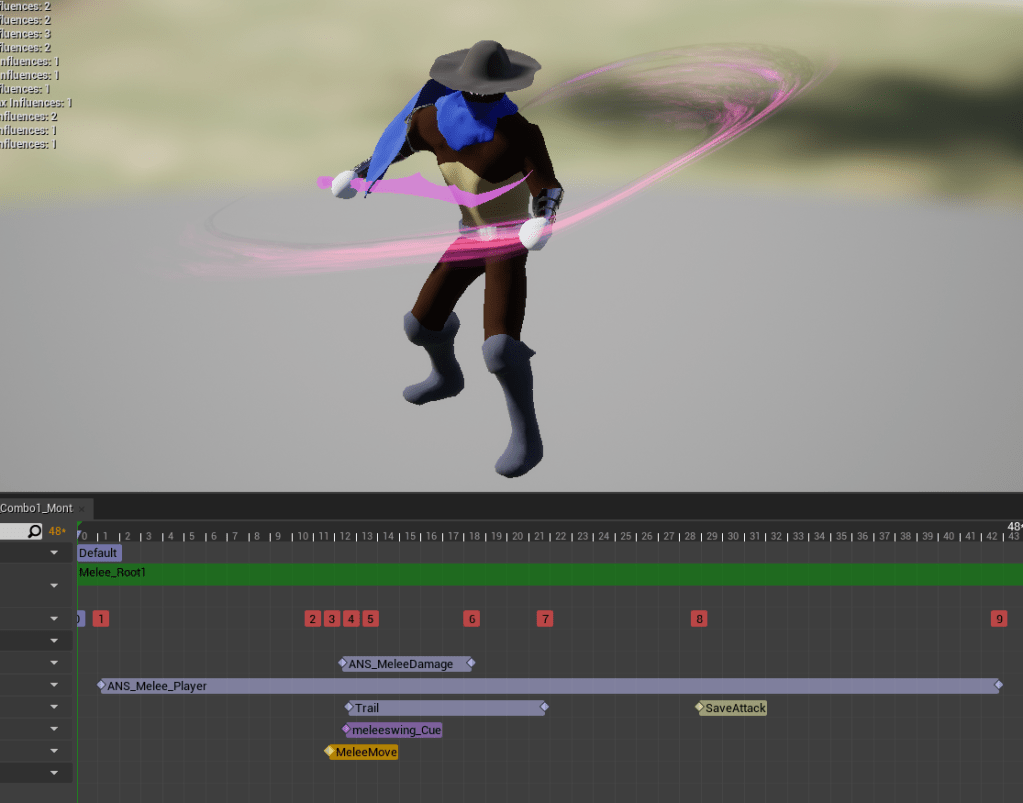
On the melee attacks I moved the notifies that moved the character so it matched the forward motion more realistically.
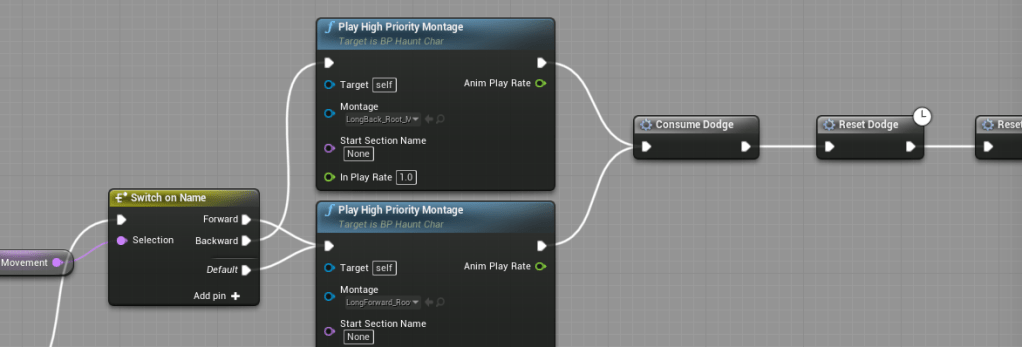
Since all the dodges but one were removed it was difficult to dodge backwards, because the forward dodge had to do a U-turn to go backwards. The backwards dodge was one of the only dodges that worked well and consistently so I brought it back and now there are two dodges available to the player. It makes it easier when trying to quickly back out of an attack.
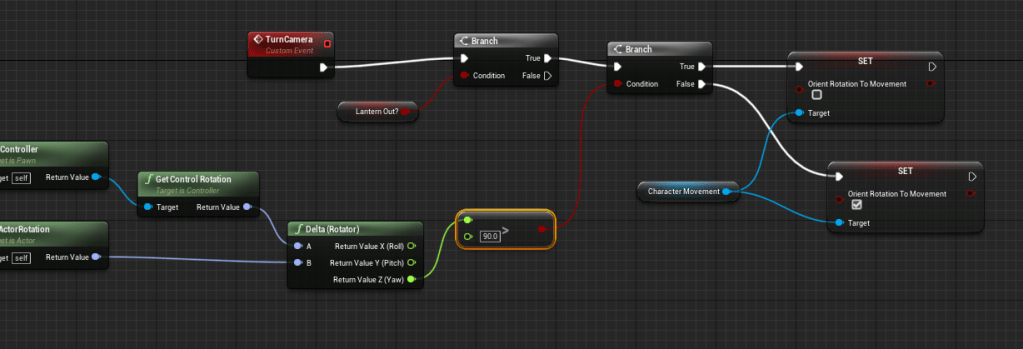
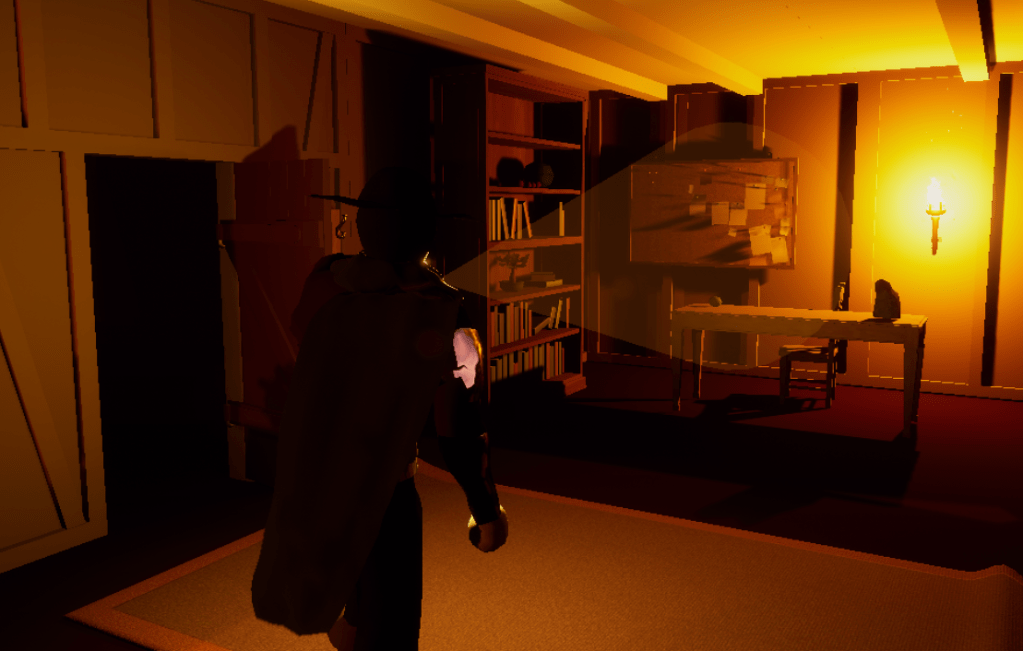
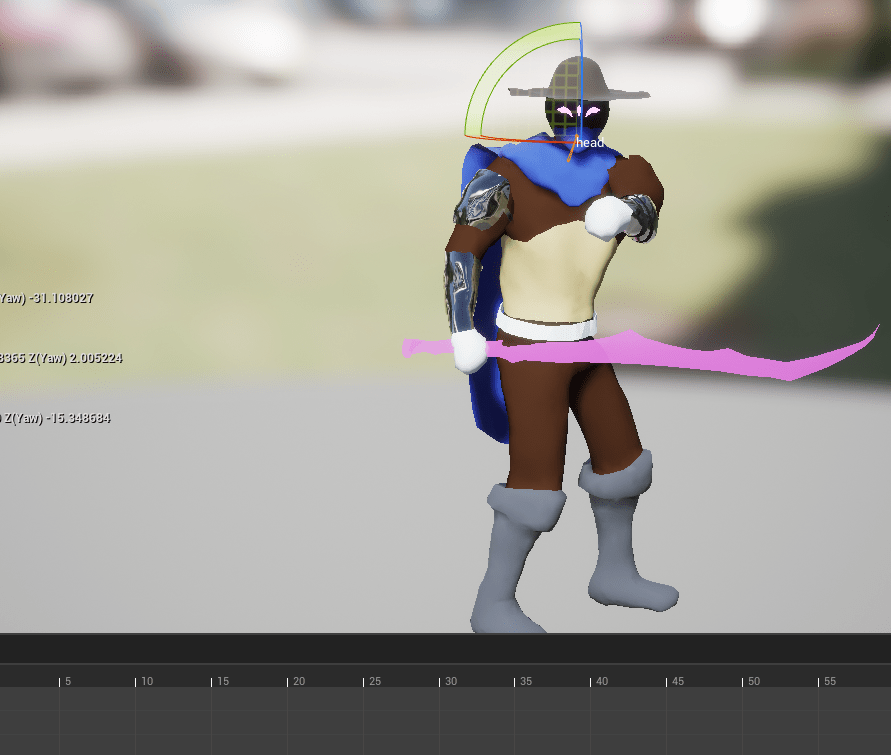
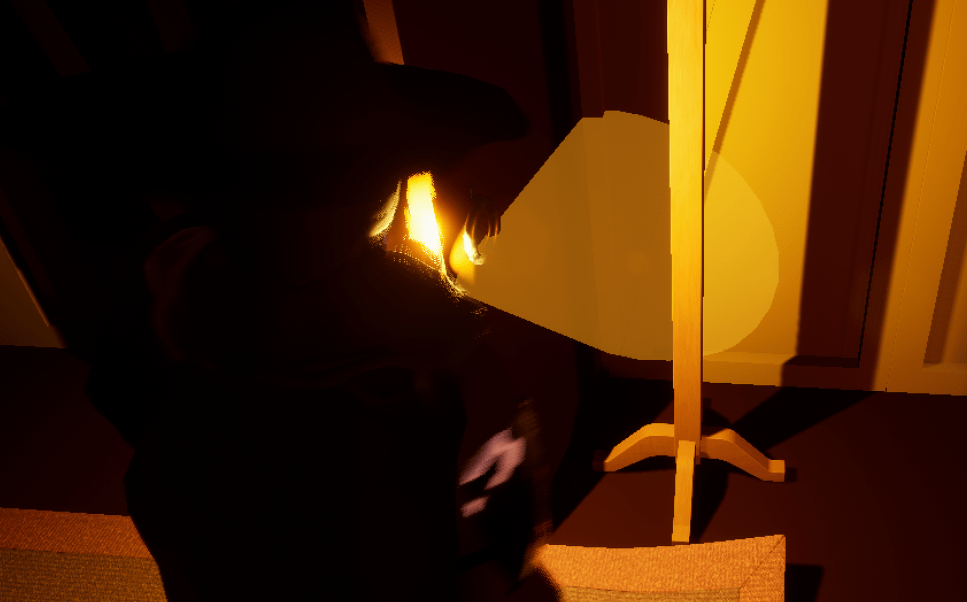
The lantern animations hadn’t been touched in awhile so I thought about what I wanted to change. I tried long and hard to figure out a way to get the character to rotate in the lantern mode when the player tried to rotate past the max axis for the lantern aim. For awhile I got some logic working where it would temporarily rotate the player slowly to adjust to where the player would want to look. It took awhile to get working and I thought there were no issues after then. Then I started walking around in different directions, and the model started freaking out. There were set backs to my logic and it didn’t let the character have a smooth rotation because I tried to slow it down too much.
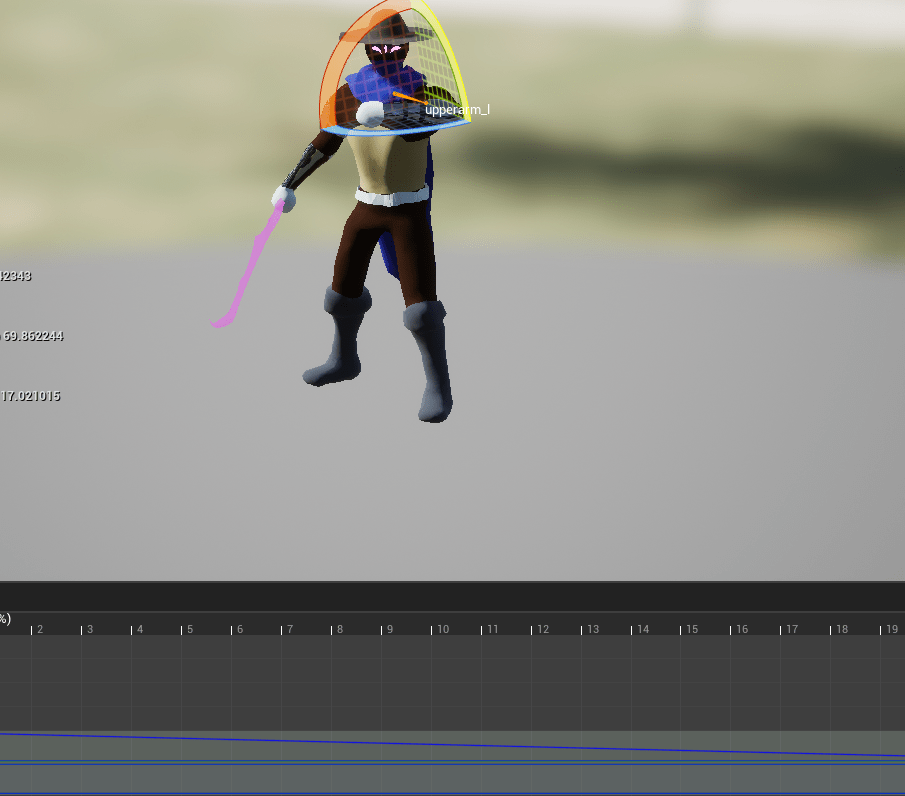
In the aim offsets for the lanterns, they didn’t all aim the lantern right where the camera was looking, so I moved some bones to hopefully make it match the view better.
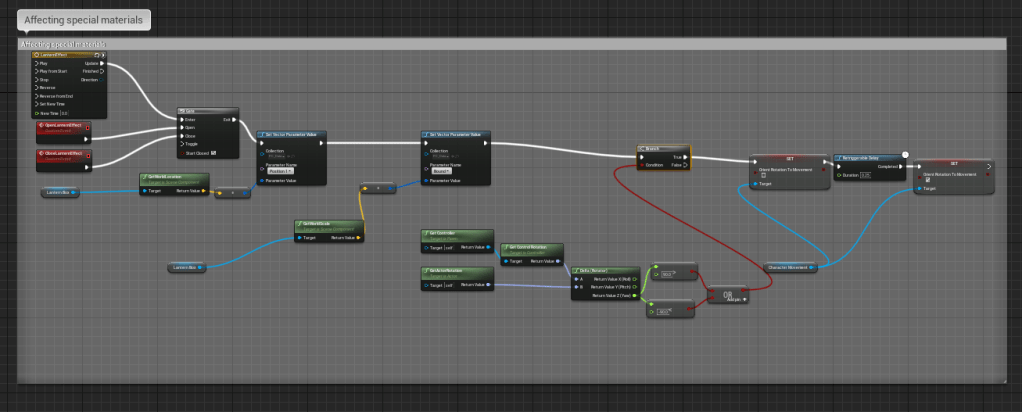
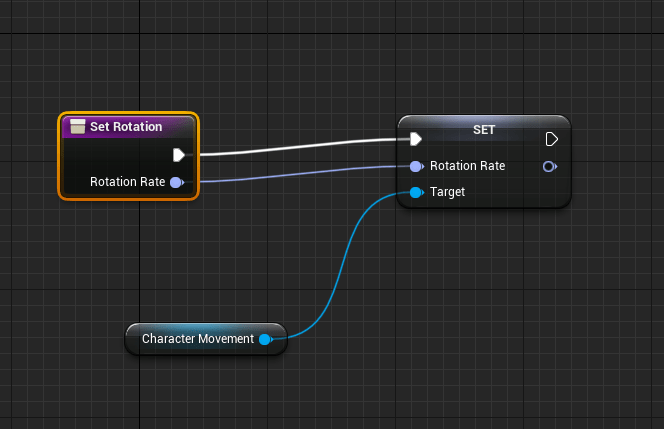
I played around with how close the camera zooms in as well, making it nice and close for really detailed inspections. Added a function to set and reset rotation, and then I took out the function I had made. I took the logic I used for my melee attacks and applied it to the lantern, so it still limits where the player can look, but if they wanted to turn around quickly they can easily do it without having to move too much which was the problem with a slow speed.
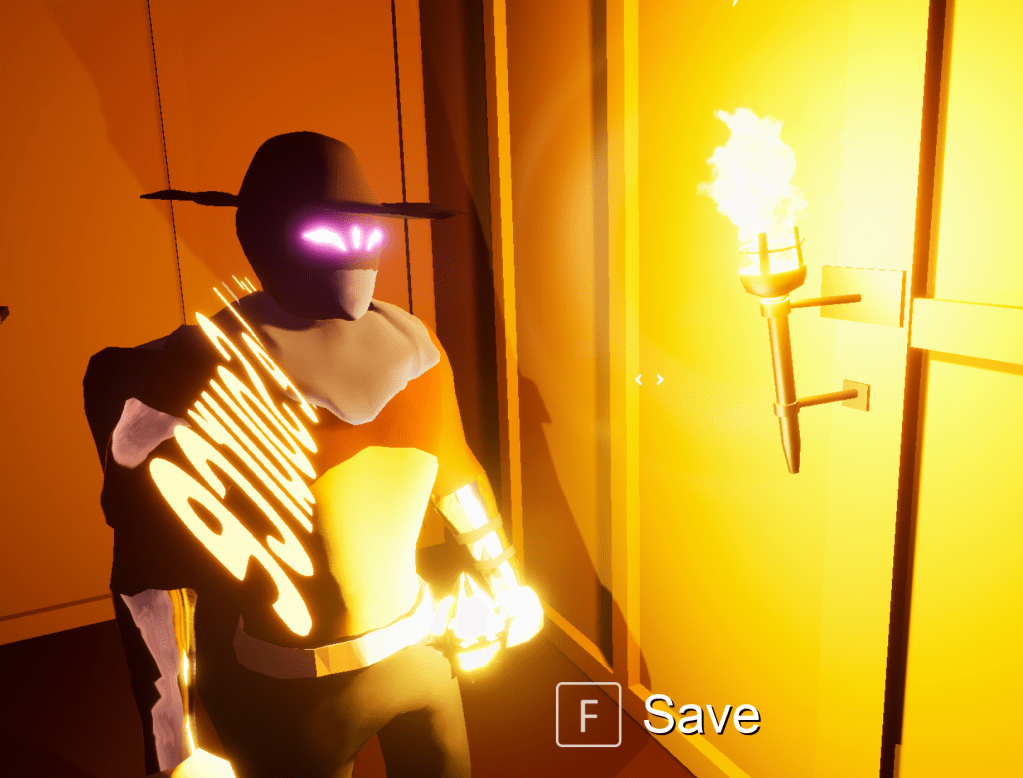
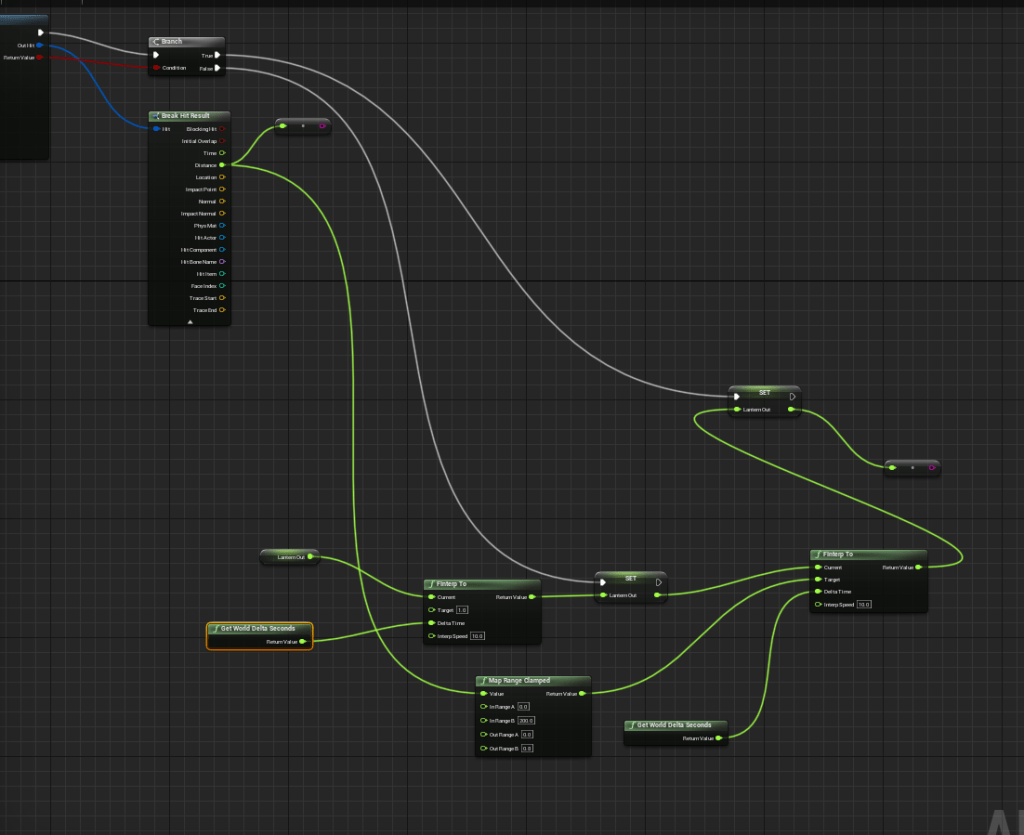
I didn’t like how the lantern arm would freak out sometimes because of it trying to adjust to objects in front of it. Tried for quite awhile to fix the jumpiness/jitteriness. I either have to make the trace bigger, or the adjustment speed slower.
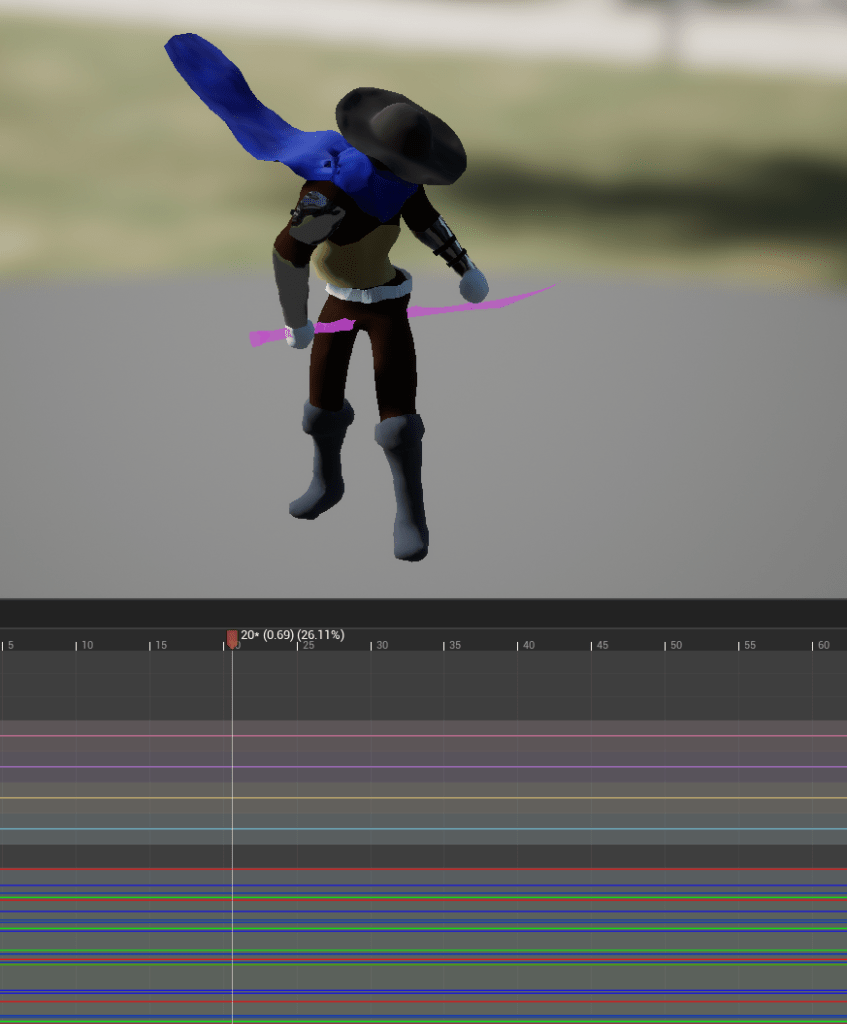
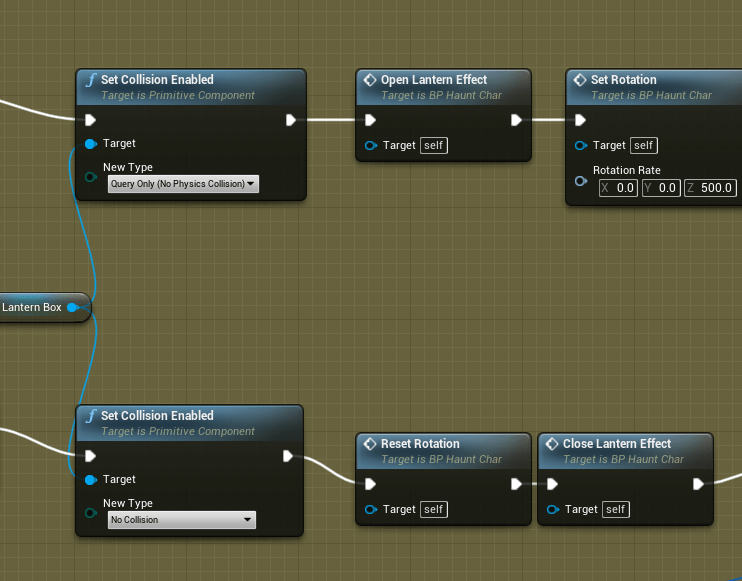
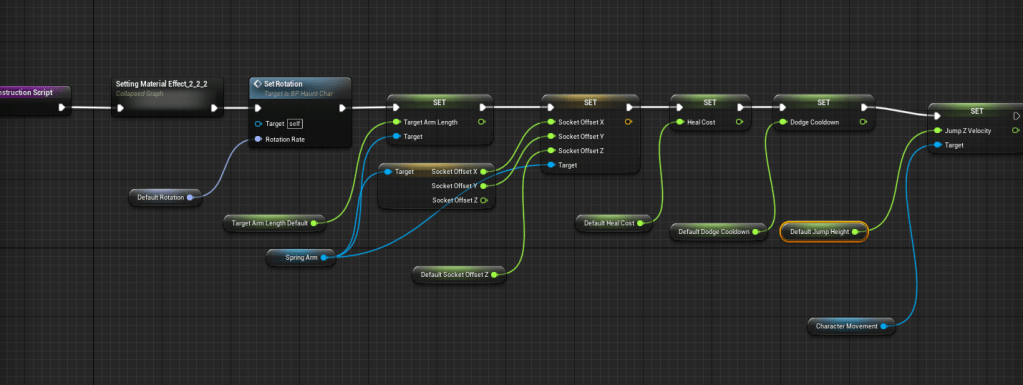
Having decided I was happy with where the lantern animations were I set up some construction script logic for the character so that when I changed the default values of the variables I didn’t have to go and set it for the variables they were assigned to. This way I don’t have to worry about forgetting to change the values.
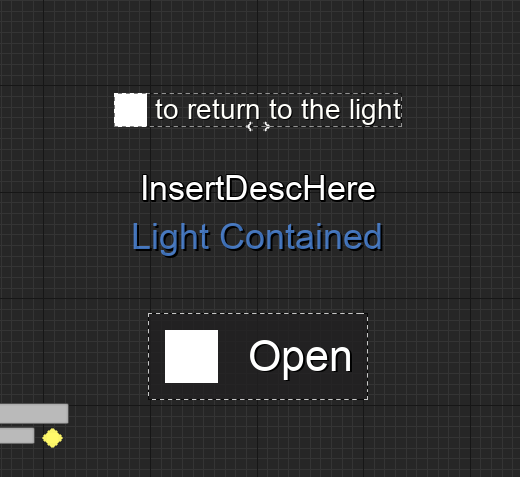
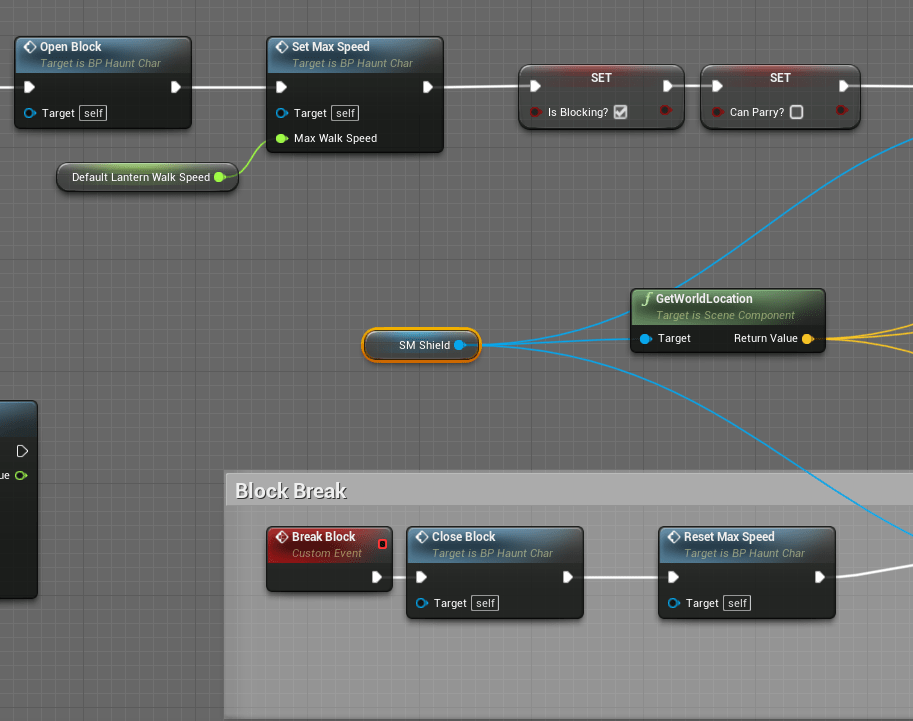
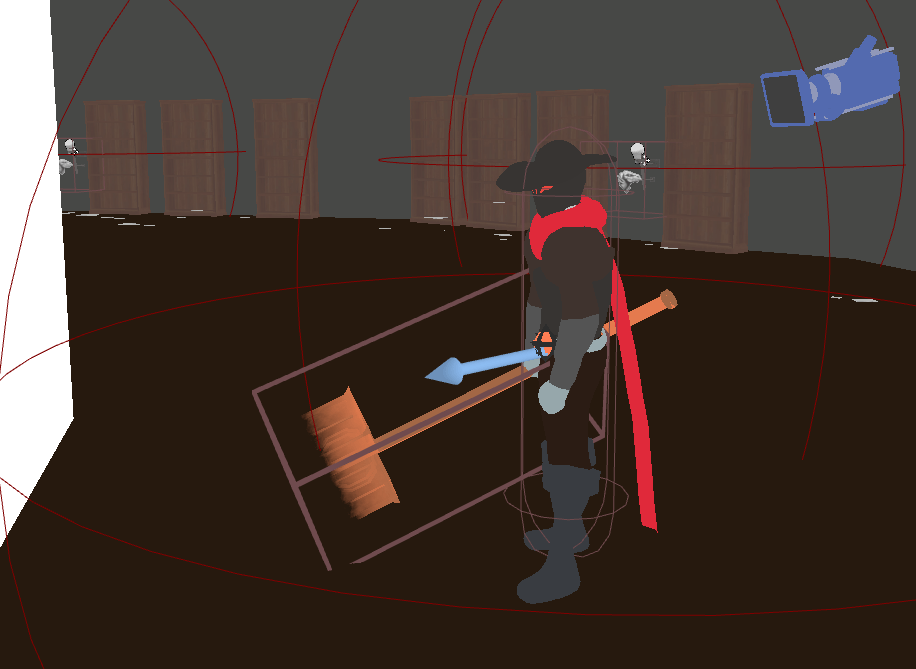
With most of the animation work I wanted to do done, I ticked off a few tasks I wanted to do. I added background images to text that appeared on the screen so it would be easier to see. Did it for the interact text and world descriptions. Made the shield bigger, but it just made it look like a surfboard. Still need to find a better shield model. Since the shield it bigger I thought I would bring back the slow speed when the shield is up. Thanks to the new speed functions I have it is easily done without hassles.
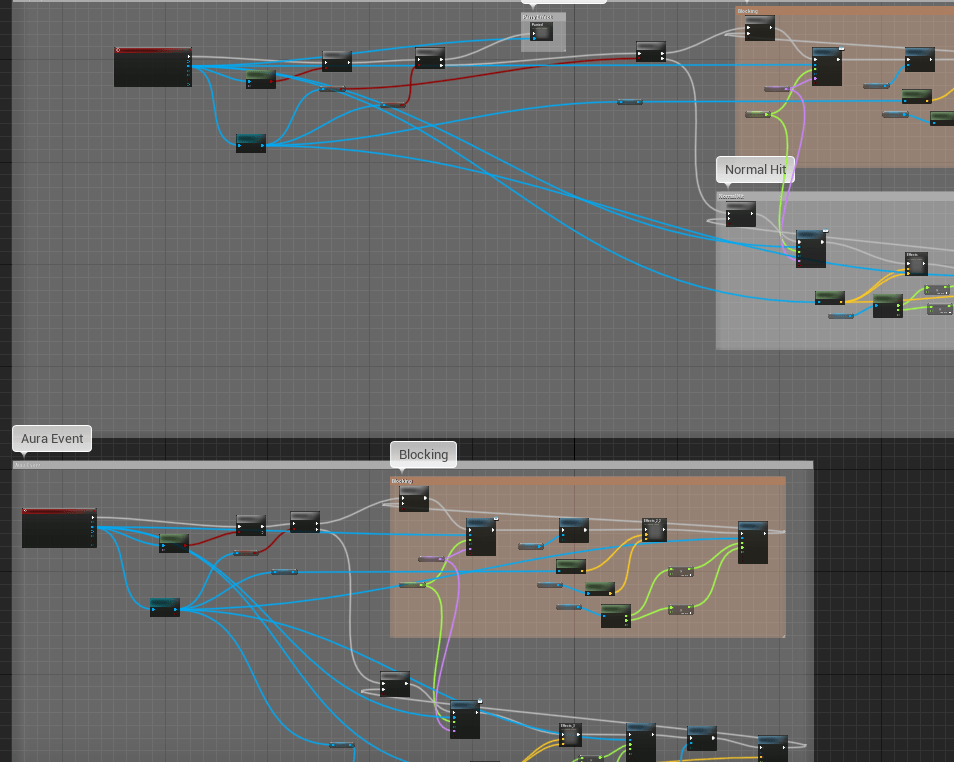
I cleaned up some of the boss logic as well. I am still not finished with the first level, but nearly there. There are a ton of boss animations I had not edited, and I am not sure why I didn’t do it until now. Some of the attacks would not hit consistently, but all I had to do was rotate the arm slightly so it would be at the height of the player. With most of the boss’ attack animations fixed I wanted to try something with the walls. Perhaps I could turn them into windows by giving them a material that was the glass with rain. After putting it on some walls I was convinced it looked really nice. And it solved my problem of the level looking way too dark. I should have thought of this earlier and it totally livened up the stage and made it look very different.
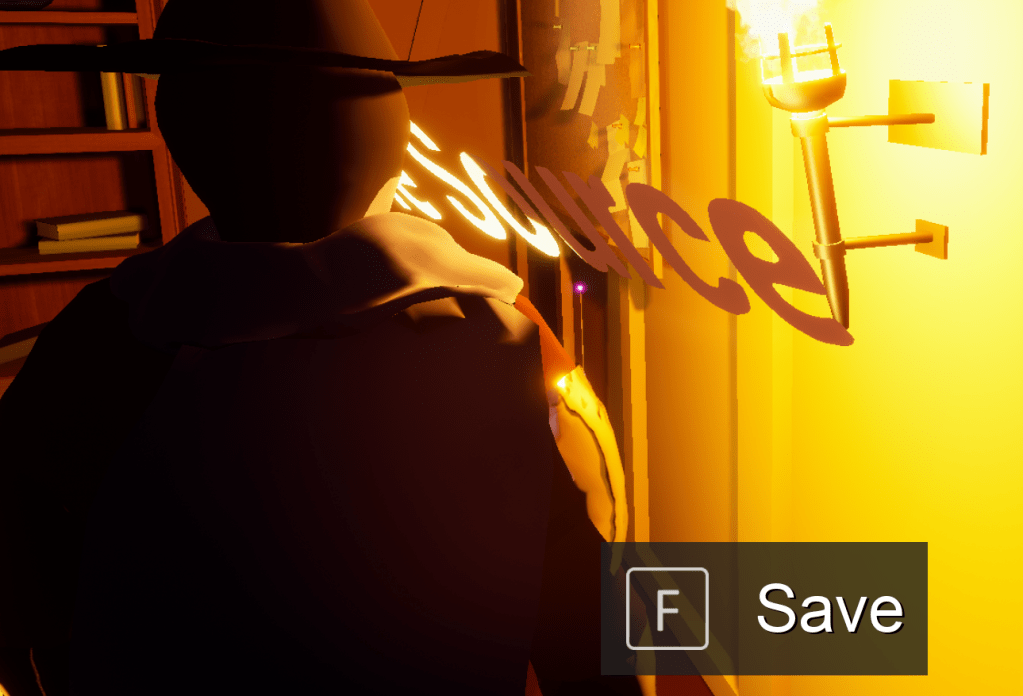
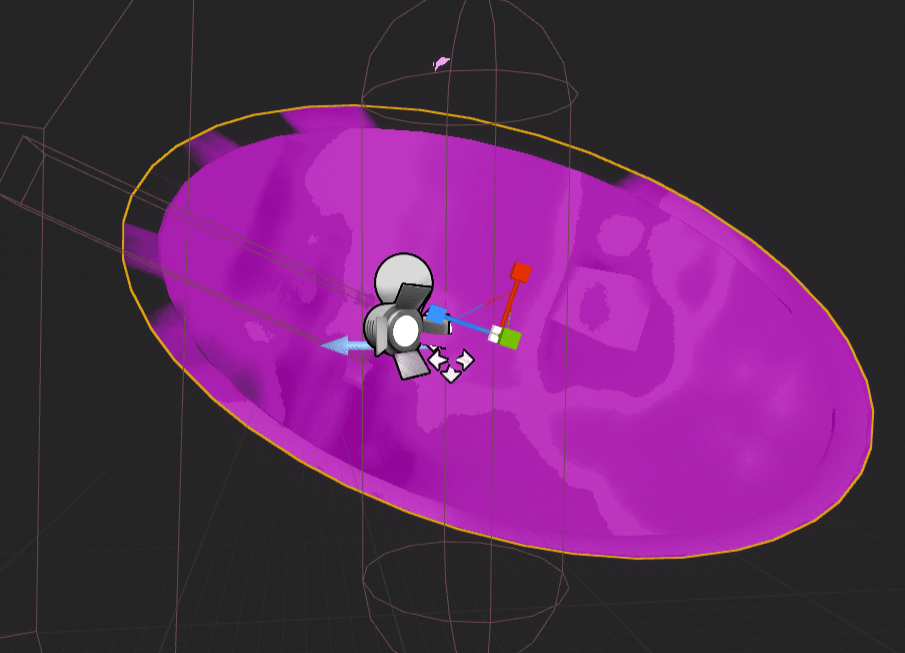
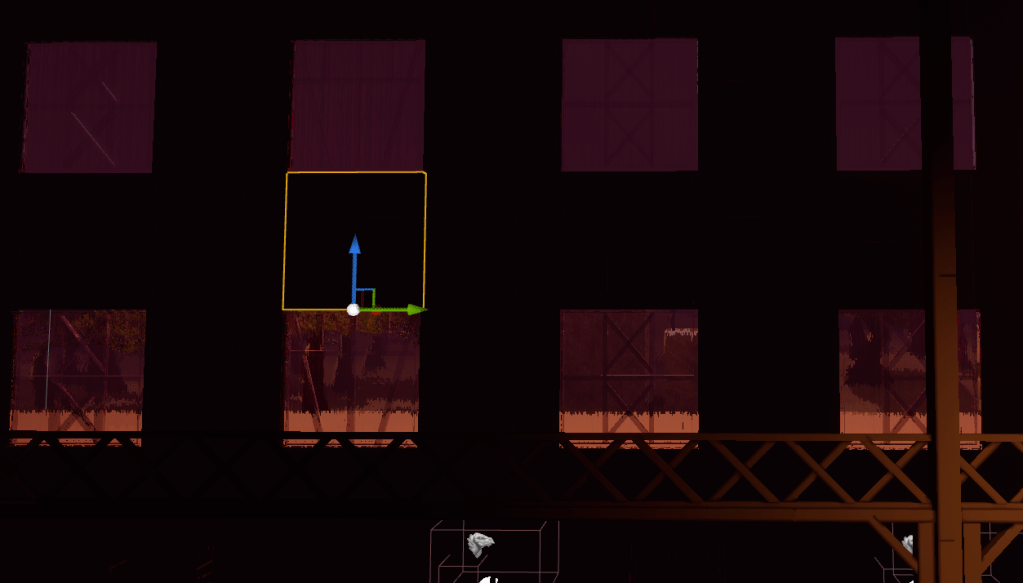
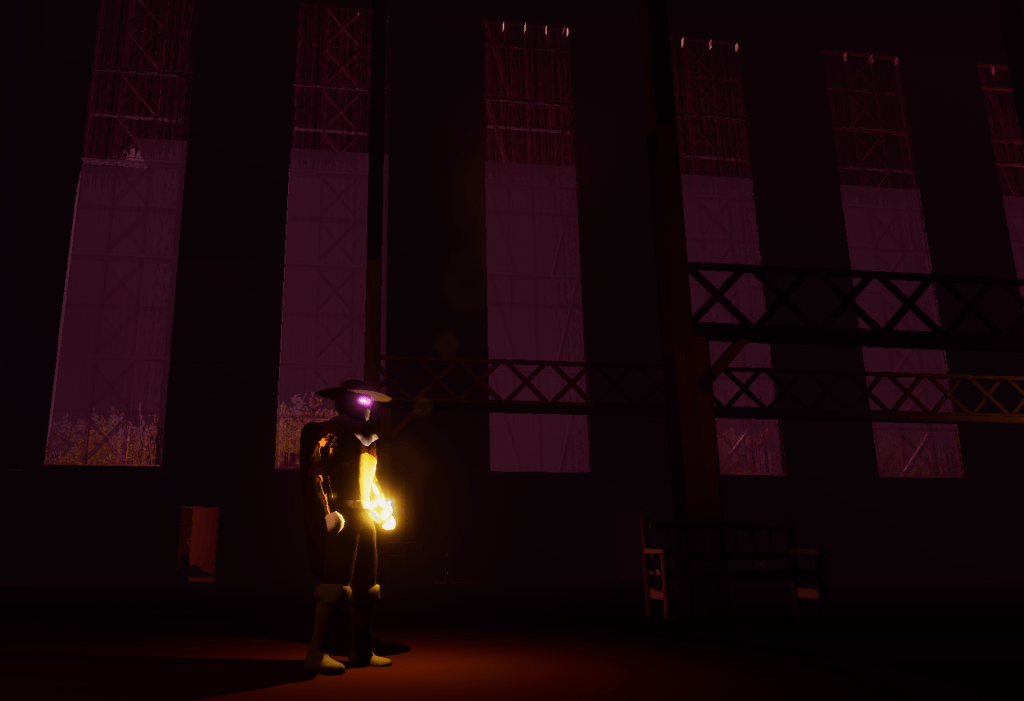
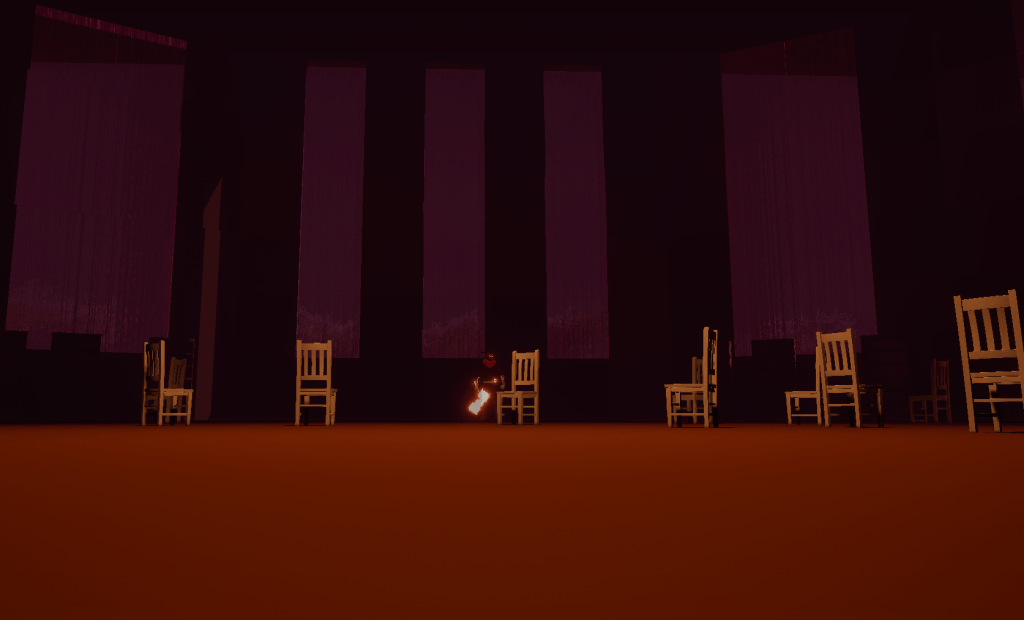
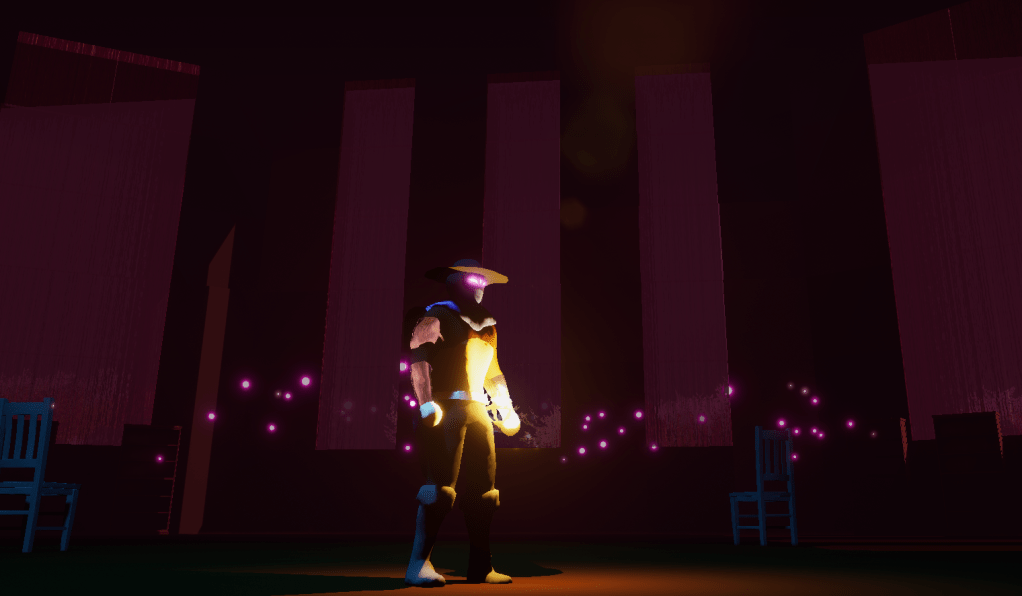
With everything brighter it did show a lot of errors I had made with putting together the walls and other static objects. But I won’t fret too much about it. It still looks better with more light. And just a few more additions to the stage then I can be happy to move on. Though tomorrow I will work on the new mechanics I want to add while adjusting most of the current ones as well.
 GoldenGratus Games