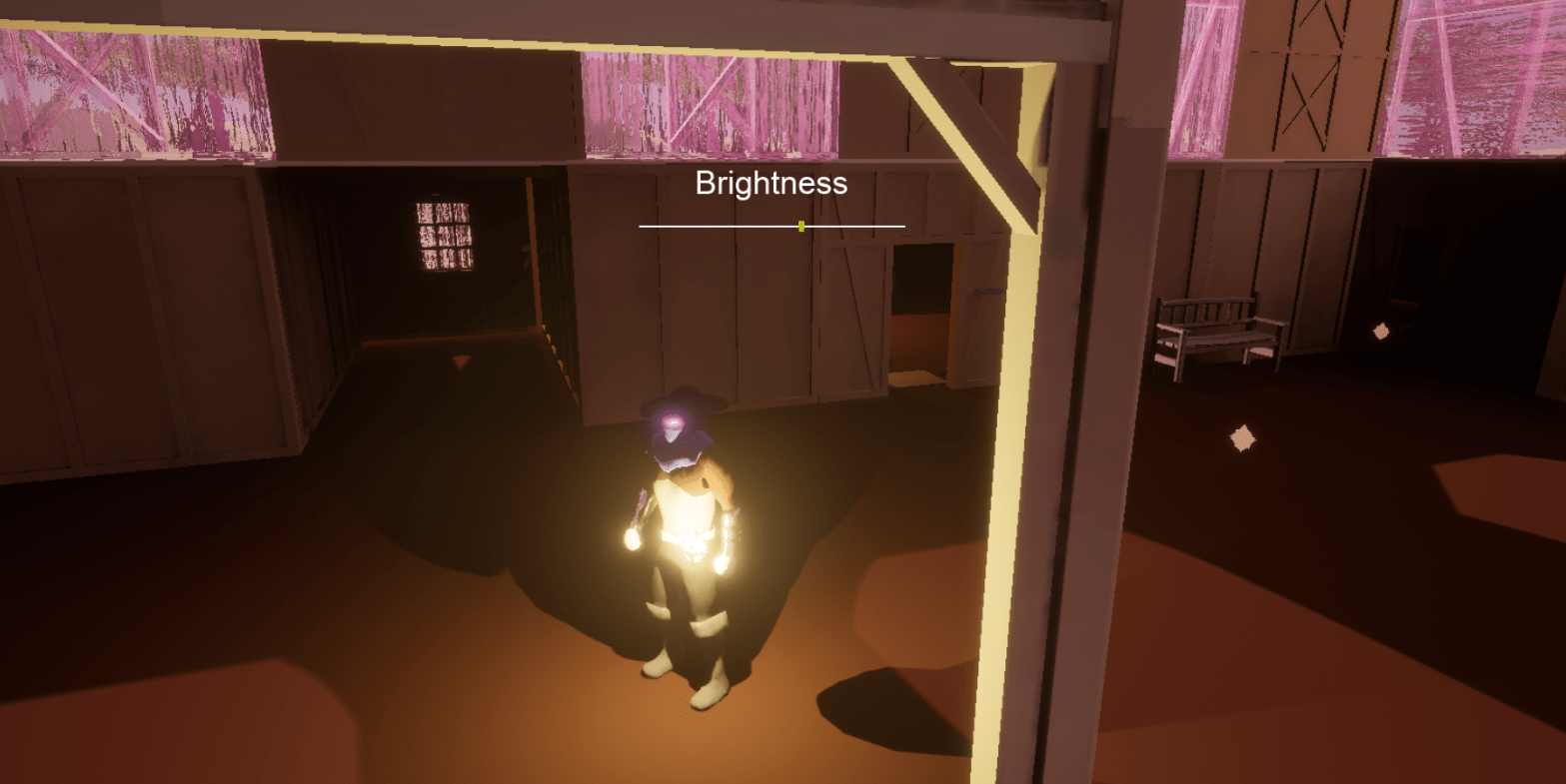
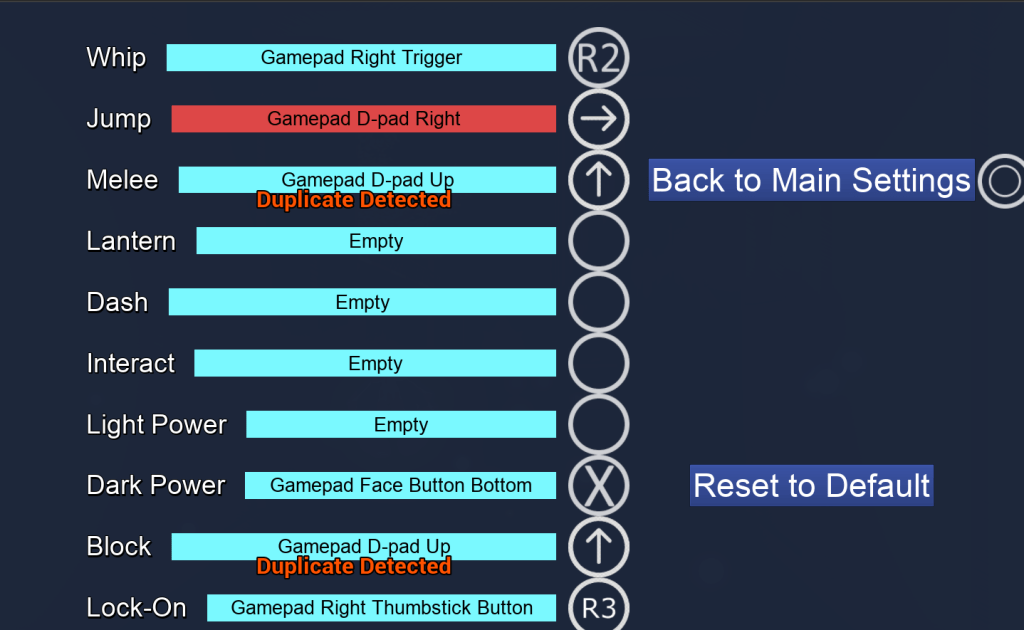
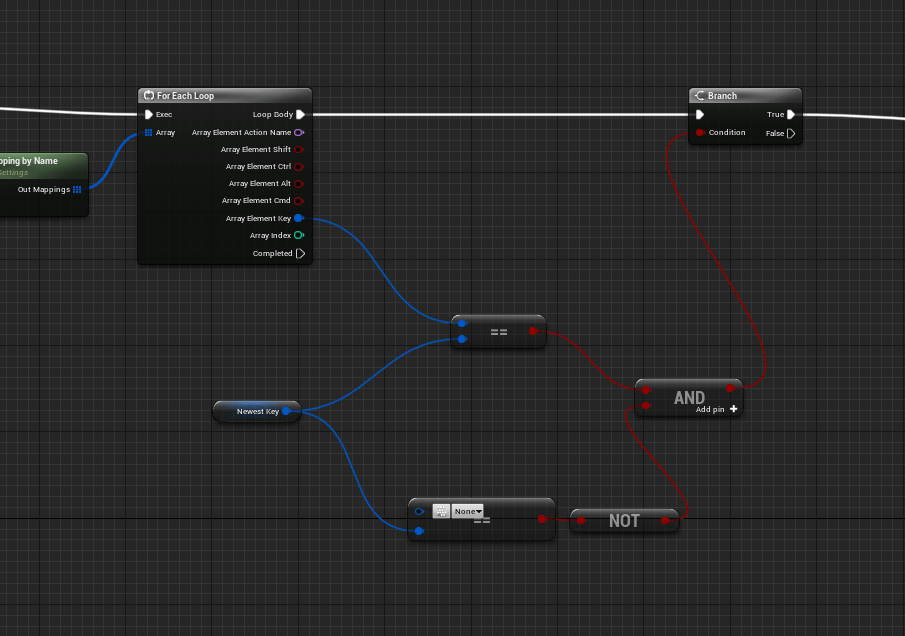
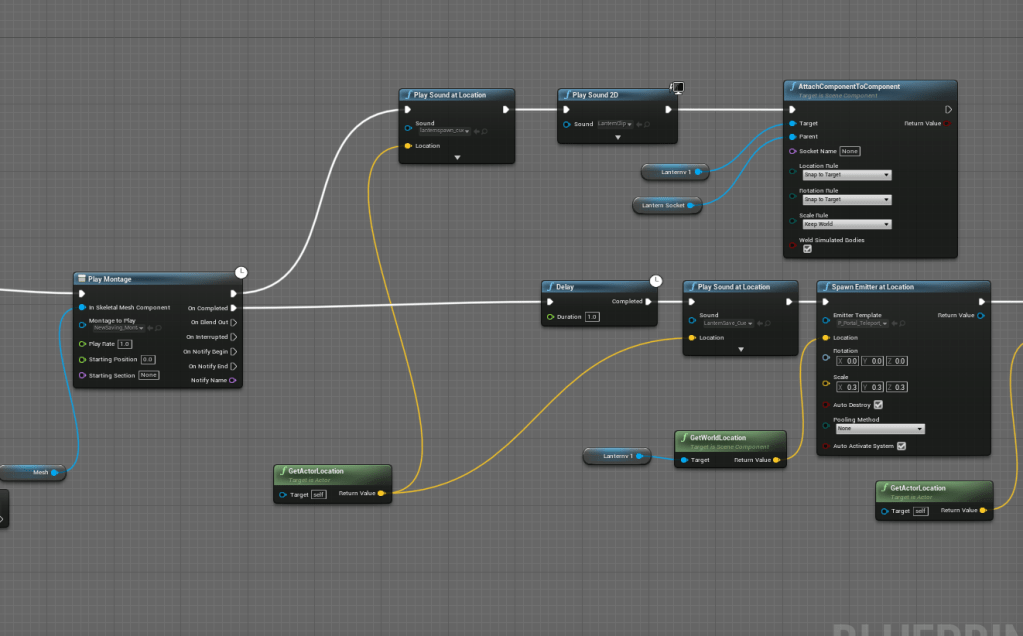
Added logic to the dash so that if the player is not moving the dodge will go straight backwards. And I cleaned it up because the backwards dash was resetting twice instead of once. I updated the logic of the input buttons so that if it is empty is doesn’t count as a duplicate key, since technically it has nothing inside of it. Changed the saving animation so that the character is still within the camera’s view. Then adjusted the size of the lantern collision box to match more closely the size of the cone model.


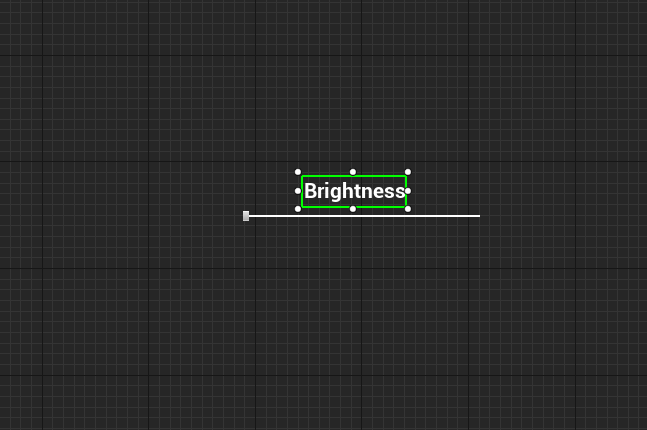
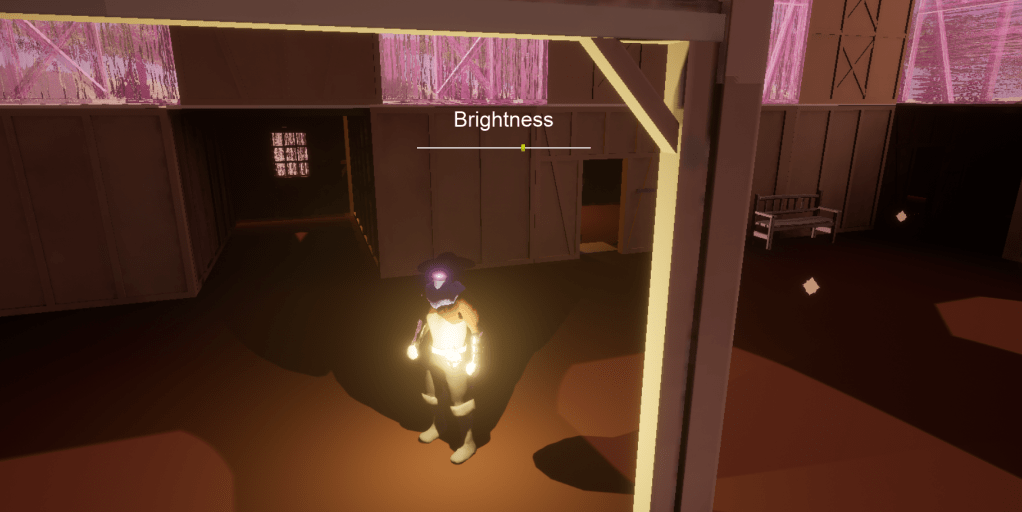
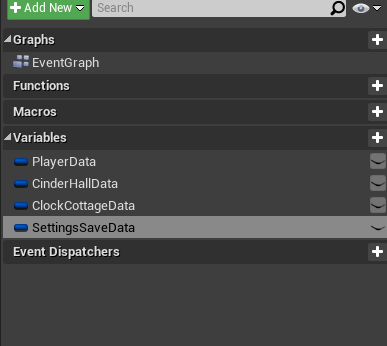
Getting the brightness slider working wasn’t the tricky part, saving the settings and making sure it worked on any level was the tricky part. Since there are many different ways to make it brighter through the post process settings, I focused on adjusting the gamma since it didn’t seems to affect the appearance too much besides making it brighter. Once I was able to connect the slider to the post process settings I tried to figure out a way to save the settings. So I used similar logic that I used for saving the settings of the player and level and created a new variable that will contain the settings that the player changes.
There was an issue I hadn’t noticed until I looked closely at the game itself, when changing the post process settings, it wasn’t carrying over all the settings, just the gamma. I had to make sure it took all the individual settings I had placed and set it and saved it as well. Since the post process volume has a huge collection of data it was a bit of a hassle but not too hard to manage. I also had to make sure it worked on the other stages. It basically grabs the post process settings and makes sure it only adjusts the Gamma while keeping all the other settings the same. I got it to save and stay with the player’s data. This will come in handy as well in the future when the player changes other settings for when I include them such as the video and audio settings.
Adjusted the post process material for the clock cottage stage because the lines were too thick for my liking. Thankfully the brightness settings I made still works with anything.



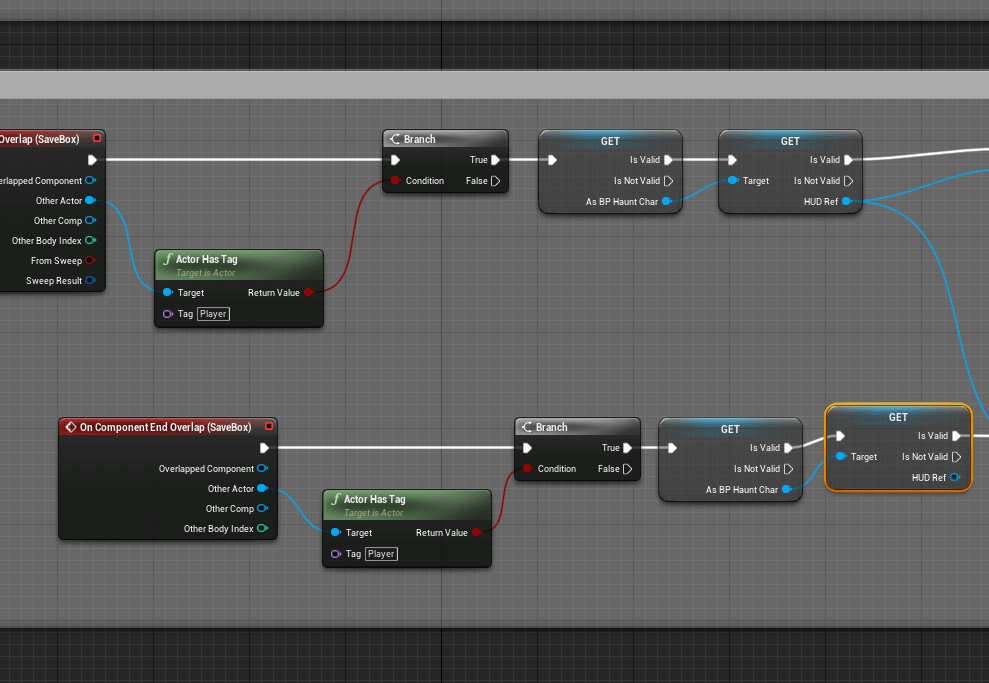
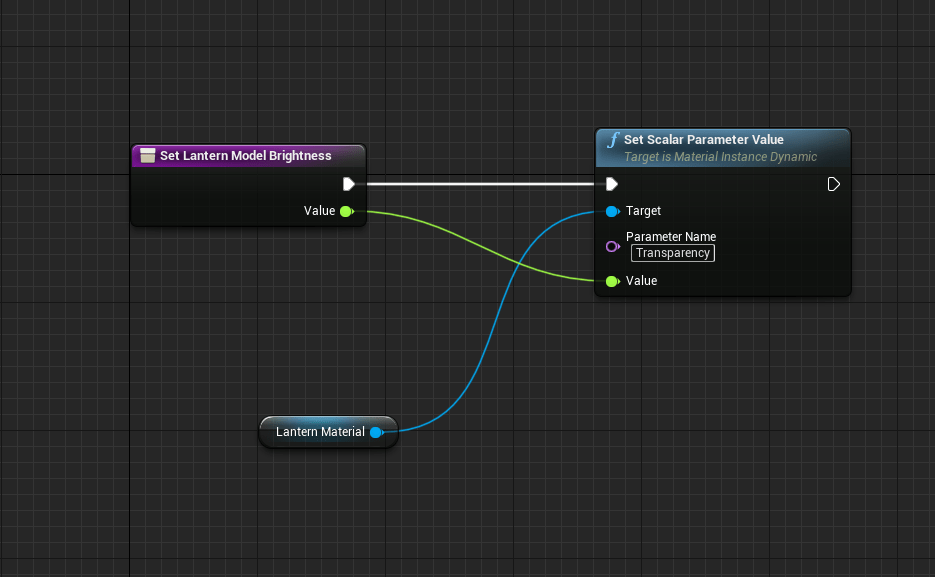
Updated the savepoint logic to make sure it didn’t have anymore issues and also created a function that adjusted the transparency of the lantern cone so I can change it per level, since it was too dim in the clock cottage level. While in the first level I want the cone to be bright, but not too bright.
I still have a lot of videos especially documentary on indie games I should watch for inspiration in tips. As much as I am dying to start working on the clock cottage stage I won’t get too ahead of myself. I want to fix and improve the physics objects since they are a huge part of the game, being able to interact with the world itself.

 GoldenGratus Games