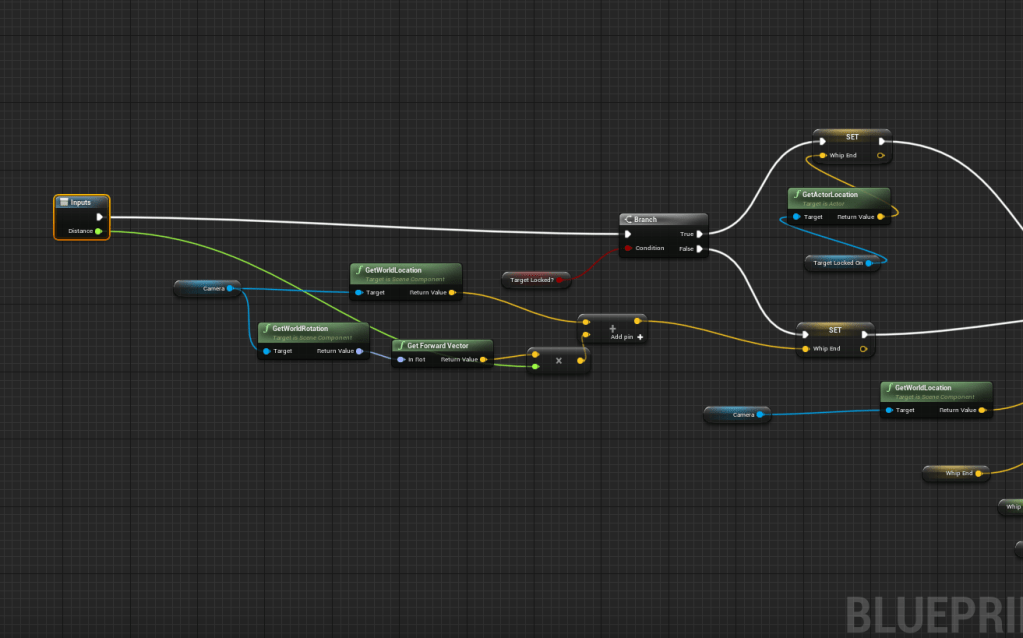
Updated the function that handled the whip traces by making it more flexible with the distances. I didn’t like how the whip pull was working especially in large areas because it wasn’t throwing it very far. This has helped the issue so far, I will probably tweak the distance value as I go. For now it feels fine.
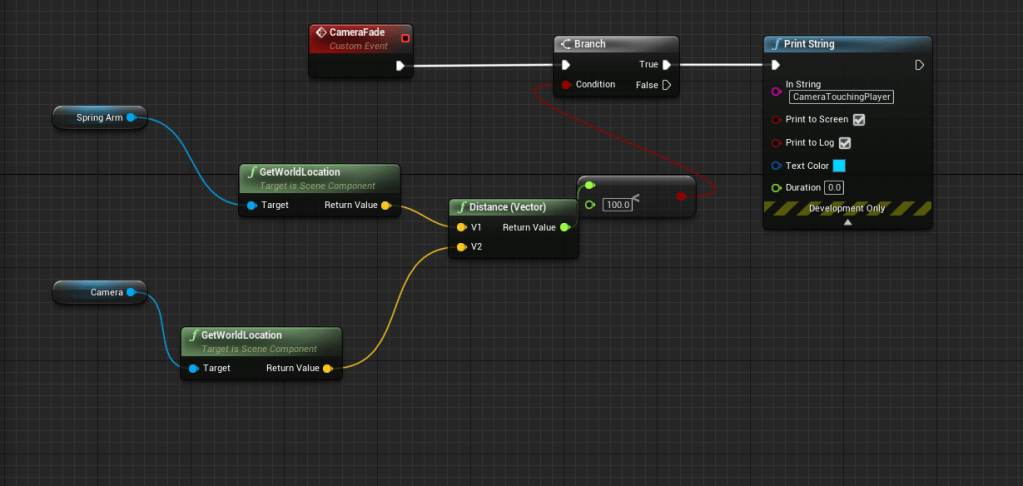
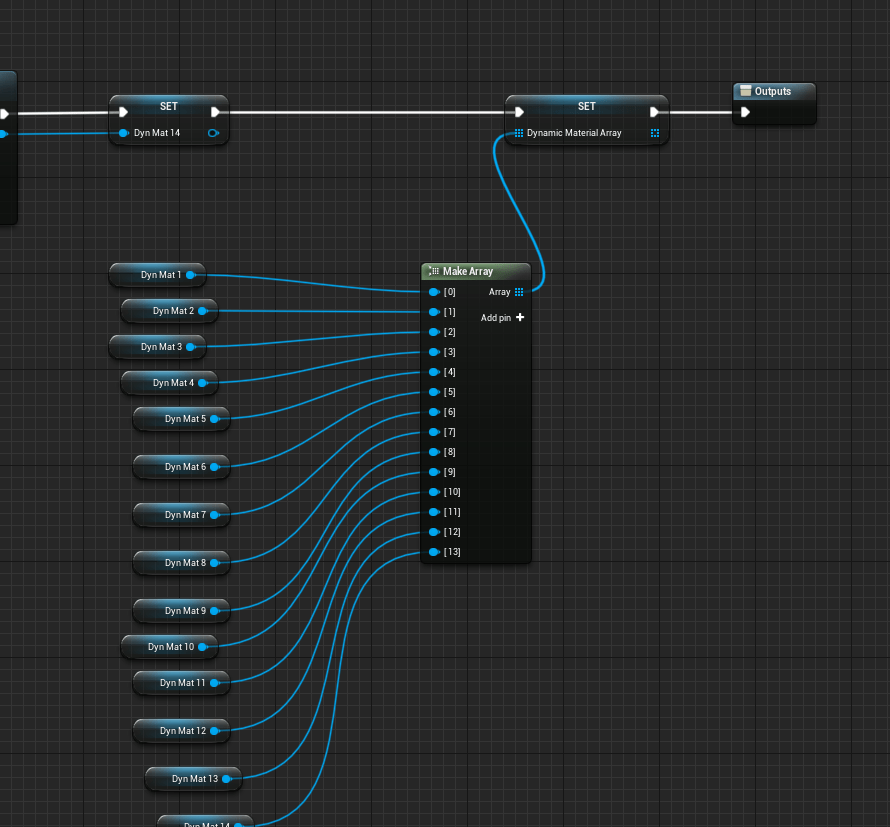
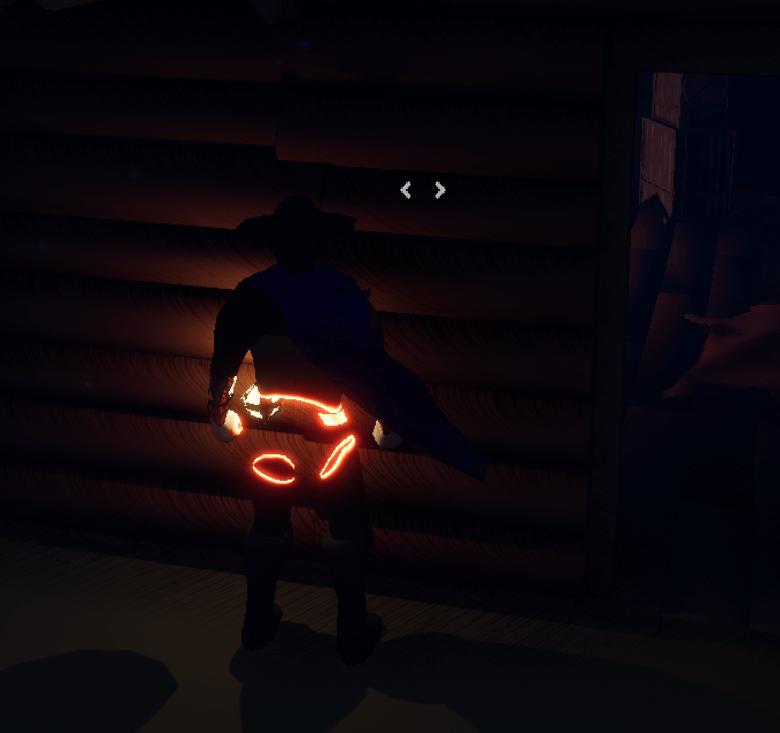
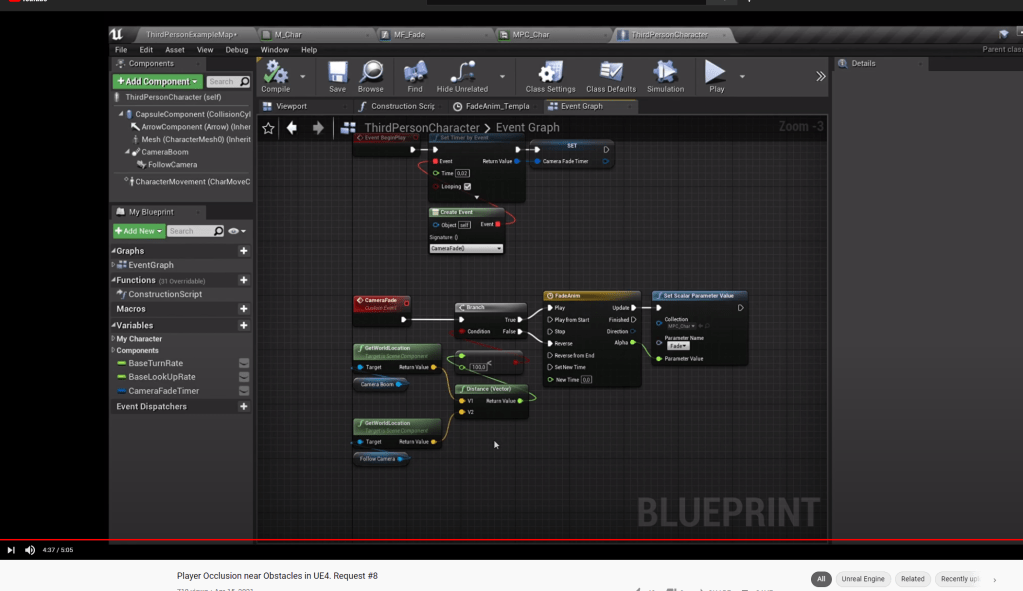
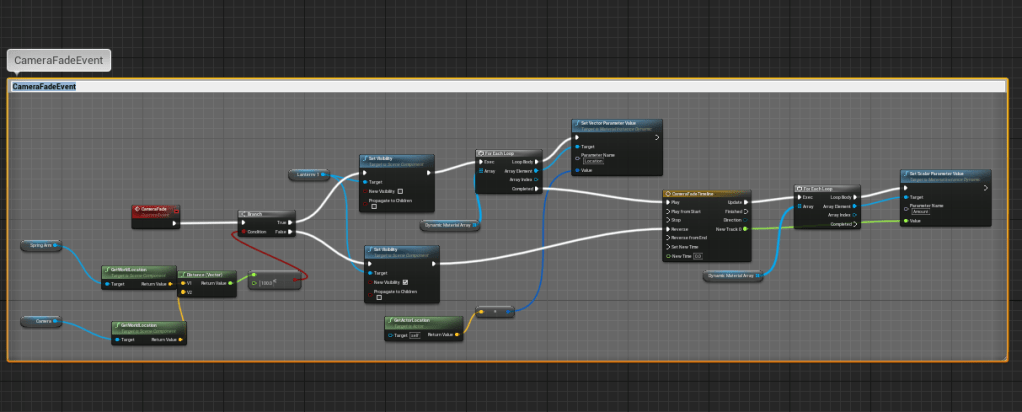
I got a lot of great feedback from my cousin over the weekend so I worked on a lot of that today. First off I did have a tutorial lined up to show how to make the player see-thru, and when he brought up the character blocked the camera when close to walls I was reminded do to it. It is fairly simple logic. If the camera is too close to the character, make the character fade. Thankfully I am already using materials that can be manipulated on the fly. But I hadn’t exactly added them to an array, so I did that to help me save time.
I had a few issues at first because I put the wrong values from solid to transparent, took me longer than it should have to realize all I had to do was reverse the numbers I put. Once that was fixed everything worked as intended. It makes the character invisible when the camera is too close, then fades it back in when it is a good distance away. I also made the lantern invisible too because it was also blocking the camera at some angles. It’s not the typical fade, since the material function I am using was for the disintegrate effect.
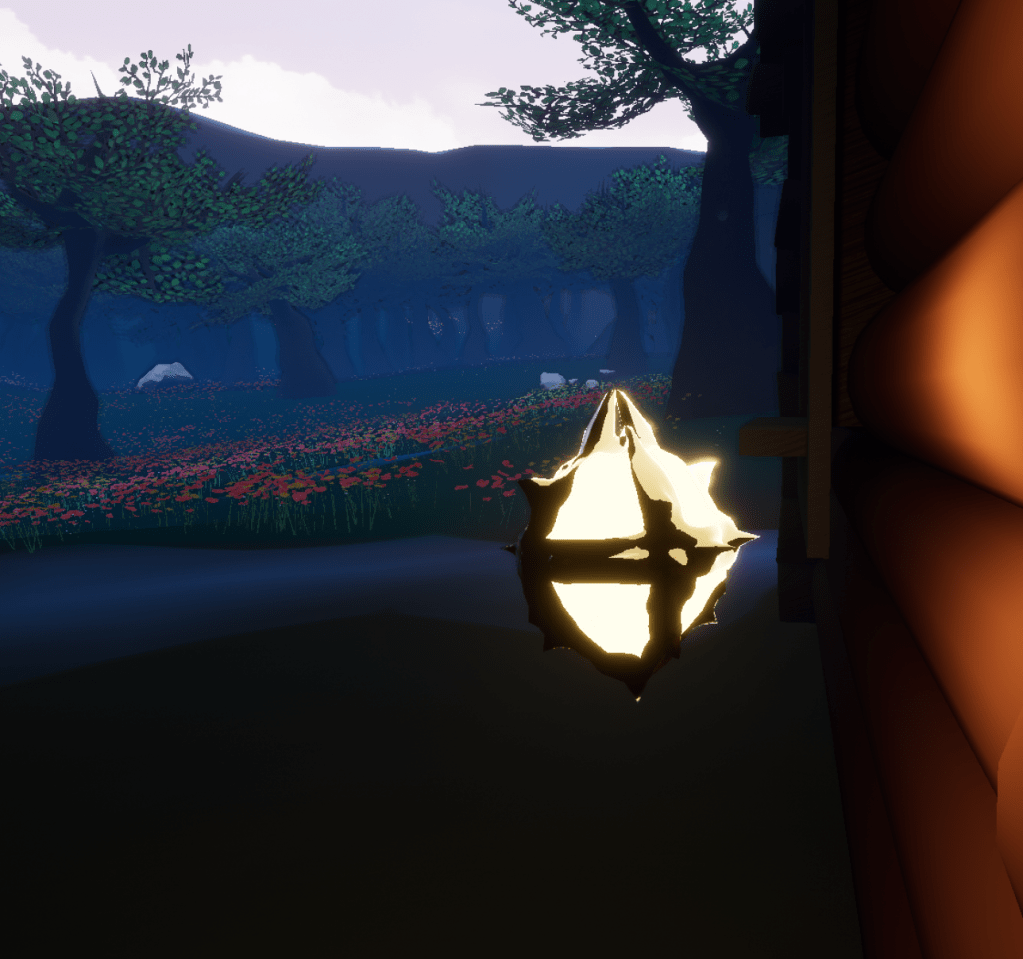
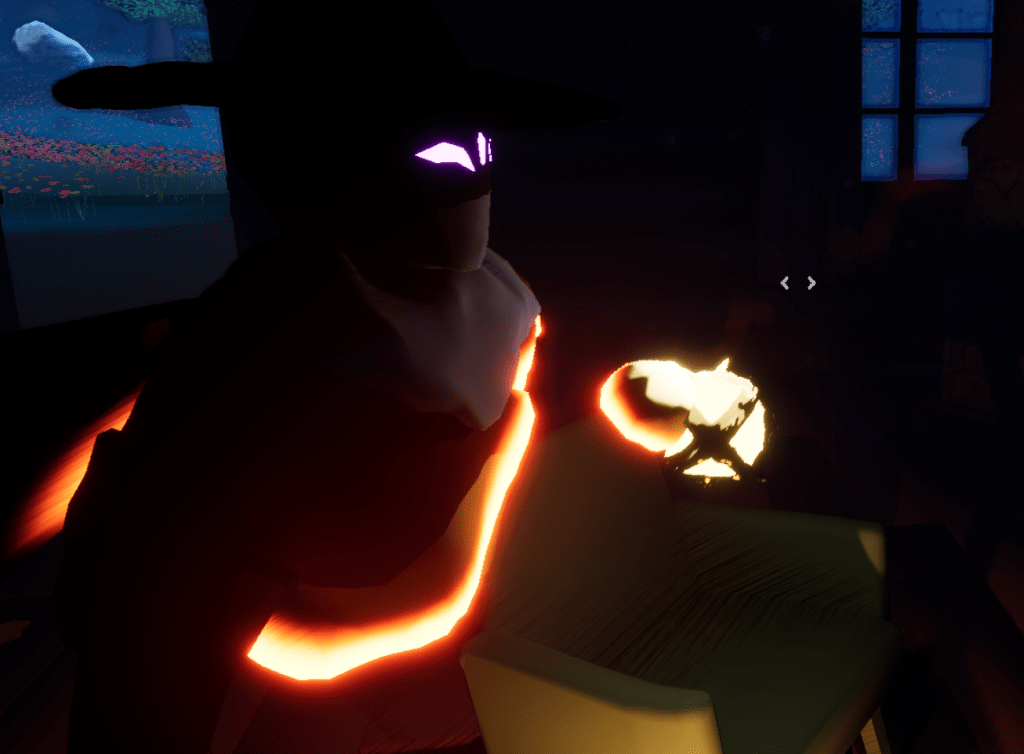
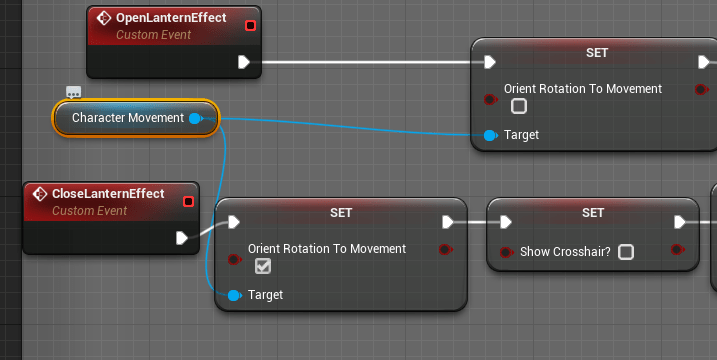
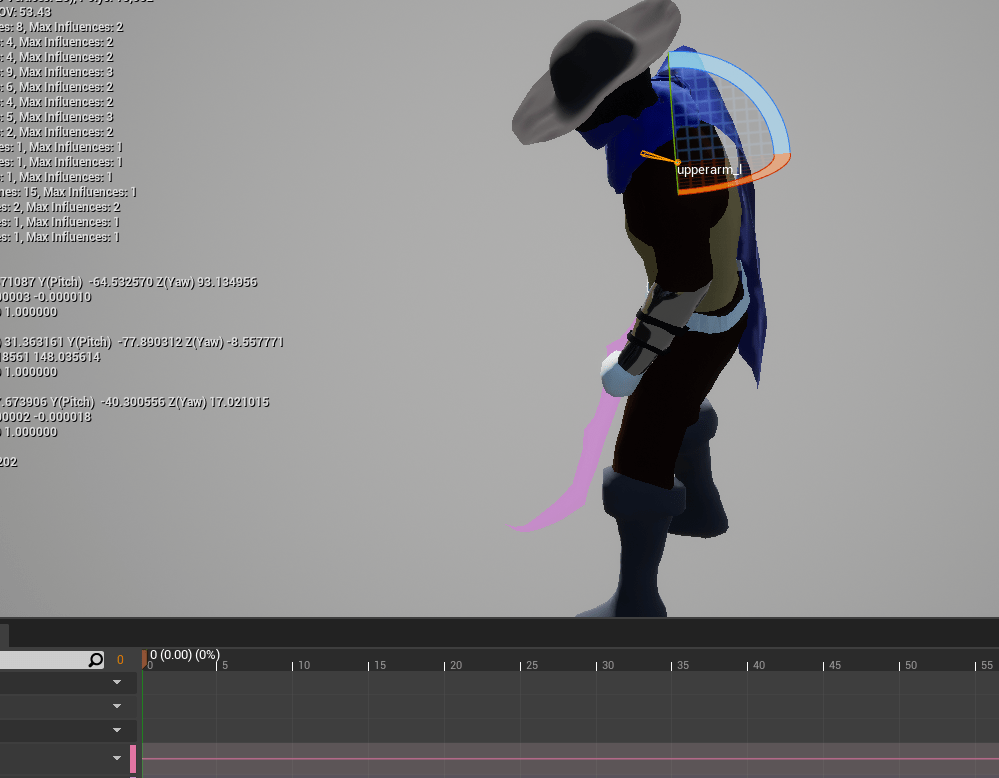
The lantern will continue to go through many updates and improvements until it is perfect. I have wrestled for a long time whether or not it should just rotate with the camera to make it easier to maneuver, and I finally did it. This means though that the aim offset I made for anything but the center won’t show up. I did fix the offset for looking down and looking up so that the lantern is more centered to the screen and crosshair.
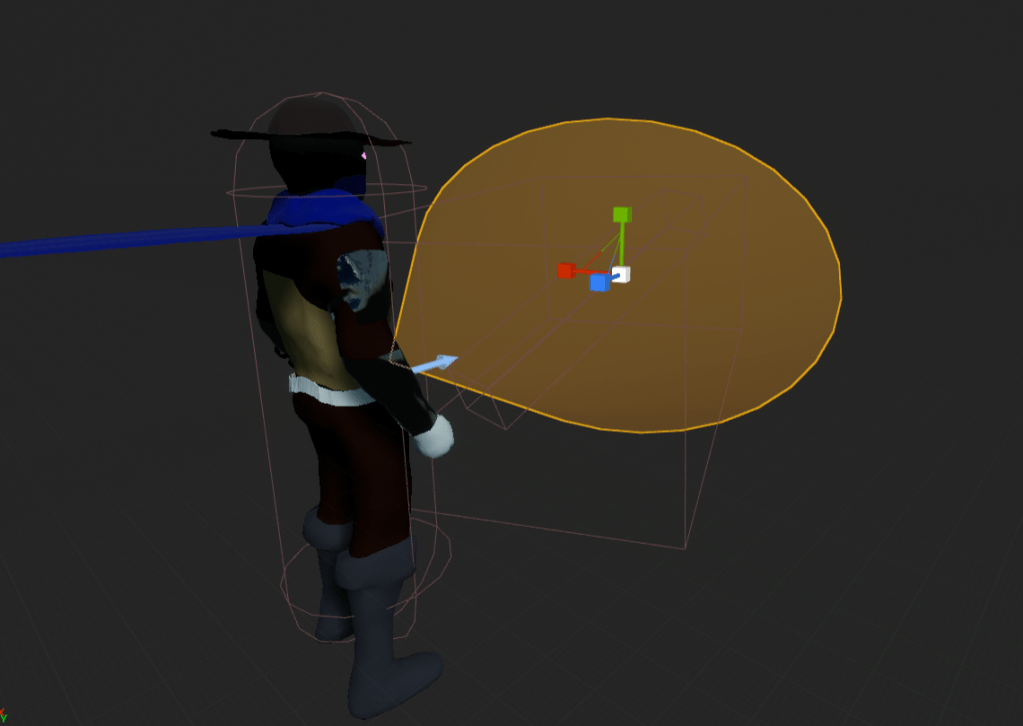
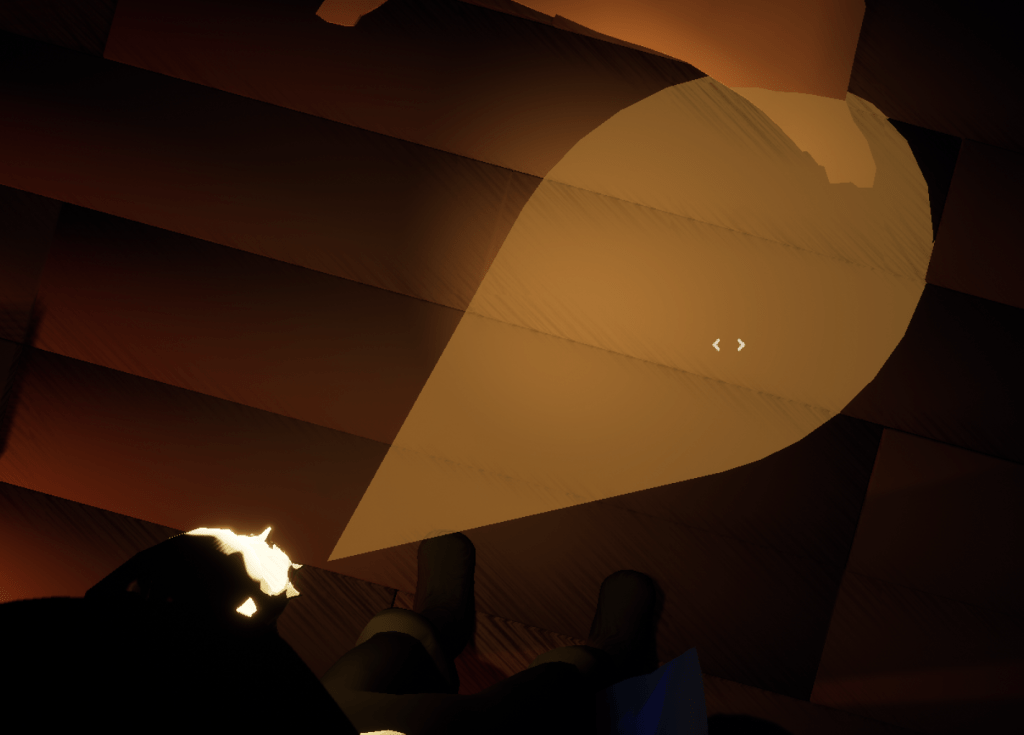
Played with the size of the cone for a bit, but ended up simply scaling it up slightly so it covered more of the center screen easily.
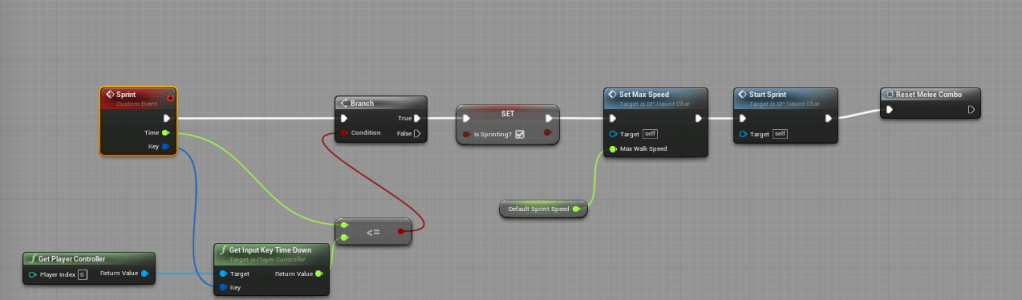
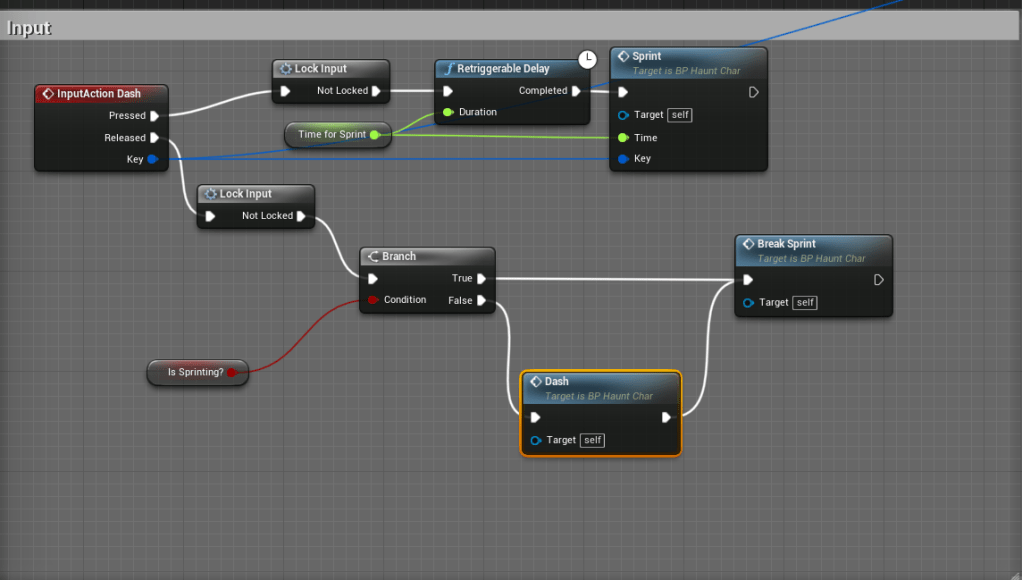
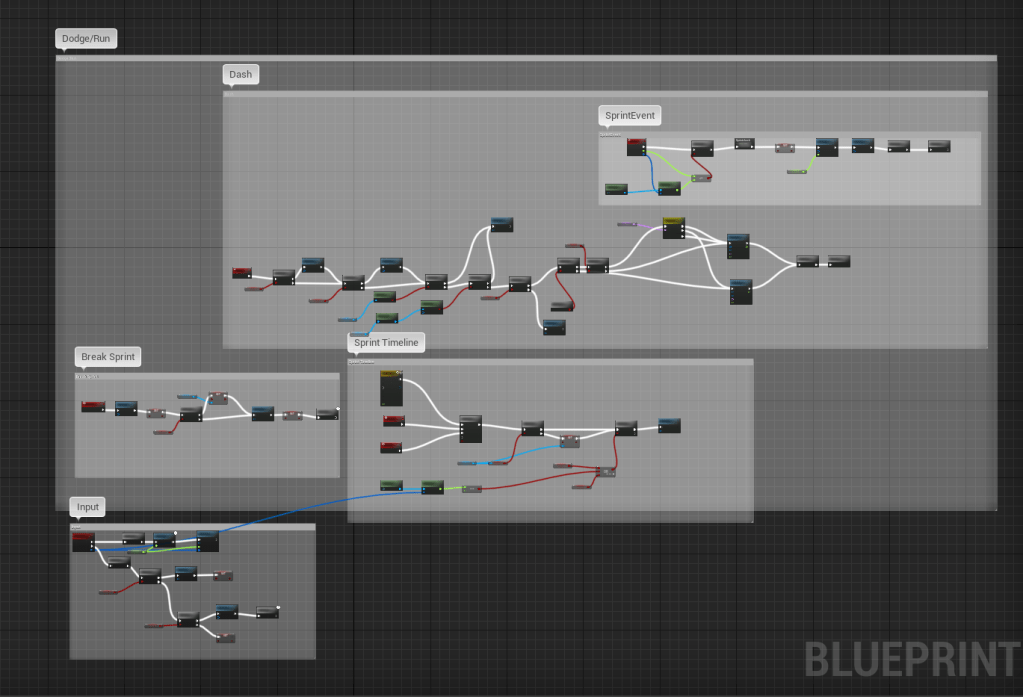
The trickiest update was to separate the sprint and the dash. There was an awkward pause in between the sprint and the dash. I wasn’t too bothered by it, but I wasn’t in love with it. I didn’t like the idea of adding a separate input just for the sprint. So I did what I have for most of the actions which is a tap action and a held action. It wasn’t too hard to separate because I had the logic already laid out. I just had to make sure the sprint used specific checks because it will be different than the dash this time.
My issue came making sure the dash only took place when you wanted to. Having an action set to the release of an input is tricky because there are times where you could stop or break the sprint and still be holding the button so when you let go it dashes. That should never be the case. The dash should only work on the quick tap. I used the same logic as I did for all the other actions, having a Boolean to see if the main action was done, and if so make sure that upon release of the input, the secondary action will not be played. I was setting the Boolean to true in the wrong place. It ended up that you would have to tap the button twice to dash to reset it. But I figured that with my logic all I had to do was reset the Boolean when the sprint was stopped normally. From there it worked as intended.
I am still figuring out if the sprint should have a downside to it. Otherwise it is plainly better than moving normally. I’ll continue to think about it, but at least for today I am glad I was finally able to split it up cleanly.
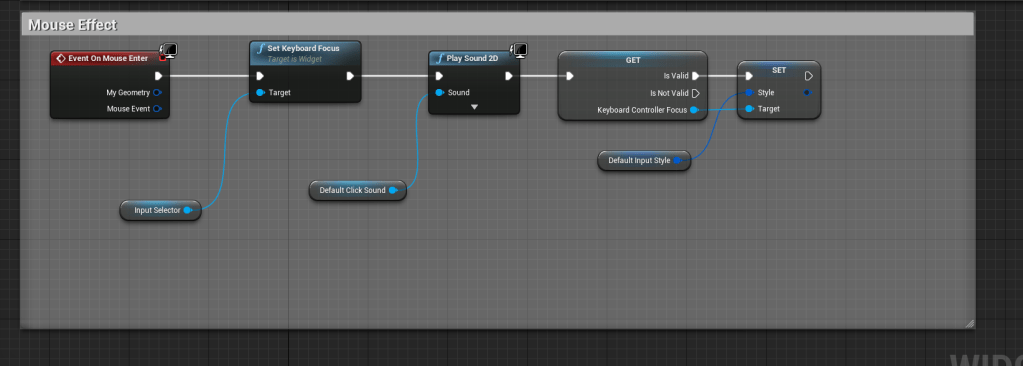
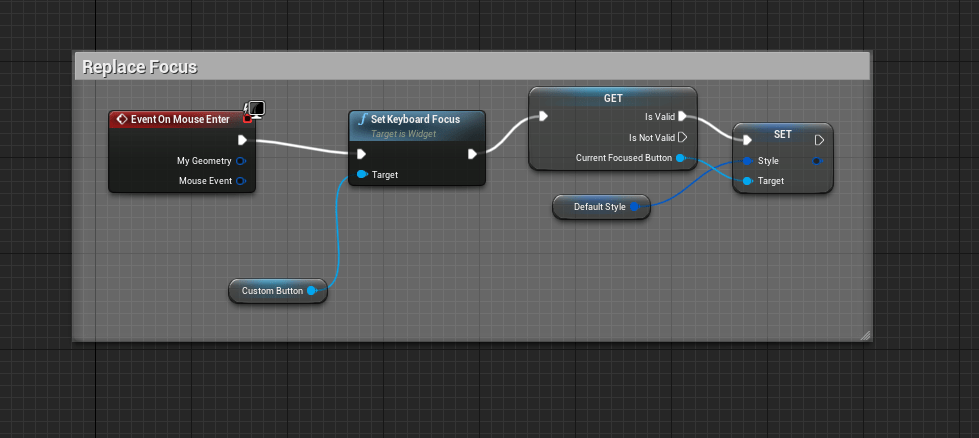
Improved the logic of the buttons so that when the mouse hovers over a button any other button that is focused loses its focus. It’s a small change that I had wanted to do for awhile because I was bothered that two buttons appeared to be focused.
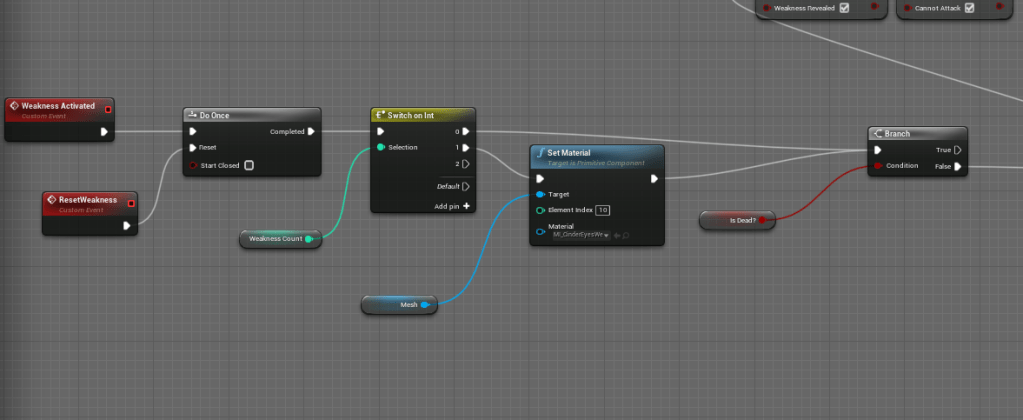
I then added an indicator to the first stage boss when his weakness can no longer be used/exploited. It might be to subtle but it’s a start. Since previously there was no way to tell that he started ignoring the thing that made him weak.
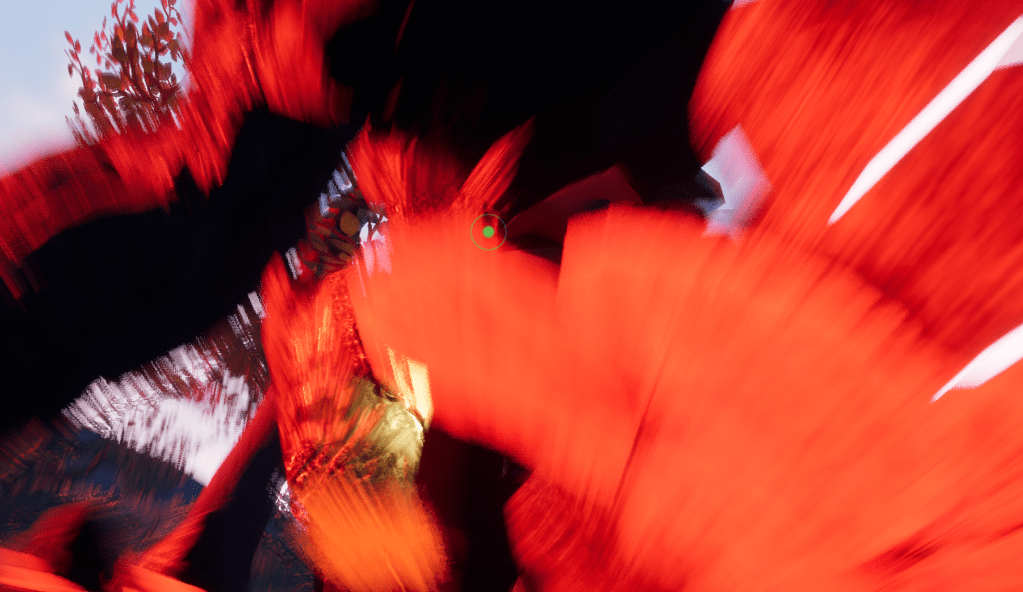
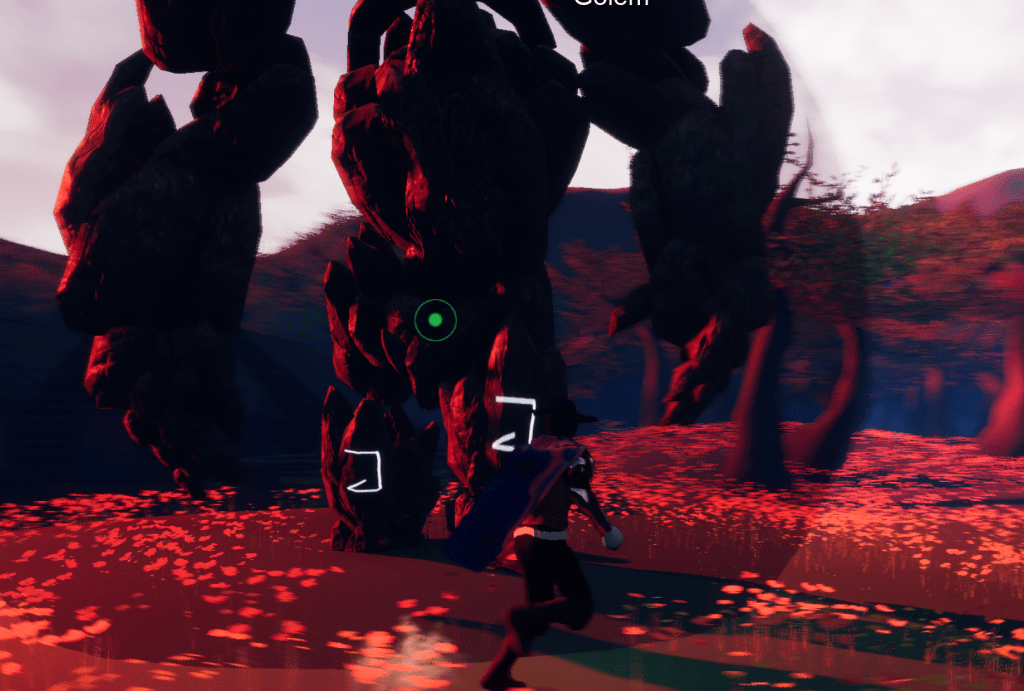
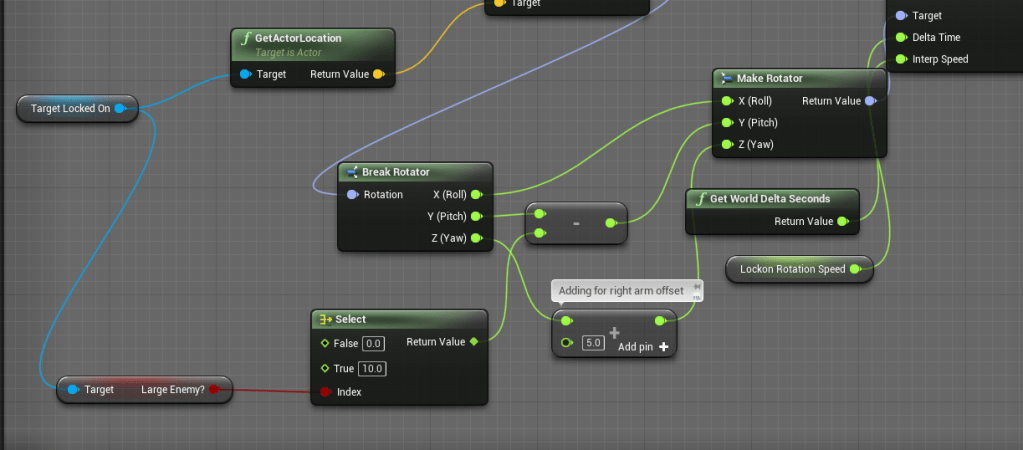
I wanted to see if I could fix the camera problem with big enemies. Getting too close while locked-on and the game becomes unplayable. You can’t see anything and there’s no way you can possibly navigate properly. I found that if I subtracted the pitch of the actor you are locking on to, it will remain at a fairly good angle for visibility. With this working I added a Boolean variable on characters to say whether or not it is a “large” enemy. So if it is large it always subtracts from the pitch. Adjusting the camera accordingly to the size.
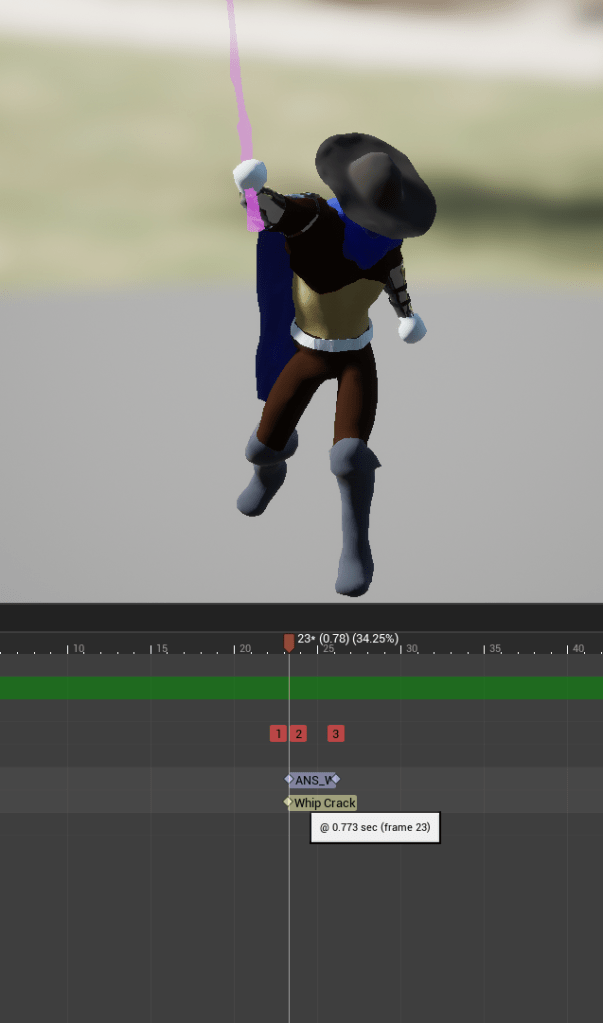
While fighting the boss there seemed to be a problem with the whip, it was getting stuck like the melee usually did. I couldn’t whip at all. I added some logic to the character to make it reset more reliably, and I updated the animation notifications to play on the Animation blueprint instead of using an animation notification state which I first used for the whip because that was when I was learning it for the first time.
Tomorrow I will start to dive into creating a music system. And if I have time I will start scouring the hundred or even thousands of sound files I have.
 GoldenGratus Games