
I’ve been wanting to improve the logic of the save system for awhile, and also make sure that there are more possible slots to save a game. This way more than one person can have a save game within the game itself. I also am slowly improving the menus in terms of visual clarity and overall quality. Made sure the brightness slider has a background so it can be clear in any scene.
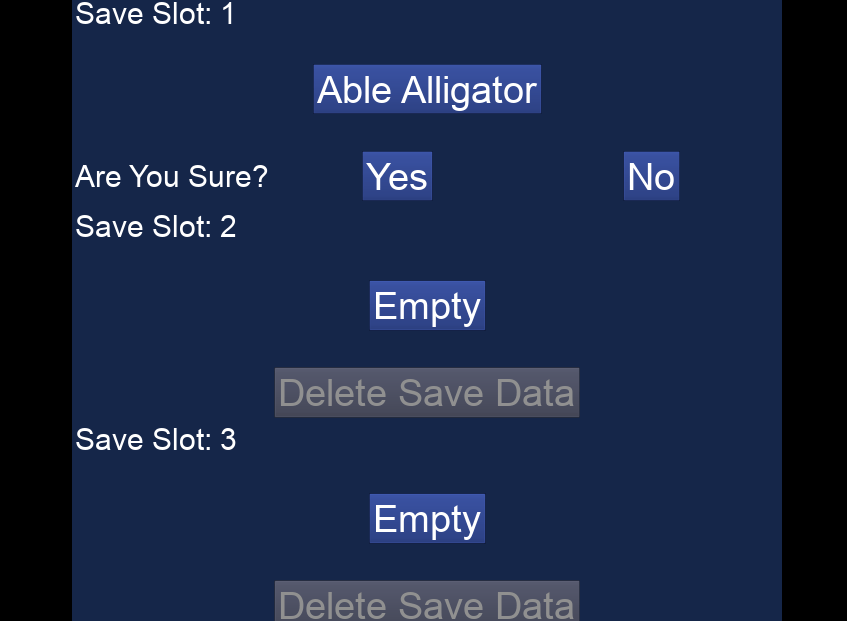
Continued the tutorial I watched a few months ago about saving game, this one taught me how to handle multiple saves. With this I opened up my main menu level which I never used until now. Here I display the different save slots. I had to update the loading logic because I realized I had nothing that actually told the game which level to load. It was simple enough to save which level the player was on.
I added a new variable as well to the save data, which is the player’s name, or Haunter name. I have wanted to add it for awhile. It was months ago I already had a list of variables for the adjectives and animal names. Only today did I finally used it.
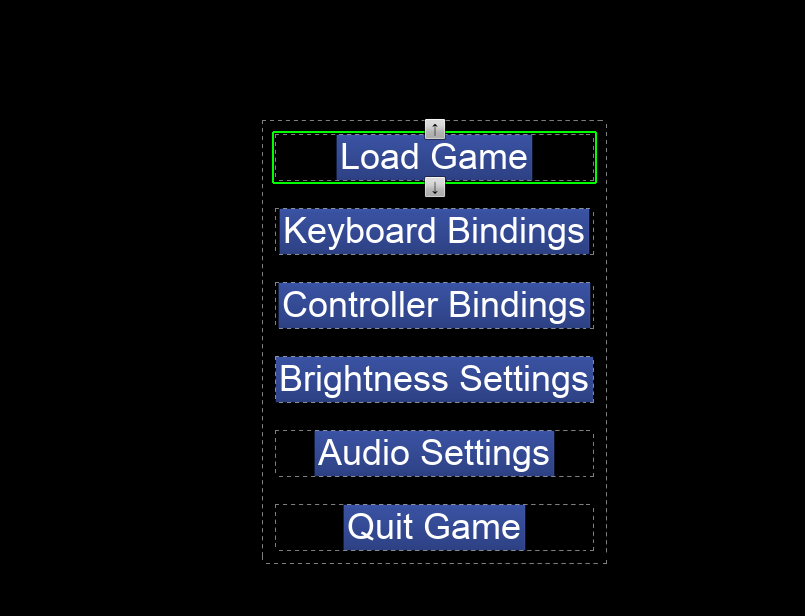


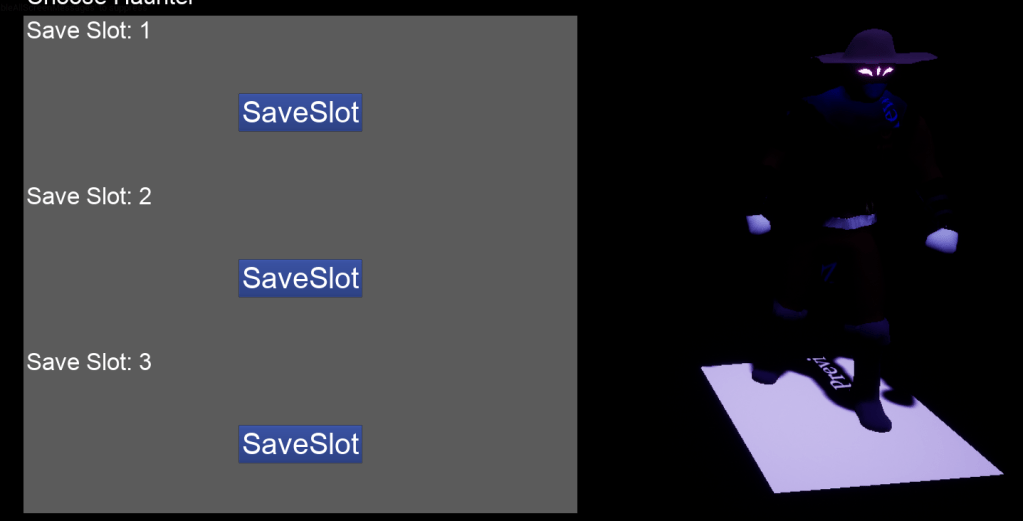
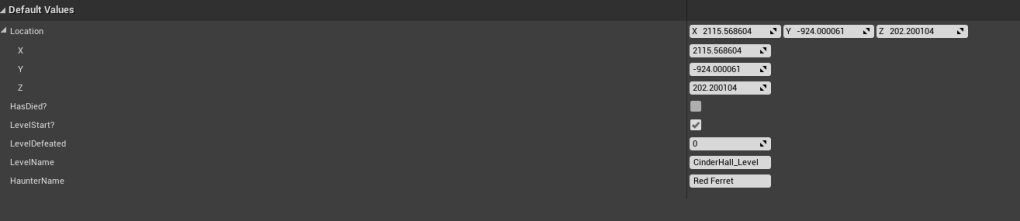
From there it got more tricky because I could easily change the name of the Haunter but I wanted the player to be able to choose their name in-game from the available choices. Before getting to the names I improved upon the save slot button. Adding an option to delete the save, which is important in case the player wants to delete it. I cleaned up the wiring of the menu, cause I can easily link up functions instead of having the wires be directly connected.
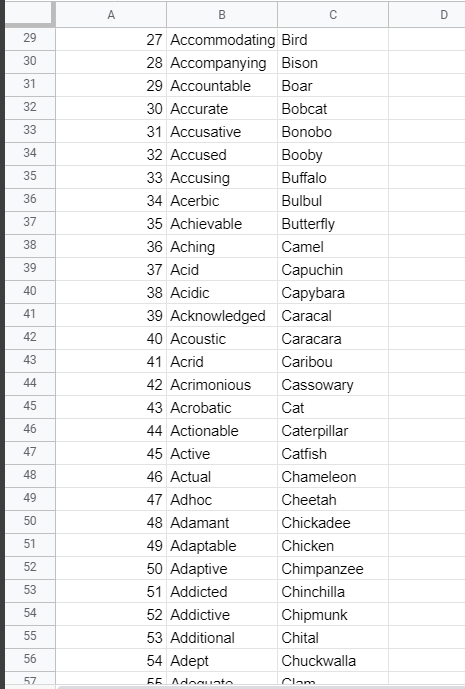
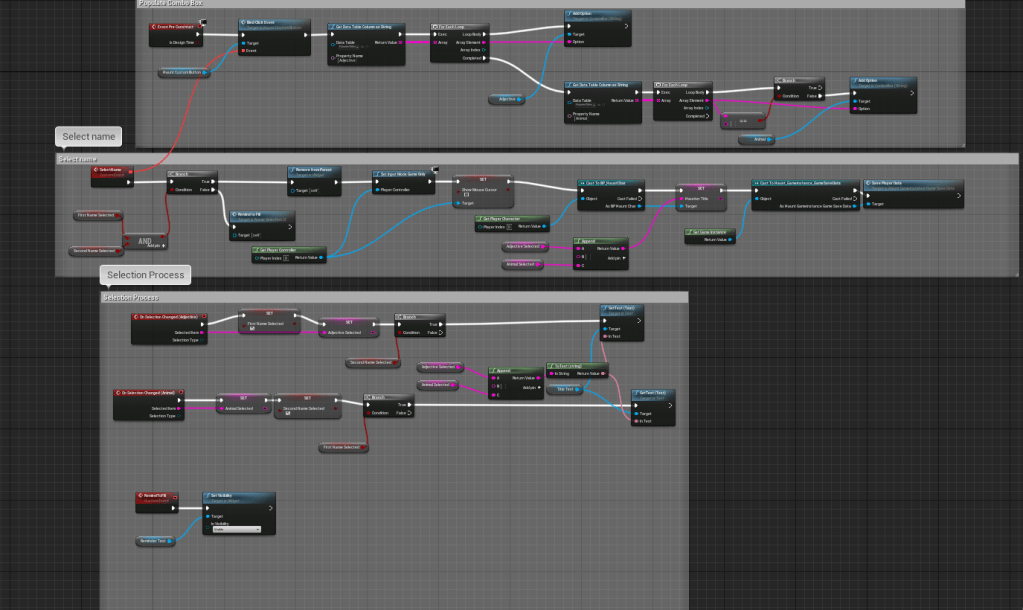
Had a good think about where to put the process of the name selection. I figured the start of the first level was a good place. All it did was simply check if the player has a name chosen, if not then it will run the name picking. For this I had to find a way to get all the variables from my excel sheet into Unreal. I knew how to download it as a csv (comma separated values), but I didn’t know how to import it. I have about 4000+ adjectives and much less animals. Placing that into a data table I can individually take the names from the columns themselves. Then I learned about the combo box, which is a drop-down selection widget where you can place options. I placed all the names there for the adjectives and animals respectively. The result was everything I had wanted. You can now pick a name for your haunter.


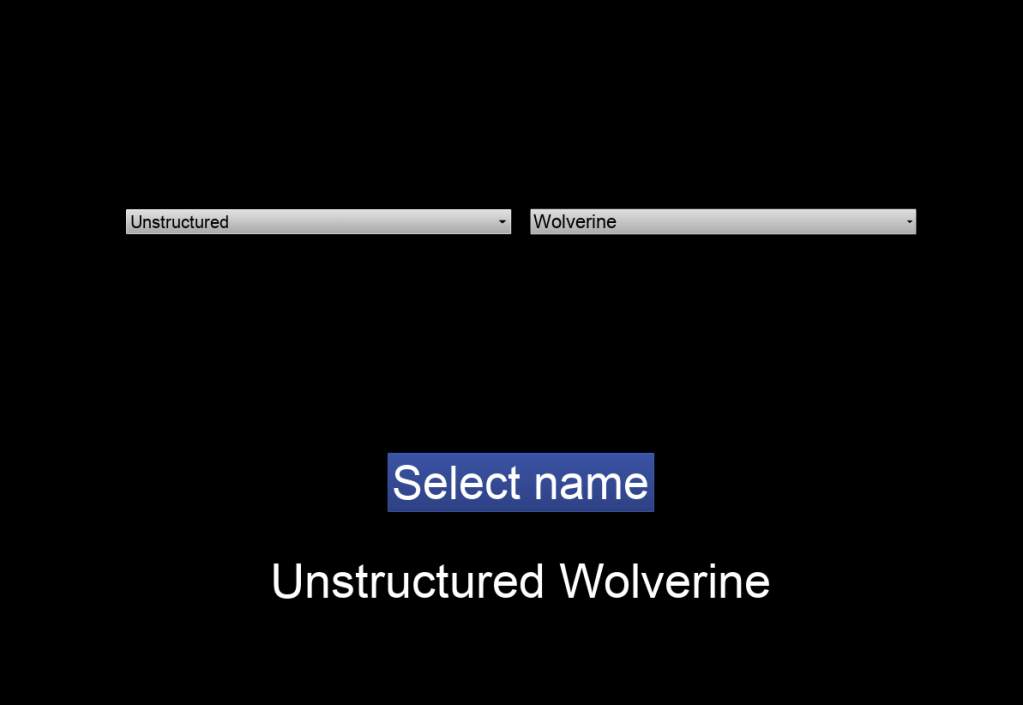
With the settled I had to make sure the name chosen would reflect in the main menu where you can see the save. Easy enough, just grabbed the name from the save and place it on the slot. The name selection tells you that you have to fill out both boxes, and I made sure the save slot asks you whether or not you are sure you want to delete your file. That way it doesn’t delete the save if you accidentally press it. Made sure the delete button doesn’t work if there isn’t a save file, with the extra step of making sure it isn’t navigable with the keyboard or gamepad as well.
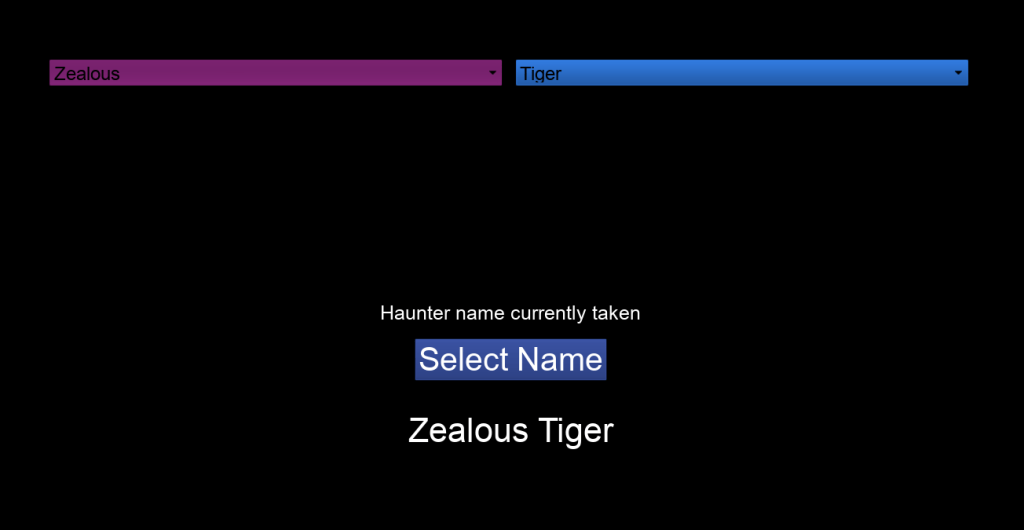
Found a camera angle that captures the mystery of the Haunter. Last but not least I updated my variable sheet to also include the names of the Haunters seen and unseen within the game itself. This is to make sure the player cannot choose names that are already taken by a Haunter. This is because each Haunter name must be unique.



Very happy with the updates from today. Besides improving some of the logic with the main menu and the new name. I will go back to fixing the character itself. The dodge continues to be very wonky and unreliable. Need to have a good think about what to do with it.
 GoldenGratus Games