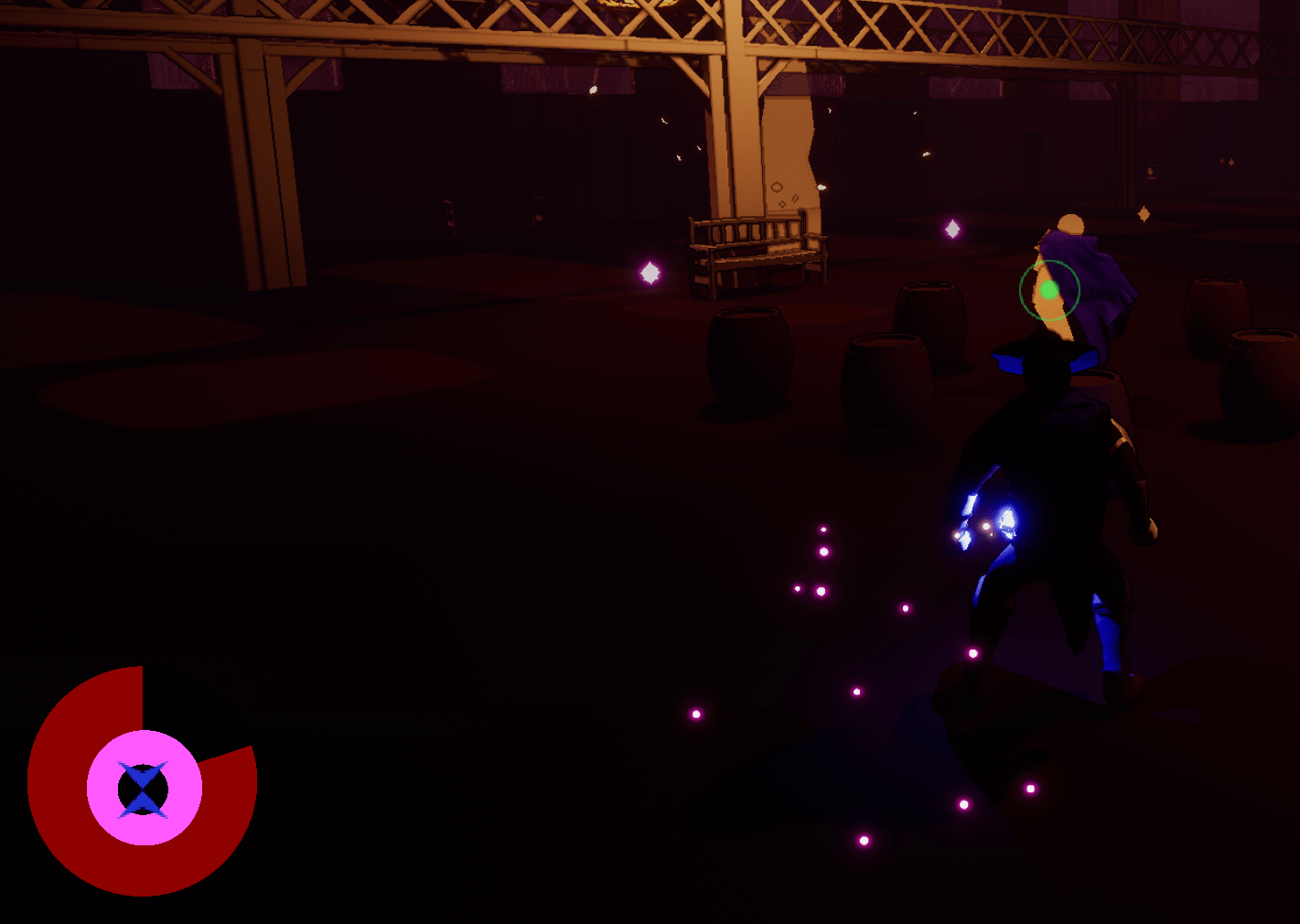
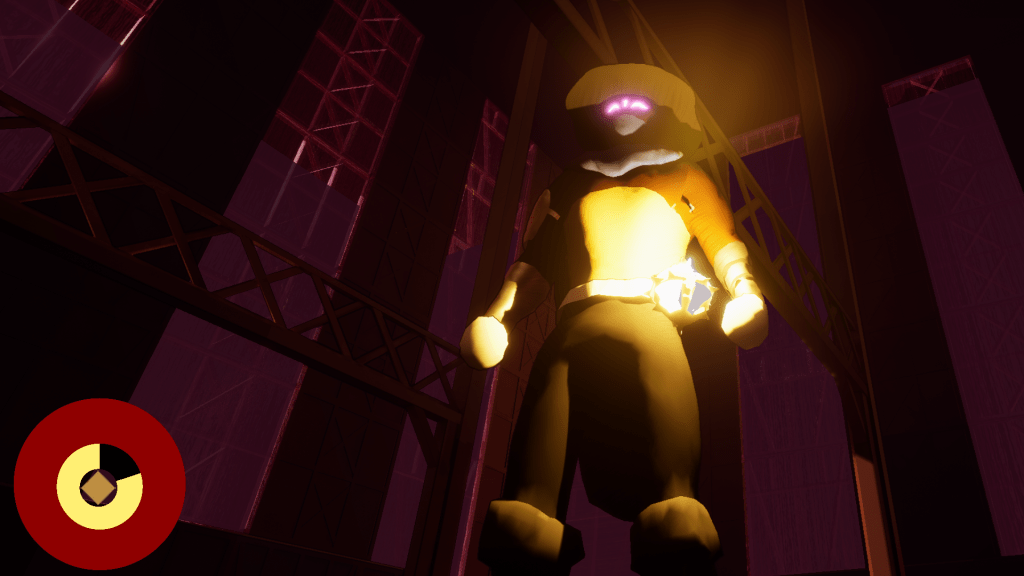
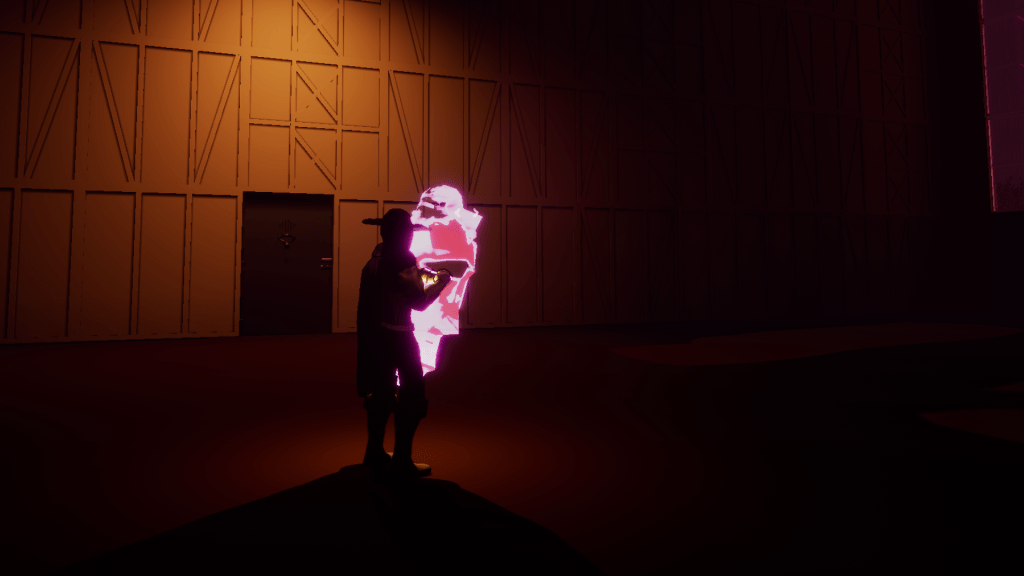
There was an issue with me keeping the boss right in the stage once the player spawns in. There are some abilities that can affect it, which might speak more to the problems of the abilities themselves. But for now my fix was to do what I did in the second stage which is just have the boss spawn in when the player starts the boss fight. This is also cheaper so the boss isn’t just sitting there waiting for the player. I found that I could turn the boss into a static mesh so I basically put a statue that the player can see when they open the door then it gets replayed by the boss.
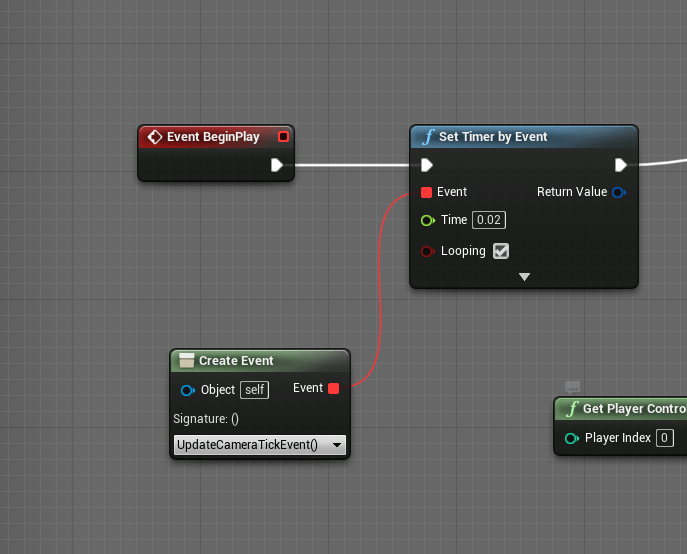
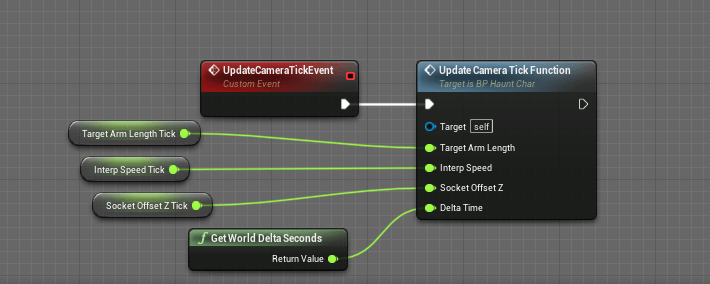
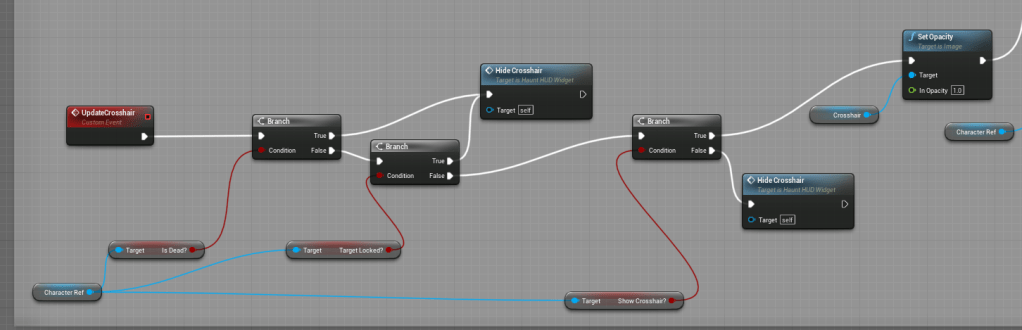
I replaced my tick events across the blueprints that I had. I didn’t want things to be running on tick because of the costs piling up with more and more logic involved. So the camera movement and the crosshair I made sure they were merely events on a quick loop rather than every frame, but it still fires very quickly.
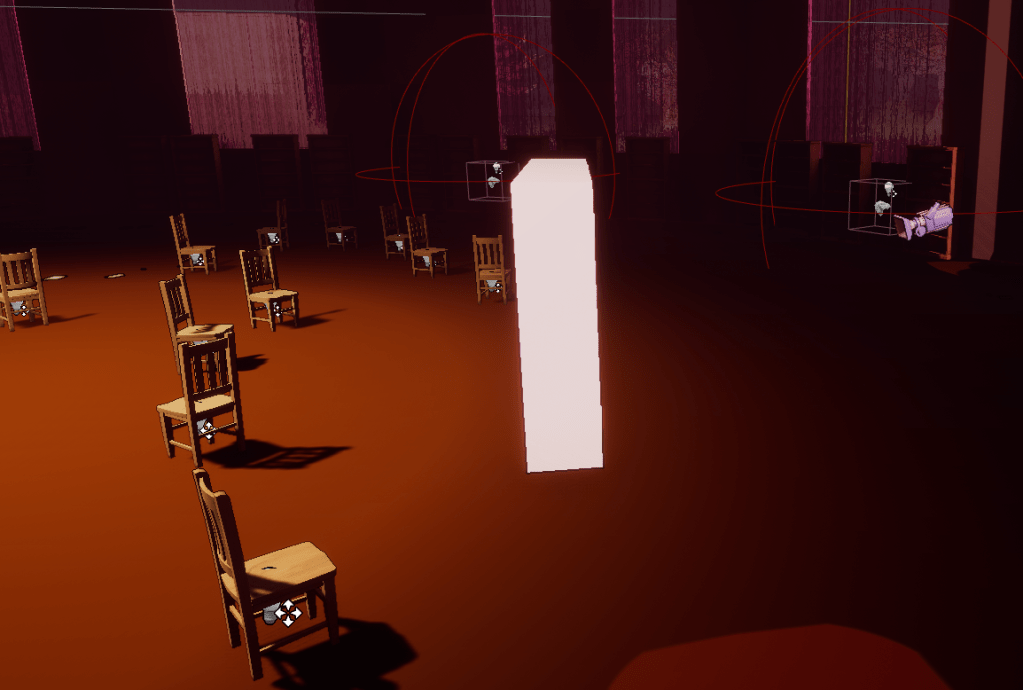
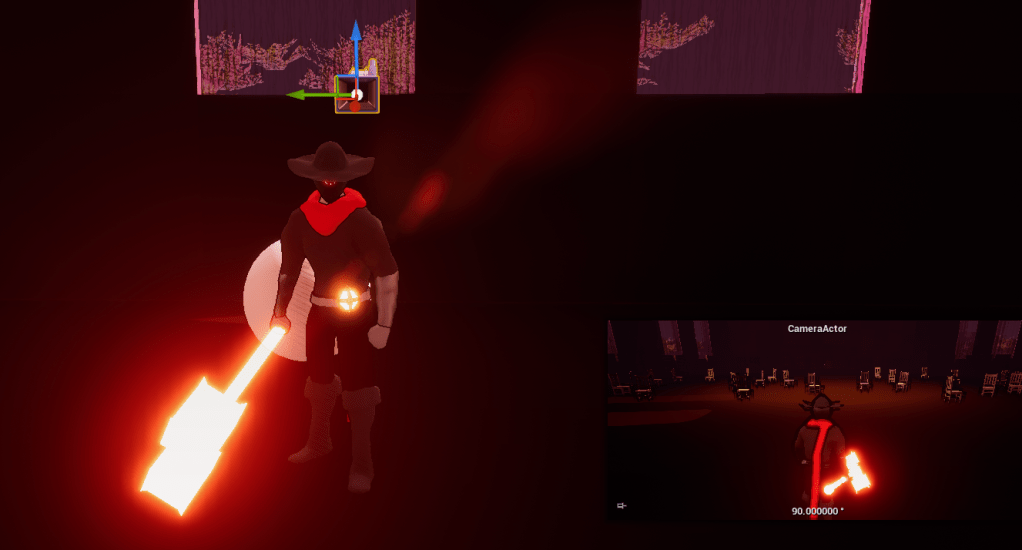
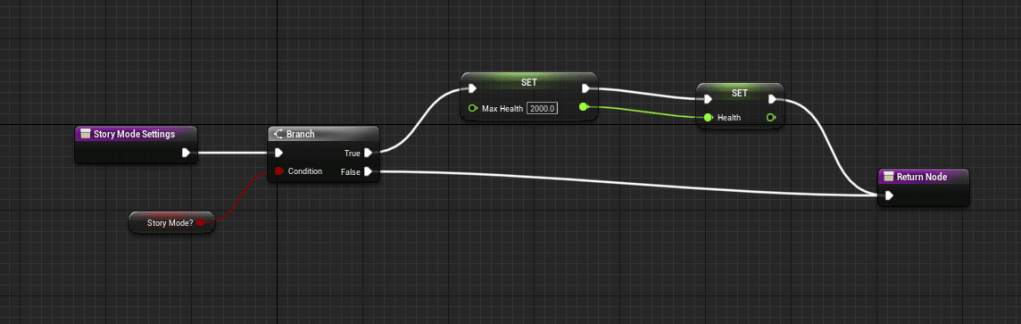
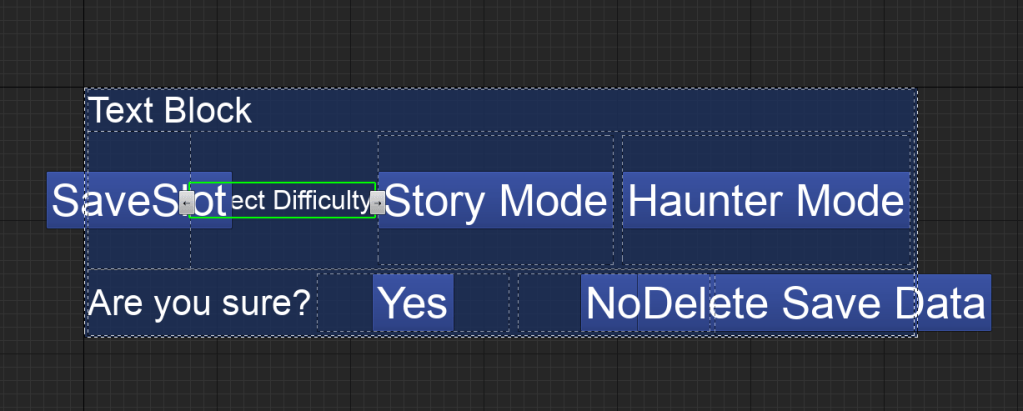
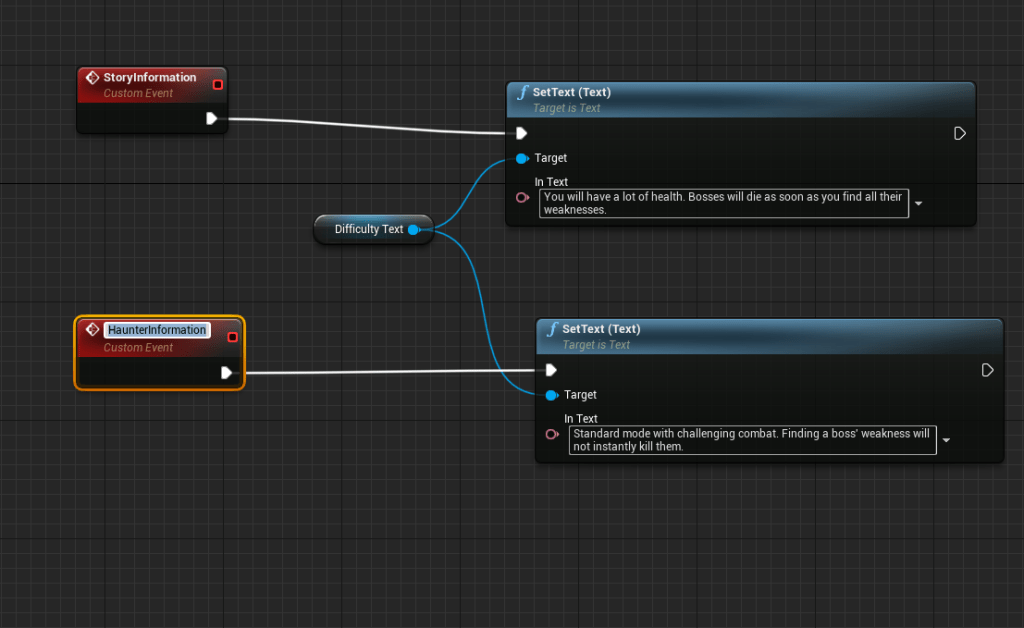
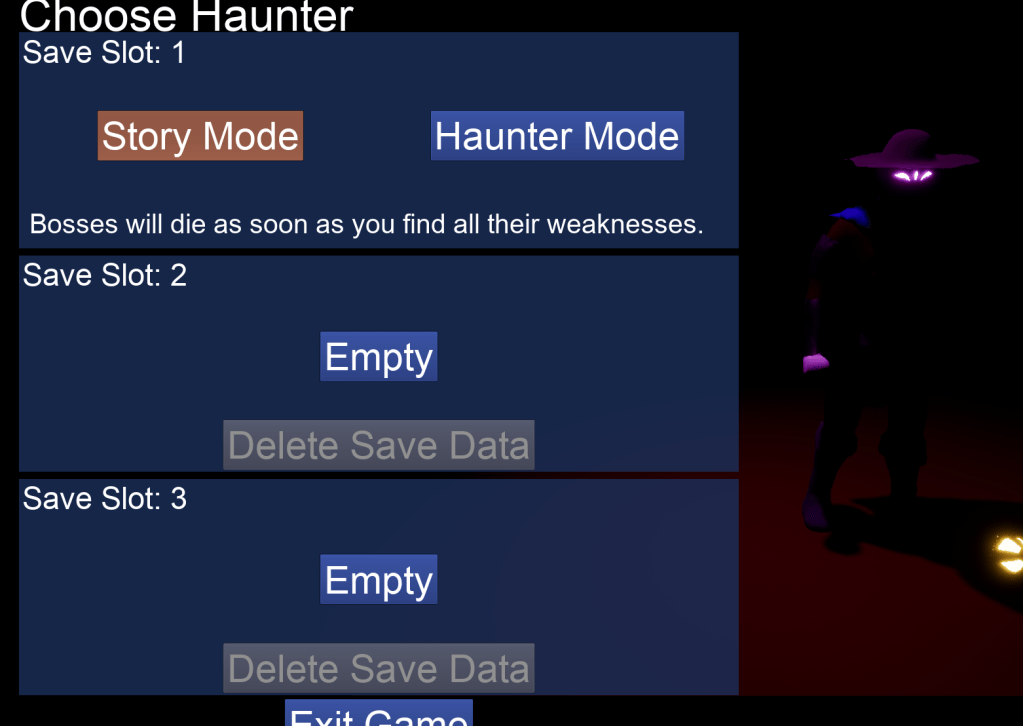
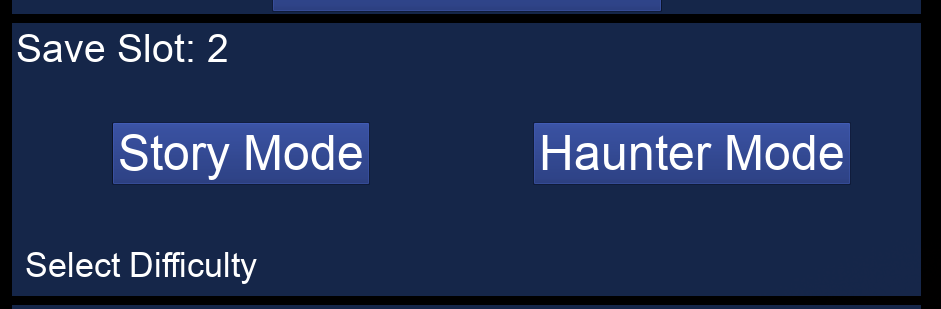
I then did my biggest update of the day which was adding a different mode to the game that I am calling Story mode. In this mode the player will have tons of life and the boss will die instantly when they find/solve the boss’ weaknesses. In order to get this working I had to make sure the boss would actually die instantly first. And make sure that when the player made a new game they could choose the difficulty of the game.
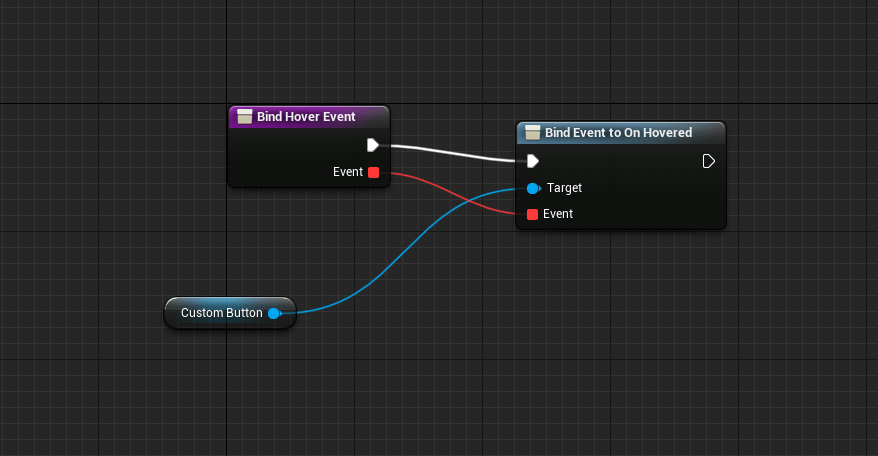
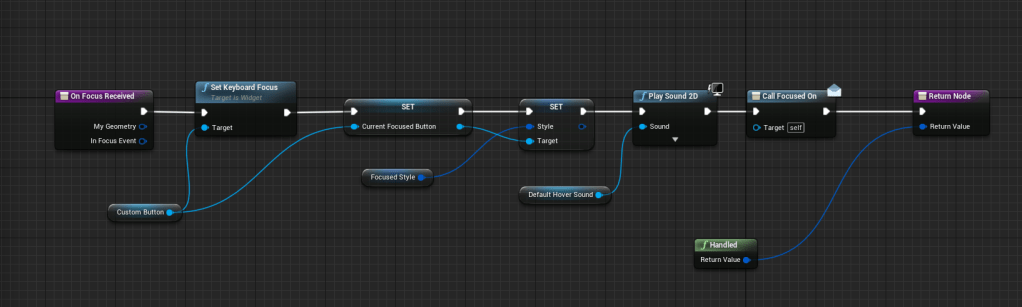
In order to communicate what the different difficulties had I made a new function that overrode the hover event for the buttons so it is more flexible, and also for the focus function I added an event I could call, because it wasn’t working if you navigated to the buttons with the gamepad or keyboard.
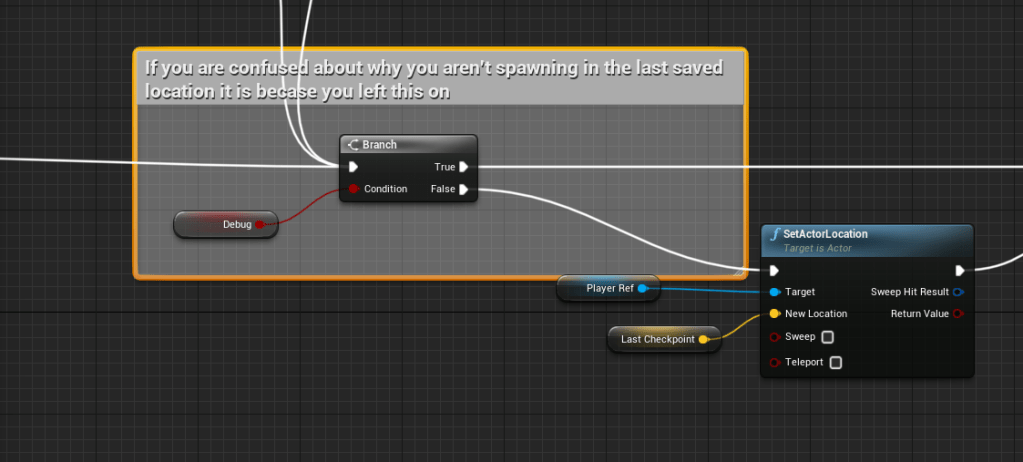
I was worried for awhile because I kept spawning in places where I didn’t save game, but I forgot I had my debug button on. So, I left a comment to make sure I didn’t forget the next time.
Made sure the player could also exit the pause screen by pressing the back key for both the keyboard and gamepad. And I replaced all the pre-construct events on the UI with either initialized or construct because I didn’t read it carefully enough that it was only for testing purposes and running it on pre-construct could crash the editor and/or game. A reminder I need to read the tool-tips more carefully next time.
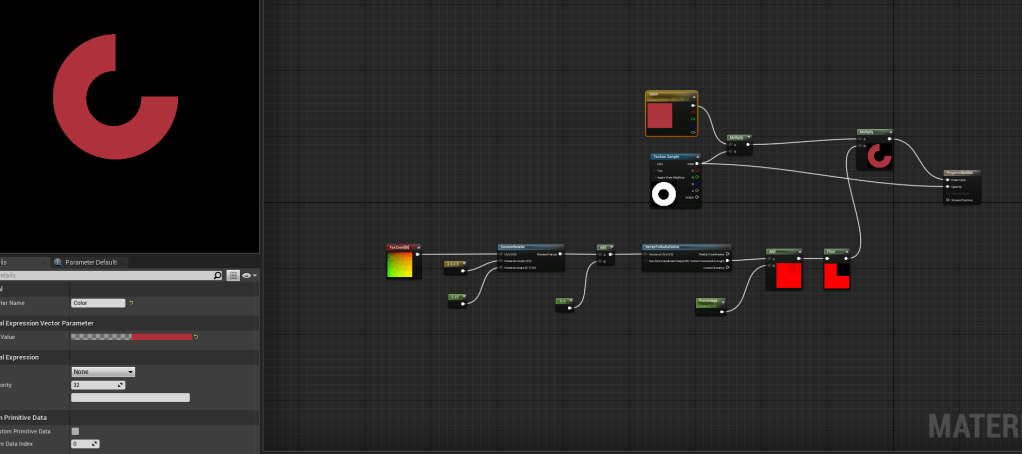
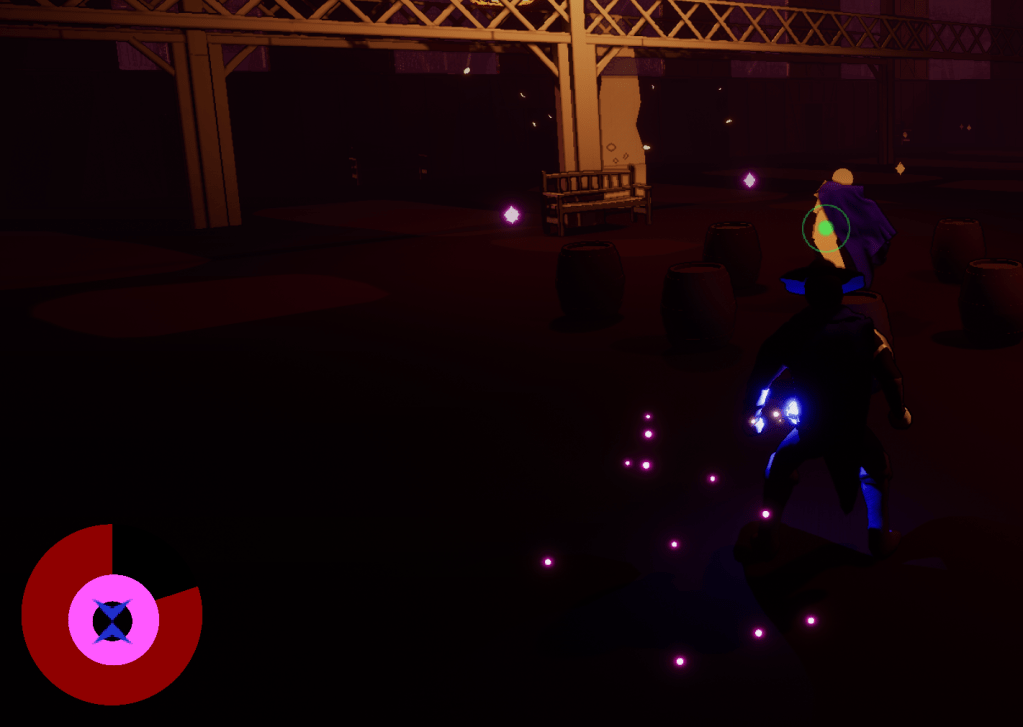
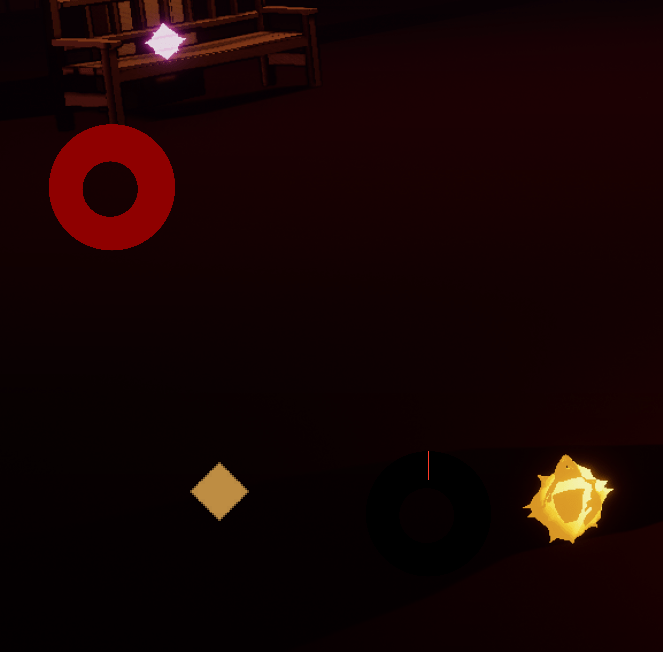
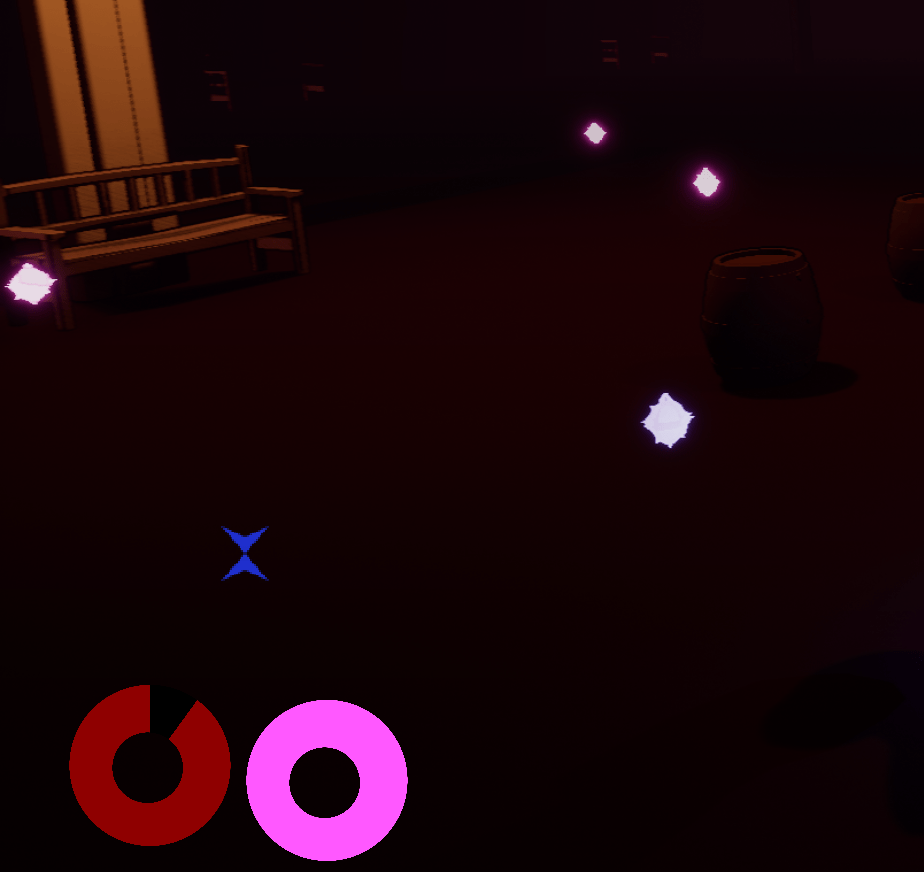
For my final act of the day I researched how to make a circular progress bar, because I thought it would better match the lantern theme. I found a very short and simple tutorial that supplied an image as well. I watched it twice to make sure I was getting it right and it was easy enough to plug into the logic I had. Since it used the same logic of percentages, and changing color. My issue was that it would have a little sliver even if it was 0 and at 100 it would go above just slightly. I kept testing out what the problem was, changing sizes, color, and even clamping the values. After awhile I recalled that the image that was given was 2048 by 2048, but the sizes I was setting it as were multiples of 10, so I tried to used multiples of 128. It worked perfectly after that. Nothing was going over, and it would be completely empty at 0. I have to remember to think about the sizes of images when I place it as UI, especially if it uses special functions to change its appearance.
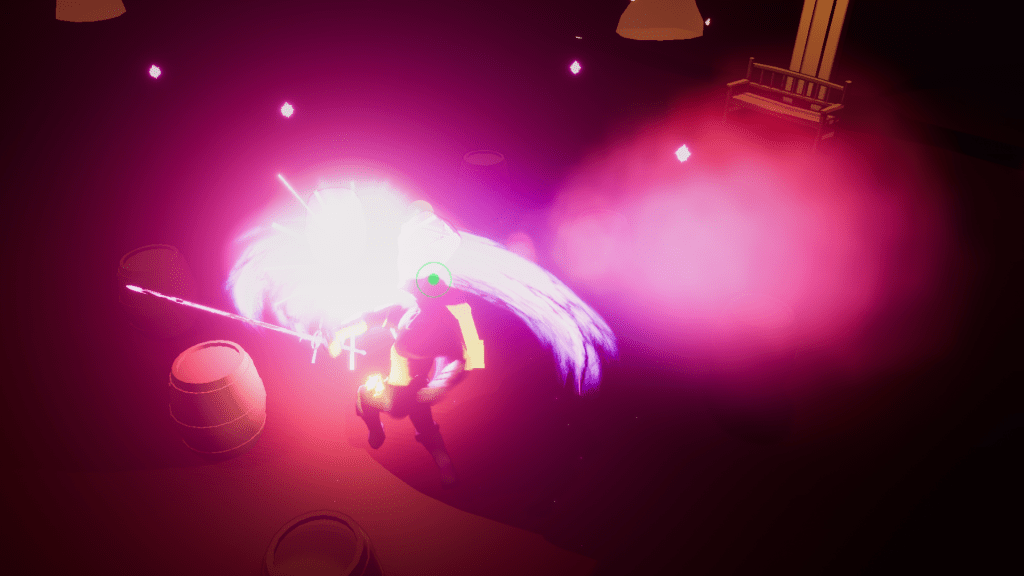
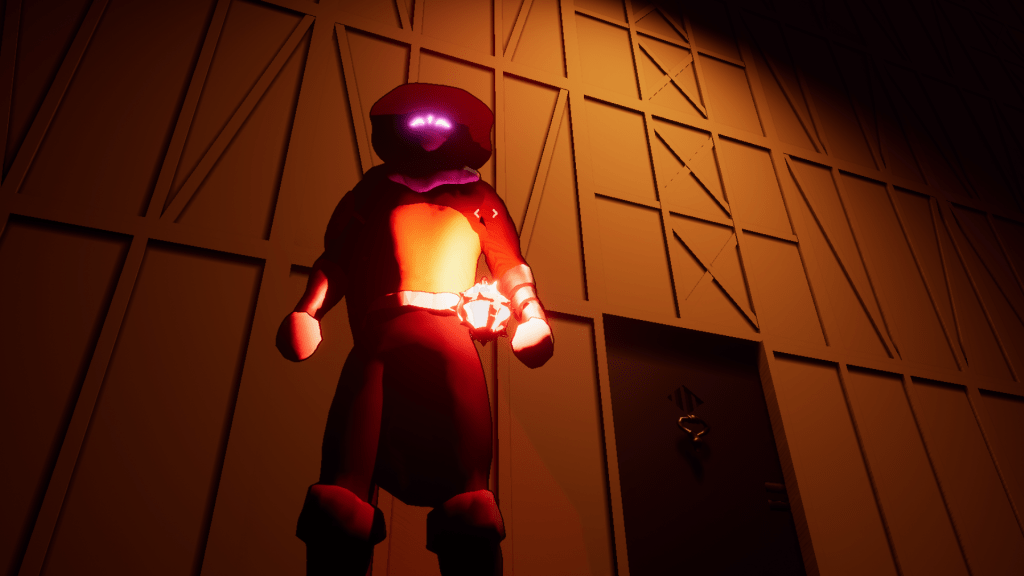
With that done I quickly updated some of the tutorial images that showed the old UI and updated the tutorial with the new UI, so at least it reflects the current look. At least for the other images there is no UI so I don’t have to update them unless I made drastic changes to the character or abilities.
 GoldenGratus Games