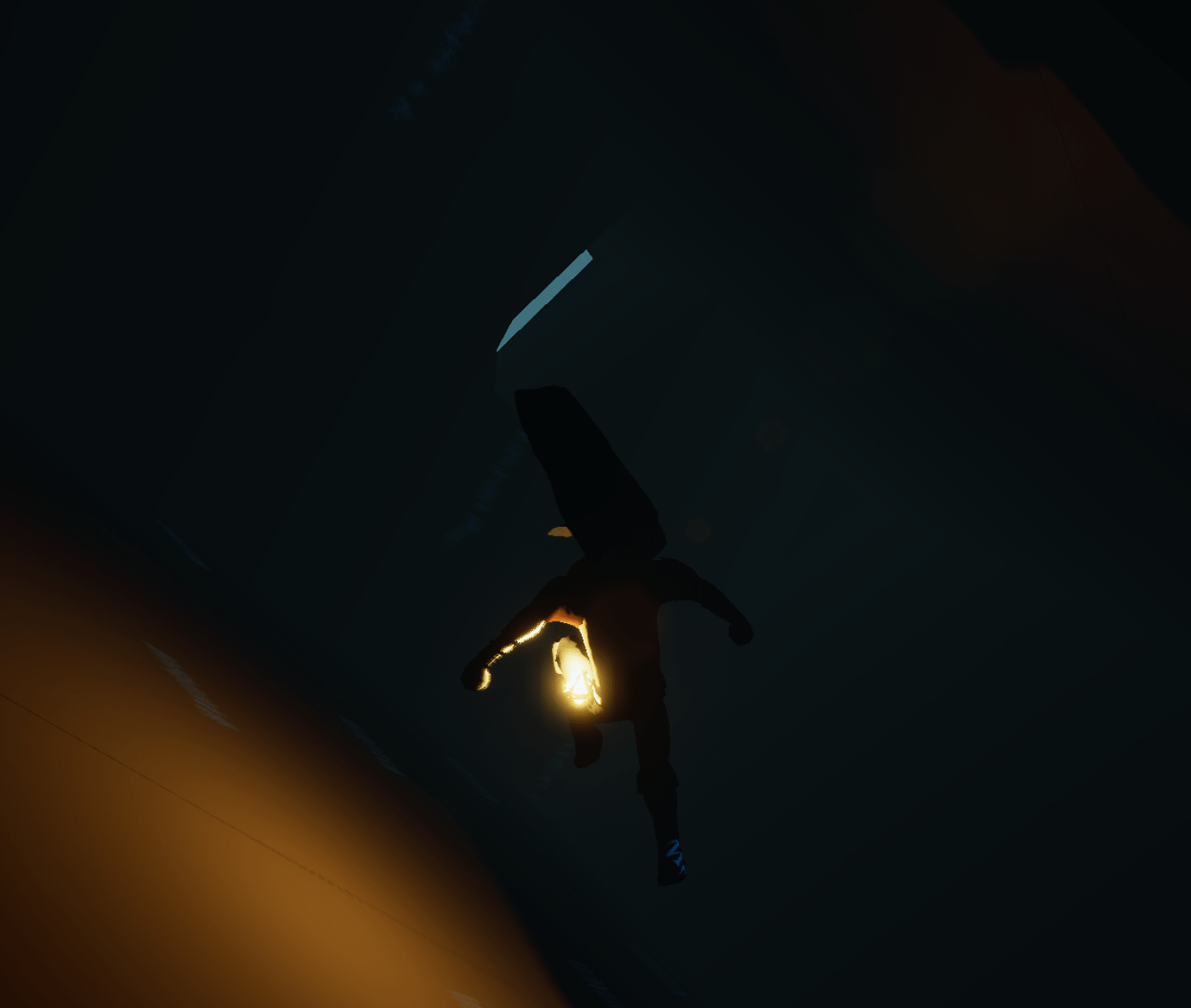
I have a pretty good idea of what I want the new stage to be. But before that I was thinking all night long about how to fix many of my actions where it fires upon release of a key. I realized that if I track if and when the player pressed the key then I can have that action fire only if that key was released close to the time when it was pressed. The held action makes sure that if the key is held down then the other action won’t take place.
The issue I had was that if you held the input for dash or parry then you could still do it when you released the key after the game is paused or when they keys are supposed to be locked. This fix guarantees you have to press and release within a time frame, which is what I was trying to do before but couldn’t figure it out. This solution is so simple I feel ridiculous for not realizing it sooner.

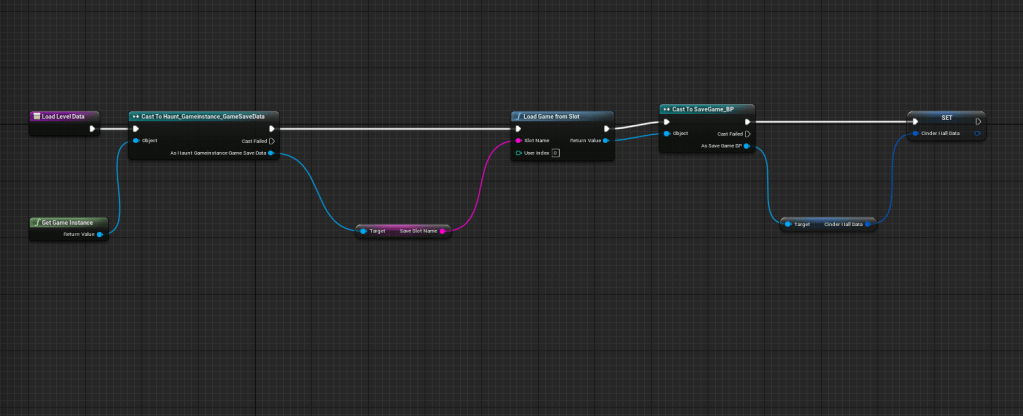
Once I finally got that out of the way I created the level that would be the base level for all my stages. I made sure it has a post-process volume along with the proper settings, it has a base struct for the level data, so I can remind myself what to put. I included the functions for saving and loading level data. As well as making sure that it has all the basic objects such as the physics object and save points which it needs to loop over. And lastly added the reference to the character that needs to be brought up when loading into the level.
This will be very useful in the long run when I make another level, so I don’t have to waste time remembering how to plug everything in again.



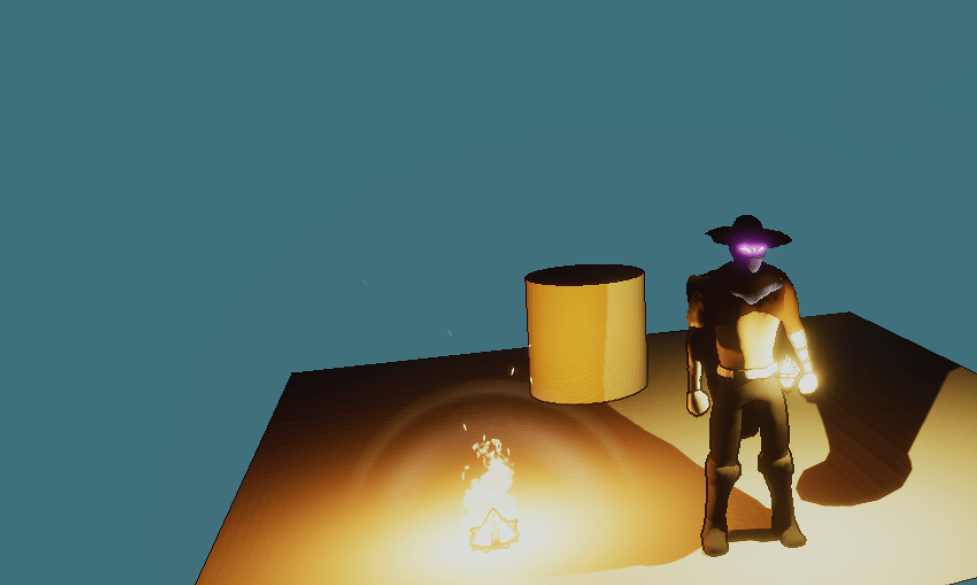

I had been hassling myself with the player spawns, using specific coordinates depending on the level. All I had to do was place an actor, in this case I used the player spawn. I grab its location and set that as the start point. So I don’t have to specify the exact location for each individual level. Another simple solution that went over my head.
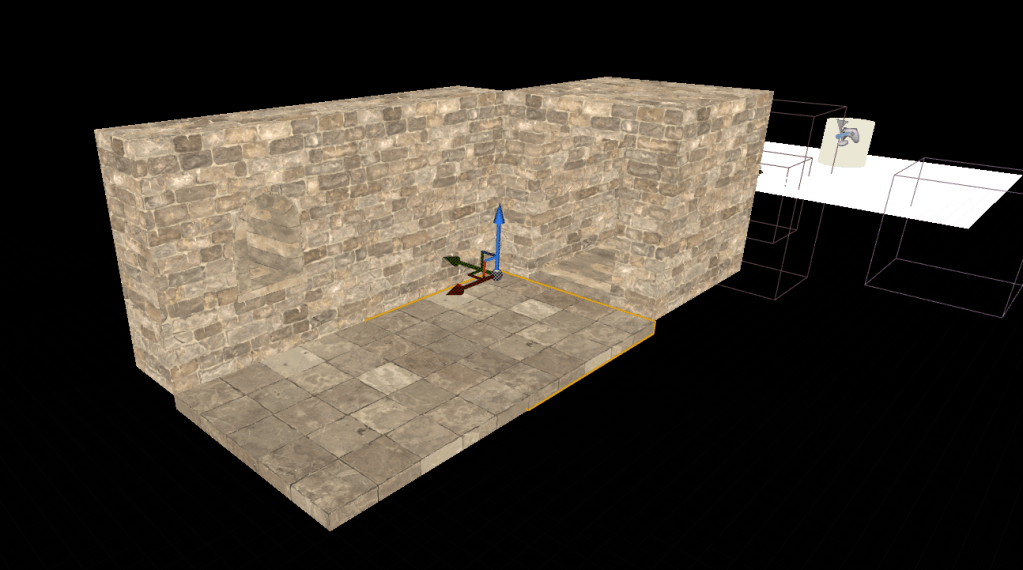
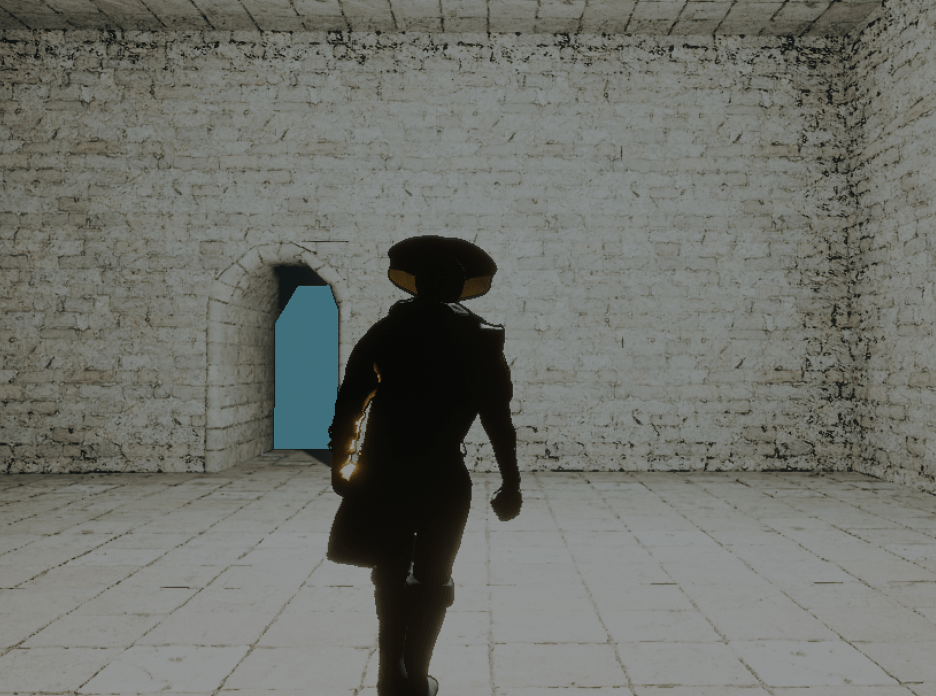
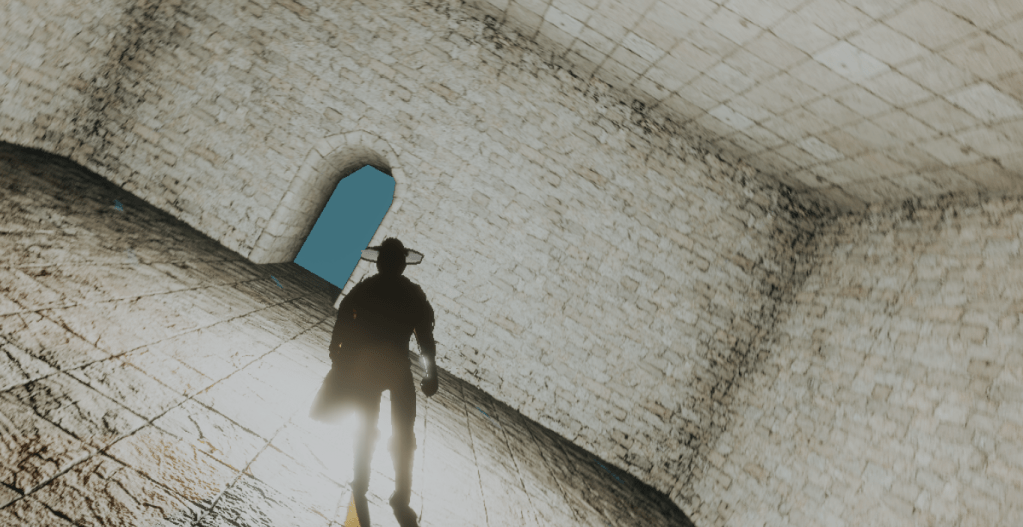
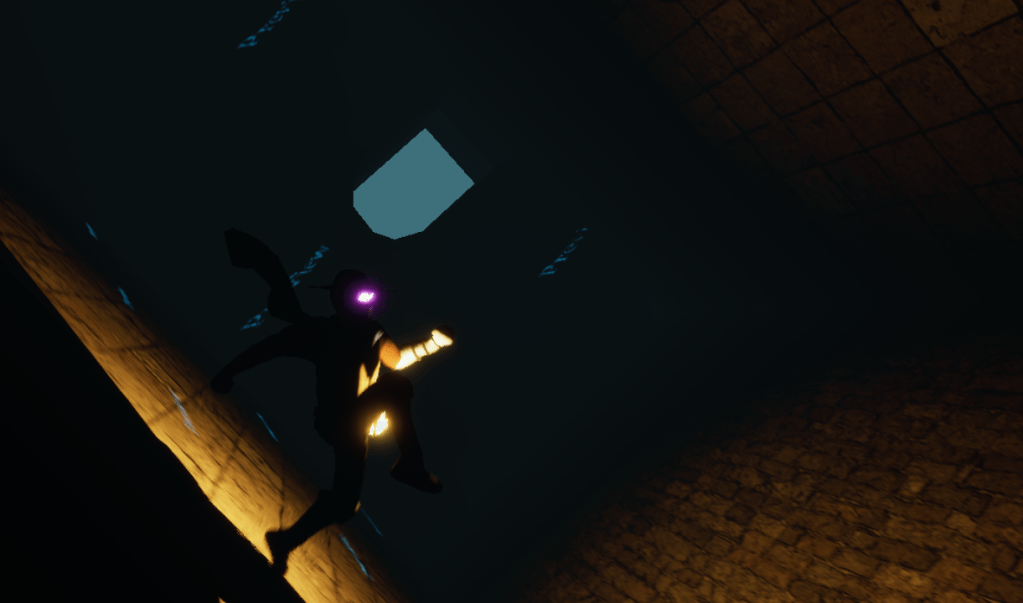
I then started experimenting with the main mechanic of the new stage, which is shifting or rotating rooms. I started with building a base room. Then tried many different ways of rotating it. I always have problems with timelines and rotations because I keep forgetting that adding rotation will constantly add on top of it instead of setting it to the exact number I want.
After some research I found a new component I can add to an object, which is a rotation movement component. I can give an object a rotation rate and it will rotate that speed and direction indefinitely. It works with no hassle at all. All I had to do was plug it in and find the best way to stop its rotation when its rotated a full 90 degrees. I found that the rotation rate is per second. So at 30 degrees rotation speed I can stop it after 3 seconds and it will have rotation 90 degrees.
There’s a lot of issues and things I have to figure out that are due to the complications of the rotating rooms. But it seems like such a fun design I’m going to use it for this level unless I go absolutely crazy and can’t use it because it is too difficult.


 GoldenGratus Games