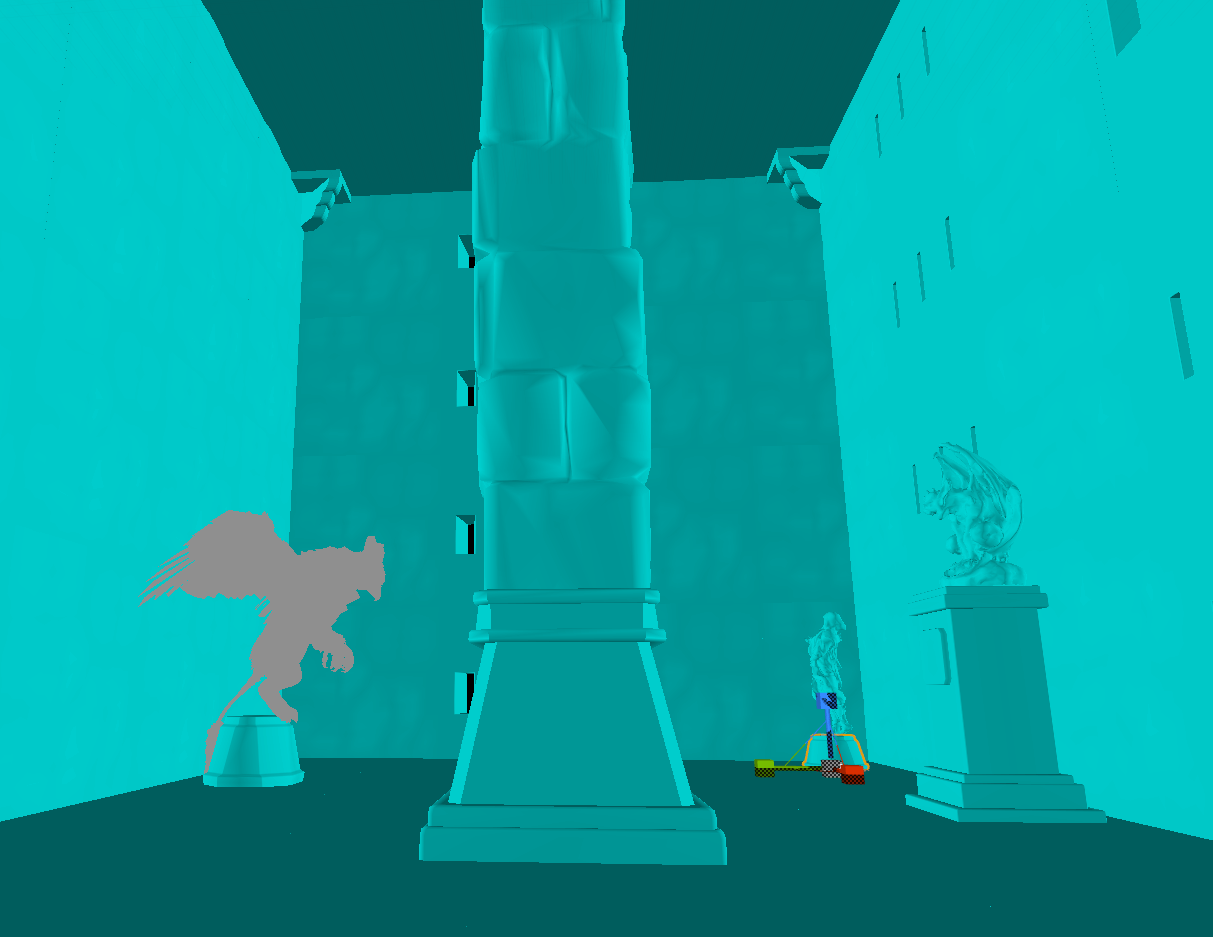
There was a lot of technical things I had to figure out and experiment with to get this level to work. Having an entire stage flip over and over again is difficult, and when I do have the whole thing built I’m not so sure if it will even turn smoothly. For now that hasn’t become an issue yet.
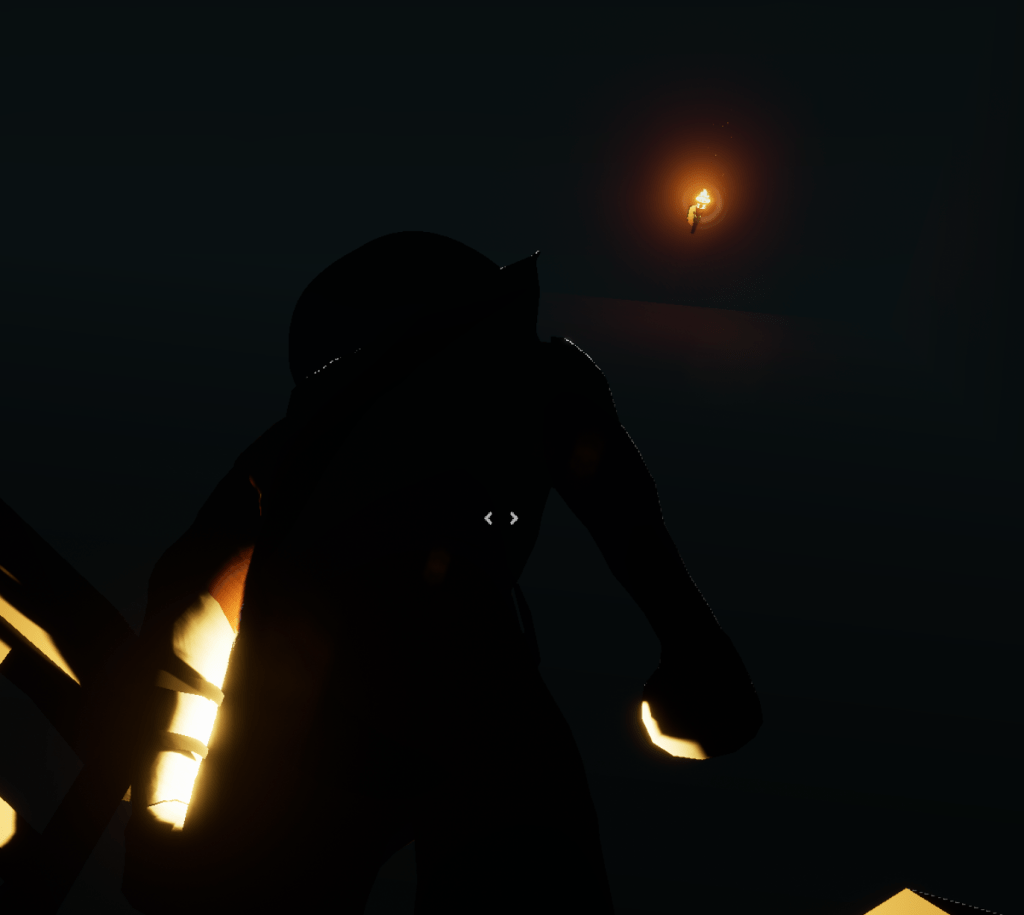
The first thing I tried to fix was getting objects on the building to turn with it. My first try was to attach a rotating movement on the object such as the save points. It is easy for physic objects because they just follow gravity. After realizing that rotating the torch won’t make it follow the building I gave up on that path. As I was clicking objects I found that I could attach actors together in the level itself. I had never done that before so I didn’t know what it meant. So, when I turned the stage over and the torch followed it perfectly I was ecstatic because it was exactly what I wanted.
Since the torch is turning I don’t want the player to be able to save while it is in motion because that can create a lot of bugs. While the stage is turning I make sure the saving function is off.
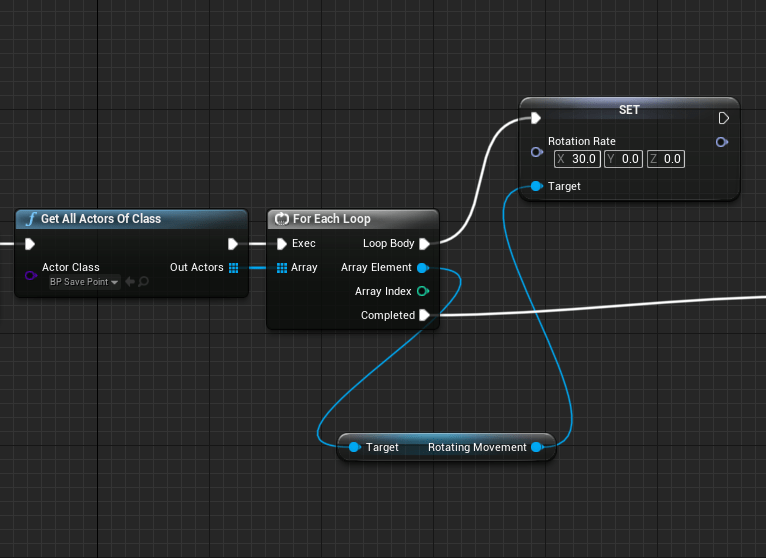
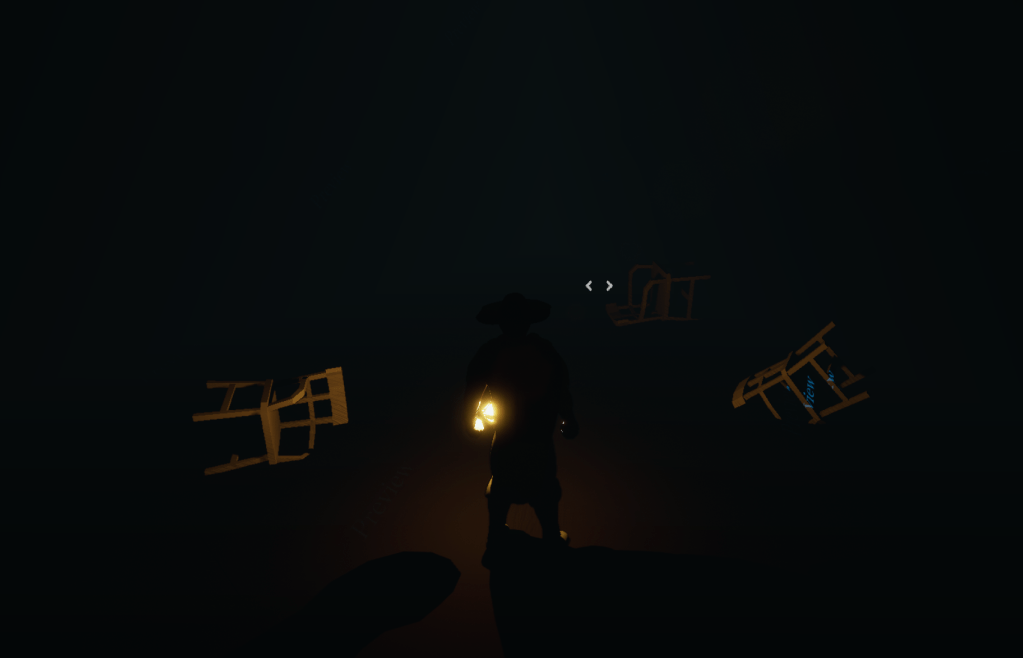
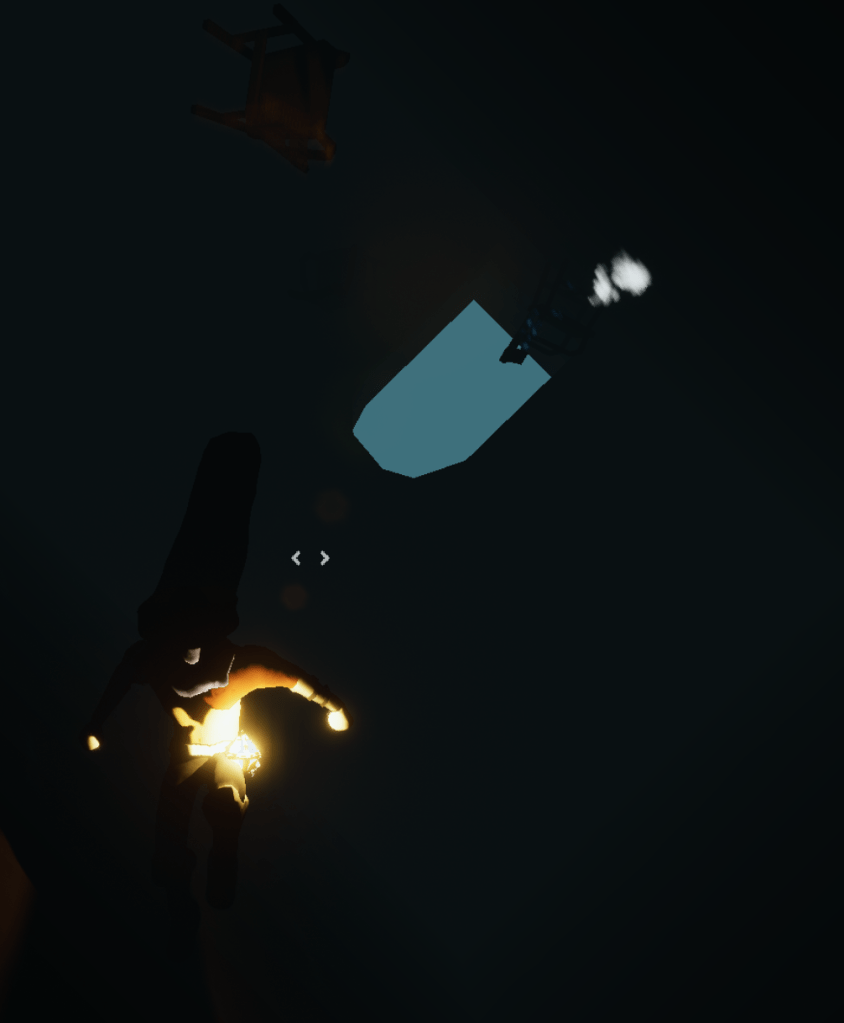
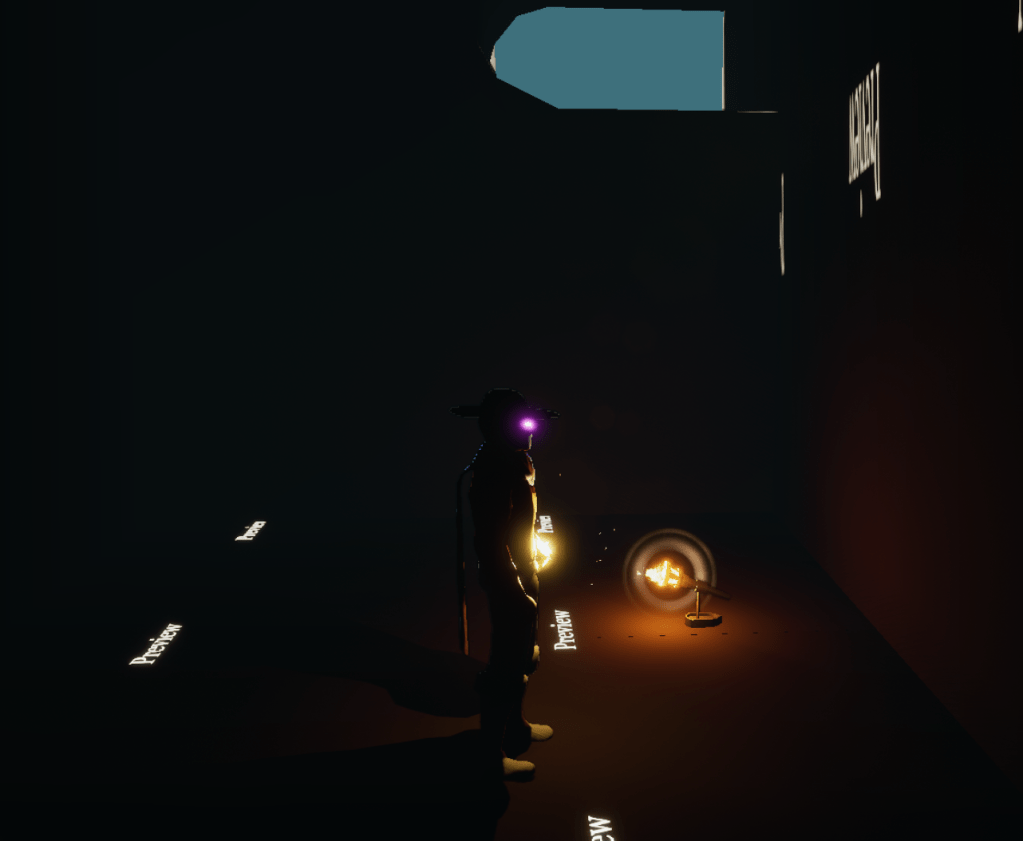
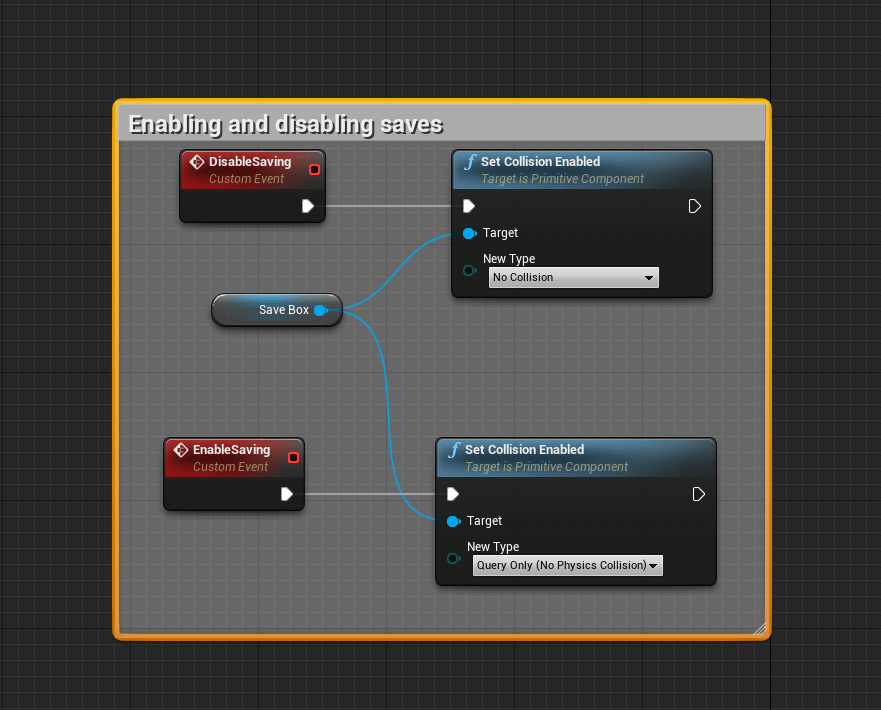
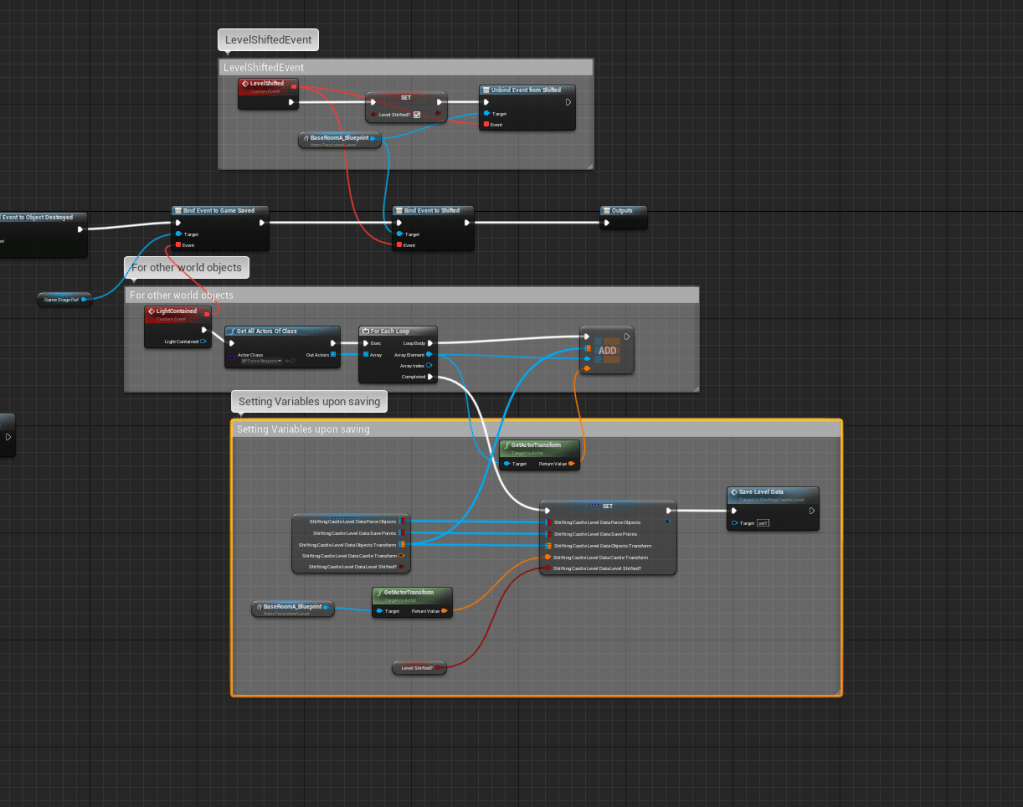
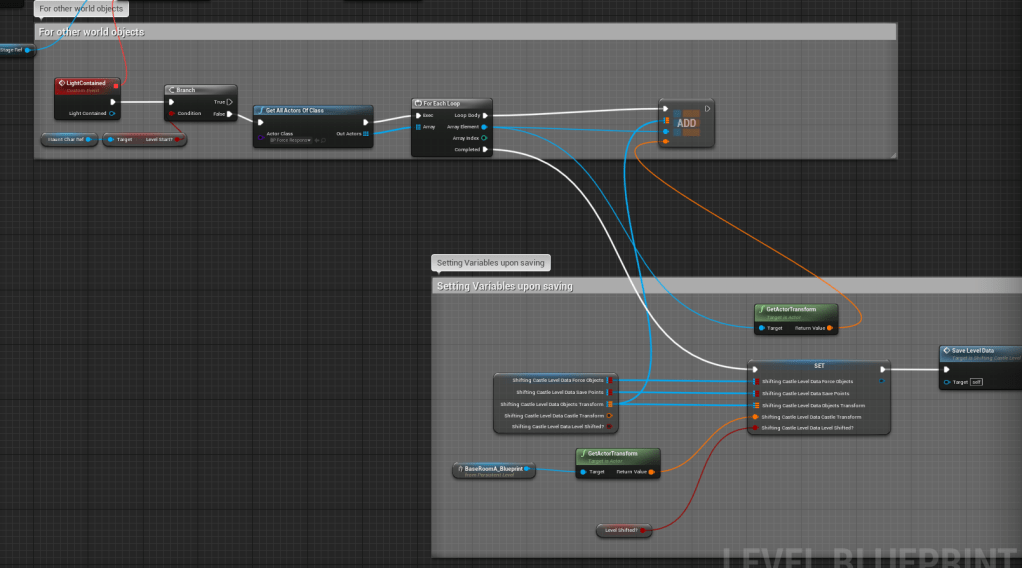
I also had to think about the objects in the world. I can’t place them normally if the stage is flipped over because they would not appear in the right place. It took awhile for me to get the logic working so that when you saved it would also record the position of all the physic objects in the world and place them back when you loaded back in. I’m hoping it doesn’t become too taxing the more objects I add.
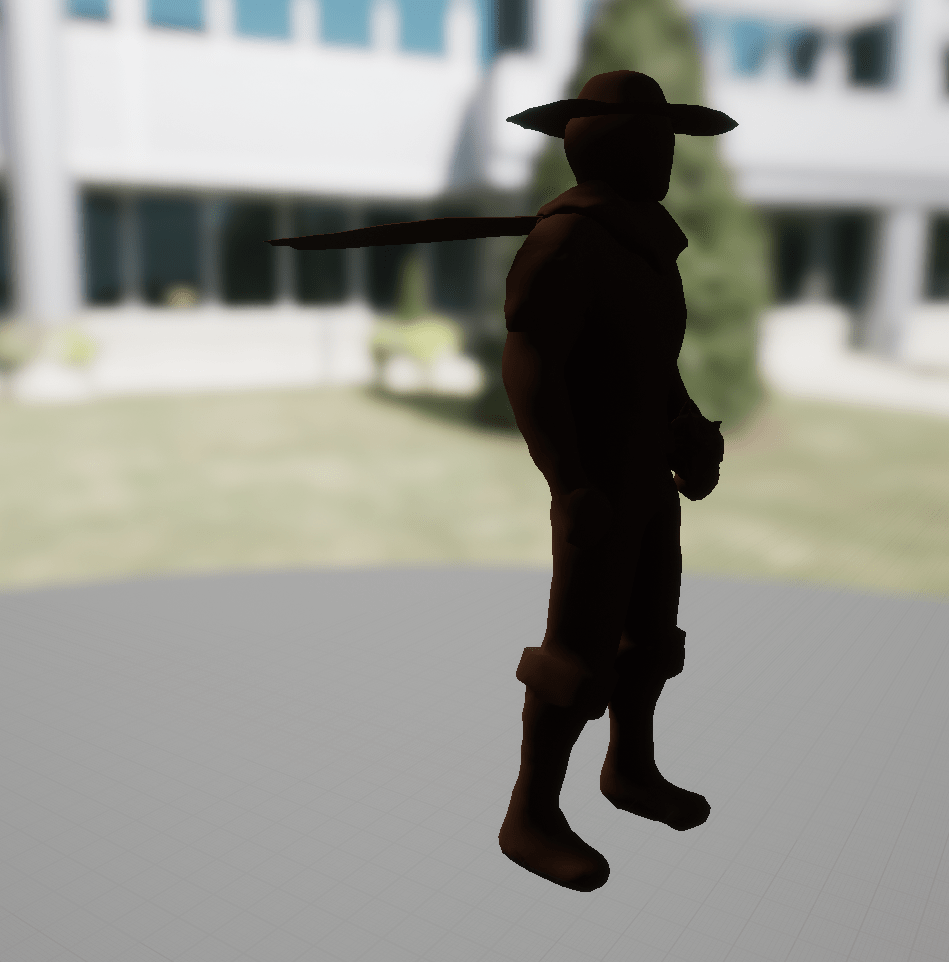
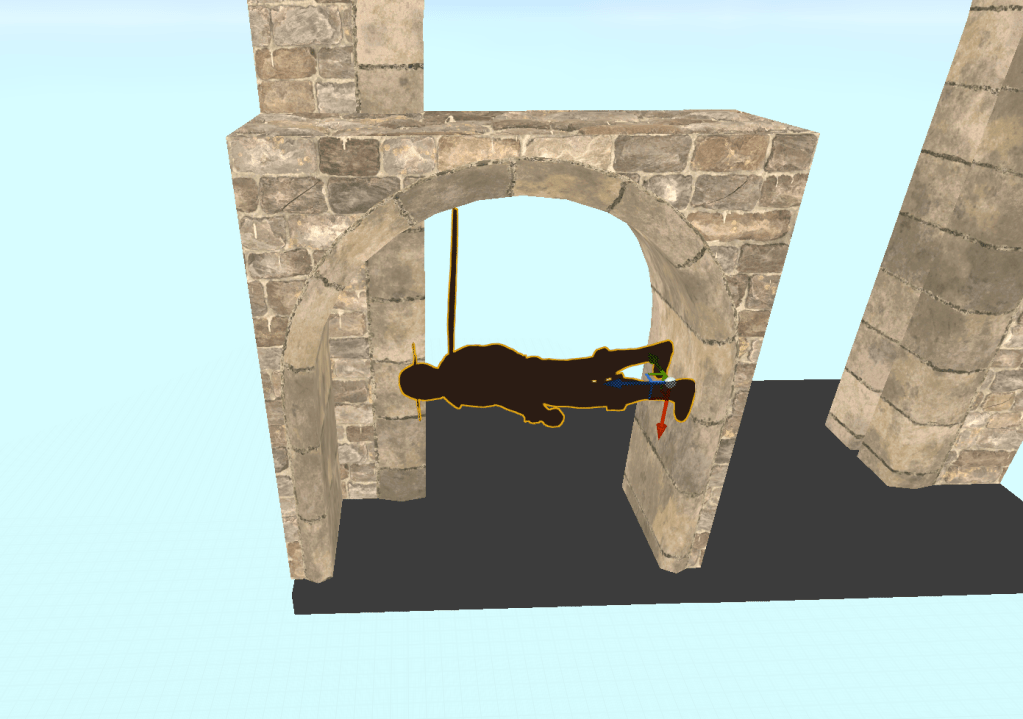
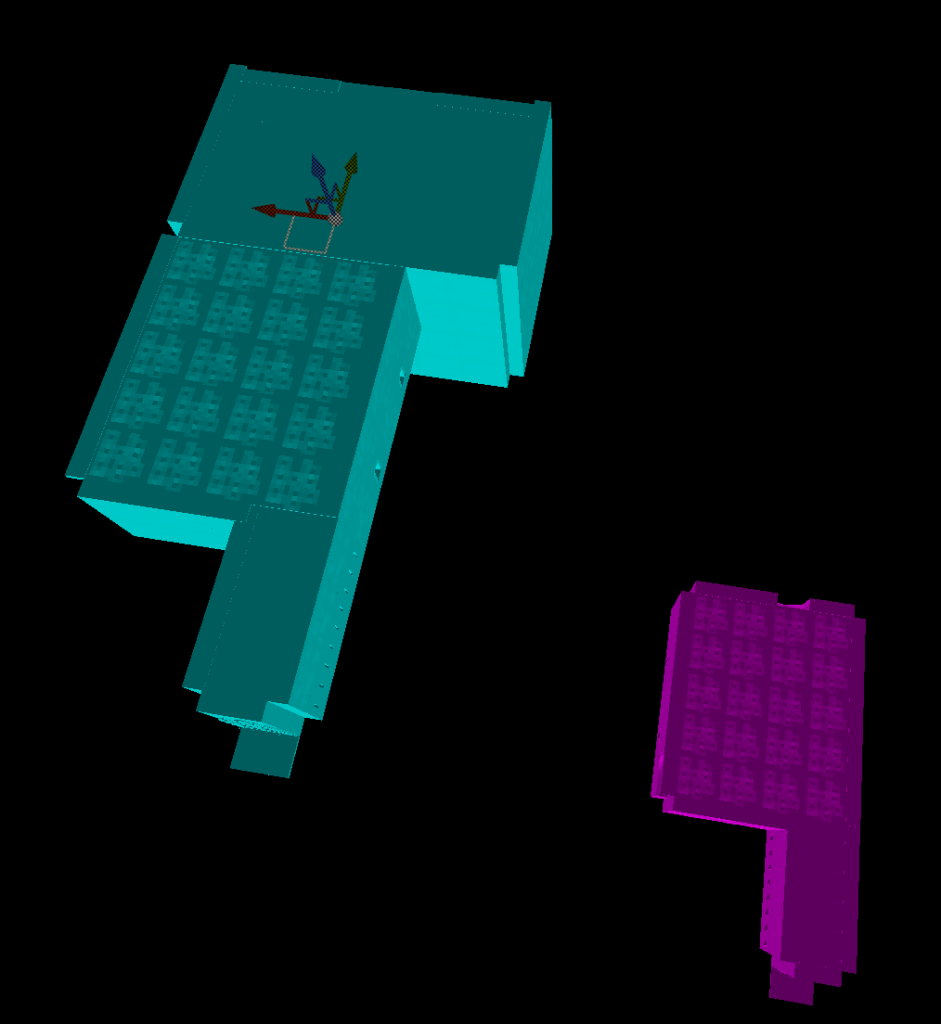
There were a lot of possibilities I had to consider when the stage was flipping. I had to make sure that if the player never saved their game then the level would still be exactly the same. Just to make sure they don’t spawn in the wrong place if the level is at a weird rotation. I started the draft of the layout of the stage. Made a static mesh of the character so I could make sure that the sizes of any small areas weren’t too tight when the level gets turned upside down.
The draft makes it look small but I’ll probably add more connecting rooms, and it is going to be quite sprawling. It will be my most challenging level design yet.
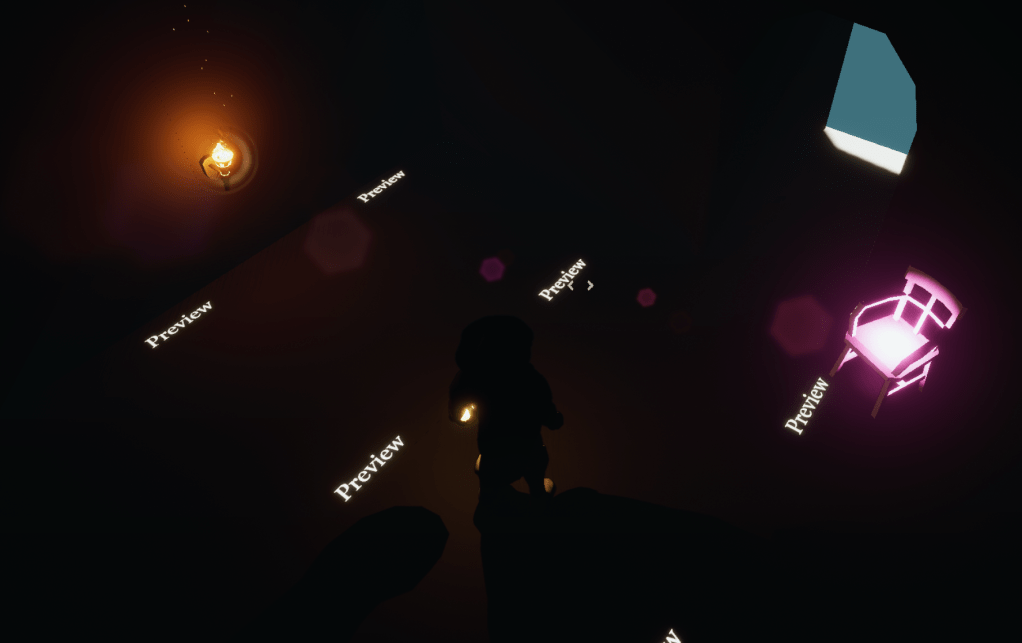
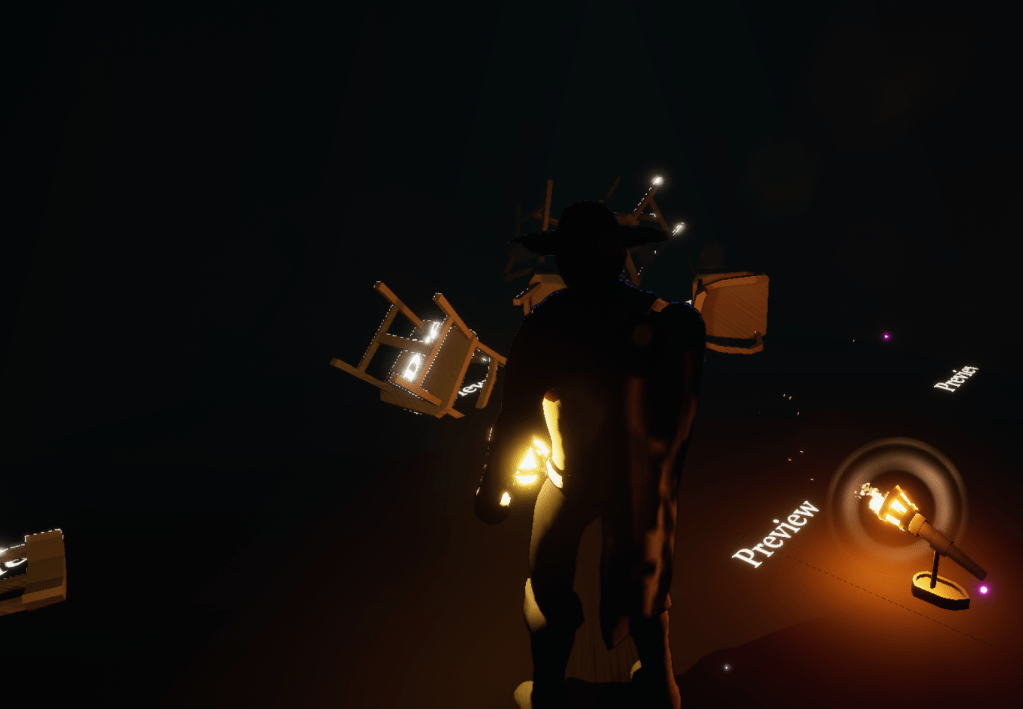
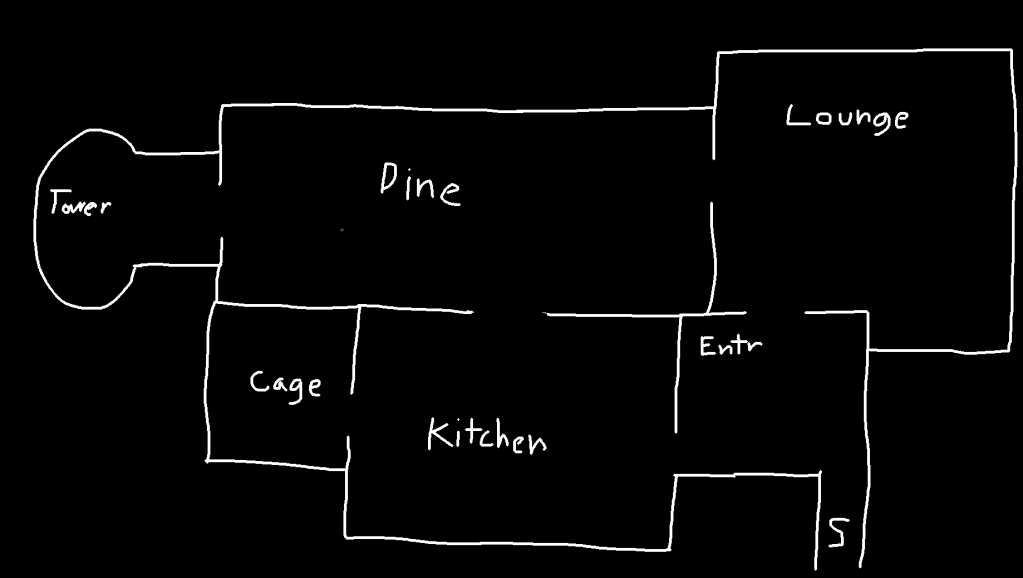
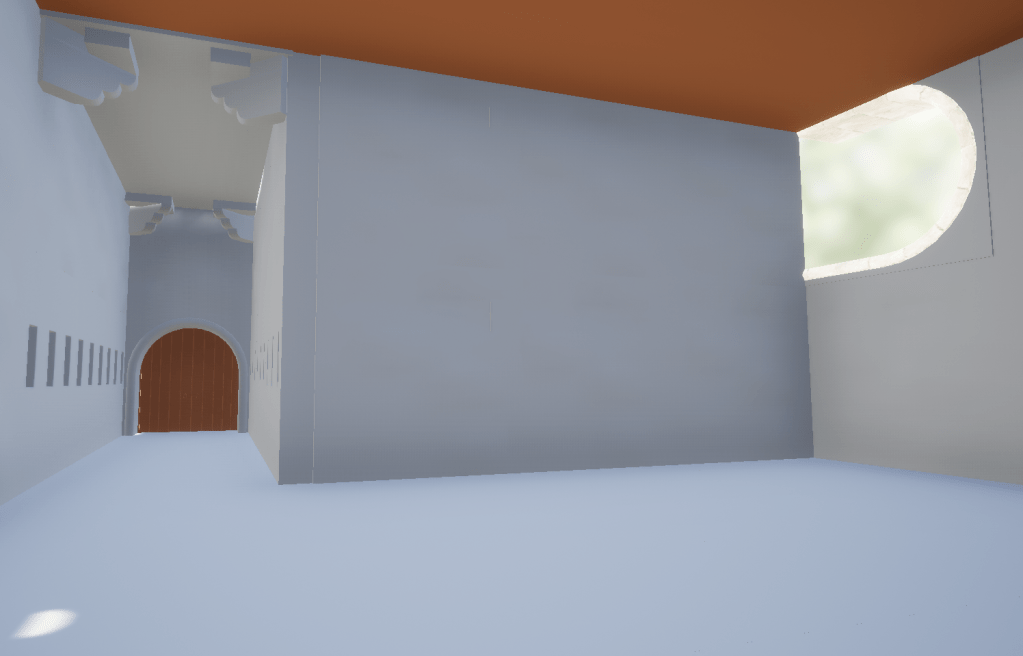
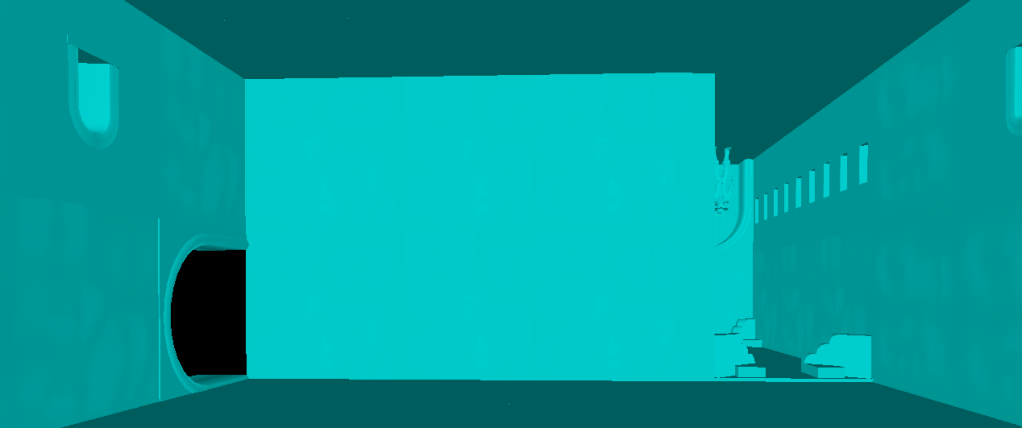
Since the level is turning I figured the entrances to the different rooms won’t all be on the same plane. So you have to rotate the level to get to a certain room. It has been pretty fun building this stage so far, but it is awfully confusing because some rooms are going to be sideways and upside down. Placing props and decorations is hard even if I flip the camera around because then the rotation of the mouse is reversed.
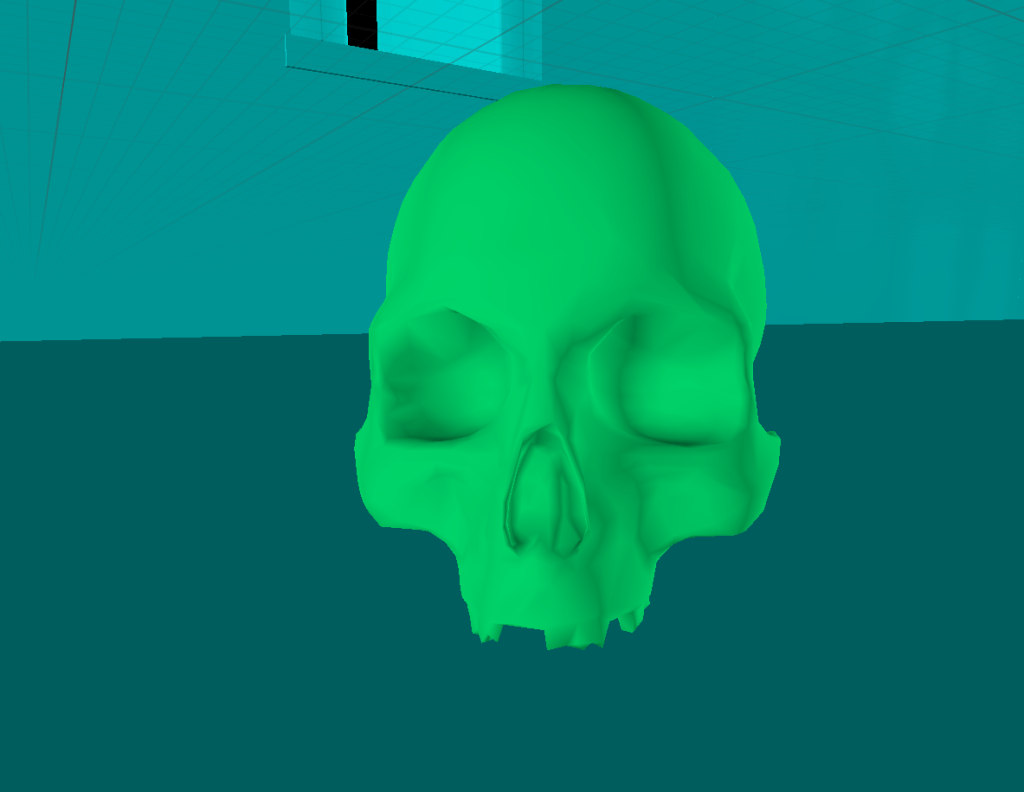
For some of the props I found a cool free asset pack with dungeon themed stuff. It has a bunch of bones and skeletons that are perfect for this level. I’ve already built the first two rooms, and those were the easy ones. It has already slightly hurt my head thinking about the perspective. But it will be worth it because it is a fun challenge and also it is a thrill to explore and walk around a rotating stage.
Some of the rooms felt empty without objects and other decorations so I added pillars and one room has cool statues. I am building the model away from the actual stage that rotates. That way I can update the model and turn it into a separate actor to test certain parts, and if there is anything that needs changing I can simply go back to the build of the original model.
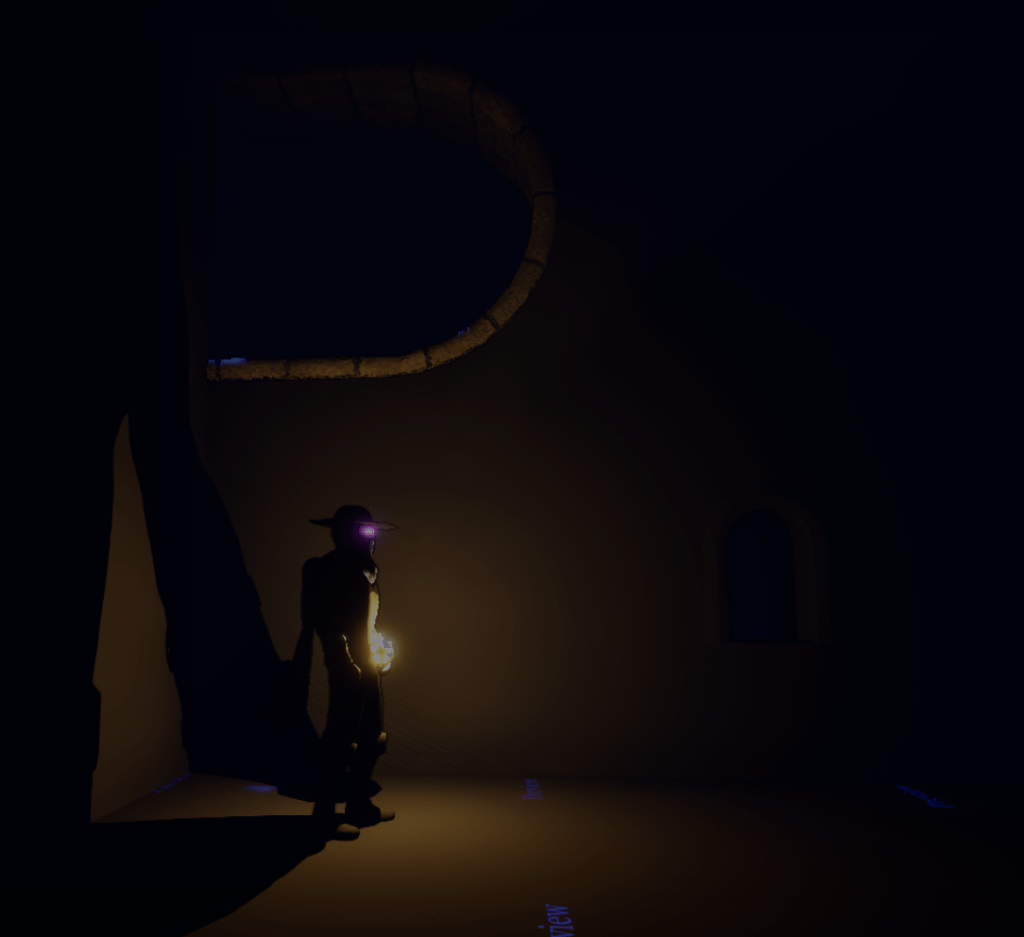
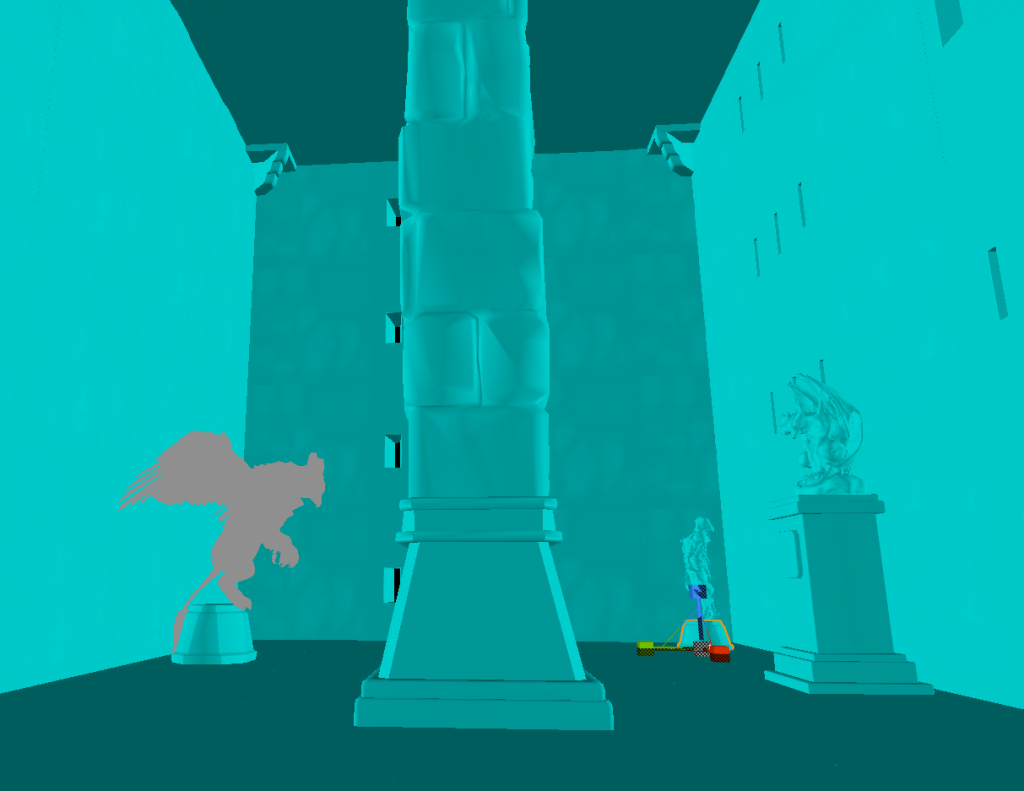
Tomorrow I will continue building out the stage. Finishing up the smaller rooms then working on the big rooms. There are effectively four sides to every room the player can walk on so I have to make sure that there’s something interesting on every plane.
 GoldenGratus Games