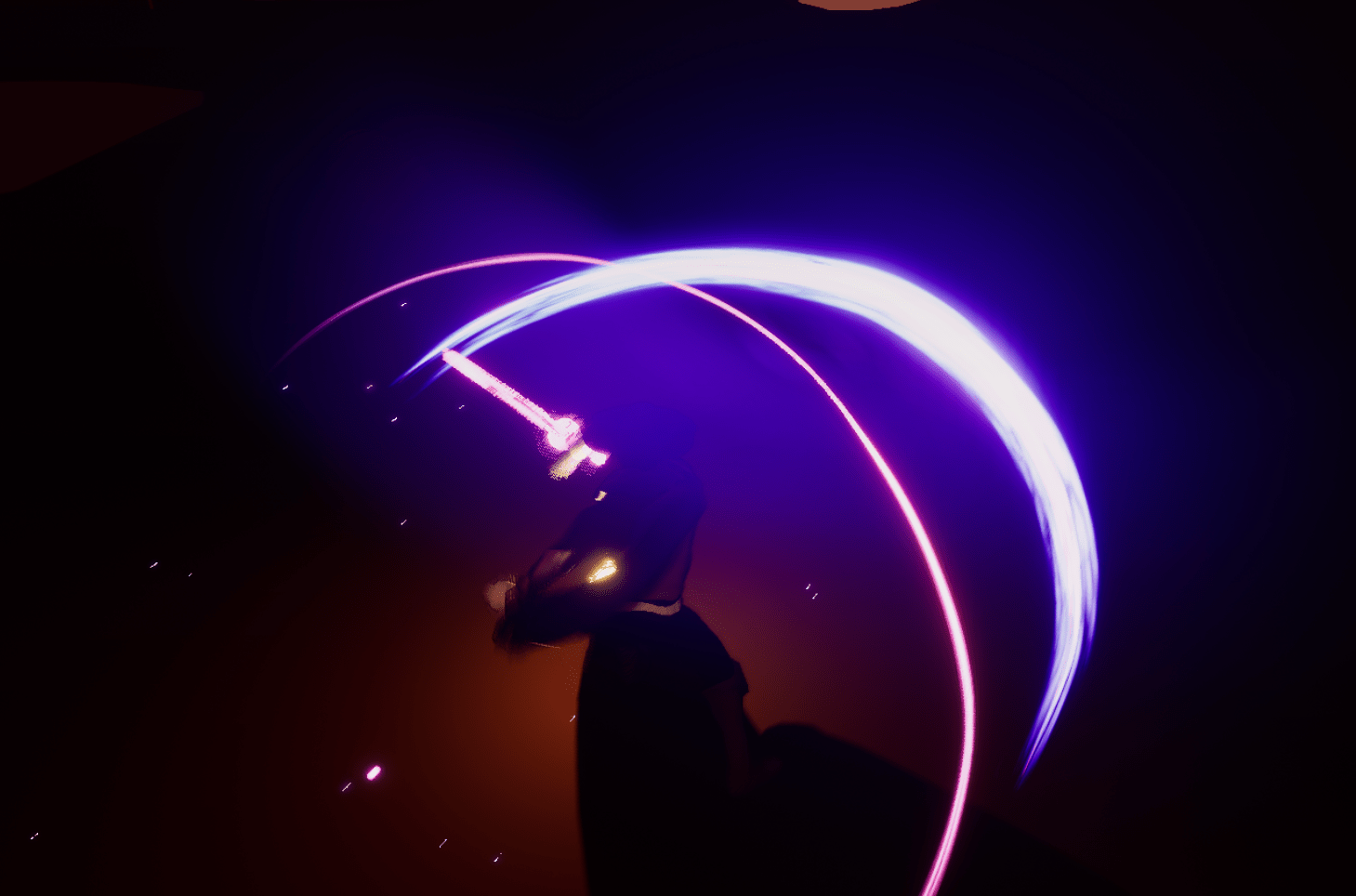
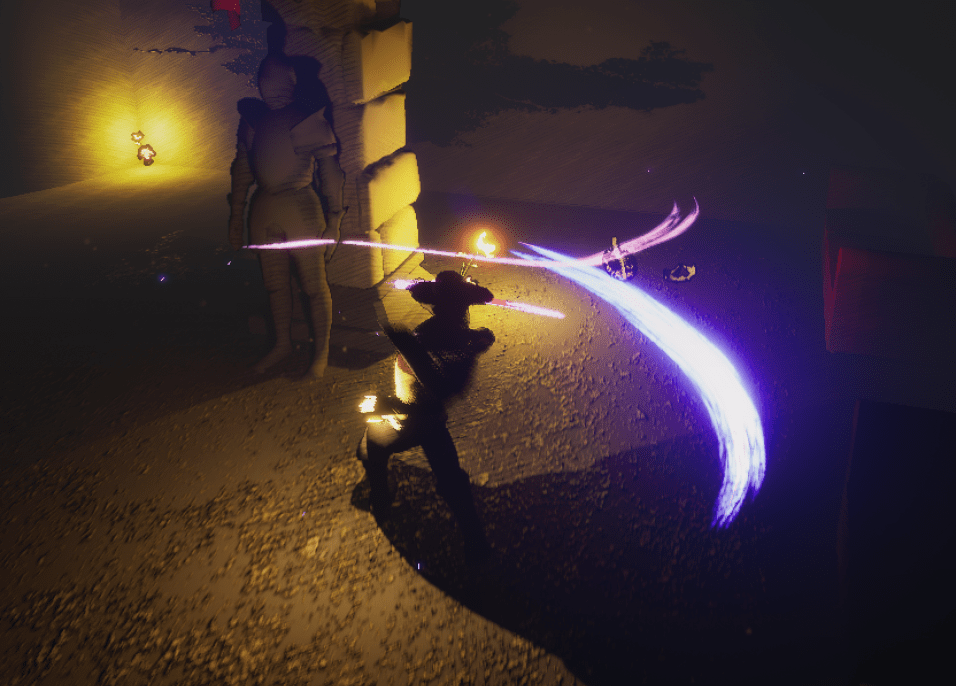
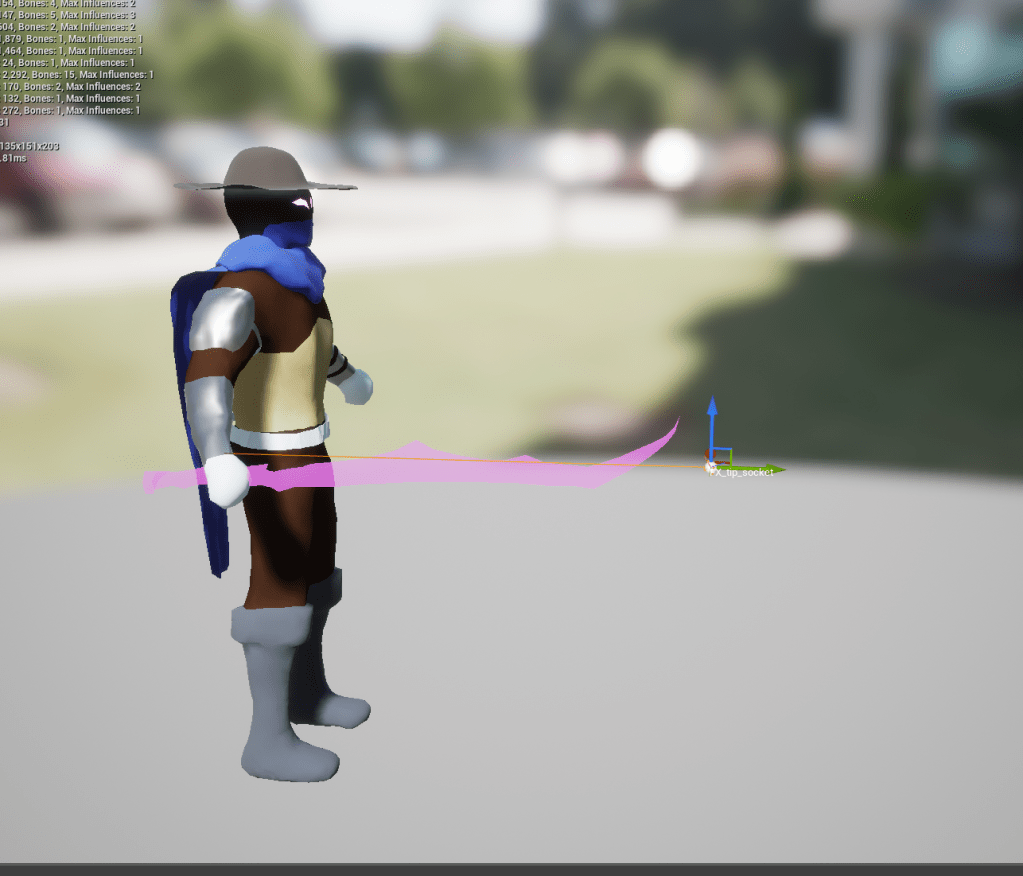
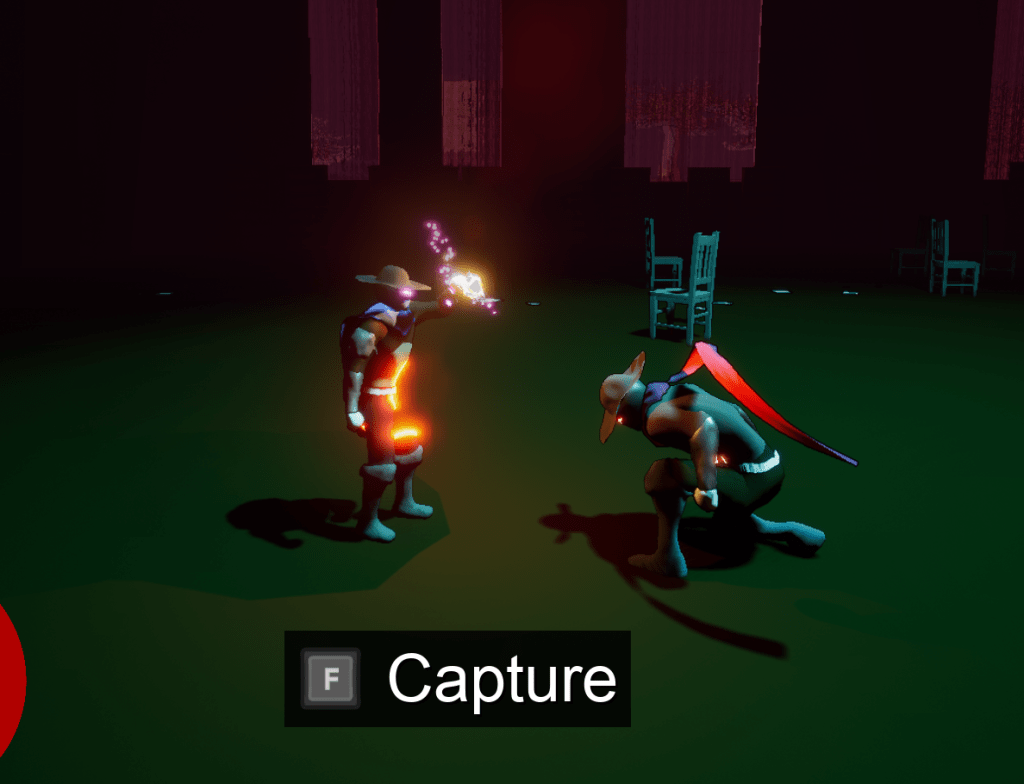
While I was testing the boss fight last week I felt that there was something wrong with how the combat looked. The trail I had setup for the sword was so thick it would block the enemy you were hitting, so it would be hard to see what they were doing or setting up for. Basically you couldn’t prepare for the next attack because the trail was covering a big part of the enemy. This wasn’t clear before because the bosses I was testing were quite large, but the new boss I added is quite low to the ground. It wasn’t long before I found the quick and simple solution. I realized what I needed to do because I watched a trailer for a game that had similar combat. The attacks had trails but they were only at the end of the weapon. So all I did was move the socket of the effect and it changed the clarity tremendously. It looks a lot nicer too, rather than covering the entire blade it follows only the tip. This way it looks cool without getting in the way.
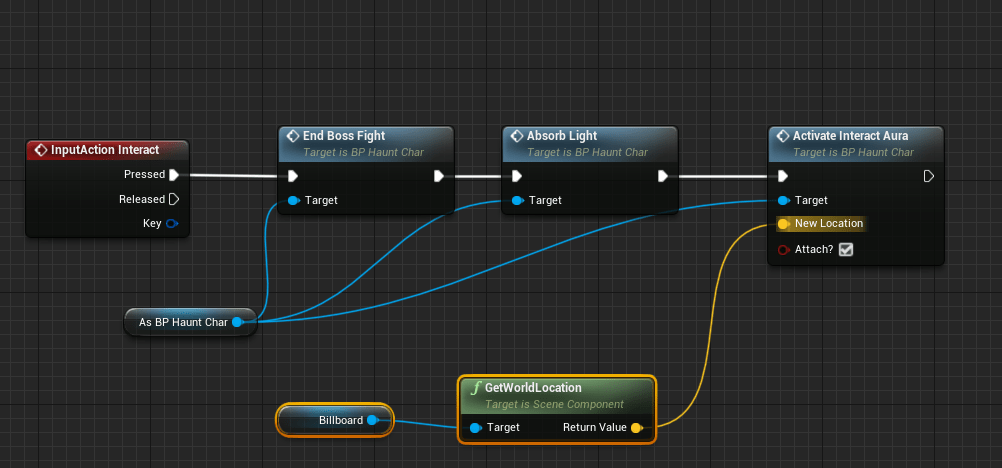
I did look into making a cinematic, but after watching some videos and seeing what it entailed, I put it aside as one of those unnecessary things for the game. As the list piles on, creating a cinematic shot that I would be happy with would take a lot of time and effort that I don’t want to devote at the moment while I have other things I want to improve. I still worked on a nice solution that will serve as a transition between stages. I have simple effects appear above the bosses that the player will “absorb.” This communicates the gaining of the powers. And then it quickly jumps to the next stage. I’m probably going to add a simple message in between, but I prefer this solution rather than having a cinematic for every level.
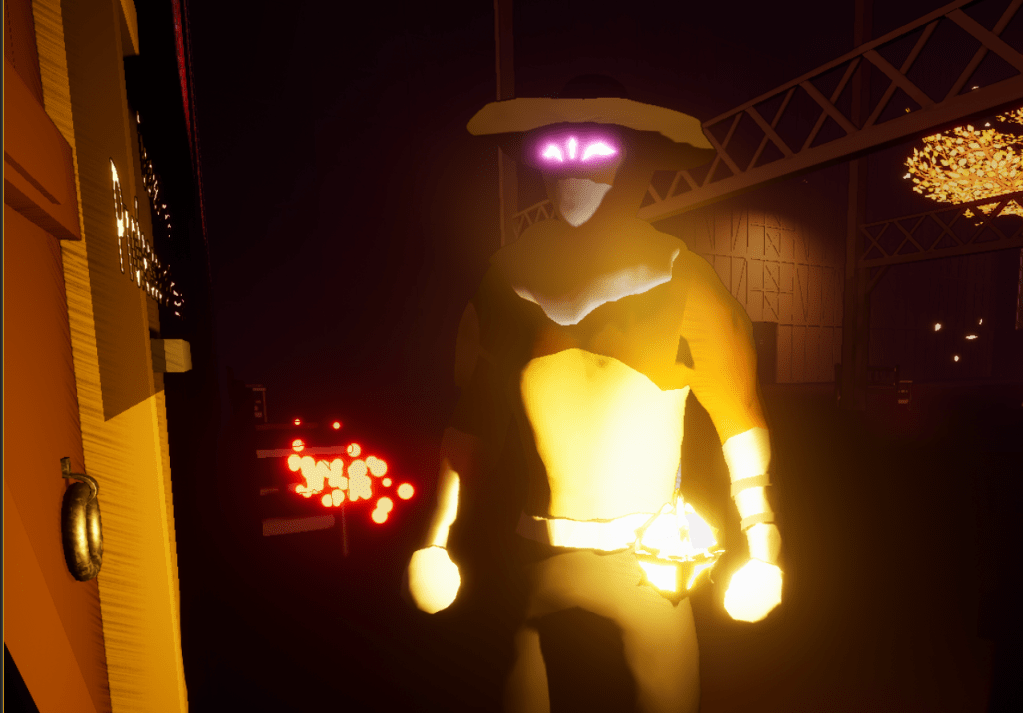
It took awhile to figure out but I was able to make the color of the effects be customizable on a parameter. This way I can change the color on the fly based on who the boss is. It is makes a huge difference even with such a simple change in color.




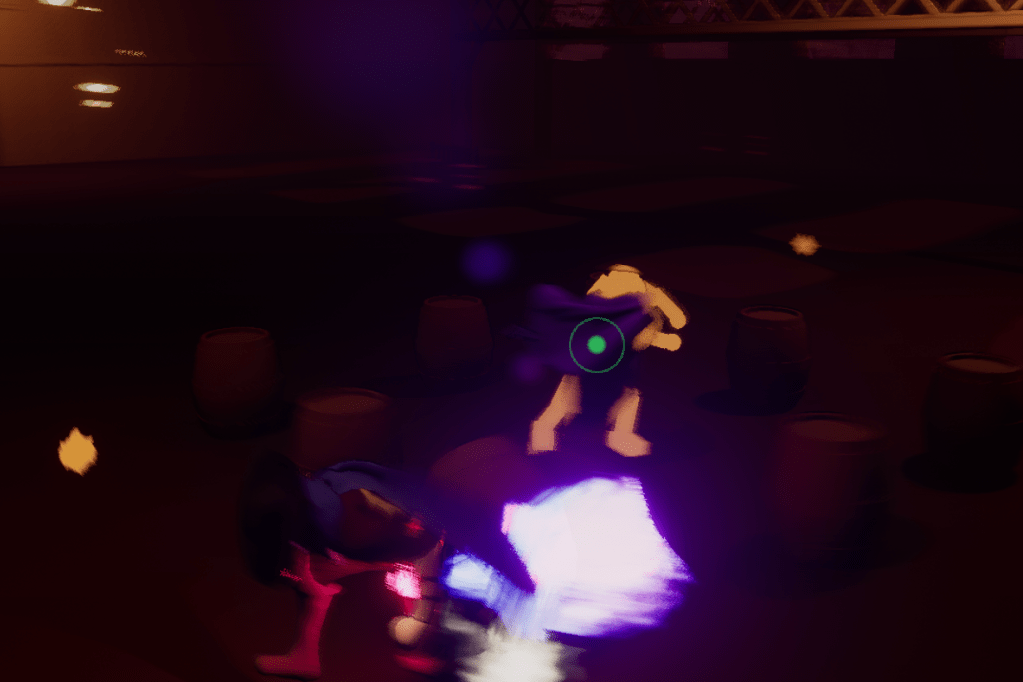
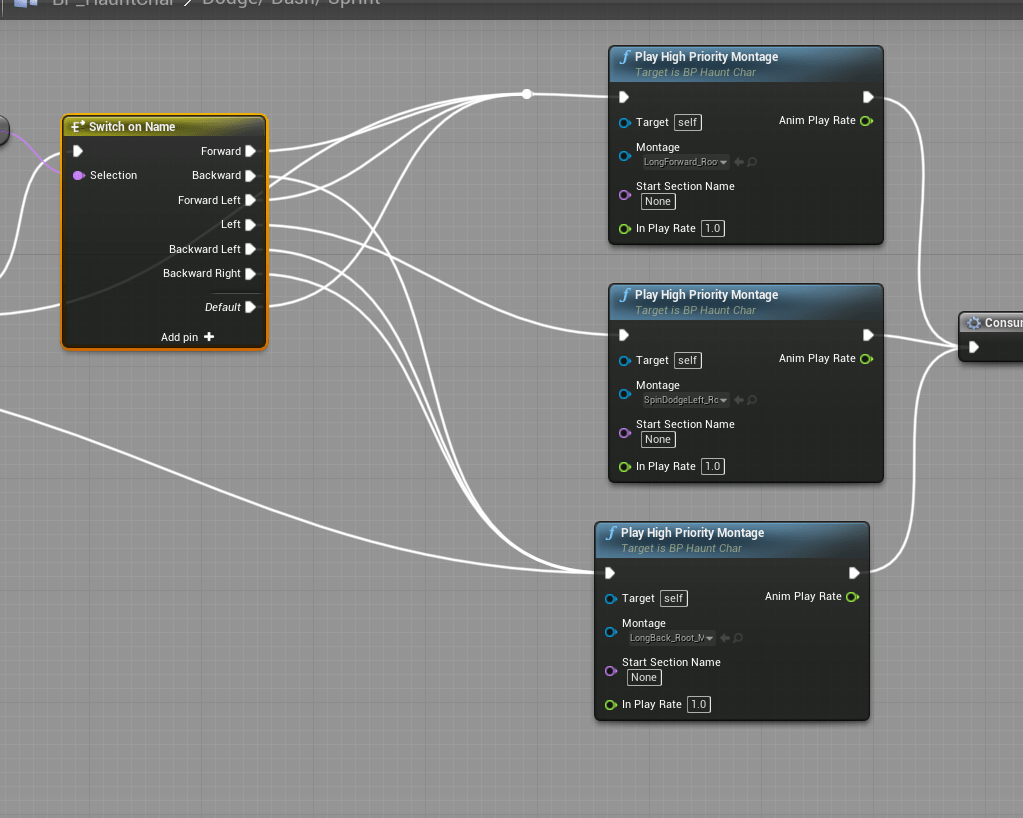
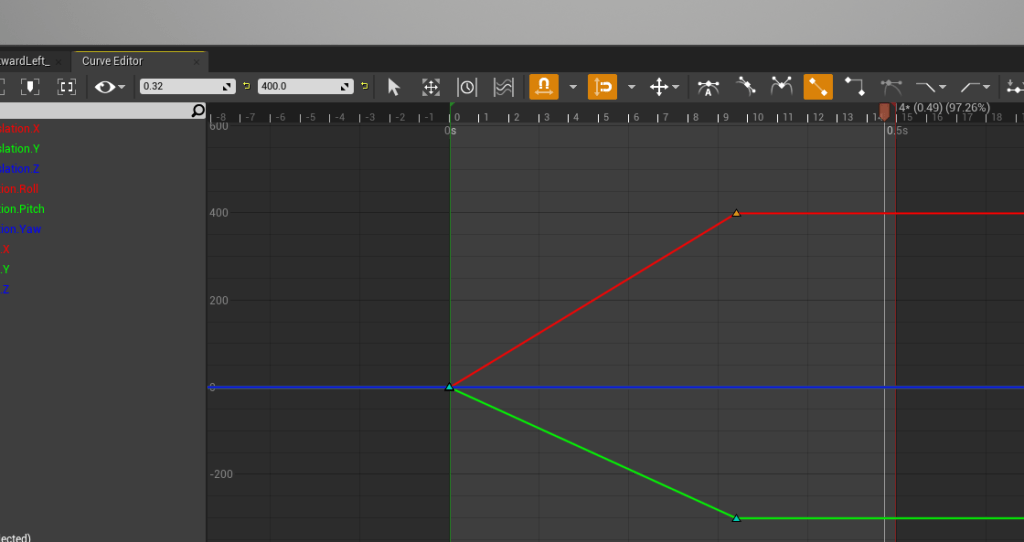
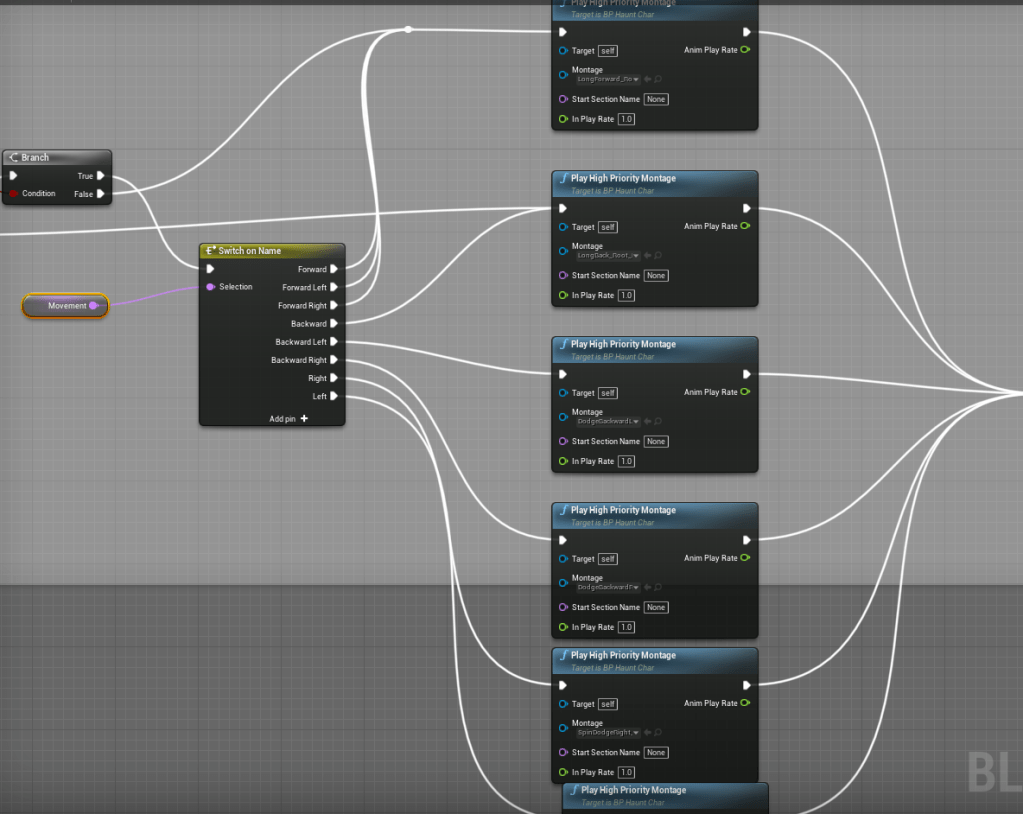
I had simplified the dodging because I couldn’t get it to have consistent distances when moving. But while testing the boss fight, I was not a big fan of how it felt to dodge in directions that weren’t forward facing. Now I know better with how to affect the values of the root motion and instead of moving it by eye I just inputted the values that were for moving left, right, and backward. I played around with the values for awhile to get the proper distance that felt right, not too far and not too short. A very useful dash that isn’t too easily spam-able, at least from what I can tell it is fine.
So now I am back to having several different dodges, and I might add a new dodge for staying completely still. I will think about it and how it could be a new mechanic in combat. Top of my to do list is to add a settings screen for the video settings, resolution, graphics, texture, etc. It will probably be overwhelming but it is one of those things I need to put and get out of the way because I know it is important and I am lazy.


 GoldenGratus Games