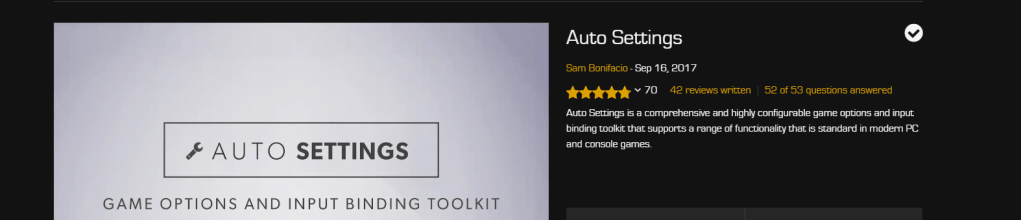
Took a deep dive into how to create options and menus for the video settings. Basically it is a lot to do and very overwhelming. I know that it is one of those things I can find on the marketplace to make my life easier. I found a plugin for settings, that should make my life easier. I should be able to purchase it tomorrow. Since I wasn’t able to work on the video settings as I had planned today I instead worked on the other settings and UI appearances in the game.

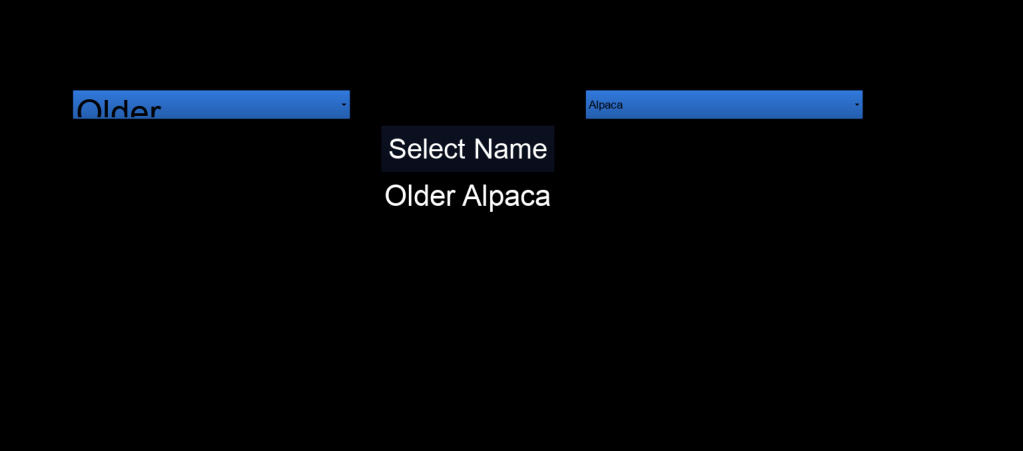
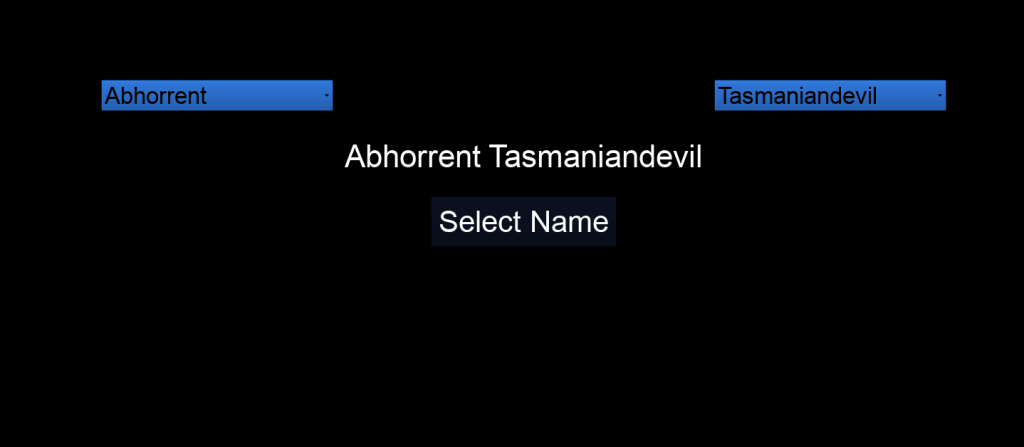
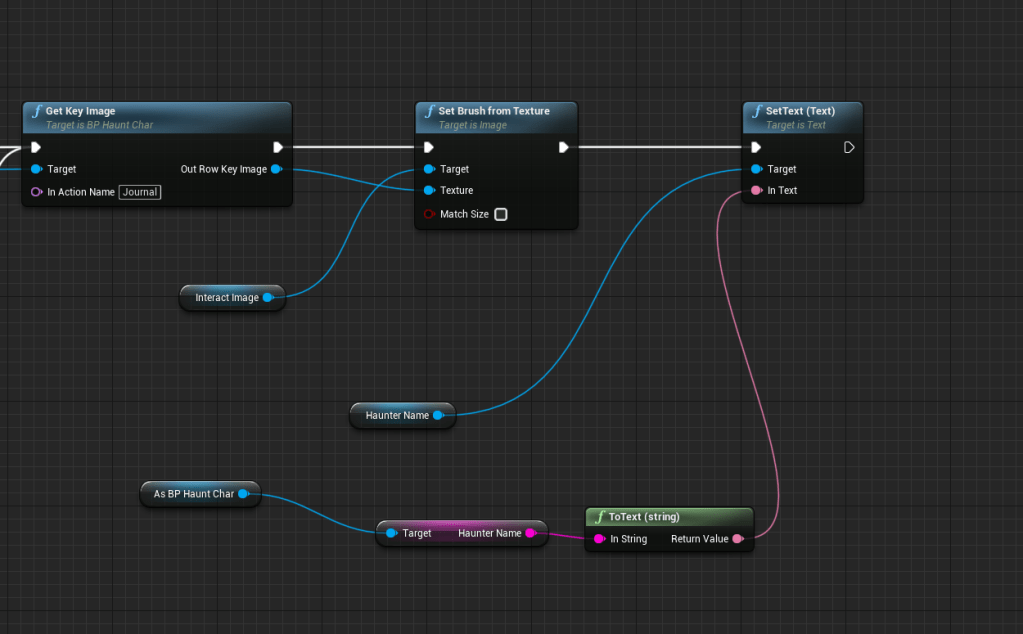
I fixed the look of the dropdown box for the names, they used to change sizes because I had them in the wrong box that would adjust strangely based on the font size within. After I removed it from the boxes I was able to change the font size freely and without issue. I also rearranged it so the selection looks nicer. Since the name doesn’t appear anywhere else but the save file I also added it to the journal. I still have to think where else I can use the name, but it’s not really that important, it is just a cool and fun thing to pick for your character that is of no consequence.

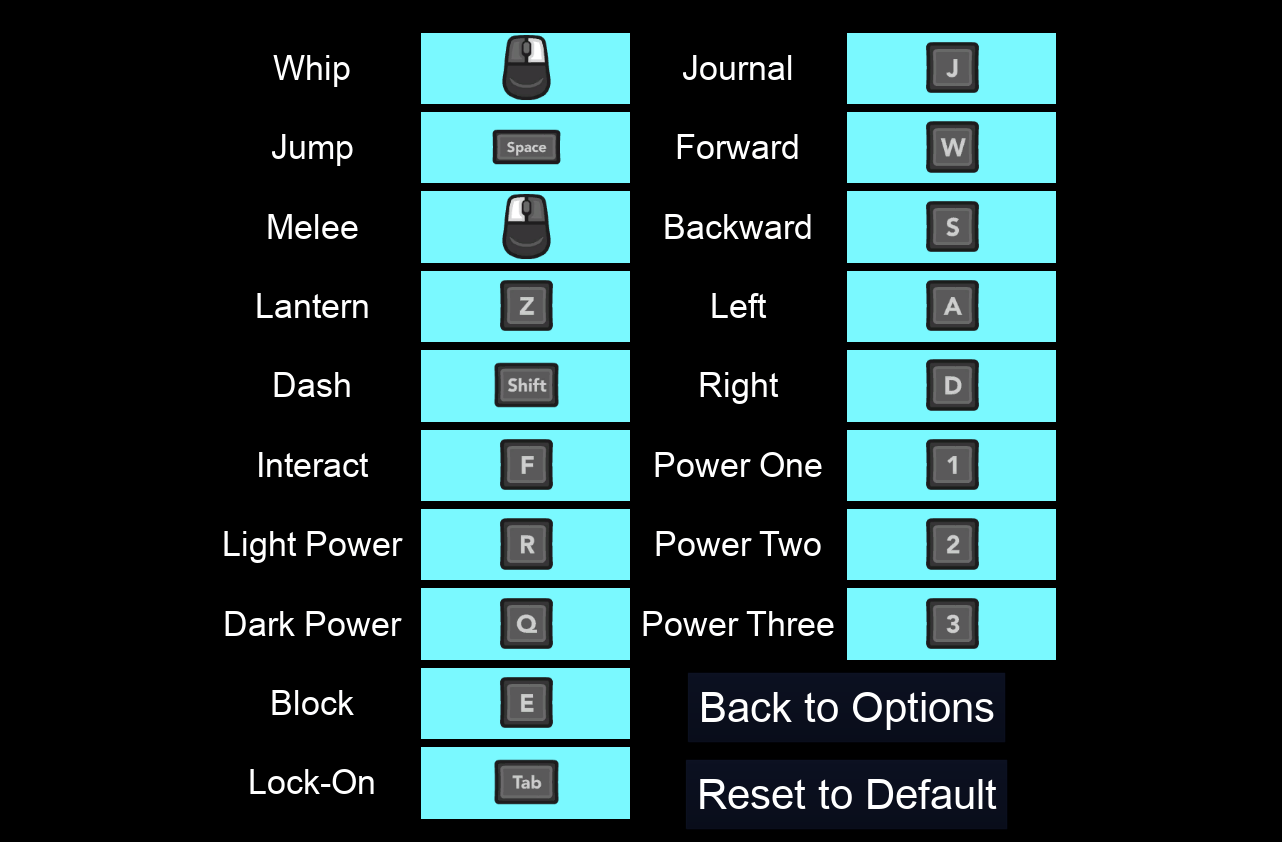
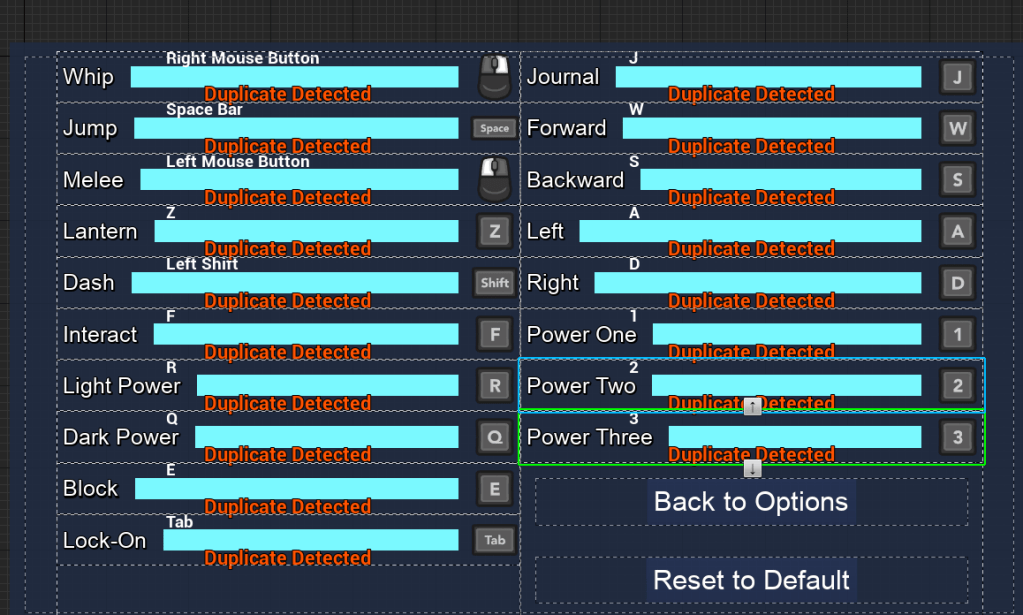
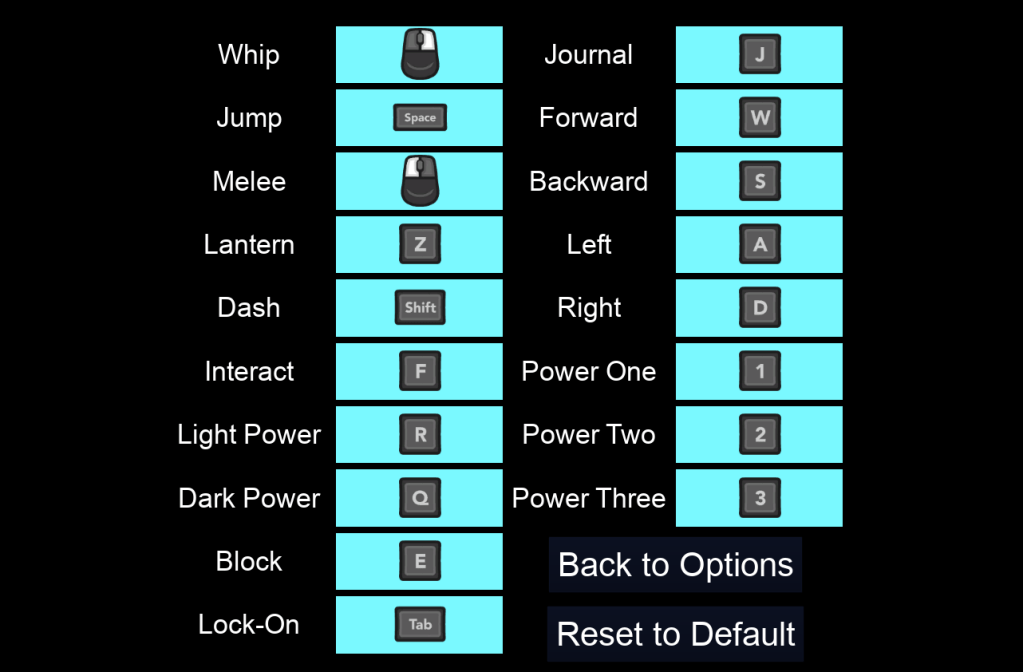
I then moved to something I have also been putting off for awhile, the appearance of the input options. It didn’t look nice that it had long bars that had the key name inside, especially for the gamepad because it had the literal key name such as ‘Gamepad face button top.’ The solution that I found worked best was to make the text invisible within the input selector and then place the key image inside the box. I made sure the image didn’t block any selection because at first it was blocking the navigation. It looks a like nicer and I changed it from the teal color which was not very pleasing to the eyes.
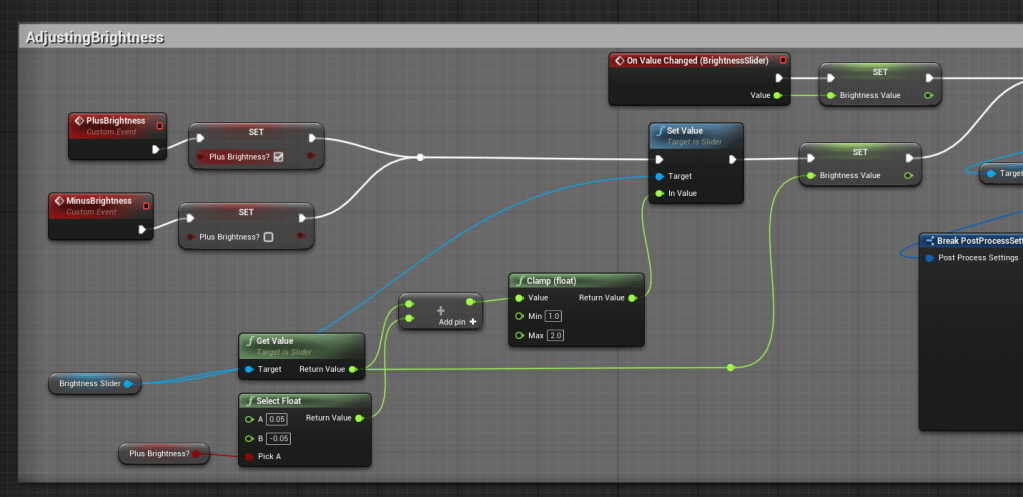
I was trying to find solutions for the sliders so that a gamepad could interact with it. Needless to say I couldn’t find any tutorials that were very simple and easy so I instead made my own way. It isn’t the prettiest or the most efficient but it shouldn’t be too troublesome, anyway it is just a secondary option when you can easily use the mouse to adjust the settings.
The trick I used was to add a plus and minus button that would change the value of the sliders. To make it easier I also made sure to keep it as short as possible. I plugged it in for both the brightness and the volume settings. The volume had four different sliders so I created a macro that I could easily plug into the specific sliders to get it working quick. It might not be the most elegant solution, but I have found that it works as intended. Took some testing of course, I had expected the slider to track when the value changed but it only did that when the slider itself was touched. So I had to manually set the values and save it so it could remember where the slider should be. Overall it was very easy to put together.


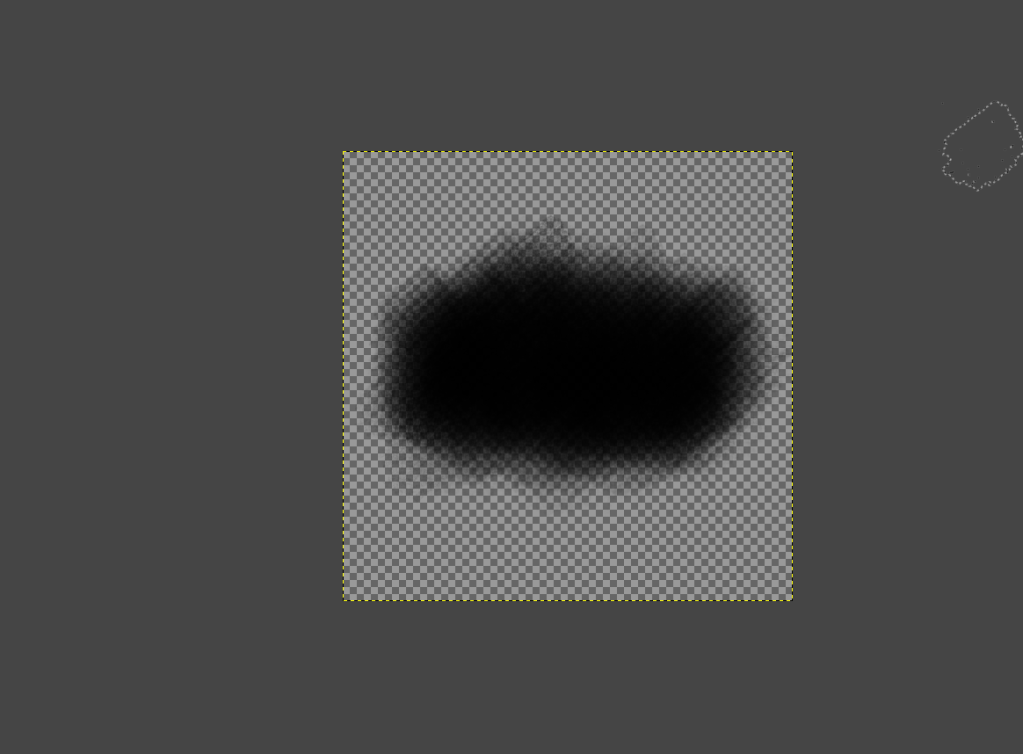
Lastly I had the quick thought to try and create a simple transparent image in GIMP of a background for the key inputs in game. I used brushes that look like charcoal strokes and I made it thick in the middle and light on the edges. After adjusting it to the right size as a background image, it turned out very nice as oppose to the big ugly block that used to outline the text. I will try to make more for the other buttons in the game because I would like to have a cohesive artistic look around the game. Well as much as I can achieve on my own of course.
Once I am able to purchase the options for the video settings I will start integrating it within the game. Hopefully it shouldn’t be too difficult.

 GoldenGratus Games