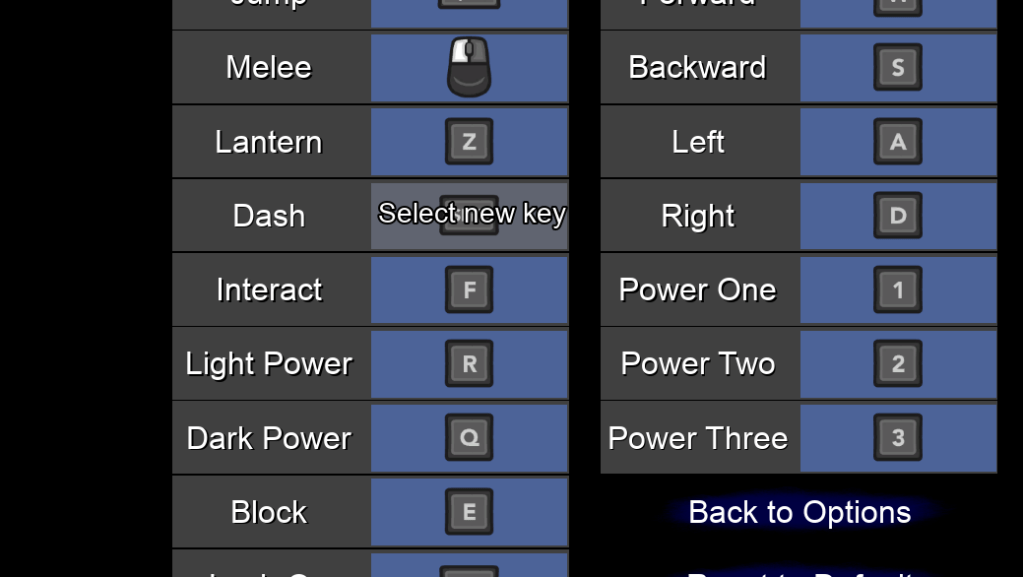
Did a lot of tiny updates today because am still unable to buy the things I want from the marketplace. In the meantime there are lots of small changes I want to make and still need to continue to make. I started off with the settings menus and the possible things you can change. As an avid player it is important to me that I am able to change many settings that fit into how I want to play. That’s why I created the input changer early on. I improved the selector by displaying the message to press a key.
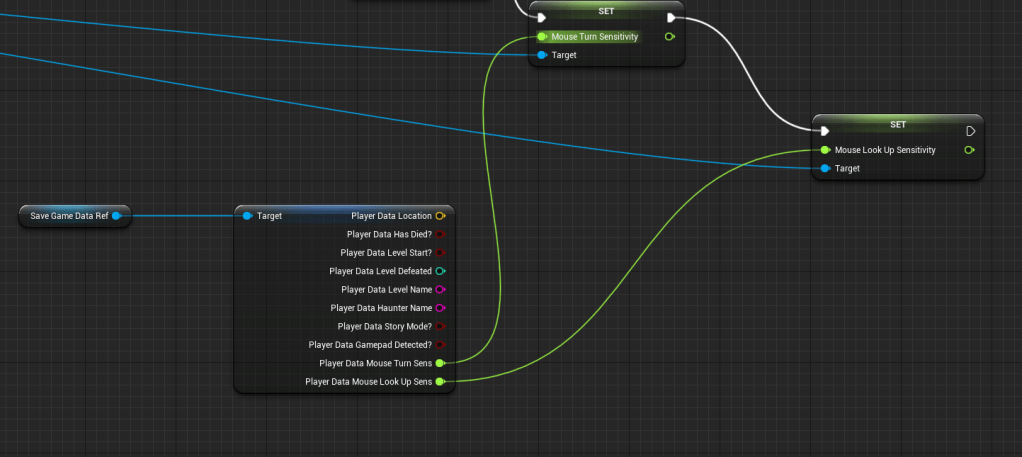
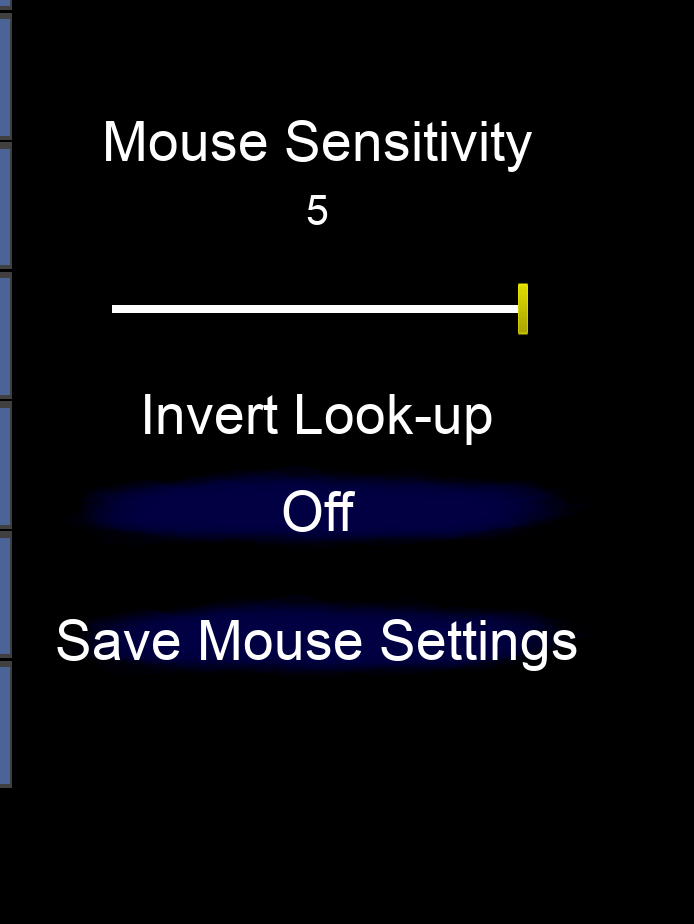
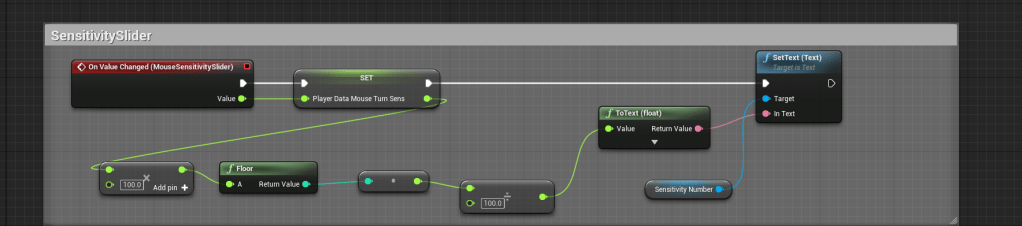
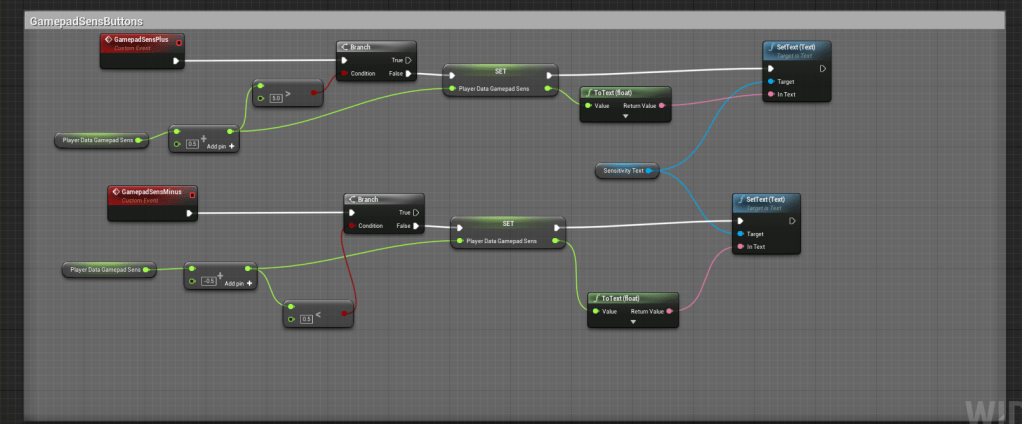
I then added data to the player’s file that will contain the sensitivity for both the mouse and the gamepad. Settings for sensitivity is very important as well. Not sure what the max should be set to so I set it to 5 or now. It wasn’t too hard but I did have to create a new functions to save the player’s data. For the sensitivity slider for the mouse it went down all the way to the third decimal place and I didn’t like how it looked so I looked online for some help and there was some simple math to fix it. It worked nicely and created float values that only went down to the second decimal.
I then updated the case file for the third level because I had forgotten to get to that. So I took a picture of the target and wrote a small introduction to the level and what the case is about, but I won’t spoil it. It is a succinct piece of information anyway.
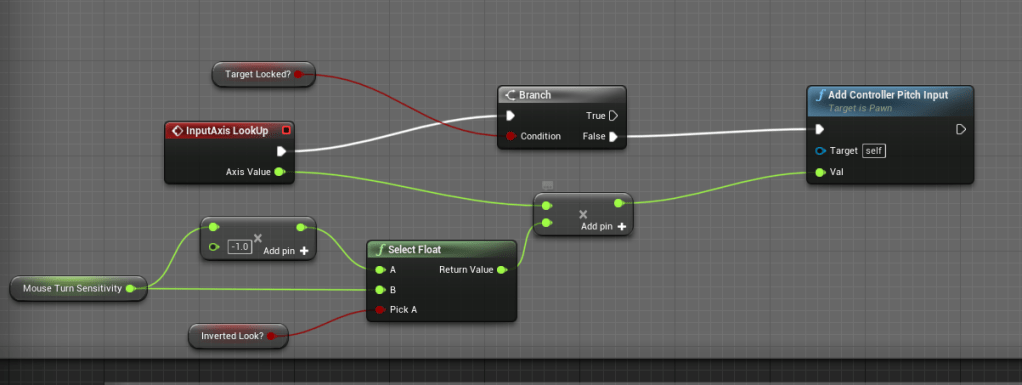
I made sure that the sensitivity was properly plugged in to both of the mouse and gamepad and made sure the inverted option was working. I don’t know anyone who uses inverted controls for looking up and down but I know those people do exist. There are still a lot of accessibility options I need to add. I want to replace the default font with something nicer, but I also need an option to make it easily readable for those who would a prefer a simpler font.
With visuals in mind I brightened the image for the button so it is much easier to see which one is being selected.
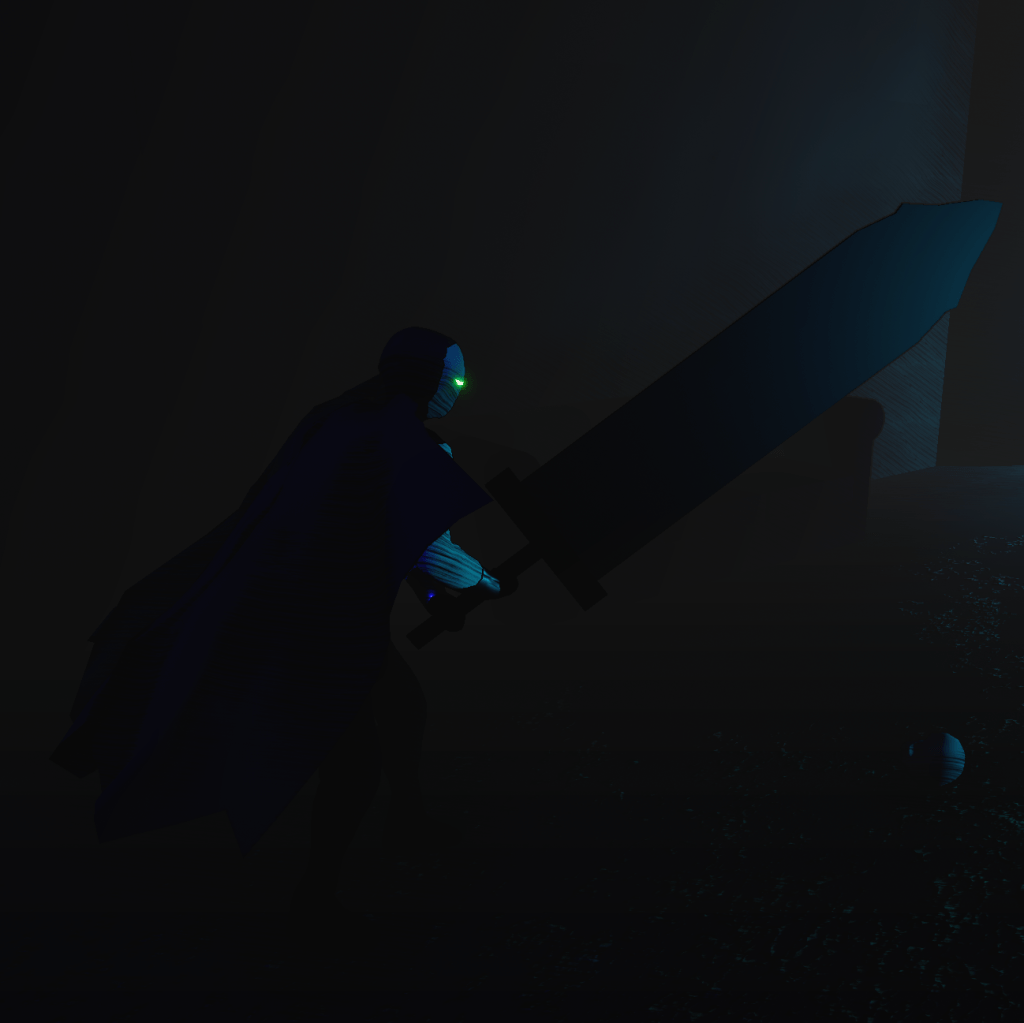
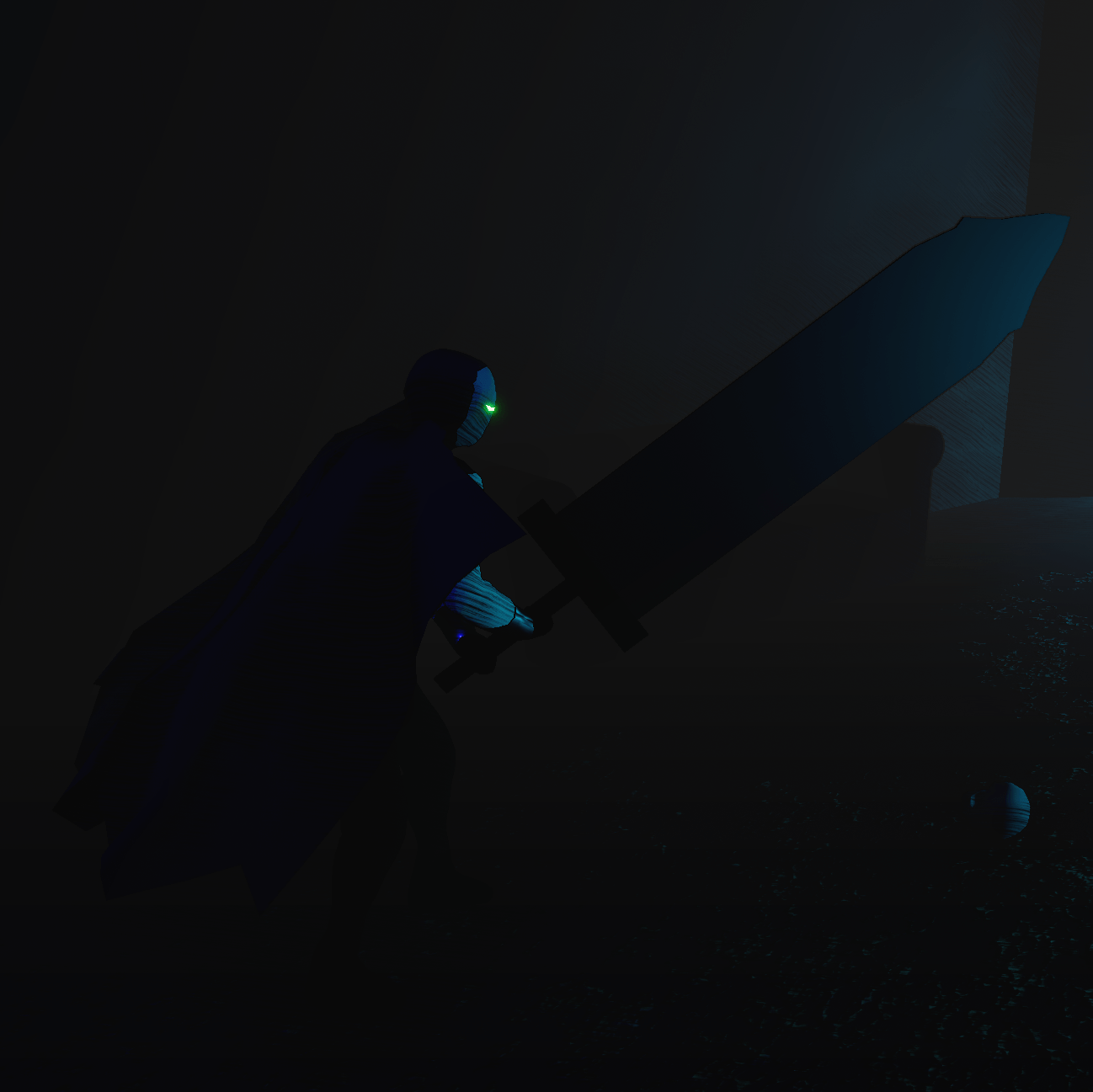
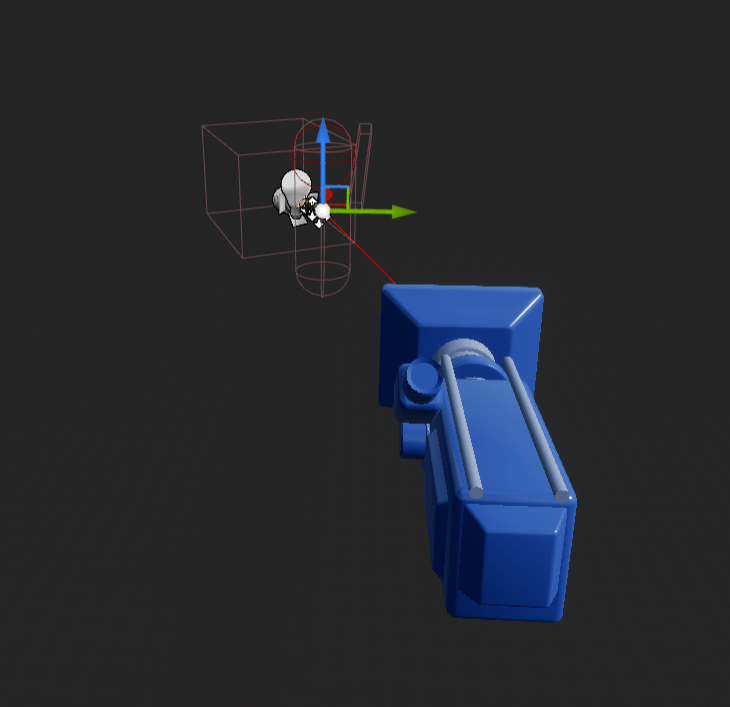
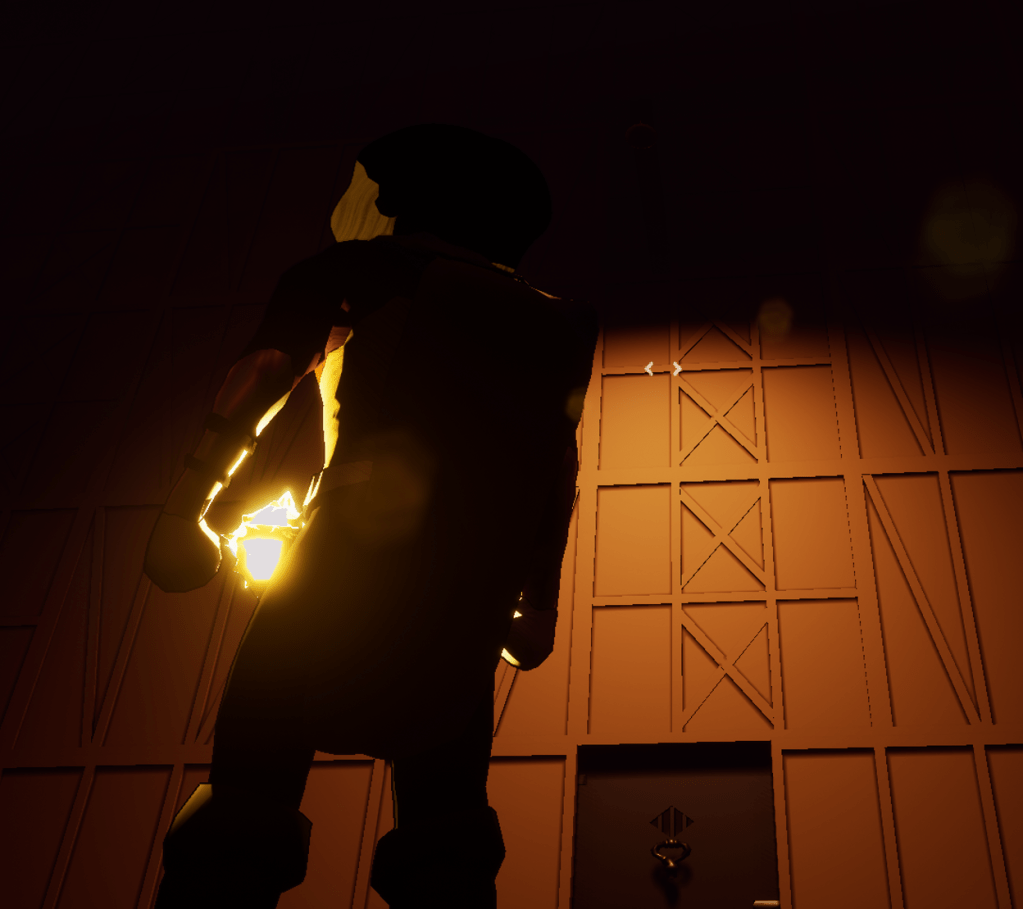
There is a lot with the character that needs improving. The thing I tackled today was the camera position. When looking up the camera gets in the way. So I thought I could use the same logic I did for when the character becomes see-through. I tried it and it worked sometimes but it would jump back and forth between distances because I was checking whether or not it was near the character. That was a mistake because I needed it to work only when the player was looking up and also when the camera isn’t zoomed in. The times when the camera is zoomed in, the character doesn’t get in the way when looking up. So I had to create checks to make sure that it only worked at a specific time.
I tied it to the pitch of the camera, so it can specifically tell if the player is looking up. I also made sure to clamp the angle at which the player can look up, so they can’t look too far up. Now the camera moves to the right so the player can see around the character. It is a very helpful change so the character will get in the way less.
I will continue to do housekeeping. There are still more improvements I want to make to the menu and the character. For the character there are some problems with the attacks overlapping. I need to find a way to make it smoother. Besides that there is about a hundred more things to do.
 GoldenGratus Games