
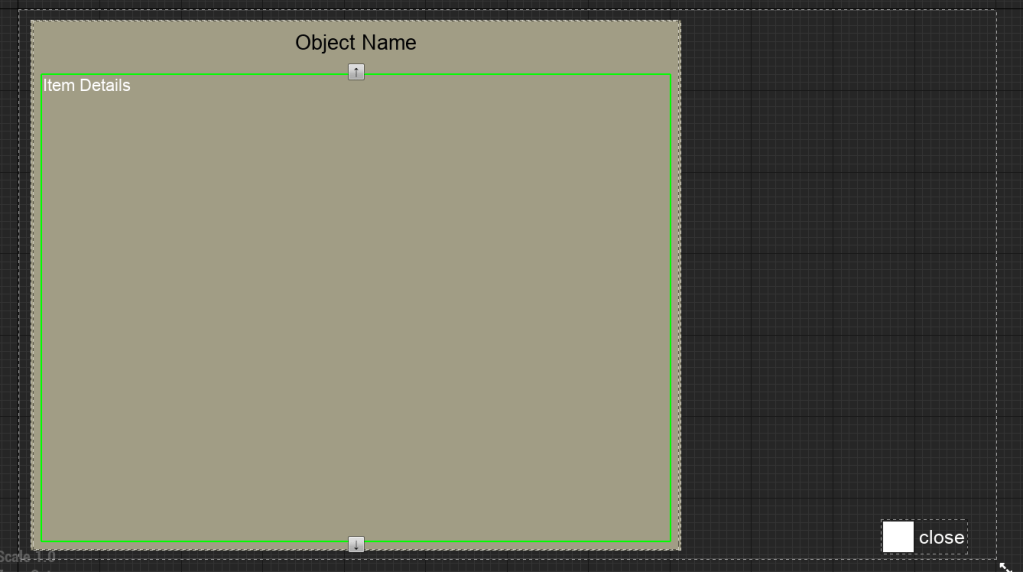
After a lot of work with the UMG, I now have a better understanding of it. So I improved a lot of the messages and things on the screen such as the tutorial messages and the description of the items. It makes it look a lot cleaner and nicer, especially for the item description because I don’t have its background fill the entire screen anymore. You can see the item again.
I also fixed the issue with the whip action overlapping one another because I previously had it connected to when it was ‘completed,’ now I only have the plugged into it being interrupted and I put the delay to two seconds which seemed to be a good amount of time between whip attacks.
Also since I had improved the actions that had buttons to be held down I was able to improve the options menu navigation by putting buttons that can let the player go back a menu. I was having issues before because the button would register in game since the logic would fire on both the pause menu and during playtime.



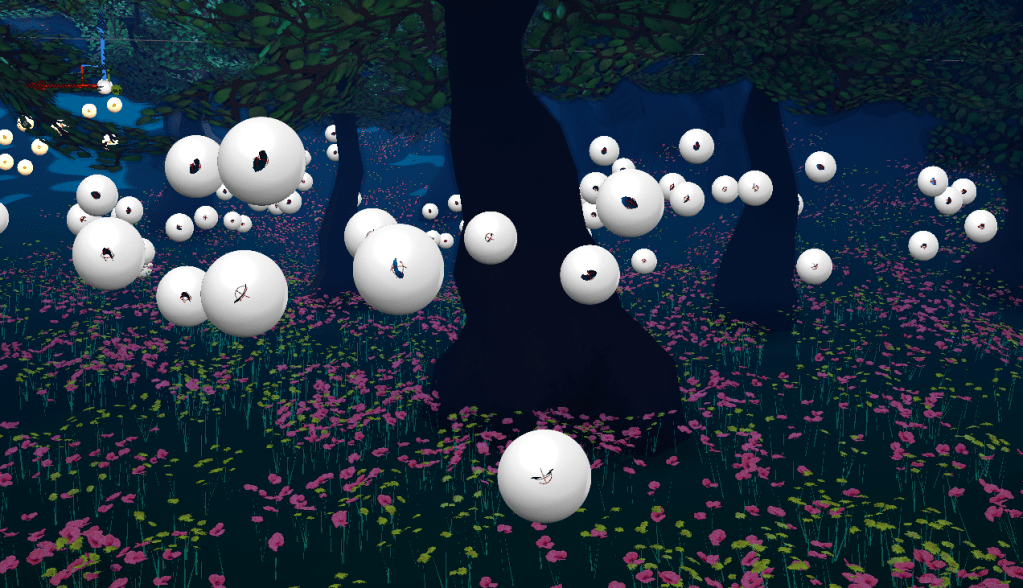
While testing the game I came back to the second stage which has a lot of areas I want to improve. The environment itself is quite large and there is a lot of empty space I can still use. I added floating leaves suspended in the air which I think gives a nice effect to the level. I added hundreds of them and was worried it would take a toll on performance. I made sure they casted no shadows and despite there being a lot of them, there seemed to be no noticeable dip in performance. I added them to most trees and it looks very nice overall.
I finally gave in and started to create my own video settings menu from scratch. Thankfully the HTF and WTF series on YouTube has been a life save in my YouTube journey. I started out with one of the most important settings which was the resolution. It has two values so to get it I needed to get the X and Y.


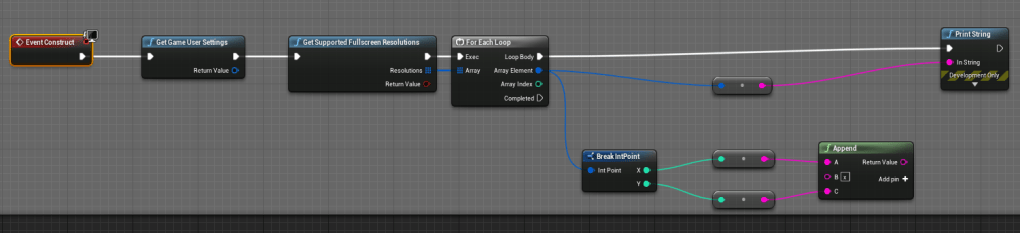
I’m basically creating a string for all the resolutions and putting an ‘x’ in between so it is clear that it is a resolution. To turn it back and set it as a resolution I learned to split a string and convert it into an IntPoint. The great thing about all the video settings is that it is part of the engine already so it already has its own functions for saving, loading, and applying. All I need to worry about is how to set it up for the player to be able to choose what they want. I also need to learn how the benchmarking works. There seems to be a function that can set the settings to the recommended values based on the player’s hardware. I think that will be extremely helpful for some people.
Overall it doesn’t look to difficult to finish this video settings screen. It is definitely not something I wanted to do, because I am trying to be as efficient as possible. But at least I am saving money by not buying the asset and making it from scratch.
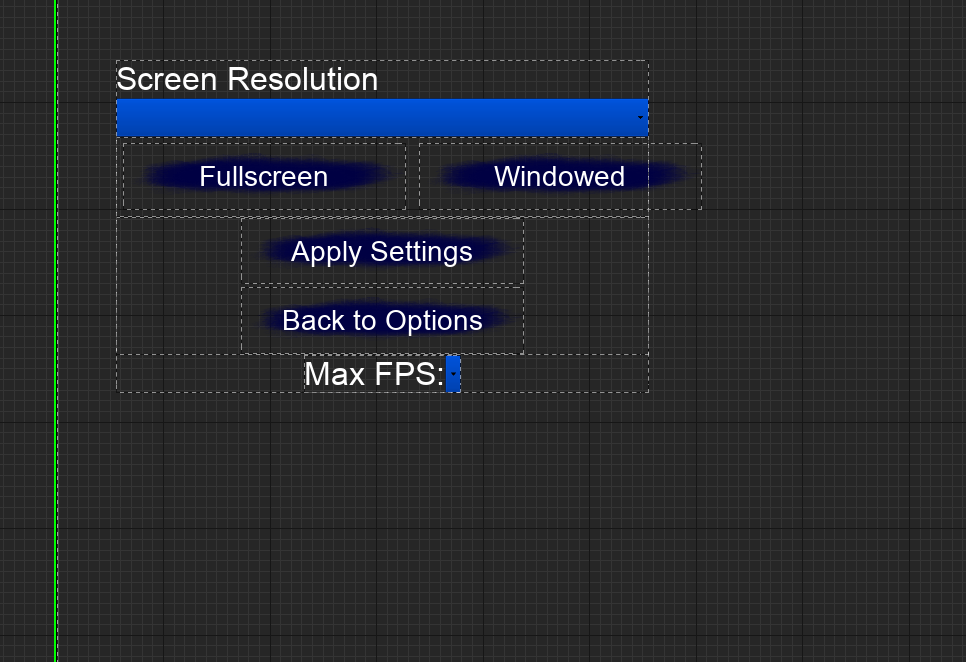
After I finished the function for the resolution I added the next thing I learned from the tutorial I watched, the fps. It was very easy and quick to add as well. Next week I will finish the video settings menu and I will test it to make sure it actually works.


 GoldenGratus Games