
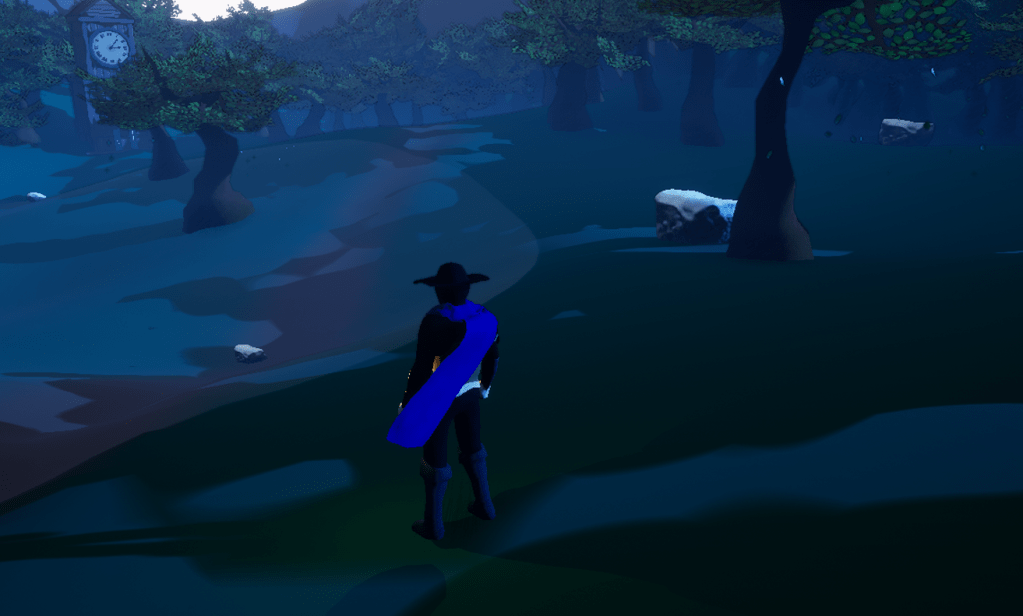
I worked through and learned all the available settings that Unreal engine lets the developer change within the game itself. I started out with foliage because that one would be the most obvious in the cottage stage. Once I turned the foliage down to low all the flowers disappear. So if the setting changes properly then the amount of flowers would be the reflection of that.
I first had to think about how I wanted the setting to be changed. I found that a dropdown box was easiest and most convenient. It takes up the least space and it is simple to manipulate. Once I was got the button working and I knew I was going to add more, I created an array for the buttons that will use a function that adds all the necessary options and I created another function that would get the quality of the specific setting and make sure the option showed the right one.

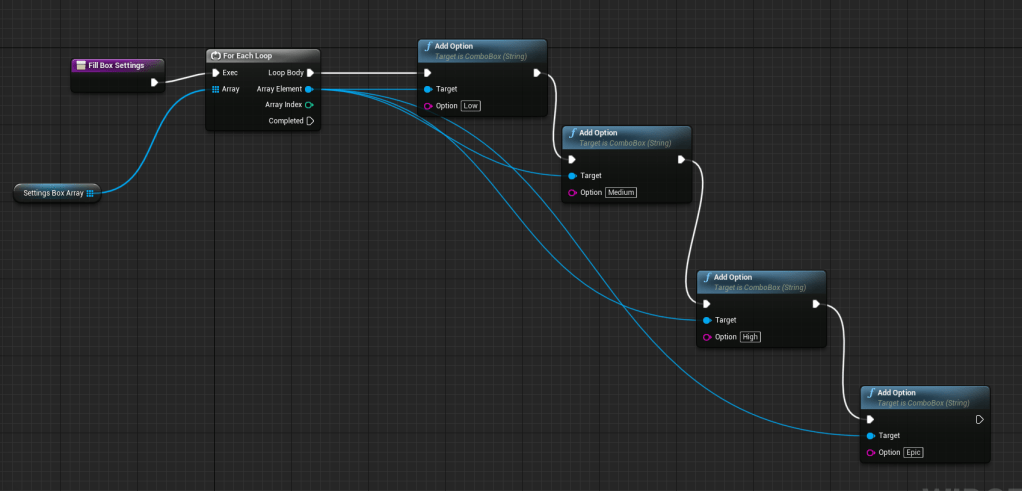
Overall it was a very simple process. I just had to make individual boxes for each setting. I won’t worry about the controller being able to navigate these menus because this is specifically for PC players who hopefully have mice they can use to click the various settings.
It became a large blueprint but I have seen some other people’s works that are much more complex and humungous. I just hope that there isn’t an issue with mine that could potentially crash the game due to the settings. But I did watch a lot of WTF and HTF videos today on most of the settings. Some of them won’t make a huge difference in the game. For the view distance, an object must have a view distance set in its variables for the setting to actually work. I wasn’t aware this was a thing and haven’t set any view distance for any objects. But at the moment it doesn’t seem relevant as I don’t have a crazy amount of objects presented on the screen at any given moment.
The settings of Shadows, Foliage, Anti-aliasing, and 3D resolution scale, are the ones I believe will make the biggest change in performance for my game. With all of the setting buttons plugged in I also learned about the benchmark function that can try to detect the best settings of the player’s hardware. Using this I can set the quality of the settings based on what the engine thinks is best. Hopefully this isn’t an outdated function and will be helpful for those who have low-end computers. I want my game to be accessible to many people, and being able to run it is definitely the first thing that is required.
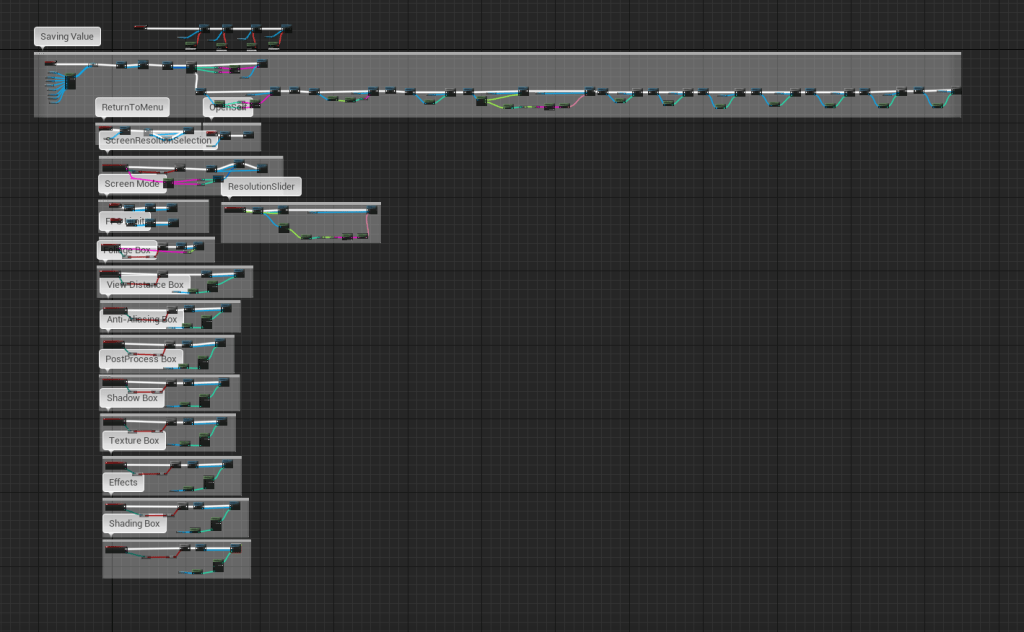
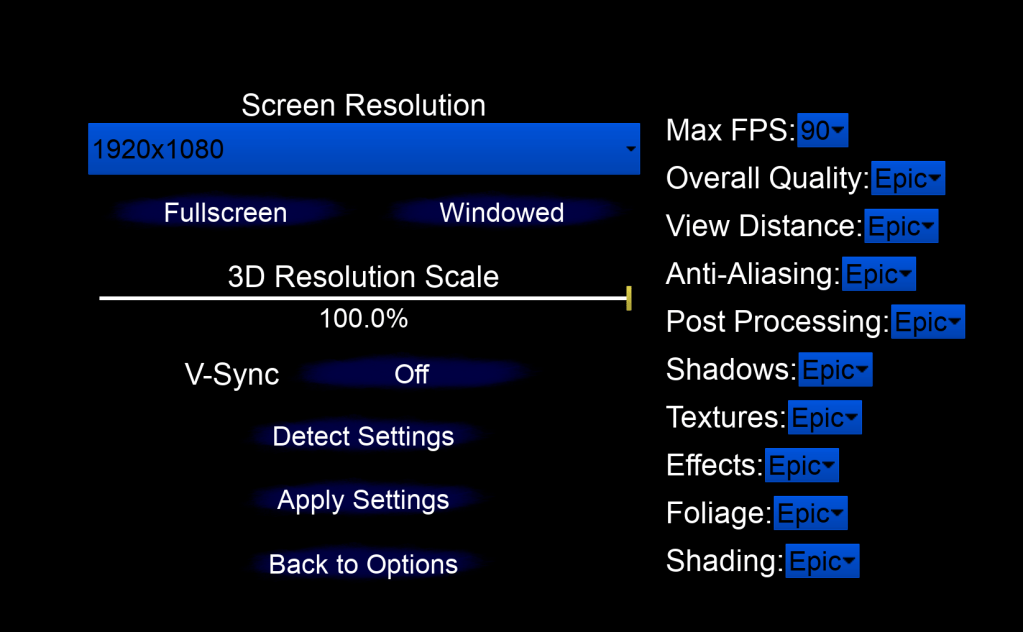
I believe most of the menus and settings I wanted to put have been implemented. I will make a few small changes, probably in terms of the appearance of the sliders and some of the drop-downs. I also want to see if I can create an option for the player to choose their own custom crosshair color so they can find a color that is best suited to their eyes. If I am able to finish that then I will start looking into changing the font, because it is a bit bland. I will make sure that there is an option to change the font if it is too hard to read.
 GoldenGratus Games