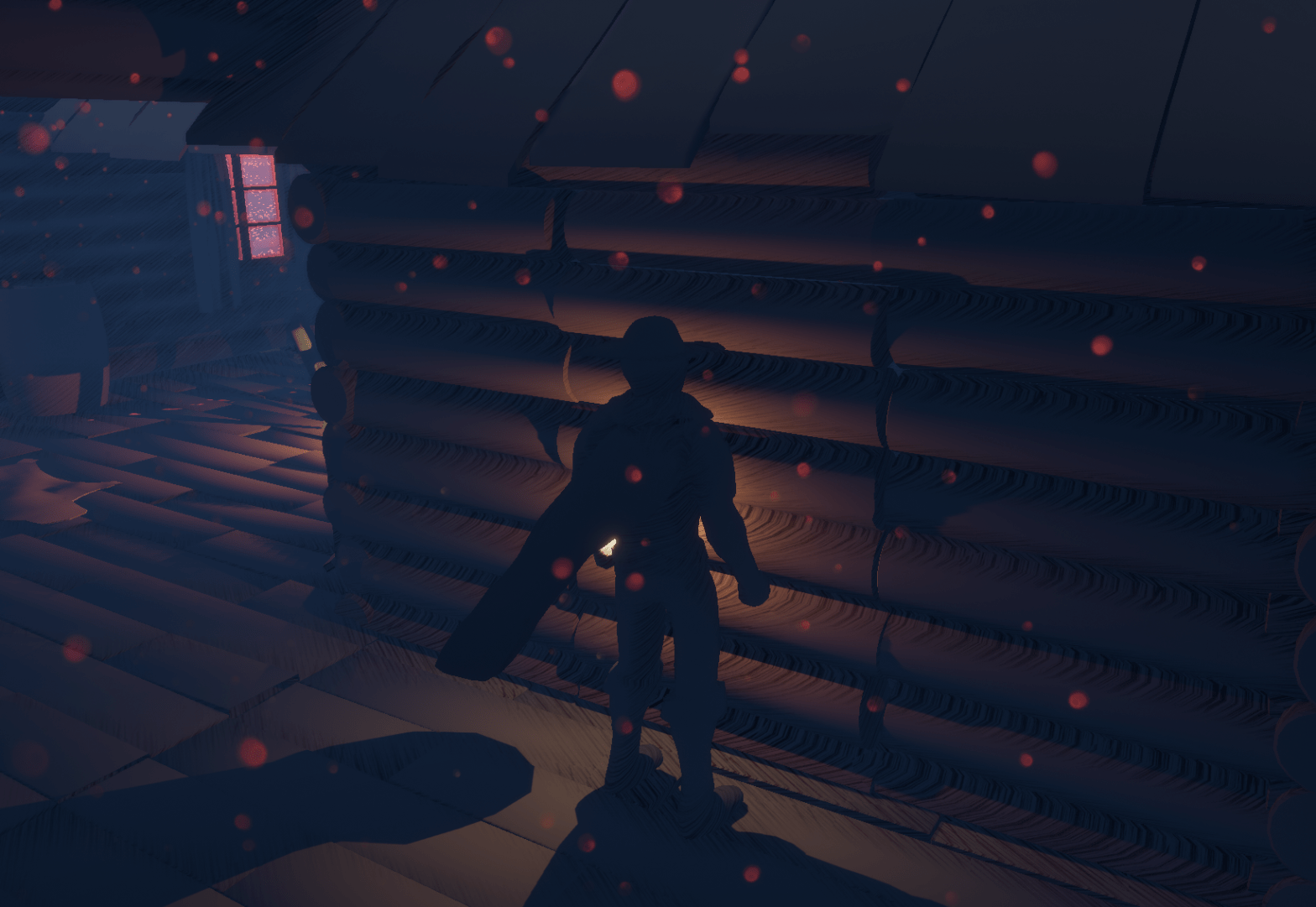
The second level of the game is probably the least dense one. I made added some improvements to make sure it is a bit more interesting and there is more things to find or discover. I also fixed the attack of the pillars to make sure that it doesn’t affect the player if they are blocking. It seemed a bit unfair that they would still be affected by it even if they blocked it.
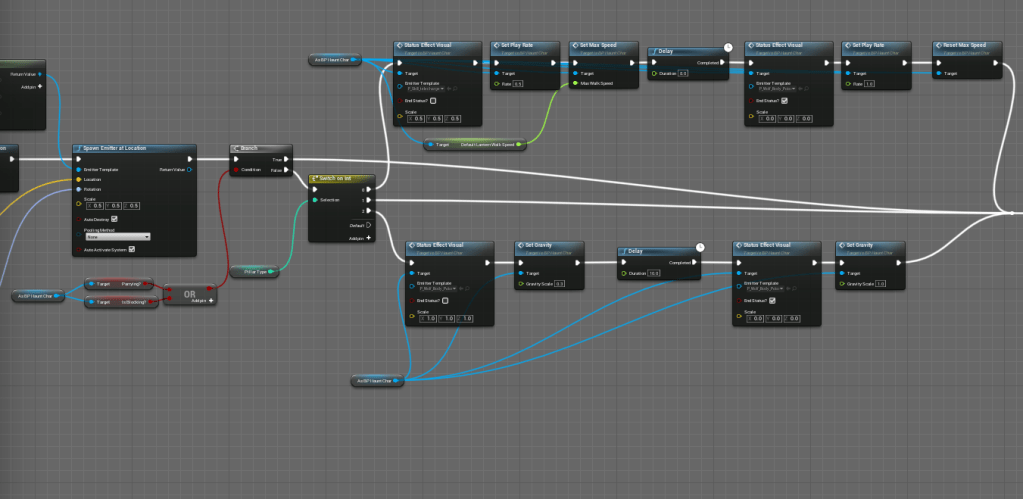
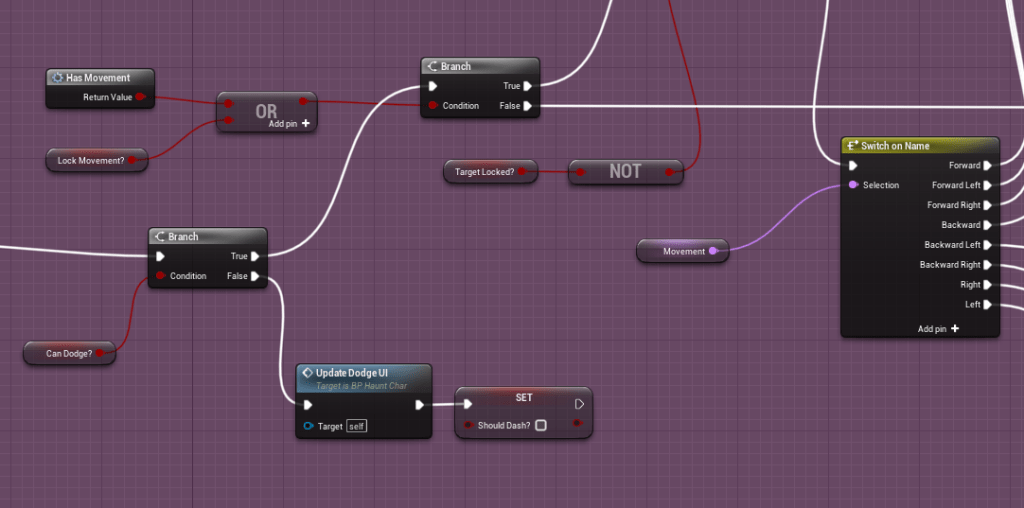
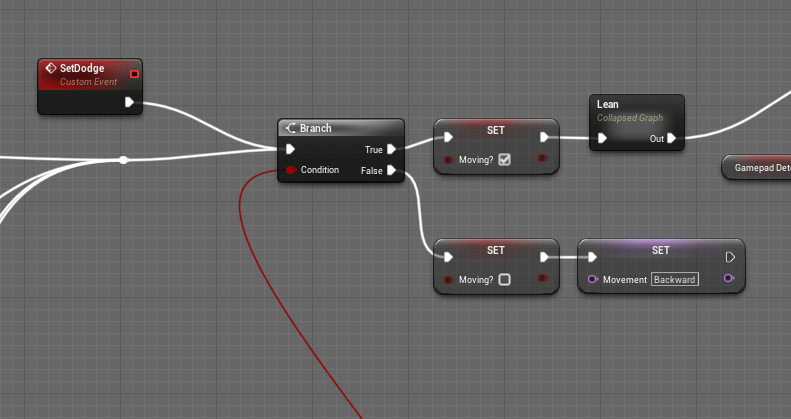
Continuing on the trend of improving the current game mechanics; I was able to fix the dodge while attacking. Previously if you dodged while attacking you would only go backwards, because it wasn’t taking in the direction you were pressing while you were attacking. I made sure that even if you weren’t moving, it still tracks what direction you intend to dodge. It makes it a more fluid experience when you can expect to go the direction you dodge in. Most actions can cancel other actions, which will probably end up with a lot of exploits, but it is easier for me to manage. I also had to make sure that it defaulted to a backward dodge if the player wasn’t trying to move anywhere.
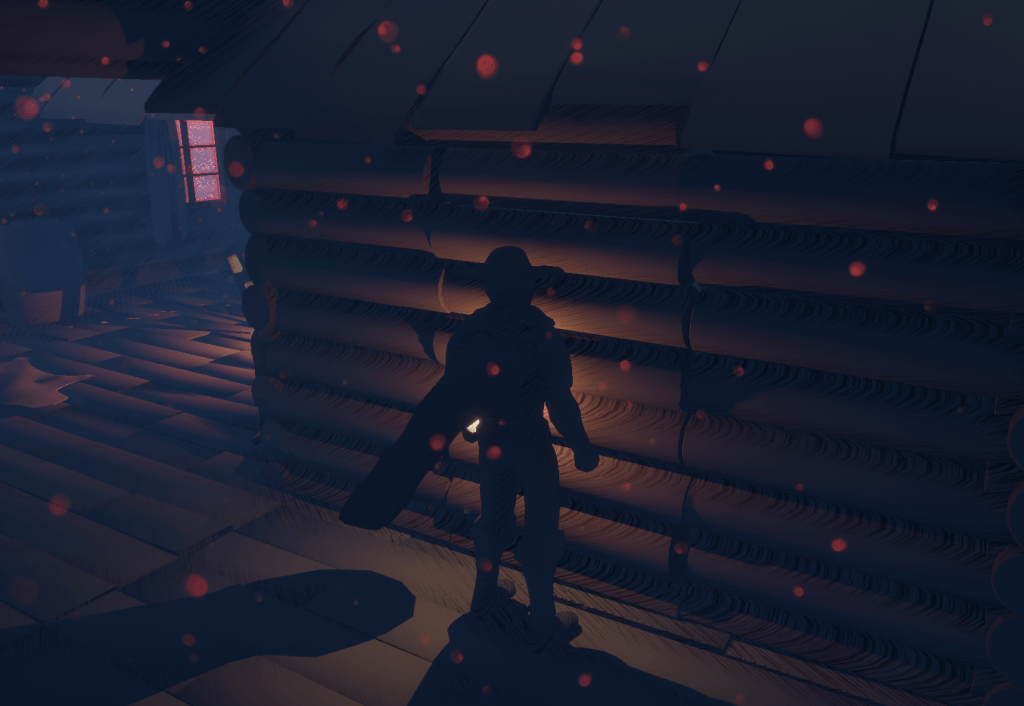
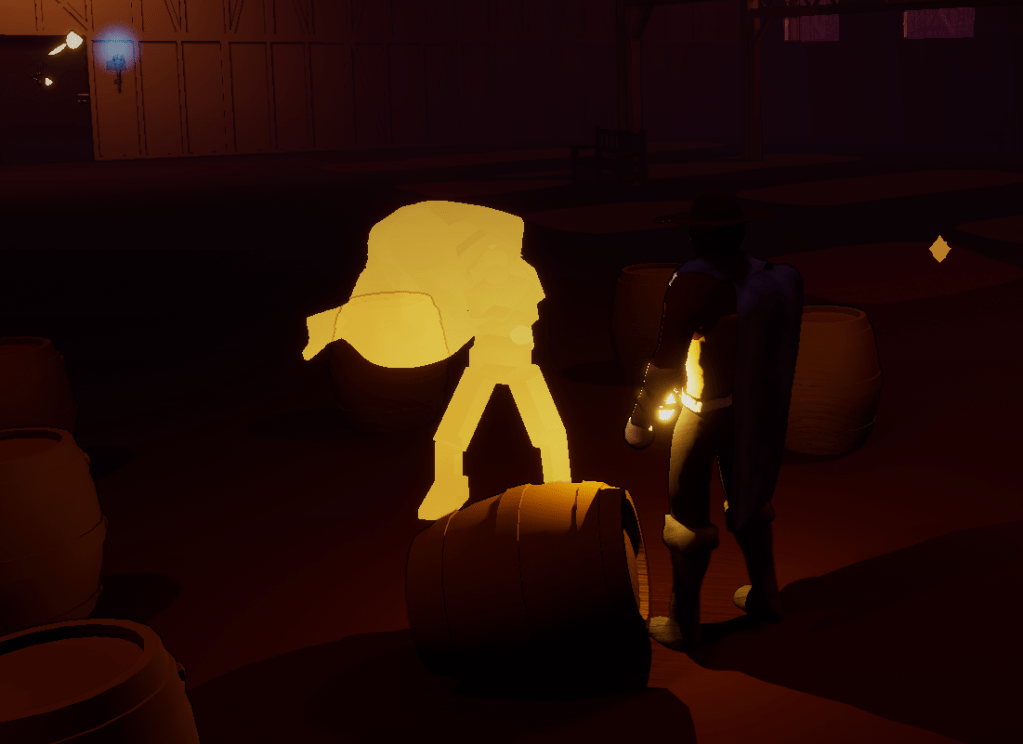
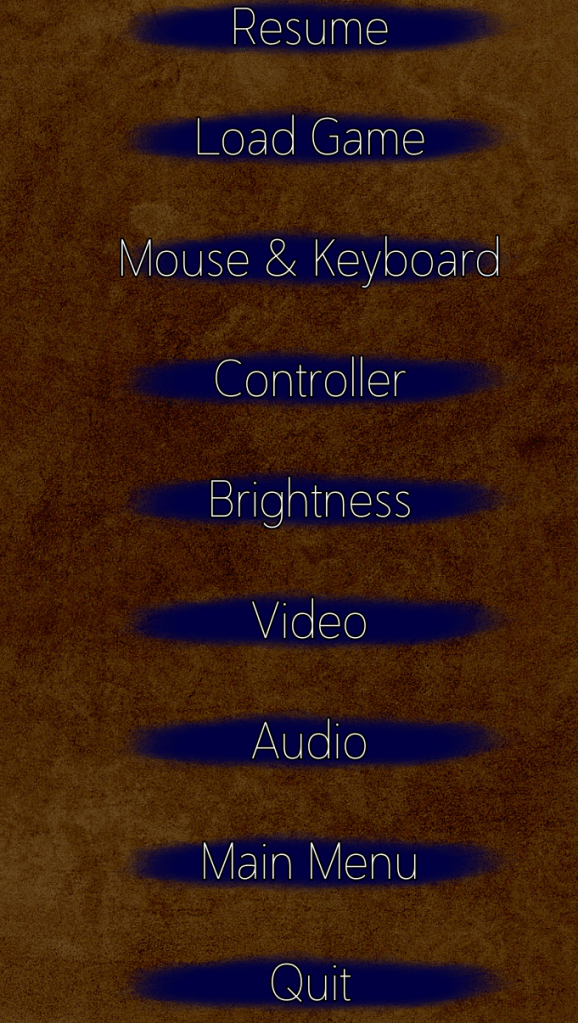
In the first stage there is a training dummy with a normal cape, I changed it so that he had a cape made out of light. It was strange that they weren’t the same material. I added a resume button on the pause menu. Which isn’t that important but after playing some games it seems that all menus have a resume button even if people just simply pressed pause to return to the game.
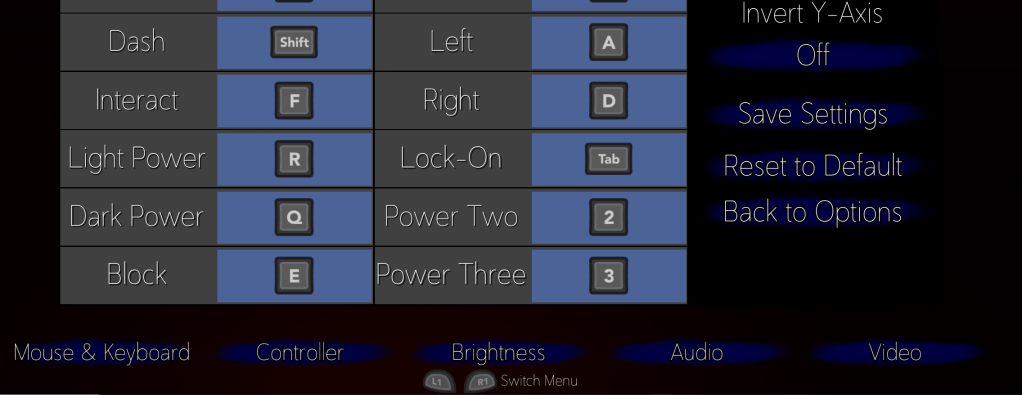
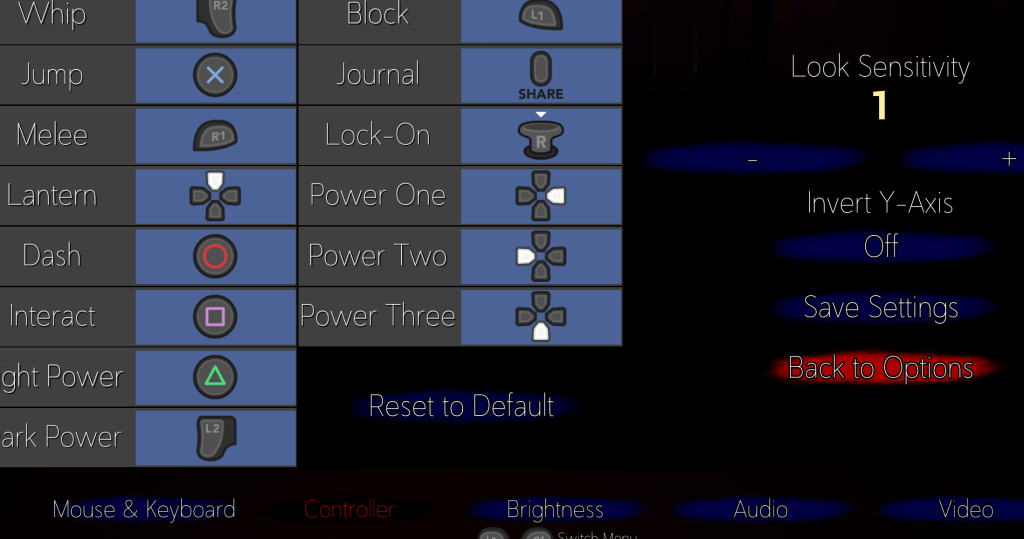
I also added small buttons at the bottom of the pause menu so you can get around the settings much faster. I was inspired by a lot of modern games that had this feature in their menus. It was working fine, except for some reason the buttons would not work on the Keyboard menu, and just that menu. For every other menu it worked perfectly. The buttons would function as intended, and you could cycle through the menus. You could also navigate to it using the keyboard or gamepad, but the mouse could not hover over it or click it.
A few hours were spent testing all the different ways I could try and fix it. I tried to compare it to the controller menu, which is exactly the same, so it didn’t make sense to me as to why it was not having the same issue. I tried to change the Z order of the widgets within the menus. Then after a lot of research online and reading various similar problems and solutions I tried setting the Z order when it is added to the viewport itself. Since I have a separate main options menu to the other sub menus, I tried to see if I could put the main menu over the sub menus. It worked but the background image covered all the settings. So I made sure to remove the background image, but then the game could be seen. To fix that I added a black border to all the settings menus. It was a simple change. I do find it nicer that it shows the menus over the game rather than just the background image. The buttons at the bottom work fine no matter what menu they are in. Still I am not sure why it worked everywhere but the keyboard menu. For some reason the keyboard menu was being built on top of the main options while the others didn’t have that problem.
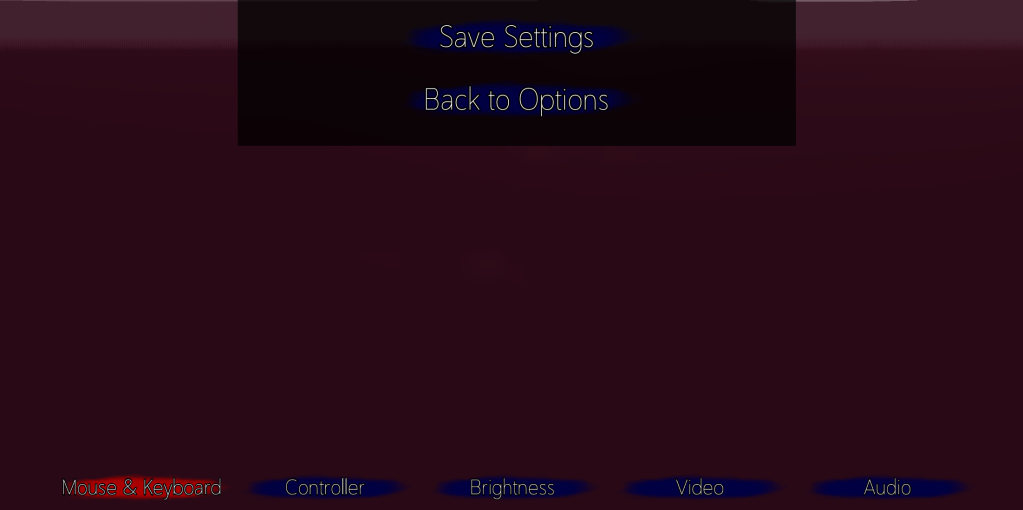
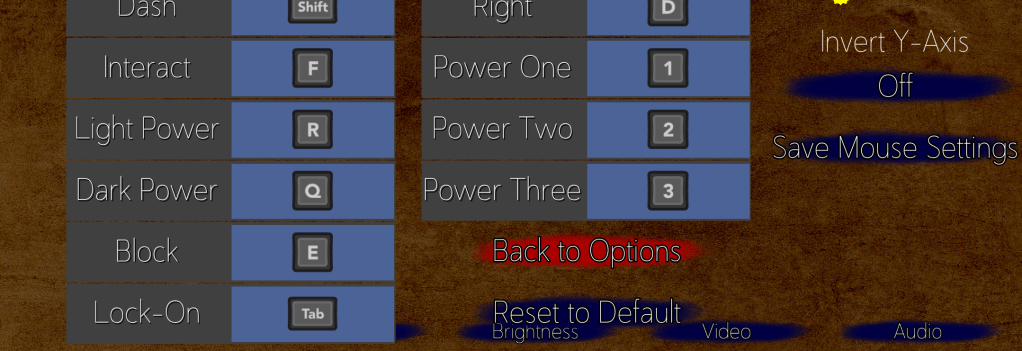
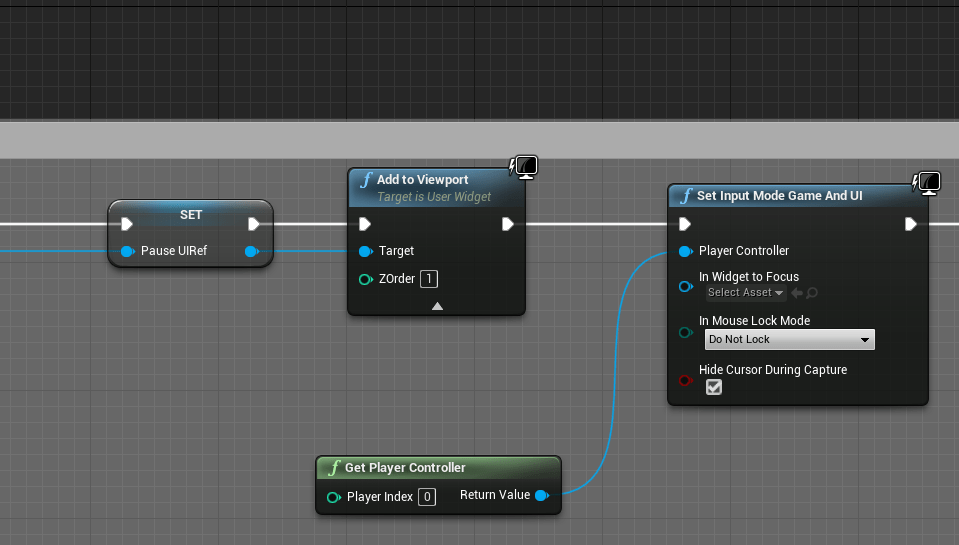
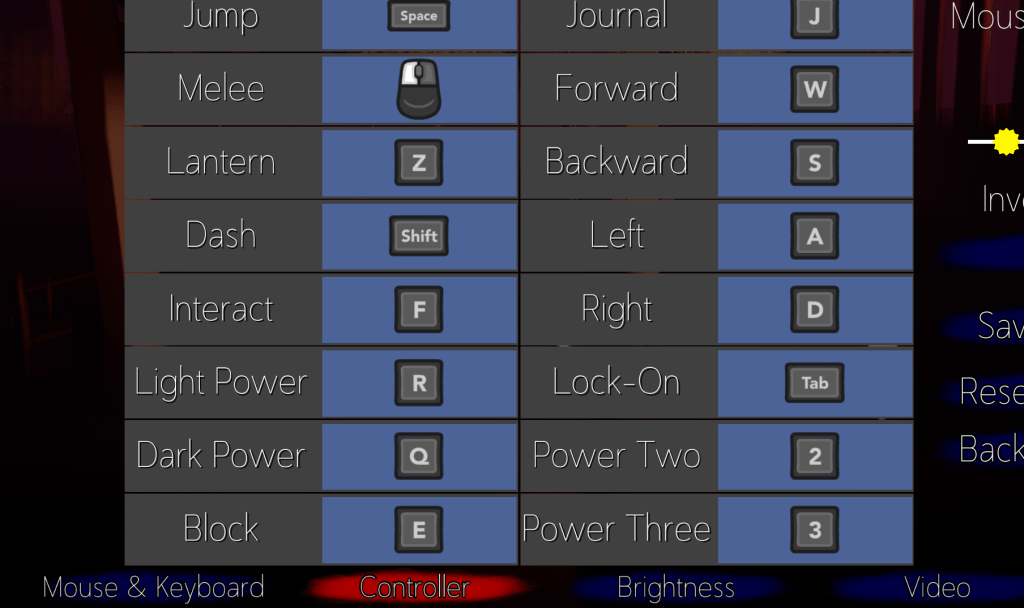
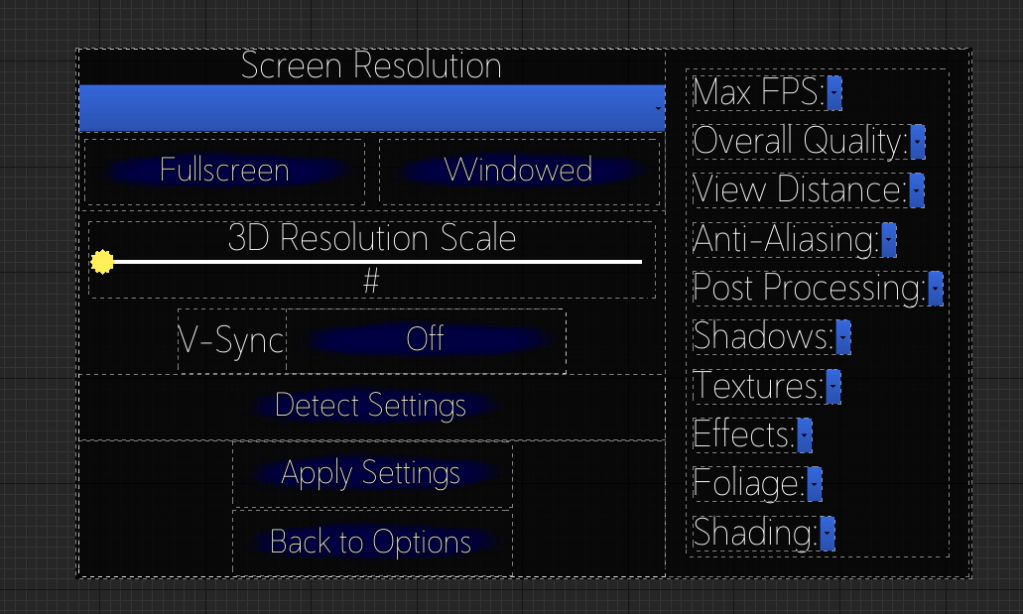
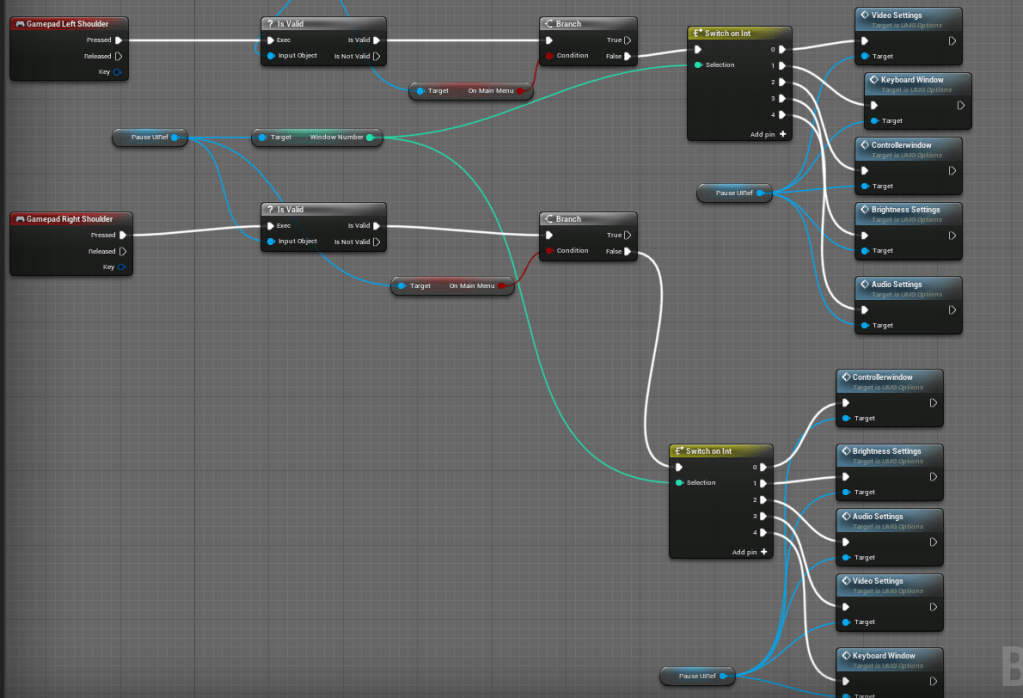
To improve the navigation of the menus even more I added logic wherein the shoulder buttons of the controller could be used to switch menus left and right. This isn’t too important, but I am thinking of the possibility of having it on consoles so this may be useful if I ever get there. I made sure it took in the images from the table of the gamepad, and then I also made sure that the buttons at the bottom would change appearance to show which specific menu the player was on.
I will look into if there is a way to detect different types of gamepad, because I want to make sure it shows the different possible images for the various controllers. Then I might start creating new images for the keys that aren’t present yet. Such as the numpad inputs. The images in the game are still the old ones I made, I can update it to make it match the new images I am using. Besides that I will continue making improvements to the stages and mechanics.
 GoldenGratus Games