
Got music from the composer I commissioned and he kindly sent me the separate tracks of the song. It’s for the boss fights and I absolutely love it. With the different tracks I can mix it in different ways so I can lots of different tracks that are similar yet distinct. I will start doing that once I finish this fourth stage. From exploration gameplay to the boss fight.
I did test the music while fighting the first boss and it looped perfectly. Though I encountered a rare bug where one of the chairs flung him onto a shelf. He got stuck there. I made sure they couldn’t affect navigation so that should fix it if it happens again.


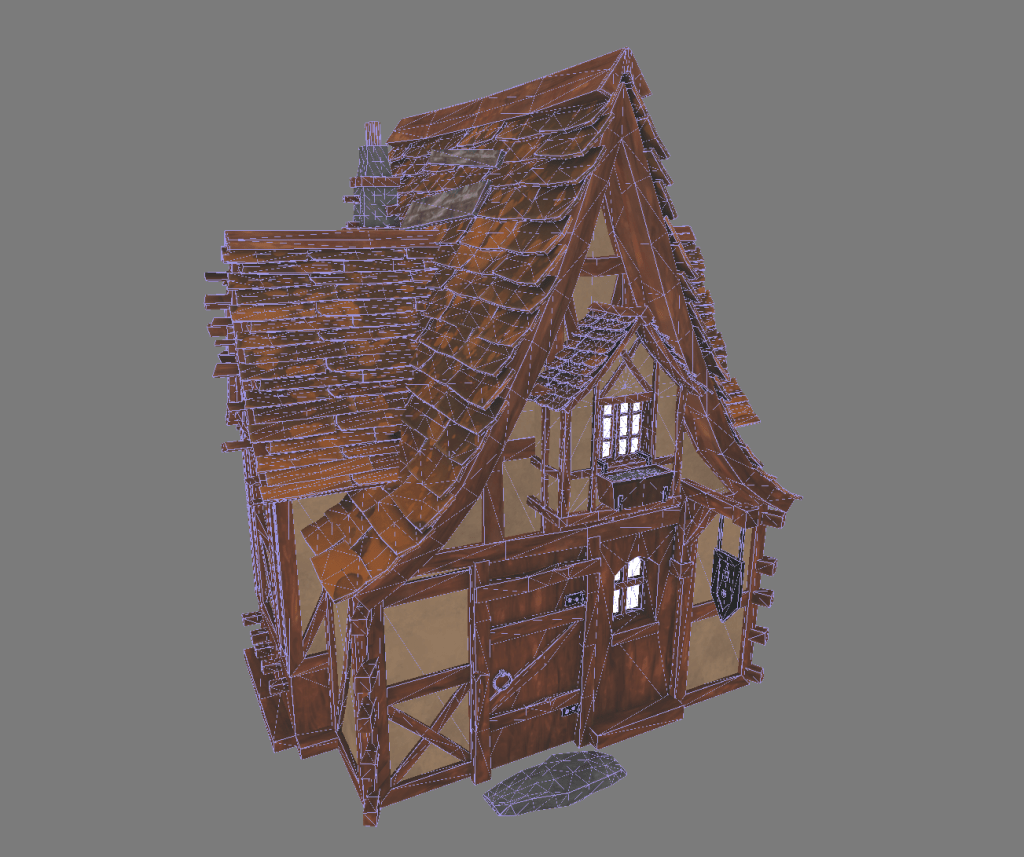
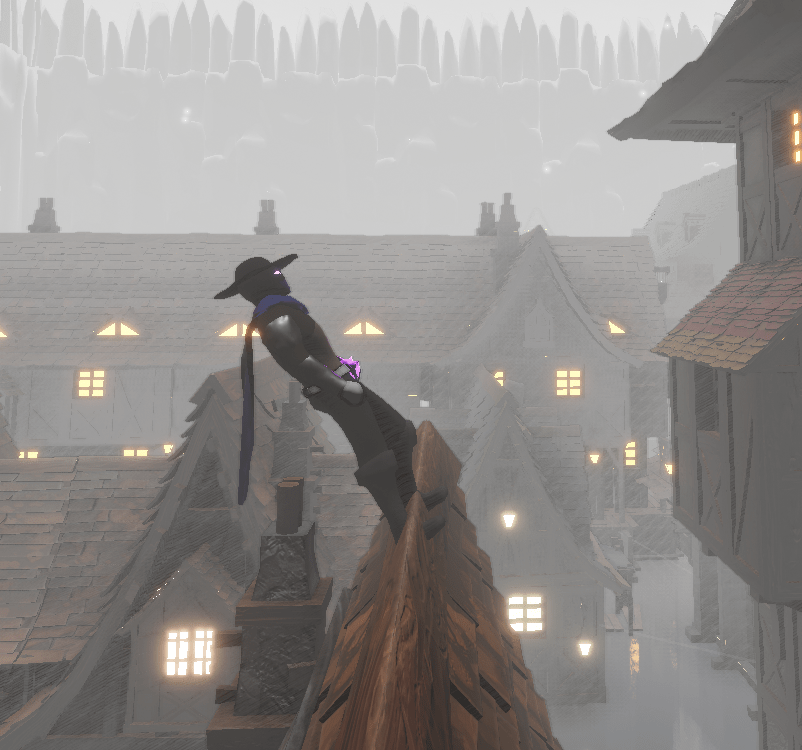
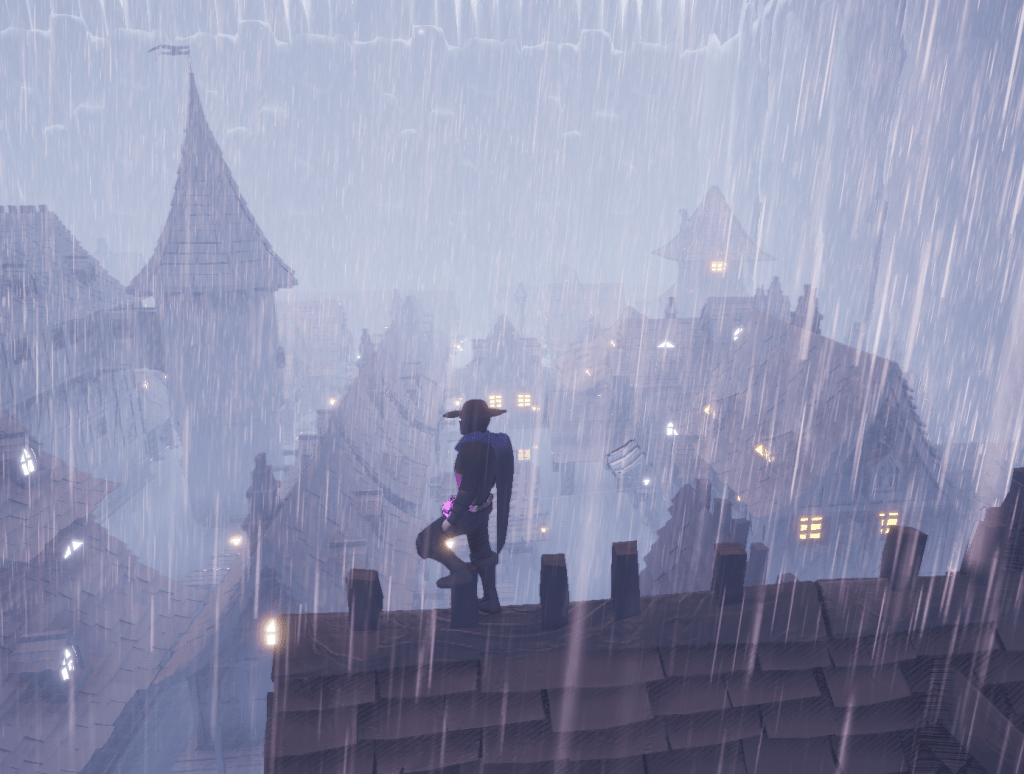
Going back to work on the fourth stage I used the complex collision on all the buildings so the placement of the character would be more accurate when traversing on top of them. Since the line traces use visibility it will be nicer to see the character’s feet and body adjust more precisely to the shape of the building. Previously it was using simple collision which made the character float on top of it. Since it wasn’t really meant to be walked on, this was my solution to make it look better.
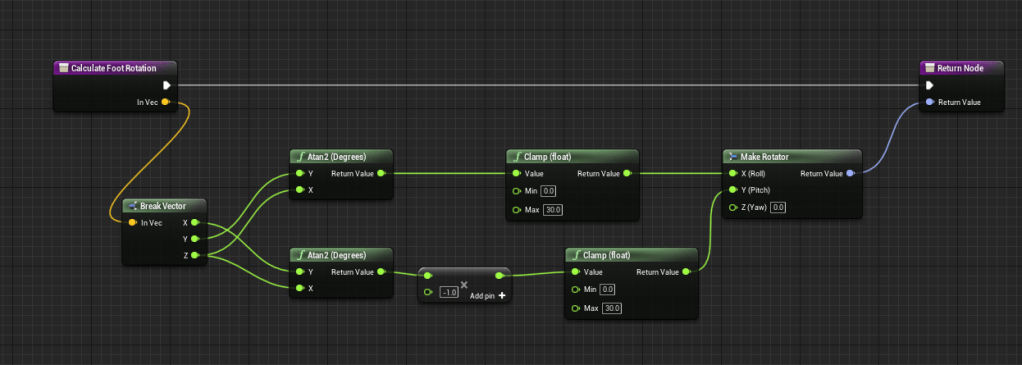
The foot rotation I implemented awhile back works great but I never clamped the angle at which it bent. So it would point in weird directions. I fixed this by checking what angles looked normal and I clamped the numbers to that number. This way it doesn’t look too strange on top of the steep roofs.
I bought an asset from the store that was a simple rain blueprint that could be dragged into the scene. It came with a component that I could attach to the player and it would follow it around. But for some reason that component was not well optimized and it caused the FPS to drop drastically. There is another blueprint that is just an actor that I could drag into the scene and it does the same thing, but it rains within a specific area. I could easily attach it to the actor and it didn’t have the same affect on performance. But since it was attached it would follow the rotation of the character. That meant the rain drops would turn if the character turned. It was very clear and I needed to find a way around it.
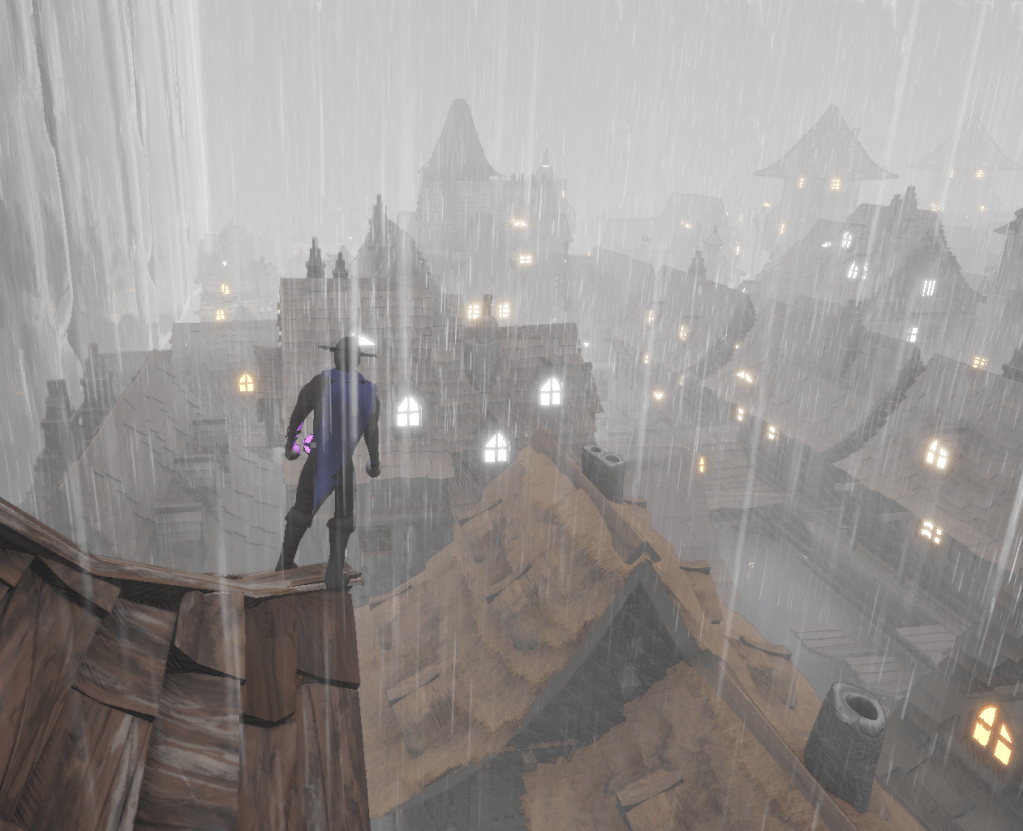
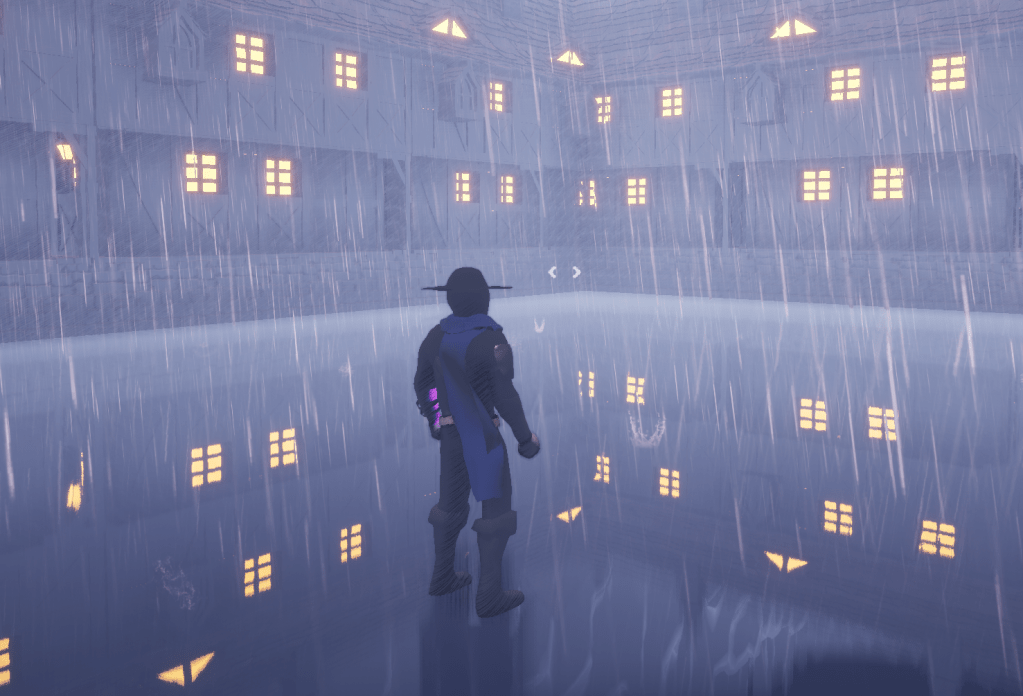
After some research I found a function where you could set an absolute rotation. It would make sure the rotation of the actor never changed. When I set the absolute rotation to true it worked as I hoped and the rain would follow the character without rotating. The scene was rainy and foggy, the feeling of the place was really coming together.
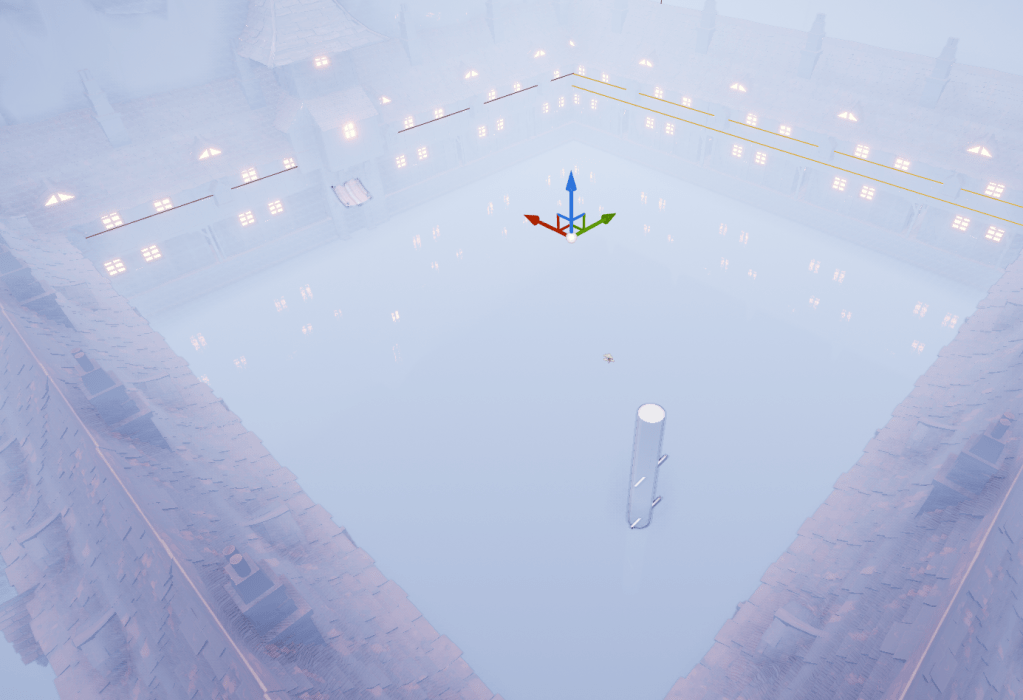
I then tested some different types of collision so I could make the beginning of the boss fight start with no issues. And I needed to use a blocking volume so the player couldn’t jump on the parts of the building that were sticking out within the fighting area. The best I could figure out was to use a collision box that would interact with a blocking volume through the level blueprint. Simple enough and it won’t need anything more besides to start the boss fight. It’s an open area that the player drops in so there is gonna be a lot to think about. The player could drop in from anywhere so I have to make sure the boss is on the opposite side somehow. Or should I have the boss be in the same all the time. We shall see.
Tomorrow I will add more objects that will expound on the story of the level, and then some props to be able to fling around for lots of fun. Once that is all settled I will finally start work on the boss.
 GoldenGratus Games