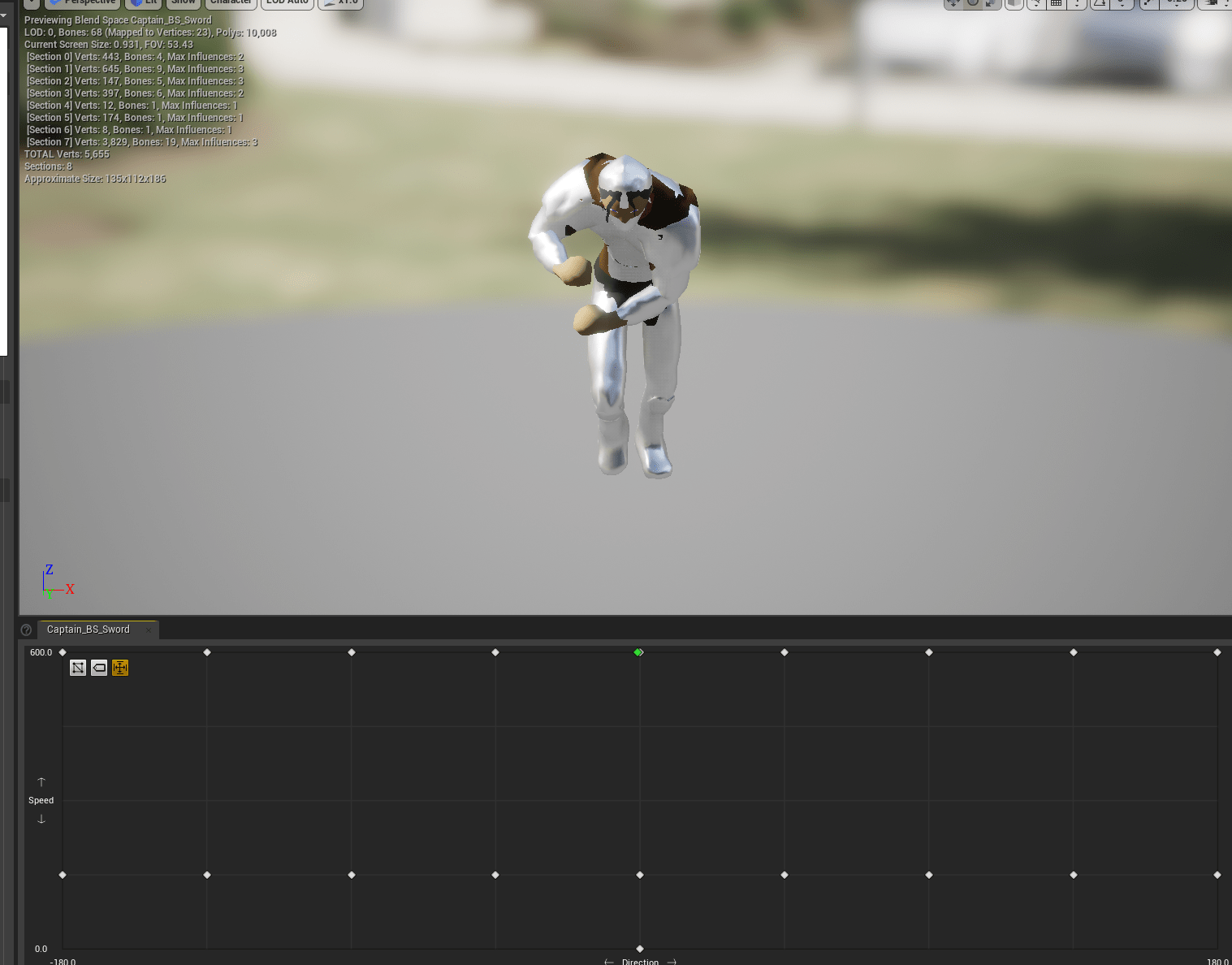
After some research (playing games) and reading reviews on steam. I’ve realized how irritating it can be when enemies can easily track your position. This means that even when they attack they are rotating to follow you. I tried to actually stay away from that before but I couldn’t figure out a way to implement it because there’s so many aspects of movement and rotation that I didn’t understand. Now that I am further down the line I understand more of what can dictate the direction the actor is facing.
I spend some time experimenting on the third boss. I tried different ways of turning off the tracking. At first I thought I could turn off and on the Use Rotation Yaw. This snaps the actor’s rotation to wherever it is facing. But for AI when you turn it off and on it had no smooth movement. Perhaps there was as setting I needed to turn off but I couldn’t find the right combination. The solution I ended up with was quite simple actually. I turned off the Use Rotation Yaw and and ticked the Use Control Desired rotation. This made is so that it would still rotate to face the player but when using attacks with root motion it would not turn until it was finished. There are still some kinks to work out. It is strange that it wouldn’t try to turn to hit the player, so I’ll try to find a way to make it slowly turn instead of not turn at all.
The old way that the attack was working made it always trace for the player no matter where they were. Since I am limited the rotation that meant it would do an attack even if it wasn’t facing the player. I changed the way the trace worked so that it would only fire in front of the actor. That way it would only attack when it saw the player in front of it.
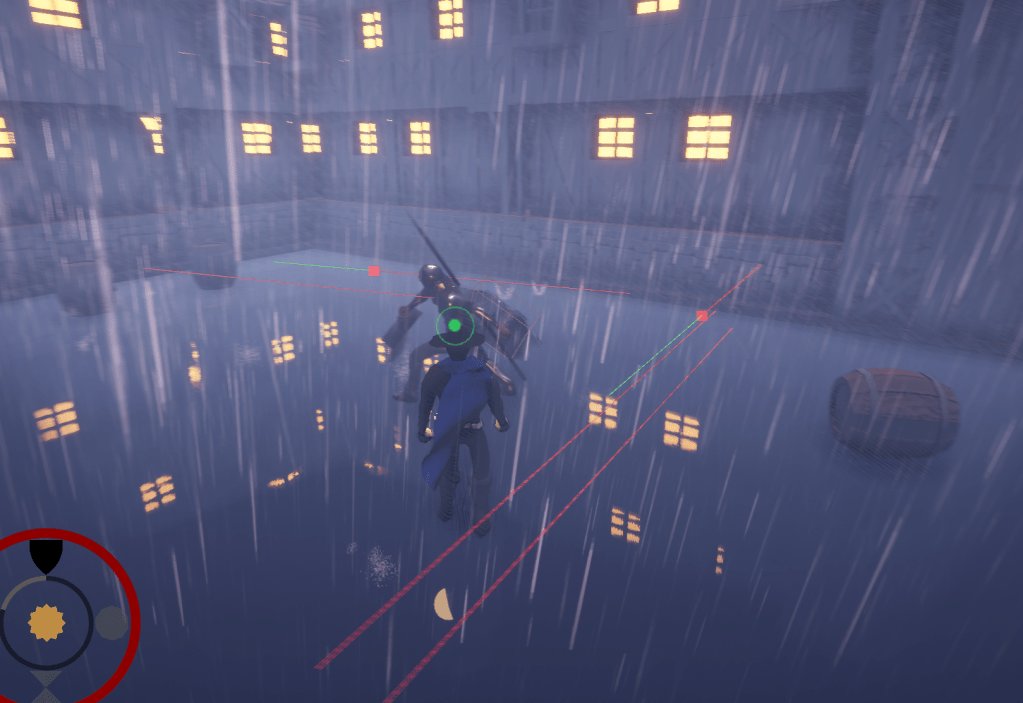
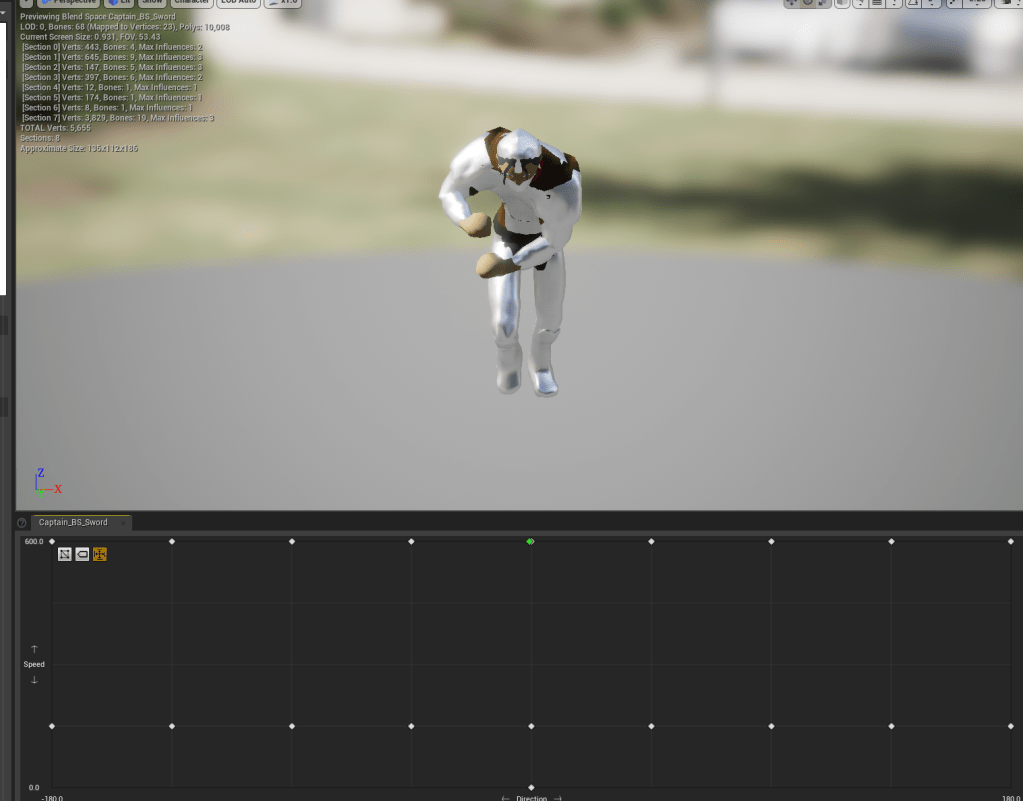
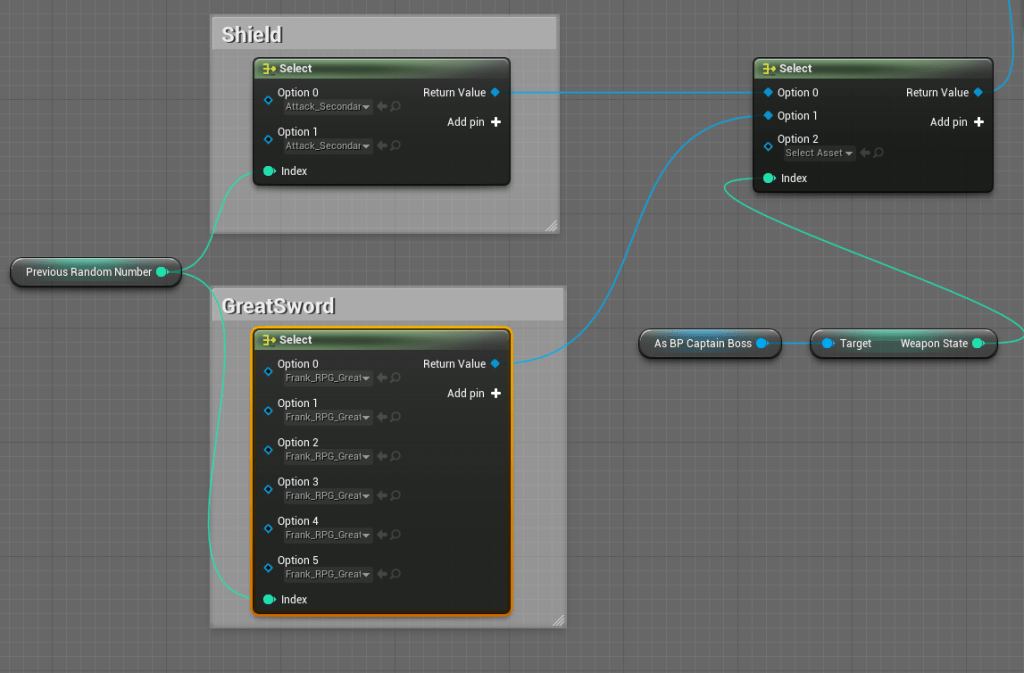
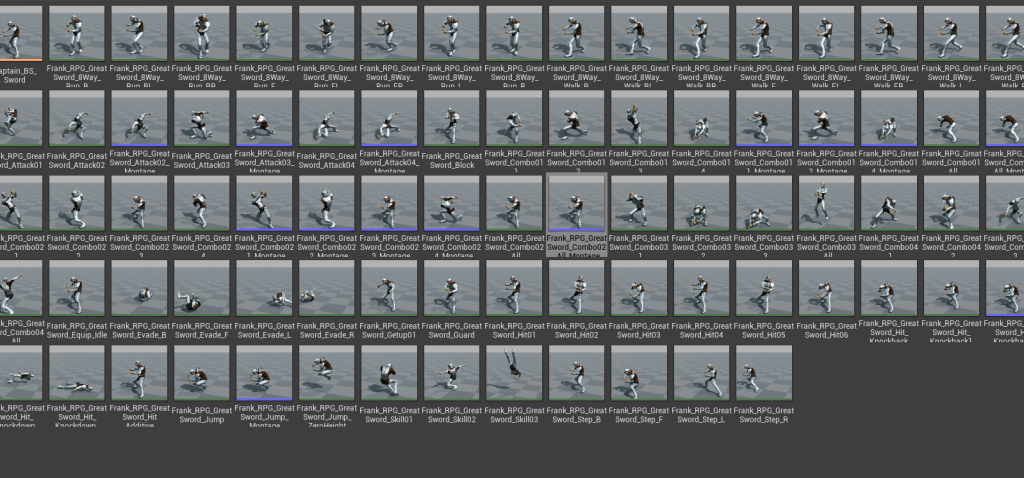
Once that was figured out I went to another tricky part. The boss has different weapons and I need it to have different animations based on the weapons. So I got a new asset full of great animations and I wanted to see if I could change the blendspace and other animations in the blueprint using a simple integer. It worked. All I had to do was create a separate blend space and it would immediately change how the boss would move.
Then I had to figure out how to move the melee collision from one object to another. I ended up saving a variable of transform (location, rotation, and scale) of the sword. I would set it to a specific transform when it was supposed to be equipped. I added a scene component to the sword which basically works as a point in space so I could tell the melee collision where to attach itself to. That way I could put it in the center of the sword.
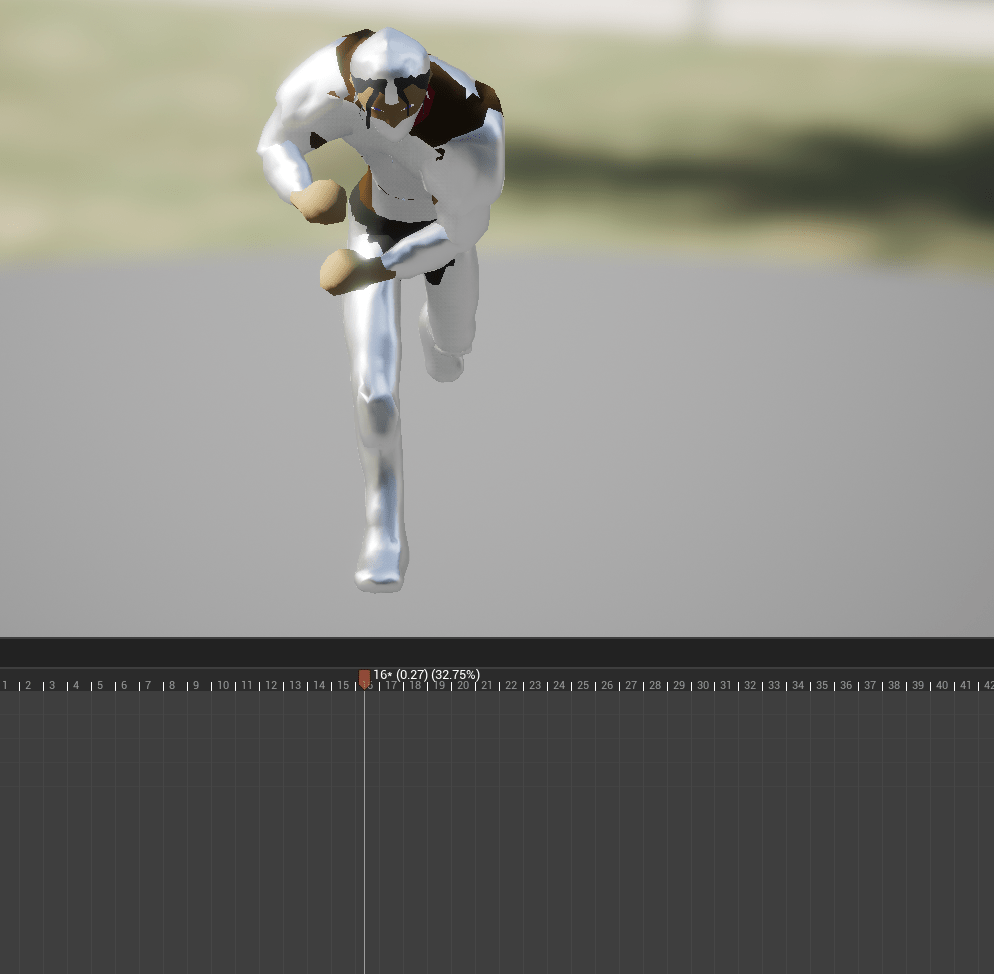
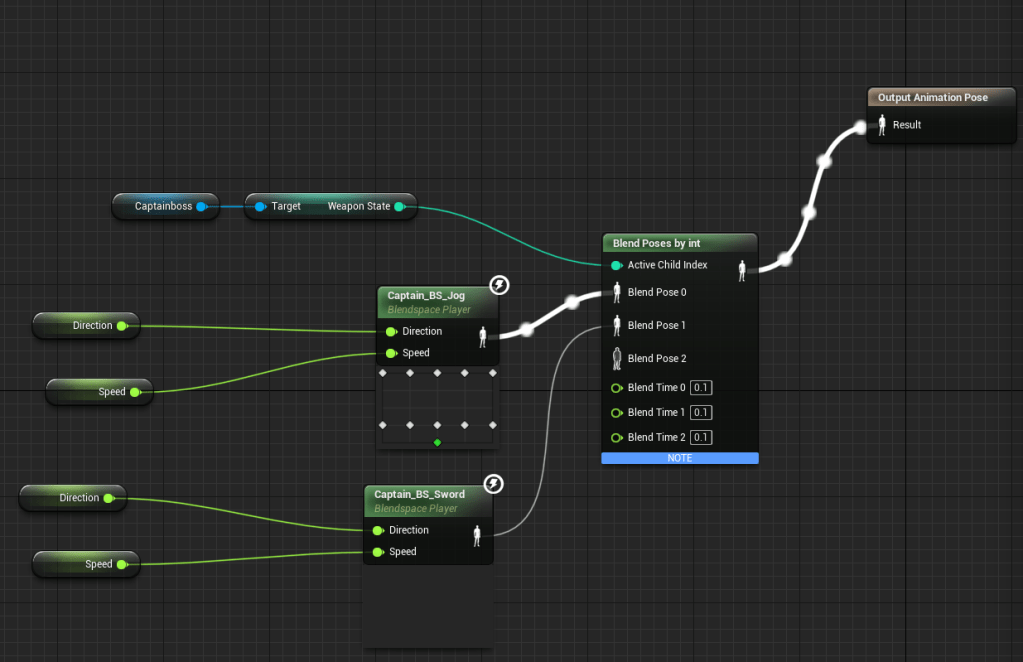
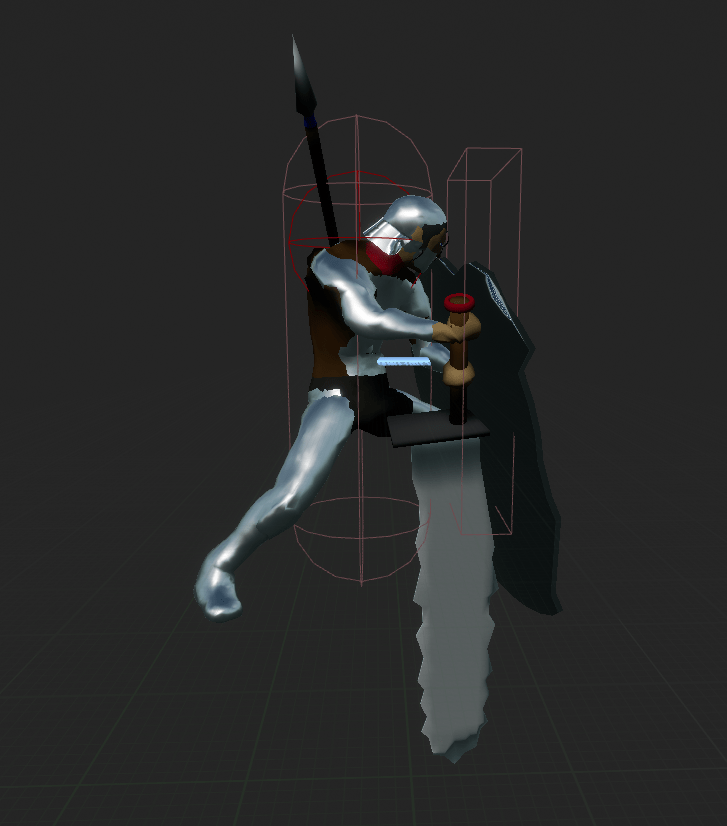
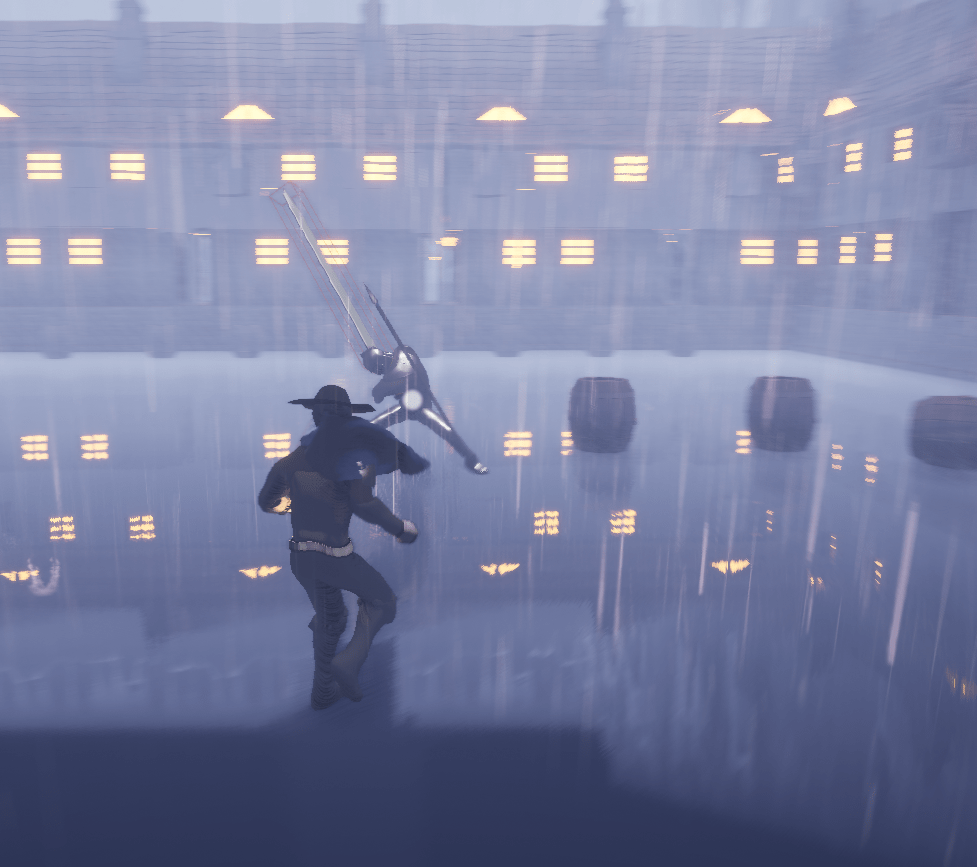
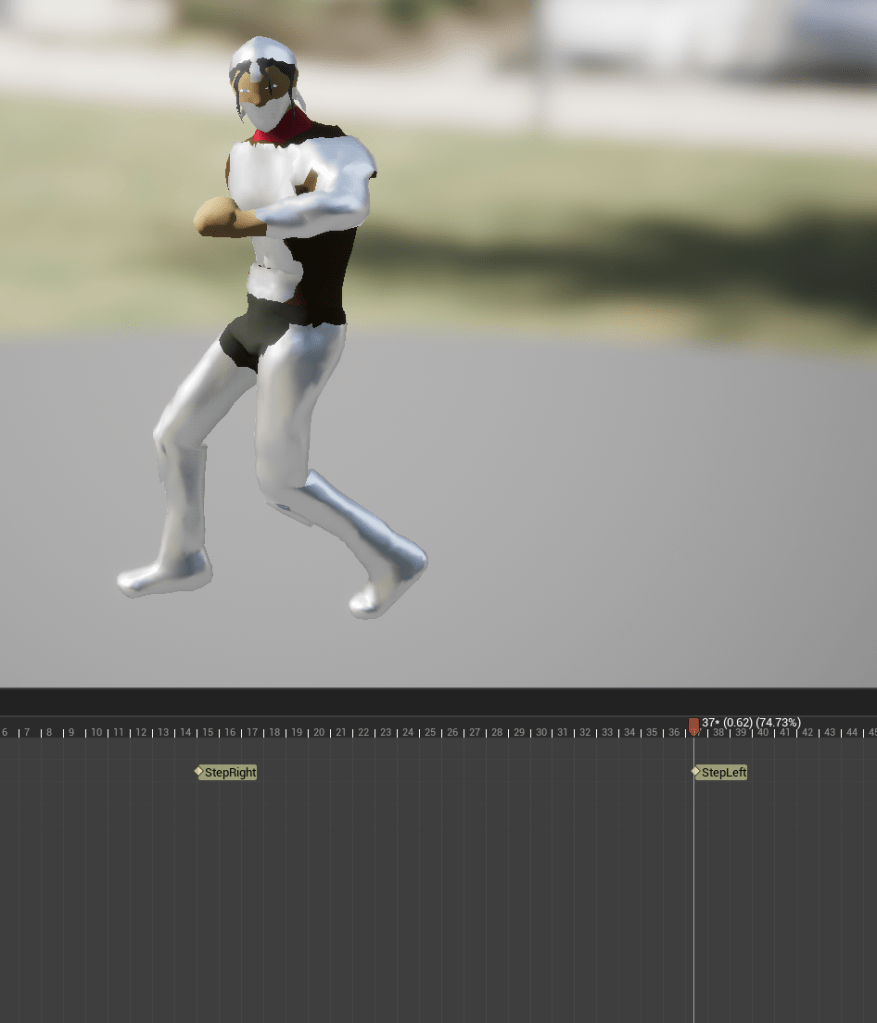
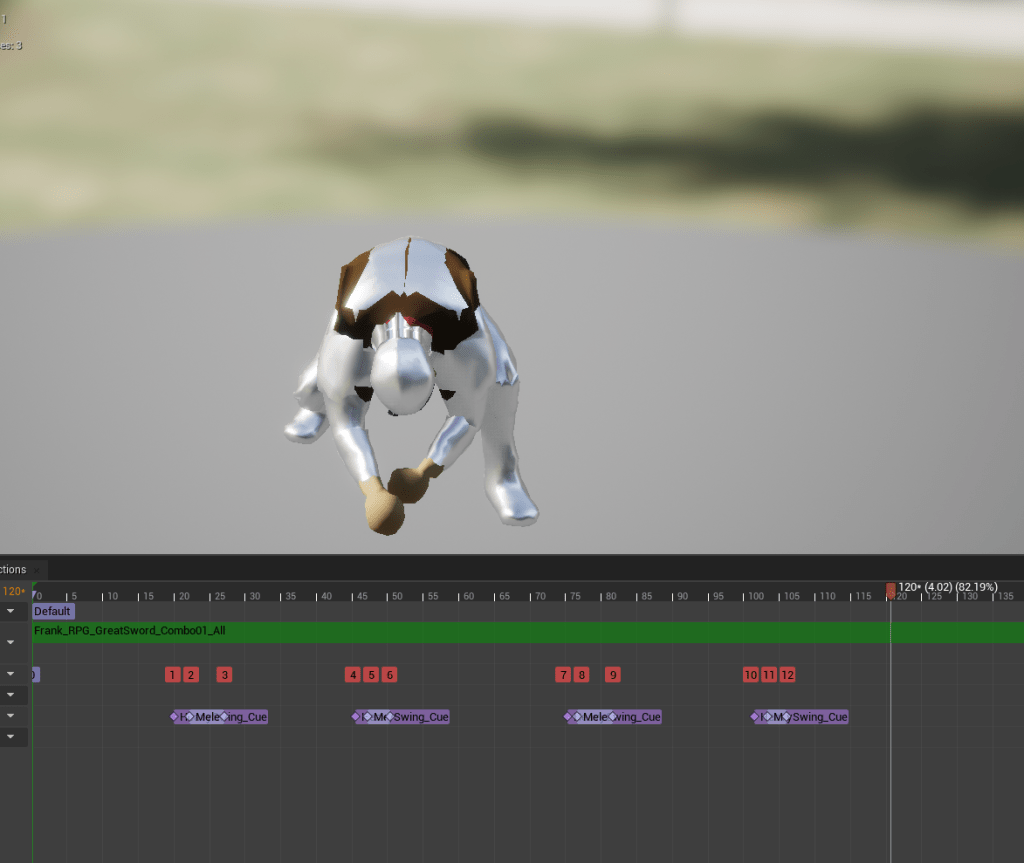
I tested some attacks and the box was in the right place. I improved the blendspace so it had accurate movement to 8 directions (forward, forward left, forward right, backward, backward left, backward right, left, and right). Something was missing while I was testing it. I realized it was too quiet, so I added footstep notifies for the sound. Then I gave the boss more attacks because the animations have so many superb options. It is fun to dodge and it is possible because he doesn’t track you. Some of it may be too easy to dodge. As I said I need to figure out a way for it to slowly turn while attacking.
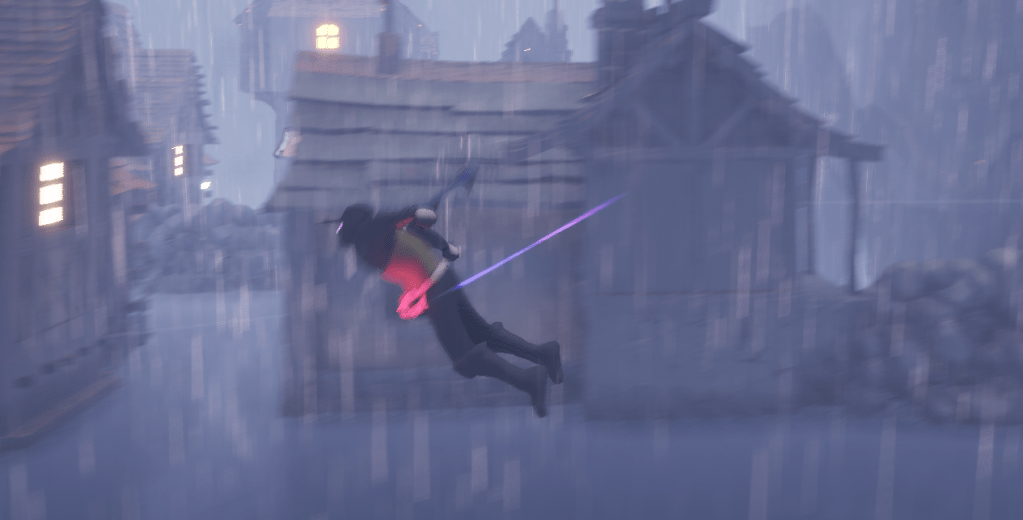
For the player I also updated the air dash animation because I bought a small pack that also had some animations for a floating character. It fit much better than the one I had in place.
There’s a lot more, so much more to add for this boss. I still have to go through the other attacks and see which fit this fight. Still waiting on Steam to get back to me about my application.
 GoldenGratus Games