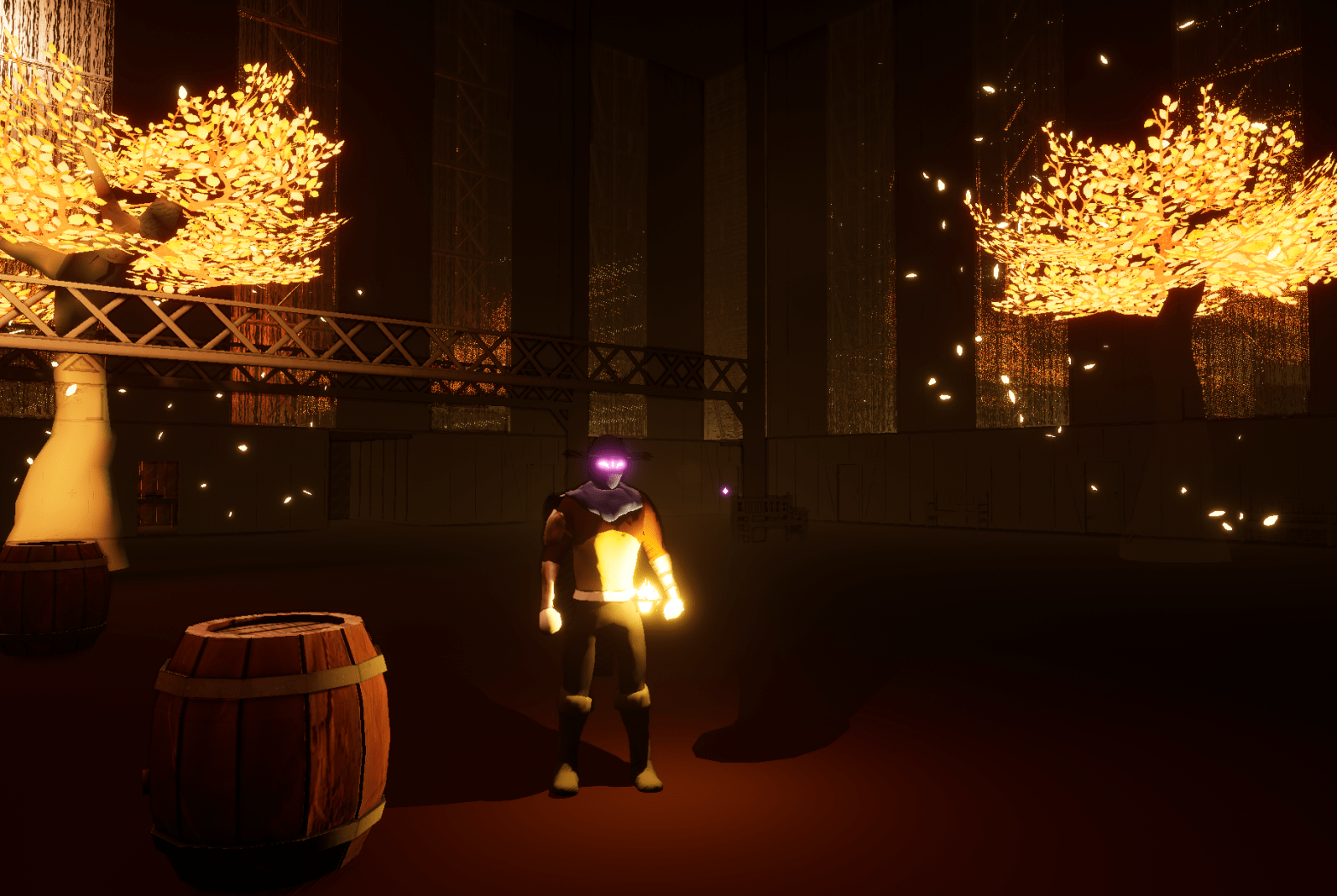
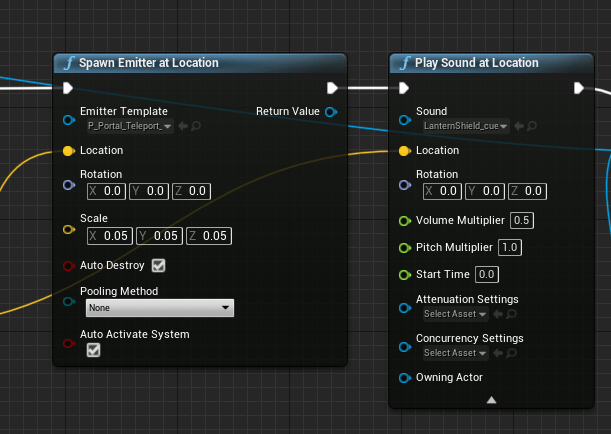
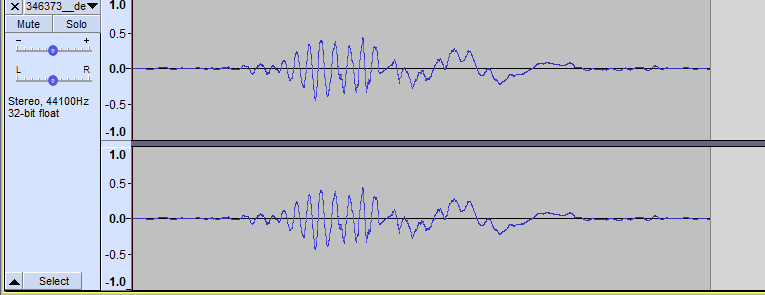
The effects of the shield were too obnoxious so I made the visual emitter smaller and the sound softer. The jumping sound had been bothering me for awhile. I realized that the sound file doesn’t start with the jump sound itself. I used audacity to cut out the start to it plays the sound immediately.
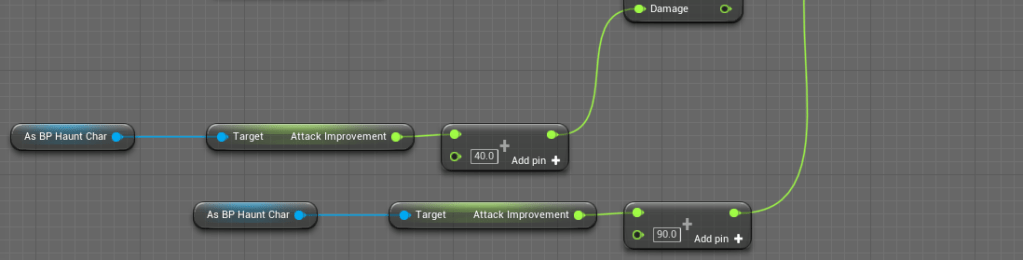
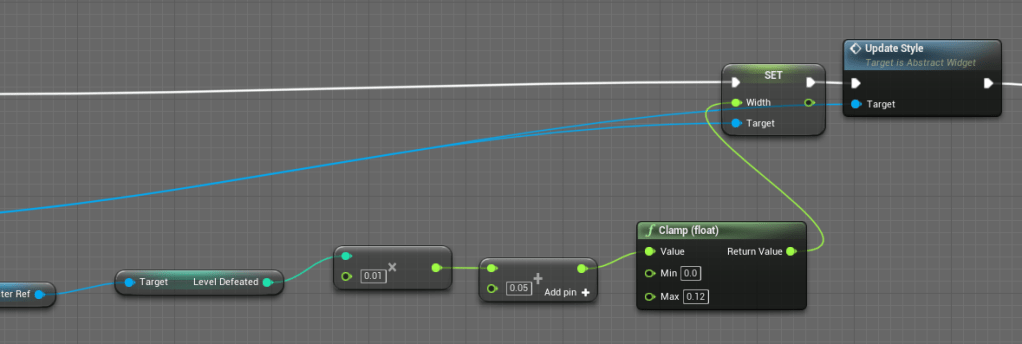
I went over more abilities whose damages should scale based on the player’s progress. Due to the way I was doing max on the HP bar it was appearing empty even when it wasn’t supposed to be. I thought for awhile about making it a straight bar or finding another solution. I really like how it is a circle and all the player’s resources are on one spot of the screen. I went back to an earlier solution I had where I make the bar thicker to show the growth of HP. But to make sure it doesn’t get too big I made the starting width small.
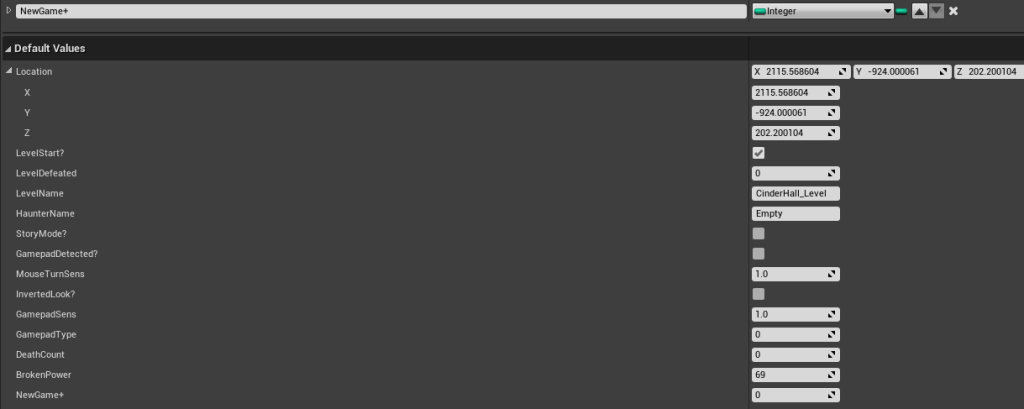
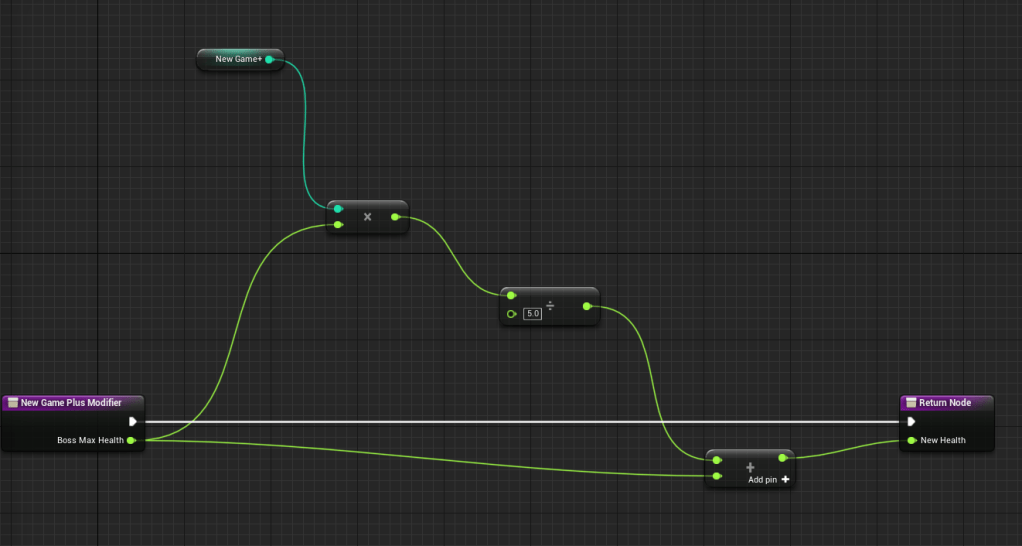
Since I was working on a lot of scaling for the game I decided to already add some logic for new game plus. I don’t know exactly how “replayable” the game will be, but at least I can prepare for anything looking to play it from the start. So I added a new game plus counter to the save file and created a function that would adjust a boss’ health accordingly. I didn’t spend too much time testing the scaling of the health but I landed on a number that felt decent.
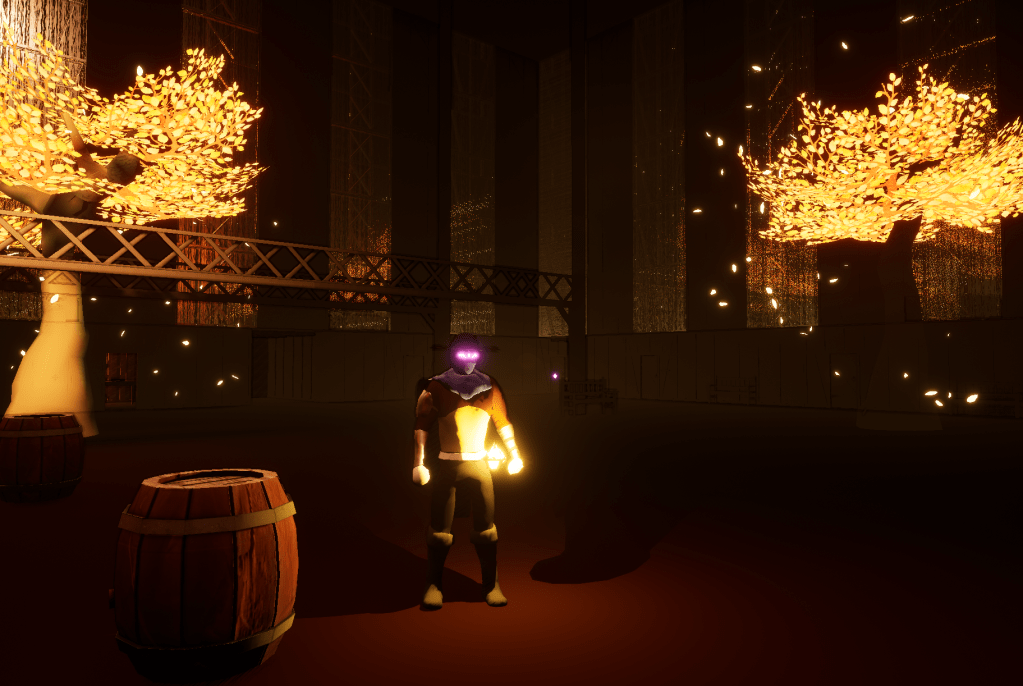
The visibility in the first stage is much better so I was able to change the lighting for the boss fight to make it more intense for the second phase of the encounter. I adjusted the positioning of the panning camera as well to make it look cooler when entering the arena.
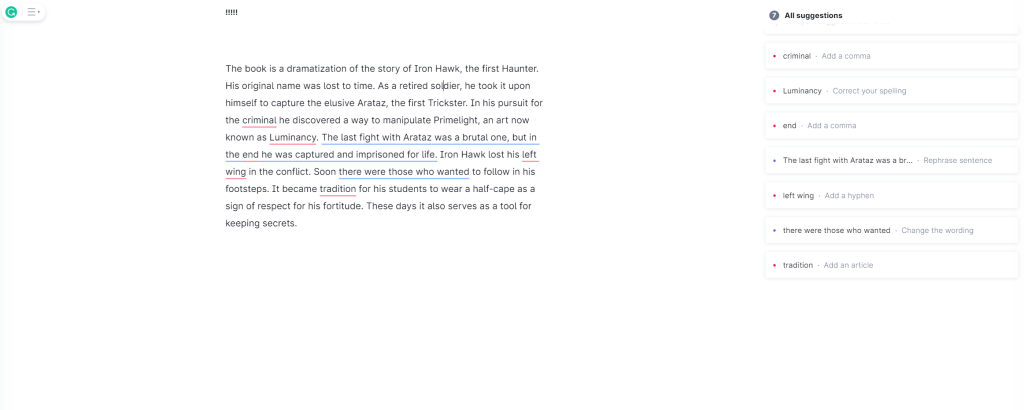
For my freelancing gig I had subscribed to Grammarly, so I thought it would be a good idea to use it for the item descriptions I made. I am not the best with commas and Grammarly is great at catching them. I was able to improve a lot of the text. The first stage has a lot of information that builds the world so it is important they are all at their best quality.
The translucent trees had a visual issue that I didn’t know how to fix until I realized I had made the material two-sided which means it could be seen through itself. Turning off the two-sided setting and it looked better.
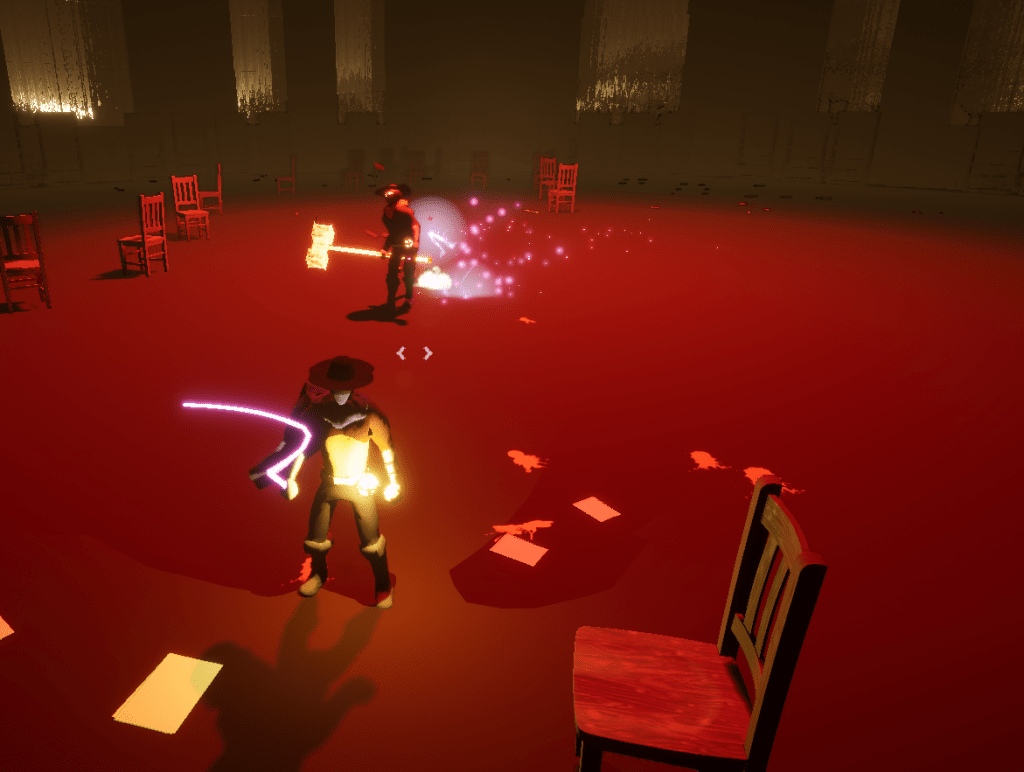
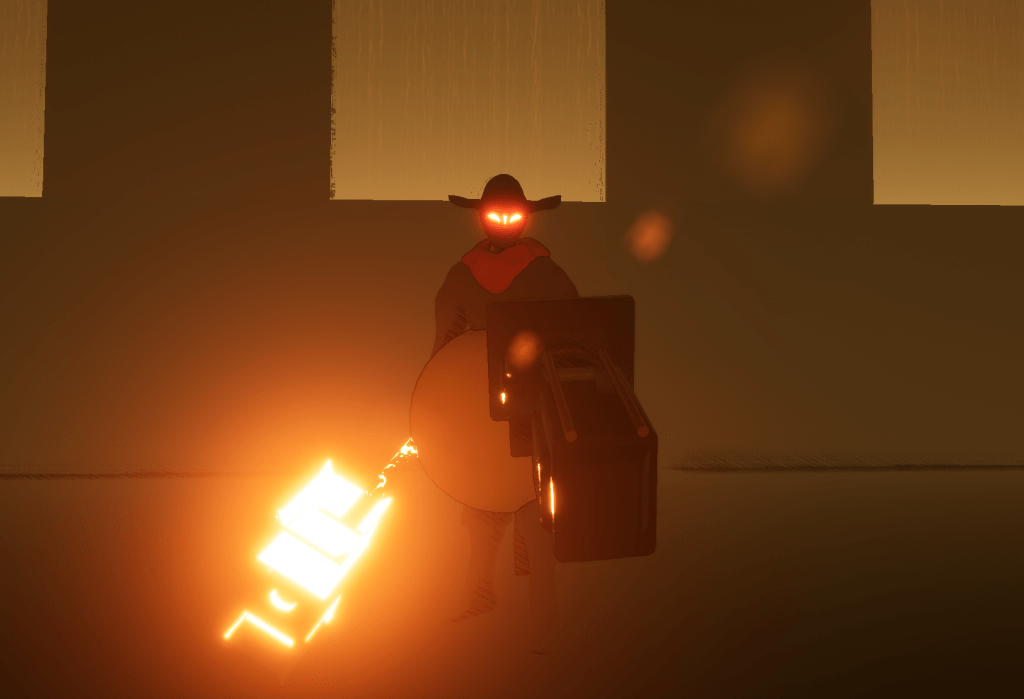
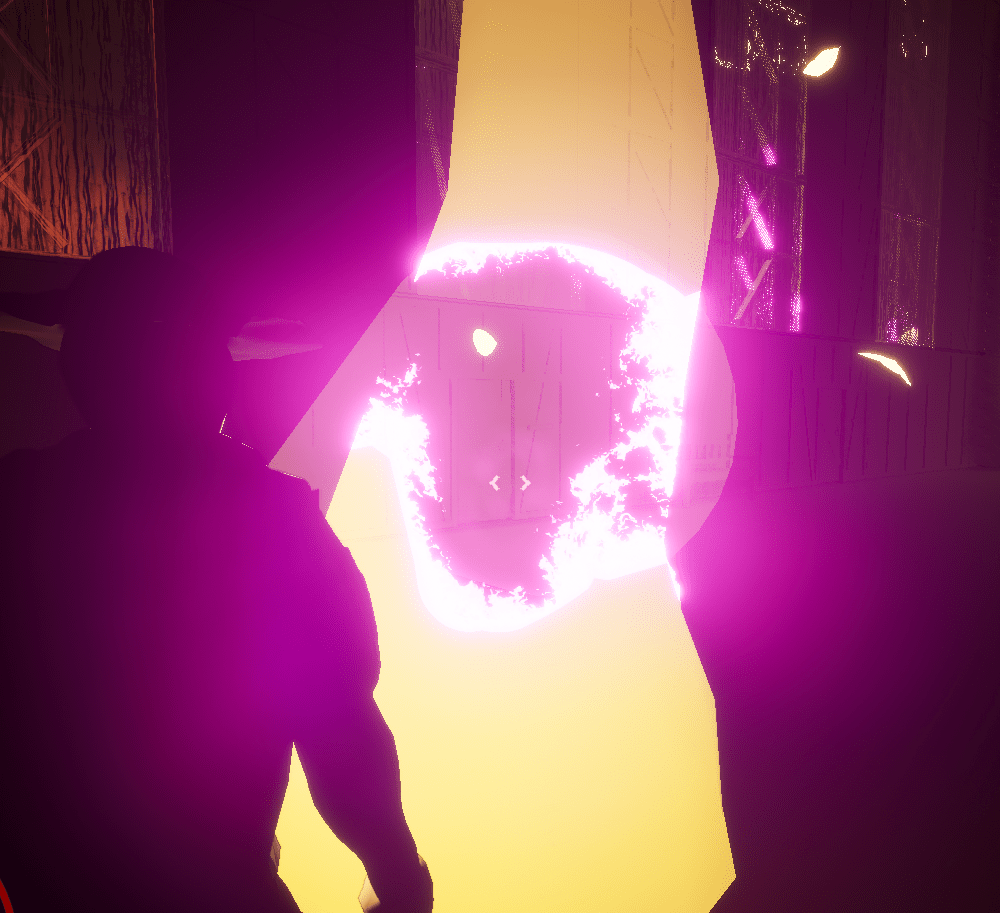
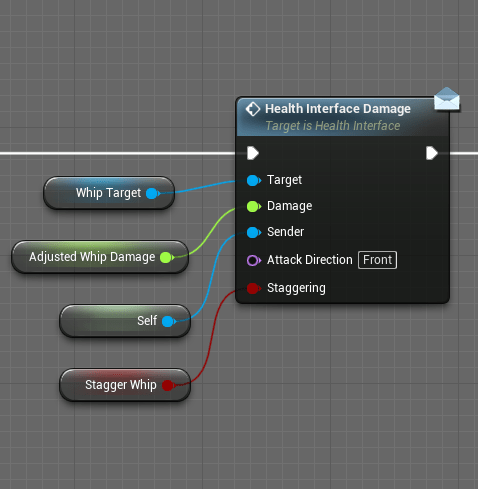
Today was a great day for the whip as well. I added a new output on the interface that the whip calls and made sure that objects scaled with the player’s damage as well. I was previously setting the damage of items on the fly, which was a bad idea to begin with. I changed the name of some variables to clear some confusion that I get because there are some values that I set and some that I don’t.
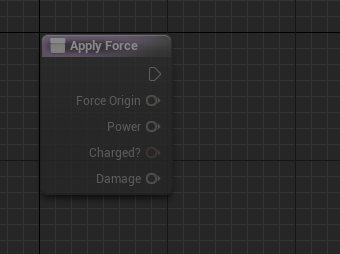
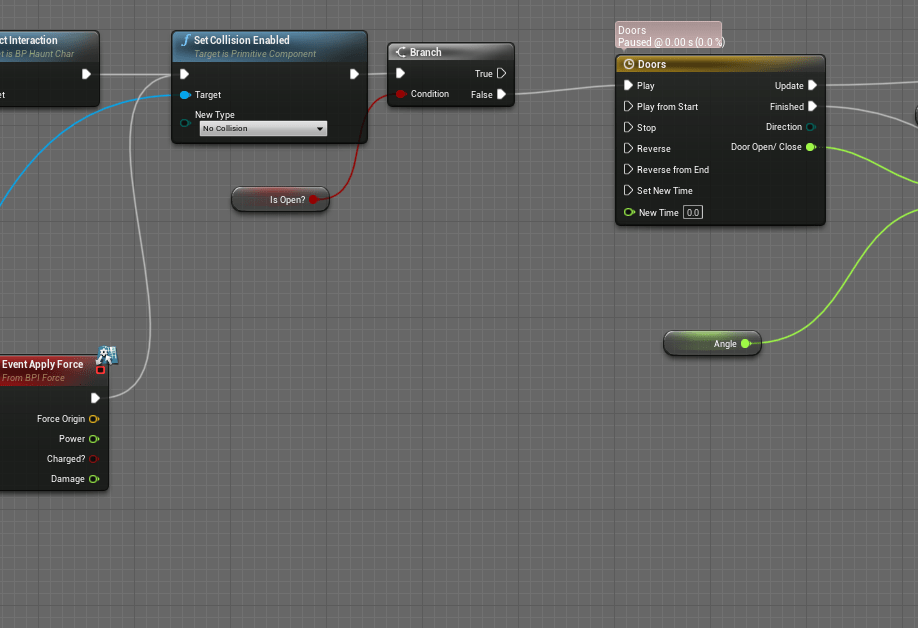
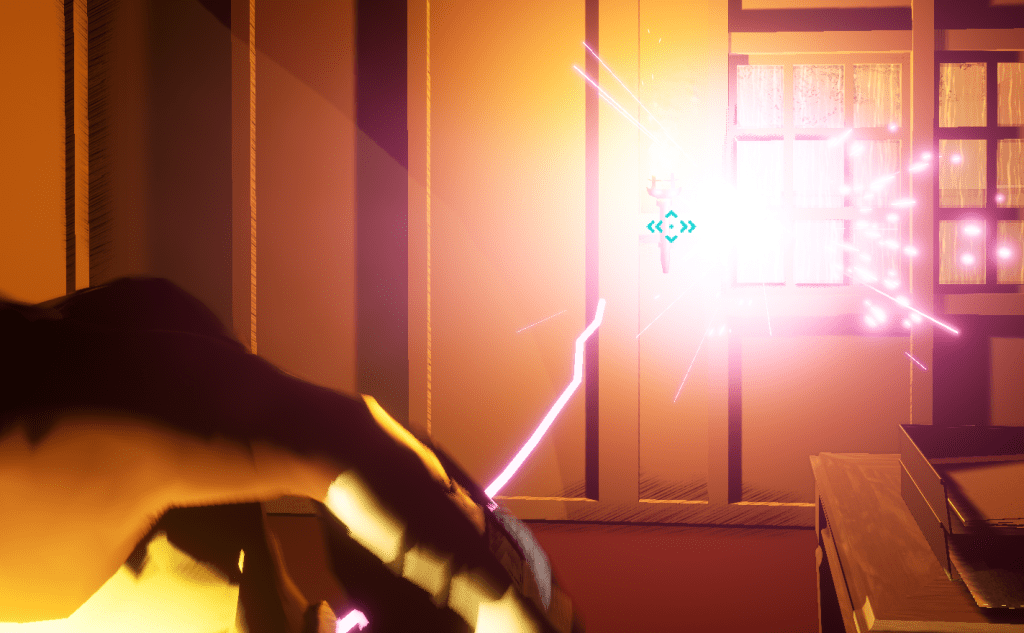
I wanted to give the whip more things to do, and that gave me the idea to use the force interface. By giving certain objects the interface I can make the whip easily interact with it. I added it to the doors and most of the other interactable objects in the first stage. I just had to rearrange some of the functions so it doesn’t do the exact same thing if the player interacted with it normally. And with that it felt great being able to whip doors open and light torches as well.
I was working on the stage until I felt it was “game ready.” After today I think I’m happy with where it is and I will move on to the next stage. Moving forward I have to make sure that the whip can interact with most objects. This gives it more to do than just dealing damage.
Next up is the second stage. I have a lot of things I need to improve in that level.
 GoldenGratus Games