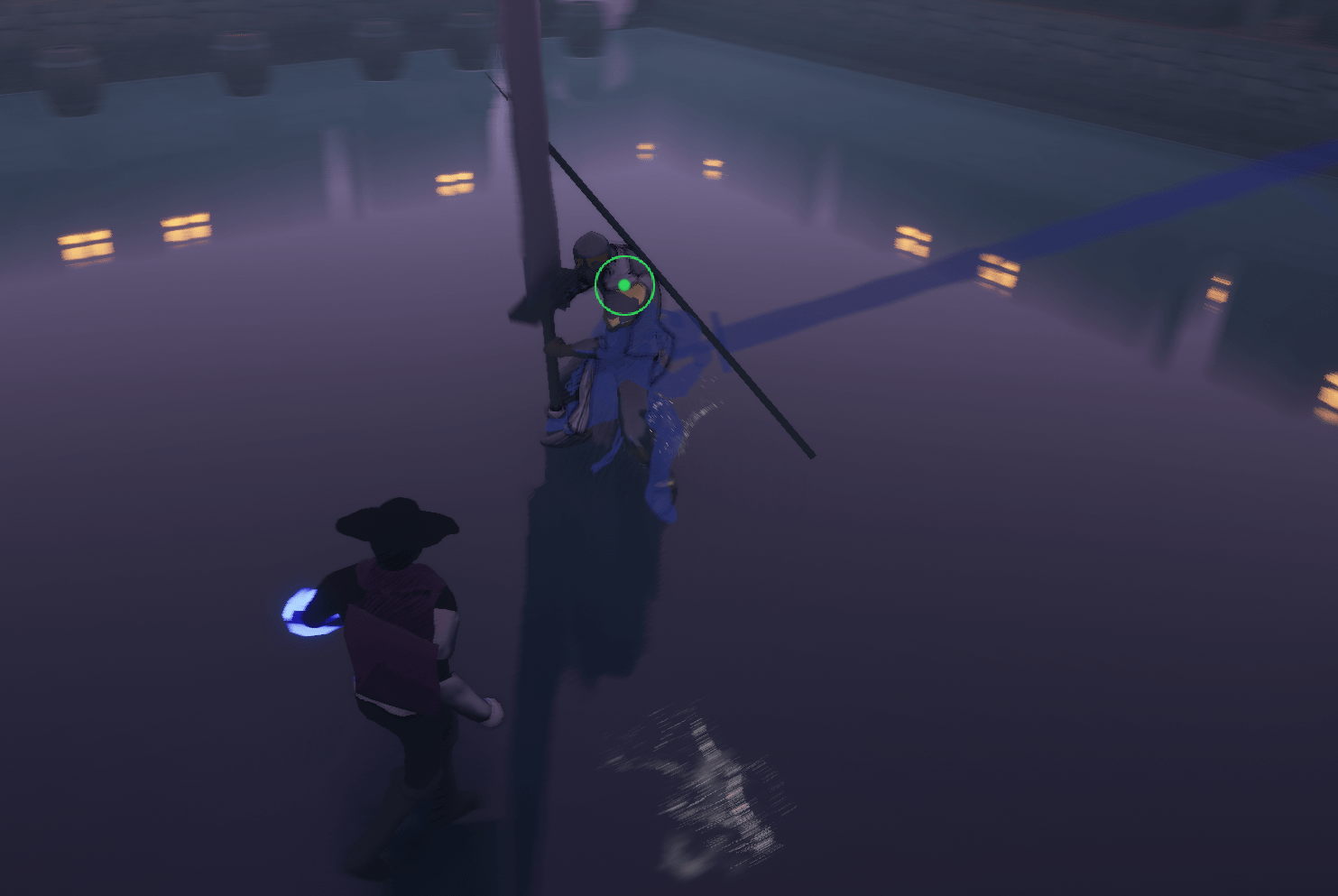
The whip has again been bothering me. It showed issues that I was too lazy to identify and fix at the time but I took a look into it. Sometimes the character would unexpectedly whip an extra time. Upon closer inspection I found I had a check that made sure the player couldn’t whip while pulling. But what ended up happening was that it could check that and fire the whip even when it is supposed to reset. It was from way back when and I removed it and made sure that the whip pull was fixed as well.
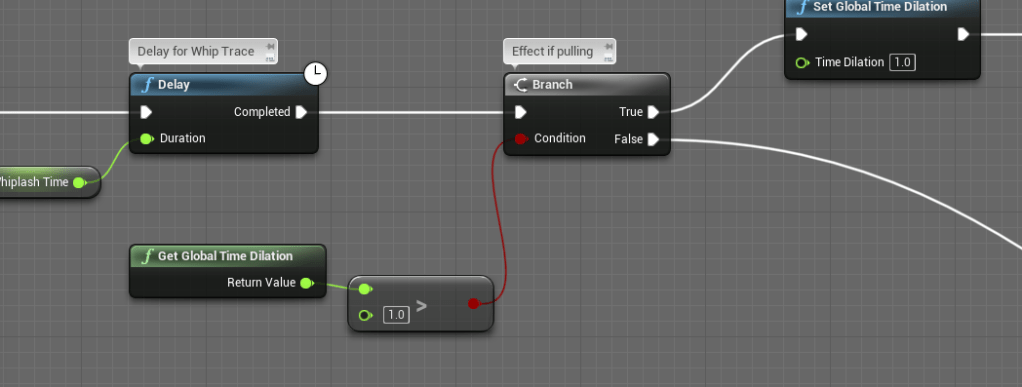
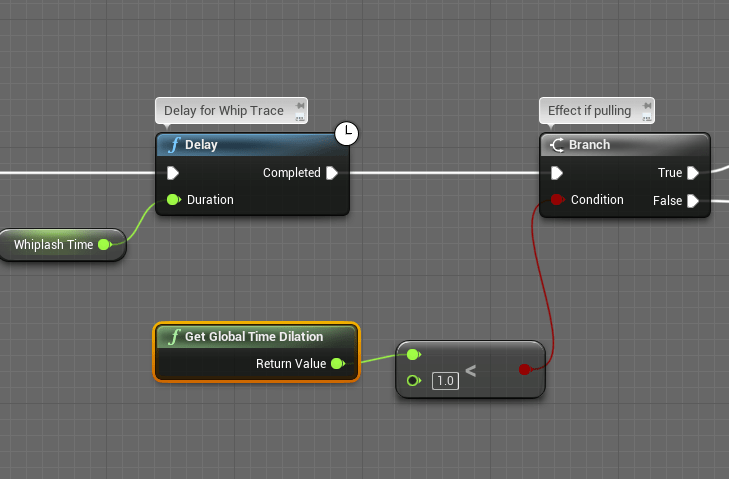
I made sure it checked the time dilation instead of the “pull direction” of the whip. Since the force of the whip can change on the fly but the time dilation is more obvious. At first I didn’t know why the bool wasn’t working but I was silly and accidentally checked if the time was going faster than normal rather than slower.

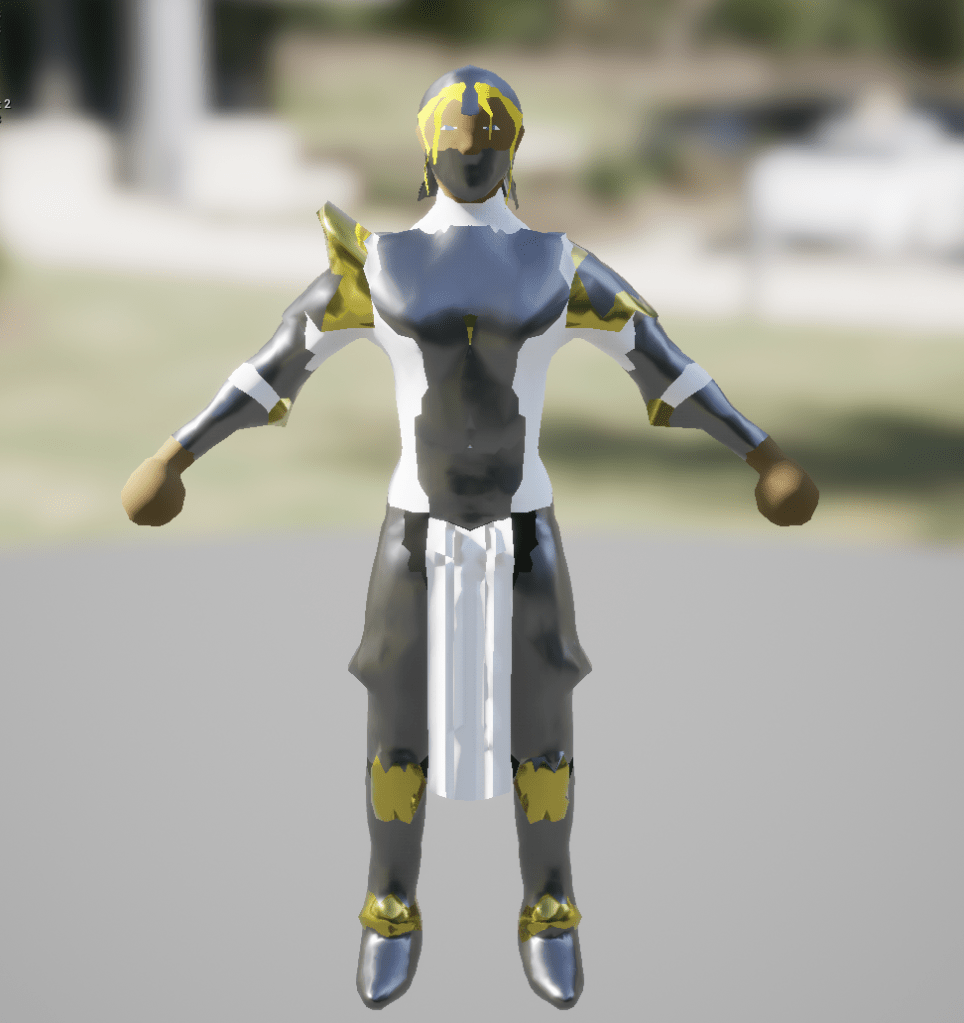
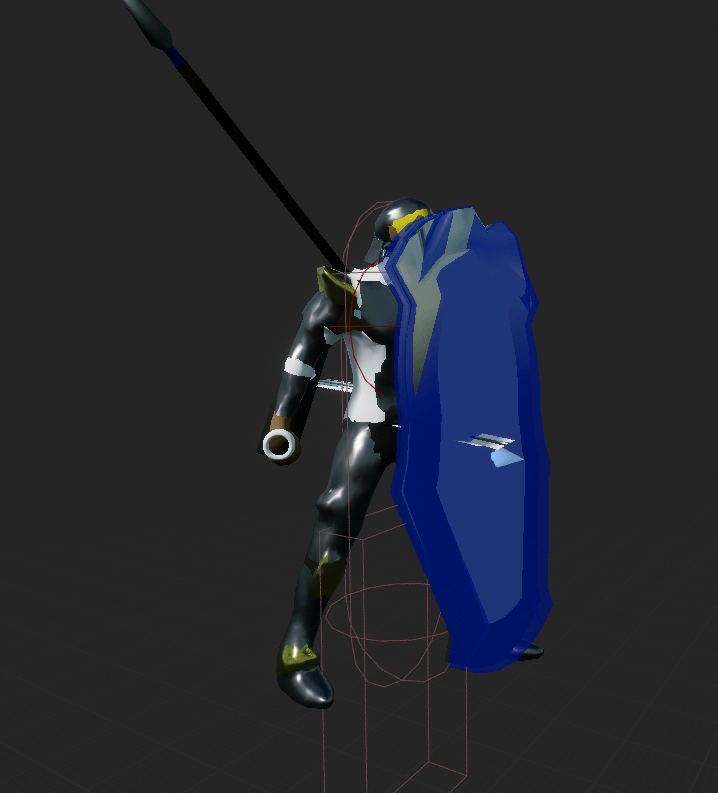
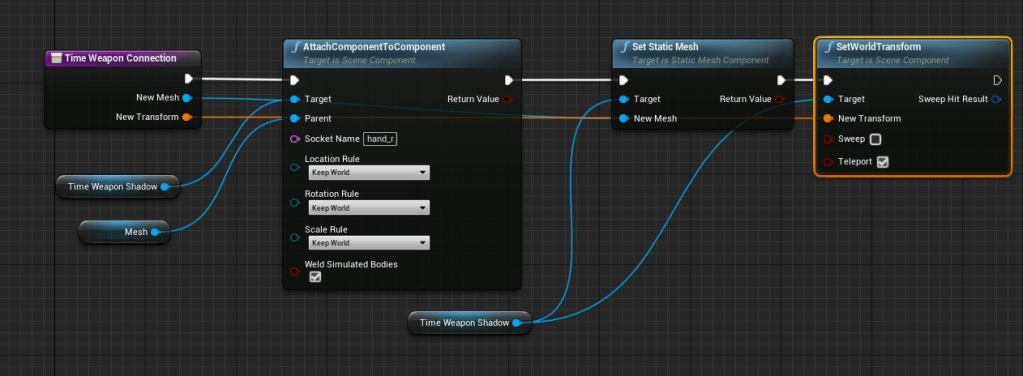
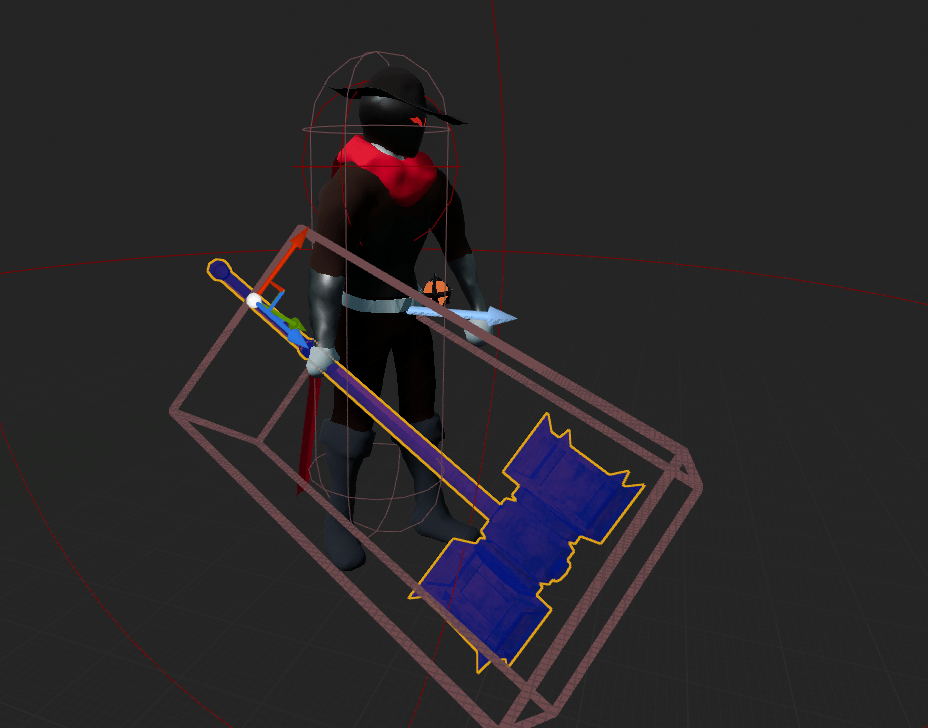
I updated the color of the captain so her palette isn’t too similar to the first boss. The red was definitely nice but I went with white for this once instead because the color scheme of this level is light pastel. After showing a preview of my time shadow power on reddit someone gave a good suggestion of giving the weapons shadows as well. It was a great suggestion but I was a bit hesitant because I needed to make sure it worked for all the weapons of the captain. With some testing it wasn’t too difficult to get it to work. Thankfully I already saved all the transform variables for the weapons. It was all a matter of making sure the shadow weapon was attached to the right part of the mesh.
I created a function within the base character so I could easily call the function for any other character that uses weapons. It took me a while to realize I should use the relative transform rather than world transform so it is exactly in the right place. Then I also made sure lots of the variables were dynamic.
It looks so much better and it makes the power cooler. In regards to the power itself I made it so the player moves slowly instead of staying completely still. I didn’t like to punish the player too much for using a power that is a bit unconventional.
Some weapons had more than one material so I had to make sure that all the materials on the weapon had the same material as the time shadow. With that all set up I went around all the bosses and updated them to show the weapon shadow.


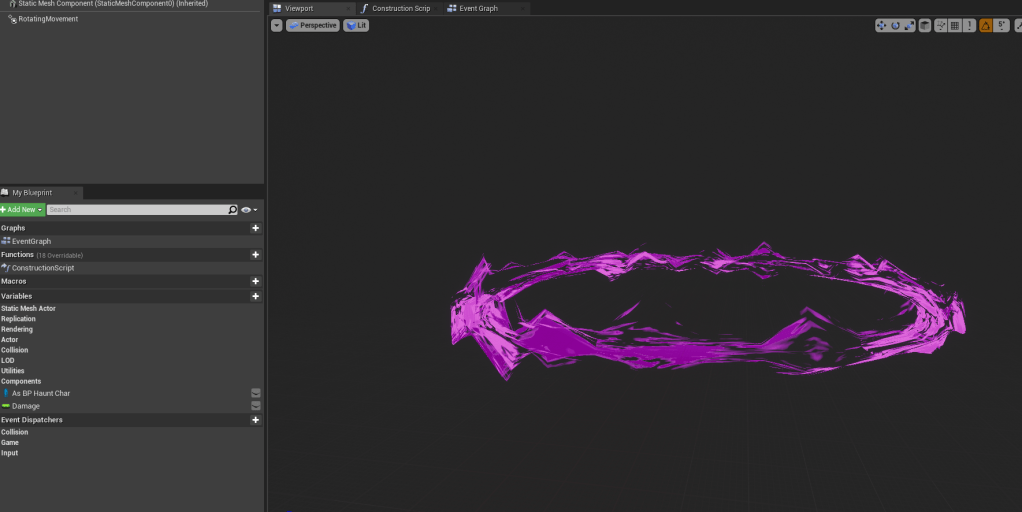
The ring effects in the game still weren’t looking too threatening to me. I changed the texture of the player’s ring and then I added a rotating movement component so it spins along its z axis. This rotating movement was the key to making it look more dangerous. I made sure every ring object has the rotating component. After playing with it I am convinced it looks a lot more threatening.
There are a lot of times that moving projectiles will be offscreen. In an effort to make it more fair and add more layers of things to look at, I added a small arrow that points towards all moving projectiles. I made its own blueprint so other attacks can call it. How it works is that when it gets placed into the world it will attach itself to the player. It should then have a reference of the attack that spawned it. Using the look at rotation node I set the rotation of the arrow to point at the projectile or attack at all times. I was having trouble at first because I was using Y as forward instead of X. Once I realized my mistake it worked perfectly.
It is fun and hectic to see so many arrows appear on the screen to let the player know they are in danger.


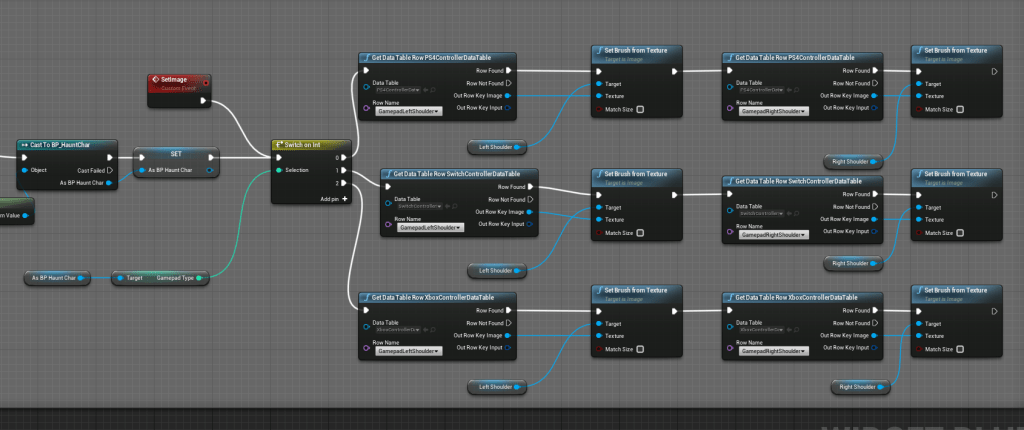
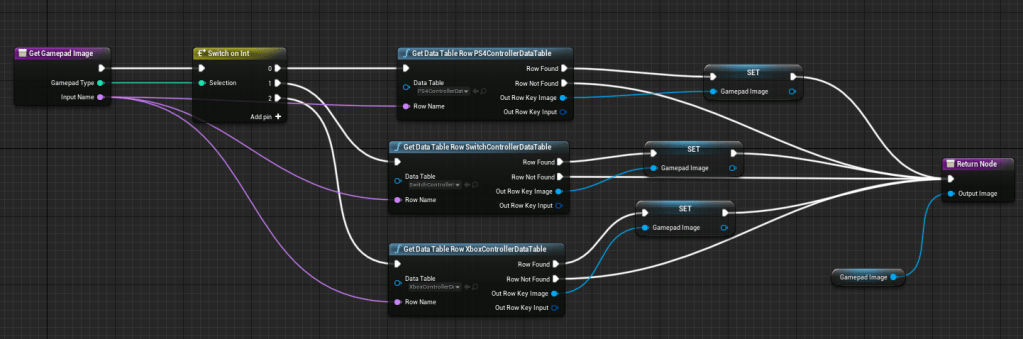
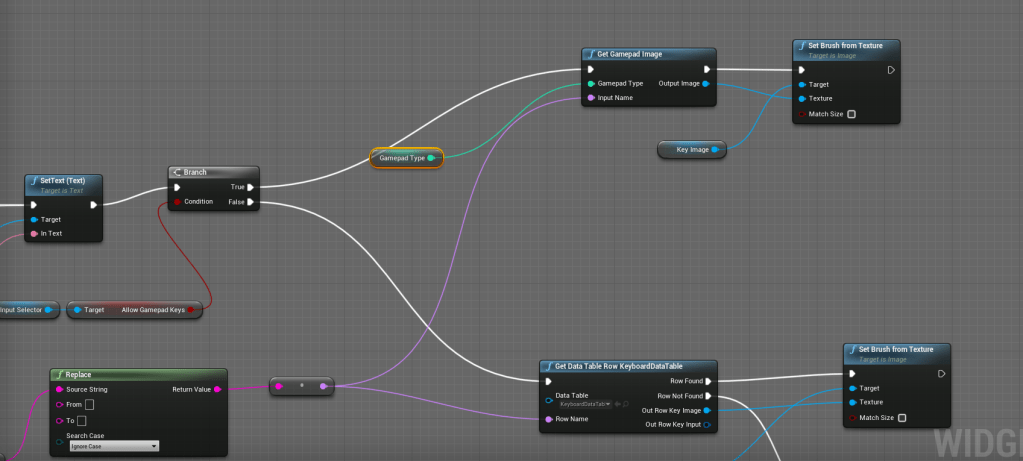
Since I now have knowledge of a function library I decided to create a function to output the gamepad images. There are currently three separate instances where I was getting the gamepad image, and they were essentially identical functions but created individually. Anything that is copy-pasted should be turned into a single function instead. That one of the most important things I learned.
I turned a messy jumble of grabbing images from different tables into a single working function. My first few tries were inefficient of course. I was using the gamepad variable twice even if I was already switching executes within the function itself. The problem was the output was giving more than one image. It needed to only give a single one if it is done properly. Then I remembered that blueprints can have local variables. So within the function itself I set a local variable of the image that is set by checking the gamepad and then the table search. Voila, it has become a function with only two inputs and one output. I was able to easily use it in all the areas that require the key images and if I add more tables I will only need to change that single function.

Tomorrow I will be improving the main menu because it goes straight into the save slots. It should at least present the settings for the player to be change. I already looked at how I could do this and there is some big problems I need to fix because my options reference the player character itself. And in the main menu level there is no character at all, only a model of it.
 GoldenGratus Games