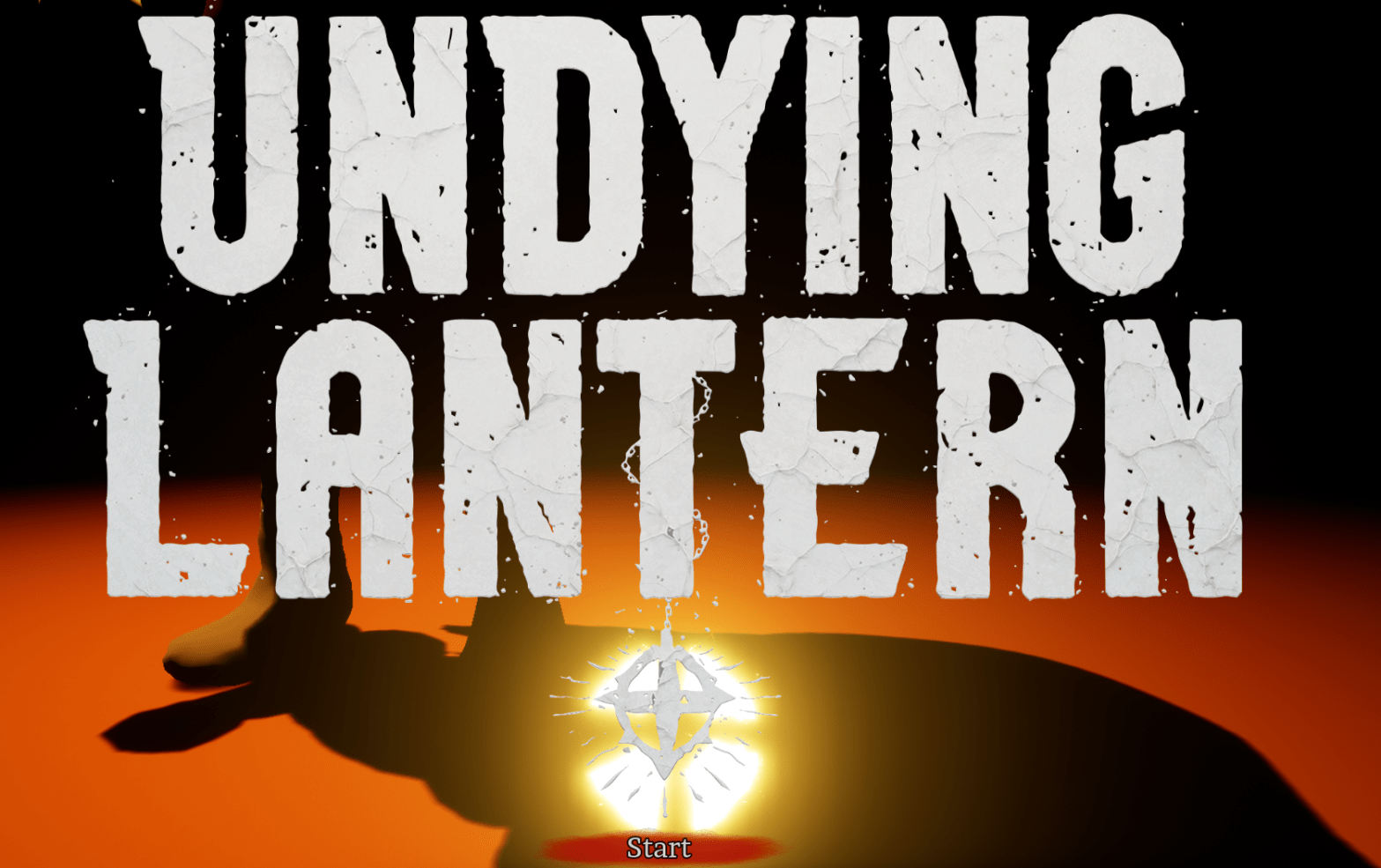
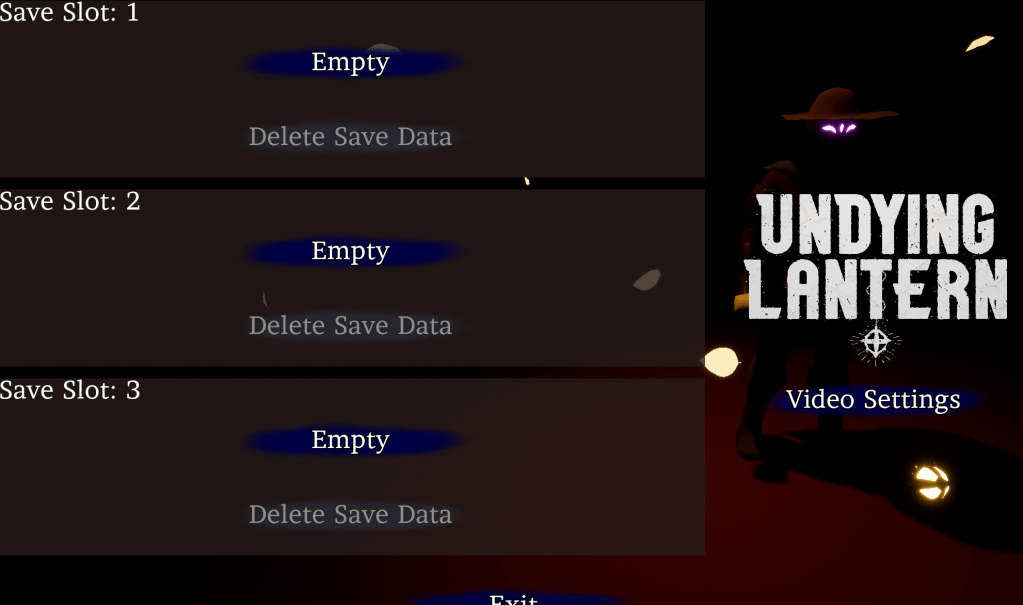
Started off by figuring out how to get settings to work in the main menu. My biggest issue was that most of the save data I use is stored on the character. If there are multiple save slots I am not sure how to load the most recent one into the starting level. But instead of figuring all that out I decided to put the only settings menu that didn’t need the character, the video settings. The only thing I needed to change was the functionality of its button that made it go back to the options menu. In the start menu it will go back to the save selection.
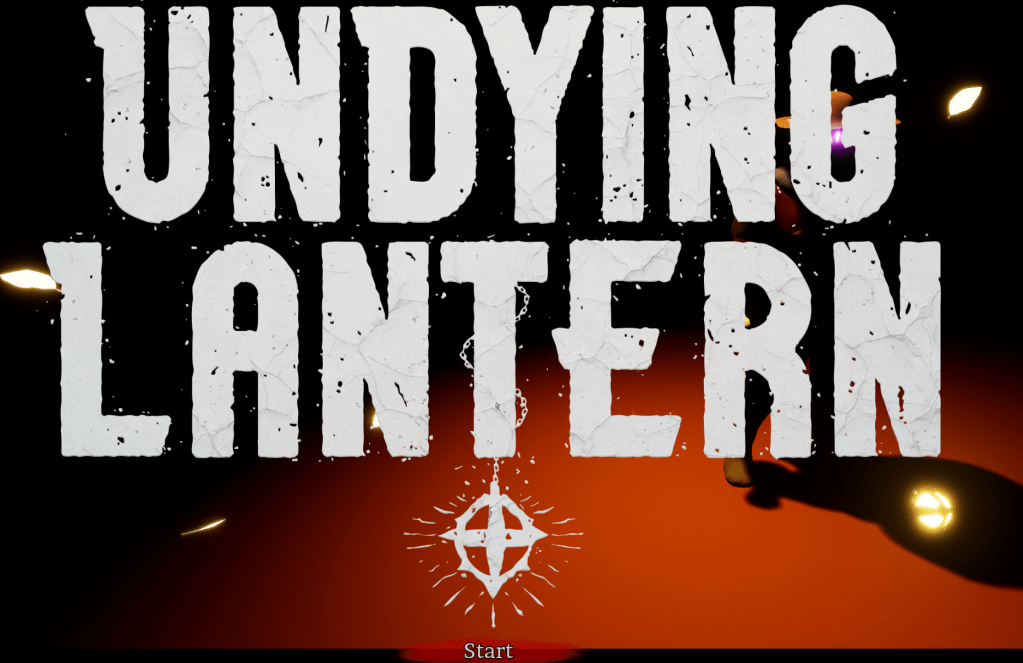
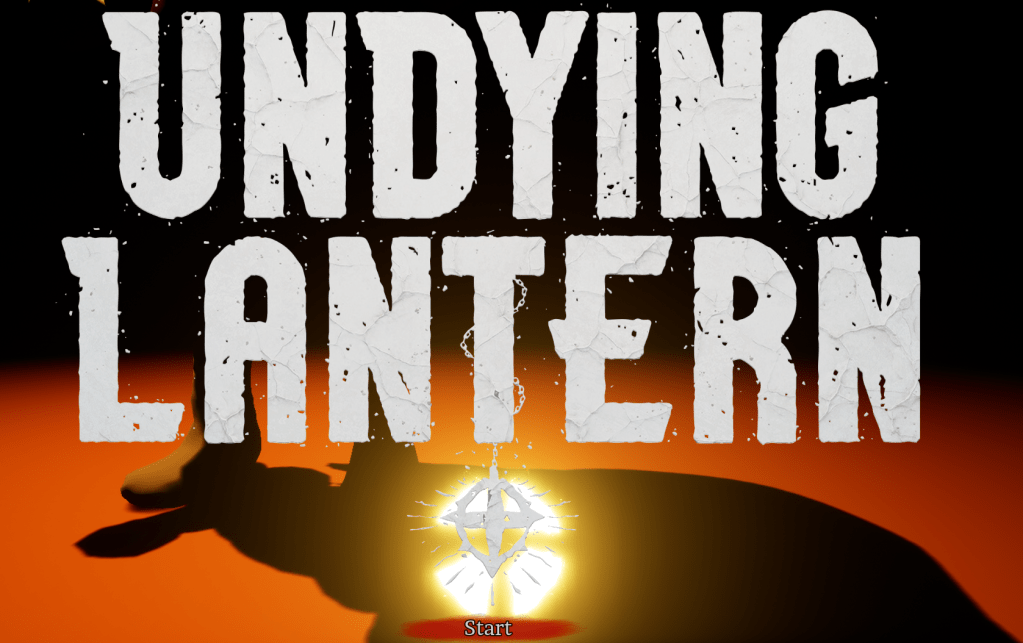
With that sorted I worked on a title screen. I slapped the big logo on the screen and added a camera that focused on the lantern. I tried my best to match the lantern on the logo with the lantern in the game. Once the start button is pressed it will transition into the other camera and show the save slots.
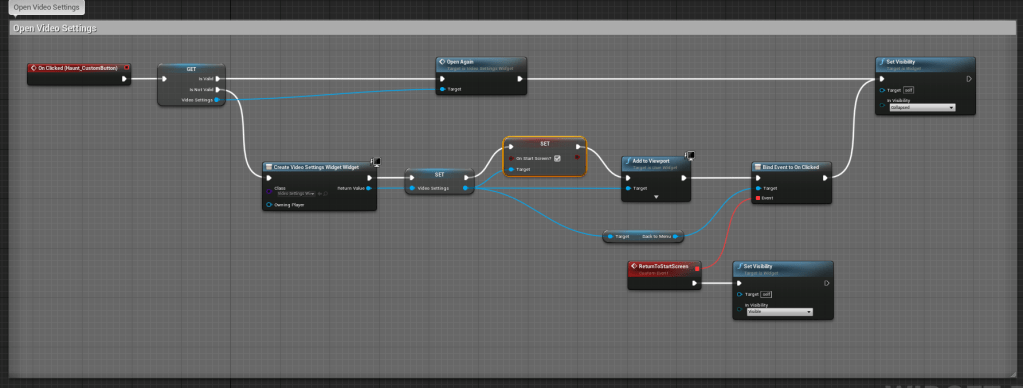
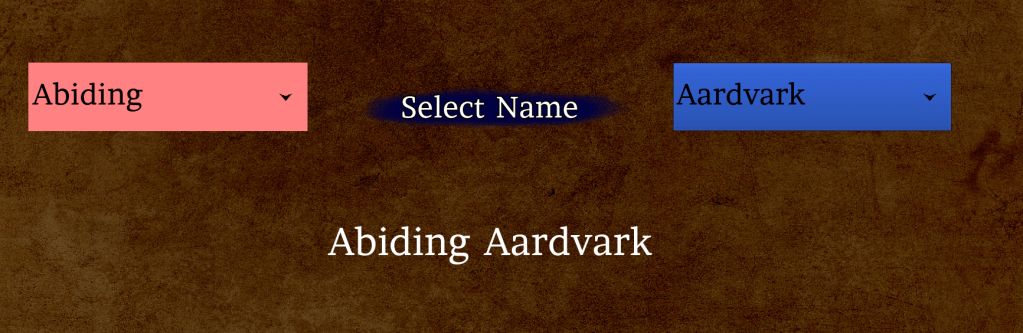
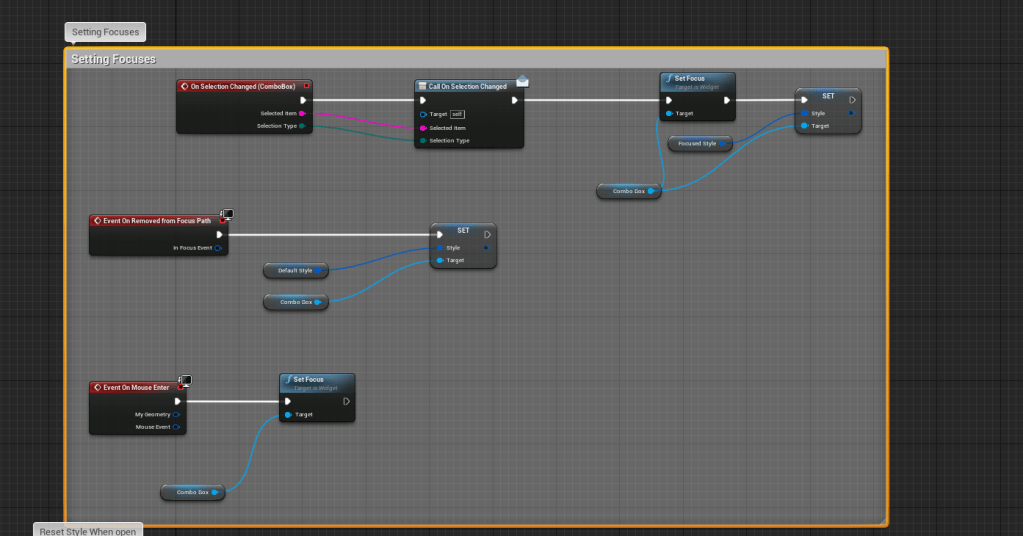
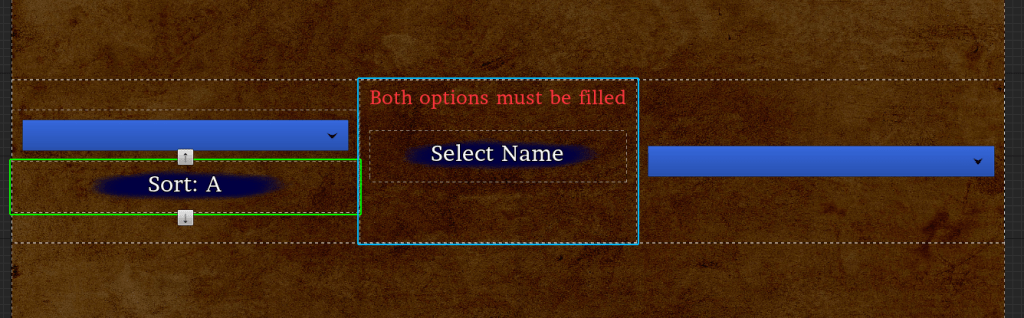
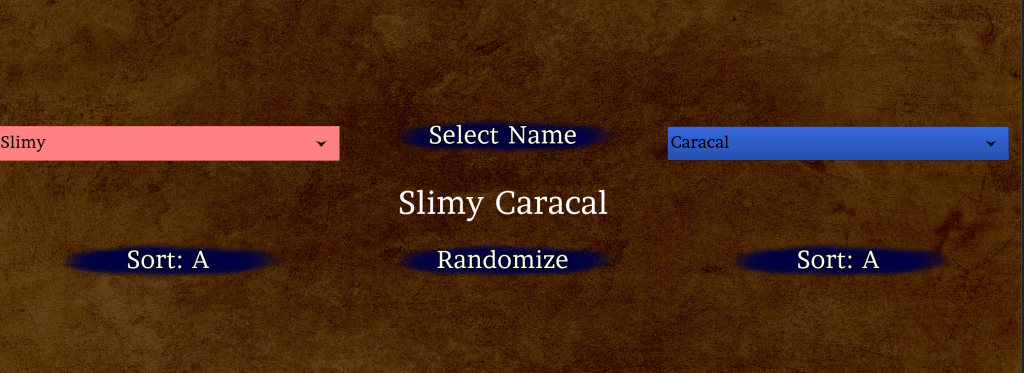
I spent most of my time getting my custom combo box to work with gamepad/keyboard navigation. It was really buggy and took several tests to get it to a usable state. It has some weird issues with getting focus or even registering the focus at all. And I had to change its color at specific moments to indicate when it was being used. It isn’t perfect but it is functioning. This is important because the name selection has two big drop-down menus. And the video settings has drop-downs as well. I wanted to make sure everything can be used with such a gamepad.
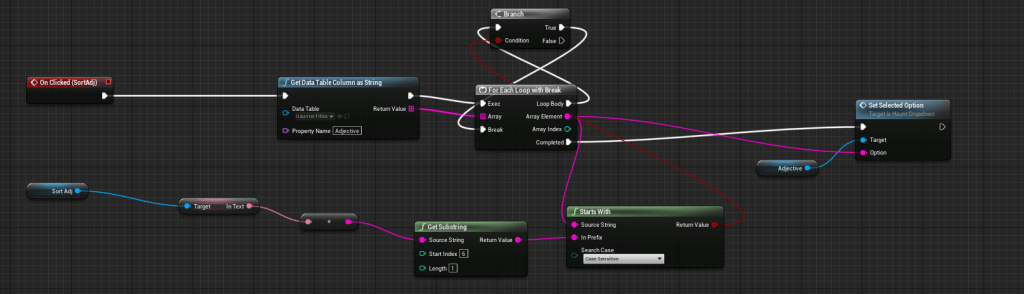
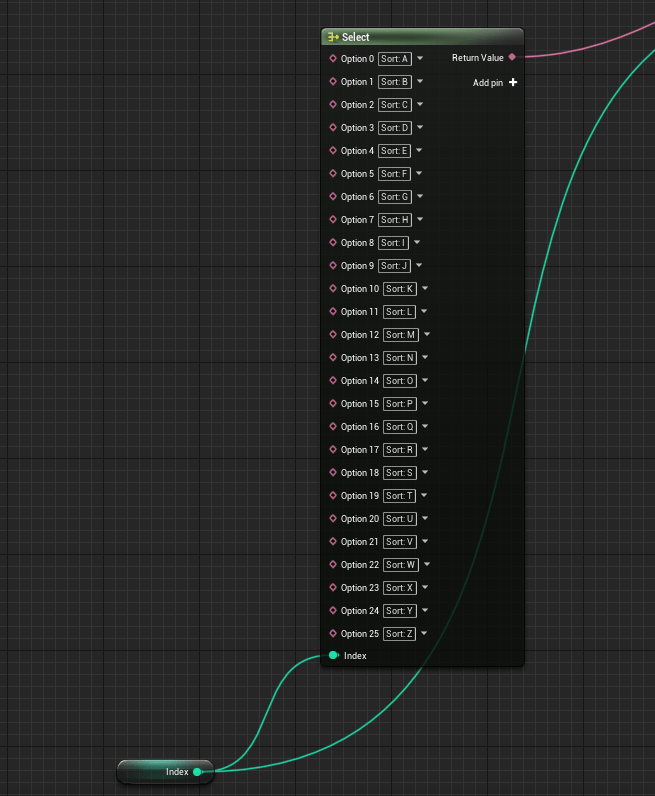
After I finally got the combo box to work I implemented a way to sort through the selections without having to go through the entire list. This is primarily for gamepad users because the first list is very long. I did some research into string commands and I used one where I get a specific substring and use that to search through the table that I have containing the options. It sets the first option of that letter. It’s fast but the code I made for it wasn’t the prettiest. I switch the text based on an index and I manually input the “Sort A” until Z. I could have probably just done “Sort” and append” but this works fine and it will only appear at the start of the game. As long as it doesn’t have any other issues it is good enough for its purpose.
I also added a randomize button to grab random selections from both options to form a name. This was easily done by grabbing the max options and using that as the max integer for a random range starting from 0. It comes out with very fun names.
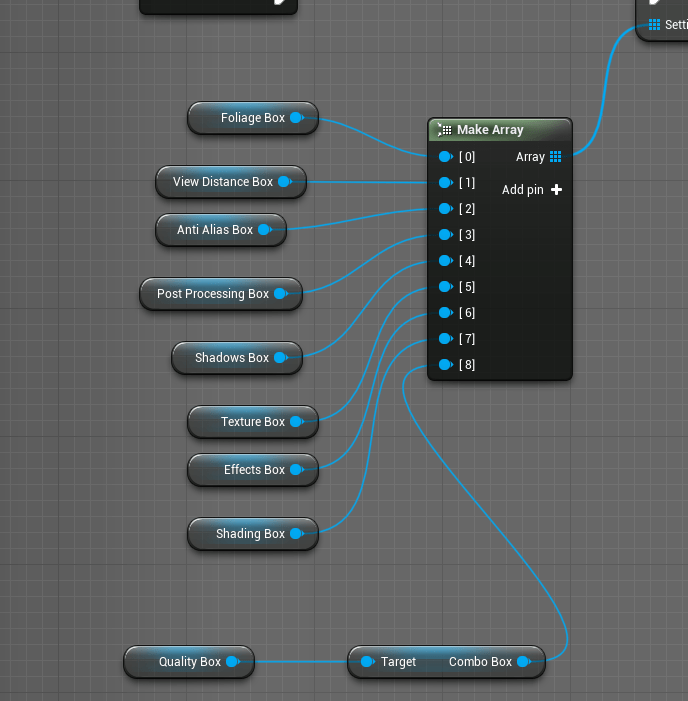
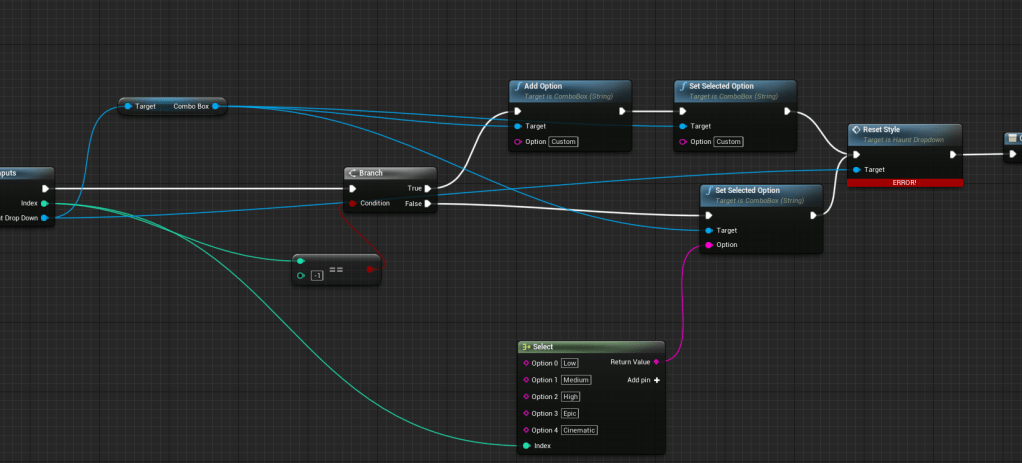
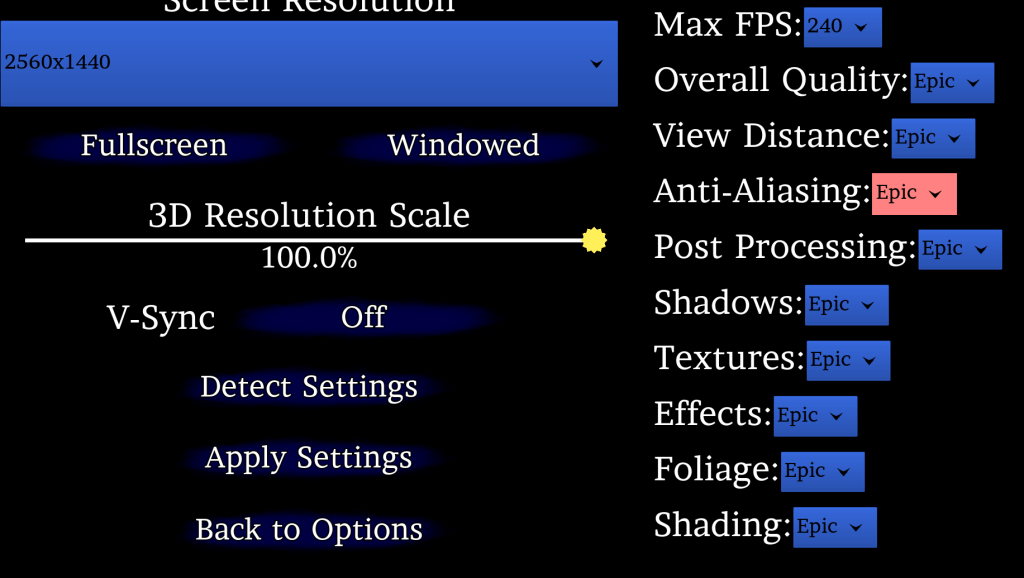
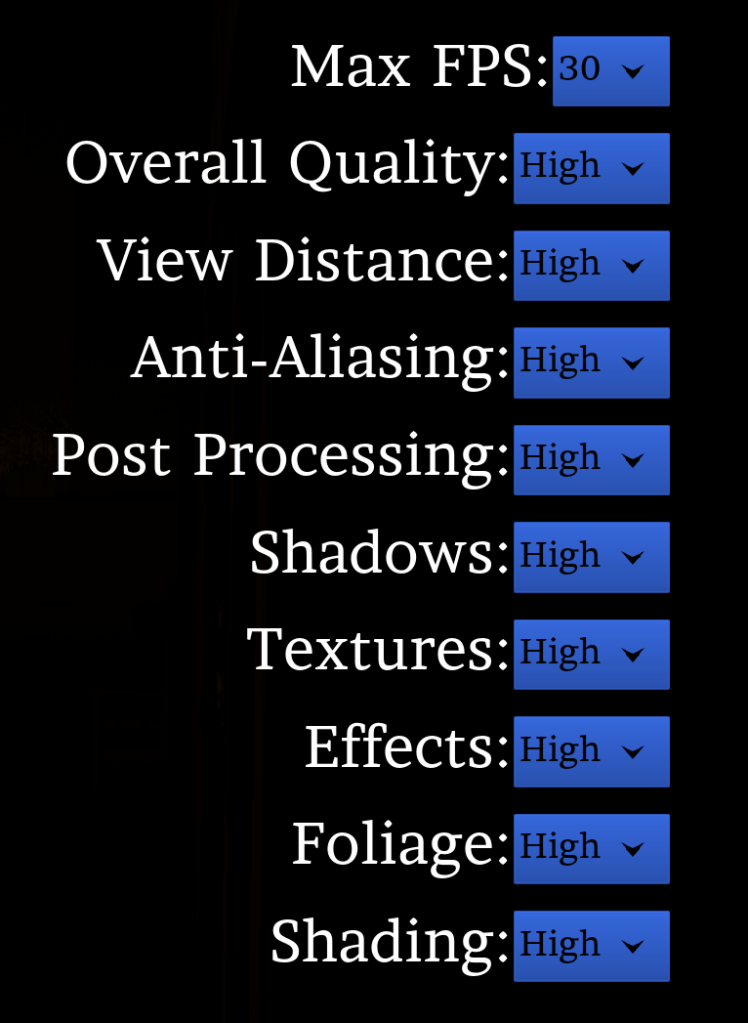
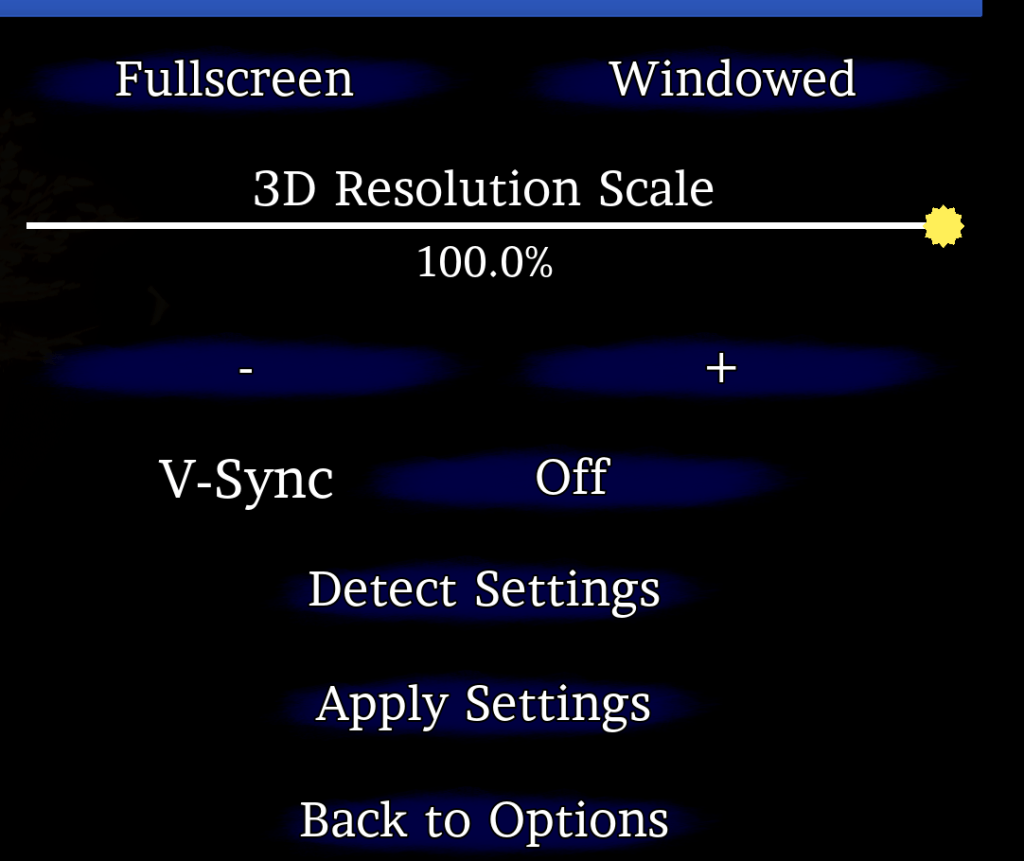
A tedious task was replacing all the boxes I had in the video settings. Since I wasn’t using my custom dropdown for the graphical settings. I only had it for the resolutions. I replaced them one by one to make sure there wasn’t any issues. It wasn’t difficult. It was merely time-consuming. Now at least it can be selected through a gamepad or keyboard. Within the macro I reset the style because I had the box change colors when the selection is changed. It made it appear as if they were all selected if I didn’t reset its appearance. Once I was done replacing all of them I fixed their alignment and put them in a separate vertical box so it wouldn’t resize the menu. It doesn’t look great when a setting is changed and it resizes the entire menu. The video options looks a lot better because of this fix. The last thing I added was buttons so the slider for the 3D resolution can be adjusted without the need of a mouse.

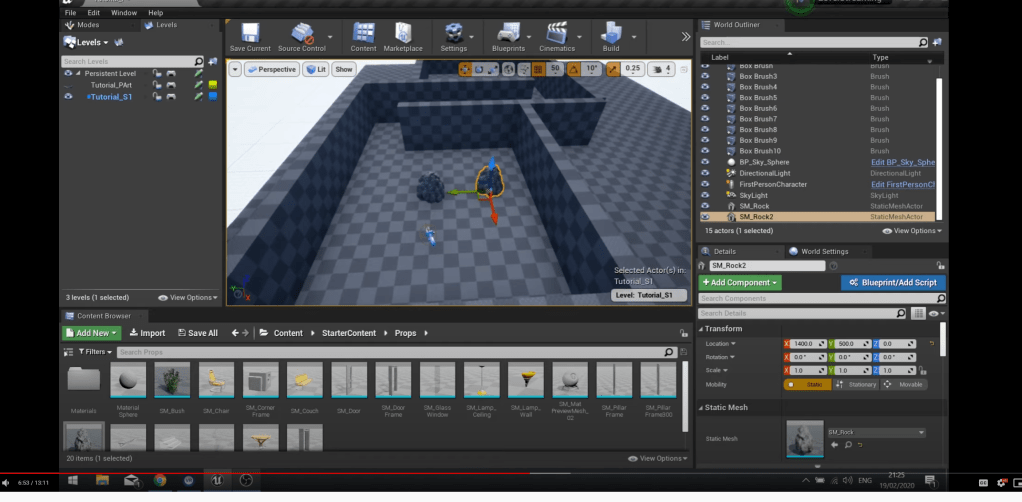
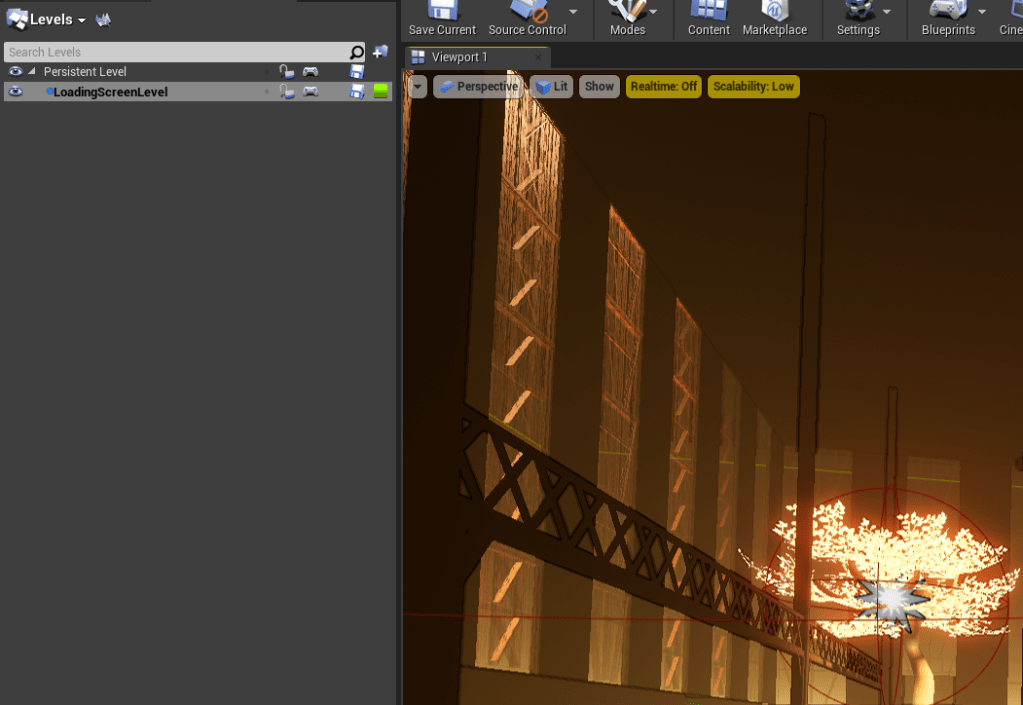
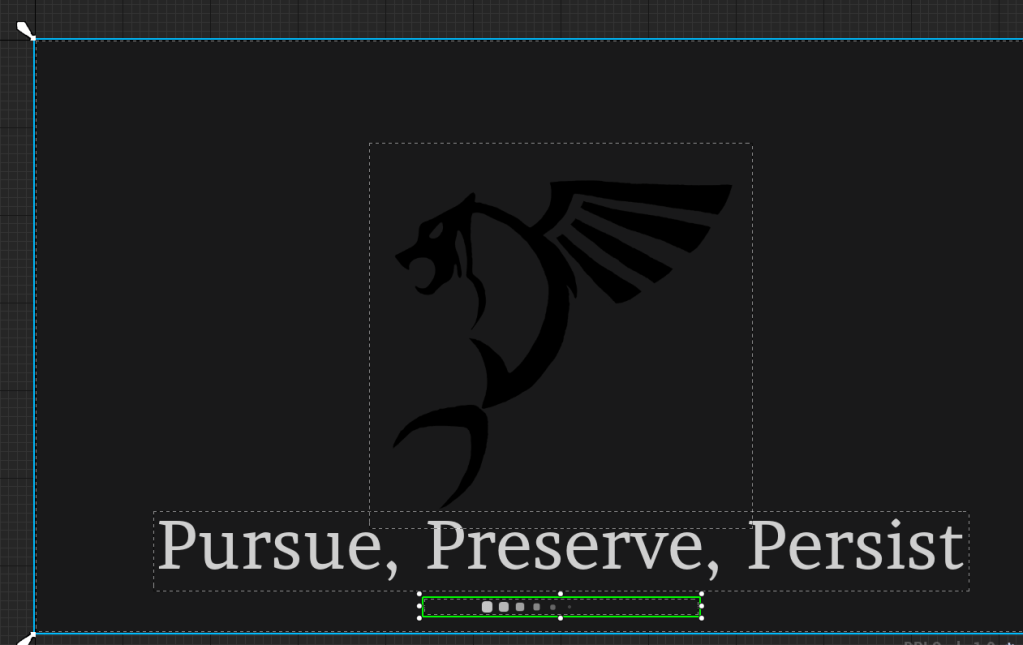
Lastly I learned about level streaming. Probably something I should have learned very early on when designing levels. At least my levels aren’t very large at the moment, but the next two I may be inclined to use it. I learned it so I could create a loading screen level that appears at the start of every level. I was adding a loading screen at every reset or load of a level. This way I can simply stream it into a level and once everything is done loading I remove the loading screen and unstream the level. It doesn’t actually show up on the screen for very long because most levels load fast.
A lot of these changes are to prepare it to be an entirely playable game. I will try to look into how to upload a demo on steam. Hopefully it isn’t too difficult.
 GoldenGratus Games