
Had my brother play the demo yesterday. Found there were big issues to address, the most important was that the melee was consistently missing, and another special attack wasn’t hitting as well. I remember having these issues before and I thought had fixed the collisions. Upon checking it again it seems that I was mistaken. After fixing it I knew it wasn’t a great solution. It can happen again if I don’t find a better system for my melee attacks.
I also improved the colors of the UI. I made it so the the circle matched the color of the current power and when it is full it becomes white so it is a very clear indicator. When the lantern was held out it was moving all over the place albeit very slowly. Instead of using a pose that moved I used a static pose so the lantern stayed still when held aloft. Now the cone should always stay within the center of the screen.
I updated the first stage as well so it can show how the player has affected it. This goes to show that I need to really take my time in testing my stages. The first stage definitely has the most issues because it has the earliest versions of my work.


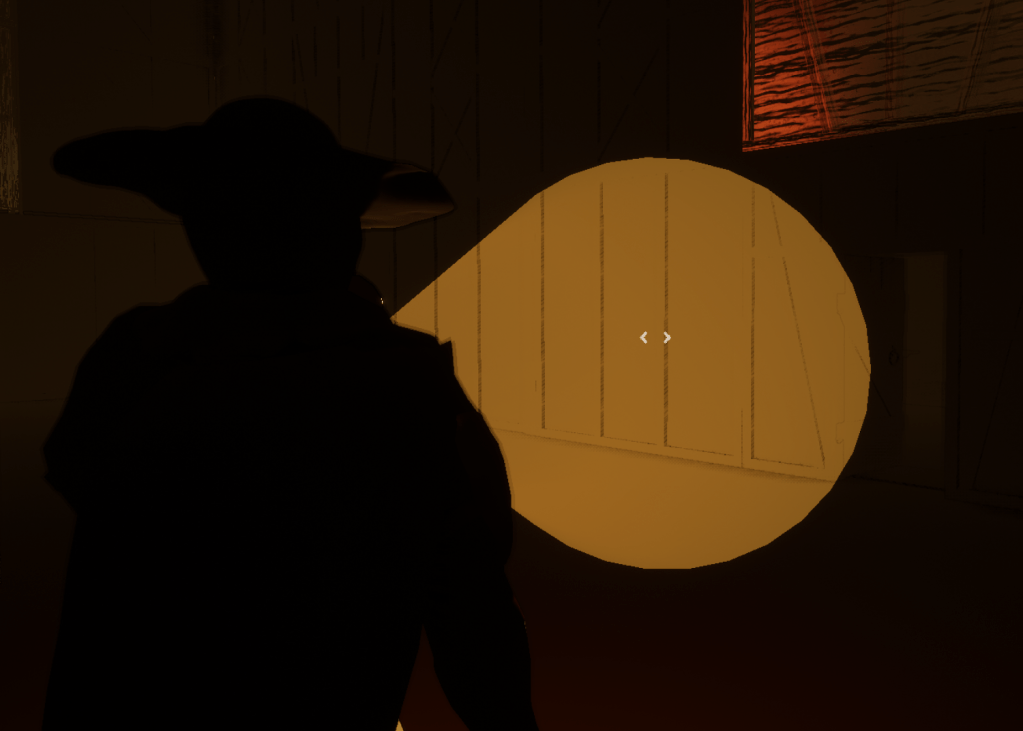

For a while now when I adjust the position of inspected objects on the screen I would just input values and see how it would look like in-game. This was quite inefficient because I didn’t know how it would turn out. I finally got around to fixing it in my own way. Since you can detach from the controller, I realized if I am inspecting an object and I detach I can move it around on the screen. From the editor I can copy it’s rotation and location and paste it in the variables for the object. So I went through the tedious process of going through all the objects in the first stage and making sure they were in the right position on the screen.
I adjusted some of the messages of the tutorial and I took out the pictures altogether. I made it so the player could still use their controls because previously I locked the input. But I made sure they couldn’t move until they closed the tutorial. Removing the pictures also gives me less work because I don’t have to update them if anything changes. I used to update them whenever I made a big change. But now it also gives more initiative for the player to learn by seeing what the character does.


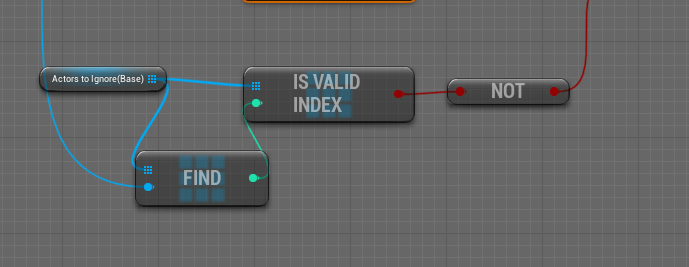
A big issue with the melee system is how it cannot hit multiple enemies per attack. That is the main reason it is so buggy because of how I turn the collision on and off in more than once instance. After researching online I found exactly what I was looking for. Someone asked the same question as me and a person showed how he handles multiple overlaps. He has an array that he adds the actor so and he tells the collision to ignore it if it detects it again. After the melee attack is done the array is cleared. This can hit multiple enemies and it was easy to add because it already fit within my melee system. It improved a lot. I no longer have to turn off the collision during an attack which is what made it wonky. Now it will always check and I don’t have to worry about dealing damage several times in one instance. I only added this to the player character so I have to think about if I need to do it for the other enemies. I probably should or at least for the base character which I need to make as efficient as possible.

I still haven’t figured out why I can’t package with the plugin. I have asked online and am still waiting for a reply. I will continue going through the levels and updating whatever needs to be updated such as the rotation and location of the inspectable objects.
 GoldenGratus Games