
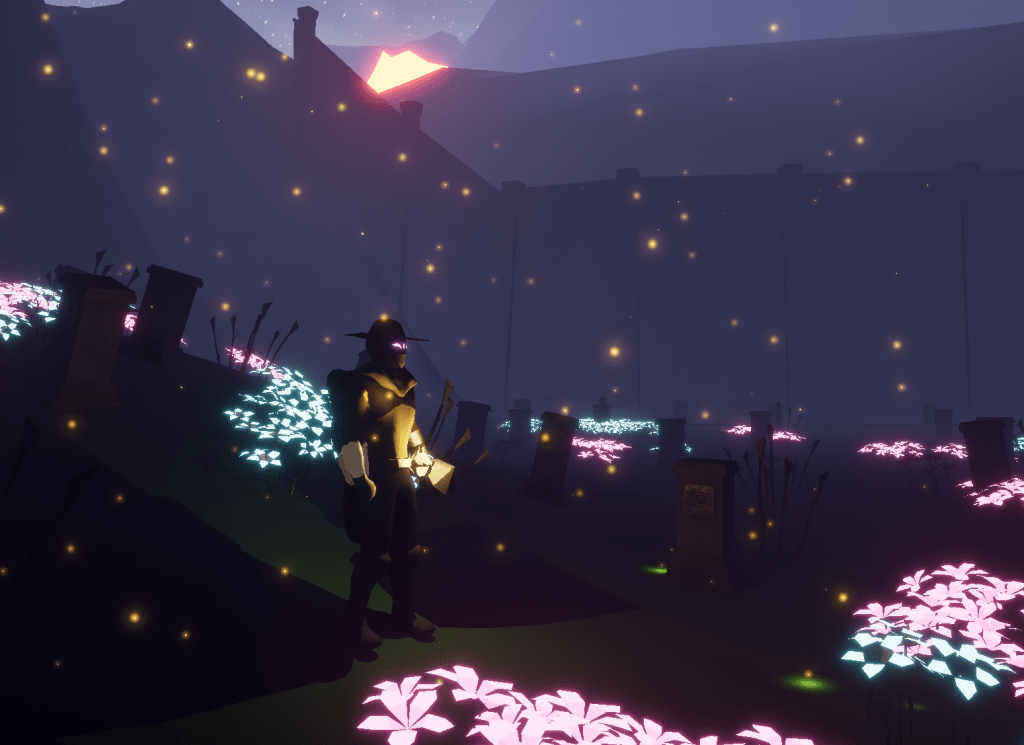
Before I made one of my favorite things I first added a lot of footsteps all over the house. I’m not gonna say exactly what they are for but I made laid them out for the player to follow. Near some of the graves I put some fireflies that can follow the player if they do something right. And then I added some visual updates to the crystal in the player’s hand, and prepared a trigger for the boss I have yet to create.
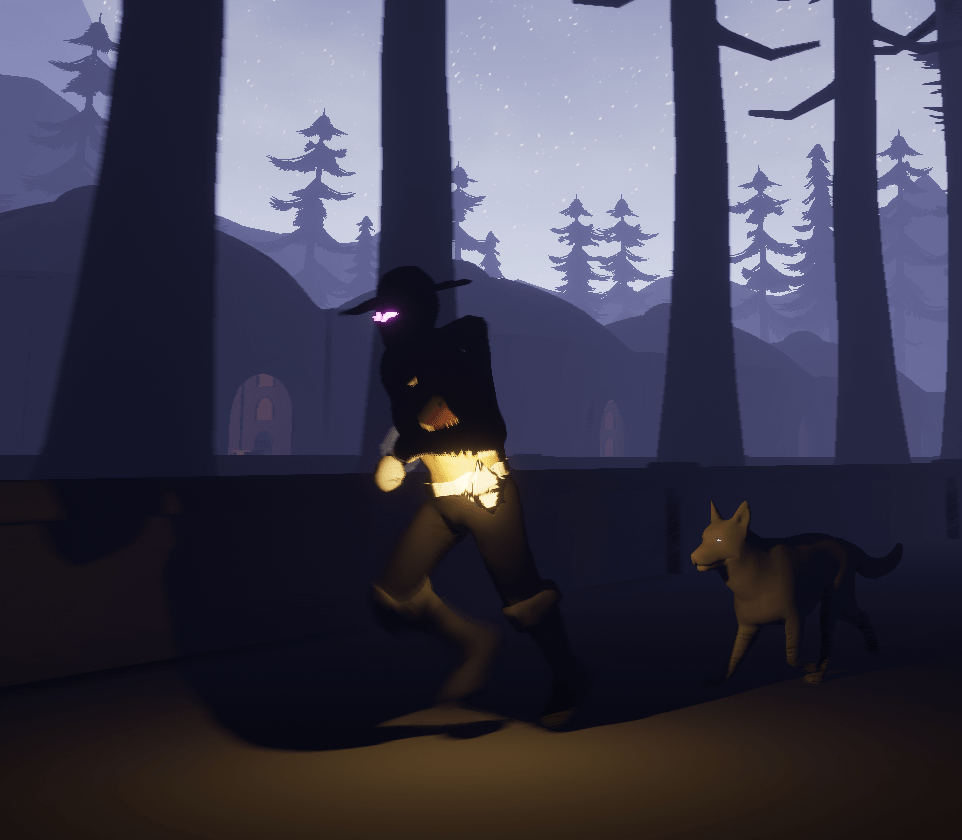
But the more important thing to talk about was the dog I made. I first started out simple. Creating a dog with a collision, then I realized if I wanted it to move I needed it to have character movement. So I used the base class I have for AI, but I stripped down most of its fighting functionality. I also tried to put input within the dog so the player could interact with it. What I found was that I couldn’t have the player do an input directly on an actor that has AI. I was frustrated for quite a while because I was testing out different ways I could get the interaction to work on the dog. For a moment I was about to give up. It felt unnecessary to put so much effort into something that isn’t a crucial part of the gameplay. But sometimes my favorite parts of games are the little things to do on the side. So I went back to the drawing board and created a new blueprint that attached to the dog. This blueprint would handle the interaction between the dog and the player. This was perfect because it would manipulate both the player and the dog.



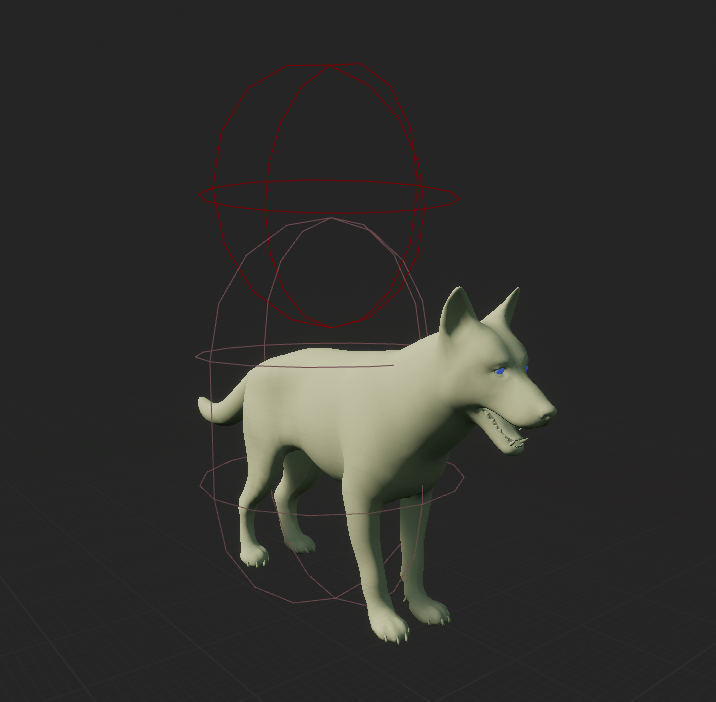

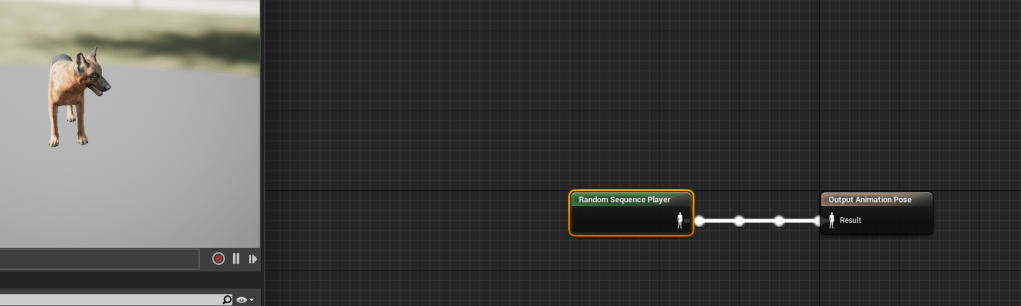
With the new blueprint everything was working well. The player could interact with it because it was a simple box collision and it always stayed on the dog at all times. I went online and found that there was a nice fellow on YouTube that did a quick video on how to create a function to pet a dog. The best part about it was that he put a link to an animation for the dog petting. I got it and it worked wonderfully. Once the player could pet the dog I had to do the harder part which was creating an animation blueprint for the dog. It’s been awhile since I made one from scratch, but it all came back to me pretty quickly. I remember how to set up the animation states, the slots, and I even found a new node that played random sequences. This was perfect because it let the dog show different idle animations instead of always playing the same one.
I added a gigantic nav mesh over the entire stage so the dog could follow you everywhere even into some parts of the house. Since he uses similar AI to the enemies he will always be behind the player when he moves. For the dog though I made sure its speed was always set to the speed of the player when the player starts to move. I will probably update it to change the speed when the player shifts speed.
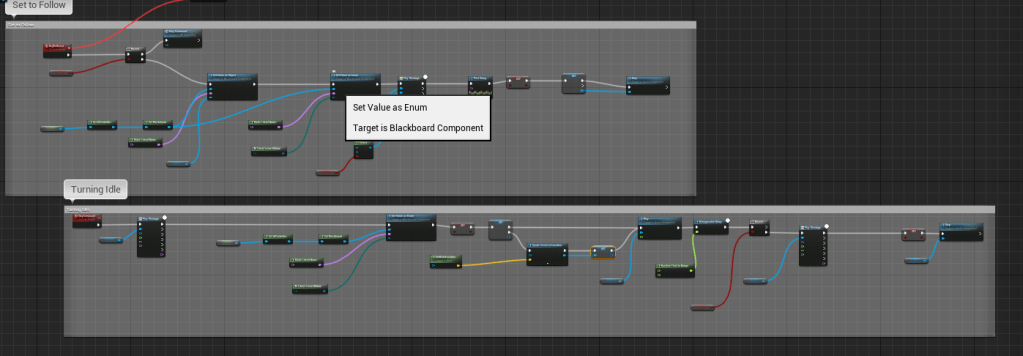
The dog’s AI tree only has two branches, one is stay and the other is follow. The stay branch doesn’t actually have anything in it. I handle most of the functionality in the actor’s blueprint. The player can pet the dog to make it stay or follow. Then I added even more to the dog, so that after some time the dog will lie down and fall asleep.

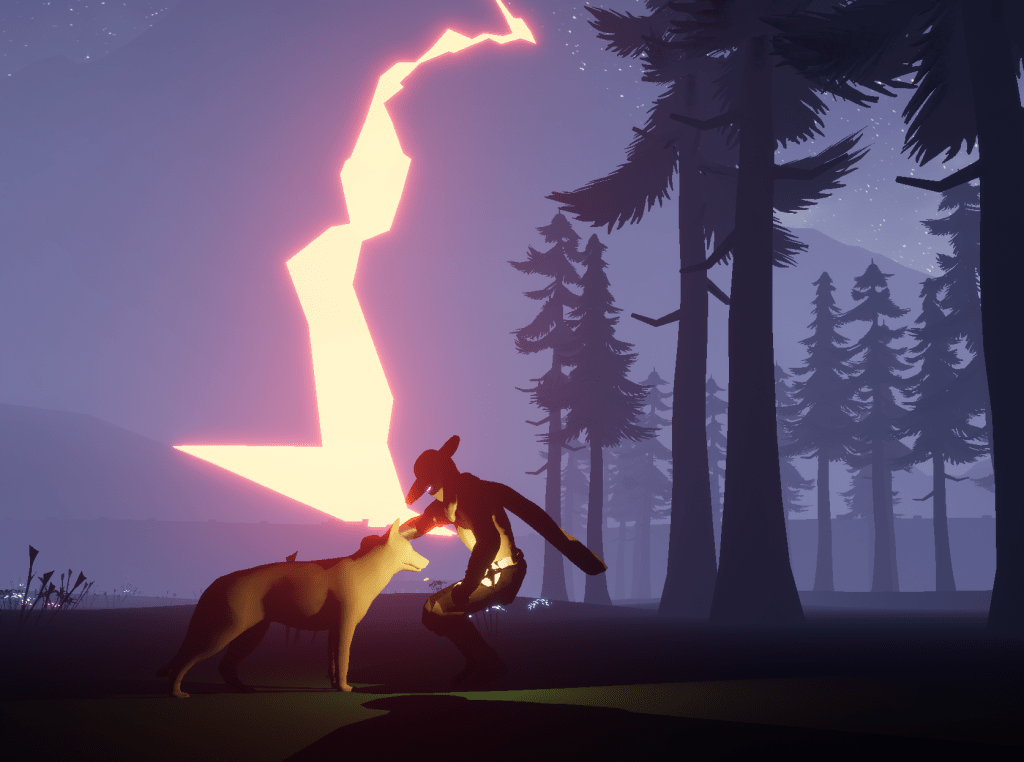

Indeed this was a lot of work put into a dog that doesn’t do much but follow you. It is important to me anyway because I love dogs, and the animations are excellent. I will finish up work on the dog and then start planning the next part of the level.
 GoldenGratus Games