
I changed the color of the Buttons so it matches the theme more and is less obnoxious. I went back to the first stage and updated some tutorials. For the fifth stage I had forgotten to add a tutorial for the new power, so I put one there. When the Primelight is full I called it Exalted instead of enhanced. That way the language is clearer and it has a more memorable name.
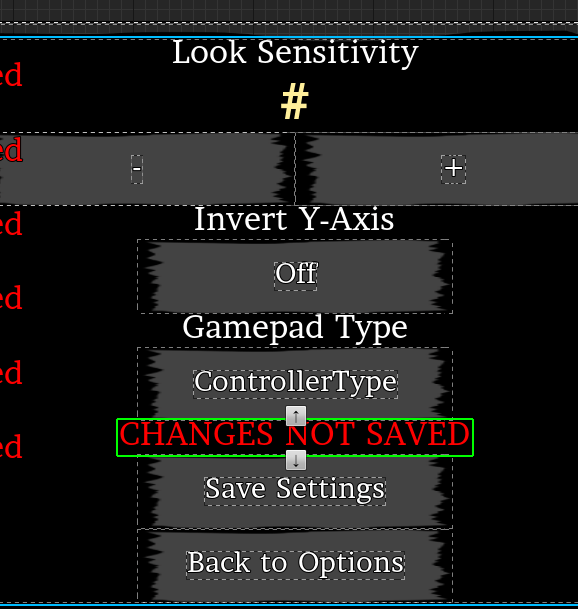
On the various settings menus, I added an indicator that appears to remind the player that the settings have not been saved since changes were made. I didn’t keep track of what settings were changed so it’s possible that the settings were reverted back to the previous configurations by the player. What is important to me is that the player remembers to save. So it may lie when it says CHANGES NOT SAVED. Each menu was different so I had to pick out each place the indicator should appear.


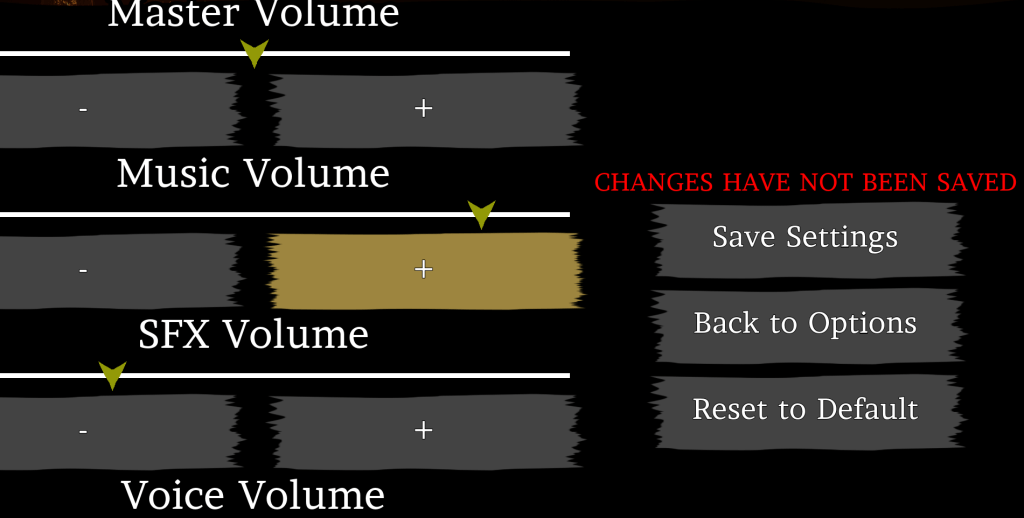
While testing the graphics settings I found that the quality was severely bugged. It would become empty because it was setting itself to a quality outside what I had allowed. After a lot of poking and prodding, I found that the thing I did to allow the keyboard/gamepad to change the selection caused the Overall Quality to change for some reason. When the graphics menu opened it would always set the quality of everything to the same level. The only way I could fix it was to make sure the Overall Quality box was only affected by the mouse. Hopefully, players won’t be too annoyed by that. Everything else can be changed with the keyboard/gamepad at least.
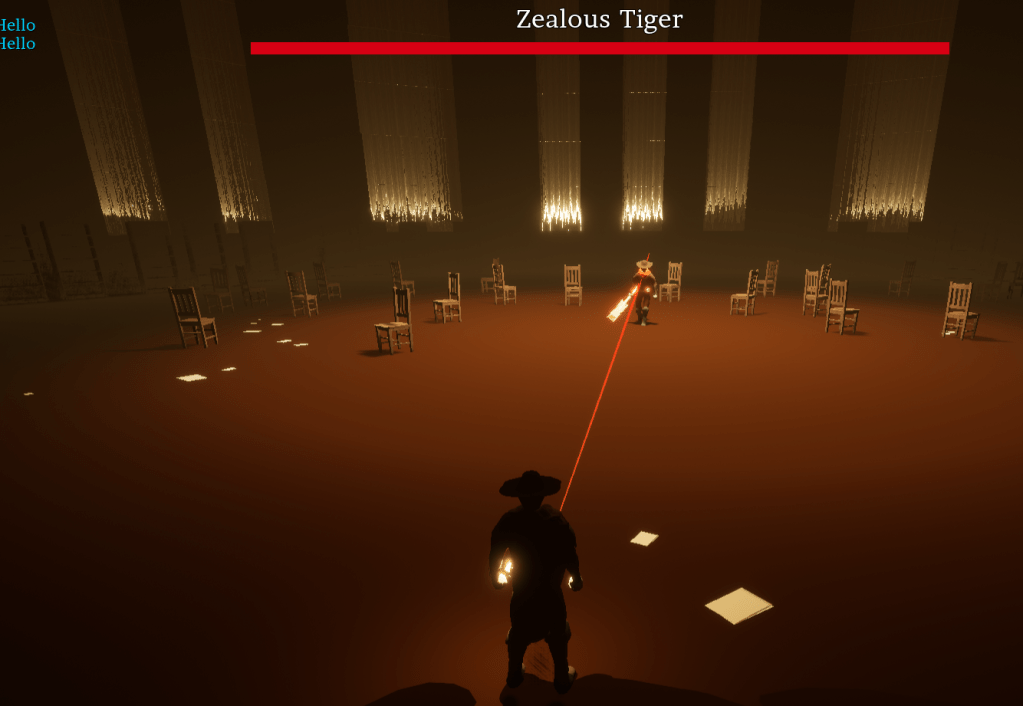
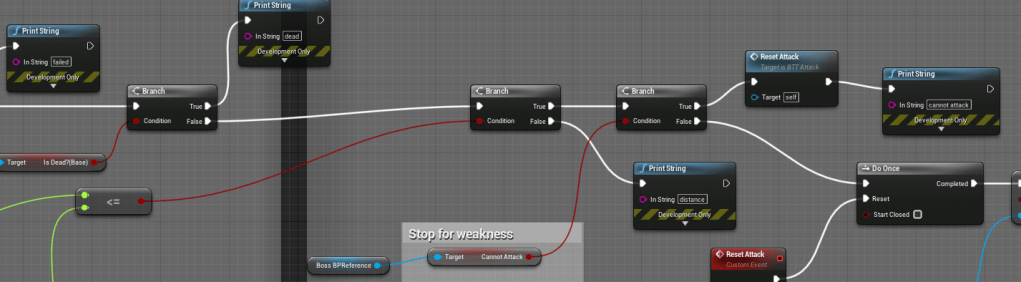
Another frustrating bug was with the first boss. Something must have changed but I have no idea what. The boss would not attack. Its line trace was fine and I plugged in a bunch of checks to see what was happening. The player wasn’t registering. Okay, I made sure it always had a reference of the player. Then it would attack from far away. For some reason the distance was wrong. None of this was a problem last time I fought him. I couldn’t figure out what I had changed. To fix it I removed the line trace. It wasn’t actually necessary. For the attack function, it simply checks the distance between the boss and the player, and if it meets the minimum requirement or is lower then it will attack. Thankfully it worked fine after that.



I was reviewing my melee attack function because there was a bug that caused the damage to register more than once per overlap. I knew there was something wrong and I couldn’t see what. I realized there was something missing. The overlap checks an array and everything inside. At the event, I couldn’t find where I added the actor to the array. But I couldn’t remember what exactly it was supposed to look like. I searched online for where I found the original tip and there was a node to “Add Unique.” For some reason, it was missing from my function. I do recall having it before, but it wasn’t there in the present blueprint. I added it and everything fell into place. My best explanation is that I deleted the entire function in frustration then tried it again when I was more calm and collected. Obviously, I wasn’t that collected.

Last week I was supposed to post the October video. I’ve been busy with a lot of other things lately. Instead, I posted the video that I uploaded on Twitter as well.
I will continue playing through the stages again to see if anything else is broken or needs improvement.
 GoldenGratus Games