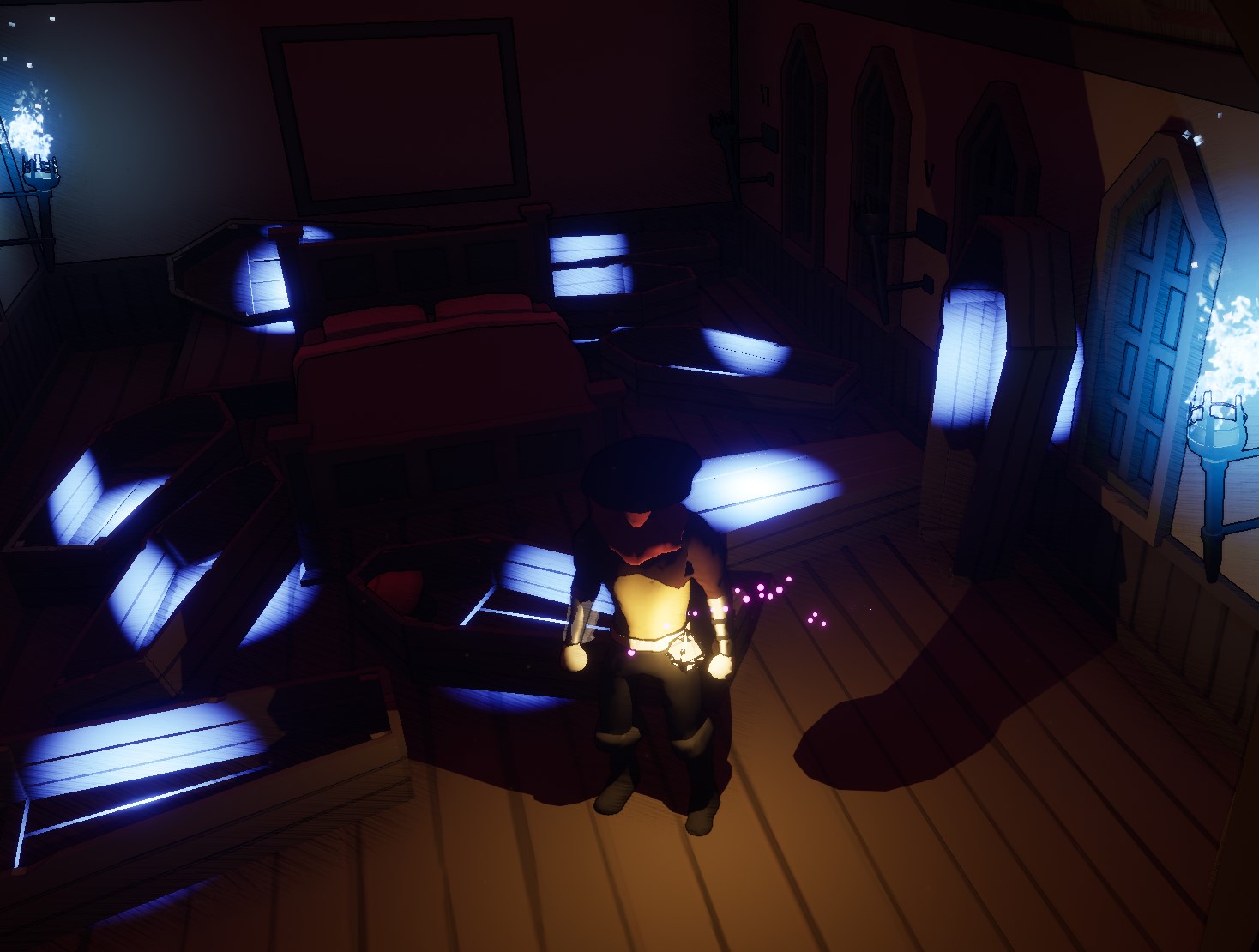
Watched a quick video on how to add a custom cursor and it was incredibly easy to implement it. I used the same image that appears on buttons for the image for the cursor. It doesn’t change much but it adds to the game refinement as a whole.
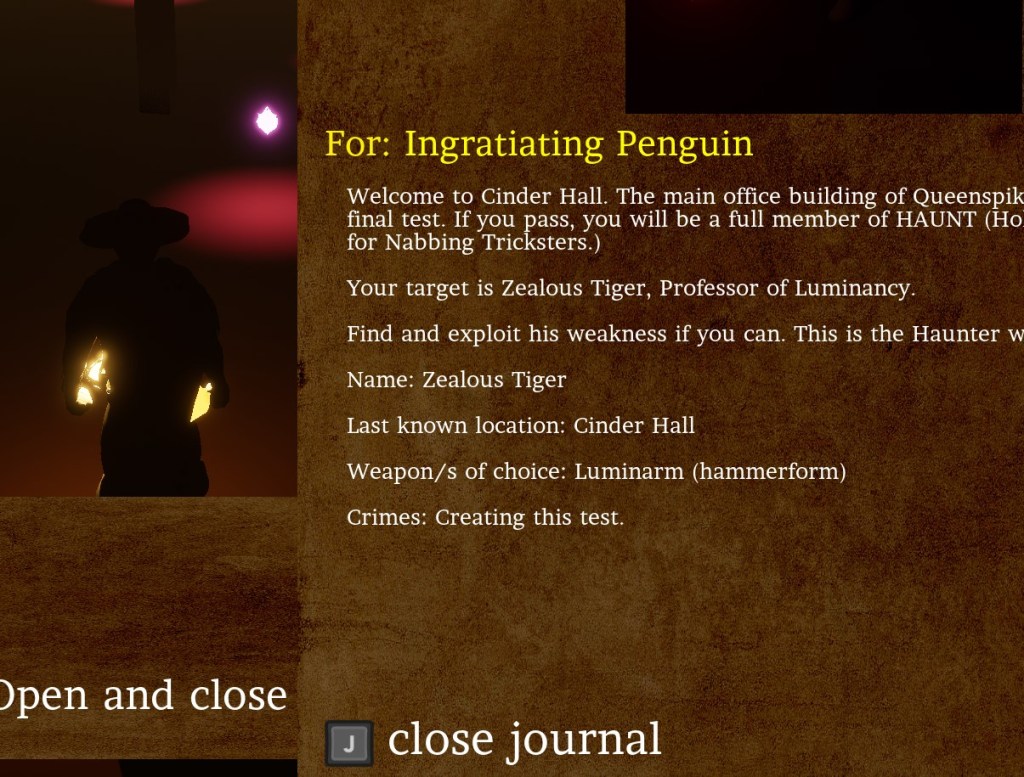
I then updated the journal entries so they would appear over most HUD elements. During the tutorial, it wouldn’t cover the message, but now it does which shows its importance.


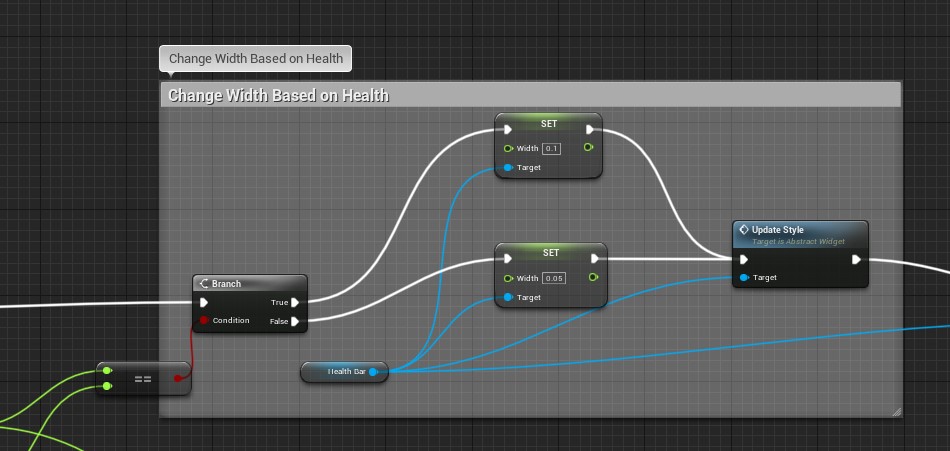
The sound of moving objects was weird sometimes so I made sure to attach it to the object rather than simply spawning it at a location. The sound should now move with the object. The health circle always bothers me, and to show the player they aren’t at full health I made the width of the bar thinner if the health is any amount below the max.

I added an extra save slot to the main menu and it gave me the opportunity to fix the organization of the boxes. I’m not sure if I want to add more save slots as it messes up the flow of the menus. I may consider putting the save slots in another tab instead of under the title screen.
I made another improvement to the final puzzle to communicate to the player if they have done something wrong.


The testing continues and I’m feeling very good about how the game is progressing towards the release date thus far.
 GoldenGratus Games