
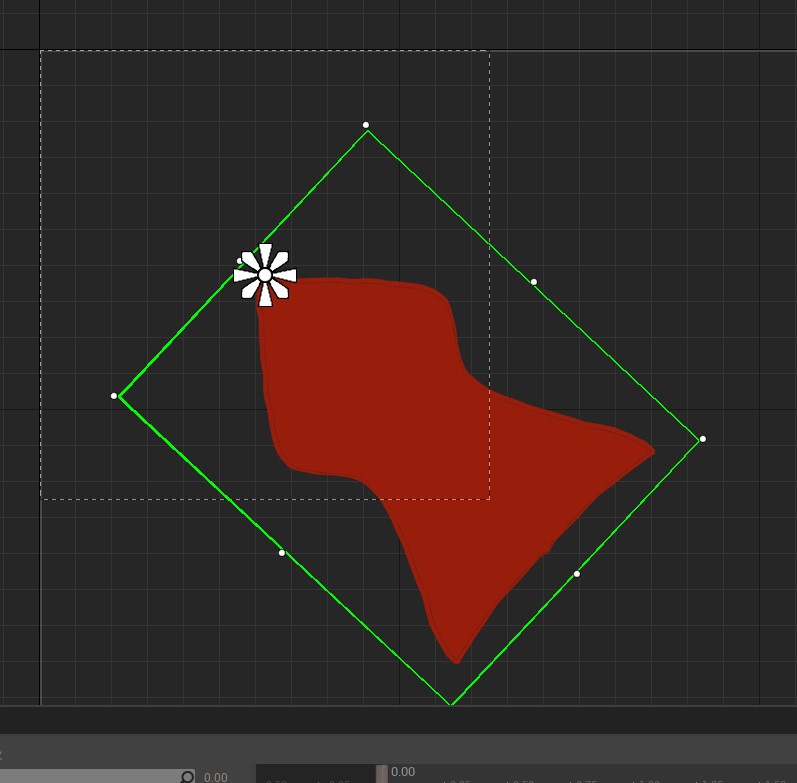
While clicking through the menus I saw that the custom mouse wasn’t accurate to where the cursor was supposed to be. I found that the edge of the point had to be at the middle of the widget I made for the custom cursor.
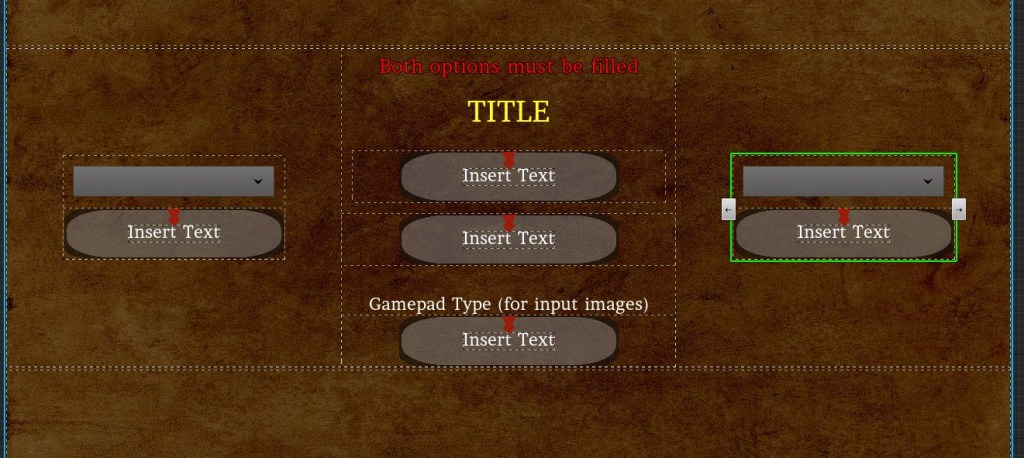
The name selection menu had been annoying me for a while because the sizes of the boxes kept adjusting. After a lot of testing, I was able to fix it so the boxes wouldn’t adjust. The name/title in the center was pushing the boxes and I just had to stop that.
I looked up how to add hit stops to my game because I did try it before but I gave up because it didn’t feel right slowing down all of TIME. Then I found a quick 5-minute video that explained that each actor has their own time dilation. This means that you can actually have things move at different speeds at their own rate. This blew my mind and at first, I tried to add hit stops to all attacks and make sure they were at different values. It broke a lot of things and at one point I couldn’t figure out why the values weren’t transferring. I forgot that I needed to plug in the event to the parent. But in the end, I didn’t use it anyway.
When I tried adding a hit stop to the attacker there was several overlaps on the hit. The hit stop was fine on the one getting hit and it had the intended effect of making an attack feel more weighty. This had been missing for a long time and the difference is as different as night and day. The player and enemies react even more to getting hit because of the very quick freeze frame.
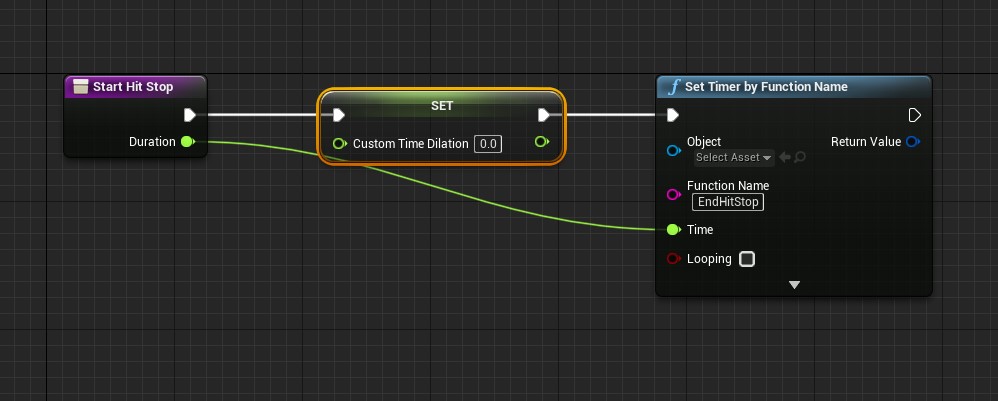

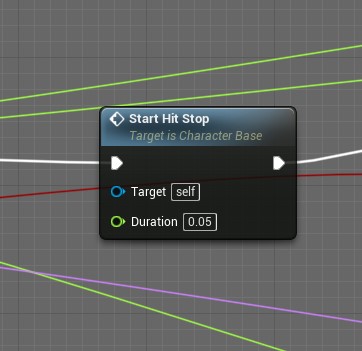
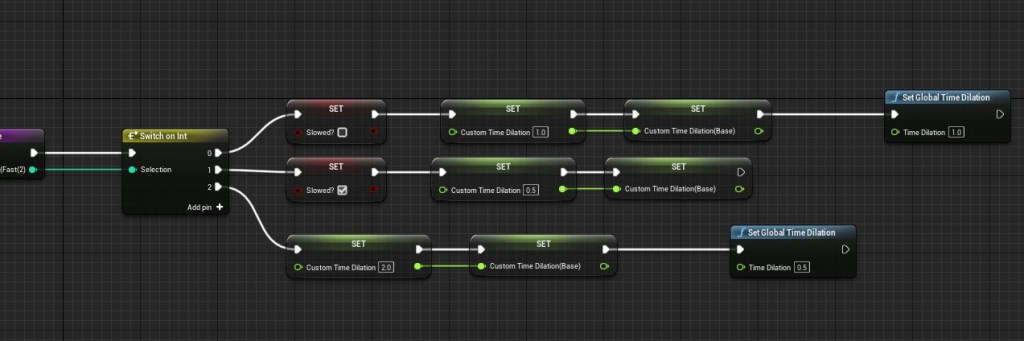
Since I knew how to manipulate custom time dilation and global time dilation, I wanted to take it to the next step. Instead of the Quicken power speeding up the player, I wanted it to slow down everything else but the player. This was tricky because when the player whips objects I already had time slowing down and the new hit stop function sets the custom time dilation back to 1. I made the time dilation a variable that I change based on the player’s state.
I edited the function that changed the player’s “play rate.” I made sure that it had a reset path and two paths for slowing down and speeding up. To address the whip problem I made sure that the whip function would adjust if the player is under the effects of the Quicken power. Through some testing, I think I ironed out most of the kinks. It felt a lot more awesome to have everything slow down around the player.
I made a lot of changes today so there may be some things that broke, but I still have a lot of time to test test test.
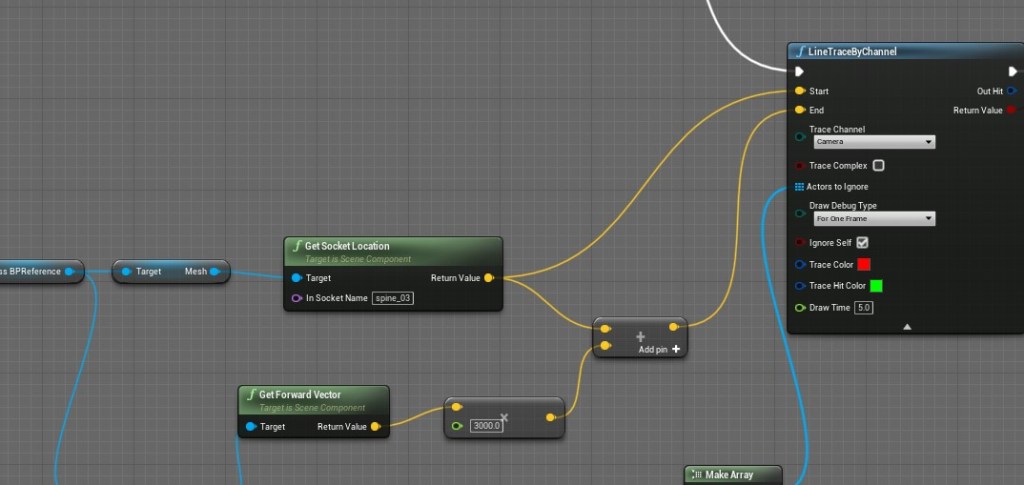
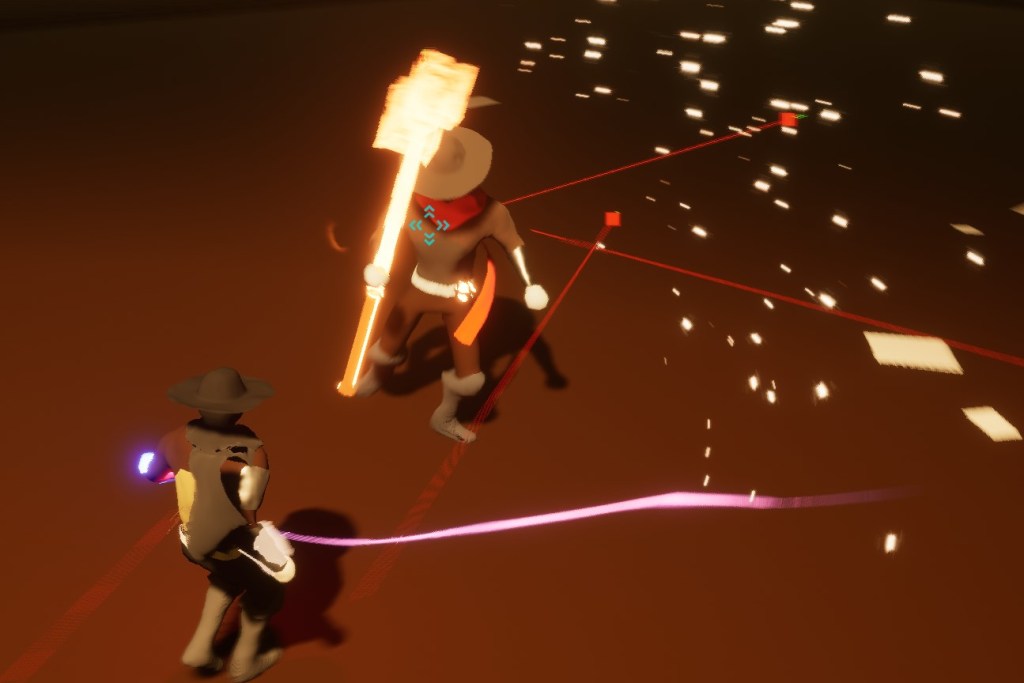
I fixed the first boss because he could attack when the player was behind him but not facing the right way. The trace now fires only in front of the boss and will attack the player when facing them.
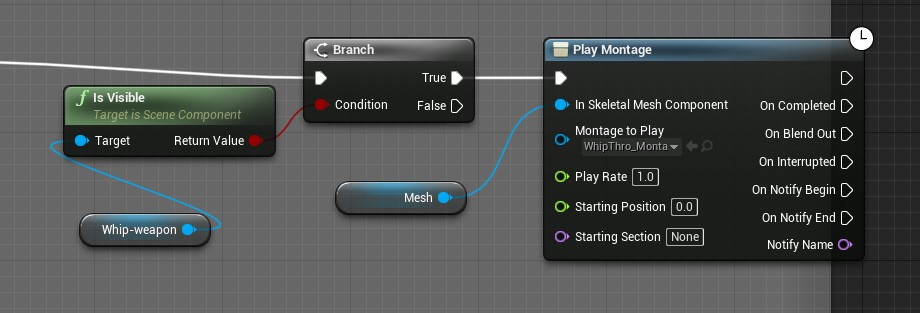
I fixed a problem with the whip throw animation that it would only work if the player still had the whip out. I believe I solved this before but because I changed a lot of how the whip works, the same issue came up again.
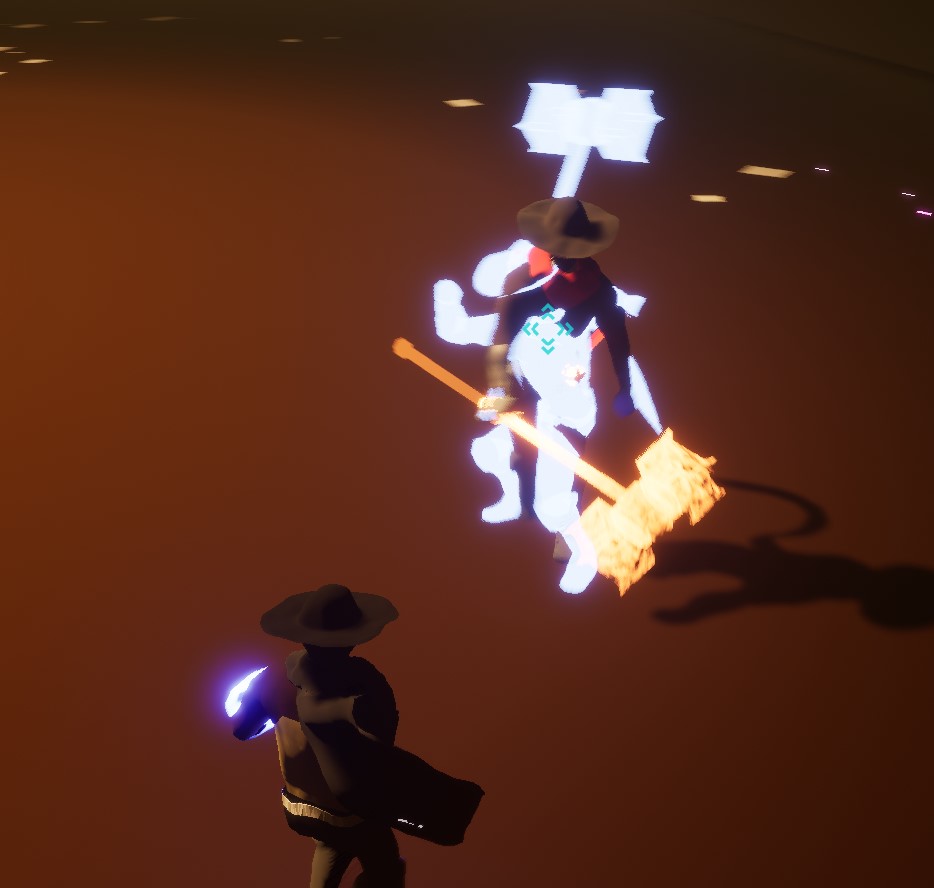
Since I was on the Quicken power I improved some of its sound and visual effects. I also made the Time Shadow clearer on the Foresight power. I recorded a video and posted it here.
There is something new I want to add to the whip and testing I still must conduct. Especially since I mess with the time of everything, I’m sure that something is broken.
 GoldenGratus Games